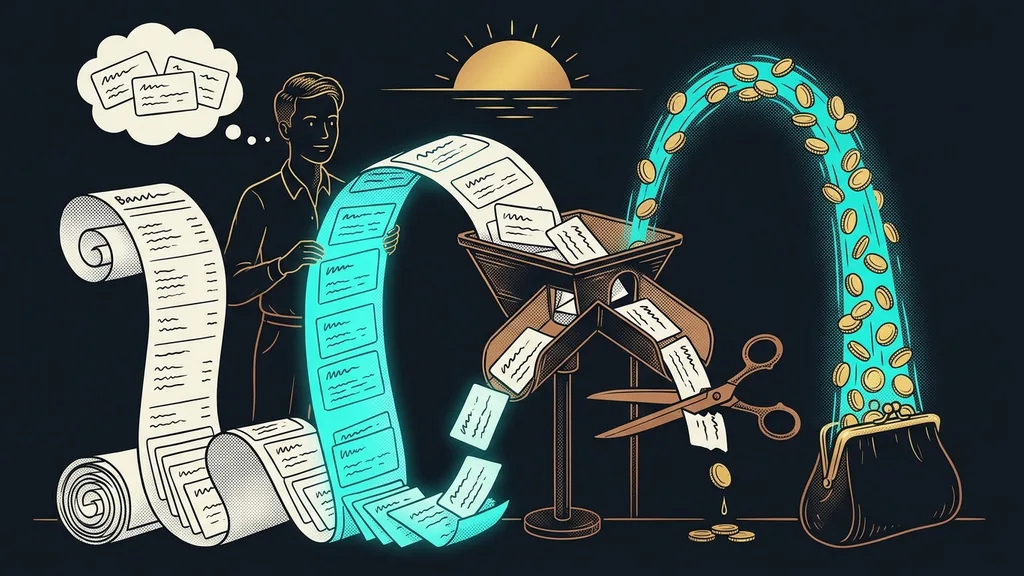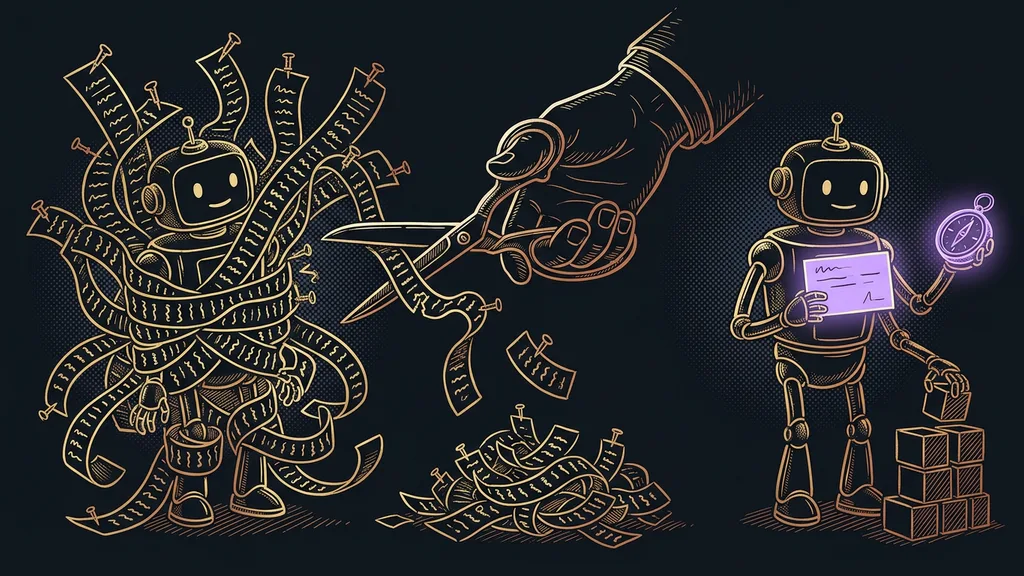
Companies launch a chatbot the moment it starts answering. That’s the weakest possible bar. Every bot can answer the minute you switch it on. Yet the first person it chats with is almost always a paying customer, and that customer wants to know about their order, not about what’s in your knowledge base.
I see it in consultations over and over. The bot is deployed, it looks good, and three weeks later someone quietly switches it off. The answers weren’t the problem. Nobody decided up front where the bot should stop and who it should hand the conversation to.
A bot is ready when it knows when to stay quiet, not when it can answer
Launching a chatbot comes down to a set of agreements inside the company, not a technical decision. You can switch it on in an afternoon, but deciding what it’s allowed to talk about and who reads its conversations afterward takes days.
So this article skips the question of which tool to choose. It covers twelve things that must be done no matter what platform the bot runs on. The order is deliberate: it’s the order I go through them in with clients.
Knowledge base
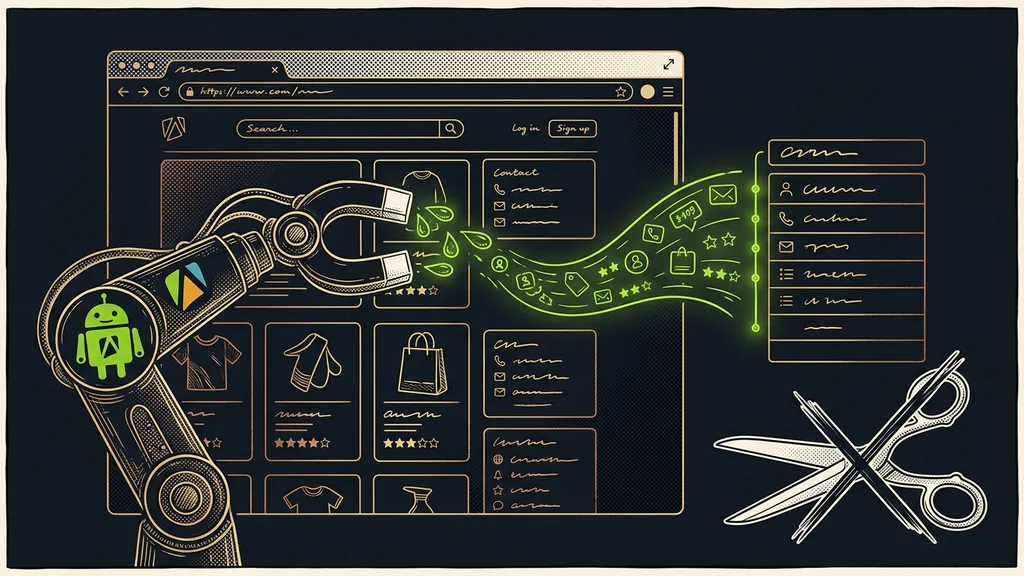
The set of your own documents the bot takes its answers from: pricing, terms and conditions, delivery times, the complaints procedure, FAQs. Without it, the bot answers from what the model knows about your industry in general. It sounds just as confident, but those aren’t your terms.
“We’ll just let it read the website, and it can work out the rest.”
I hear that line in every other consultation. And the bot really will work it out. The trouble is that it will also guess where it should have said it doesn’t know.
The twelve points, in the order I go through them with clients
The table below holds the complete checklist. Four points cover content, three the line between bot and human, three day-to-day operation, and two data. The tool vendor won’t take care of a single one of them for you.
| Point | Done when | If you skip it |
|---|---|---|
| 1. Knowledge base from your own documents | pricing, terms, and deadlines in one place | the bot talks about the industry in general |
| 2. Fifty real questions | pulled from last month’s inbox | it answers your questions, not theirs |
| 3. Prices and deadlines with a date | every number shows the date it was checked | it promises last year’s price |
| 4. One place for edits | you know who can make changes and when they last did | nobody knows which answer is current |
| 5. Topics where the bot stays silent | the list of off-limits topics is done | it handles a complaint its own way |
| 6. Escalation to a named person | a designated person, address, and response time | the customer waits for someone who never comes |
| 7. A line for “I don’t know” | written in advance and leads to a person | the bot makes up an answer |
| 8. Someone who reads the conversations | fifteen minutes a week in the calendar | the same mistake repeats for months |
| 9. A test by an outsider | someone who didn’t build it has tried it | you only find the gaps you expected |
| 10. A one-minute off switch | you know who stops it, where, and how | a bad answer keeps going out until lunch |
| 11. Disclosing that a machine is writing | it’s in the first sentence of the chat | the customer feels deceived |
| 12. A rule on what gets stored | you know where the data goes and for how long | personal data ends up in the transcripts |
In short: the first four points decide what the bot knows, the next three decide when it should stop, and the last five decide whether anyone keeps an eye on what it does after launch.
Four points on what the bot draws from
A bot is exactly as good as the documents it reads from. None of them write themselves, and none of them come from the tool’s maker.
I build the knowledge base from what the business has had for ages: pricing, terms and conditions, delivery times, the complaints procedure, and the FAQ page. For one client, the whole sales setup rested on six documents, and two of them were about when the bot should stay quiet. What matters more than how many there are is that they’re still valid.
The second point surprises people the most. Before I start writing answers, I open the last month of email and chat and pull out fifty real questions. Every time, people ask in ways the business didn’t expect, and about things that aren’t on the website at all.
Points three and four go together. Every number in the knowledge base carries the date it was last checked, and there’s a single place where the knowledge base gets changed. Otherwise the answers start to drift depending on who edited them last. How a library like that is versioned, and why you don’t edit it in passing, is something I go into in the article about a chatbot with a library of hundreds of answers.
One more thing for the same pile: language. A bot that answers in Czech bent out of shape by English gets spotted instantly. What to watch for with Czech grammatical cases, and what to avoid in a Czech reply, I wrote up in the piece on GoHighLevel’s AI in Czech.
Three points on the line between bot and human
The line is what separates a useful bot from an embarrassing one. It has to be written down before the bot says a word, because once a conversation is going wrong, it’s too late to decide.
The list of topics where the bot stays silent is the shortest document in the whole preparation, and it pays off the most. It covers complaints above a certain amount, individual discounts, legal interpretation, and anything with a health angle. For each topic, one sentence on what the bot should do instead of answering is enough.
Escalation needs a name and a deadline. “I’ll pass this on to a colleague” isn’t escalation. Escalation means that after ten minutes without a response, the conversation lands at a specific address that someone actually reads. On the sales bot I built last year, this part was longer than the answers themselves.
The third thing is the line the bot uses when it doesn’t know. Written in advance, short, and leading to a person. Without it, the model fills in an answer and sounds just as sure as it does about a price it has in the knowledge base. The same filter I use to let only verified claims into a knowledge database applies here too.
One-minute self-test
Send the bot three questions it has no answer for in the knowledge base: an unusual complaint, a request for a discount, and a question about a date that’s still being arranged. If all three get a confident answer instead of a handoff to a person, it isn’t ready.
Three points on operations: who reads the bot and who switches it off
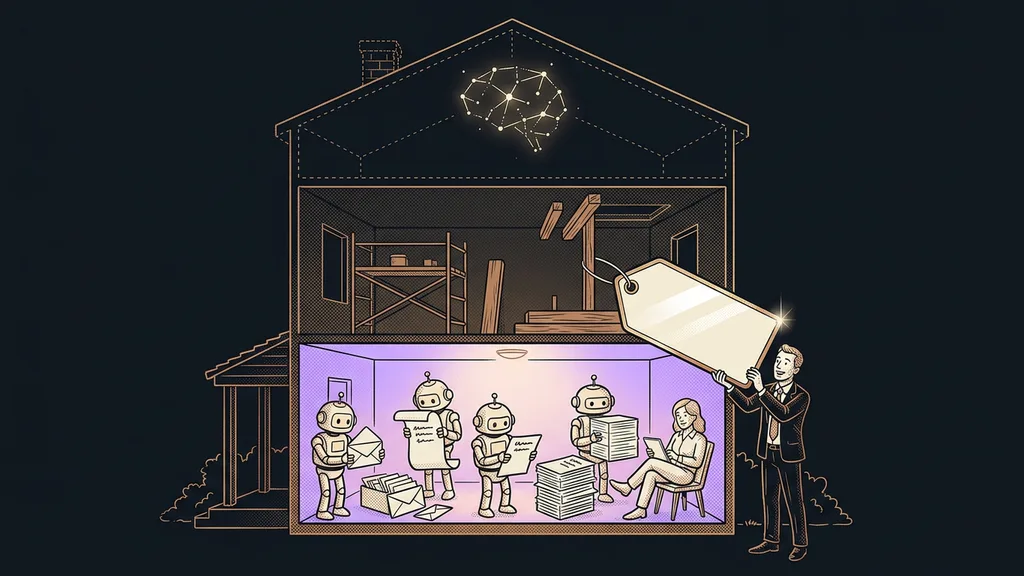
A chatbot is an ongoing operation, not a project. The difference between a bot that’s still running a year later and one that got switched off after a month is usually one person with fifteen minutes a week.
That person goes through the last twenty conversations looking for two things: where the bot answered wrong, and what people asked that it couldn’t handle. The first group goes into fixes, the second into the knowledge base. After a few weeks of this kind of reading, the knowledge base changes more than it did during the entire build.
The test round is done by someone who didn’t build the bot. Whoever built it unconsciously asks exactly the way the bot knows how to answer, so they only find the gaps they expected. Half an hour from an outsider uncovers more than a whole afternoon of testing it yourself.
Escalation
The rule that tells the bot to stop answering and hand the conversation to a person. It defines the trigger (a topic, a number of failed attempts, an explicit request from the customer), the recipient, and the response time. You can recognize a good escalation by the fact that the customer doesn’t have to repeat anything.
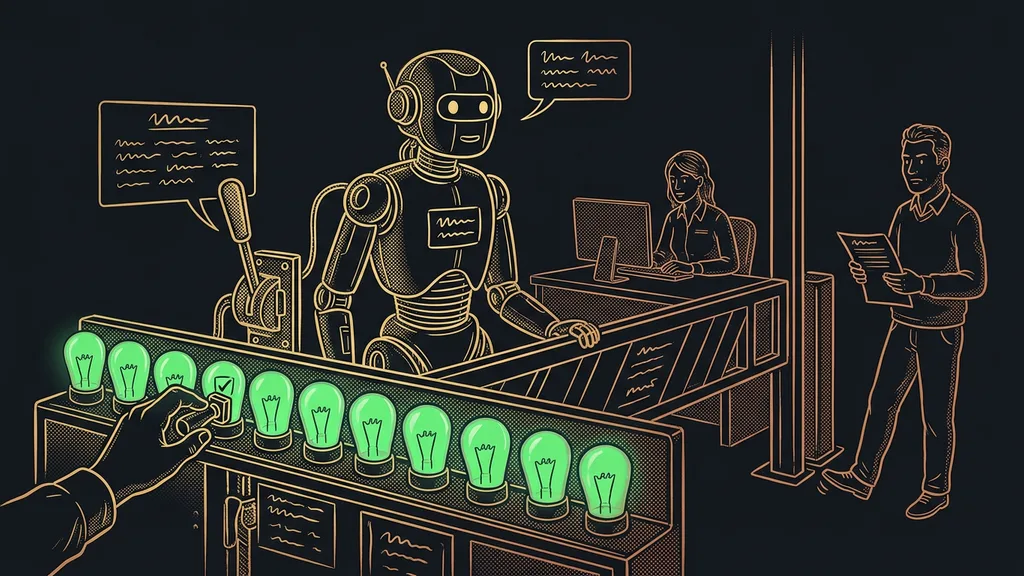
The off switch is the last point and the most underrated. Everyone needs to know who stops the bot, where they click, and that they can do it from their phone. And it still holds that you’re responsible for the answer, not the tool, exactly as with an AI employee you hand a whole area of work to.
Two points that look like a formality
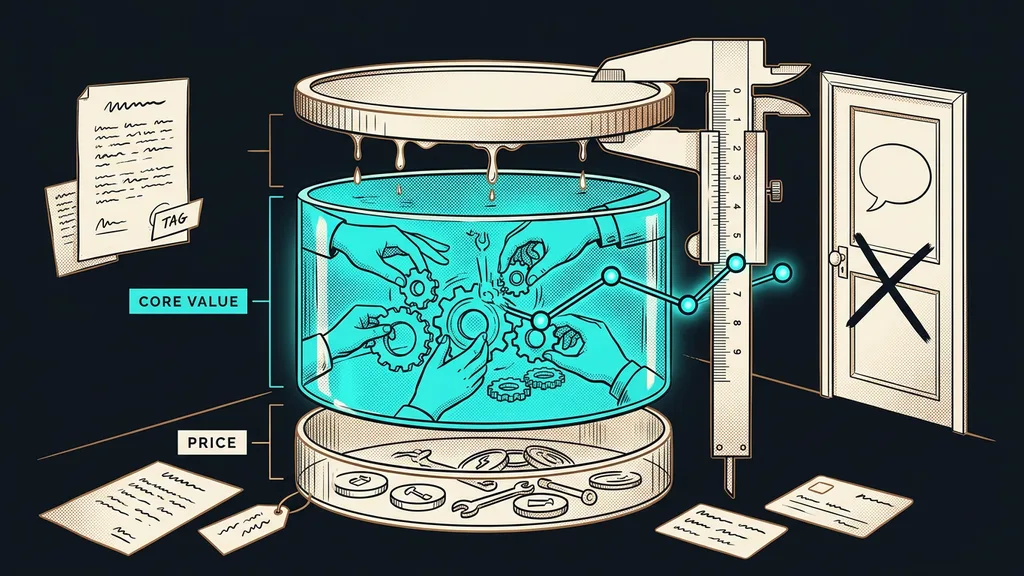
The last pair is about transparency and data. Both get brushed off as paperwork, and both can bring a bot down faster than a wrong answer.
The disclosure that a machine is writing belongs in the first sentence of the conversation, not in the footer or the terms and conditions. Customers figure it out anyway, and the only difference is whether they hear it from you. A bot that pretends to be human loses trust the moment someone catches it.
The second point is deciding what gets stored from a conversation, and where. Customer conversations contain names, addresses, order numbers, and sometimes things that have no business being there. You can decide this up front in an hour. After the fact, it tends to take days. The more channels the bot covers, the sooner it pays to sort this out, as I show with Conversation AI connected to a CRM.
When nothing on this list will help
So who doesn’t a chatbot pay off for? Anyone who gets three questions a week, each one different. There the bot costs more time than it saves.
It also doesn’t pay off for a business that hasn’t written down its own terms. A bot won’t come up with anything for you. It only makes accessible what you already have. Where the pricing and deadlines live in the owner’s head, those need to be written down first. That’s a week of work, and a chatbot simply exposes that it hasn’t been done.
And then there’s the case I run into most often: a business wants a bot so it doesn’t have to answer customers. The problem doesn’t get solved there. It just gets pushed one step further, and the customer notices the very first time.
The checklist in a nutshell
- Build the knowledge base from your own documents and add the date each number was checked.
- Pull out fifty real questions from the last month and answer them.
- Write down the topics the bot stays silent on and the line it uses when it doesn’t know.
- Set a name, an address, and a response time for handing off to a person.
- Have someone who didn’t build the bot test it, and set up the off switch.
- Put fifteen minutes a week in your calendar for reading conversations.
What took that bot down after three weeks wasn’t an inability to answer. Nobody had decided where it should stop. Those twelve points are decisions for the business, not work for the tool vendor, and they’re usually where I start with clients. The measure of a good chatbot is how many questions it hands off in time, not how many it answers.