Ask what business automation costs, and nobody gives you a straight answer. You go through five websites and hit the same button on every one: book a free consultation. You won’t learn the price until you book a meeting, and you won’t book a meeting until you have some idea whether it’s about €800 or €8,000. Yet it all fits on a single page.
I’ve sat on both sides of that table. Before I started building systems, I was buying them, and I remember that helpless feeling in front of a blank price tag. So here’s what the price is made of, including numbers you can check without me.
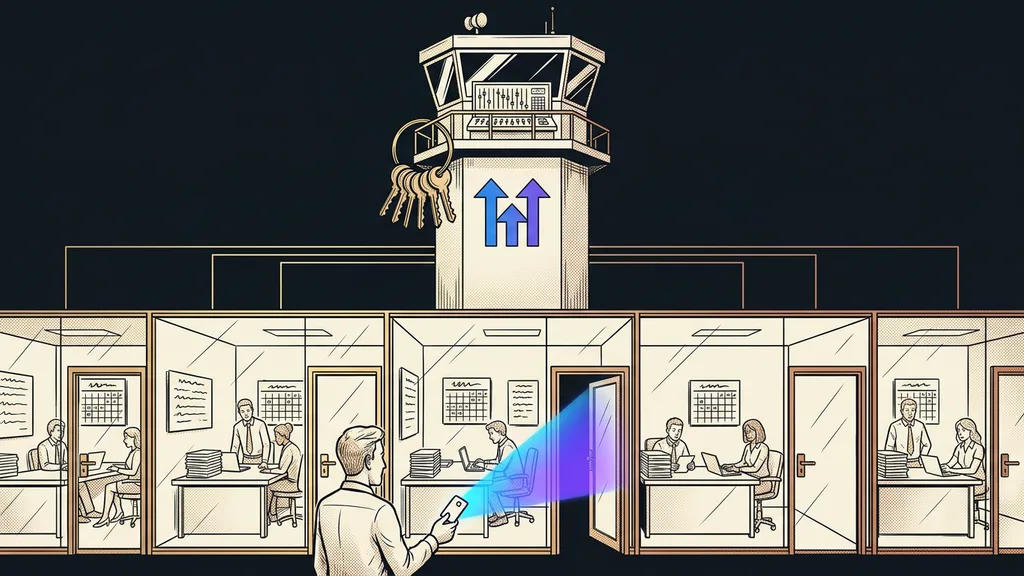
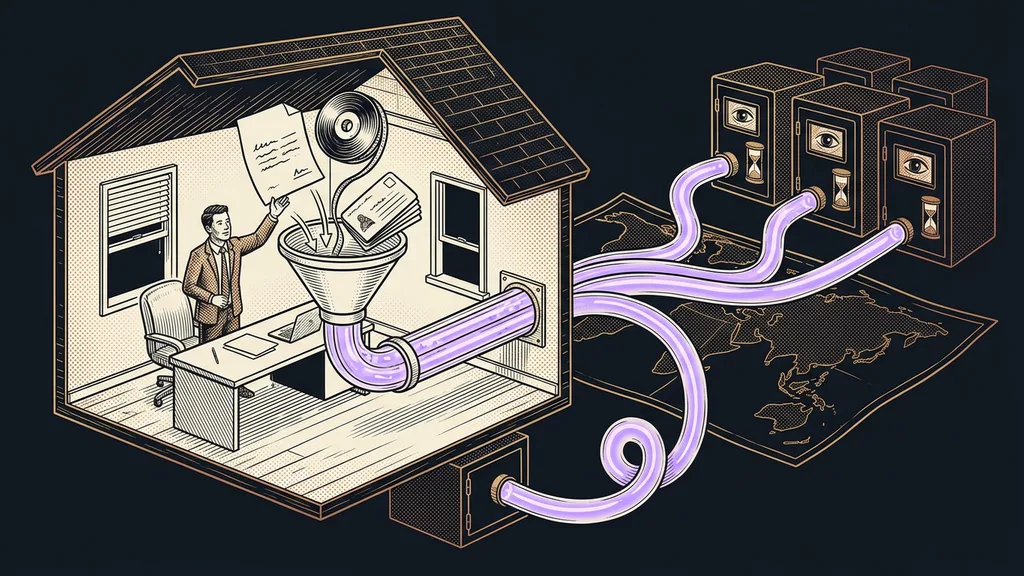
The price depends on how many points have to connect, not on the technology
What sets the price is how many separate points need to connect and how many exceptions the process has, not how clever the technology is. Two tools and one rule are an afternoon’s work. Five tools, three exceptions, and an approval loop are a project.
That’s why nobody will quote you an amount over email. It isn’t secrecy; without answers to these two questions, there’s really no way to estimate anything. The good news is that you can answer them yourself before you contact anyone.
Setup cost
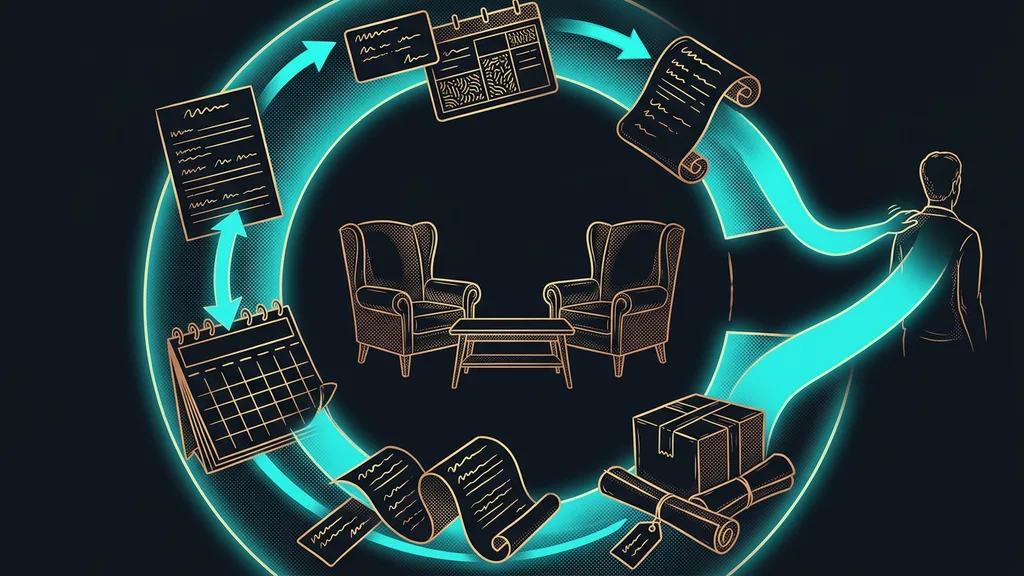
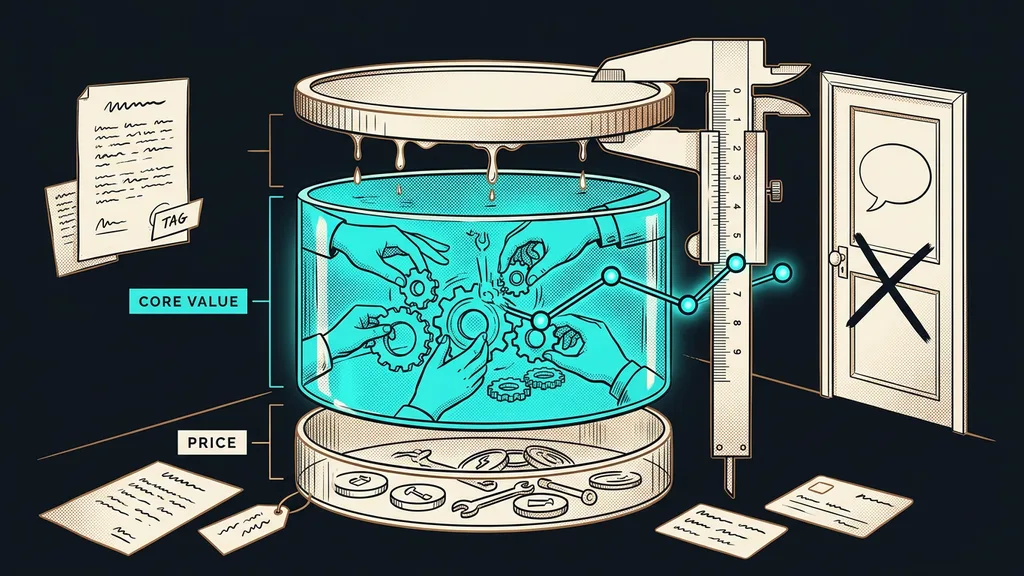
A one-time amount for turning generic tools into your specific process: where the data starts, where it goes, what happens with an exception, and who approves it. Anyone can buy the tools for a few dozen euros a month, but on their own they do nothing. The setup is what you’re really buying, and in the first year it’s usually the biggest item.
You buy a tool for tens of euros a month. You buy the saved hours with the setup, and nobody budgets for that in advance.
Layer one: tools cost less than you’d expect
The tools themselves are the cheapest part of the whole puzzle these days. I took the following prices from the official pricing pages in September 2026. Take them with a grain of salt, because credit-based plans change in months, not years.
- Make.com: free up to 1,000 credits a month, cheapest paid plan $9 a month.
- Zapier: 100 tasks a month free, paid plan from $19.99 a month billed annually.
- n8n: free on your own server, hosted version from €20 a month billed annually.
- Smartsupp, a Czech live chat priced in koruna: free plan, cheapest paid plan CZK 349 (about €14) a month, AI agent from CZK 400 (about €16) a month.
- Ecomail (a Czech email marketing tool): free up to 200 emails a month, Profi plan from CZK 150 (about €6) a month billed annually.
- RAYNET CRM (a Czech CRM): from CZK 449 (about €18) per user a month, automation module from CZK 650 (about €27) a month.
Two things on that list are worth noticing. Almost every tool has a free plan where you can calmly try out your first automation. And the price differences between them are small compared with the rest of the budget, while six mismatched subscriptions cost you several times more than one properly set-up workflow.
One-minute self-test
Open your card statement and add up how much you pay for software each month. Next to it, write down how many of those tools actually talk to each other. If the answer is zero, you’re paying for a set of separate subscriptions, not for automation.
Layer two: setup, the thing you’re really buying
The work is billed by the hour, and with me it costs €80–160 an hour, depending on the brief. For bigger jobs, we agree on a price for the whole project, and you get the scope and the amount in writing before anything starts. You can estimate the scope yourself, because a brief almost always falls into one of three sizes.
One step. Two tools, one rule, no exceptions. An inquiry from a form goes into the CRM, and the customer gets a confirmation email. An afternoon’s work, bought by the hour.
One whole process. From inquiry through proposal and meeting all the way to the invoice. More tools, exceptions, approvals, migrating old data. Here the price is per project.
The whole operation. Several processes, a knowledge base, AI in your communication, team training. You buy it in parts rather than all at once, and the order matters more than the budget.
The most common mistake is starting with the third size. Cheap first steps have one underrated advantage: they pay for themselves out of the time saved before the second invoice arrives.
Layer three: running costs and usage
The last layer is the smallest, and it’s the only one that grows with your business.
Usage-based billing
A way of billing where, instead of a flat fee for capacity, you pay for what actually happens: a message sent, an automation step run, a conversation with a chatbot. One tool calls them credits, another tasks, a third operations, so the units can’t be compared with each other. The practical consequence is simple: a successful campaign raises your software bill.
This layer is easiest to see on a platform that does several things at once. I broke down GoHighLevel’s pricing separately, and it’s a good example of a model where a fixed license meets a prepaid usage wallet.
Running costs also include maintenance, which people forget when budgeting. Tools change their interfaces, prices, and billing methods, and connections built in Make or n8n need a checkup every now and then. Think of it as a routine service, not a hidden fee.
Try it now
Take one task someone in your business does by hand and estimate the hours it takes per month. Multiply them by what an hour of work costs you. Set that against the cost of the tool and the one-time setup. You’ll get the number of months it takes to pay for itself, and that number is all you need to make the decision.
When automation isn’t worth it
It doesn’t pay off at all for a task that takes less than two hours a week. Keep doing that one by hand. The payback would take years, and the process will change in the meantime anyway. It also doesn’t pay off where the process hasn’t settled yet, because automating something that will be done differently in a month means paying for it twice. And finally, the most common case: if all you’re looking for is the cheapest option, you’ll end up with a tool and no setup. That tool does nothing, and you pay for it every month.
The whole price list in a nutshell
- Tools cost tens of euros a month, and with most of them you can try the first step for free.
- Setup is one-time work billed by the hour, or a price for the whole project on bigger jobs.
- Running costs are usage by volume plus maintenance every now and then.
- The price is set by the number of connected points and the number of exceptions, not by the technology.
- You can estimate the scope yourself using three sizes: one step, one process, the whole operation.
- You get the scope and the amount in writing before any work starts.
Next time you go through five websites and hit the same button on each one, you don’t have to click it right away. First, work out what you actually want to connect and what that work costs you today. A price you can’t calculate is neither high nor low. It’s just unknown, and that’s exactly where most businesses run aground with automation before they even start.