Choosing between Claude and ChatGPT isn’t a matter of taste. Both windows look almost the same, both answer in fluent Czech, and both show well in a first demo. The difference only surfaces around the third real job, and each time with a different type of work: sometimes with long text, sometimes with a quick search, sometimes with something that has to end up finished.
I hear it over and over in consultations. A company buys one subscription for everyone, wrestles with it for six months on work it isn’t suited for, and concludes that AI is overhyped. Yet it only got one decision wrong, and that decision takes ten minutes.
Don’t ask which is better. Ask what to give each one
Neither one is better in absolute terms. They’re two families of models, and each has its strengths somewhere else. You’ll see the difference in the type of work, not in a review’s comparison table. Here’s how I decide.
| Type of work | Stronger choice | Second choice | What decides it |
|---|---|---|---|
| Long text based on your own materials | Claude | ChatGPT | length of the source material |
| Text that goes straight out | Claude | ChatGPT | Czech without English turns of phrase |
| Quick web research | ChatGPT | Claude | breadth of sources in one window |
| An image or voice to go with the text | ChatGPT | Claude | how many things you need at once |
| Working with files and finishing the task | Claude Code | ChatGPT | whether a finished result should come out of it |
| Persistent context over your own materials | Claude | ChatGPT | how much you rely on memory |
In short: I use Claude for long Czech text and for work that has to end up finished. I use ChatGPT for quick searches and for an image or voice to go with them.
The table gives you a rough decision; the rest is in the details. And those details age fast, because both companies ship new versions every few months. What ages slowly is the way you decide: by what the work should produce, not by whose model just won a benchmark.
Context window
How much text the tool can hold in its head at once before the beginning starts to slip. The bigger the window, the longer the document you can have it read in one piece. For a short question, it doesn’t matter. For a 100-page contract, it’s decisive.
“We pay for a subscription for the whole office. And we still rewrite every single text it gives us.”
A business owner said this to me while complaining about AI. In reality, the complaint was about one badly chosen window.
Long text based on your own materials belongs to Claude
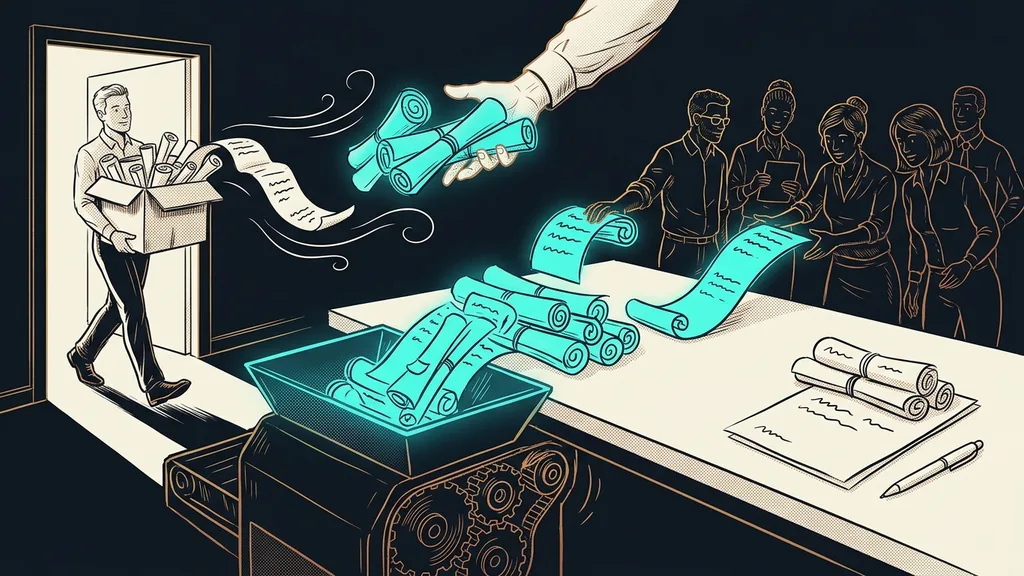
Claude is stronger where it has to read long materials of your own and write coherent Czech text from them. That tends to be the first real task a company hands over to AI.
Best for: contracts, proposals, meeting notes, methodologies, long emails, and anything where the output should come from your materials, not from the internet.
In practice, you upload your materials into the window and ask questions about them. The answer sticks to what you provided and doesn’t make up the surroundings. The longer the material, the bigger that difference gets. AI that checks its own work before putting it on your desk behaves in a similar way.
Where it hits limits: you upload materials to a project by hand, and the tool won’t pull them from your drive and organize them on its own. Even on paid plans you’ll run into hourly usage limits, so it’s better to spread long work out than to push it through in one go.
For quick research and an image to go with it, ChatGPT does better
ChatGPT leads wherever you need several things at once, right away. It’s the most widely used and has the biggest ecosystem around it, which shows precisely in tasks you can’t describe in advance.
Best for: quick searches, a first rough draft, an image for a post, voice input and output, and requests where you don’t yet know where you’re headed.
In ten minutes it gives you background on a topic, a picture for your slides, and three headline options on top. This is its home turf, and no other tool brings it all together this comfortably in one window yet.
Where it hits limits: it pulls English turns of phrase into Czech, so you’ll almost always rewrite its text once more. And its memory across conversations behaves unpredictably, so I wouldn’t build long-term context on it.
So with clients, I follow one rule. The shorter the request and the more kinds of output at once, the more likely ChatGPT. The longer your own material and the more reliable the Czech has to be, the more likely Claude.
When the job should end in finished work, not an answer
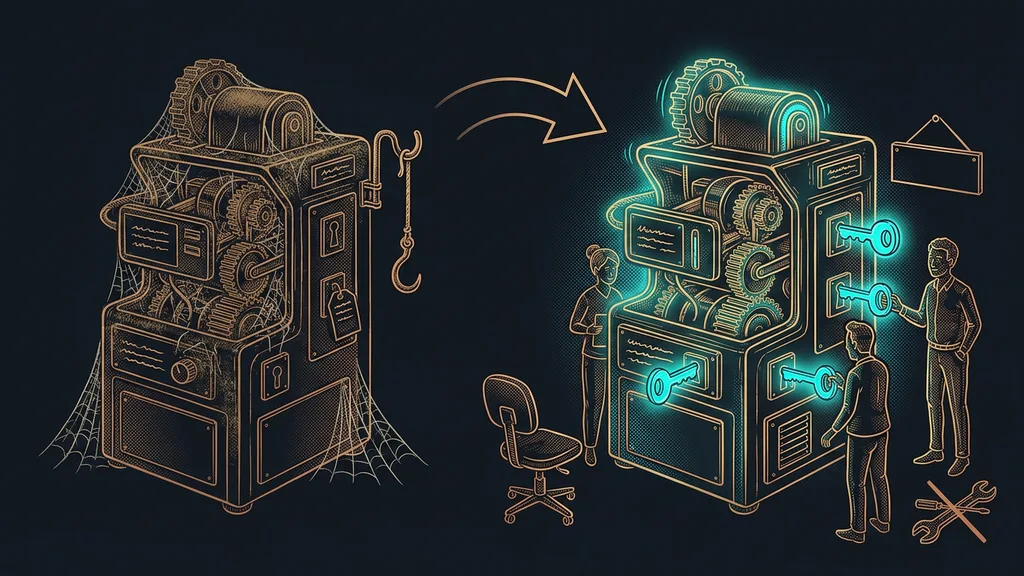
This is where the paths split the most. A chat window gives you an answer that you then carry out yourself. Claude Code does the work directly: it opens your files, goes through them, prepares the output, and puts it in front of you for approval.
AI agent
A chatbot answers and stops there. An agent can also reach into your files, email, or calendar and see the task through to the end. The difference is what’s left on your desk: with a chatbot, advice; with an agent, finished work to review.
Best for: work that repeats and always has the same shape. A monthly report, bulk renaming, data checks, document prep. The hour someone spends clicking through it every week simply stops existing.
And the agent doesn’t have to work only on files on your drive. It works just as well right inside your company’s Google account, in your email, calendar, and documents, which is where most of that manual work happens. The line that matters here is whether the tool is allowed to touch your data, not which brand it carries.
Where it hits limits: it opens in a black window that looks like something out of a hacker movie, and that puts a lot of people off before they type their first sentence. Yet you write to it in everyday language, as I show in my article on getting started with Claude Code without a line of code.
How I choose
Before I open a window, I ask myself one question: should this produce an answer or a finished piece of work? If it’s an answer, it’s a chat, and I pick based on the type of text. If it’s finished work, it’s not a job for a chat window, whatever name it carries.
Czech quality matters more than benchmark scores
For text that goes out under your name, the quality of the Czech is what decides. No benchmark score will help you if even a client can tell a machine wrote it.
Both tools answer fluently, and both handle Czech. That’s good news, and it wasn’t always a given. Today the difference is how much work is left for you. With ChatGPT, you usually go through the text once more and weed out the English constructions. With Claude, the output tends to be closer to sendable, but leave the final read to yourself there too.
The most typical trace of machine-written text is a trivial one: the em dash in the middle of a sentence. Most people can’t name it, but they sense it. When I teach a tool to write in my voice, this is one of the first rules I hand over for good.
Price comes last
With these two, price is the least interesting factor, and I’m leaving it for last on purpose. The difference between a well-chosen and a badly chosen window is measured in hours, not pocket change.
For Claude, I verified the numbers on September 19, 2026, straight from the official pricing: the Pro plan costs $20 a month, or $17 a month billed annually. Max starts at $100 a month, a Team license comes to $25 per seat per month, and there is a free version. Claude Code is part of the paid plans; you won’t find it in the free one.
For ChatGPT, I’m not giving a number. I couldn’t verify its pricing from an official source as of the same date, and a guessed price is worse than none. Open its pricing page yourself, it takes a minute, and above all do it right before you buy. Both companies changed their pricing in 2026.
Fortunately, that doesn’t matter for the decision, because both subscriptions sit in a similar price range. If your choice keeps coming out as both, it’s cheaper to pay for both side by side for a month and then cancel one. A month of real work will tell you more than any comparison, this article included.
Who neither one will help
Who gets nothing out of this? Anyone who doesn’t yet have a single task that repeats every week in the same shape. Without one, there’s nothing to hand over, and the subscription turns into just another line on your bank statement.
It also doesn’t pay off if you’re looking for one window for everything and want to choose once and for all. That decision doesn’t exist, and the time you spend hunting for the perfect choice is worth more than both subscriptions combined.
And then there’s the case a company doesn’t know about itself: when it can’t describe its own work in words. Both tools depend on you telling them what should be produced. Where that’s missing, not even the most expensive plan will help, and a better investment is someone who walks you through how to bring AI into the company in the first place.
The whole choice in a nutshell
- Write down the three tasks that cost you the most time every week.
- For each one, decide whether it should produce an answer or a finished piece of work.
- Finished work means an agent, not a chat window.
- Give long Czech text based on your own materials to Claude.
- Leave quick research, plus an image or voice to go with it, to ChatGPT.
- Deal with price last, and open the pricing page right before you buy.
Back to that company that spent six months wrestling with one window for everything. It didn’t buy a bad tool. It just set it loose on work it wasn’t built for and read the result as disappointment with AI. A good choice of tool has nothing to do with who won a benchmark. You’ll know it’s right when the work stops coming back to your desk.