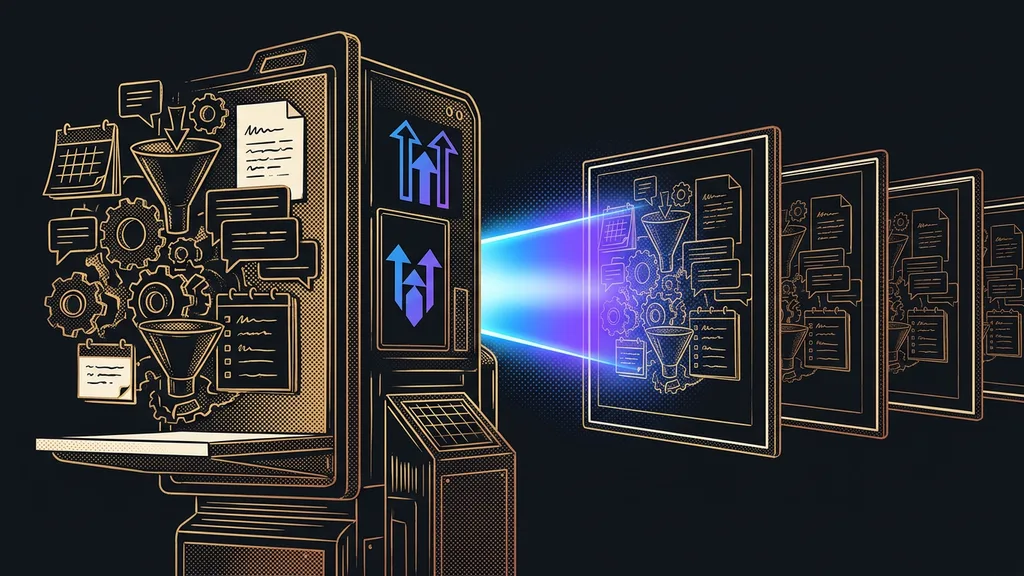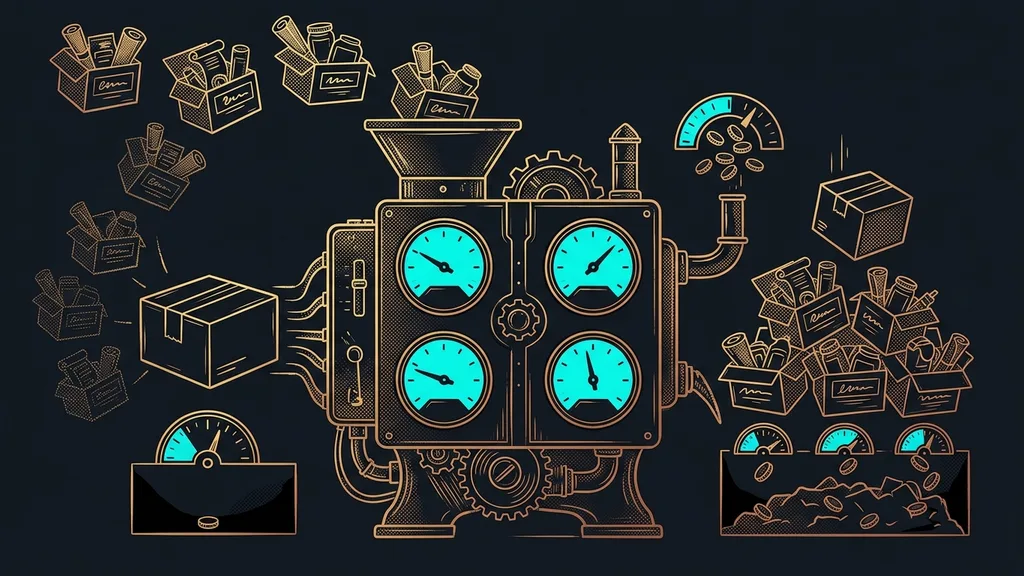
In a field service business, a job passes through five hands in a day. A phone call, a scrap of paper on the dashboard, a note on a phone, retyping it all into the computer in the evening, and at the end of the month a hunt for what was actually done for whom. The work at the customer’s place takes an hour. The rest is overhead nobody ordered.
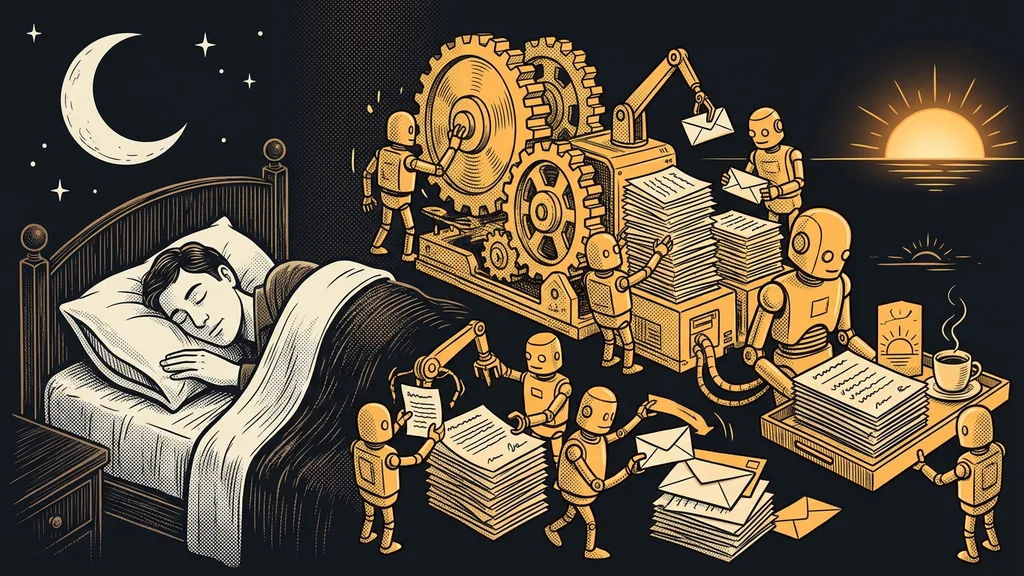
I know this from consulting for service and trade businesses. The owner drives from job to job with a phone pressed to their ear and leaves the paperwork for later. But nobody writes accurately after 9 p.m. The next morning, an hour is missing from the timesheet and nobody knows where it went.
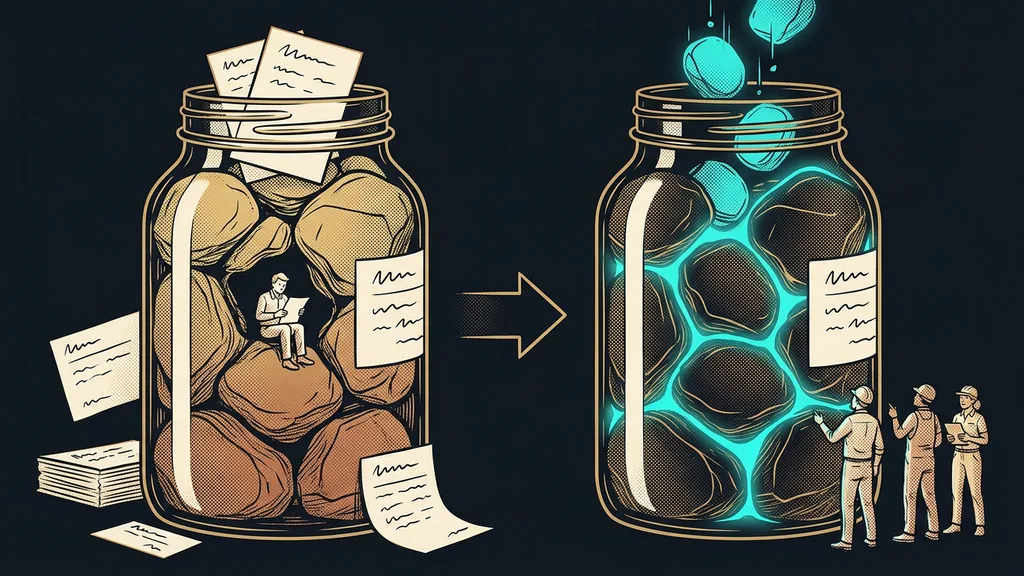
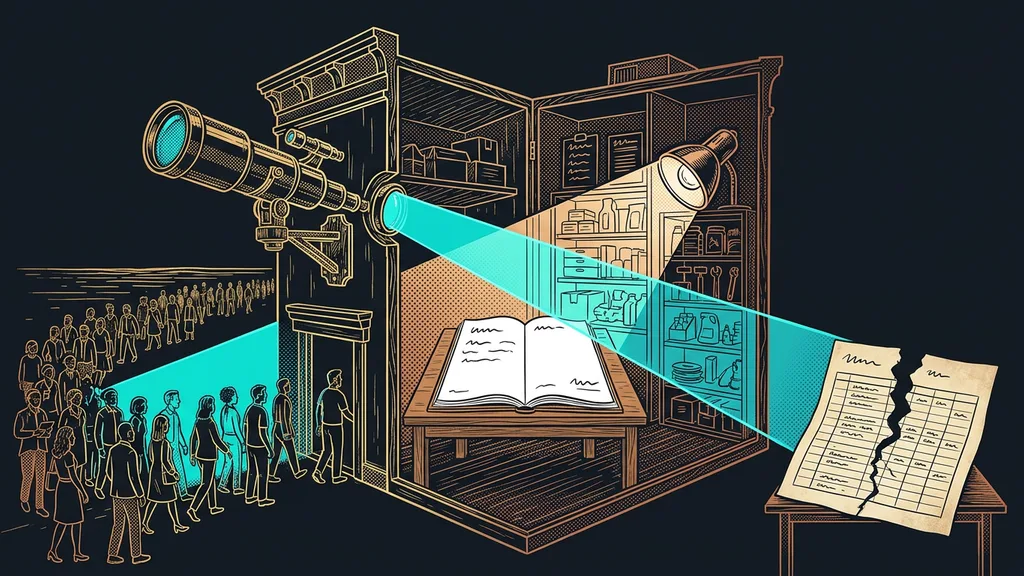
A job gets lost between the steps, not within them
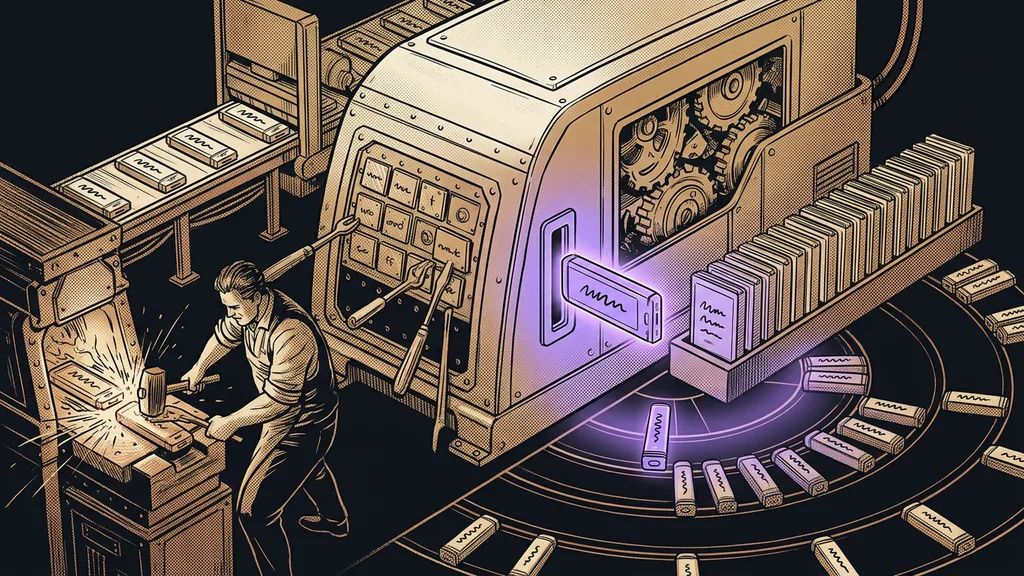
The technicians do good work, and the billing clerk counts correctly. Mistakes happen at the handoff: when information changes medium and someone has to copy it over. The more of these transitions a job has, the more of it crumbles away along the way.
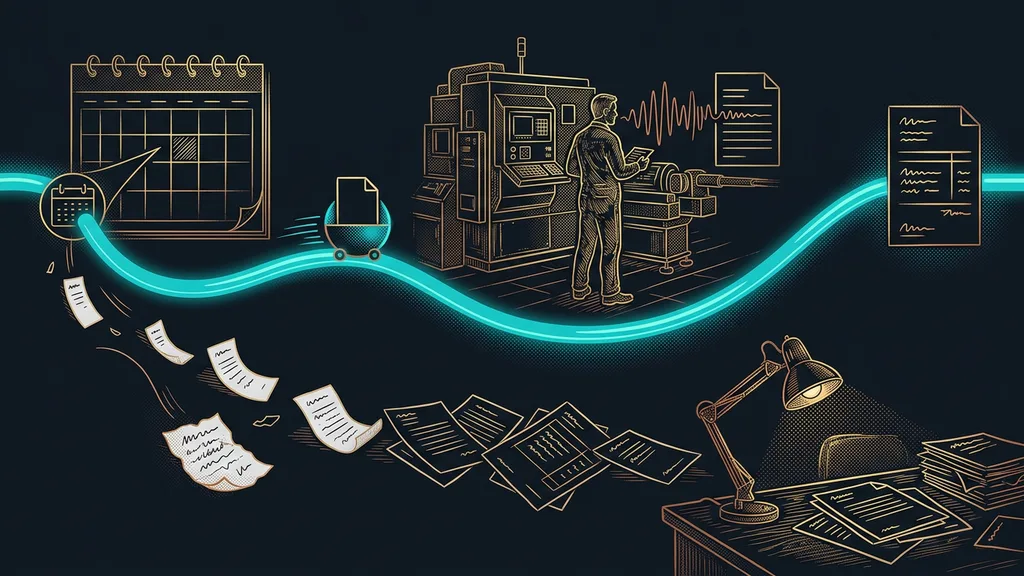
A typical job has five. Phone, note, paper, computer, invoice. Each of those transitions takes a few minutes, and each one is a place where an hour of work or a part you used can be forgotten. Add them up for a whole month, and it won’t be minutes anymore.
Handoff point
Any point where information changes medium. From voice to a note, from a note to paper, from paper to the computer. No work gets created there, it only gets carried over, and yet it’s the one place where something can get lost. The number of handoff points says more about how organized a business is than its headcount does.
“I remember everything. It’s just that the notes stayed in the car, and by evening I don’t feel like sitting down at the computer.”
The owner of a service company told me that, and it was the most honest sentence of the whole consultation. So instead of discipline, we spent the rest of it on getting rid of those handoff points one by one.
Inquiry and scheduling: the customer picks the slot
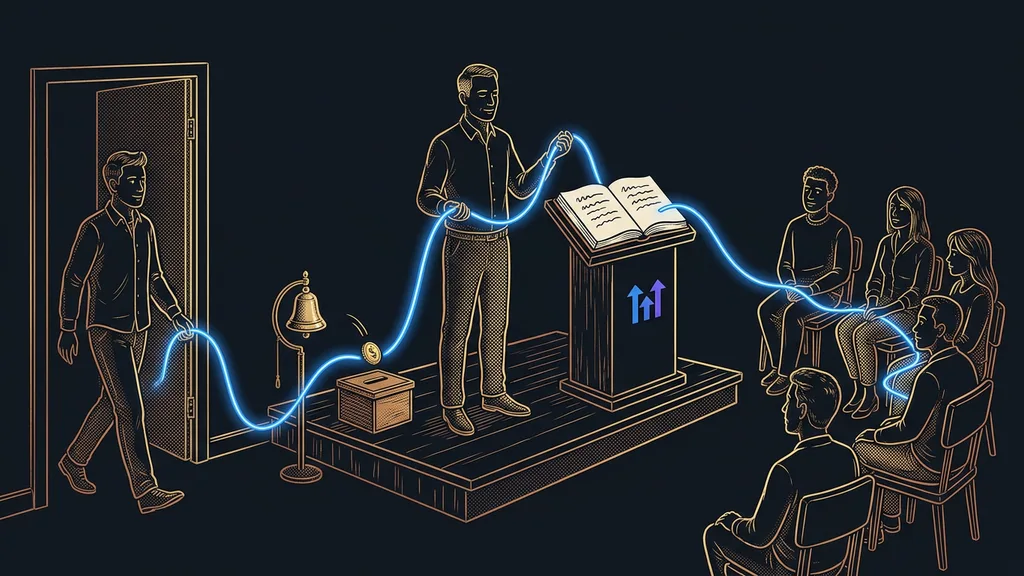
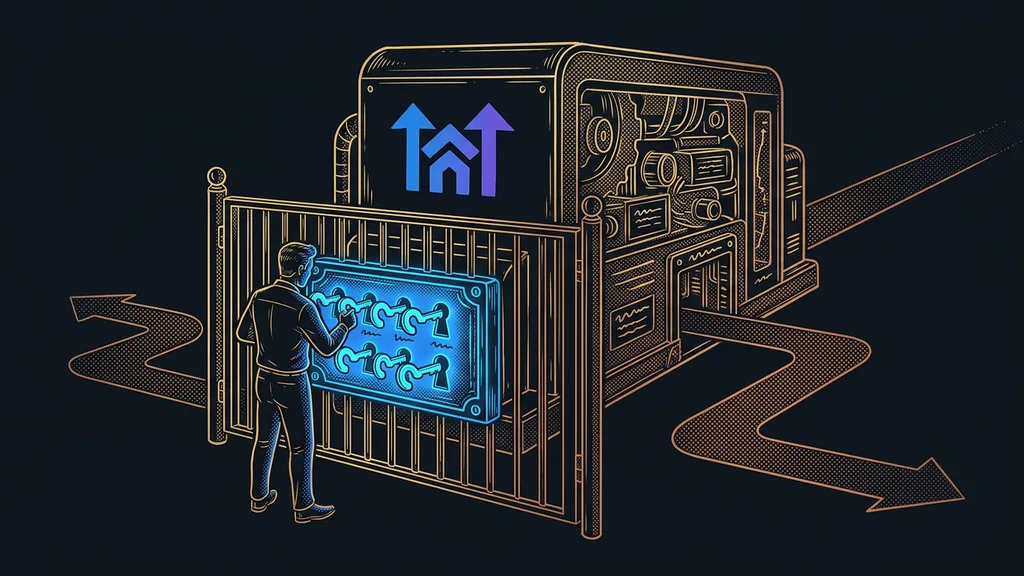
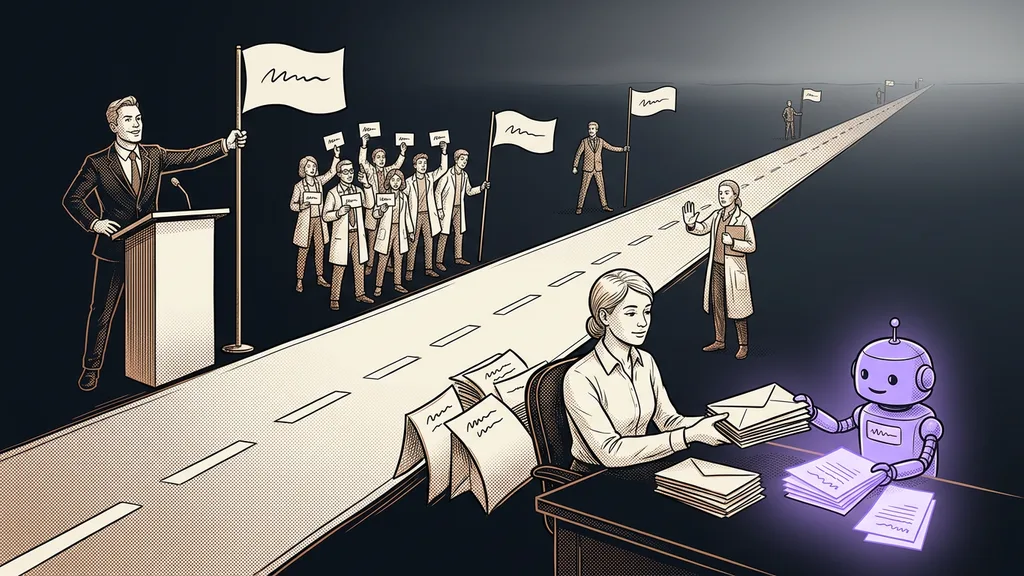
The first round of retyping disappears the moment the customer picks the appointment themselves. Instead of back-and-forth, they get a link to your calendar, see the open slots, and book one of them. The job lands in the system straight away, address and fault description included.
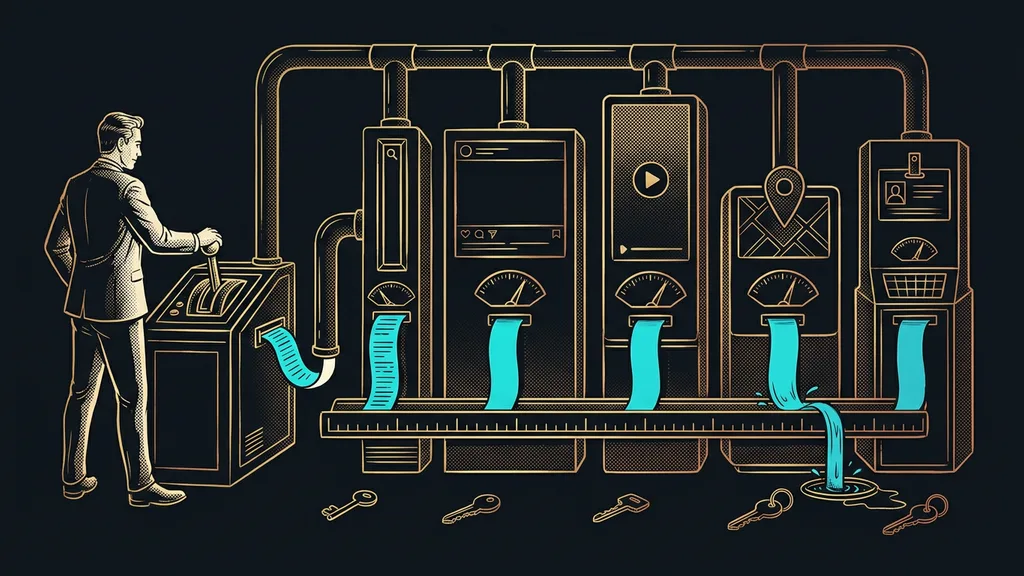
Messages stay where the customer writes them. Inquiries from the website, by phone, and on WhatsApp all end up in one inbox, and you don’t have to write each reply from scratch. I’ve described separately how a booking link ends the back-and-forth over dates.
A small thing that pays off: send a link that tells you whether the customer opened it. An unopened booking link is a different situation from one that was opened and left unbooked. You follow up on each one completely differently.
The visit: the report gets written on site, not at home that night
The second round of retyping disappears when the technician fills in the report right at the customer’s place. On a phone, in a form that asks the right questions and has to be completed before the job can be closed.
The record turns into a finished document in the company’s colors and gets emailed to the customer before the technician even leaves the car. No paper gets driven around, nothing gets lost behind the seat, and there’s nothing left to write up in the evening. On top of that, the customer has the report before the technician reaches the next job. That alone makes a lot of later questions go away, about what was actually done and why it cost that much. A form that spits out a finished PDF is probably the fastest first step a service business can take.
Single source of truth
The rule that a job is written up in just one place, and everything else points to it. When something changes, it changes in that one place. That ends the most common argument in service businesses: which version of the note is the current one.
A one-minute self-test
Take your last job and go through it backward. For each piece of information on the invoice, ask how many times someone wrote it down: how many times on paper, how many on a phone, how many into the computer. The number you get is how many places that job can slip through your fingers next time.
The invoice: you’ve had the details all along
The third round of retyping disappears on its own, because you can invoice from what’s already in the system. Hours worked, materials used, the signed report. The invoice gets created as a draft, and you just check it and send it.
But it doesn’t end there, and the end is exactly where service businesses are weakest. Paid invoices get matched automatically, and you can answer the question of who’s past due within a minute. So you send the reminder after three days, not three weeks, and with small amounts, that’s what separates paid from written off.
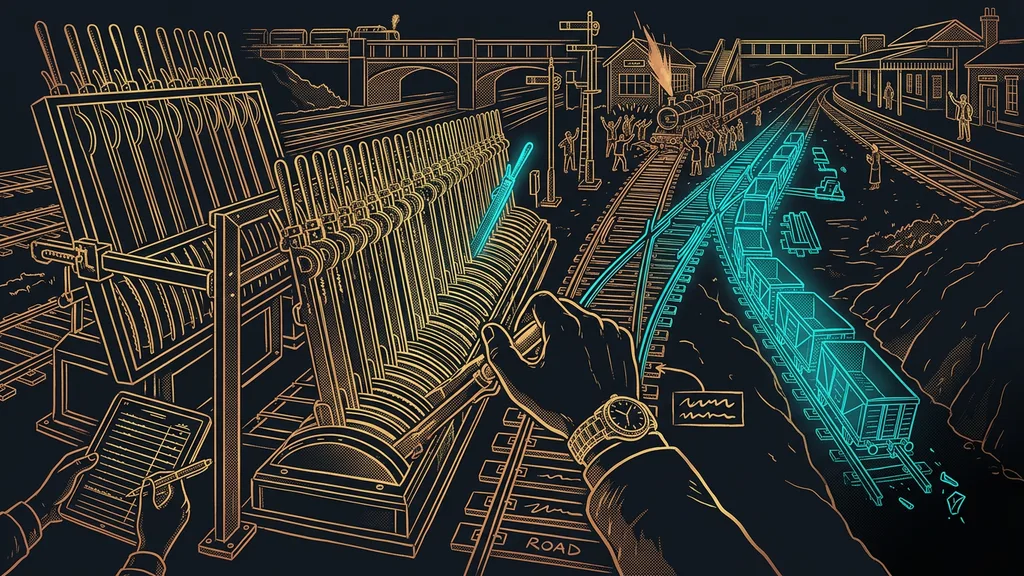
And when something doesn’t add up, the system doesn’t guess. A missing signature, hours that don’t match the calendar, an appointment overlapping another job: at that point it stops and asks. An automation that knows how to ask needs less watching than one that always muddles through somehow.
When it doesn’t pay off for a service business
In fairness, here’s who this setup won’t pay off for. A one-person business with a few jobs a week, where the whole day fits in one head and nothing gets handed to anyone. A calendar and a notepad are enough there, and this would be like setting up a dispatch center for a single service vehicle.
It also doesn’t pay off where jobs never repeat. When every job is different and takes months, there’s nothing to repeat and nothing for the system to work from. Automation thrives on repetition, not complexity.
A job’s whole journey in a nutshell
- Count how many times someone retypes the same piece of information between the inquiry and the invoice.
- Let the customer pick the appointment through a link, so the job lands straight in the system.
- Route messages from every channel into one inbox, so nobody has to dig through phones.
- Fill in the report on site and send it to the customer before you drive off.
- Have the invoice assembled from the details you already have, and just check it.
- Track payments and reminders automatically. Follow up after three days, not three weeks.
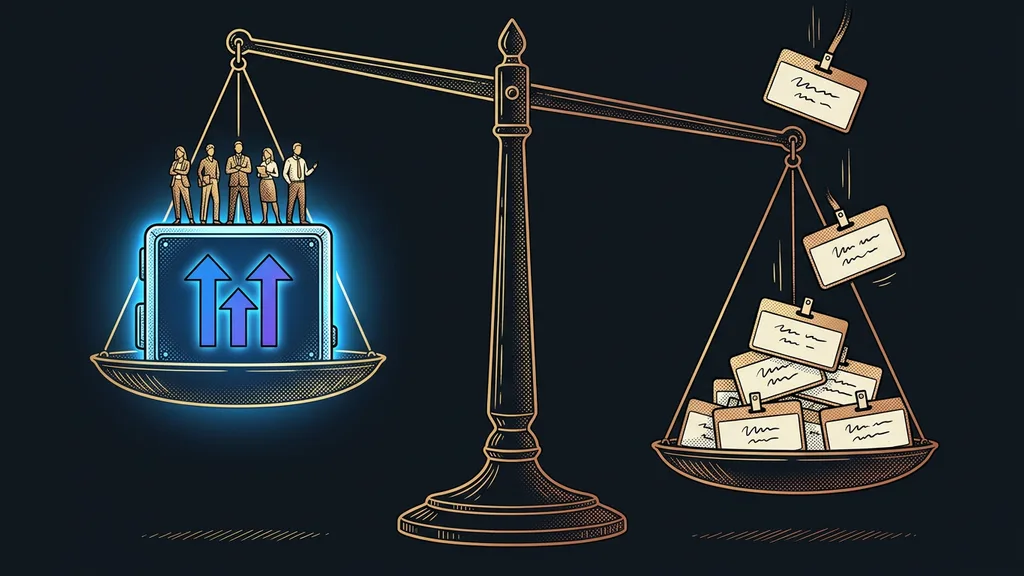
Back to those notes in the car. What looked like mess or laziness was really five places where someone had to copy something over. Get rid of them one by one, and the evening hour of paperwork simply stops existing. A good system in a service business won’t put a single extra car on the road. It gives you back the evenings you’ve been handing over to paperwork for free.