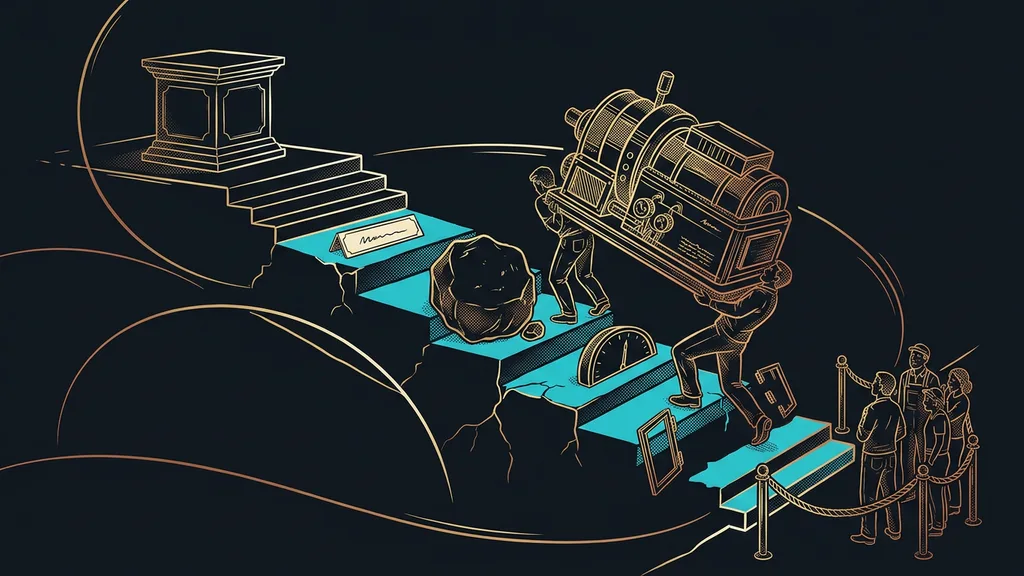
Claude’s effort setting invites a simple line of thinking: the more, the better. If you pay for a subscription, you want to get as much out of it as you can, so you push effort all the way up. But a higher level won’t turn Claude into a smarter model. It makes you wait longer, uses up your usage limit sooner, and for everyday work it often doesn’t improve the result at all.
I used to do exactly that. Until September 26, I kept Claude on max as my default. That day I changed it and summed up the reason in one sentence: max “was eating too many tokens from my subscriptions and thinking way longer than it needed to.” Since then, max has been an exception for me, saved for one specific task.
What is effort, and how is it different from choosing a model?
Effort determines how much work Claude puts into a task. The model determines what Claude can do and what it knows. Lydia Hallie from the Claude Code team spelled this out precisely in July 2026. Effort controls how long Claude thinks, how many files it reads, how much it verifies, and how far it gets before it comes back to you.
Effort
A Claude setting that tells it how much work to put into a task. As of October 10, 2026, it has five levels, from low to max. Anthropic describes it as a signal, not a fixed budget: on a simple task, Claude doesn’t artificially stretch its thinking, even at a high level.
An office comparison helps. A bigger model is a more experienced colleague who knows more. Higher effort is the same colleague you already have, whom you ask to go over their work one more time and to try the unlikely cases, too.
A higher level makes Claude more thorough, but not smarter. And you pay for thoroughness in time and in your usage limit.
As of October 10, 2026, here’s where you’ll find that knob in the Claude app: click the model name next to the send button, then Effort. The levels are called Low, Medium, High, Extra high, and Max. The default level is marked Default in the menu, and a change applies from the next response. In Claude Code, you just type the /effort command. Watch out for one trap there: max applies only to the conversation you’re in, and next time you have to turn it on again.
What Anthropic recommends for Claude Opus 5.5
Anthropic advises starting at the default level, medium, and saving the two highest levels for cases where the benefit has been measured. That’s what the official guide to Claude Opus 5.5 says, which Anthropic released alongside the model on September 22, 2026.
According to the same guide, Opus 5.5 on medium matches or even beats the previous Opus 5 on high in coding and knowledge-work tests. So the level names don’t mean the same thing from one model to the next. If you got used to high back in the Opus 5 days and kept it after switching, you actually turned effort up: the new model usually thinks more at the same level.
Thinking
The work Claude does before it starts writing a response: it breaks down the prompt, plans its approach, and weighs the options. According to Anthropic’s help pages (as of October 10, 2026), thinking is always on for Claude Opus 5.5, at every effort level. It’s billed as output tokens, so the more of it there is, the sooner you run into your limit.
In the model announcement, Anthropic goes even further. Opus 5.5 at the default level reportedly beats Opus 5 at max on one coding benchmark, at roughly a fifth of the cost. That’s the vendor’s own measurement, so take it with a grain of salt. The direction is clear, though. The new model needs less effort to reach the same result.
When to turn effort up and when to turn it down
Turn it up when Claude skipped something, didn’t verify something, or forgot an edge case. Turn it down when you want a quick sketch, a few ideas, or a small edit to a text.
Thariq Shihipar from Anthropic showed this with his own experiments on September 25, 2026. The same prompt took a minute on low and returned an interactive sketch. On max, it took 28 minutes and returned a polished design. In that moment, Thariq himself preferred the one-minute version. His experiments also show the key point: higher effort adds verification and tested edge cases, but it won’t fix a badly chosen approach.
| Level | When to use it |
|---|---|
| Low | ideas, a sketch, a small edit where you want the answer right away |
| Medium | most everyday work, the default for Claude Opus 5.5 |
| High | work where verification and edge cases matter |
| Extra high (xhigh) | long tasks that Claude carries through on its own over many steps |
| Max | rarely, for one hard task where you’ve confirmed it helps |
So high pays off where accuracy really counts, for example when you’re pulling amounts out of a pile of PDFs into a spreadsheet. Extra verification, by the way, is also the principle behind self-checking AI: it finds the mistake before you ever see it.
Before you move the slider
Answer one question: did it not know, or did it not try? If Claude didn’t know something, a better prompt, better source material, or a bigger model will help. If it skipped a step, left something unverified, or stopped halfway, turn up the effort. But according to Lydia Hallie, the very first step is always the same: reread your own prompt.
How I have it set up
Since September 26, I’ve run my regular work on xhigh, the second-highest level. Automated overnight and recurring tasks run on high. Max isn’t the default anywhere, and I only turn it on in rare cases, for one specific task. On October 10, I also moved helper tasks from max down to xhigh, because they don’t need to run at the maximum.
That’s more than Anthropic recommends as a starting point, and I’ll say so openly. My setup fits the way I work: I use Claude every day, often in several windows at once. You should start at the default level and turn it up once you see a specific reason. On a subscription, higher effort mostly means you hit the limit of your plan sooner.
Who doesn’t need to care about effort
If you use Claude once a week to rewrite an email or summarize a document, you can safely leave effort alone. On a simple task, Claude doesn’t artificially inflate its effort, so you’ll barely notice a difference, and the app’s default settings are just right for that kind of work.
It’s different for a company that pays for Claude through the API, by the token. There, thinking is billed as output tokens, and those cost more than input tokens. If you’re trying to figure out where your AI money goes, the effort setting is one of the first suspects. And where several people work with Claude, let whoever is in charge of AI set the default level.
The whole setup in a nutshell
- Effort determines how much work Claude puts into a task. The model determines what it can do.
- For Claude Opus 5.5, the default is medium, and according to Anthropic, it’s enough for most work.
- When the result is off, fix the prompt first, and only then the setting.
- Low for ideas and sketches, high for checking important things.
- Max only rarely, for a single task, and ideally compared against a lower level.
- All of this applies as of October 10, 2026. With the next model, the default levels may shift again.
A slider pushed all the way to the right feels like insurance that you’re getting the best out of your subscription. In reality, you pay for it with waiting and with your limit, even on work the default level would have handled. If you want to go through what Claude does in your company and how much effort each kind of work calls for, we’ll set up your Claude workflow together, from the first prompt to the default levels. Max then stays where it belongs: in reserve for one really hard task.