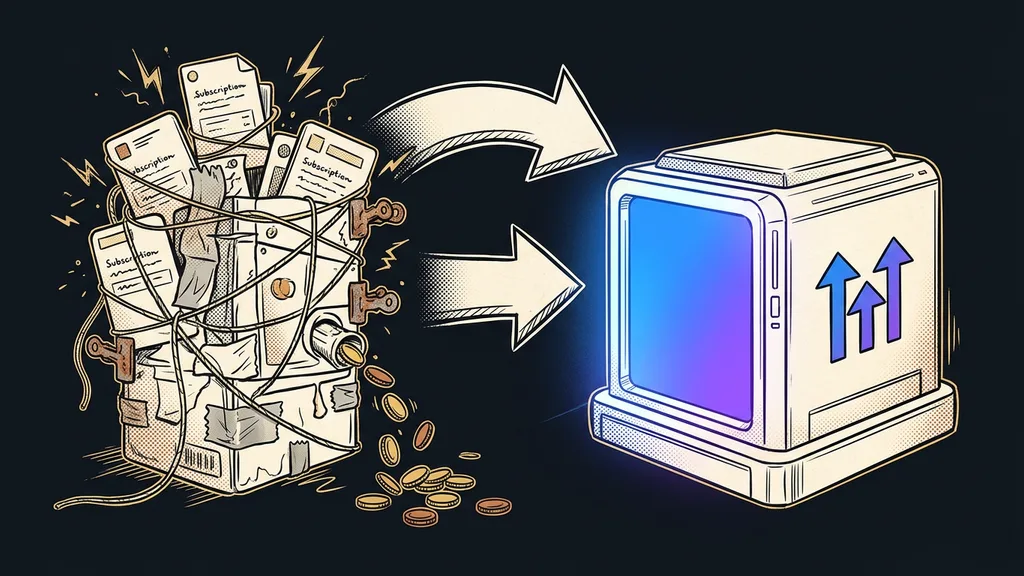
An AI bill rarely arrives as a single item. It comes in pieces: a subscription for a writing tool, credits for images, a fee for every automation that runs. Each amount is small on its own. Together, though, they add up to a number nobody in the business knows off the top of their head.
I ask about it right at the start of consultations: how much do you pay for AI per month, all together? The answer is usually a shrug, followed by digging through the card statement. I was the same for years, until I wrote out my own spending for the first time.
The surprise comes from how you’re billed, not the price
The prices on the pricing page are usually fine. The surprise comes from how they’re calculated. Two services at the same monthly price can end up costing you completely different amounts, because each one measures something different.
Billing model
The rule that converts the price into your actual work. Some charge per user, some per channel, some per task run, conversation, or credit. The number on the pricing page is just the starting rate. The model decides what you really end up paying.
The model also changes much more slowly than prices do. Pricing pages get rewritten every few months, while the billing method stays the same for years. So knowing the model is more useful for decisions than remembering the amount.
You pay for how many times you use a tool, not for the tool itself, and nobody knows that number in advance.
Four ways you pay for AI
There are basically four models, and each behaves differently as a business grows. I took all the prices below from the official pricing pages on September 19, 2026.
- Per user or per seat. The most predictable option. Claude’s Pro plan costs $20 a month, and a team license $25 per seat. The bill grows only with the number of people, and I’ve broken down the full pricing separately.
- Per channel or per account. Buffer charges per connected profile: the Essentials plan costs $5 a month per channel, so six profiles cost thirty dollars, not five. GoHighLevel, on the other hand, charges per agency account, and its Starter plan comes to $97 a month, plus whatever gets added on top of the license.
- Per task or per run. Zapier gives you a hundred tasks a month on its free plan, and paid plans start at $19.99 a month billed annually. The more automations you run, the sooner you hit the cap.
- Per conversation or per credit. The least predictable option of all. Tidio charges per conversation, and since 2025 Make has counted credits instead of operations. Here, a successful campaign pushes up the bill without you changing a single setting.
The difference between the first and the last model is mostly about peace of mind. With a flat fee, you know the amount in advance, and nothing surprises you at the end of the month. With credits, you pay for usage, so a slow month is cheap and a strong one can sting. Neither model is better or worse; each one suits a different kind of work.
Where the money disappears most often
Money leaks away through what you pay for and don’t use, not through the expensive tool.
I see three spots with clients over and over. First come licenses for people who didn’t open the tool once all month. Then there’s paying twice for the same thing, because the new tool arrived before anyone canceled the old one. And third, credits burned on repeating one and the same thing: with voice and with images alike, the second attempt costs exactly as much as the first.
All three have something in common. None of them shows up as an error. No warning pops up anywhere, and nobody gets a notification. The money leaves, and on the surface everything looks perfectly fine.
One-minute self-test
Open last month’s card statement and find every payment for software. For each one, answer a single question: who opened it this month, and what came out of it? When I did this check for the first time, I found two payments I’d completely forgotten about.
Break it down by project, not by invoice
An invoice tells you whom you pay. It doesn’t tell you what for. A useful overview only appears once your spending is split by project and by type of work.
Spending breakdown
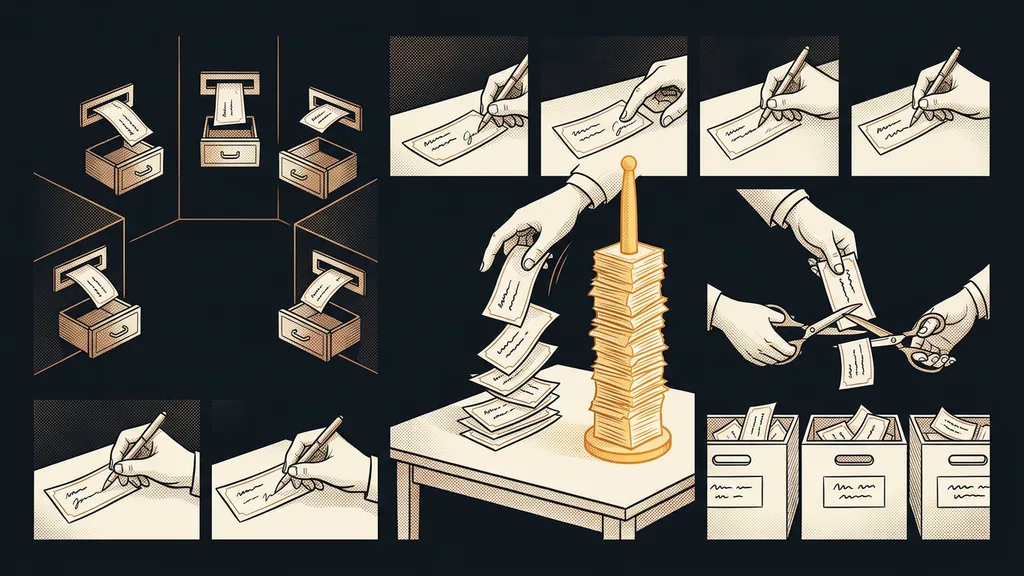
Splitting monthly costs by what was worked on rather than by who sent the invoice. One and the same service gets split across three projects, and you can see right away which of them pays for itself. Without a breakdown, all you can do is compare one pricing page with another.
The rest is decision-making. When a project uses up more than it brings in, a cheaper plan won’t help. Changing how the work gets done will. Repetitive pieces can also be moved to where they cost nobody any time: overnight, when nobody needs to be around for them.
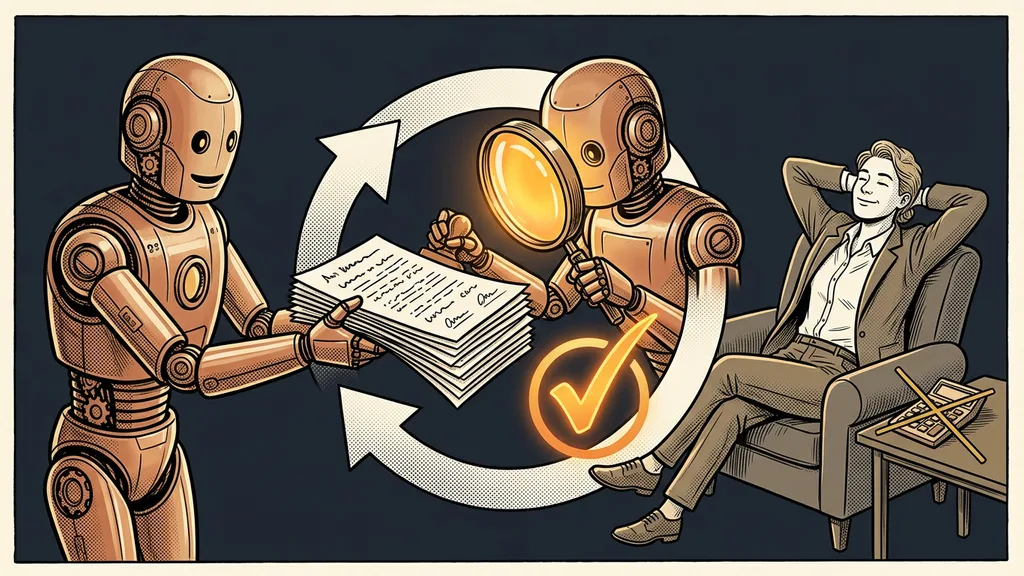
And your costs also include something you’ll never see on an invoice. Someone has to read the output and sign off on it, because responsibility for the result stays with a person. That time almost never makes it into the budget, yet it’s often more expensive than the whole subscription.
When this math isn’t worth doing
If you pay for one subscription at a fixed price, there’s nothing to break down. Your card statement tells you everything, and an hour over a spreadsheet would be wasted.
The second case is trickier. Sometimes it starts with canceling small items and ends with the work landing back on people. An hour of a person’s time costs more than the priciest plan I’ve ever recommended to anyone. After all, the most expensive license is the one nobody opens, and the fix for that is training on your own work, not a cheaper plan.
The whole bill in a nutshell
- List all your AI payments in one place, including the small ones.
- Next to each, write its billing model: per user, per channel, per task, per conversation, or per credit.
- Cancel whatever nobody opened last month. That’s the fastest saving of all.
- Break the rest down by project, not by vendor.
- Where a project uses more than it brings in, change the way you work, not the plan.
- Reopen the pricing pages once a quarter. They change in months, not years.
Let’s go back to the question from the beginning, the one nobody could answer off the top of their head. It was really about whether you know what you’re buying with that money, not about accounting. A good AI bill is the one where you know what came back for every item, whatever the total.