Almost every CRM carries an AI label these days. What’s actually behind it, the price list won’t tell you. In some systems, it’s a full-fledged assistant that writes a reply and records the data itself. In others, it’s one button that spits out generic text. You’ll only find out which after you’ve paid, unless you know what to ask up front.
In consultations, almost everyone who’s choosing a new system asks about this. The owner opens three offers side by side, and all three tout artificial intelligence. “Which one actually does it?” There’s no answer until we’ve agreed on what’s supposed to happen. Because usually, nobody wants AI. They want someone to write that email for them.
AI in a CRM is a layer on top of your data, not another button
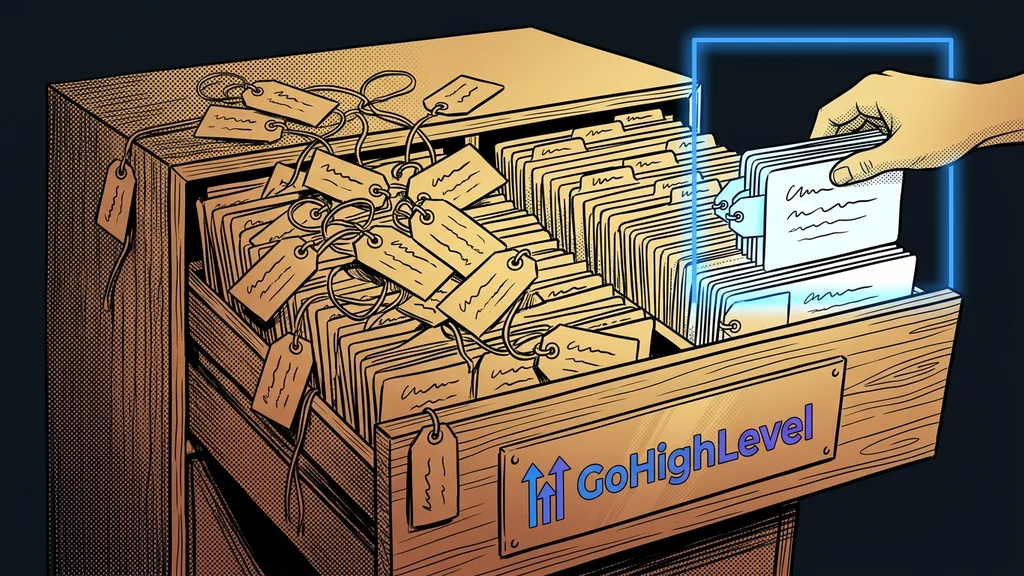
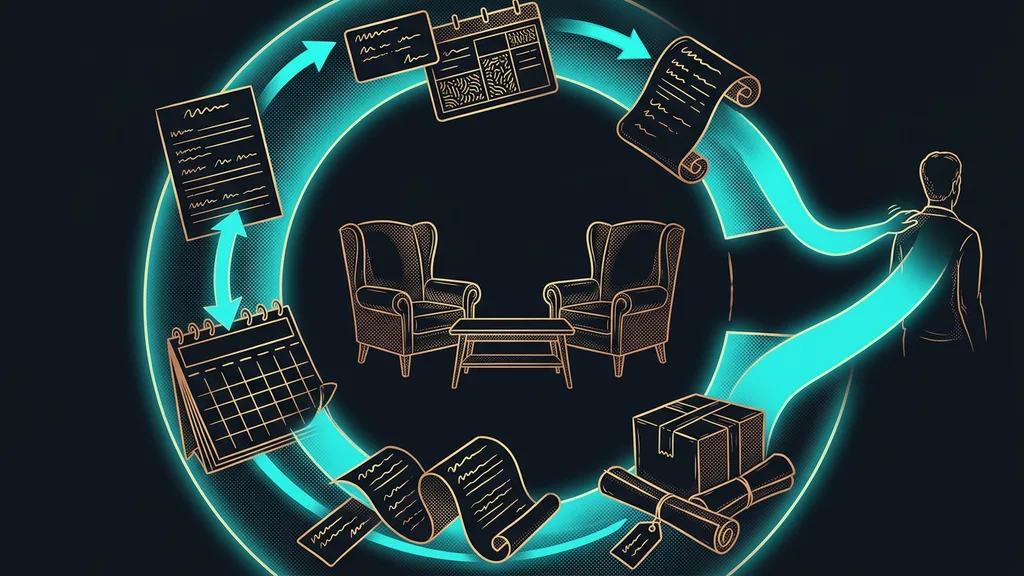
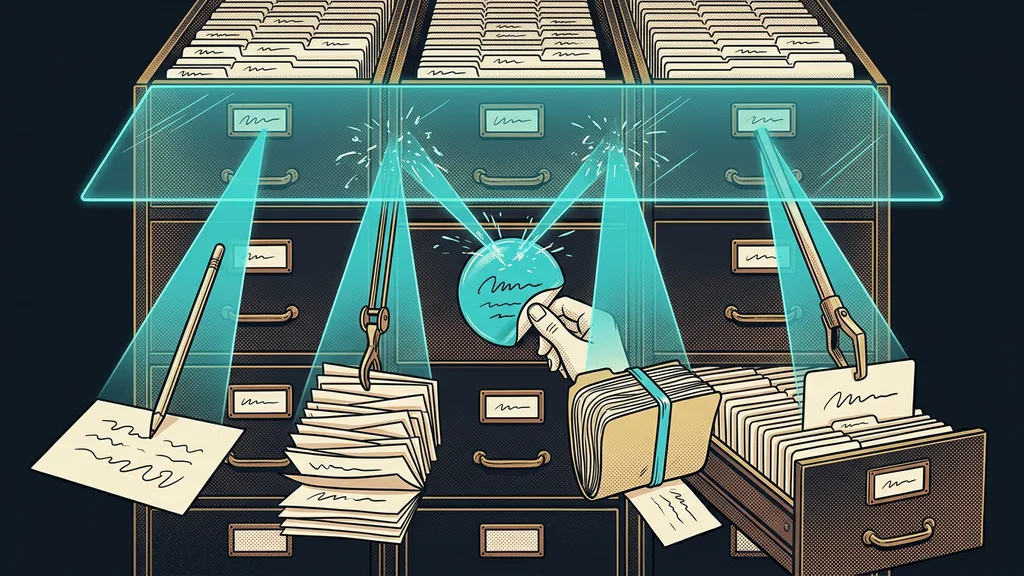
AI in a CRM doesn’t create anything new. It works with what’s already in the system. It reads the contact’s history, your prices, and your past replies, and builds a summary or a draft from them. So the quality of that work depends on what it has to work with, not on the model.
AI CRM
A label for a CRM system that can do something on its own with the data stored in it: summarize a contact’s history, draft a reply, sort incoming messages, or create a record without retyping. Rather than a separate product or a special kind of system, it’s a layer on top of the data that’s already there.
That’s why it makes sense to ask the question the other way around from how it’s sold. The question is what the AI draws on, not what it can do. A system that actively works with your contacts gives the AI something to start from. An empty address book gives it nothing.
AI in a CRM is no smarter than the records it reads. It can’t come up with anything from an empty contact card. It just puts what’s there into nicer words.
Four things AI in a CRM really does
These are four things that run at my clients’ businesses, and you can check them in the very first week. None of them is futuristic, and all of them rely on data your business already has.
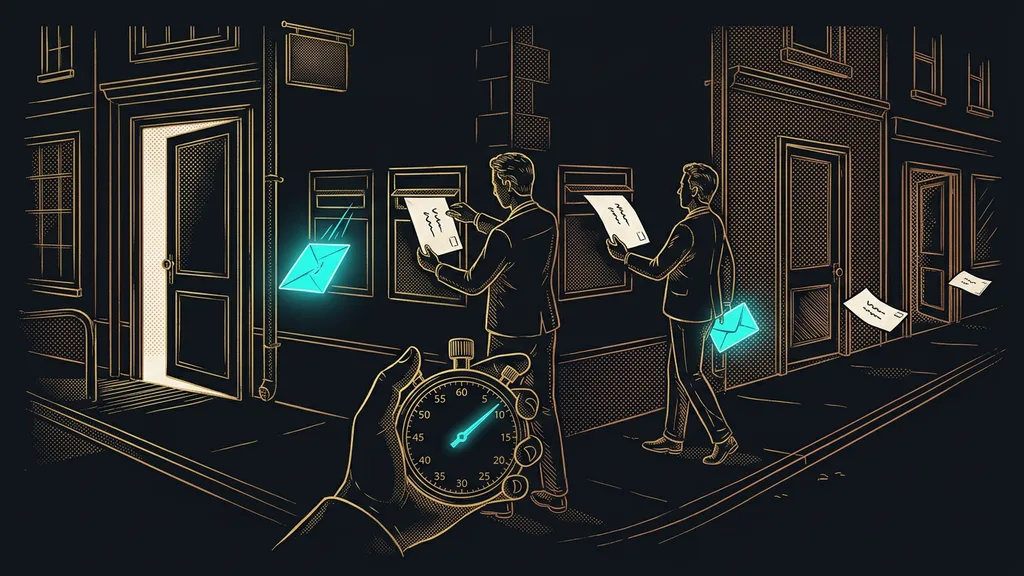
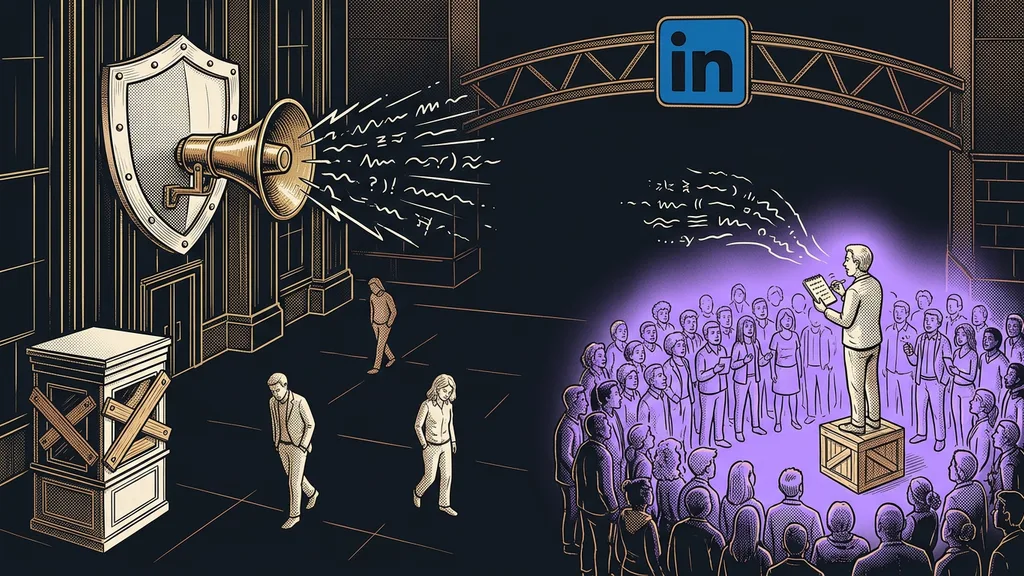
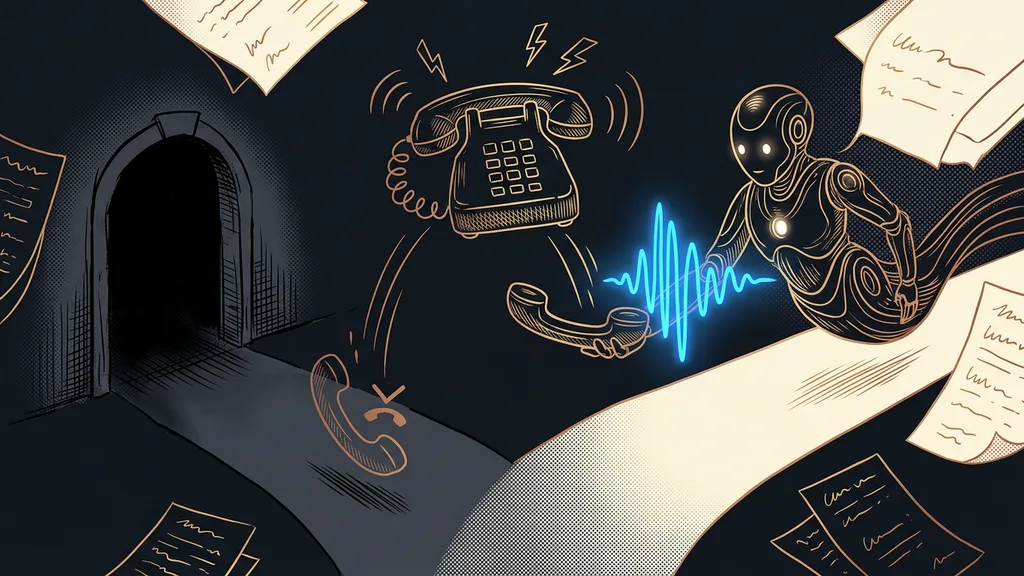
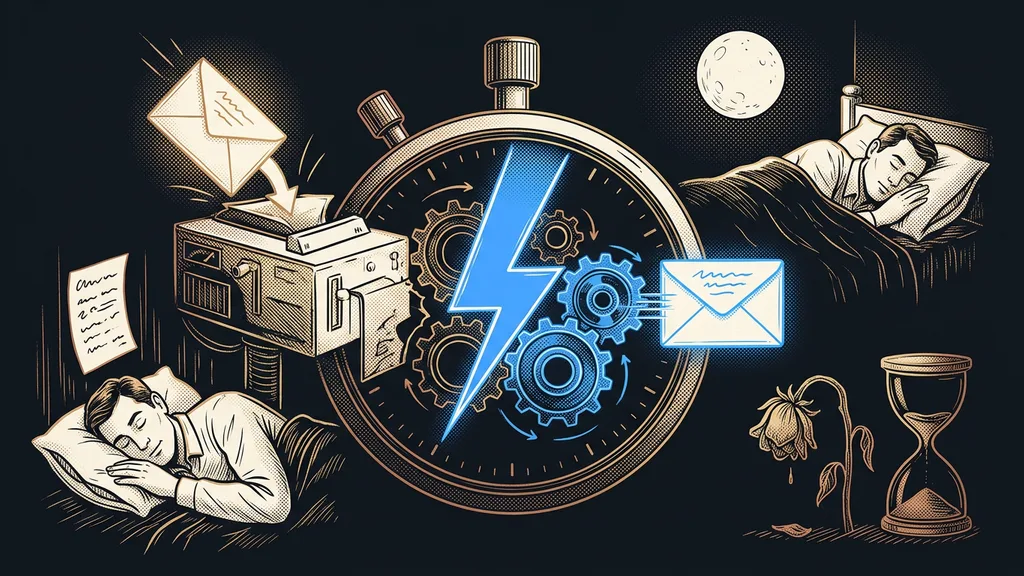
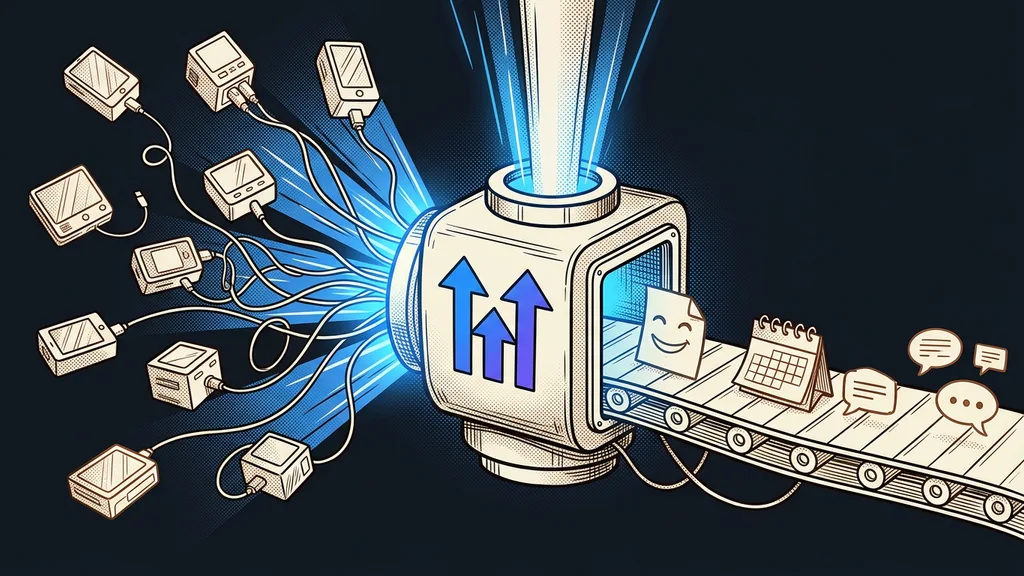
- It replies before anyone gets to it. In the evening, on the weekend, on a channel nobody happens to be watching. The first reply decides whether a prospect sticks around.
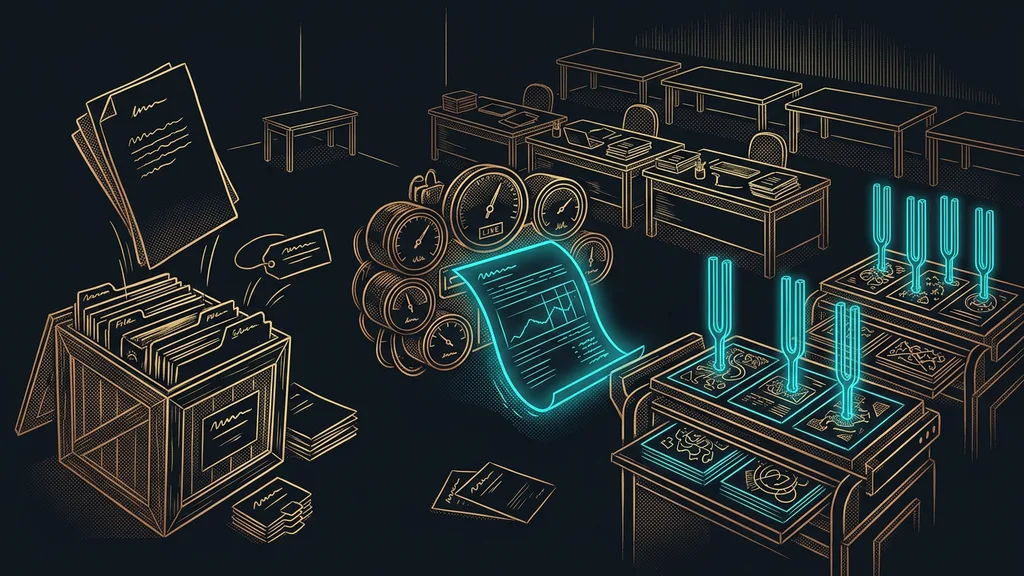
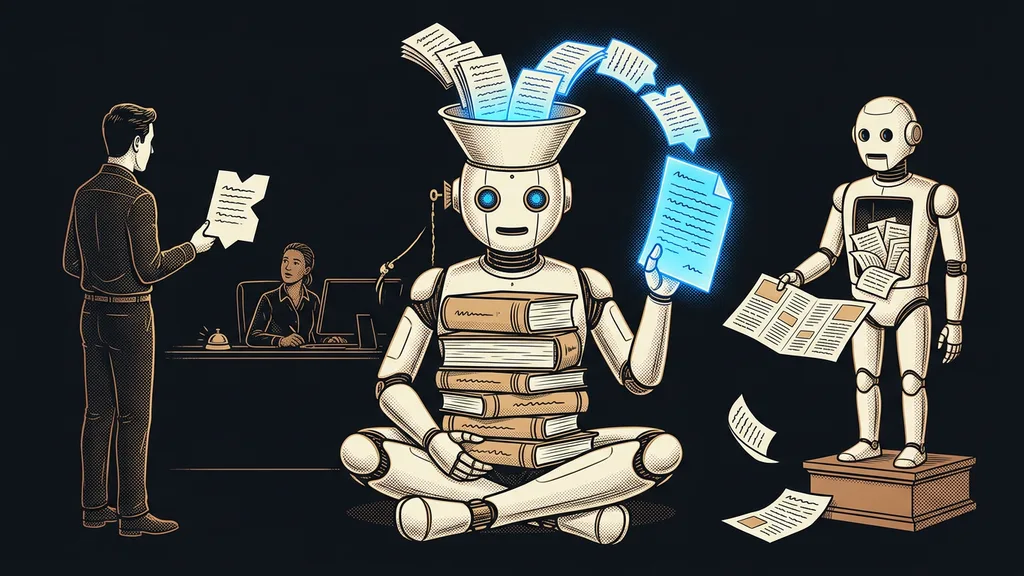
- It sums up what’s happened with a contact. Instead of scrolling through the whole history, you get a few sentences: what it was about, what you promised, and whose move it is now.
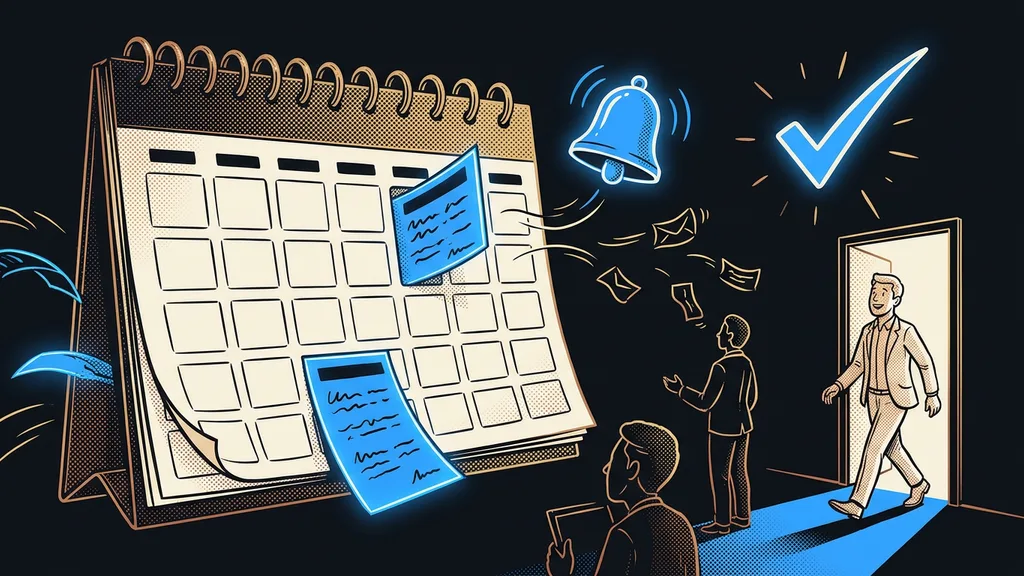
- It records what someone would otherwise retype. It turns a form, an email, or notes after a call into a record on the contact. In the same way, a completed form can go straight into a finished document.
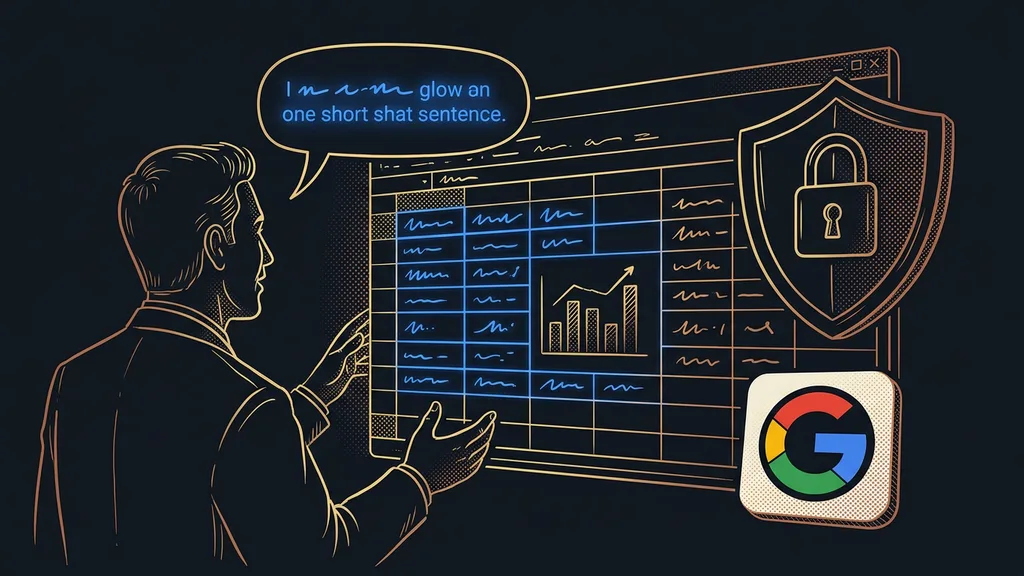
- It sets up what you’d otherwise hunt for in the menus. You describe what you want in a sentence, and the system creates it. That’s how an assistant built right into the CRM works: instead of clicking, you type your request.
They share one trait. None of these four things requires a new decision. They’re tasks people did by hand mainly because there was no one to hand them off to.
Two areas where AI in a CRM is overrated
Two things show up in offers all the time, and a small business almost never gets them. That’s not fraud. The scale just doesn’t fit. The first one is predicting who will buy.
Lead scoring
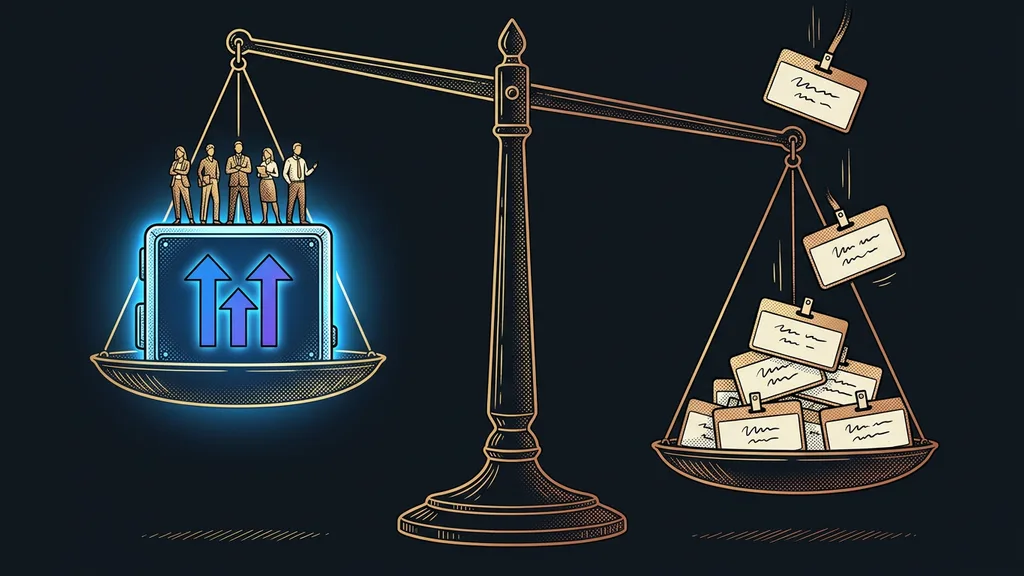
Assigning points to inquiries based on how likely they are to turn into a deal. For the score to carry any weight, the model has to learn from a large number of your company’s deals, both won and lost. Without them, the score is a well-dressed guess based on rules someone wrote by hand.
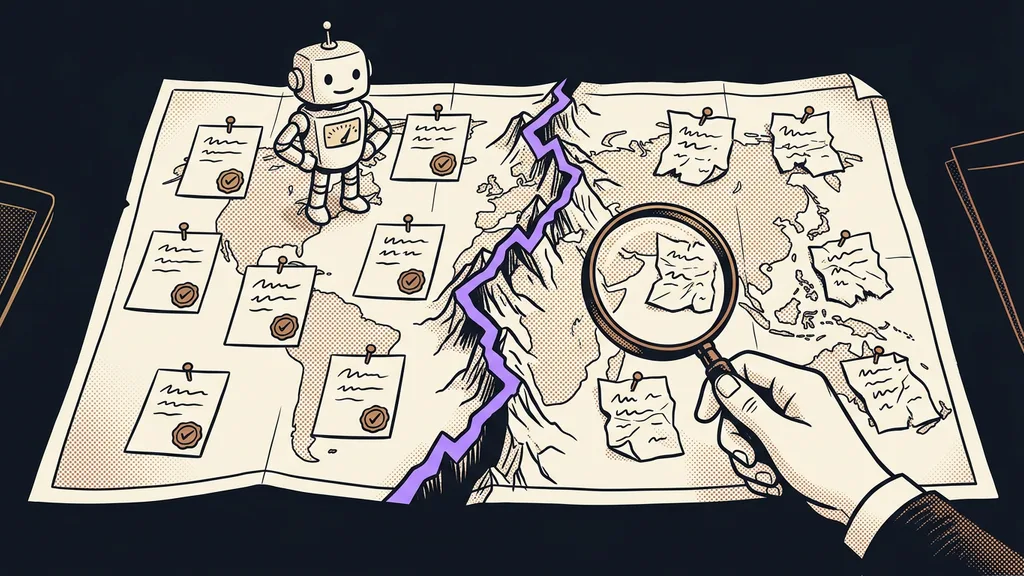
The second overrated area is cleanup. AI won’t straighten out a mess that’s already in your data. When half your people write call notes in a notepad and the other half in email, it has nothing to learn from. It gives you back what someone wrote down, just faster and in full sentences. The same goes for customer replies: reliability depends on the quality of the source material, not on which model runs underneath.
The one-minute self-test
Open the record of your most recent customer and try to tell, within a minute, where the deal stands and whose move it is. If you can’t, no AI will fix that for you. What’s missing is the record, not the intelligence.
Three questions that separate a feature from a label
During a demo, ask three things and write down the answers. They’ll weed out most of the promises faster than a free trial.
First: what does it draw on? A good vendor will show you the specific source the system answers from. Second: what happens when it isn’t sure? An assistant you can trust stops and asks instead of making up a number. And third: who lets it out the door? For anything headed to a customer, the final sign-off has to come from a person.
Those three answers tell you more about the system than an entire hour-long demo. A vendor who’s vague on all three and talks in generalities is selling you expectations, not a working feature. One who answers specifically and shows it right on your own data has earned the label.
Who an AI CRM isn’t worth it for
So who shouldn’t pay extra for AI in a CRM? If you get a few inquiries a month and handle all of them in person, you’ll save a few minutes at most and pay a monthly fee for them.
The second group is anyone who doesn’t yet keep proper records in their CRM. There, the purchase actually puts you in the red. First you have to get your record-keeping together, and only then does it make sense to build anything smart on top of it. The reverse order doesn’t work, and it wastes money twice over.
The whole difference in a nutshell
- AI in a CRM is a layer on top of the data already in the system, not a separate product.
- It really can reply first, summarize history, record data, and set up the system from a sentence.
- It’s overrated at predicting who will buy and at cleaning up scattered data.
- Three questions reveal the difference: what it draws on, what it does when unsure, and who lets it out the door.
- Without honest record-keeping, AI has nothing to draw on, so that’s exactly where you start.
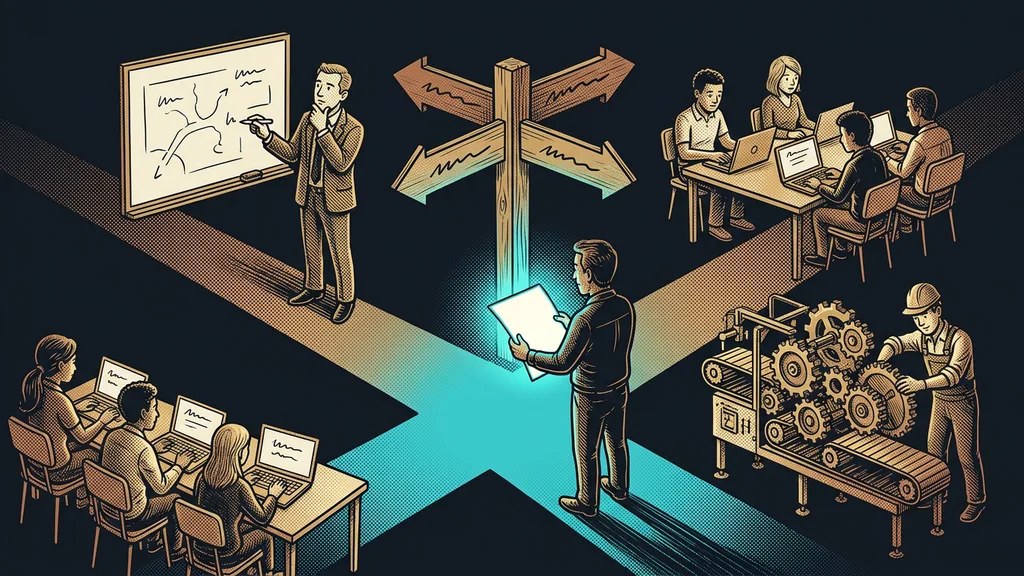
Let’s go back to those three offers on the table. Choosing between them based on who has the longer paragraph about AI makes no sense. It’s better to take your own latest deal and walk through it step by step. Wherever you retyped, waited, or forgot something, that’s where AI will take work off your plate. It won’t rescue a system nobody writes in. It will save time for the people who do.