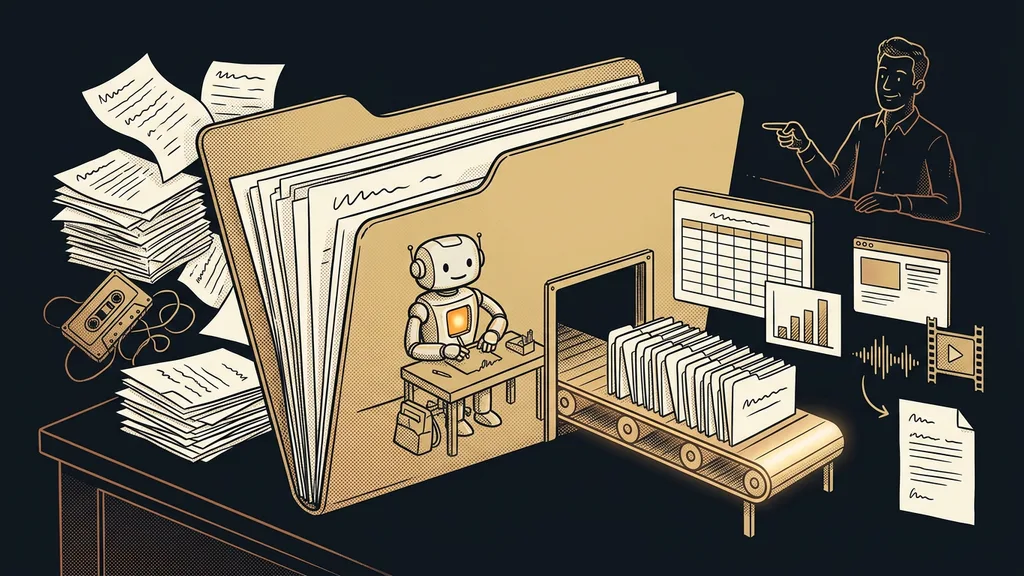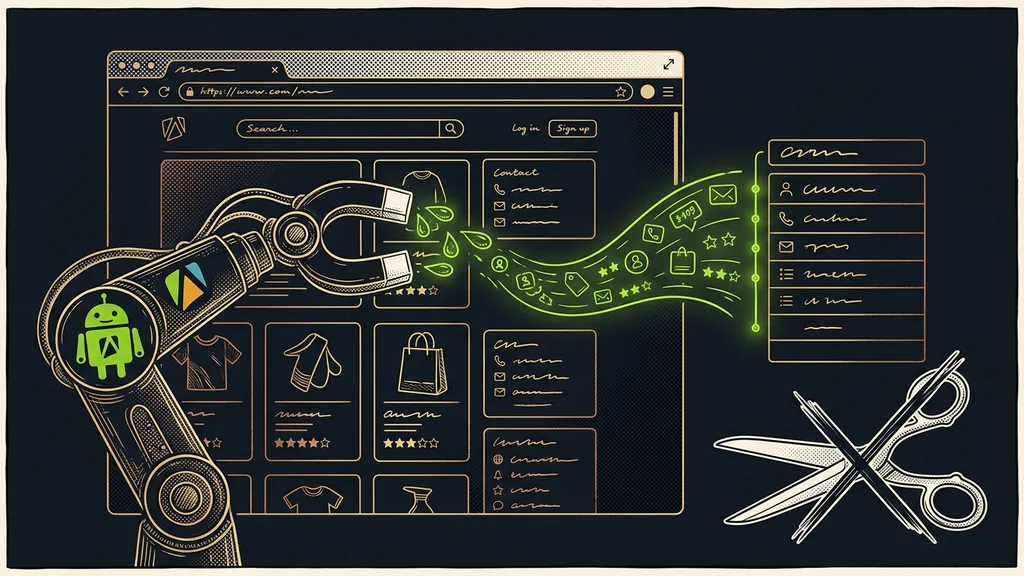
The data you need is almost always already on the web. It’s public, it’s arranged in rows and columns, and it’s only locked inside the visual form of the page. You look at a business directory and instantly see names, addresses, and phone numbers. In the same spot, a computer sees only a tangle of code. And until now, the only bridge between what you see and what you’d like to have in a spreadsheet has been you.
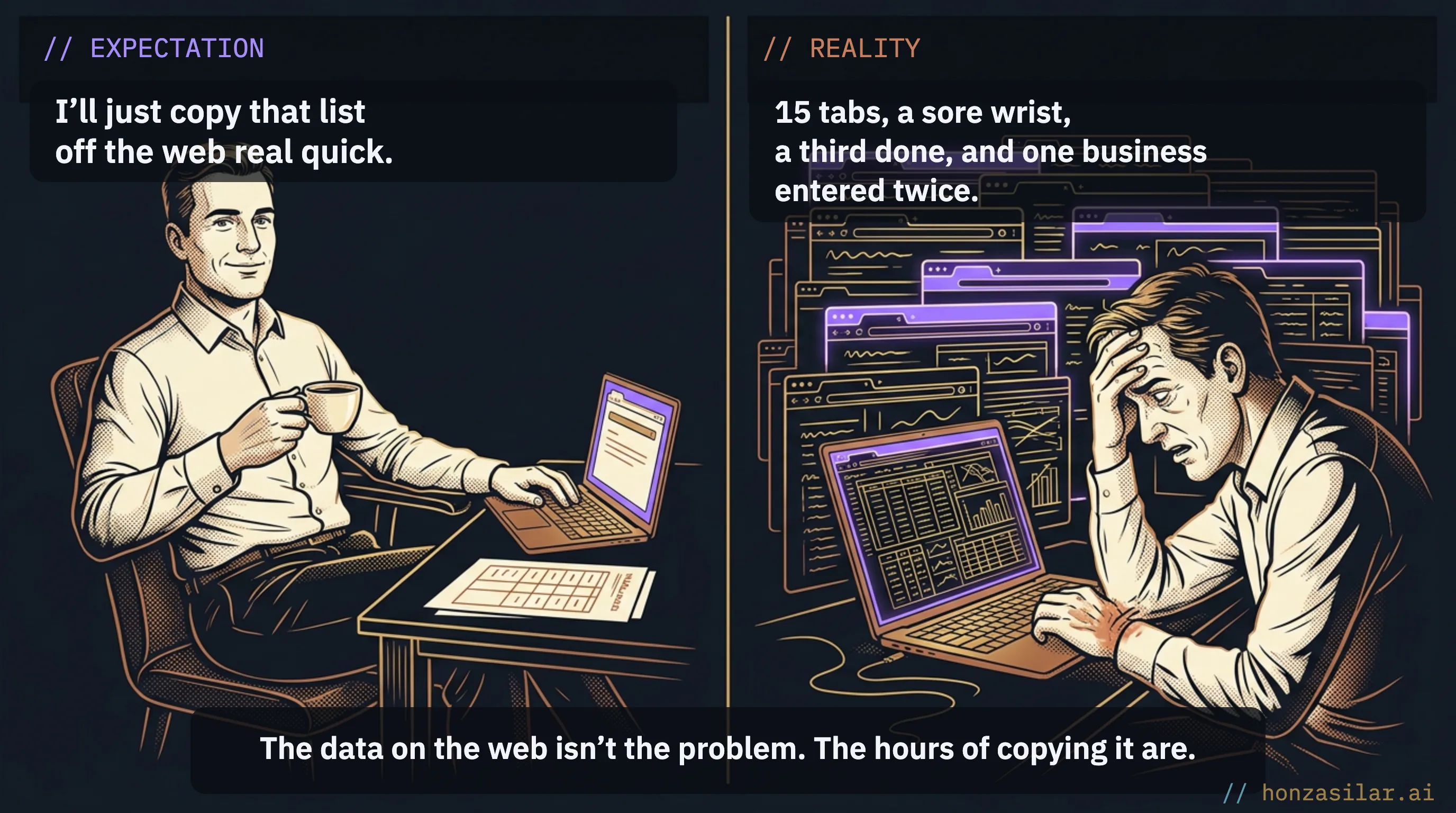
I’ve been through it too. When I needed to build a contact list or compare competitors’ prices, I spent whole evenings on it. Highlight a name, copy, switch windows, paste, next row. After an hour, my wrist hurt, I was barely a third of the way through, and I was no longer sure which business I’d already entered twice.
The problem is the bridge between the web and your spreadsheet

What makes this work so annoying is that you are the bridge: your eyes, your hand, your afternoon. And a manual bridge has three quiet costs. The afternoon that should have gone to clients. The mistakes that always creep into copying. And staleness: by the time you reach the end of the list, the beginning is out of date, because prices have moved and contacts have changed.
Web scraping
Web scraping is the automated collection of data from web pages into a structured form, most often a spreadsheet. The program goes through the page for you, recognizes its repeating structure (rows of businesses, product cards), and pulls out only the details you want. What you do with your eyes and your hand, it does reliably and without typos.
The real cost is the hours of your life you spend retyping web data by hand. The data itself is right there.
Ready-made tools instead of your own program
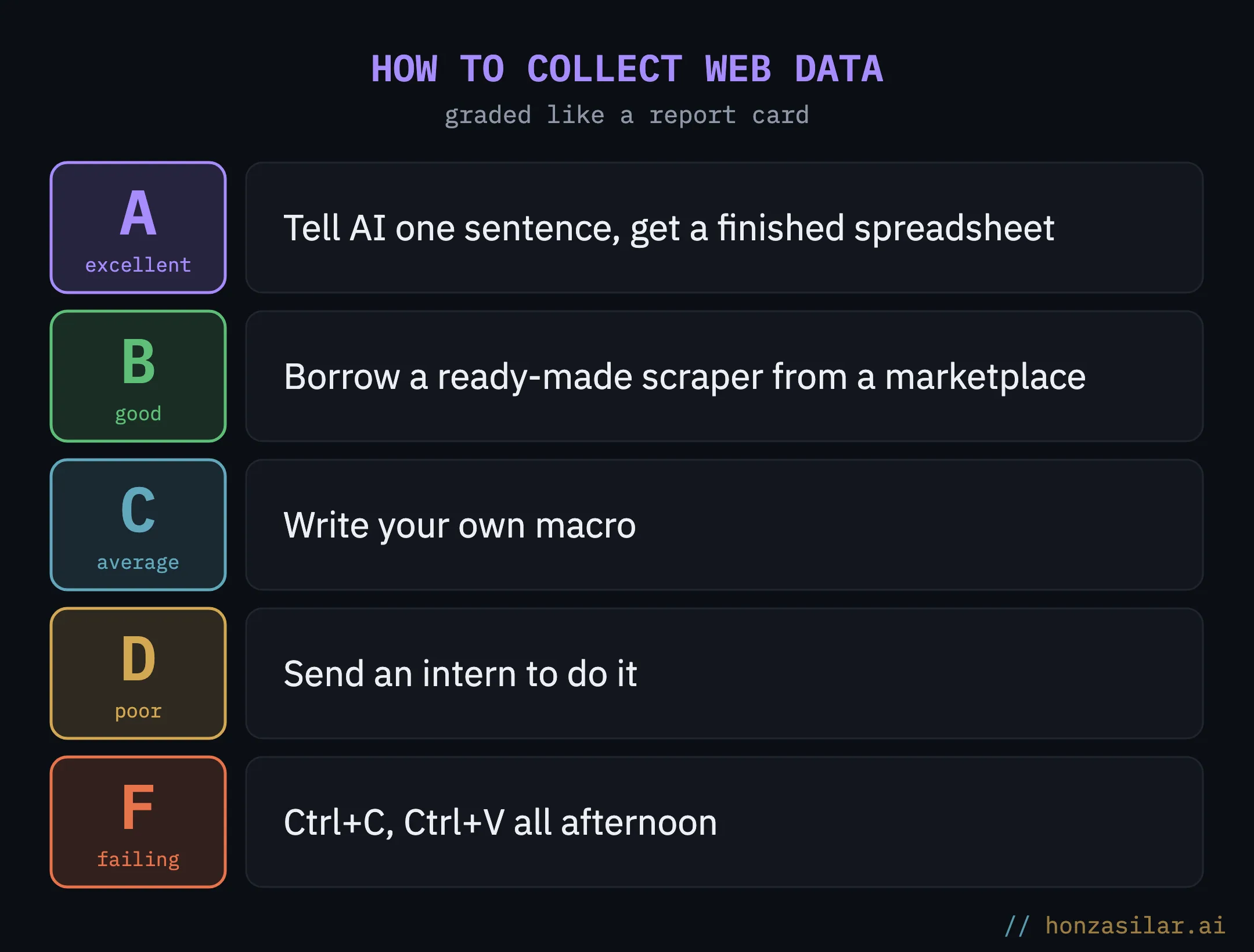
Good news right away: you don’t need to hire a programmer or build anything from scratch. There’s a whole marketplace of ready-made tools that can reliably pull data from a particular type of page. Someone programmed them, debugged them, and keeps them maintained, so they’re the ones vouching that the tools work, not you. You just borrow them.
Marketplace of ready-made scrapers
A catalog of prepared programs for collecting data from business directories, online stores, maps, and reviews. On the Apify platform, they’re called Actors. Instead of programming the data collection yourself, you pick a ready-made tool, run it, and it hands you the data. The one thing such a marketplace has always lacked is someone to pick the right tool among them and run it for you.
Three worries about collecting web data, and how it really is
What I built: one sentence in, a finished spreadsheet out

I connected my AI directly to this marketplace. It works like this: I tell it in a plain sentence what I need (contacts for businesses in a given field, prices from an online store, reviews of one particular place), and it takes care of the rest. First, it picks the right tool and checks in advance what the run will cost. Then it runs the tool and hands me the data already organized, every detail in its own column.
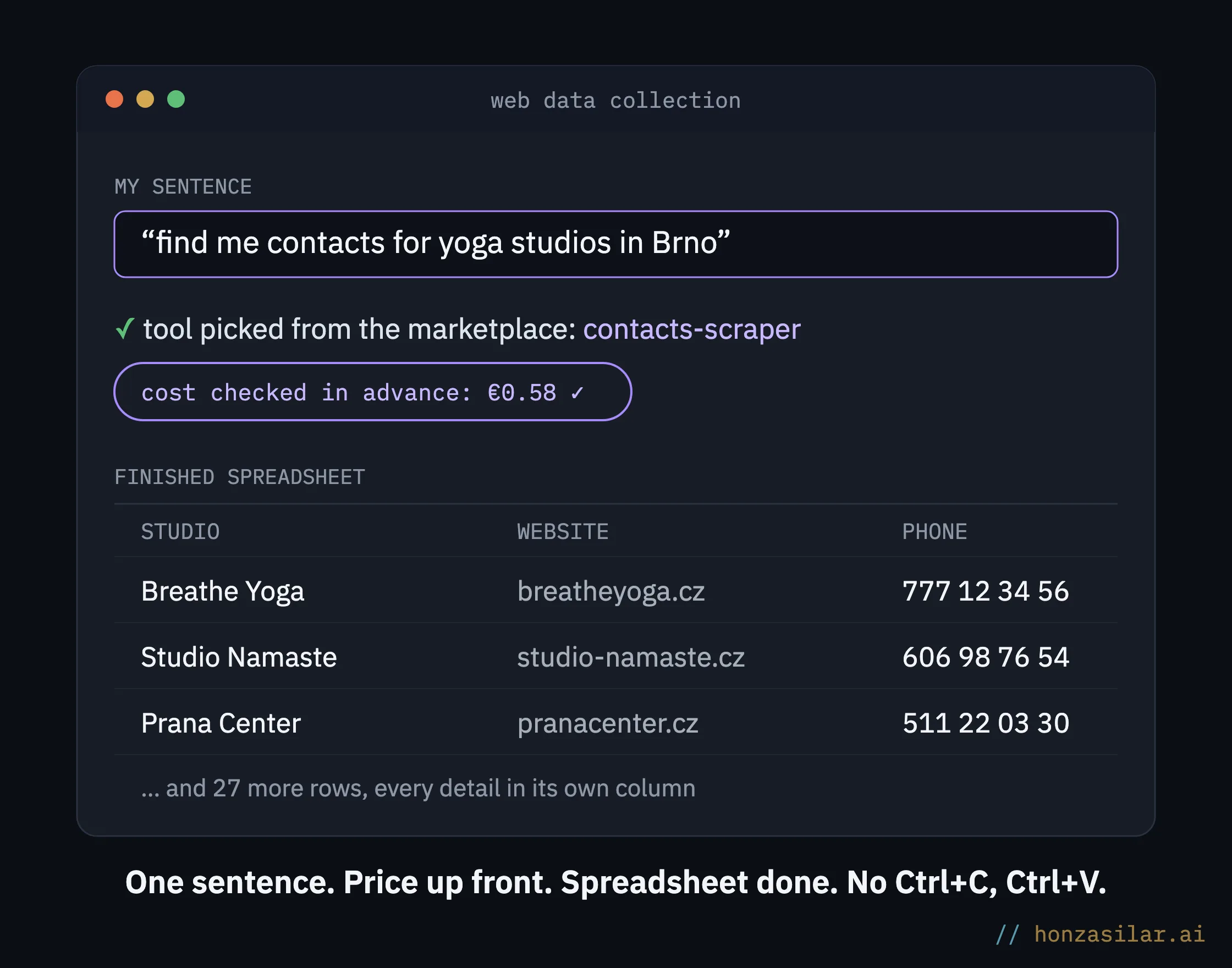
Let me show you with an example. I tell it: find me contacts for yoga studios in Brno. A few minutes later, I have a list of studios in a spreadsheet, complete with website, phone, and email, and I can start making calls right away or put together a price quote. It’s just as good at pulling competitors’ prices when I need to see where I stand, or reviews when I’m forming an opinion about someone. Anything visible on the web in a repeating structure lands in the spreadsheet in a few minutes instead of a whole afternoon. And from there, I either save the data to my company database or send out outreach emails straight away.
How long a list from the web takes
One-minute self-test
Think back to the last list you put together from the web by hand. Count the hours it ate up, and think about what you could have done instead: called clients, written a proposal. You can only spend that afternoon once. If you build lists like this repeatedly, you’ve got a hidden cost there that you’ll never see on any invoice.
Why it checks the price before the invoice arrives
This is the detail that makes me trust the app: it checks the cost of a run in advance, not after the fact on the bill. I decide with a number in front of me. It’s the same principle I build my data work in Google Workspace on: the system prepares everything, tells me what it involves, and only then acts. You can tell good automation by the way it keeps you at the helm instead of pushing you away from it.
It isn’t worth it for everyone, though. If you copy three contacts once a year, five minutes and a mouse are all you need. It pays off as soon as you build lists like this repeatedly or they’re longer than a few rows, because every row you type by hand is one more place to make a mistake or lose time.
Who collecting web data pays off for, and who not
Worth it
You put a list like this together repeatedly.
It’s longer than a few rows.
The data on the web changes often and goes stale fast.
Not worth it
You copy three contacts once a year.
You can handle a short list off the top of your head.
Five minutes and a mouse are enough.
The whole system in a nutshell
- The details I want are publicly visible on the web in a repeating structure.
- I tell AI in a plain sentence what I need: contacts, prices, reviews.
- It picks the right tool from the marketplace of ready-made scrapers.
- It checks the cost of the run in advance so nothing surprises me on the bill, and it lets me approve it.
- It runs the collection and hands me the data organized, every detail in its own column.
No magic under the hood: a marketplace of ready-made tools and, on top of it, AI that knows which one to reach for and what it’ll cost. Next time you block off an afternoon in your calendar to build a list, you’ll end up spending it where it earns you money, with clients. Close the fifteen browser tabs, and the spreadsheet fills up for you.