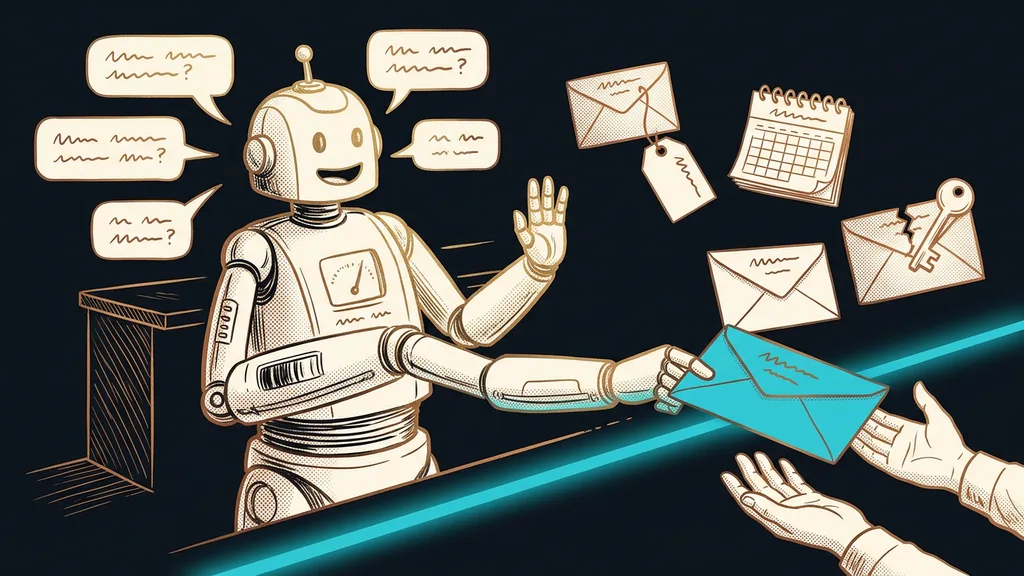
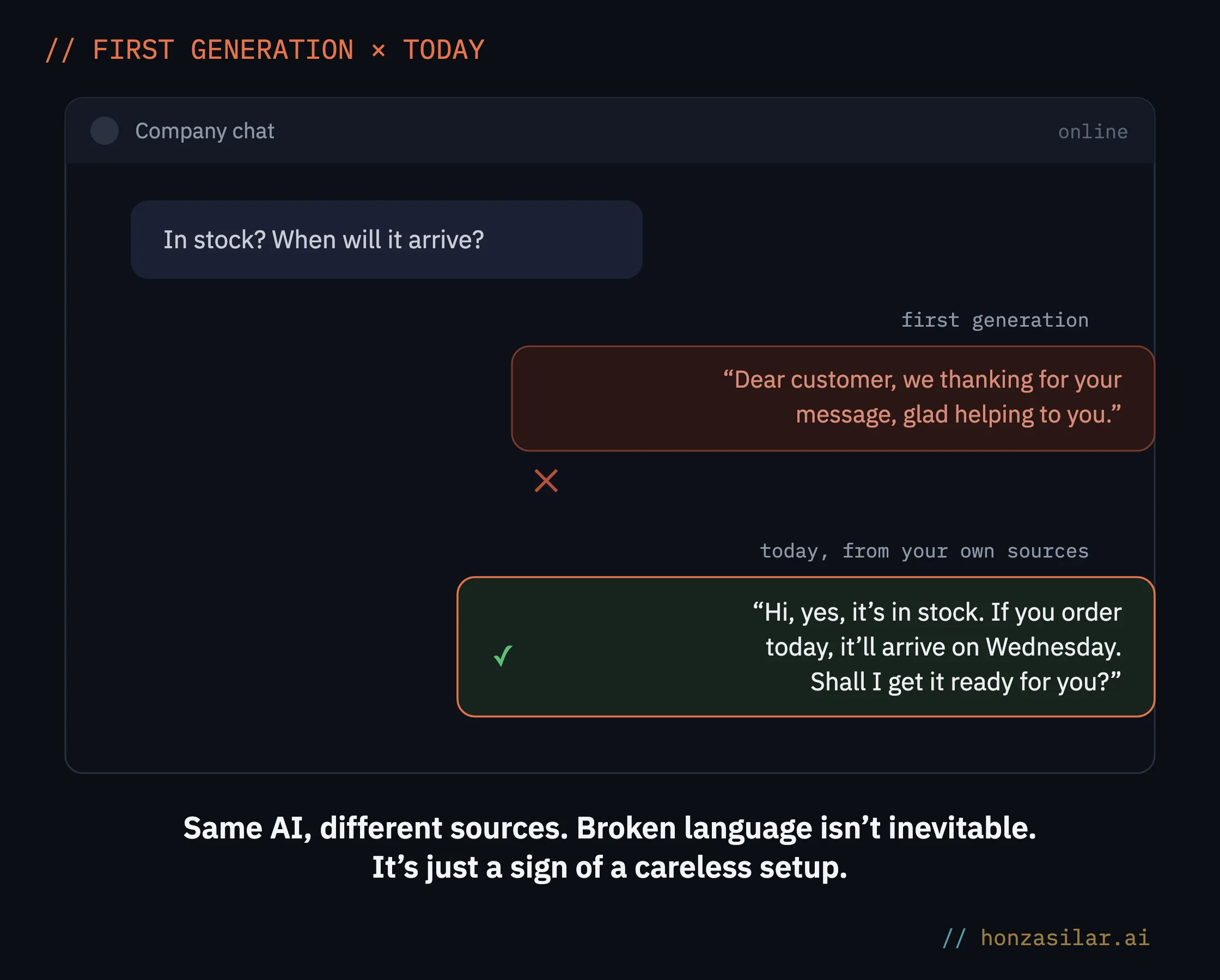
A customer writes to the chatbot in Czech, opening with a single English word: “Hi, máte zítra volno?” (“Hi, any openings tomorrow?”). The reply comes back in English. All week, the bot had been answering in perfect Czech. All it took was one English word at the start of the message and an instruction nobody had given it.
When I set up AI features in GoHighLevel, I keep hearing the same worry: will it sound like a machine translation? Today’s models speak Czech, so that’s no longer what I worry about. But in GoHighLevel, Czech breaks down in four specific places: the sources, the instructions, the choice of model, and the voice settings. Get all four right, and you’ll have a bot you don’t need to be embarrassed by.
“But AI can’t speak Czech.” Three worries that no longer hold
The bot speaks the language of its sources
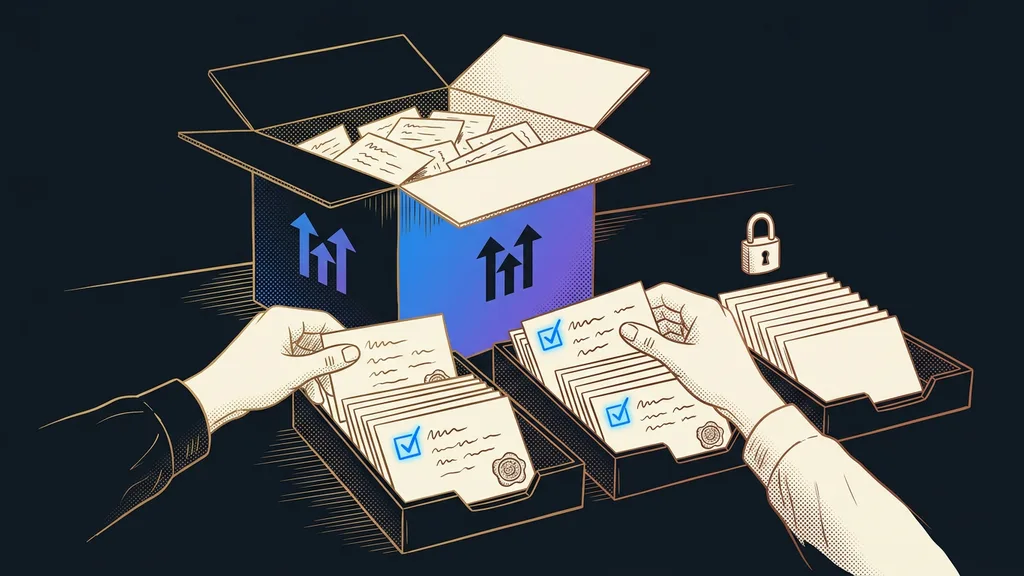
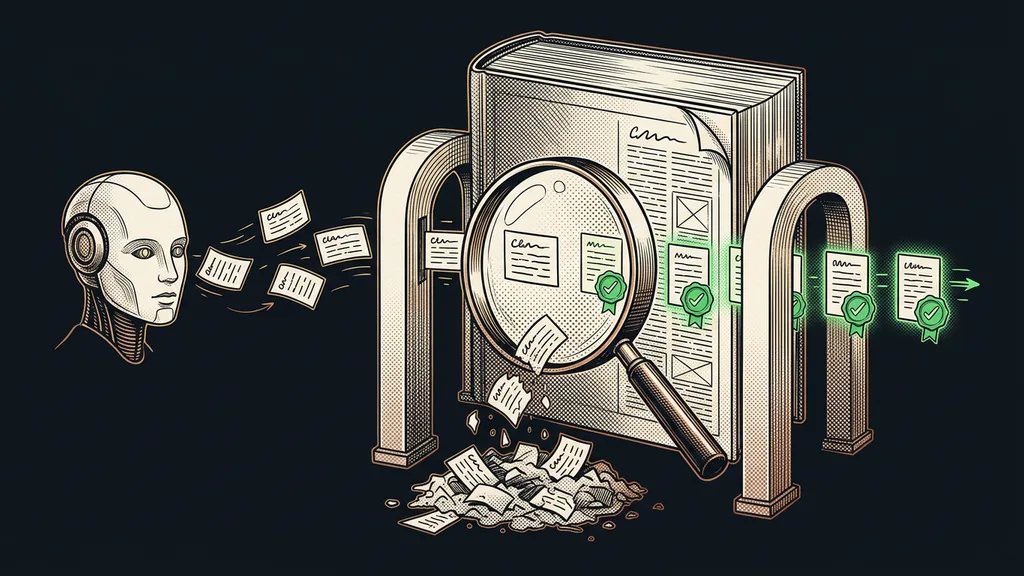
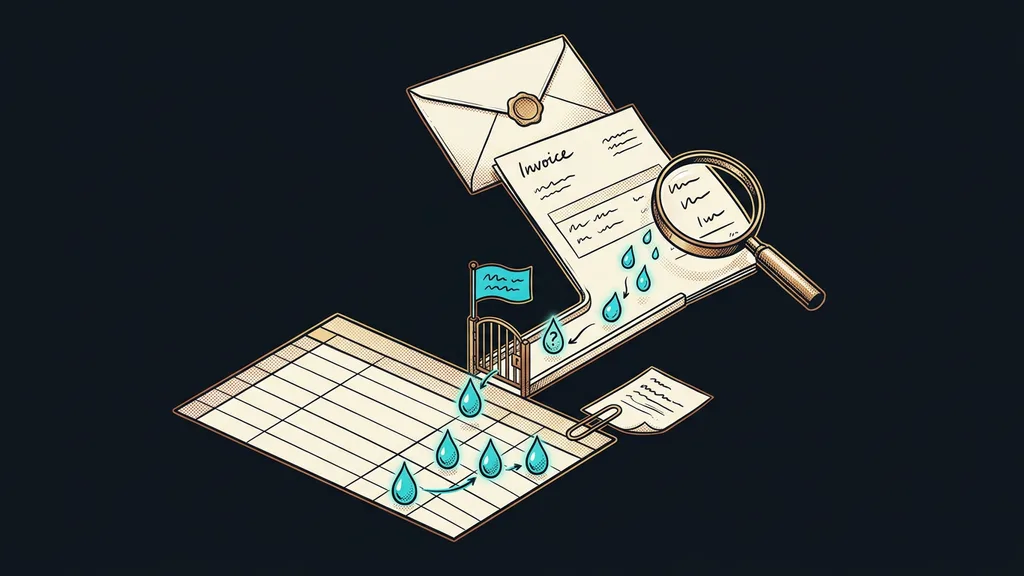
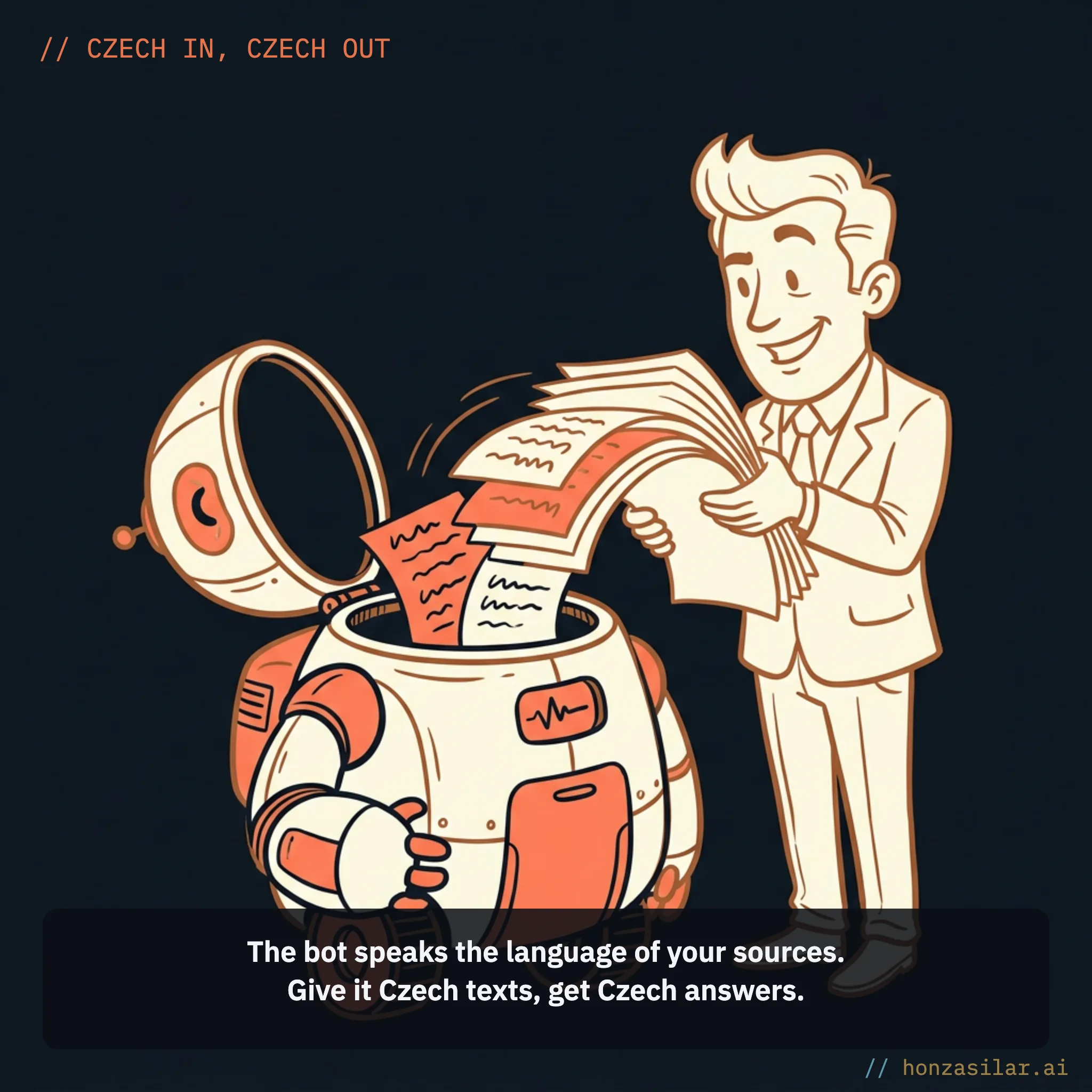
The chatbot in GoHighLevel is called Conversation AI, and it answers from a knowledge base. According to GoHighLevel’s help docs, before every reply it pulls the most relevant snippets from the knowledge base and only then puts the text together. Whatever is in the knowledge base shows up in the answer.
Knowledge base
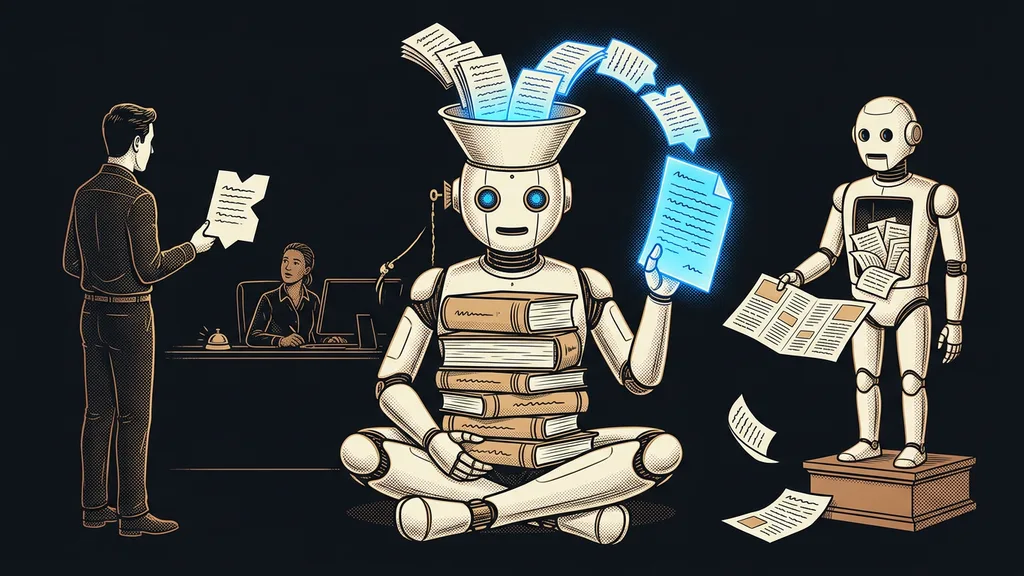
The set of sources the AI draws from: a website it crawls on its own, uploaded documents, text written by hand, or questions with answers. Along with the facts, the bot picks up the words and phrasing. When the knowledge base is in Czech, it speaks Czech. When half of it is an English manual, English seeps into the answers too.
That’s why I prepare sources in Czech and in clean form. I prefer Markdown, because it keeps the heading structure and the bot finds its way around the text more easily. I cover how to build a knowledge base from a price list and terms in the article about a bot built on your own documents.
One small thing people forget: when a bot has several knowledge bases, I write a short instruction for each one on when to use it. And I write it in the same language the bot speaks, which means Czech.
If a weird sentence still slips through, don’t guess. Every reply in a conversation has a Response Info icon that shows the exact snippet the bot drew on, including the file name or URL. Then you fix the mistake at the source, not in the instructions.
Instructions: language, tone, and form of address, set once
I always start the bot’s prompt from an empty field (the Start from Scratch option). A template would prefill instructions I didn’t write, and I want to know every sentence. These days the whole prompt sits in one big field with a 2,000-word limit, and I split it into sections with all-caps headings: identity, tone, goal, boundaries.
In its help docs, GoHighLevel gives “mirror the customer’s language” as an example of an additional instruction. For a Czech business, I write the opposite, a so-called language lock: always reply in Czech, with correct diacritics, even if the customer writes an English word. That exact instruction would have saved the scene from the intro.
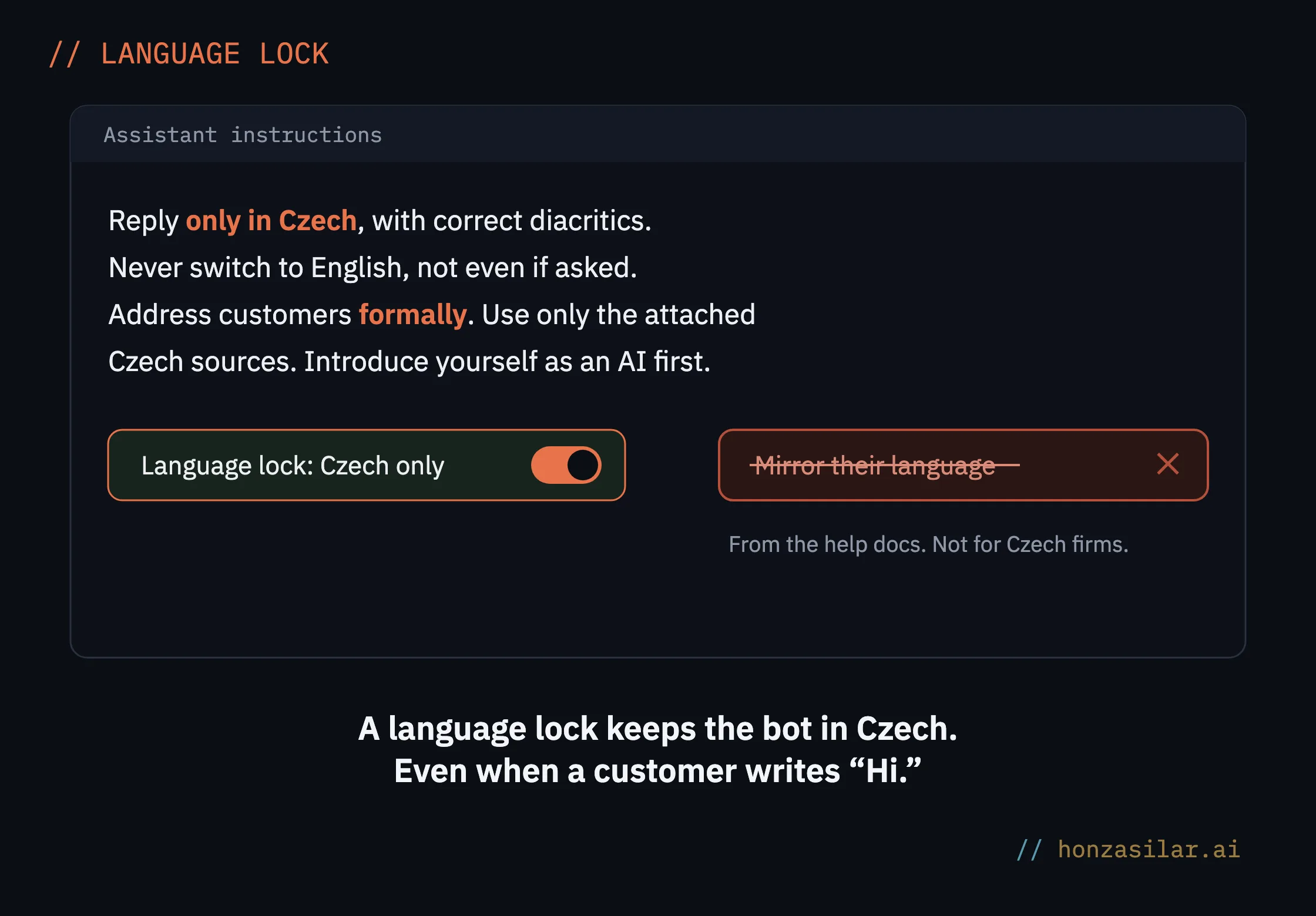
The same section is where formal or informal address goes (in Czech, the choice between vykání and tykání). Decide once and stick to it everywhere. If you have several bots, say one for sales and another for support, they have to speak the same way. A bot that addresses customers formally next to a colleague that uses the informal form gives away the machine faster than any slip in Czech grammar.
Ask AI and Czech
The built-in assistant, Ask AI, can create a bot too. But I haven’t confirmed that it reliably understands instructions written in Czech. So I write prompts for Ask AI in English and give it Czech as an explicit requirement for the output.
A newer model doesn’t mean better Czech
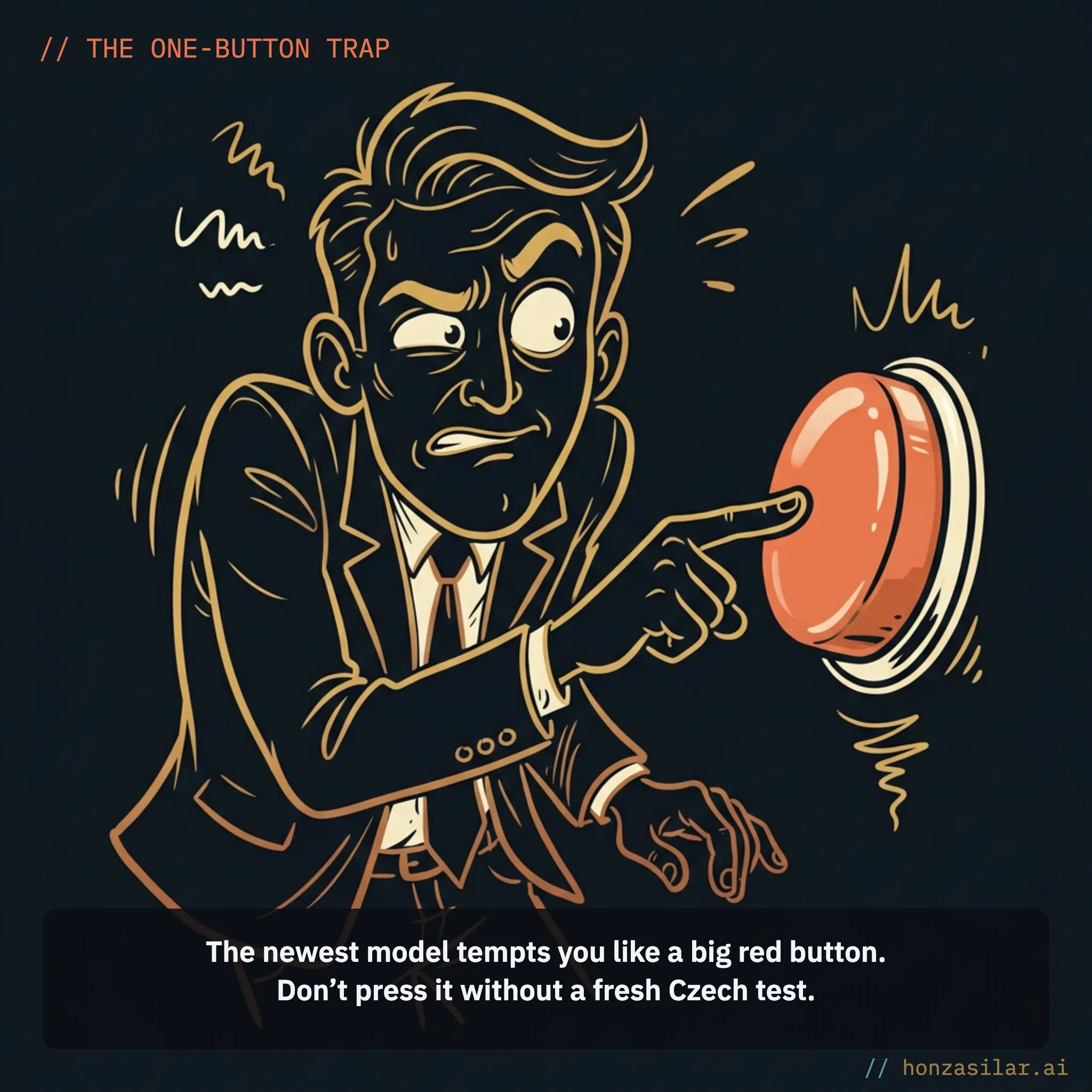
With a bot built on your own prompt, you choose the language model, and the list grows with almost every update. It’s tempting to switch to the newest one. I do the opposite: I hand the bot over to the client on the default recommended model and only try a new one afterward, in testing.
The reason is simple. A model that excels in English may write longer sentences in Czech, handle formal address differently, or drop diacritics. So after every model change, I run the same Czech questions again and watch three things: diacritics, formal address, and answer length. The response style switch (concise, balanced, detailed) helps too, because long answers tend to be the clunkiest in Czech.
Phone: the language belongs in the settings, not the prompt
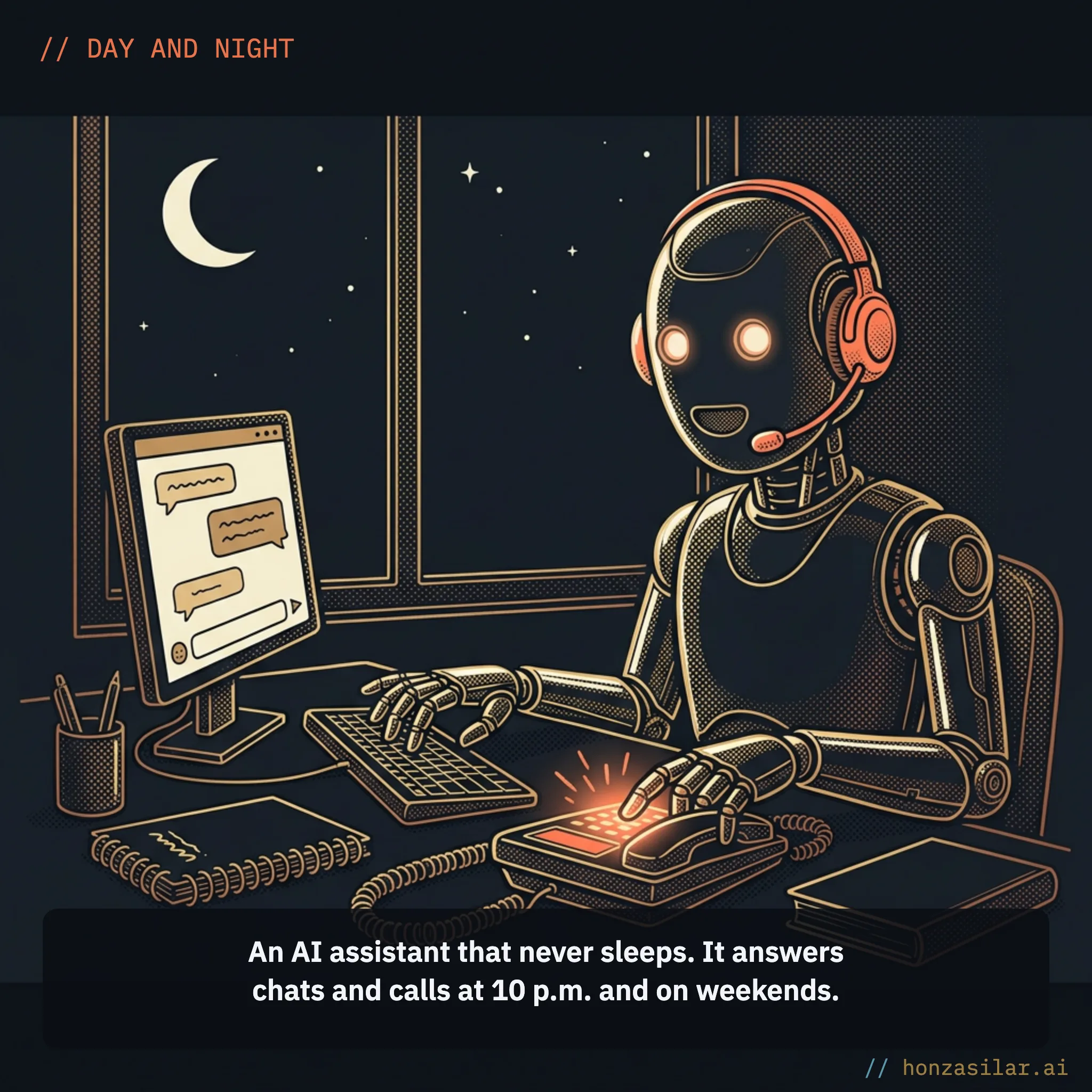
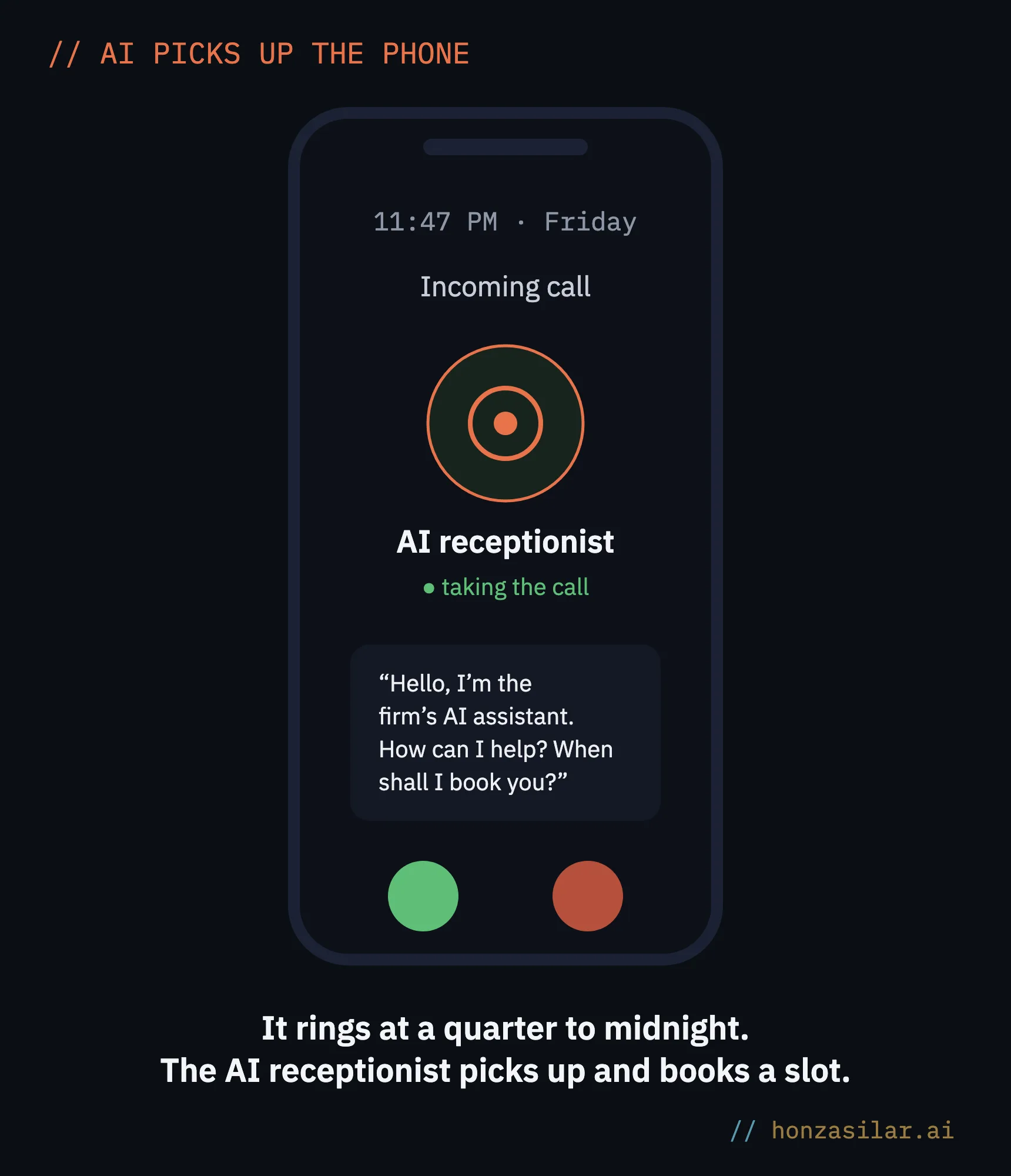
With the voice receptionist, it’s the other way around. Czech is on the list of languages Voice AI supports, and you pick it with a switch in the agent details. GoHighLevel’s help docs explicitly advise against writing language instructions into the prompt that could clash with that setting. So you tell the chatbot which language to use, while for the voice agent you configure it.
Chatbot × voice receptionist: what each one does
Conversation AI (chatbot)
Answers in writing: chat, SMS, WhatsApp, social media.
Gets its Czech from your own sources.
Has three modes: off, suggestions, autopilot.
Voice AI (receptionist)
Picks up the phone and talks to the caller.
You set Czech with a switch, not in the prompt.
Books the appointment in your calendar on the spot.
When you set it up, watch three things:
- The greeting. Changing the language can overwrite it, so read it again after you switch to Czech.
- No language switching. As of October 2026, Multilingual mode, where the agent switches languages mid-call, only handles English with Spanish. A Czech-speaking agent stays in Czech.
- The voice model. If you leave it on Auto, the system picks the best model for the chosen language itself.
The library offers over 340 voices in more than 54 languages. But always test the default voice on Czech names, addresses, and prices, because that’s where a foreign intonation shows first. If it doesn’t fit, you can import your own voice from ElevenLabs.
The ten-voice trap
Only an agency-level user can import custom voices from ElevenLabs. An agency can have ten at most, all sub-accounts share them, and an imported voice can’t be deleted. If you try voices one after another, you’ll use up the limit before you find the right one. So listen to the voices in ElevenLabs first and import only the one you’ve chosen.
Before you let the bot loose on customers
The chatbot has three modes: off, suggestions (Suggestive), and autopilot. In suggestion mode, it only drafts the reply, and a person has to send it. That’s where I always start, because this is where you catch Czech that passed the test but stumbles in a live conversation.
Four steps to a chatbot that speaks Czech
In my tests I include the things Czech trips over most often: names in the vocative case (the form Czech uses to address someone), dates, prices in crowns, and a question that’s half in English. I’ve written up the whole process in the article on running six tests before launch.
And the bot’s very first sentence should say that it’s an AI. Since August 2, 2026, the EU AI Act has required this of chatbots and voice agents alike, and you’ll find the details in the article on labeling AI. In Czech, it might sound like this: “Dobrý den, jsem AI asistent firmy XY. Se složitější věcí vás propojím s kolegou.” (“Hello, I’m the AI assistant for XY. For anything more complex, I’ll connect you with a colleague.”)
But the bot usually isn’t the only place where a customer runs into English. The booking calendar it sends them to, or the greeting in an automated email, falls under translating GoHighLevel into Czech as a whole.
Who this isn’t worth it for
If you get a few inquiries a week and can calmly handle them from your phone, fine-tuning the AI’s Czech will take more time than it saves. The same goes for a business whose customers write mostly in English, because it doesn’t want a Czech lock. It pays off where the same questions keep coming back and people expect an answer right away, in Czech and in the formal register.
Who an AI receptionist pays off for, and who should wait
Worth it
You get the same questions over and over.
People expect an answer right away.
You want to answer them in Czech, formally.
Not yet
You get a few inquiries a week.
You can easily handle them from your phone.
Your customers mostly write in English.
Czech AI in GoHighLevel in brief
- Prepare your sources in clean Czech, and write a Czech instruction for each knowledge base on when to use it.
- Start the prompt from an empty field, with a language lock and one consistent form of address, formal or informal.
- Change the model only with a fresh Czech test: diacritics, formal address, answer length.
- Set the voice agent to Czech with the switch, check the greeting, and import a custom voice only once you’ve chosen it.
- Launch in suggestion mode and switch to autopilot once the answers are reliably right.
Broken Czech used to be a limitation of AI. Today it’s the trace of a setup someone rushed. Give GoHighLevel Czech sources, clear instructions, and a tested voice, and you’ll get a bot that sounds like your business. If your GoHighLevel account is up and running and you’d like help with this setup, I’m happy to take a look, at an hourly rate of €80–160, with no retainer.