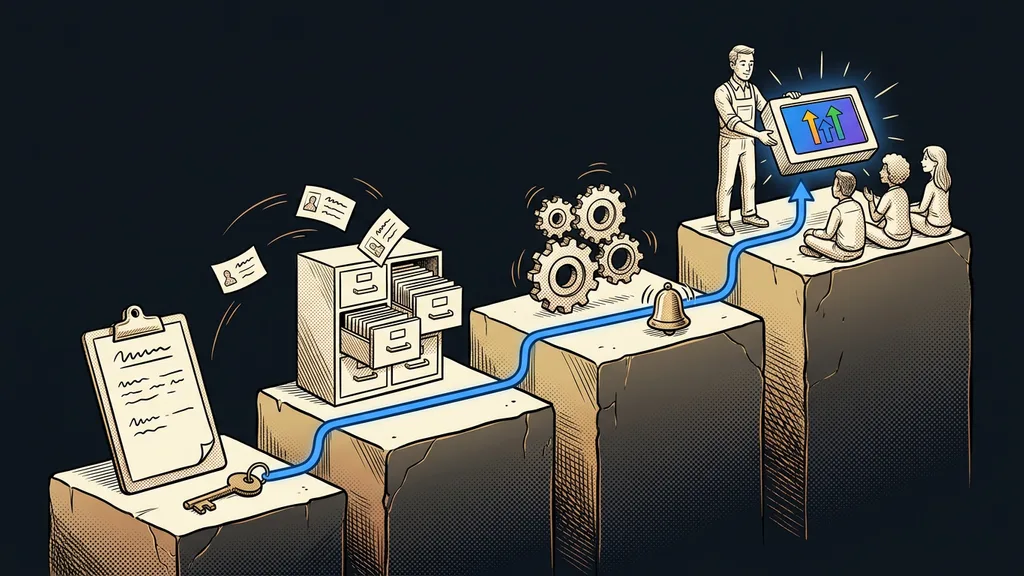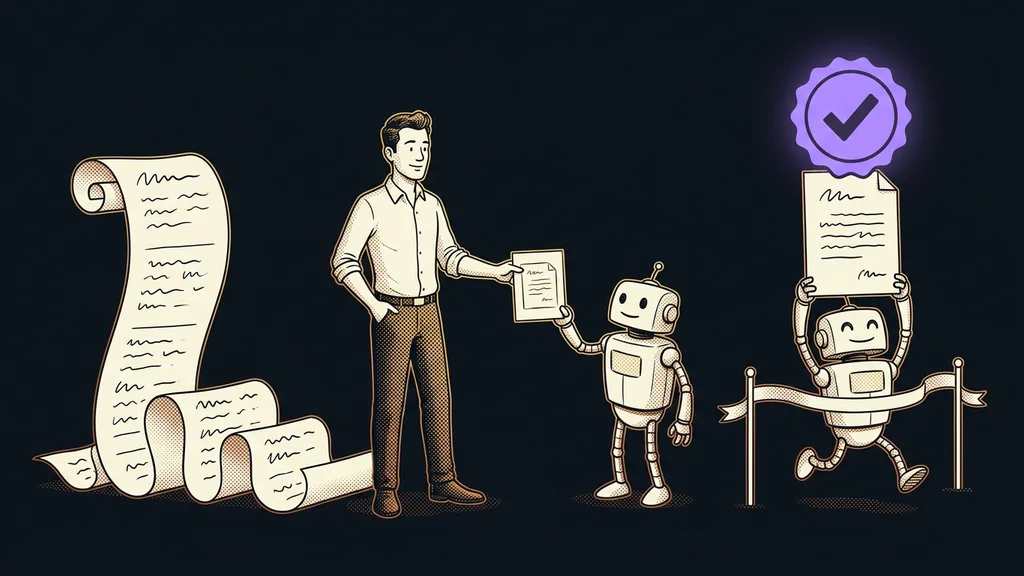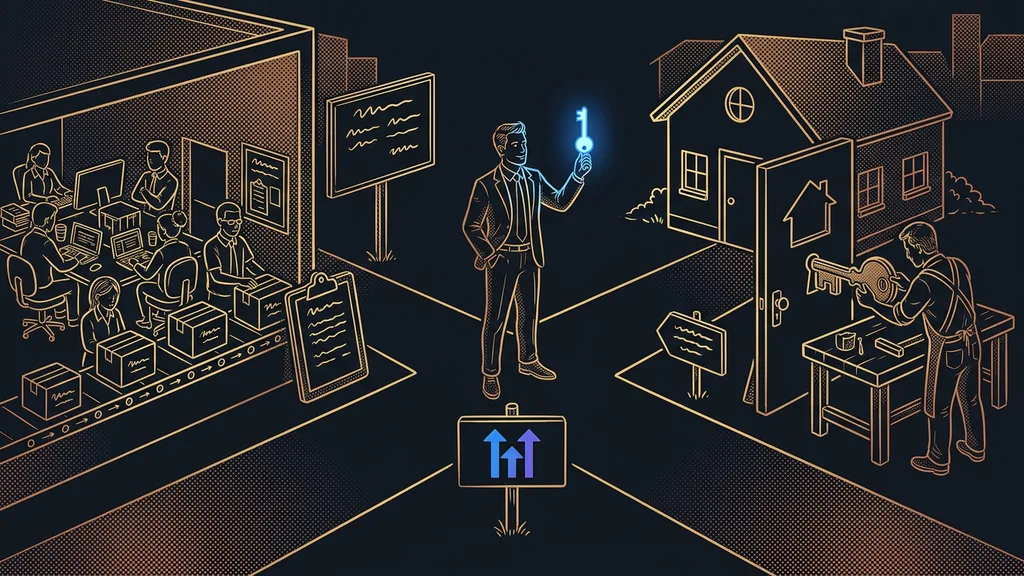
Most inquiries arrive outside business hours. They come in the evening, on weekends, over lunch, whenever the customer has time, not you. And a ruthless rule applies: whoever answers first usually wins the job. A message that goes cold by morning is almost always a job for the competition.
In the businesses I set up CRMs for, I see the same thing over and over. The owner opens the inbox in the morning and finds ten questions from the night before. They dutifully answer them all by nine, but half of those people have meanwhile written to someone else as well and got an answer right away. The faster business won, not the better one.
The costliest loss is the one you never see
The worst part is that you won’t find this loss anywhere. A customer who didn’t wait won’t write to tell you “I’m going to your competitor.” They just disappear. And since no report has a column for “how many people gave up last night,” you can spend years believing you aren’t losing anyone.
For a long time, a small business couldn’t do anything about it. Nobody hires a night shift for a few evening messages, and a “we’ll get back to you within 24 hours” notice won’t keep anyone around. All it says is: nobody has time for you right now.
Conversation AI: a chatbot that knows your business
The solution I set up for clients is called Conversation AI, and it’s part of the GoHighLevel platform. It has nothing in common with the old-school chatbots that knew three memorized sentences and answered the fourth with “I didn’t understand.” This one learns from your own materials.
Conversation AI
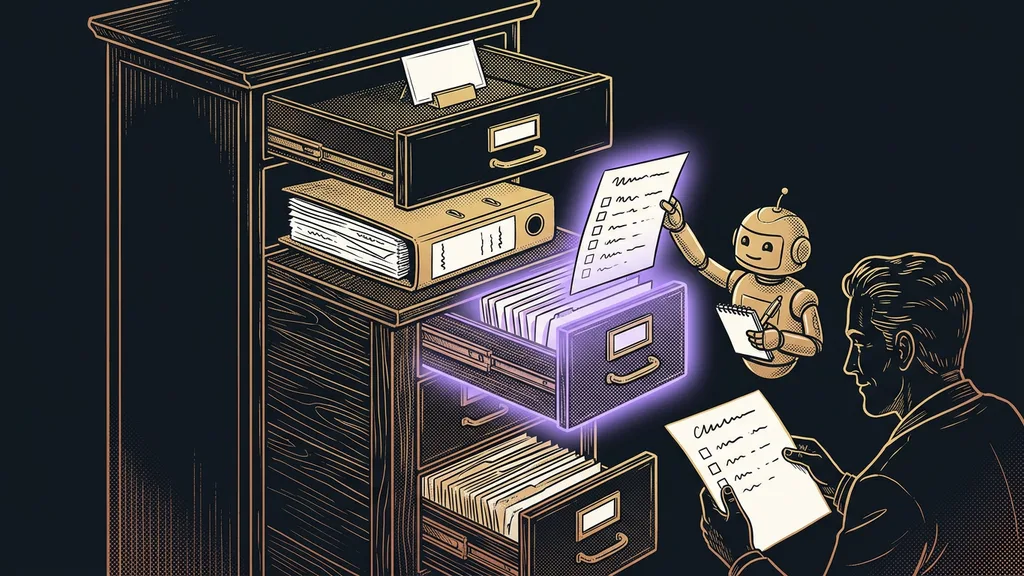
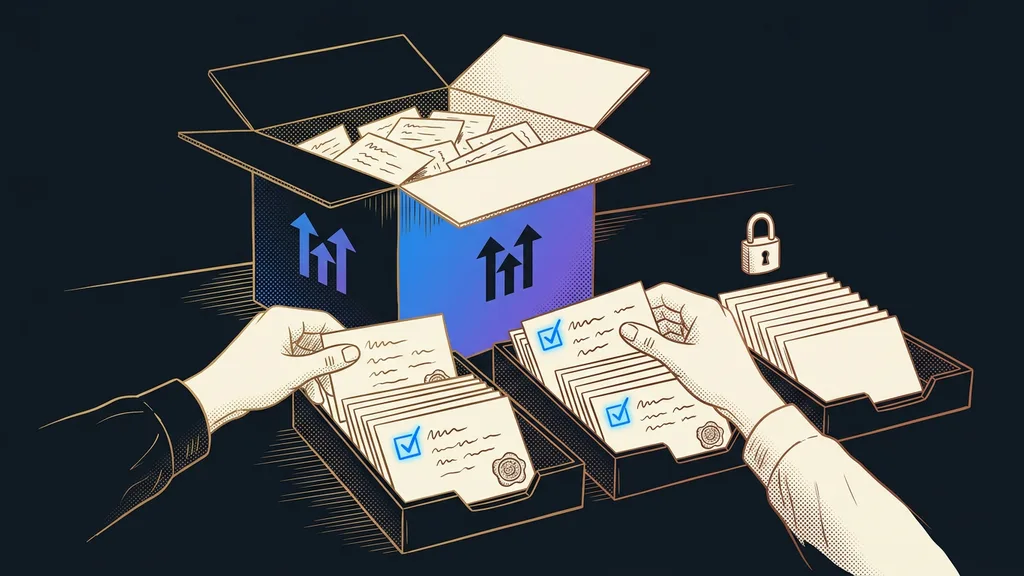
A chatbot built into the GoHighLevel platform that learns from a specific business’s materials instead of generic phrases: its website, price list, Word documents, and FAQ list. So it answers on behalf of your business rather than as an anonymous robot, knowing your prices, availability, and processes. The better you feed it, the more accurately it speaks for you.
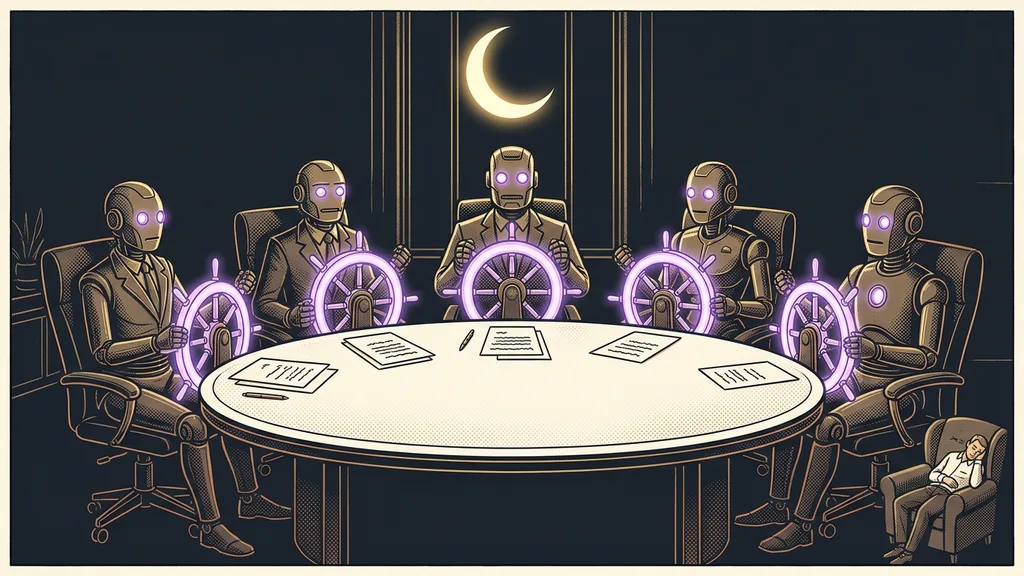
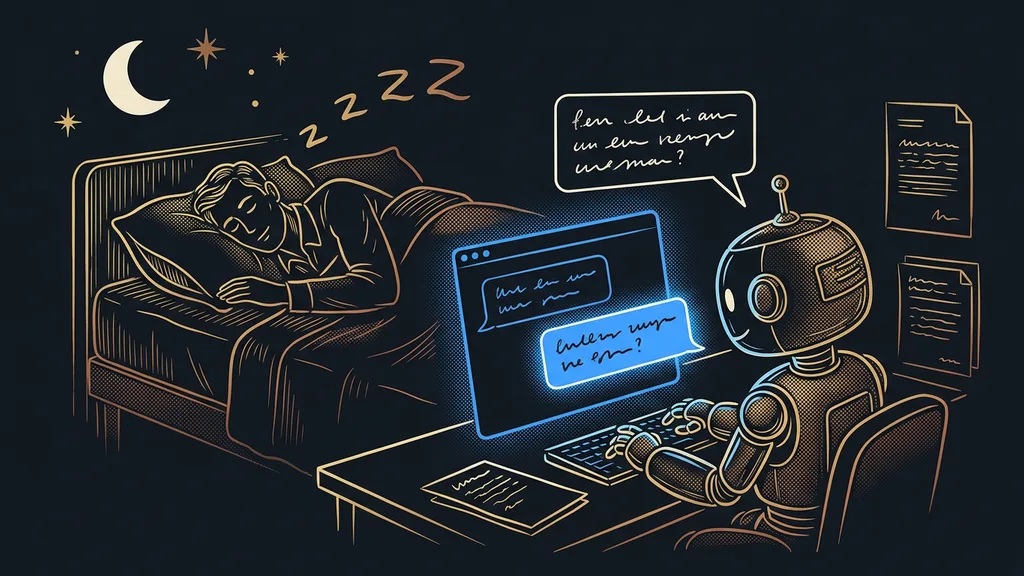
“You can sleep. All it takes is a system that stays awake and knows your prices, your services, and the open slots in your calendar.”
That’s also where its advantage comes from: it doesn’t go out of date. When you change your price list or add a service, you update the chatbot’s knowledge base, and from that second on it answers according to the new version. There are no scripts to rewrite.
One brain across every channel
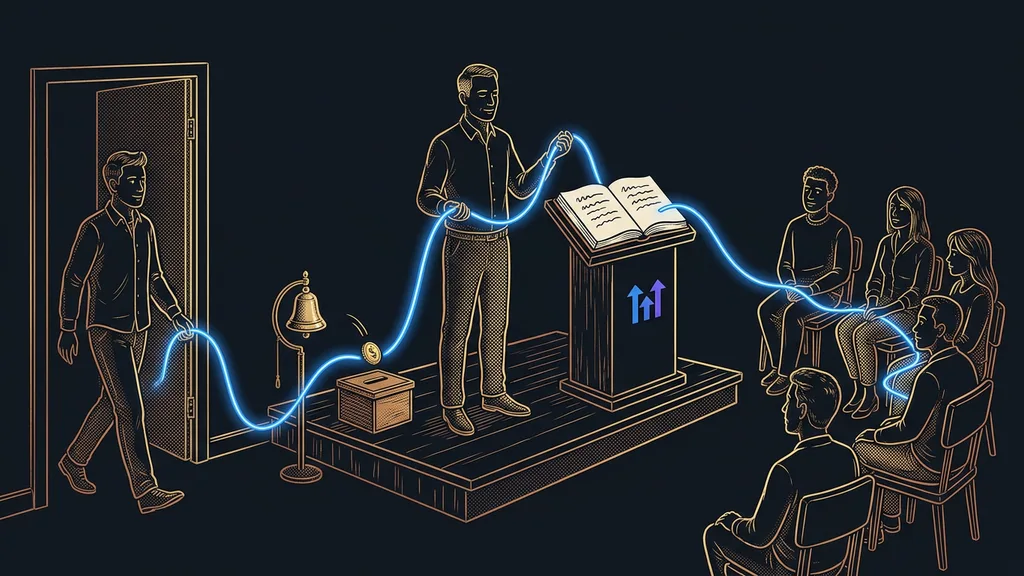
You train the bot once, and it works everywhere your customers write to you today:
- It answers on every channel: website chat, SMS, email, Facebook Messenger, Instagram DMs, WhatsApp, and the chat on your Google Business Profile.
- It speaks Czech: it recognizes the language from the first message and answers very well; the only condition is that the materials it learned from are in Czech too.
- It understands voice messages: it transcribes an incoming WhatsApp voice message into text and can reply with a voice message of its own.
What it can’t reach is a regular phone call. That one goes to a voice receptionist that picks up every call, but that’s a topic of its own.
First it suggests replies, then it runs on its own
You never let the bot go live on day one. At first it runs in Suggestive mode, and you switch it to autopilot only once its suggestions are reliably on target.
Suggestive mode
The phase when you still run the conversation and the bot only drafts a suggested reply to each message, then waits to see whether you send it. The technical term is “human in the loop”: the machine prepares, a person confirms. You keep training it this way for a week, and the decision about when it’s ready to run on its own stays with you.
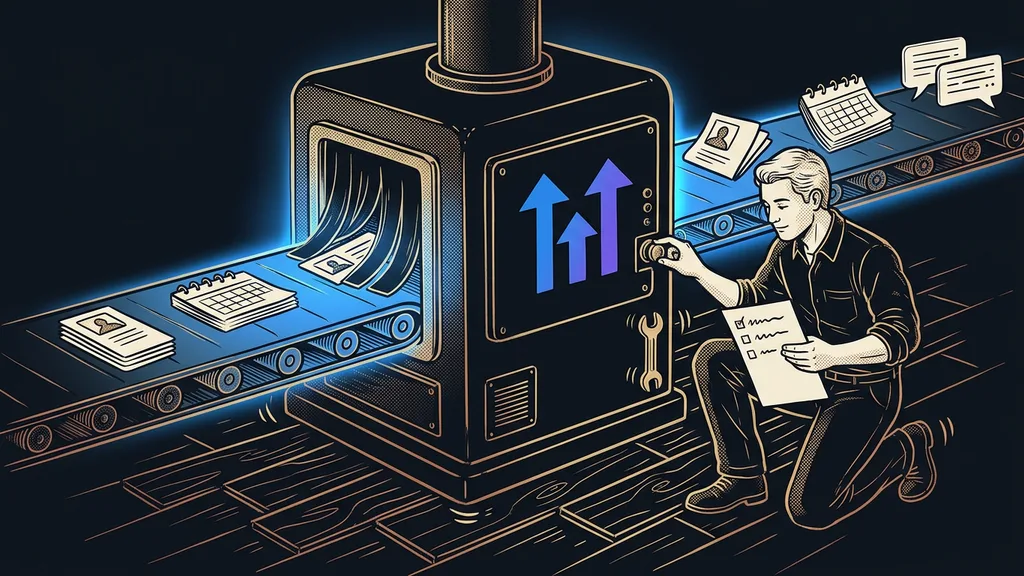
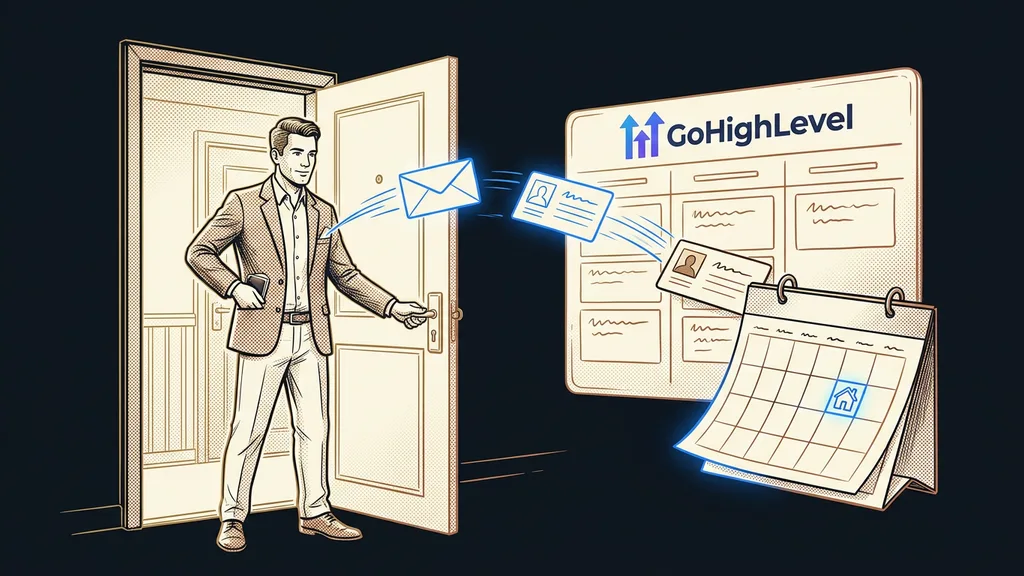
That’s how AI prepares my own WhatsApp replies: the machine writes, a human gives the nod. And then comes the best part. The bot can take the conversation all the way to a booked meeting: when a customer wants an appointment, it offers open times from a booking calendar connected to the CRM, books the meeting, creates the contact, and starts the reminders. So the appointment actually happens.
In practice
Here’s a conversation the bot can handle on its own while you sleep:
Customer: “Good evening, how much is a deep clean for a sofa?”
Bot, from your price list: “A two-seater comes to €53, pickup included. Would you like to pick a time right away?”
Customer: “Yes, this week would be great.”
Bot: “I have Thursday at 3 p.m. open. Does that work for you?”
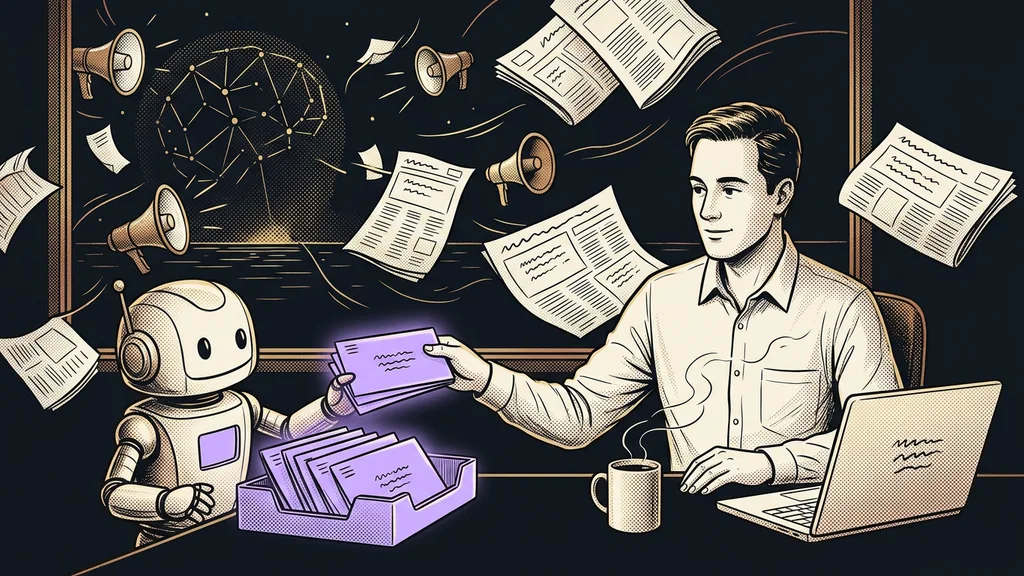
In the morning, instead of a pile of unanswered messages, you find a booked appointment in your calendar and a transcript of the whole conversation.
What to watch for when deploying in Czech
You create the bot right in the platform, in the AI Agents section: you choose its job (answering questions, or booking appointments outright), upload your materials, write instructions, and check off the channels. If you’re not sure where things are set up, let the Ask AI assistant guide you; just describe what you want.
For a Czech deployment, watch two small things. The instructions need a language lock: an explicit instruction for the bot to reply only in Czech, with proper diacritics, and to address customers with the formal “Vy” or the informal “ty,” depending on your brand. And resist the button that automatically improves your instructions; it would rewrite them in English.
You pay for usage from a prepaid wallet, and lower volumes come to roughly €12–20 a month. The AI Employee Unlimited flat fee of $97 a month only pays off at high volume, from around 5,000 messages. And count on one obligation: since August 2, 2026, the EU AI Act requires a chatbot to disclose that it’s AI. I recommend not waiting and disclosing it right in the welcome message; if anything, it helps trust.
Who it doesn’t pay off for
I’ll say up front when not to go for it. If you get a few messages a month and handle them easily off the top of your head, a chatbot will be like a doorman at a door only a handful of people walk through each month. Feeding it takes more work than it saves. And if your customers mostly call rather than write, you’re better off with voice AI on the phone than with chat. Conversation AI takes off where lots of messages come in across several channels.
The whole system in a nutshell
- You feed the chatbot your website, price list, and FAQs, and it learns to speak for your business.
- You check off the channels (website, WhatsApp, Instagram, email…) and set the language lock to Czech.
- For a few days it runs in Suggestive mode: you approve its draft replies until they’re reliably on target.
- You switch it to autopilot; it answers on its own and offers prospects an open slot right away.
- It books the meeting in your calendar, creates the contact, and starts the reminders. You read the transcript in the morning.
Business hours are no longer the line past which customers run off to your competitors. Only one thing matters: whether a person has an answer in hand the moment they ask. And from now on, a system that knows your prices and open slots takes care of that. Over your morning coffee, you read the transcript and find a new meeting in your calendar.