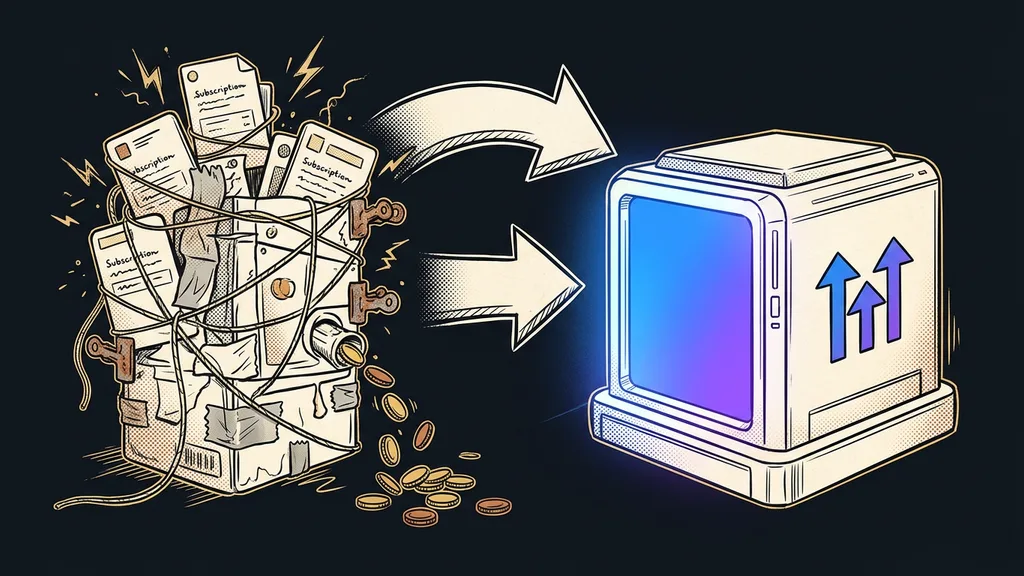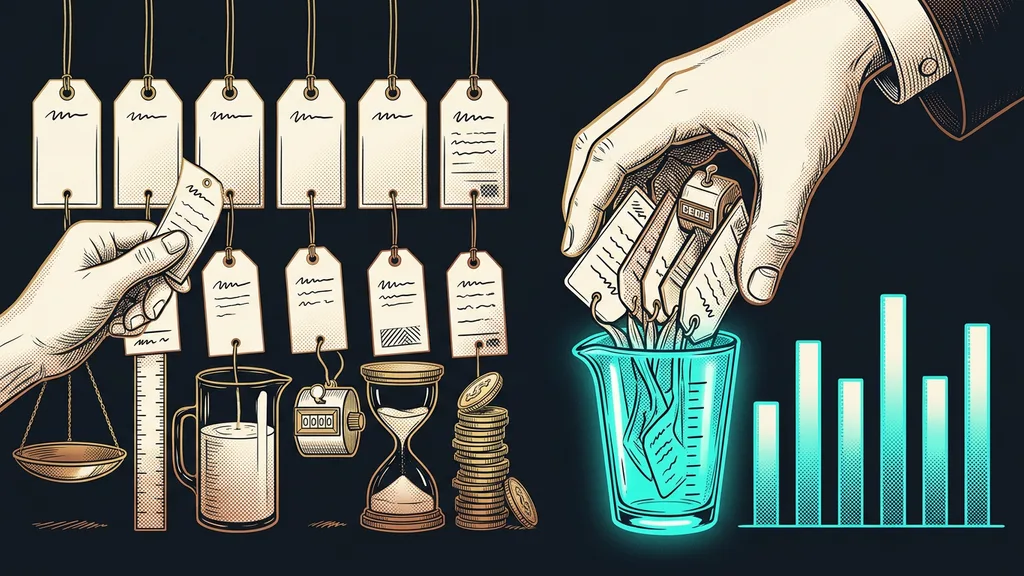
Subscriptions in a business snowball. One tool for invoicing, another for email, and a third that someone got a year ago for a single campaign and that’s still being paid for today. Until you add those amounts up, each one looks harmless.
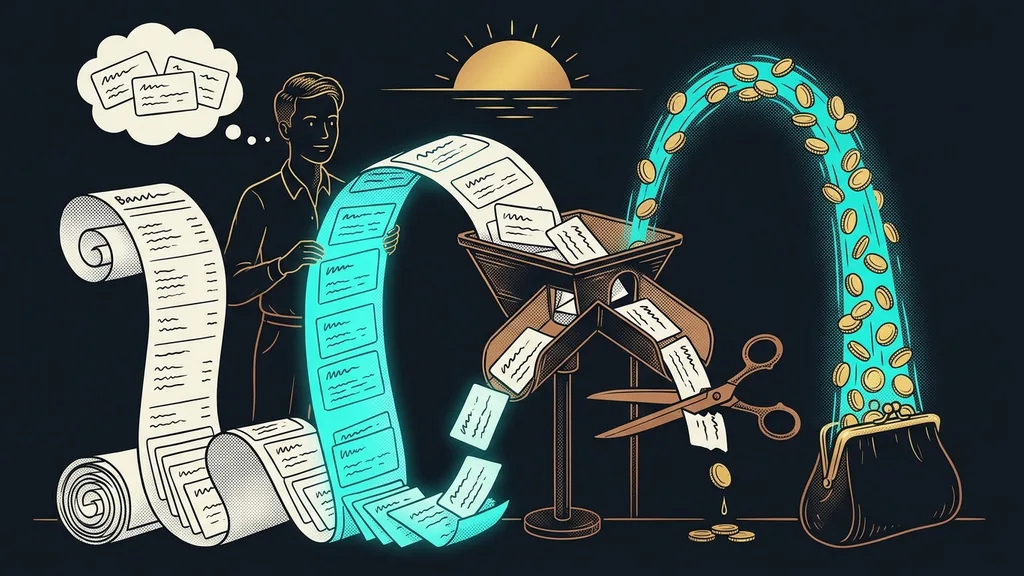
With the clients whose systems I set up, I almost always start with the bank statement. It nearly always ends in an unpleasant surprise. The total is rarely huge, but nobody ever expects it.
The list in your head never matches your bank statement
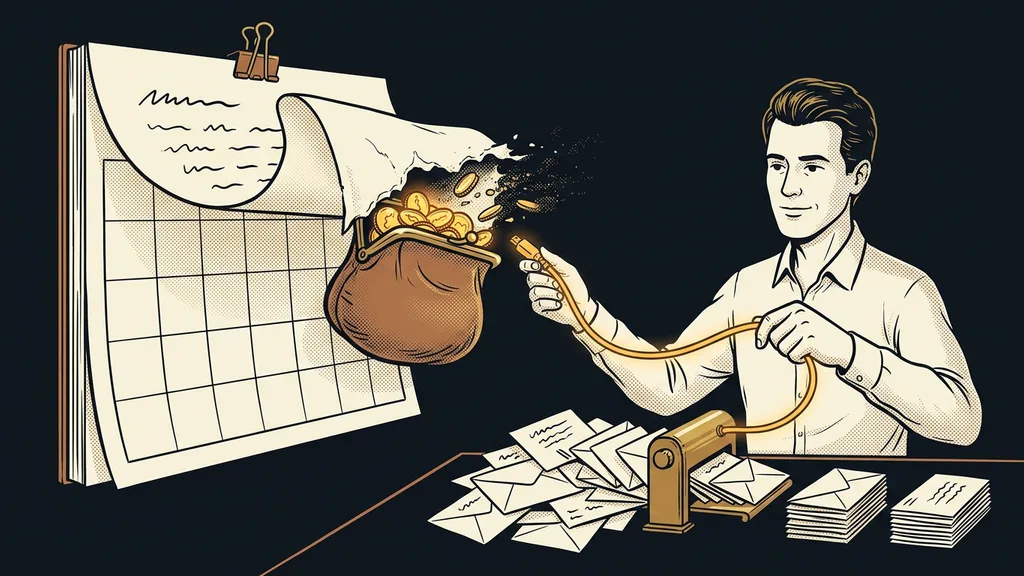
Software gets paid for in small change, and nobody tracks small change. About €8 here, $20 there, something bigger once a year. Every single payment sits below the threshold where you’d stop and think.
Zombie subscription
A tool someone bought a while ago for one specific task. The task ended long ago, the person may have left, but the payment keeps running and nobody misses the tool. You can spot one because nobody ever asks about it and nobody notices when it stops working.
According to software subscription audits, companies with up to 50 people typically run 25 to 40 apps. When they count on their own, they come up with 10 to 15. The gap comes from buying tools one at a time and never reviewing them together, not from sloppiness.
Each payment on its own is too small for anyone to cancel. Together, they’re too big to overlook.
The afternoon has three steps: collect, sort, decide
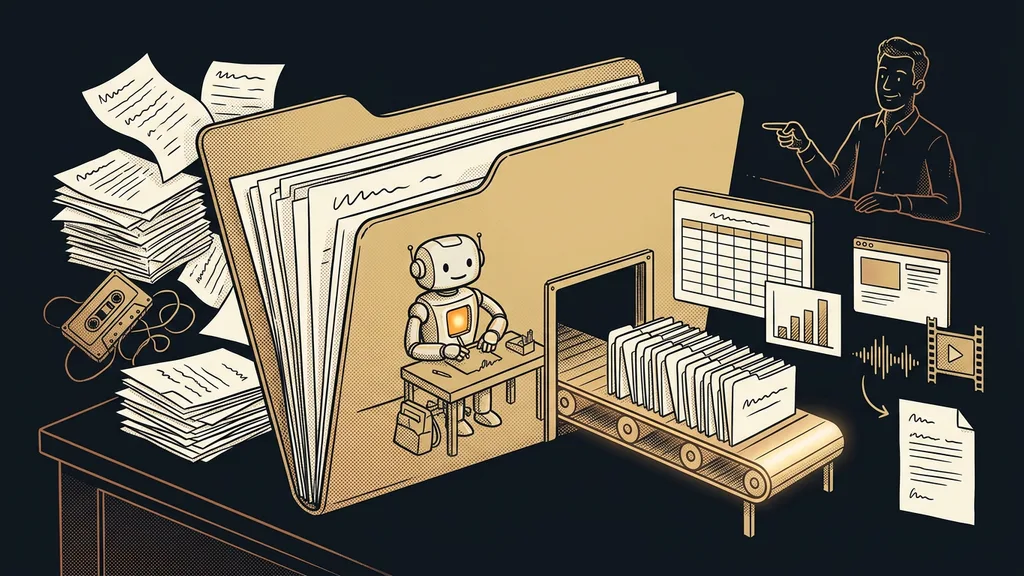
Collecting takes the longest, and you can’t cut corners. Open your bank statements for the last 12 months and, next to them, your email, where you search for words like “invoice” or “receipt.” Annual payments show up in only one month, so you go through the whole year, not just the latest statement.
The list also includes things that don’t look like software: domains, hosting, file storage, backups, paid templates. For each item, write down just two numbers: what it costs per month and per year. Also ask the people on your team what they’ve signed up for on the company card or on their own account. Without that question, the list is never complete.
Try it now
Open your online banking and search for recurring payments over the last 12 months. Write the total down on paper before you start dealing with anything. For most people, that one number changes the mood of the entire rest of the audit.
Three questions that sort the list for you
For every tool, ask: who uses it, how often, and what happens if it disappears tomorrow. The answers split the list into four piles, and you won’t need a fifth.
Pile one stays, because someone uses it every week and misses it when it goes down. Pile two gets canceled right away: tools nobody can remember the purpose of. Next come the overlaps, where two or three things do almost the same job. And the fourth pile is the most valuable: tools you’re not sure about. Keep them running, but try working without them for a month.
Pricing also changes in weeks, not years. The plan you compared two years ago includes different things today and costs a different amount. That’s why, for the overlap pile, it pays to open the current price list, not your memory of it.
Billing model
The way a tool charges you. One bills per user, another per connected channel, a third per conversation, and a fourth per completed task. So two tools with the same list price can cost completely different amounts in day-to-day use, and you only see it on the invoice.
What to do with what’s left after sorting
Consolidating makes sense where you retype the same data between tools by hand. That’s exactly what a fragmented stack is, and the business pays for it twice: once in money for licenses and again in the time of people who move data between windows. Where the tools have nothing in common, consolidating is just an expensive swap of five good things for one mediocre one.
Before you start picking a successor, go through the big platform’s pricing and plans in detail, including the add-ons you pay for separately. And watch out for the opposite trap: some small things can be run on your own almost for free, like short links that tell you who clicked.
Above all, take away a rule for next time. Mine goes like this: a new tool gets bought only when it’s clear up front which process it serves and whose work it takes off their plate. The same rule keeps a small business’s first cheap steps with AI from turning into yet another pile of subscriptions. When you’re choosing between two big systems, comparing specific alternatives helps more than another free trial.
Who doesn’t need an audit
When should you skip it? If you pay for two or three things and could list them from memory at midnight. There’s nothing to discover there, and the afternoon can go to something more useful. The line is simple: as soon as you can’t recall the whole list, the audit pays off.
To be fair, here’s the other side too. An audit saves no money on its own until you actually cancel something. I know businesses that made a beautiful spreadsheet and a year later were paying for two more tools. The decision is the hard part, not the data collection. So cancel on the same day you sort, not next week.
The whole audit in a nutshell
- Pull every software payment from the last 12 months out of your bank statements and email.
- Add them up and write that number down on paper before you start cleaning up.
- For each item, answer three questions: who, how often, and what happens without it.
- Sort into stays, gets canceled, overlaps, and a one-month trial without it.
- Cancel pile number two today, while you still have the list open.
- Write down your rule for buying the next tool and put next year’s audit on your calendar.
The snowballing from the start only runs one way. Tools come into a business one at a time and leave only when someone shows them the door. The measure of a good audit is simple: for the first time, you know why you pay for each item. How many you cancel matters less.