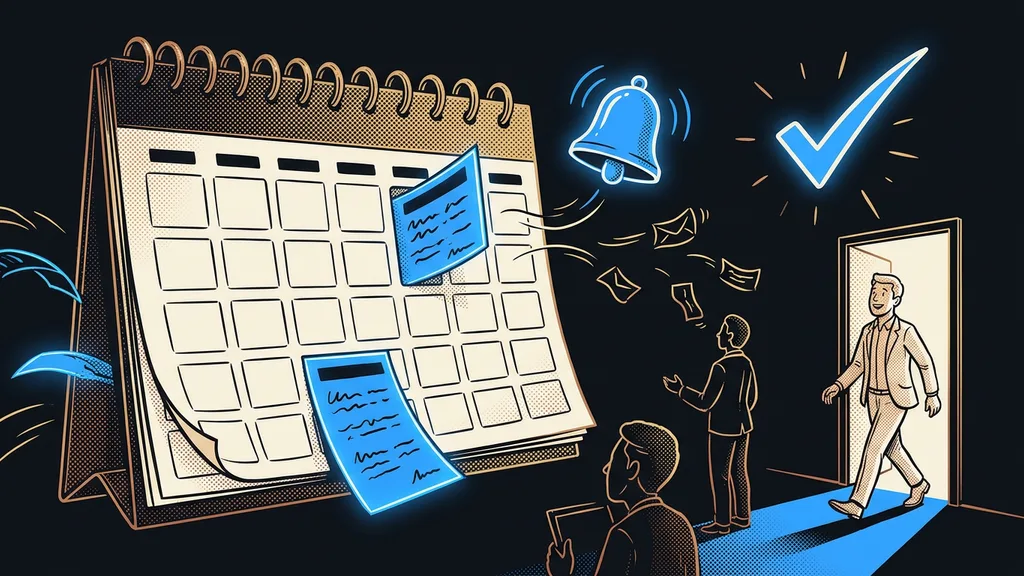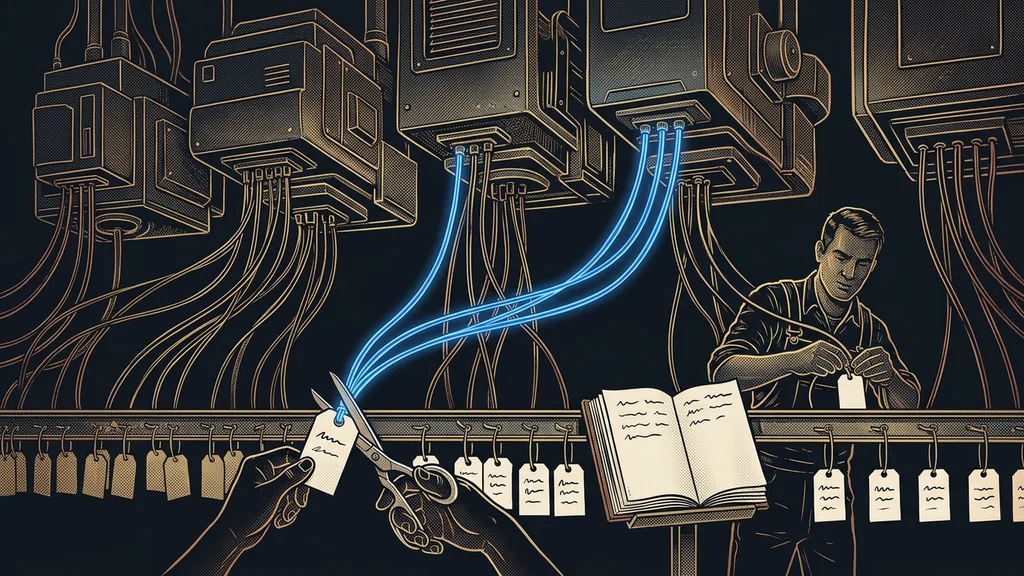
An automation rarely breaks because it was built badly. Far more often, it breaks because a year later nobody understands it. One person cleans up tags, another switches off an unused workflow, a third renames a form field. Each of them made a small change, and none of them had any idea something else depended on it.
I learned this firsthand. I opened an account I had built myself six months earlier and found a tag with a vague name. It looked like a leftover from a test. Luckily, I stopped and tracked down what depended on it. The entire welcome sequence for new customers did.
Automations break from forgetting, not from building
The risk grows with the time that’s passed since you built your automations, not with how complex they are. The system stayed the same; only the memory faded.
Silent dependency
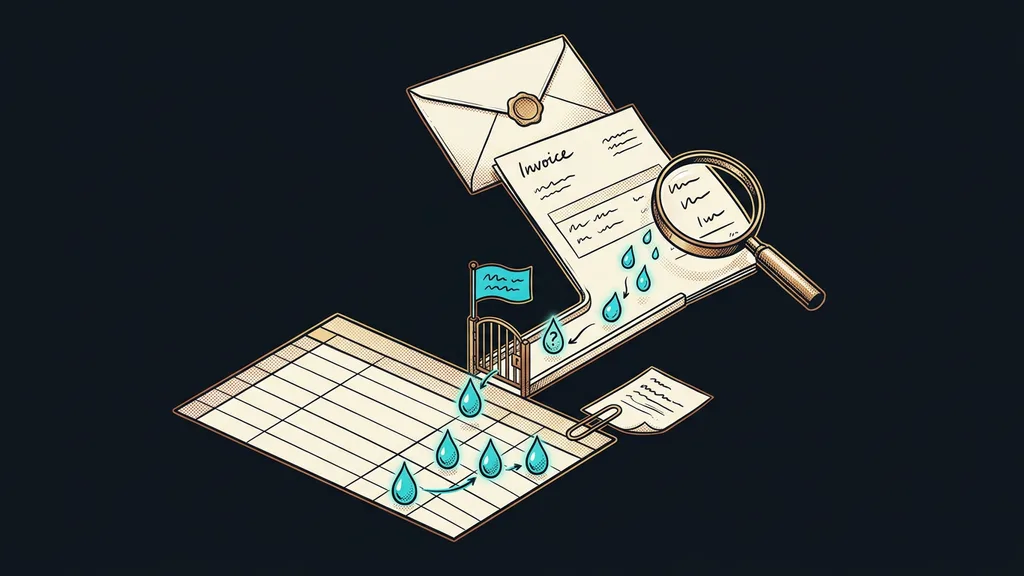
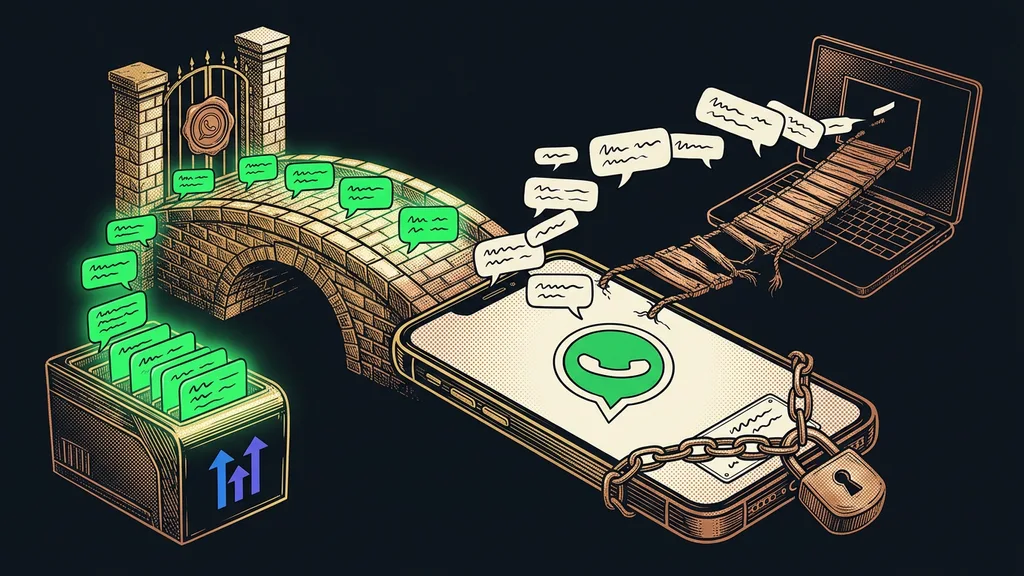
A link you won’t see anywhere in the system. A tag that three automations hang on. A form field that drives a decision somewhere further down the line. The platform won’t flag it, because from its point of view everything is fine. You only find out when customers stop getting something nobody knew about.
Somewhere around the fortieth automation, things reach a tipping point. Until then, you can keep it all in your head, and that’s enough. After that, it isn’t. I’ve been on a call where a client and I spent twenty minutes going back and forth over whether we were talking about the same thing. Neither of us knew for sure what it actually did.
A system gets complicated the moment nobody dares to switch off any of its parts, no matter how many parts it has.
Four questions a registry answers
Forget documentation in the boring sense of the word. A registry is four columns, each answering one question you’ll end up asking sooner or later anyway.
What it means. One sentence in plain language, not the name from the platform. The tag “awaiting-payment” means a person has placed an order and hasn’t paid yet.
Who adds it. A person by hand, a form, a payment, or another automation. This column exposes things nobody has added in six months.
What happens next. Which automations it sets off and what they send out. This is where you discover that one tag triggers three different things.
What breaks if. It’s the most valuable column and also the hardest to fill in, because it forces you to think things through to the end.
Automation registry
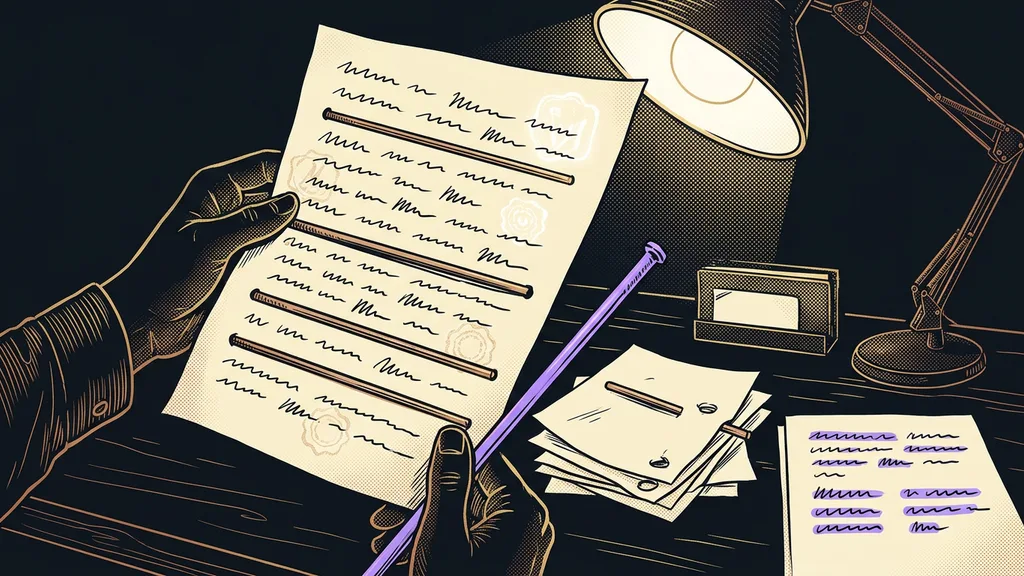
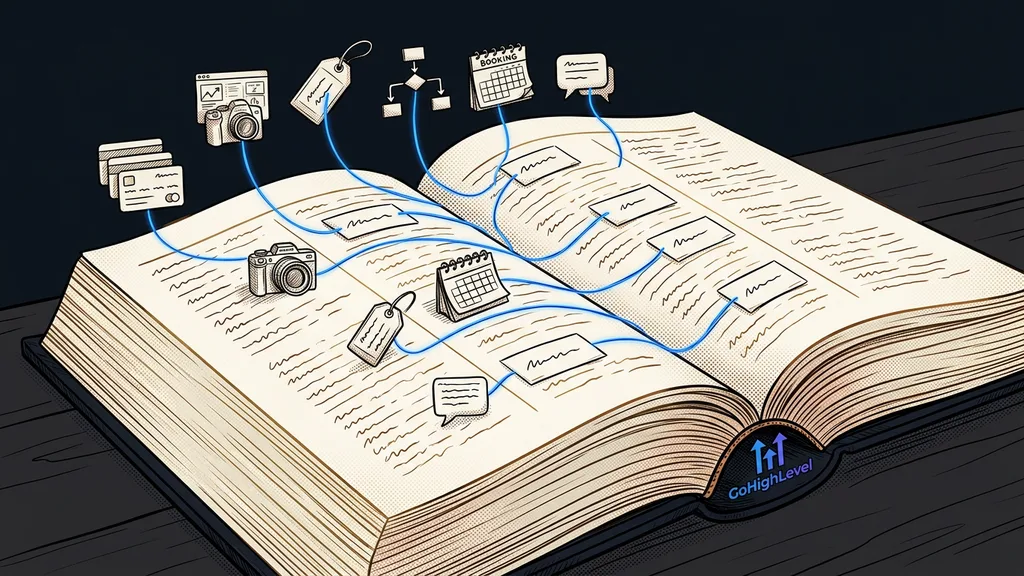
A single shared list in which every automation and every tag has its own row with four facts. The settings aren’t in it; those live in the platform, where they belong. What it holds is meaning and consequences, which makes it the one place where you can read what the system does without clicking through it.
Codes instead of numbers nobody remembers
The other half of the problem is naming. Platforms label their objects with their own numbers, and nobody remembers those. Without your own labels, people talk about automations in roundabout descriptions, and everyone pictures something different.
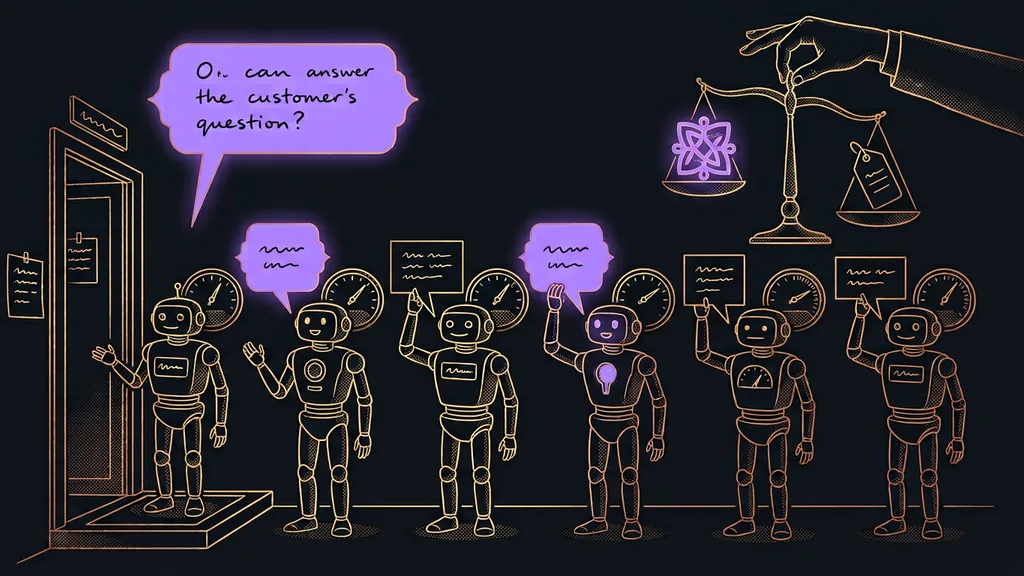
That’s why every entity gets a short code that makes sense to a person: automations, courses, forms, emails. The code then gets used everywhere: on calls, in briefs, in notes. “Please update A7” is unambiguous. “Update the automation that sends that confirmation” isn’t, because the account has three of those.
The code has to be created along with the thing itself, not after the fact. Coding eighty forms retroactively is an afternoon of work nobody wants to do, and mistakes creep in on top of that. Tracing back what each entity does is like untangling the workload of a colleague who has already left. It can be done, but it costs many times more.
One-minute self-test
Open your list of automations and pick three at random. For each one, say out loud what would break if you turned it off right now. If you hesitate on even one, the problem is that the system isn’t written down anywhere, not your memory.
The record gets written with the automation, not a year later
Registries always fail for the same reason: they don’t get kept up to date. Setting one up is never the problem. Nobody enjoys documenting something that already works, and there’s always something more urgent.
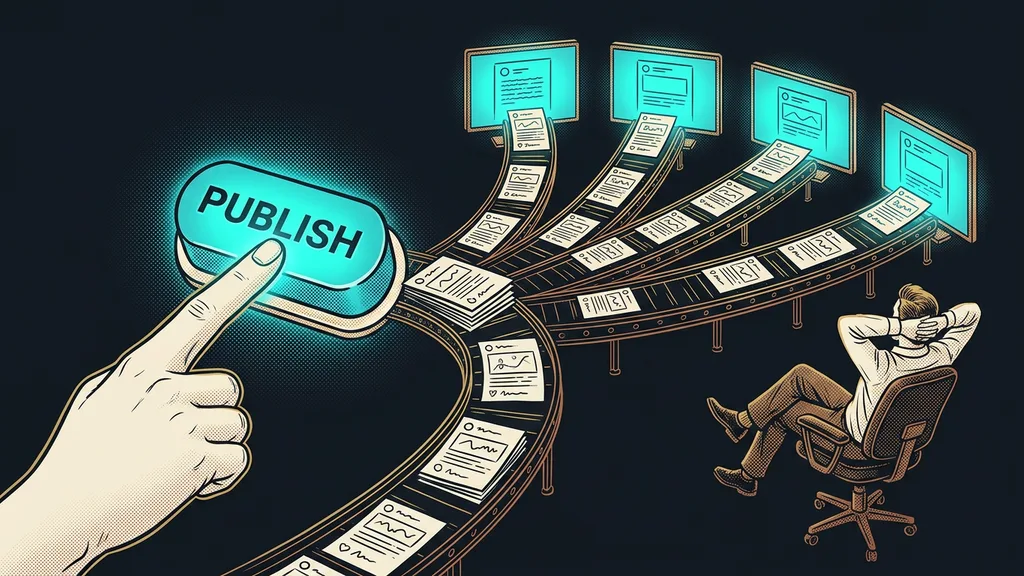
So I flipped it around. The record gets written when the automation is created, as its final step. It takes two minutes, because at that moment you have everything in your head. And these days even those few minutes can be handled by an assistant that keeps its own project log anyway and knows what was just built. All that’s left for a person is to read it and correct it.
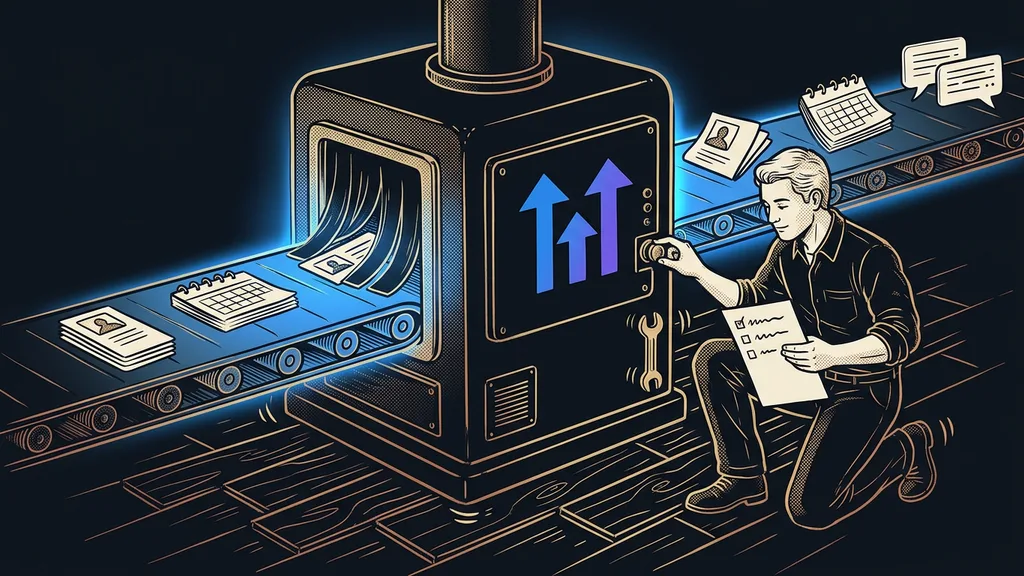
A registry has one more benefit you discover later. When you deploy the same system for another client from a snapshot, the explanation travels with it. Along with a working machine, the new account owner also gets a guide to what not to touch.
Safeguard
I set myself a single rule and have stuck to it for a year now. Nothing gets switched off or deleted until the “what breaks if” column has been looked up. If it’s missing from the registry, it gets filled in before anything is switched off. Two minutes of looking versus a week of digging into why customers never got their welcome email.
Who doesn’t need a registry
So who is this useless for? Someone with three automations, all built last week. They can keep the system in their head without effort, and a registry would just be one more place to write things down.
The turning point comes in two situations. Either more people start working in the account, or you come back to it after months. Both mean the same thing: memory is no longer enough, and someone will have to guess. And the question of who in the company is in charge of it is much easier to answer when there’s something to hand over.
The whole registry in a nutshell
- Start one list where every automation and every tag has its own row.
- For each row, write down four things: what it means, who triggers it, what happens, what breaks.
- Give every entity a short code so you can talk about it without roundabout descriptions.
- Create the code and the record the moment the thing is built, never after the fact.
- Make it a rule that nothing gets switched off without looking up the “what breaks if” column.
- Once a quarter, go through the rows nothing triggers anymore and clean them up.
If I had deleted that vaguely named tag back then, the system would have stayed silent. I would have found out only from customers who never got their welcome email. You can tell a good system by the fact that nobody is afraid of it, not by how much it can do. And that difference comes down to one ordinary list nobody wants to write.