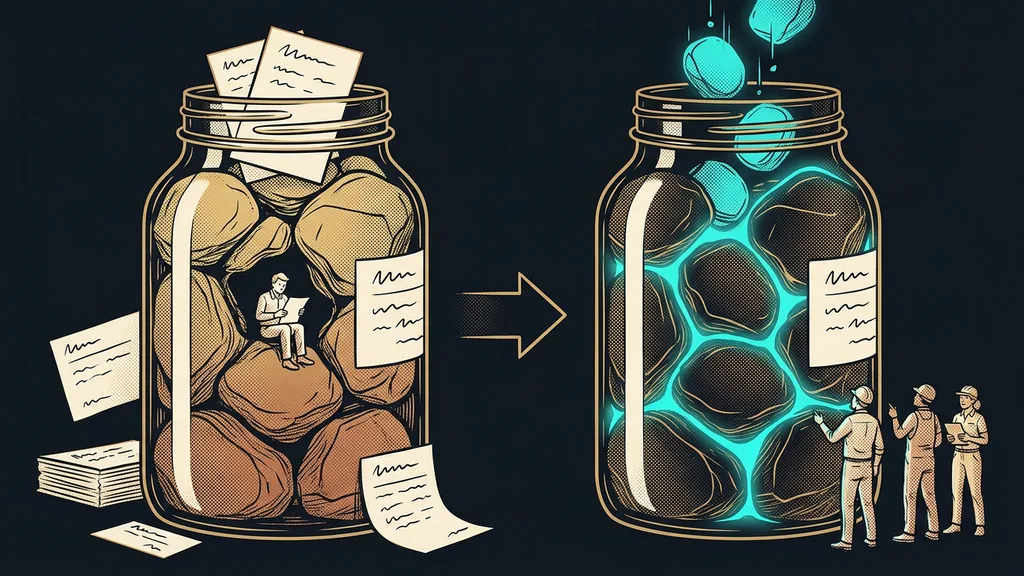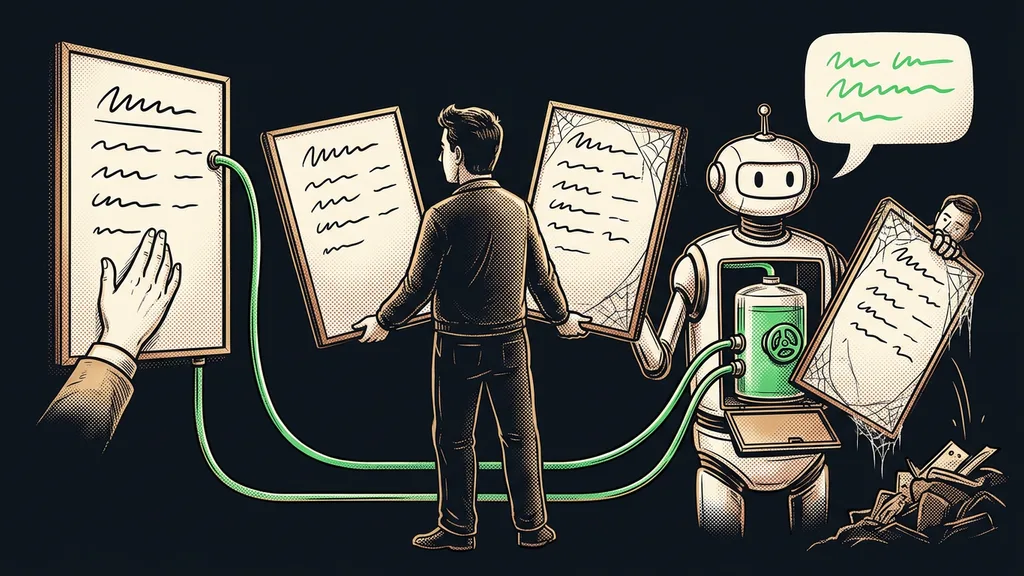
AI prompts have a treacherous habit: they only ever grow. Every mistake adds a new ban, every exception another paragraph, and nobody wants to delete anything. Anyone working out how to write prompts that make AI do what it should almost always reaches for one more rule. Over the summer, Anthropic tried the opposite with its own tool. It threw out over 80% of the instructions and lost nothing in testing.
I was in the same boat. My standing instructions for Claude (the text the AI reads at the start of every task) kept growing too. On October 4, I went through them and cut them by about a third. Not a single rule disappeared.
What exactly Anthropic deleted, and who announced it
Anthropic deleted over 80% of Claude Code’s system prompt, the instructions it uses to steer its coding tool. Thariq Shihipar from the Claude Code team announced it on July 24, 2026, in an article about working with context for the Claude 5 models. The change applies to Claude Opus 5 and Claude Fable 5. Coding benchmarks afterward showed no loss. It doesn’t affect the system prompt of the Claude web app.
System prompt
The text of instructions the AI receives before your first sentence and carries with it the whole time it works. The tool’s maker writes the base, and your standing instructions and project instructions get added on top.
Shihipar was candid about the reason: Anthropic itself had been tying Claude’s hands too tightly. Instructions from the system, from guides, and from users contradicted each other. One place said “leave documentation as appropriate,” another “DO NOT add comments.” According to the article, Claude then has to think harder about which instruction to follow. My AI glossary explains words like prompt and context window in plain language.
Every rule written just in case takes a bit of the AI’s attention. And when two such rules contradict each other, the AI thinks about your instructions instead of your work.
Six shifts behind how Anthropic writes instructions today
Shihipar summed up the change in six before-and-now pairs. For business instructions, they add up to a practical checklist.
| Before | Now | What it means for your instructions |
|---|---|---|
| Give Claude rules | Let it use judgment | Describe the goal instead of a list of bans |
| Give it examples | Offer clear options | Instead of a sample, a list to choose from: waiting, in progress, done |
| Put everything up front | Load it gradually | Details go into separate files that open only when needed |
| Repeat yourself | Simple descriptions | Each instruction once, where it logically belongs |
| Memory in the instructions | Automatic memory | Claude saves what matters on its own, so instructions aren’t a notepad |
| Simple brief | Rich source material | A finished draft, a sample document, or quality criteria instead of a description |
The first row saves the most work. Anthropic’s old instruction listed what wasn’t allowed in the code, such as comments and long descriptions. The new one reads “Write code that reads like the surrounding code.” In a business, that’s the same as saying “write like the rest of our website” instead of handing over a long list of bans. Claude gets the goal and finds its own way there.
Be careful with the second row. According to Shihipar, an example in the instructions narrows new models down: they stick to what they see in it. A complete source document is a different matter, though. In his view, a finished HTML draft of a page usually produces a better result than a description or a screenshot of it.
What this means for your standing instructions and projects
Write them like onboarding a new colleague, not like a rulebook. Anthropic advises keeping CLAUDE.md, the file with standing instructions in Claude Code, as light as possible. It should briefly say what the project is for. Most of the space belongs to the gotchas Claude won’t figure out on its own. Leave out the obvious. The Claude Code documentation even gives a limit: keep the file under 200 lines.
In the Claude app, you’ll find your standing instructions by clicking your initials in the bottom left: Settings, then the Instructions for Claude field. They apply to every conversation, so only what’s always true belongs there. Put the rest in Projects: each has its own instructions and separate memory (as of October 10, 2026). In a marketing agency, that makes one project per brand worthwhile, so one brand’s tone doesn’t spill over into another’s.
Progressive disclosure
A way of giving AI its source material. The instructions contain only a short signpost, and the detailed procedures sit in separate files the AI opens when it needs them. That way, it doesn’t carry the entire company handbook around for every little thing.
It works like a good company wiki: nobody reads all of it, and everyone opens the page they need right now. According to Shihipar, Claude keeps its own memory, so the instructions don’t have to double as a notepad. If you want to go further, you can have an AI that keeps its own log of the project.
Two sentences that argue
Open your standing instructions and look for pairs that contradict each other: “keep it brief” at the top, “always include every detail” a bit further down. Merge each such pair into one sentence that says what applies when.
The Claude Opus 5.5 guide from September 2026 adds two small points. You can drop instructions like “think hard”: in Anthropic’s test, the model then answered sooner, and quality didn’t drop noticeably. And according to the guide, a general wish that the result shouldn’t look AI-written just swaps one default style for another. If you must ban something, make it specific, like no exclamation points in headlines.
What I threw out of my own instructions
Out went the repetition, the backstories, and the exceptions that no longer applied. My main instructions are about 36% shorter, and the instructions for individual projects about 30%. Every rule stayed. Each one just lives in one place now.
The rules stayed strict where something is at stake. For example, no email goes out in my name until I’ve approved its exact wording. That’s where a mistake really hurts, and it’s exactly where Anthropic also advises keeping hard rules. In a business, the instructions should have one owner who goes through them every so often. Otherwise, they start to bloat again.
In Claude Code, the /doctor prompt-audit command (from version 2.1.283) helps with the cleanup. It goes through your instructions and suggests fixes, which Claude makes only after you confirm.
Who won’t get much out of the cleanup
If your standing instructions are five lines long, there’s nothing to delete. If you’ve never written any, you’ll write them short from the start. And one real limitation: Anthropic measured the result on coding benchmarks. We don’t have a comparable number for proposals, emails, or website copy, so cut gradually and watch what changes.
The whole cleanup in a nutshell
- Open your standing instructions: the Instructions for Claude field in the app, the CLAUDE.md file in Claude Code.
- Find pairs of instructions that contradict each other and merge them into one sentence.
- Delete repetition and the obvious.
- Replace bans with a description of the goal. Keep strict rules only where a mistake costs money or trust.
- Instead of describing the tone, attach a sample document or quality criteria.
- Move detailed procedures into Projects and separate files.
Claude carries every line of your standing instructions into every conversation, even ones those lines have nothing to do with. Short instructions leave its attention free for the actual work, and you end up correcting less. If you’d like to write your instructions with someone who works with Claude every day, we can go through them together in a Claude training session for your team. But you can start today: find the first instruction that appears twice and delete one of the copies.