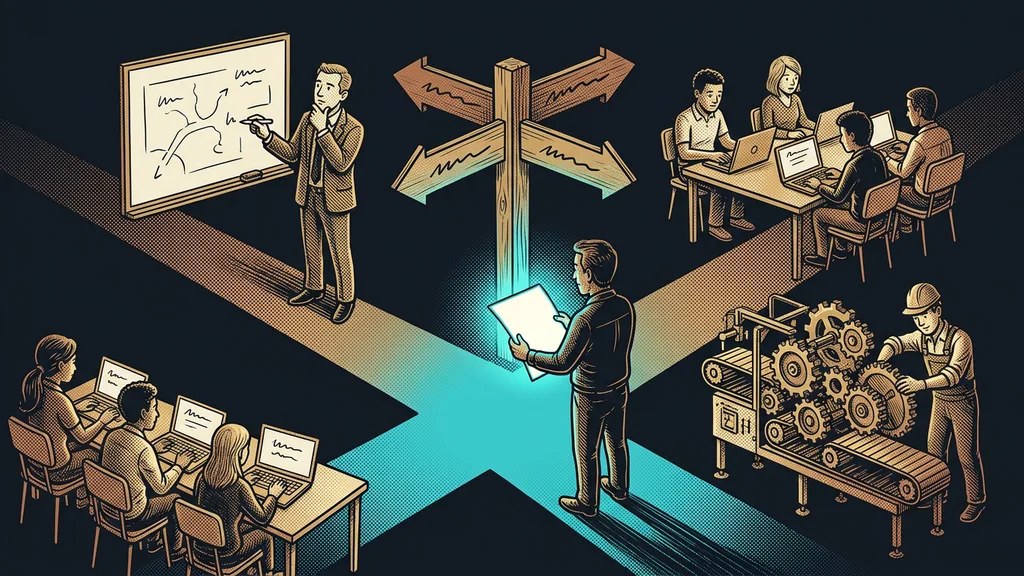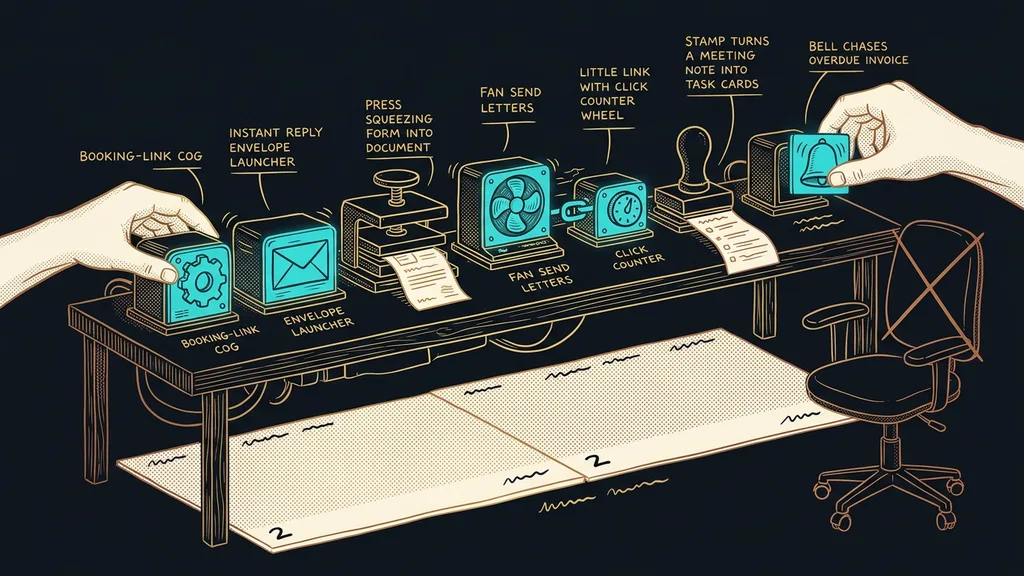
Businesses all put off automation for the same reason. It sounds like a project: analysis, a vendor, a budget, three months, and training. Yet the things that take the most manual work off a small business can be set up one at a time, each on its own. None of them needs a developer or anyone else’s approval.
For years I did it backwards myself. I waited for a quiet moment when I could sit down and think the whole thing through, and that moment never came. Things only moved when I set up one single thing over a weekend and saw on Monday that it worked.
What the seven have in common
All seven deal with the same kind of work: a step where a person only carries information from one place to another. None of it requires decisions, which is why a system can handle it.
| What you set up | What disappears | Time estimate | Mainly for |
|---|---|---|---|
| Booking link | arranging a date over four messages | 1 hour | consultations and meetings |
| Inquiry confirmation | the silence between an inquiry and your reply | 1 hour | inquiry forms |
| Form straight to PDF | retyping details into a contract or proposal | 2 hours | recurring documents |
| Bulk email from one place | copying addresses and tracking unsubscribes | 2 hours | newsletters and announcements |
| Your own short links | guessing whether anyone noticed | 30 minutes | proposals and campaigns |
| Notes and tasks after a meeting | writing up notes from memory in the evening | 1 hour | consultations and service work |
| Overdue invoice reminder | awkward back-and-forth about money | 2 hours | anyone who invoices |
The times are my estimates from my own setups. If you’re doing something like this for the first time, feel free to double them, because deciding on the wording takes the biggest share of the time, not the settings.
Added up, that’s nine and a half hours. So in one weekend you’ll set up three or four things, not all seven. Even one will move your business forward, as long as it’s the right one.
Manual in-between step
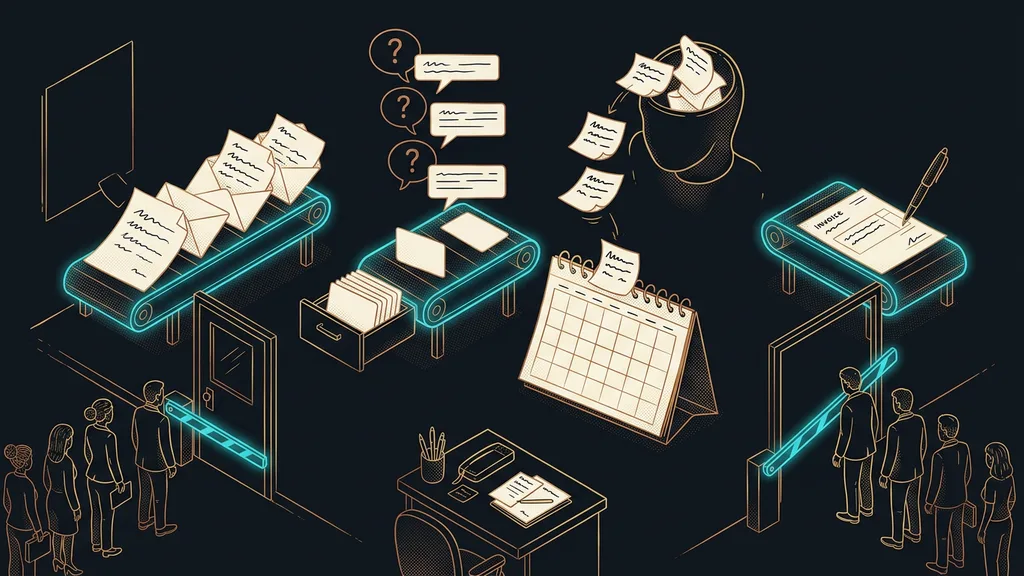
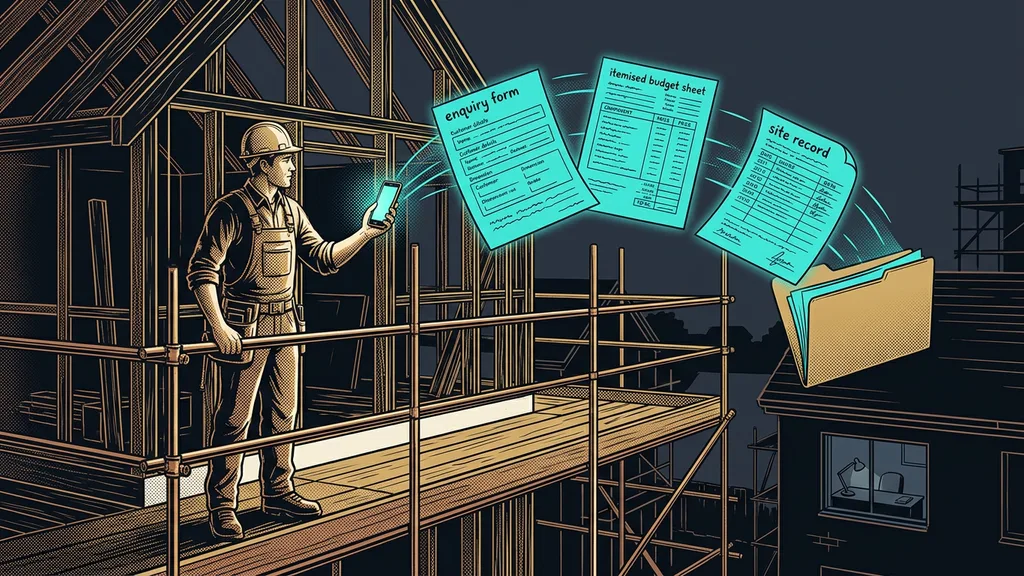
A step where a person decides nothing and just passes information along. They copy a date into the calendar, a name into a contract, an amount into a payment reminder. Nothing gets made at that step, and yet that’s where things wait. These are the cheapest places to automate, because the way you work doesn’t have to change.
Big decisions don’t slow a business down. Twenty small steps do, the ones nobody counts as work even though they happen every single day.
A booking link instead of four messages about a date
Arranging a date is the cheapest thing you can remove from your business, and it takes an hour. Instead of proposals and counterproposals, you send a link to your calendar and the other side picks a slot on their own.
Best for: consultations, meetings, service visits, and anything where dates get arranged by message.
It works because the booking link knows your actual availability and only offers open slots. The confirmation and the reminder go out on their own, so you also get fewer forgotten meetings.
Where it falls short: with clients who won’t book anything themselves and want to arrange things by phone. There the link won’t replace the call. It just cuts it down to one message with a date.
An inquiry confirmation that goes out within a minute
The second hour of the weekend goes to inquiries. Between the form being sent and your reply, there’s silence, and that’s exactly when the customer writes to your competitors.
Best for: businesses that get inquiries from their website and answer them in batches once a day.
Its job is to confirm that the inquiry arrived and to say when you’ll get back to them and what to prepare in the meantime, without replying in your place. You write the text once, and it goes out the same every time.
Where it falls short: a confirmation alone won’t close the deal. If no real reply follows by the next day, it looks worse than if the confirmation had never come at all.
A form that turns into a finished document
This is the first item worth setting aside two hours for. Instead of landing in your inbox, a completed form turns straight into a finished document.
Best for: orders, registrations, handover reports, and proposals that have the same skeleton every time.
In practice, the form produces a PDF straight away, with the right details and your letterhead. Nobody retypes anything, so no typo creeps into a name or an amount.
Where it falls short: the document is only as good as the form. If your questions are vague, you’ll get vague answers, and a finished PDF won’t fix that.
Bulk email from one place
The fourth item is a one-day cleanup, after which you stop building address lists by hand. Messages go out from one place, and unsubscribes take care of themselves.
Best for: customer announcements, invitations, seasonal offers, and a regular newsletter.
The practical difference is that bulk emails go out from one place and you can see who they went to. Someone who has unsubscribed won’t get another message, even if they’re on three lists.
Where it falls short: deliverability. If you send from a domain that isn’t set up for bulk email, even a good email ends up in spam. Get this part ready before the content.
How I choose
I start with what repeats most often and involves money or new inquiries, not with whatever is cleverest. If I have to pick one single thing for the first weekend, it’s the booking link. You see the result on Monday, and that’s the only fuel that keeps this work going.
Trigger
The event that sets an automation off on its own. A form arrived, five days passed since the due date, a meeting ended. If you can name the trigger for each piece of your manual work, you can hand it to anyone, even without knowing the tools. Most setups stall because nobody said the trigger out loud.
Your own short links that show you the clicks
The quickest item on the whole list takes half an hour. Instead of a long URL, you send a short link on your own domain and know whether anyone opened it.
Best for: proposals, price lists, invitations, and anything you send to one person and then wait on.
The difference is that a short link quietly records the click. You stop guessing whether the proposal arrived, and you send your follow-up based on what actually happened.
Where it falls short: a click isn’t interest. You’ll know the proposal was opened, not that anyone inside the company discussed it. Treat it as a signal to get in touch, not as proof.
Notes and tasks right after a meeting
The sixth item gives you your evenings back. When a call ends, you have the notes, a task list, and the groundwork for an email, without rewriting anything from memory.
Best for: consultations, sales meetings, and service calls that end with promises.
The setup takes an hour, and most of it goes into deciding what the notes should look like. The most valuable part is usually the list of what you promised to whom, more than the summary. And a colleague who wasn’t on the call can read the notes too. That does away with the meeting about what was said in the previous meeting.
Where it falls short: a recording is a sensitive thing, and the other side has to know about it in advance. So for some calls you’ll switch recording off, and that’s fine.
A reminder for overdue invoices
The last item is about money, which is why I save it for the end as a reward. The system watches the due dates and prepares the reminder. You just send it.
Best for: anyone who sends more than a few invoices a month and hates chasing payments.
Once you know who owes you and how much, reminding stops being an awkward topic and becomes routine. The customer gets a polite message on the right day, not an annoyed phone call a month later.
Where it falls short: payment matching. If payments land in your bank account without the correct reference number, you’ll still have to track some of them down by hand.
Safety net
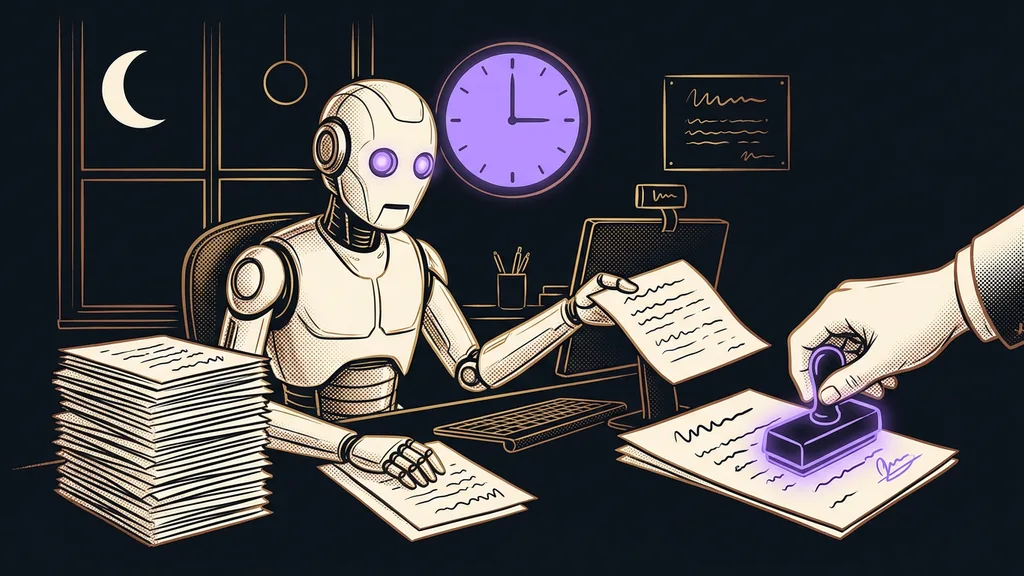
None of these seven sends a customer a text you didn’t write. The system watches the timing and prepares things, and the decision stays with you. For bulk messages and payment reminders, keep the send button under your thumb for good, even once you trust it.
Who nothing on this list will help
Who this isn’t for: if you handle two inquiries a month and invoice from memory, you have nothing to automate. You’d save a few minutes and pay for it with a weekend, which is a bad trade.
It also won’t help if you want to set up all seven at once. Nine and a half hours of work only fit into a weekend on paper, because each item still needs decisions about the wording. Pick three and leave the rest for next time.
And then there’s the situation where the problem sits one floor down. The business isn’t clear on who handles inquiries and by when. Automation only speeds up a mess like that and turns it into a mess with a timestamp.
The weekend in a nutshell
- On Saturday morning, pick three items out of seven, never more.
- Start with the one that involves money or new inquiries.
- Write the texts before you open the settings. They take more time than the clicking.
- Test each thing on yourself before you let it loose on customers.
- For everything that goes out, keep the last click for yourself.
- On Monday, look at what actually happened and use that to plan the next weekend.
I waited years for that quiet moment when you sit down and think through all your automation at once. It never came, and you can’t wait for it. The seven things on this list don’t change how you run your business. They remove steps nobody considers work, even though someone does them every day. That’s exactly why you feel the difference before you can even explain what you set up.