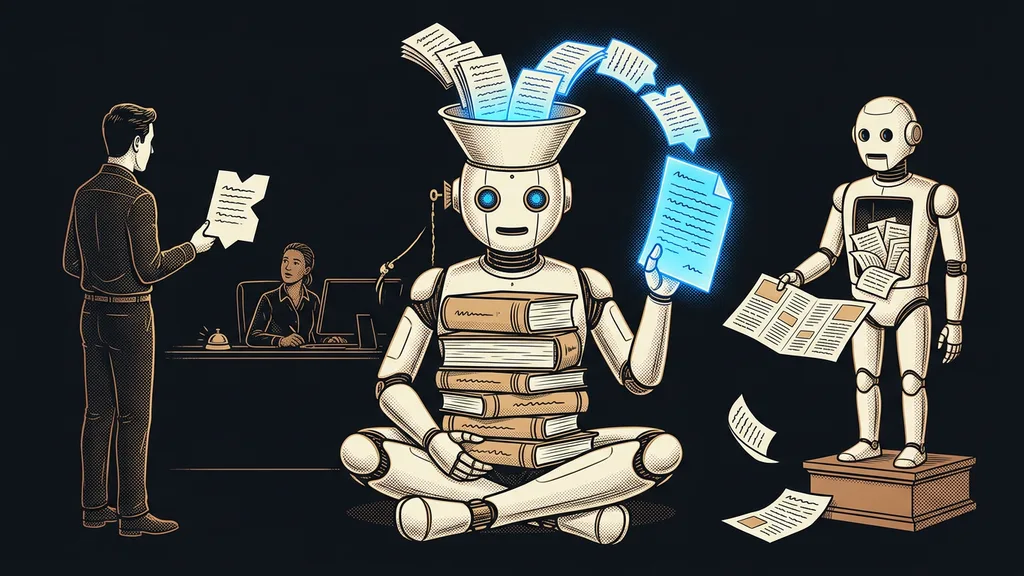
When a business loses knowledge, it’s rarely because the knowledge was never there. It is there, just scattered: a piece in an email, a piece in last year’s proposal, a piece in the head of a colleague who happens to be on vacation. So the same answer gets hunted down again and again, because nobody knows exactly where it lives.
That was me for years. I knew the answer to a client’s question, but I needed to back it up, so I dug through old documents. Ten minutes of searching for one sentence I’d written once and long since forgotten where. And the worst part was that I was looking for that same sentence for the second time.
Your knowledge isn’t missing. Its address is
Small businesses have plenty of information; the problem is that nobody can find it. Information you can’t get to behaves exactly as if it didn’t exist at all.
You can tell by one thing. How many questions in your business can only one specific person answer? When that person gets sick or leaves, work doesn’t stop, but it slows down and turns into guesswork. The knowledge didn’t go anywhere. It just never left one head. And it’s not that person’s fault. They were never given a place to write it down, and nobody asked them to make time for it.
Knowledge base (wiki)
One place where your company’s knowledge is written down so you can search it and ask it questions. Instead of a folder of documents, it’s a set of linked texts where every concept has its place and every claim its source. You can tell it works when someone who started at the company last week can find answers in it.
Information that only one person in the company can find is that person’s personal advantage, not company knowledge.
Searching by file name is a losing game
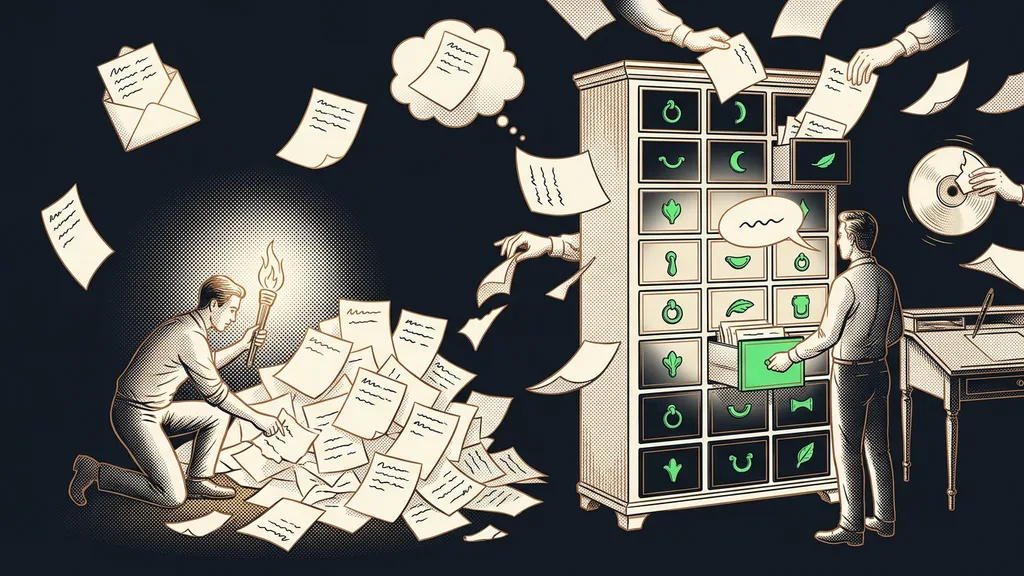
Classic search compares letters, not meaning. If the document says “cancellation policy” and you search for “calling off a booking,” you find nothing, even though the answer has been on the drive the whole time. Then the answer gets written again, a little differently, and from then on your business has two versions.
A knowledge base works differently. It searches by what you meant, not by the exact words you happened to type. You’ll find the answer even when you don’t know what the thing is officially called in your company. And that’s most of the time, because everyone ends up adapting the names to their own way of saying things.
Semantic search
A way of searching that compares the meaning of your query with the content of documents, rather than matching characters. That lets it handle synonyms, paraphrases, and questions asked in ordinary sentences. You’ll feel the difference on day one: you’ll stop wondering what word a colleague used for it back then.
Going from searching to asking is a bigger leap
The second step is bigger than the first. Instead of a list of links, you get an answer in a full sentence, with a link underneath to the document it came from.
Everything hinges on that link. An answer without a source is an opinion, and in a specialist field, you can’t send a client an opinion. An answer with a source can be checked in five seconds, and you can stand behind it even in front of someone who doesn’t trust you. Just as important, when an answer is wrong, you can see right away which document needs fixing. The same principle is behind content that goes through a check against its source before it goes out.
The one-minute self-test
Take the three questions customers ask you most often. Can more than one person in your business answer them, and can you find a document to back up each answer? Wherever the answer is no, you have knowledge that lives in one head.
A wiki comes from sorting, not writing
Most businesses put off building their own knowledge base because they feel it would take a year to write. Yet the material was written long ago. It’s just scattered across ten places. New text only comes at the end, and there’s usually surprisingly little of it.
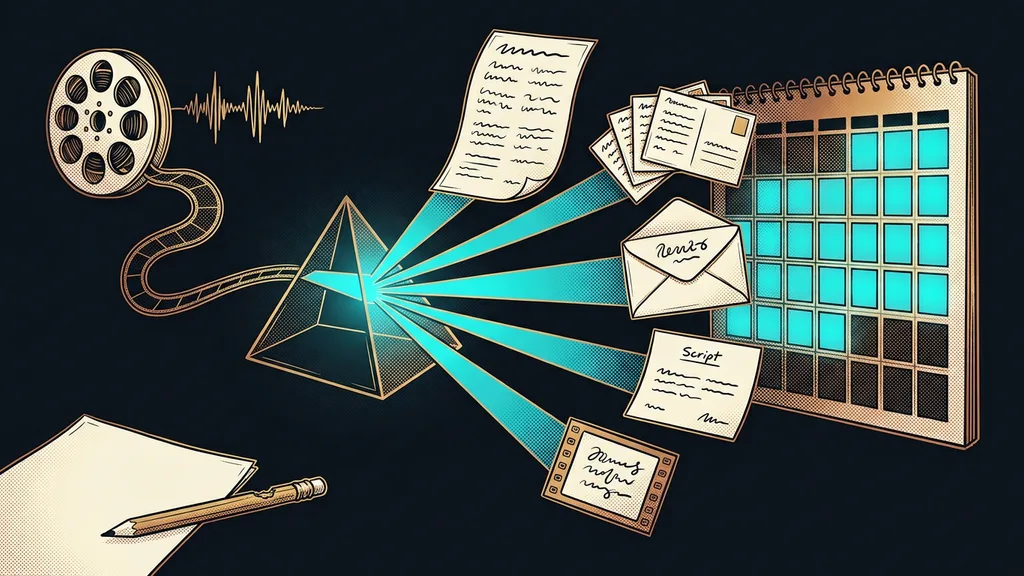
The material sits in proposals, notes, emails, and meeting transcripts. So the work starts with sorting what already exists, not with a blank page. Only then do the real gaps show up, and there are usually far fewer of them than the business expected. These days, an assistant can gather the material from your drive and your inbox. You just tell it what you’re looking for.
Once it’s tidy, the knowledge base can be used elsewhere too. A customer chatbot can draw on it, and so can an assistant you’ve explained once how things are done at your company. And for numbers, deadlines, and statuses, it helps to have a table next to the wiki that fills itself in.
Who doesn’t need their own wiki
Your own wiki isn’t worth it for everyone. If you work alone and have ten pages of material, tidy folders and a single search box are enough. Your own knowledge base makes sense where several people answer questions and where an inaccurate answer costs something. The line is simpler than it looks. Once you start forwarding the same answers to colleagues so they have them handy, you have your reason right there on the table.
The second thing I’ll admit up front: a wiki is a living thing, not an archive where you dump everything and lock the door. Leave it untouched for six months, and it starts lying as reliably as an outdated price list on a website. That’s why it needs the name of a person who looks after it, not just a link in your bookmarks.
The whole system in a nutshell
- Write down the ten questions that come up most often in your business.
- Gather what you already have on them: proposals, notes, emails, transcripts.
- Sort it into topics and note the source for each.
- Fill the gaps that the sorting revealed.
- Make it possible to ask in an ordinary sentence instead of searching by file name.
- Decide who looks after the knowledge base, and put that on a fixed schedule.
That answer only your colleague on vacation knows has just one problem. It has nothing to do with her not wanting to share it. She simply has nowhere to write it down. A good knowledge base won’t make anyone a better employee, but it turns their experience into something that stays in the company, even on a Tuesday when one of them is out sick.