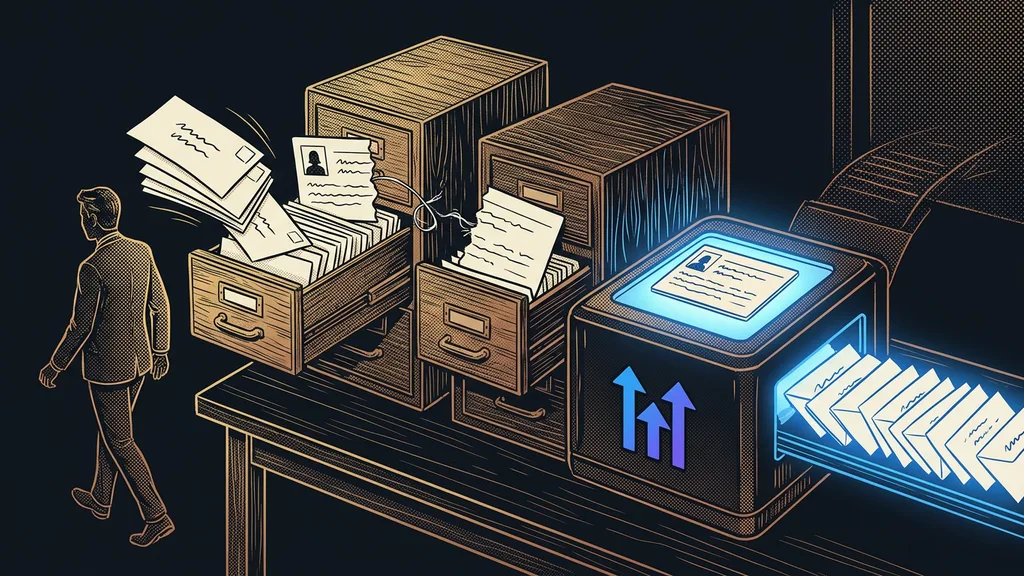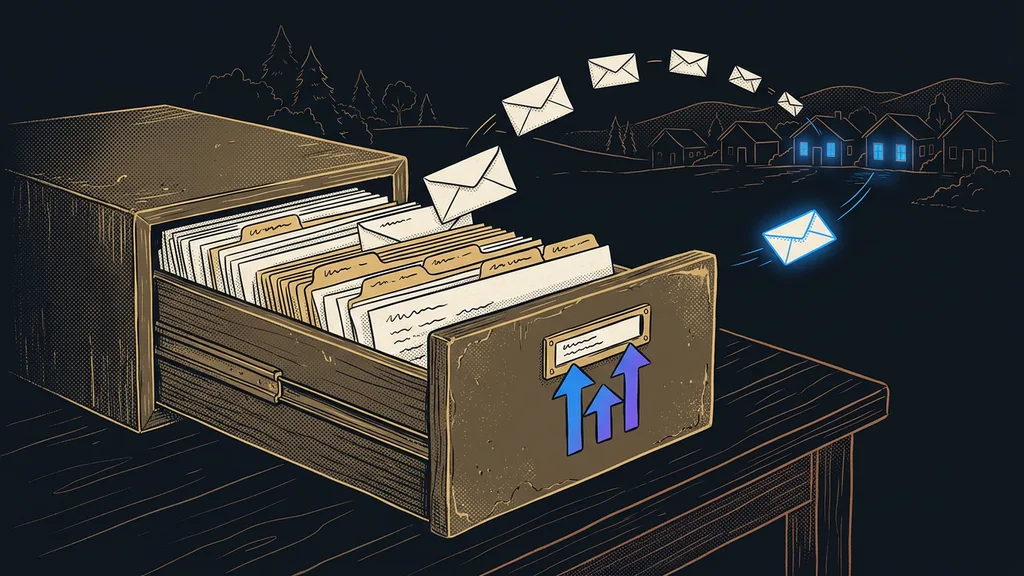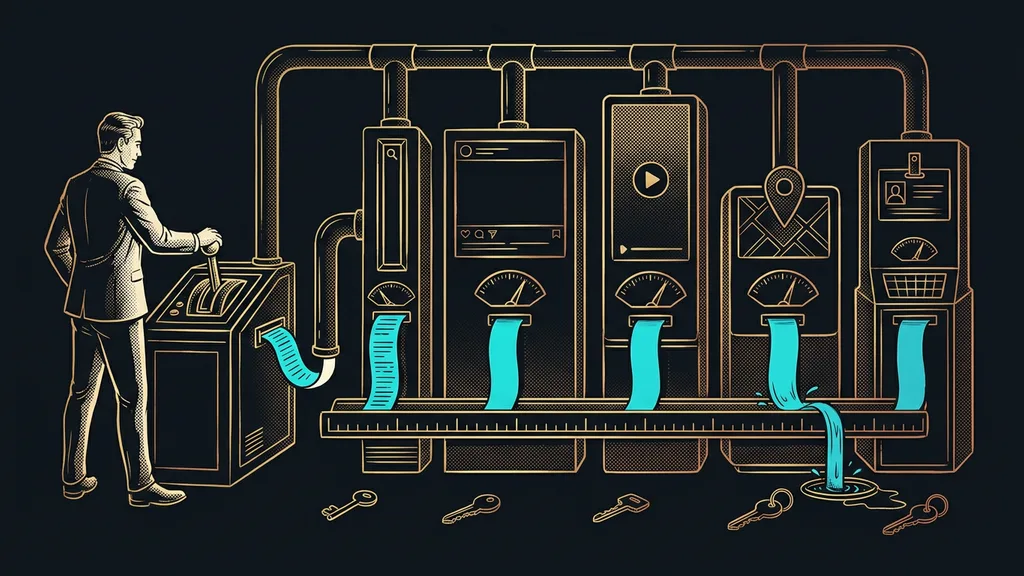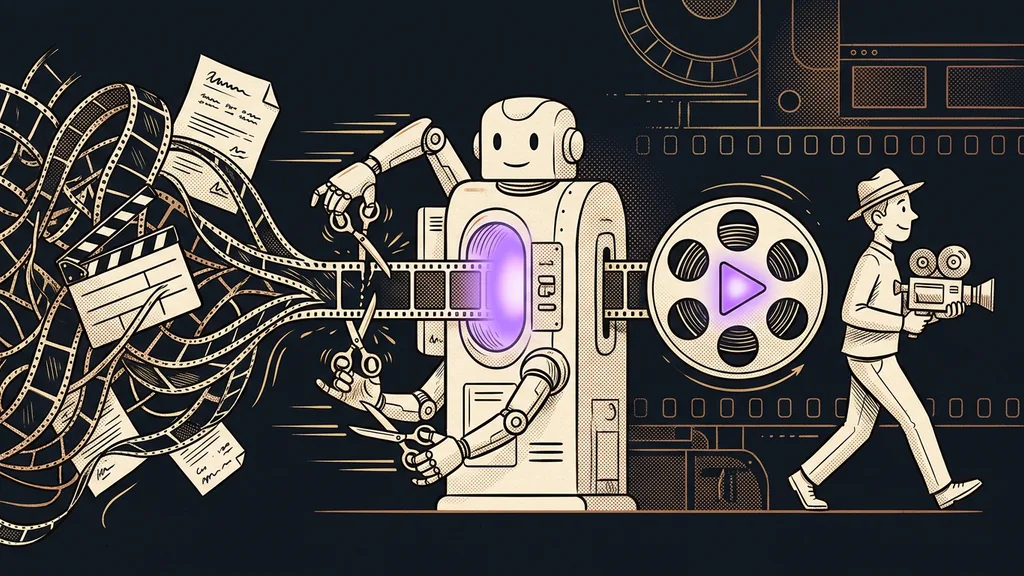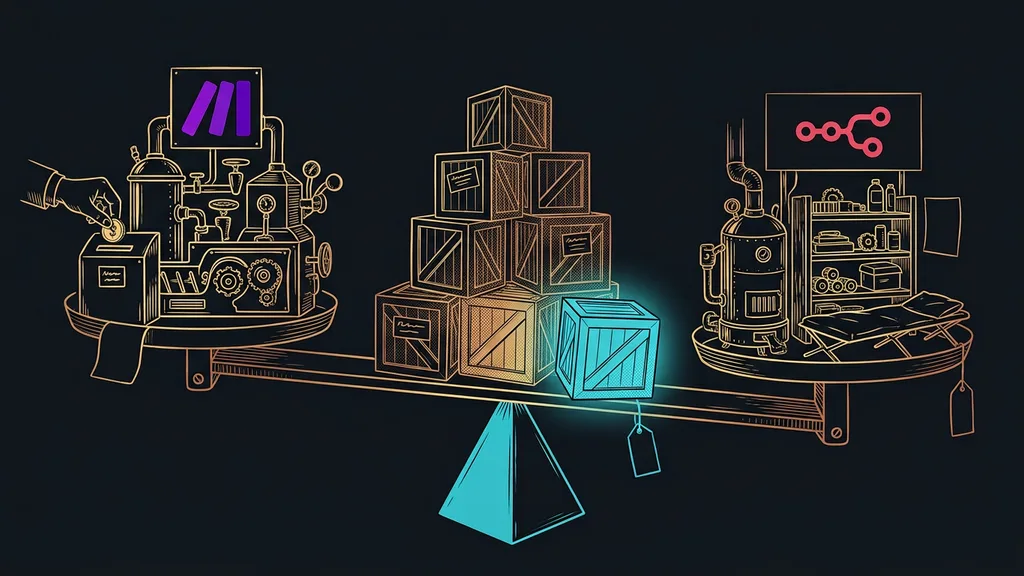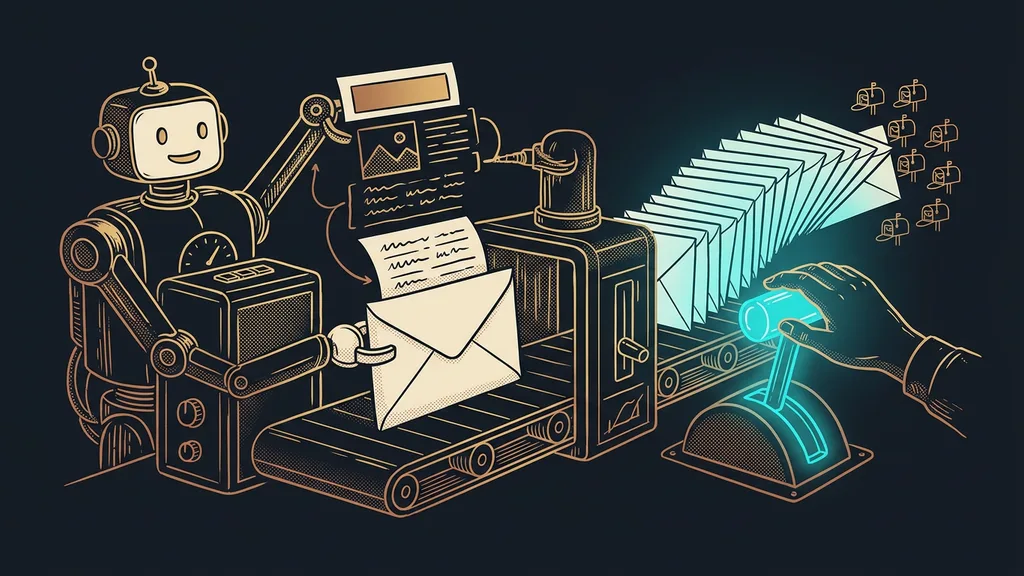
Most business newsletters die before anyone writes a word. Filtering a segment, checking who already got the campaign, preparing an export, plus the quietest part of all: figuring out what to say in the email and why people should care right now. By the time you’ve pulled that together, the evening is gone and the newsletter is still in your head. Yet you can hand almost all of that prep to AI and keep only the decision about what goes out.
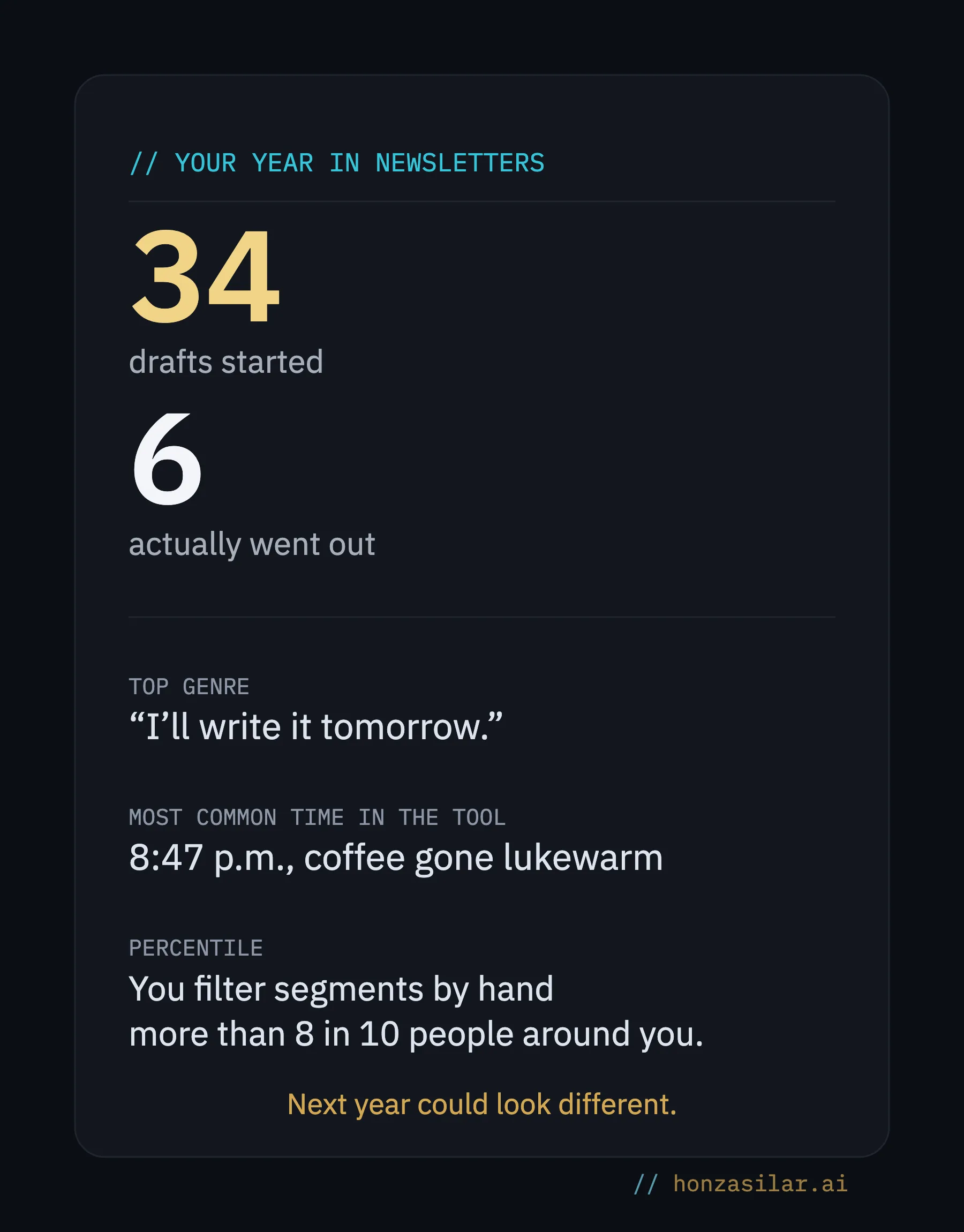
I know this firsthand. It’s 8:30 p.m., the contact database is open, I’m staring wide-eyed at the screen, and the newsletter was promised last week. I could rattle off plenty of ideas, but sitting down, picking the one that’s worth an email, and then clicking it all into segments and exports? There was nothing left of the evening for that. The newsletter stayed where it was: in my head.
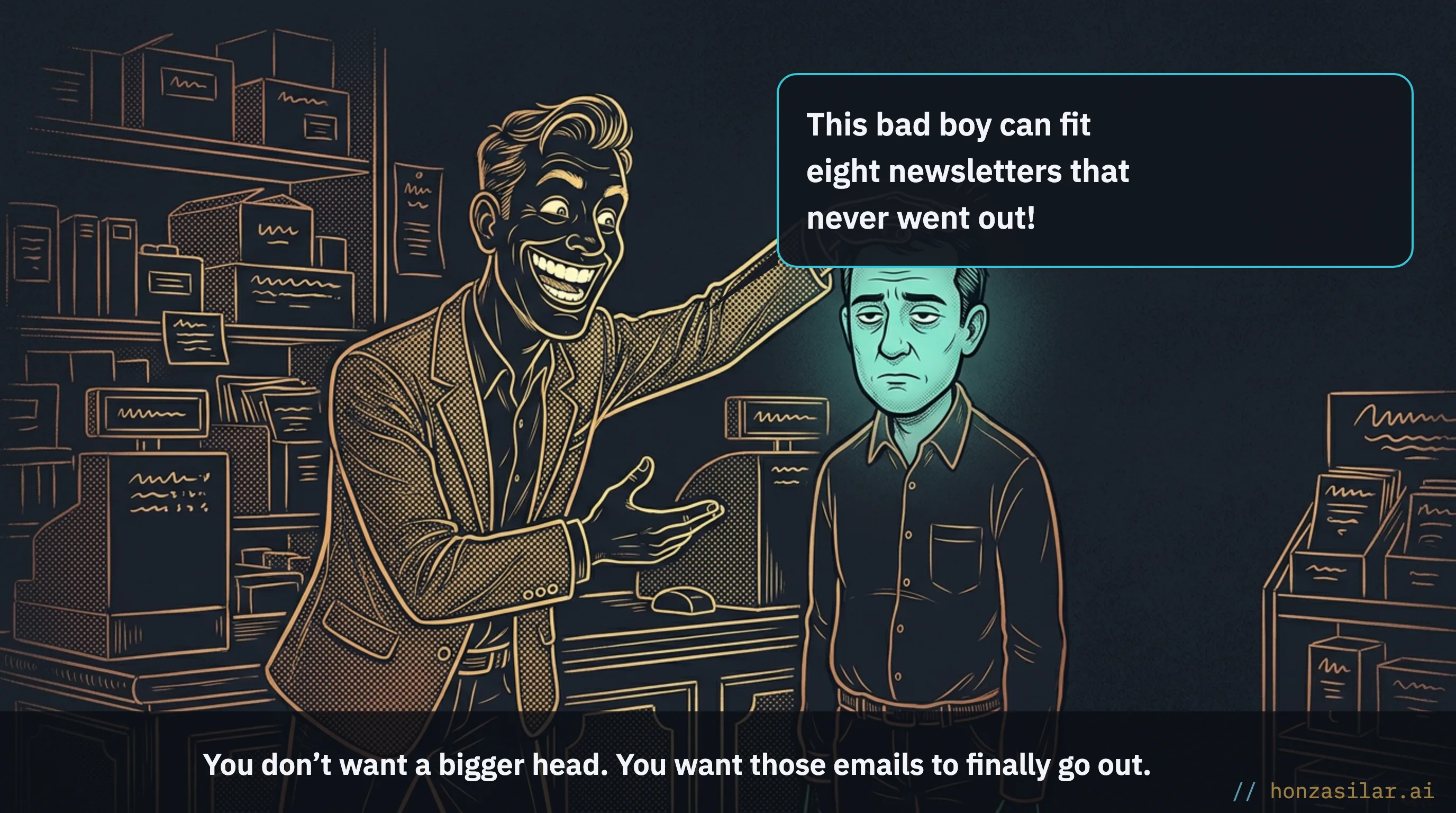
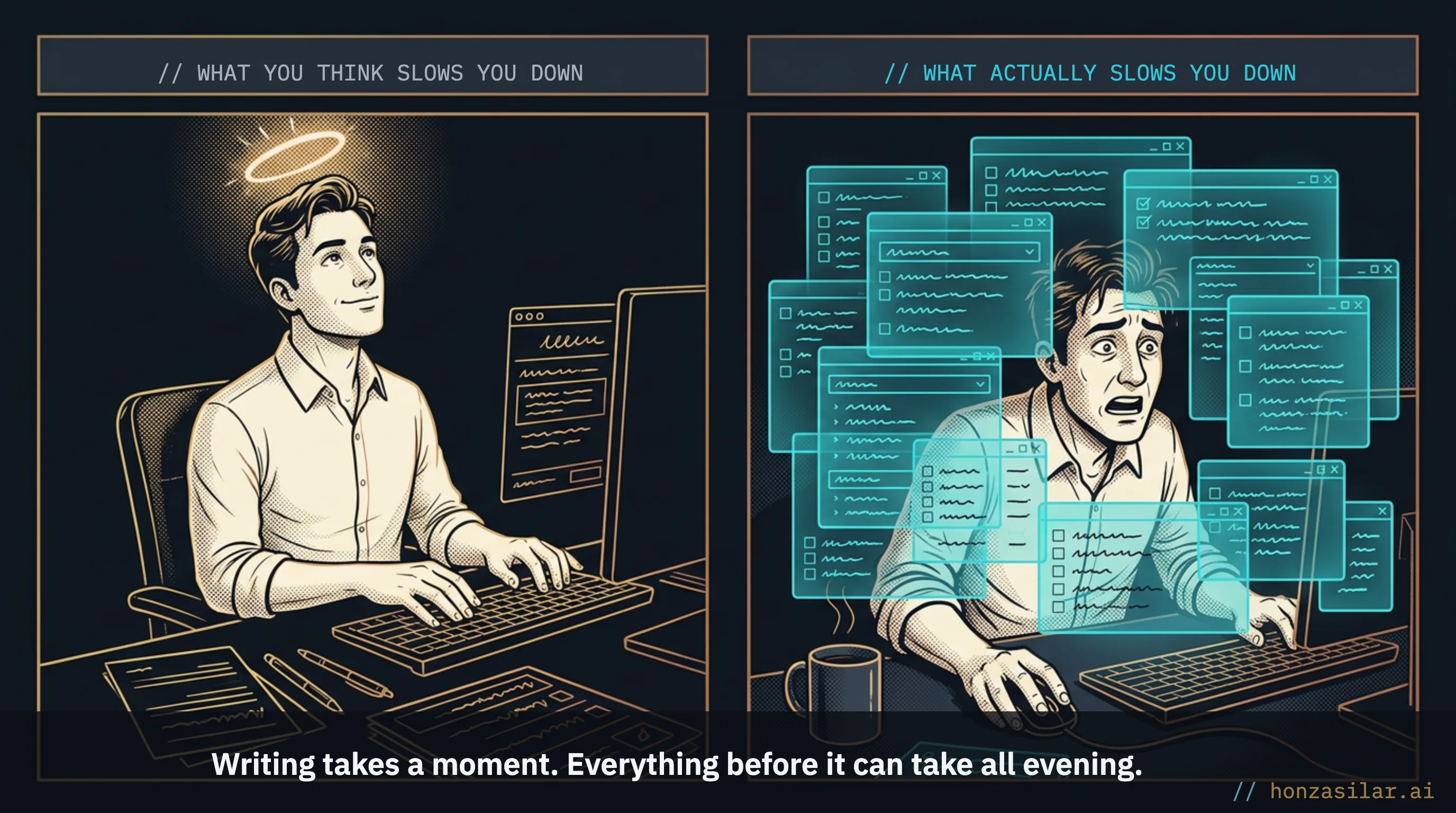
The prep tax kills newsletters, not the writing
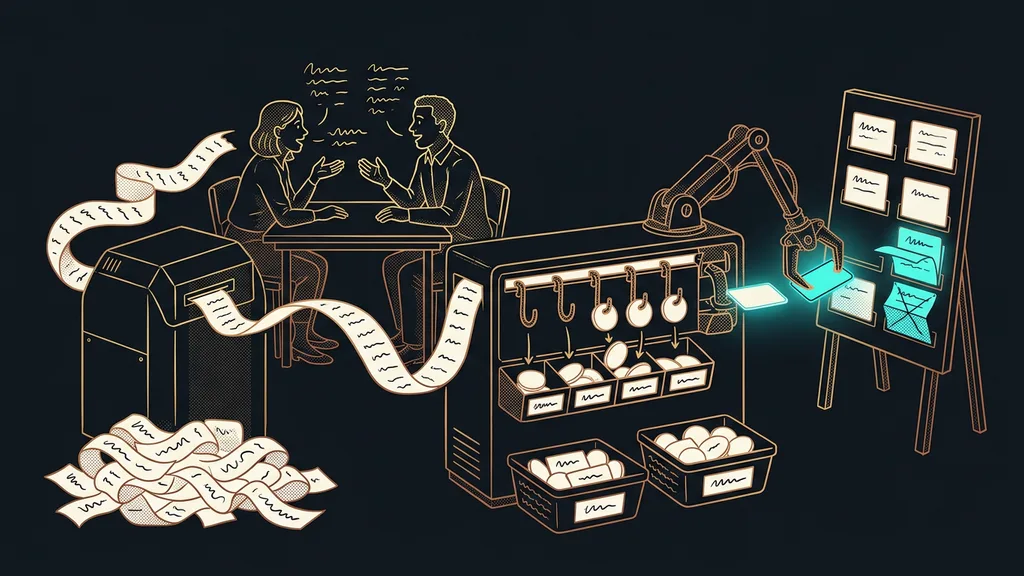
The tool isn’t to blame. SmartEmailing is a solid Czech email marketing platform: it handles segments, campaigns, statistics, and outside integrations. What slows you down is everything around it: the quiet pile of work between telling yourself “I’ll send a newsletter” and the moment the email actually lands in people’s inboxes. I call that pile the prep tax. It’s more than clicks. Its hardest part is usually working out the main thing: what I actually want to tell these people and why they should read it.
Segmentation
Splitting your contact database into smaller groups based on what people have done with you: what they bought, what they clicked, how long they’ve been quiet. It means you don’t send everything to everyone: each group gets only what’s relevant to it. Manual segmentation tends to be one of the most tedious parts of the prep.
Most people associate a newsletter with writing. Yet it dies much earlier: before you even know what to say and to whom.
One-minute self-test
Think back to your last campaign: how much time passed between telling yourself “I’ll send a newsletter” and the moment it actually went out? And how many newsletters did you have in your head over the past six months that you never sent? That’s your prep tax.
What the tax quietly costs you
Manual prep has a sneaky trait: it never quite gets dropped, but it can always be postponed. “I’ll send it tomorrow.” Tomorrow becomes Friday, Friday becomes next week, and a campaign that was supposed to go out on Tuesday no longer makes sense.
Meanwhile, your contact list goes cold: people who knew you a month ago won’t remember you, and a competitor who writes regularly will calmly win them over. Then there’s deliverability. Even a great campaign is useless if it ends up in spam or arrives late.
AI takes over the prep, and the decision stays with you
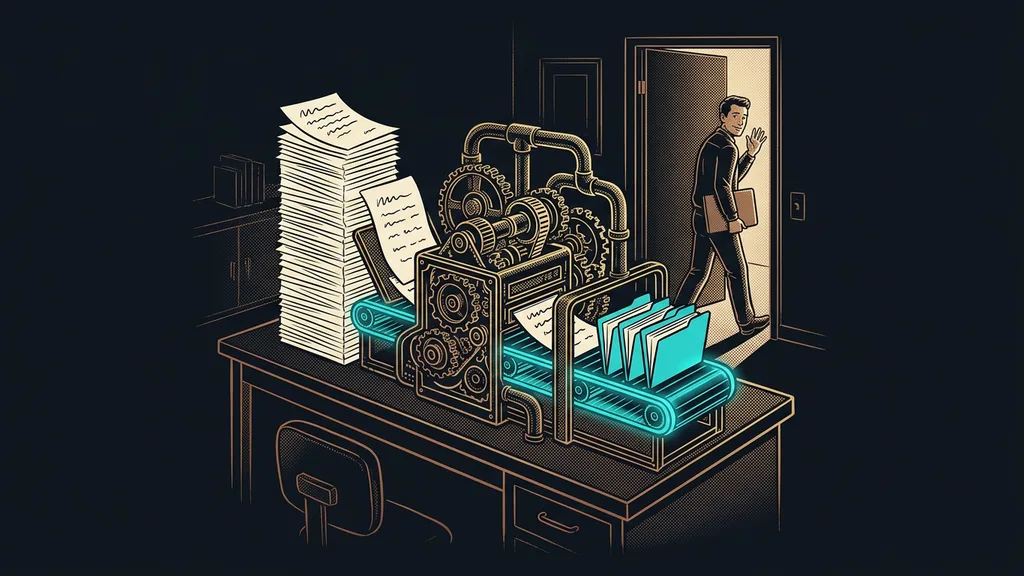
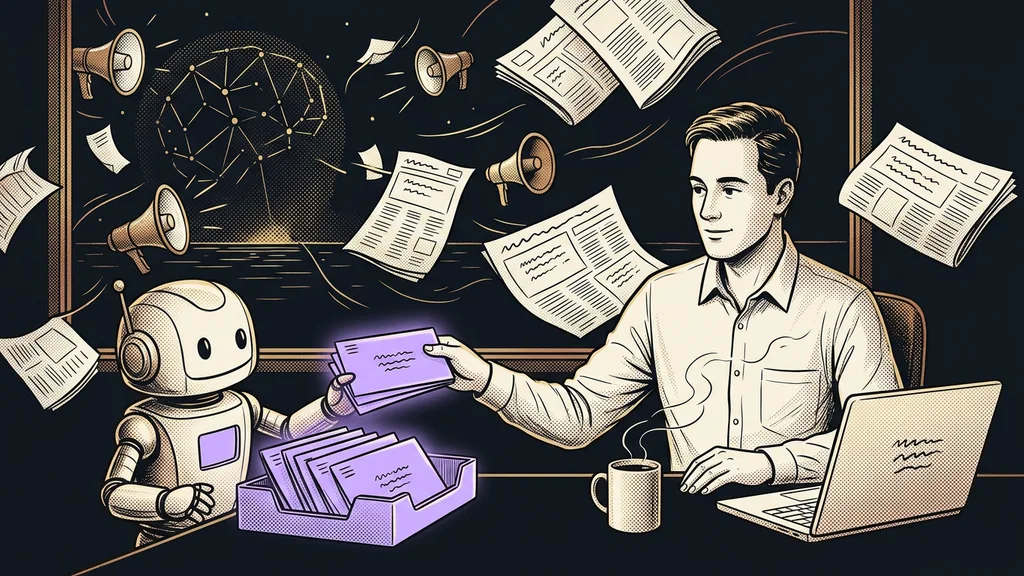
Clicking faster wouldn’t have saved me. The turning point came when I stopped paying the prep tax myself. I connected an AI to SmartEmailing that works right inside my account and prepares a campaign from start to finish:
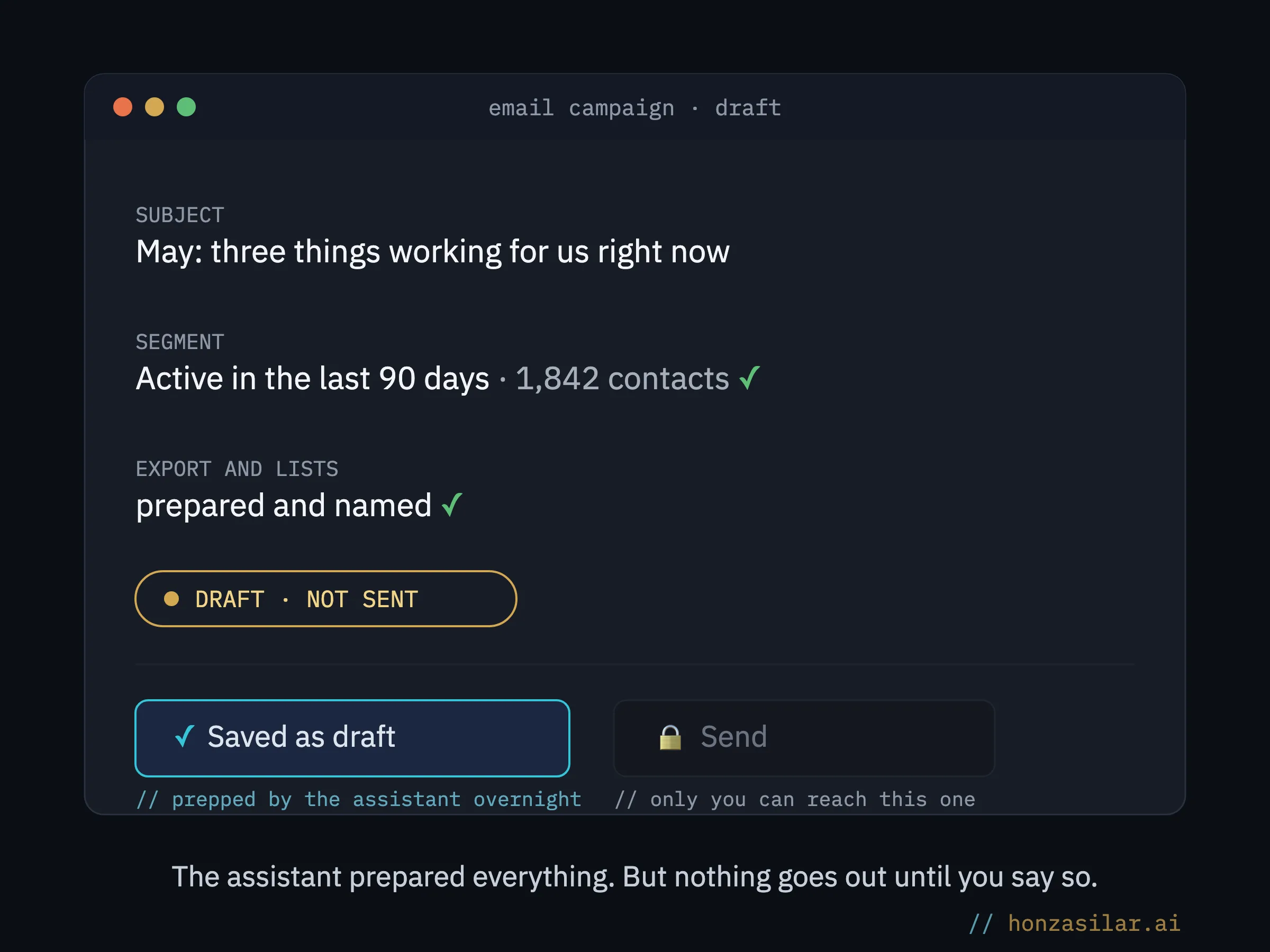
- the segment: who to send it to and who to skip, based on recent activity,
- exports and lists, prepared and named so you can find your way around them,
- the campaign draft: copy, subject line, and structure, ready for your review.
And most importantly: instead of a blank page where you don’t know how to start, you have a finished proposal in front of you. Reacting to a draft (keep this, rewrite that, this one misses the mark) is incomparably easier than fishing for the first sentence out of thin air.
It also goes beyond one-off prep: it keeps the segments up to date as people come and go in the database. You don’t have to check whether the list is still accurate. It is.
Draft-first mode
A way of building automation where AI may only prepare content, as a work-in-progress draft in your account. Sending is reserved for a person. It’s the same principle that governs safe AI work with company documents: it may prepare anything and decide nothing.
Safety catch
In my setup, AI isn’t allowed to touch the send button. It saves everything as drafts: the campaign is finished and waiting in the account, and it goes out only when you release it yourself. Not a single email leaves without your go-ahead.
Three fears about AI and email sends, and how it really works
In practice, it means a blank screen isn’t waiting for you in the morning. You open three to five drafts prepared overnight, tweak some, toss some, and send the good ones. A whole evening’s work turns into a five-minute review over your morning coffee, and you decide with a clear head instead of tired at 10 p.m.
An evening with the newsletter: before and now
Before
I open the tool and spend an hour filtering segments and preparing exports.
After all the clicking, I have no energy left for the copy itself.
The newsletter stays where it was. In my head.
Now
“In the morning, I open three finished drafts.”
I tweak some, toss some, and send the good ones.
A whole evening turns into a five-minute review over coffee.
Who it’s not worth it for
If you send one newsletter a quarter to one small list with no segments, this won’t help you. Manual prep costs you a few minutes, and automating it would be like delivering a single letter by truck. It pays off as soon as you send regularly, to several segments, or your campaigns keep falling through precisely because of the prep. The same mode also works for the system emails the platform sends on your behalf.
Who it’s worth it for and who it isn’t
Worth it
- You send campaigns regularly.
- You have several segments and lists.
- Your campaigns keep falling through because of the prep.
Not worth it
- You send one newsletter a quarter.
- You have one small list with no segments.
- Manual prep costs you only a few minutes.
The whole system in a nutshell
- The AI is connected directly to your email tool account.
- It keeps segments up to date based on what people in the database do.
- It prepares the whole campaign (segment, export, copy, and subject line) and saves it as a draft.
- In the morning, you go through the drafts, edit them, and decide what goes out.
- Only a person can send. The AI can’t reach that button.
It’s 8:30 p.m. again. The database is open, but I’m not filtering any segments or fishing for words. The drafts prepare themselves, and I go through them in the morning and send them. A campaign that flops costs you less than the one you never send because all the prep kept you from getting to it.