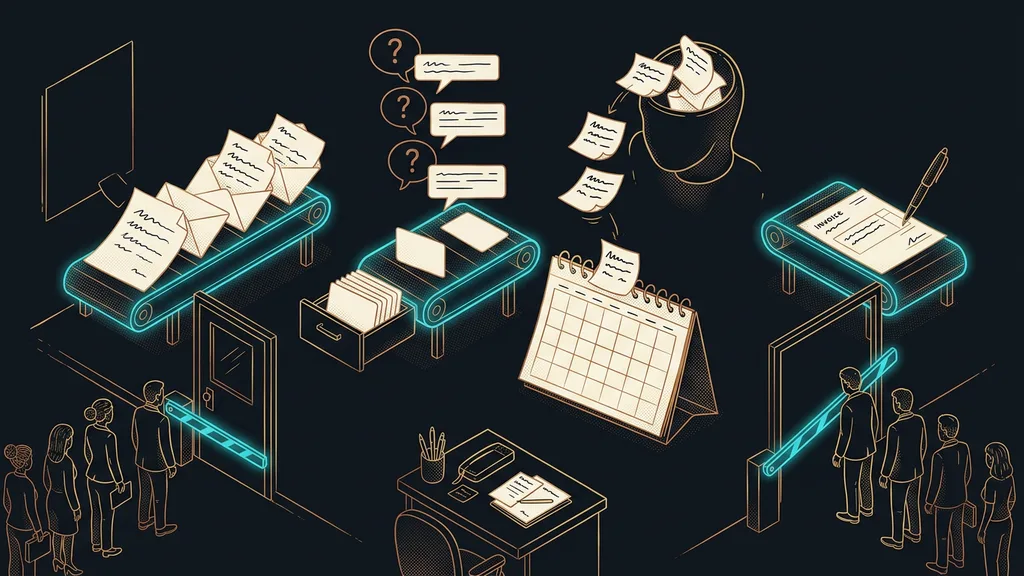
Accounting isn’t what eats an accounting firm’s capacity. Retyping is: documents from emails into the software, deadlines from someone’s head into the calendar, answers to the same three questions every month, all over again. It’s necessary work, but nobody can bill for it. And it’s exactly the work behind the line “We’re not taking on any more clients this year.”
I hear it in consultations again and again. A three-person firm is fully booked and turns down inquiries, yet spends barely half the day on actual professional work. The rest goes to reminding, tracking things down, and retyping numbers from one window into another.
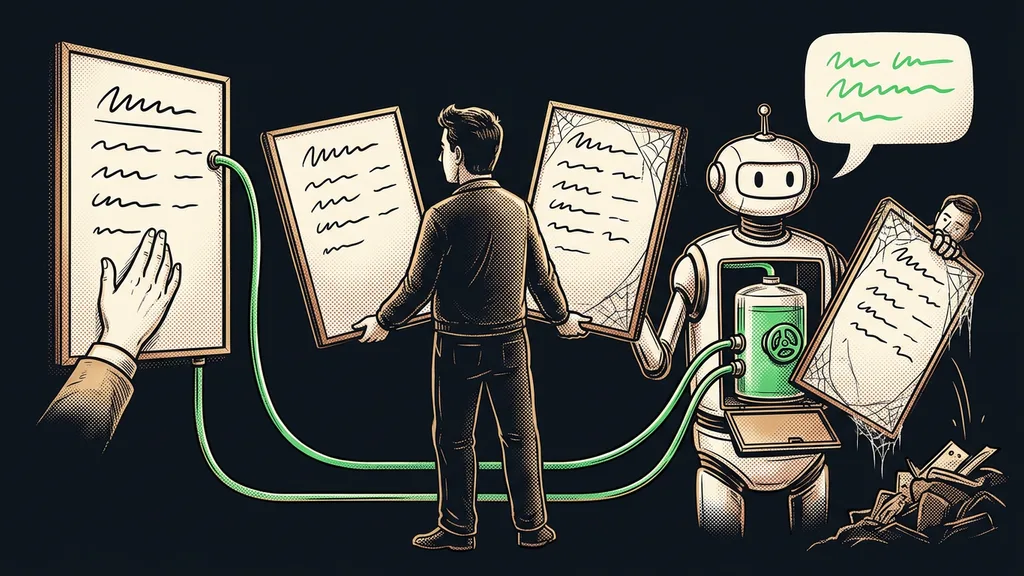
Retyping looks like work, but it only moves things around
Split your month into two piles: work that creates something, and work that only moves something. In an accounting firm, the second pile tends to be surprisingly tall, and it’s made entirely of steps nobody ever assigned. They appeared on their own, because the tools and the people don’t talk to each other.
The retyping tax
The hours each month that go into moving information that already exists from one place to another. From email into the software, from paper into a spreadsheet, from someone’s head into the calendar. You won’t see it in any timesheet, because it passes for ordinary work. It only shows up as a firm with less capacity than its headcount suggests.
“We can handle the accounting. What’s choking us is chasing clients to send their documents in the first place.”
The owner of an accounting firm told me that in our first consultation. She wasn’t complaining about accounting. She was complaining about four places where the work gets stuck. Let’s go through them.
First: documents pulled out of emails by hand
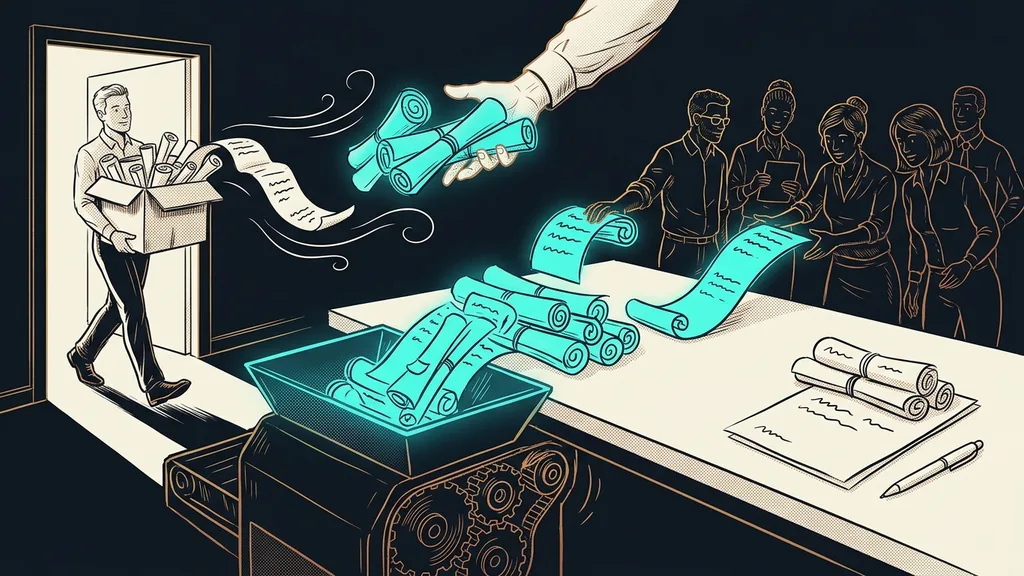
You don’t have to collect client documents by hand. A form can do it. The client fills in what you need from them, and on your end it turns straight into a file in the right place, in the right format, with the right name.
Saving a few clicks is the small part. The big part is that a whole category of errors disappears: the missing attachment, the wrong period, the invoice pasted into the body of the email. Today each of those little things means one more question, one more reply, and one more wait until the client responds again. I’ve written separately about how a filled-in form becomes a finished PDF without a single bit of retyping.
Second: three questions that come back every month
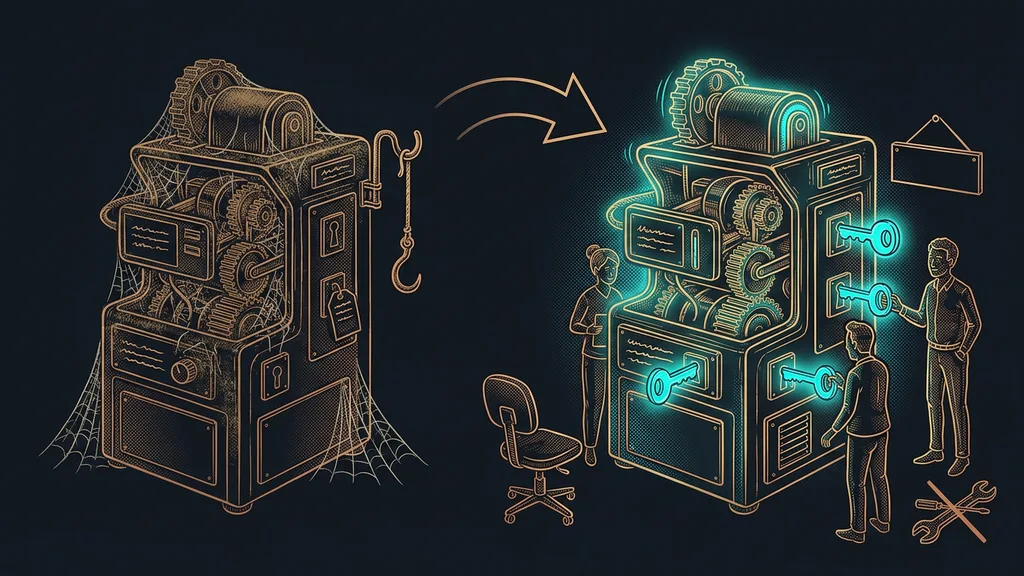
Repeat questions from clients can be handled by an AI assistant that answers from your own materials. When to submit, what to include, where to send it. The vast majority of questions that reach a firm are these same three questions in different disguises.
Knowledge base
Your own answers, stored in one place, that the assistant draws on. It doesn’t make things up or guess. It reaches for what you once wrote down. When it can’t find an answer, it hands the question to a person. So the quality of the answers comes down to what you put into the knowledge base, not to how smart the model running behind it is.
And the answers stay yours. When a deadline or a procedure changes, you update it in one place and it applies to every client. What a library of answers like that looks like in daily use, and how you keep it current, is a topic of its own.
One-minute self-test
Take your last month-end close and go through it step by step. For each step, ask yourself one thing: did I create something new here, or did I just move information that already existed? Add up the hours in the second group. That number is your spare capacity, and it’s usually higher than you’d expect.
Third: deadlines you carry around in your head
Keeping track of deadlines is the most expensive work in the firm that nobody logs. It doesn’t happen once. It runs constantly in the background, and it costs attention even outside working hours.
A system takes this work over completely. It knows who hasn’t sent what yet, reminds the client on its own, and puts a single overview in front of you every morning: done, waiting, on fire. And a helper that works directly in your email and calendar doesn’t need any new software on top.
You’ll notice it most in the week before a deadline. Instead of the firm splitting into the people who crunch numbers and the people who phone around and chase, everyone stays on the professional work. The reminders go out on their own, in the tone you agreed on once.
Fourth: the firm’s own invoicing
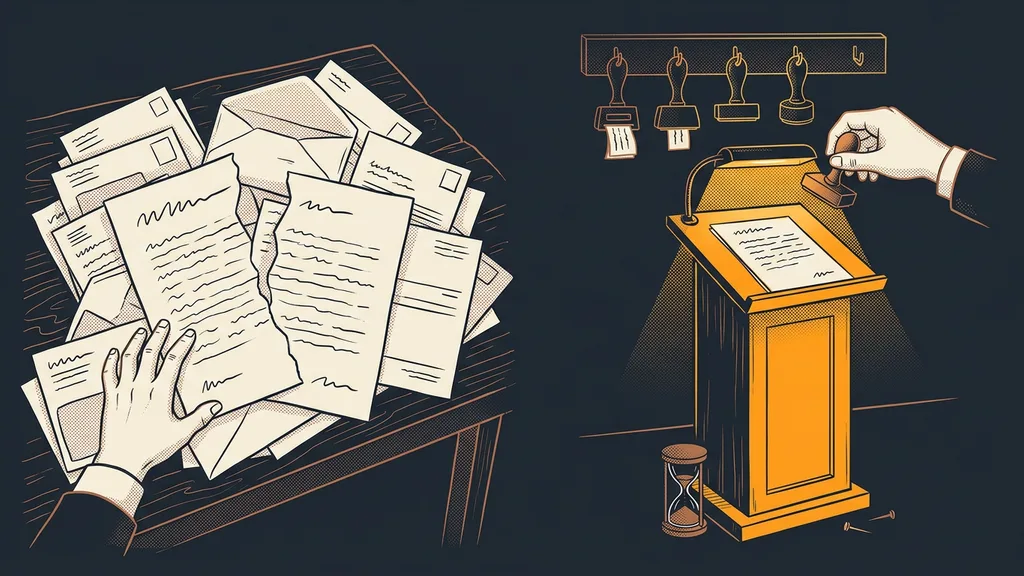
The last one is the most absurd. A firm that watches over its clients’ money deals with its own last and worst. Invoices get put together by hand, they’re forgotten once they’re overdue, and nobody wants to write the payment reminder.
Yet all the underlying data has been sitting in the system for ages: hours worked, agreed flat fees, completed tasks. Czech invoices are generated from it automatically as drafts for your approval, and you can answer the question of who hasn’t paid in a minute instead of putting it off until next week.
Who this doesn’t pay off for
So who doesn’t it pay off for? A firm that handles five companies and knows them by heart. There the whole setup won’t pay for itself, and a proper spreadsheet with a shared calendar will do the job.
It also won’t pay off where nobody first describes how the month runs today. You can only automate a process someone can walk you through. And then there’s something you have to sort out before the technology: confidentiality. Get it in writing from the vendor where the data is stored and who has access to it. Until you have that answer, don’t start.
The system in a nutshell
- Split your month into work that creates something and work that only moves data around.
- Let a form collect client documents, so you get a finished file right away.
- Hand repeat questions to an assistant that answers from your own materials.
- Give deadlines and reminders to the system and get a single overview every morning.
- Handle your own invoicing and receivables as routinely as you handle your clients’.
- Keep the signature, the judgment, and the responsibility. Those don’t move anywhere.
Let’s go back to that line about not taking on any new clients this year. In most firms, the reason has nothing to do with expertise or appetite. It comes down to hours that crumbled into moving around things that were written down somewhere long ago. A good system in an accounting firm adds no work for anyone. It removes the work you could never bill for anyway.