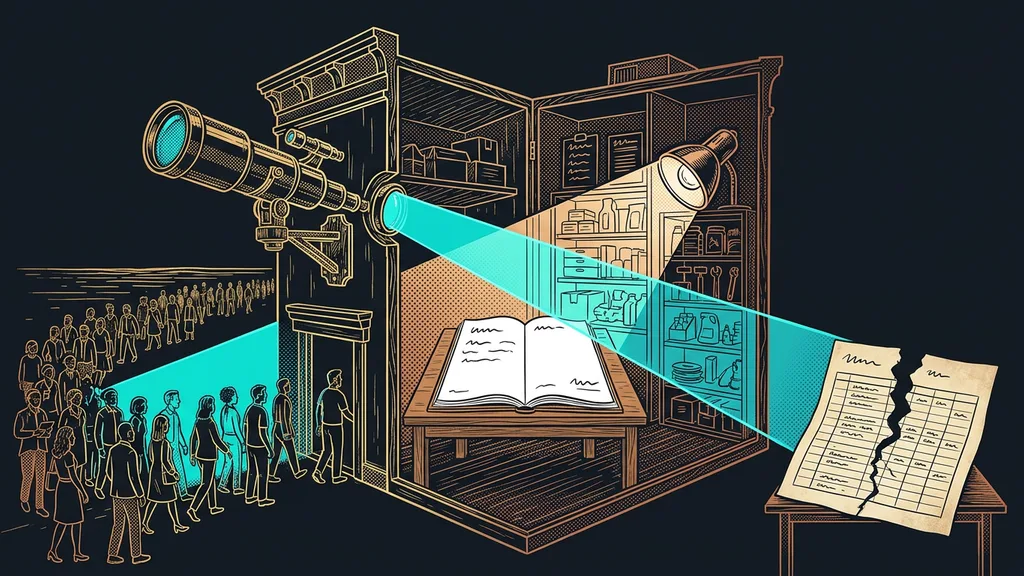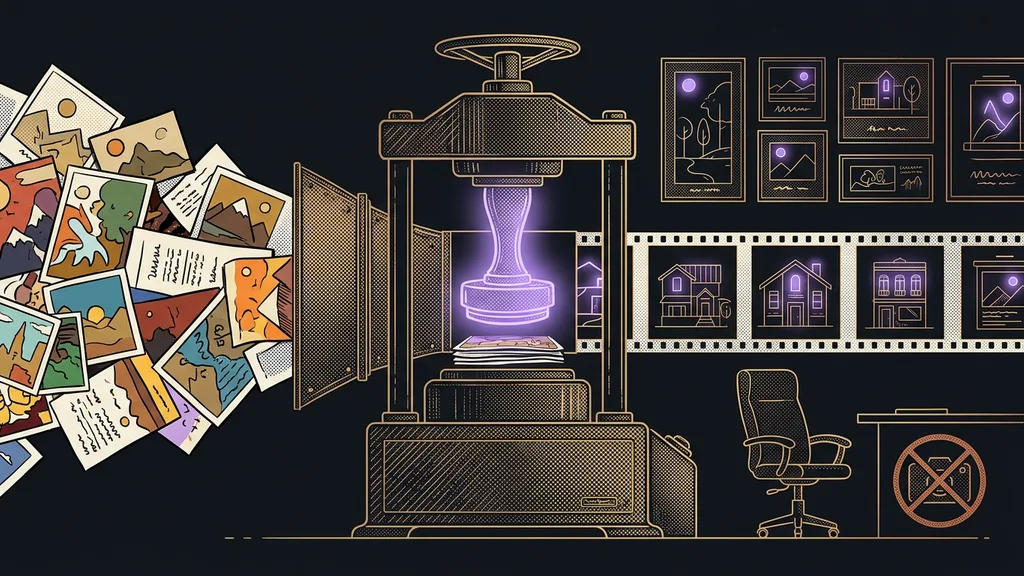
A hundred images gathered from all over the place look less like a brand and more like a mess. One comes from a stock site, another from a designer three years ago, a third was downloaded from who knows where. Each one has different colors and a different style, and readers subconsciously take that as a sign that nobody here is holding the reins. They decide within a few seconds, and most of the time they don’t even know why.
I went through exactly this a while back. Over the years, 190 illustrations collected from everywhere had piled up in my training materials. I could have defended each one on its own, but side by side they looked like a random mix you want to get away from as fast as possible.
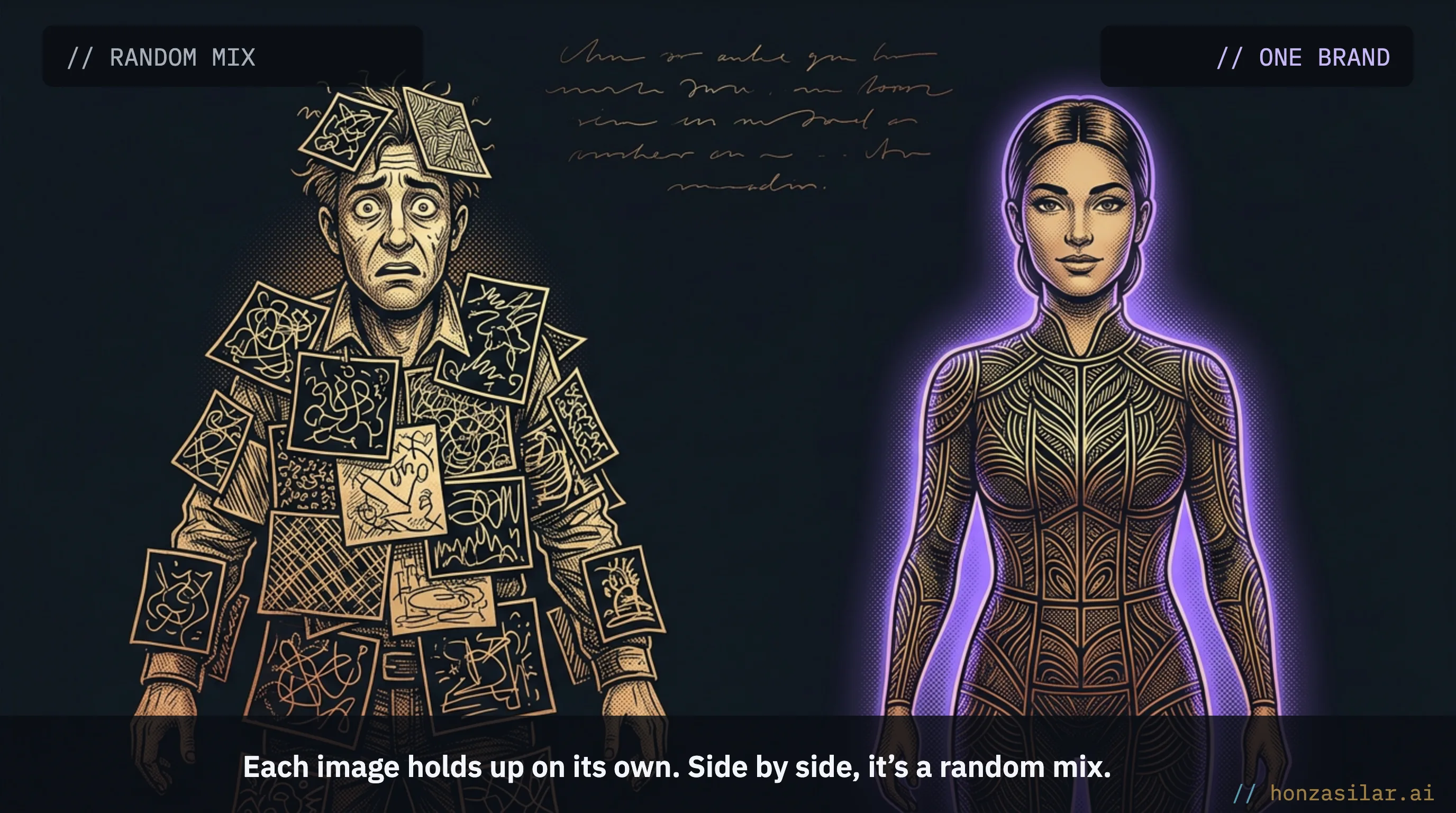
The real problem is a hundred images side by side, not one
A better prompt for a single shot won’t fix the core of this. The core lies somewhere else: getting a hundred images to look like they belong together.
These days, anyone can generate one nice image. The skill is producing a hundred that hold together as one brand.
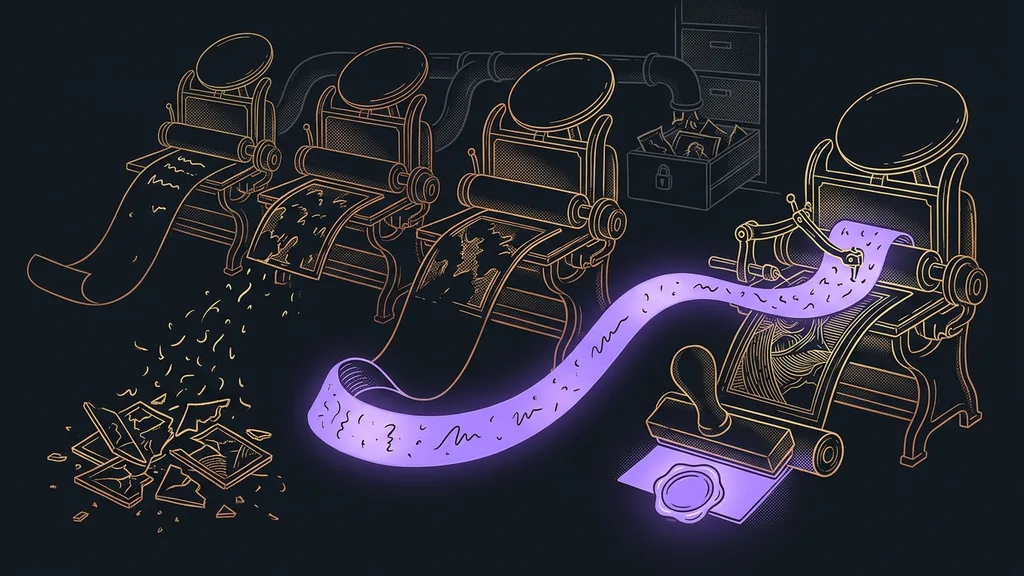
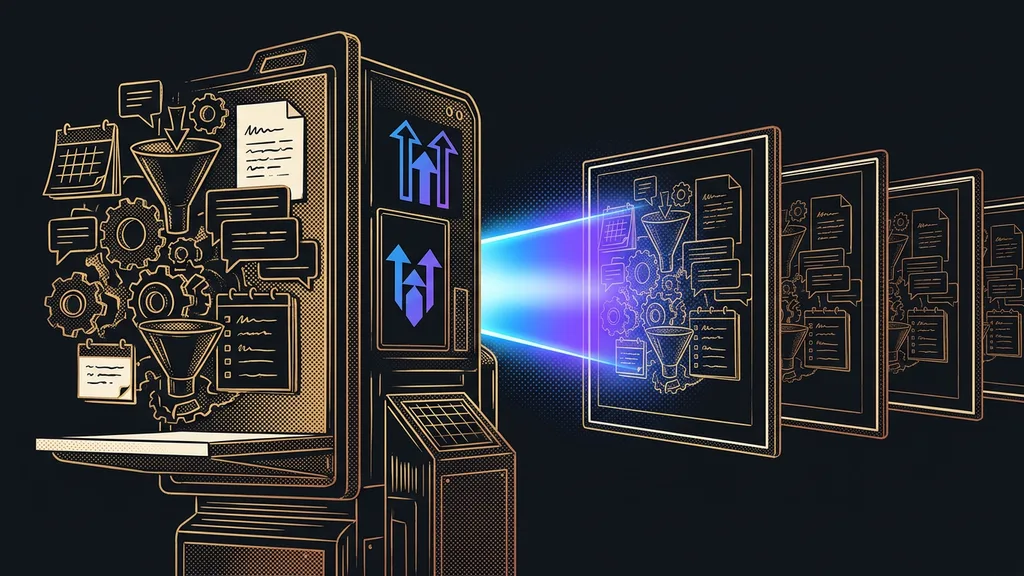
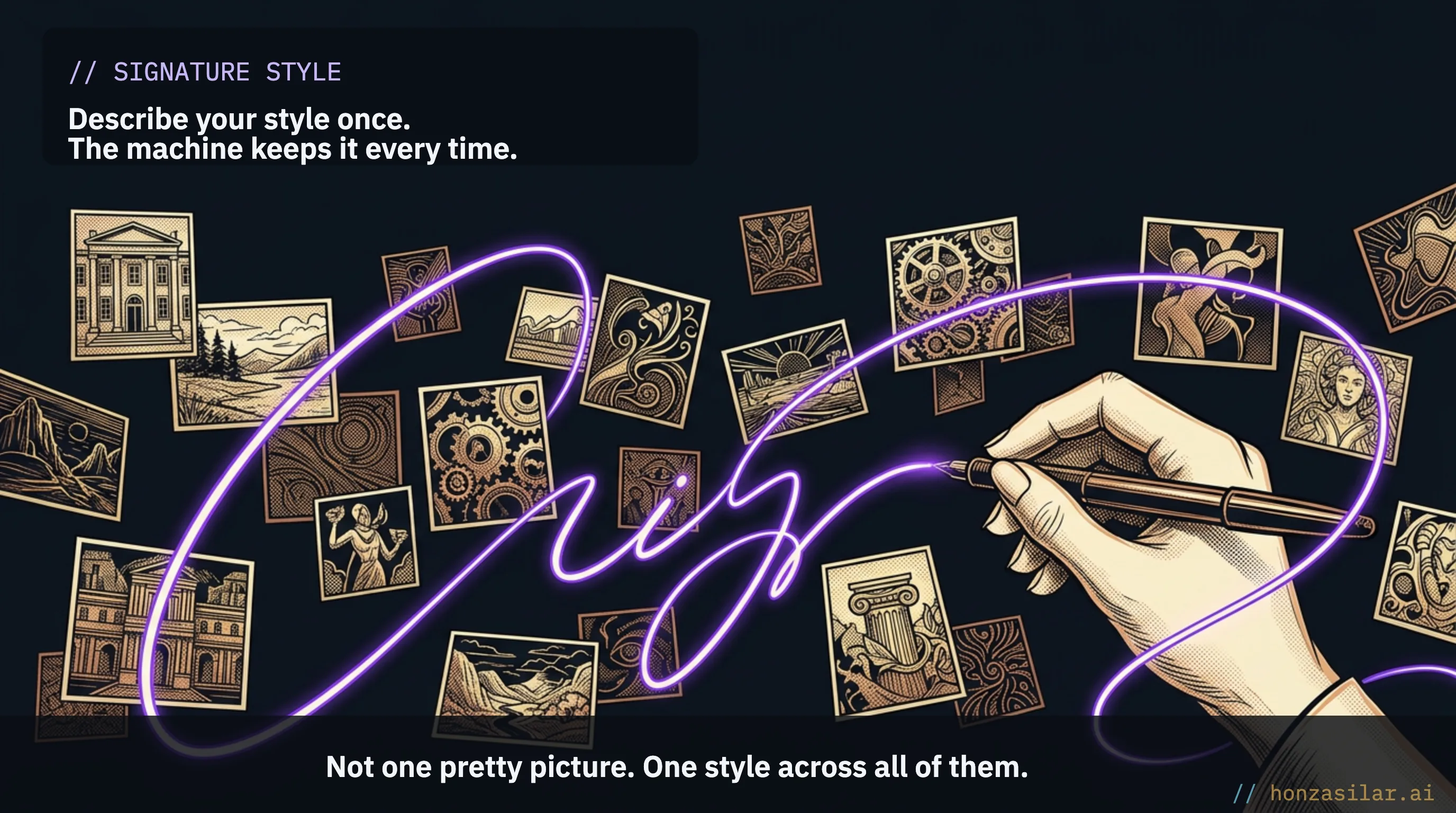
This is where most people hit a wall. They try AI, and every output looks like it fell out of a different world: different colors, a different style. The result is the same old mess, just faster. I call the ability to keep the same style across dozens of subjects a signature style. And it’s the one thing that matters. Once the machine can do that, it runs like an assembly line: I describe my style just once, and every new image falls in line.
One-minute self-test
Open your own website or your latest proposal and run your eyes over the images. How many of them look like they belong together, with the same colors and the same style? And how many fell out of a different world? That number usually comes out worse than you’d expect.
Stock photos or a designer, and why neither works at volume
There are two usual routes, and both have a catch. Stock photos are fast and cheap, but impersonal: you’ll run into the same shots on ten other websites. A designer will make them custom and make them look good, but that costs money, and you have to wait.
For one or two images, you pick a route and you’re done. At 190, though, either route catches up with you. Stock photos would have turned my materials into anonymous mush. At that volume, a designer would have cost me a fortune and weeks of waiting, round after round of feedback, and after a week I could still have ended up at “this isn’t it, I’m starting over.”
Stock photos, a designer, or an AI system?
| Criterion | Stock photos | Designer | AI system |
|---|---|---|---|
| Speed | instant | weeks | fast |
| Cost | low | high | under control |
| Consistent style | no, same as everywhere | yes, hands-on care | yes, across dozens |
| Best for | one or two shots | key visuals | dozens in one style |
The third way: one system I simply tell what I want
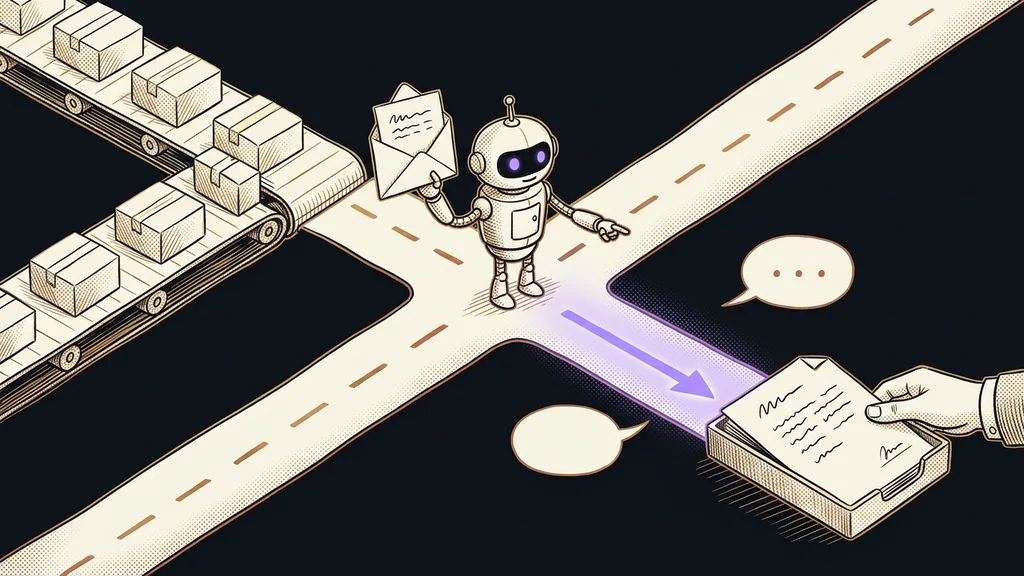
So I built a third way: my own system that I tell what I need, and it takes care of the rest. I don’t have to be a designer, and I don’t want to become one. I want things that look like my brand, and I want them fast, without learning a new program every time or keeping track of ten logins. Here’s what the system actually does:
- It picks the best tool for the job on its own. I don’t need to know the tool’s name or what it’s good at.
- Every subject gets the same signature style, so the output looks like one brand instead of a random mix.
- It checks the price before it runs anything, so I have my costs under control the whole time.
- Each file gets a name based on what’s in it, so I can still find my way around the archive a year from now, much like when I pull data from websites without retyping anything by hand.
AI model marketplace (fal.ai)
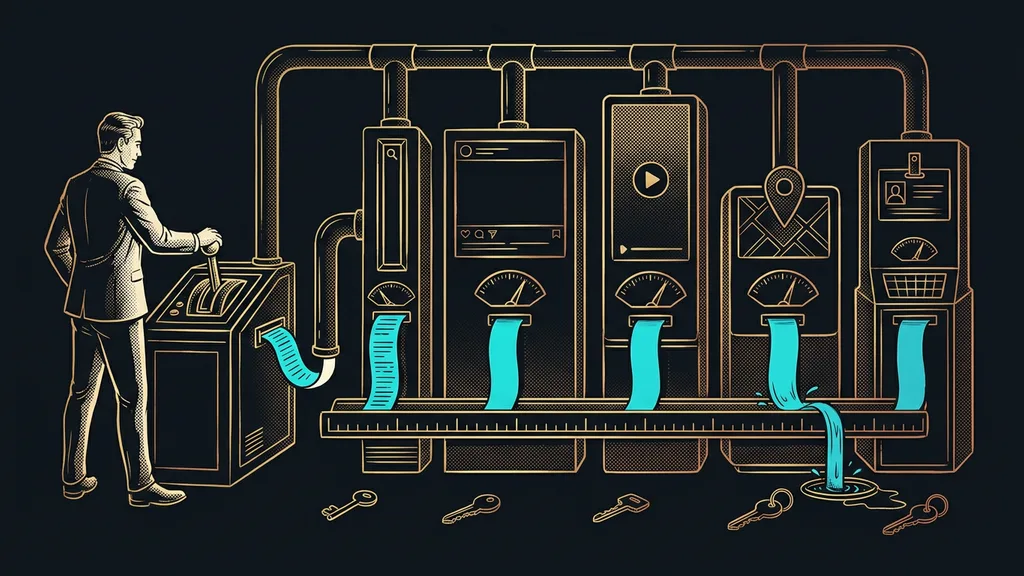
A place that puts dozens of AI models for images and video under one roof. One handles photorealistic portraits, another clean illustrations, another logos, and yet another brings a still image to life. Each one is the best at something and terrible at something else, and picking the right one is a science of its own. That decision is exactly what I handed off to the system: I describe what I want, and it reaches for whatever suits the task best.
A price you know upfront
Money is usually what frays nerves the most, so I won’t sugarcoat it: image generation isn’t free, and prices can vary tenfold between tools. At 190 images, small change quickly turns into a sum where I want to know upfront what I’m getting into.
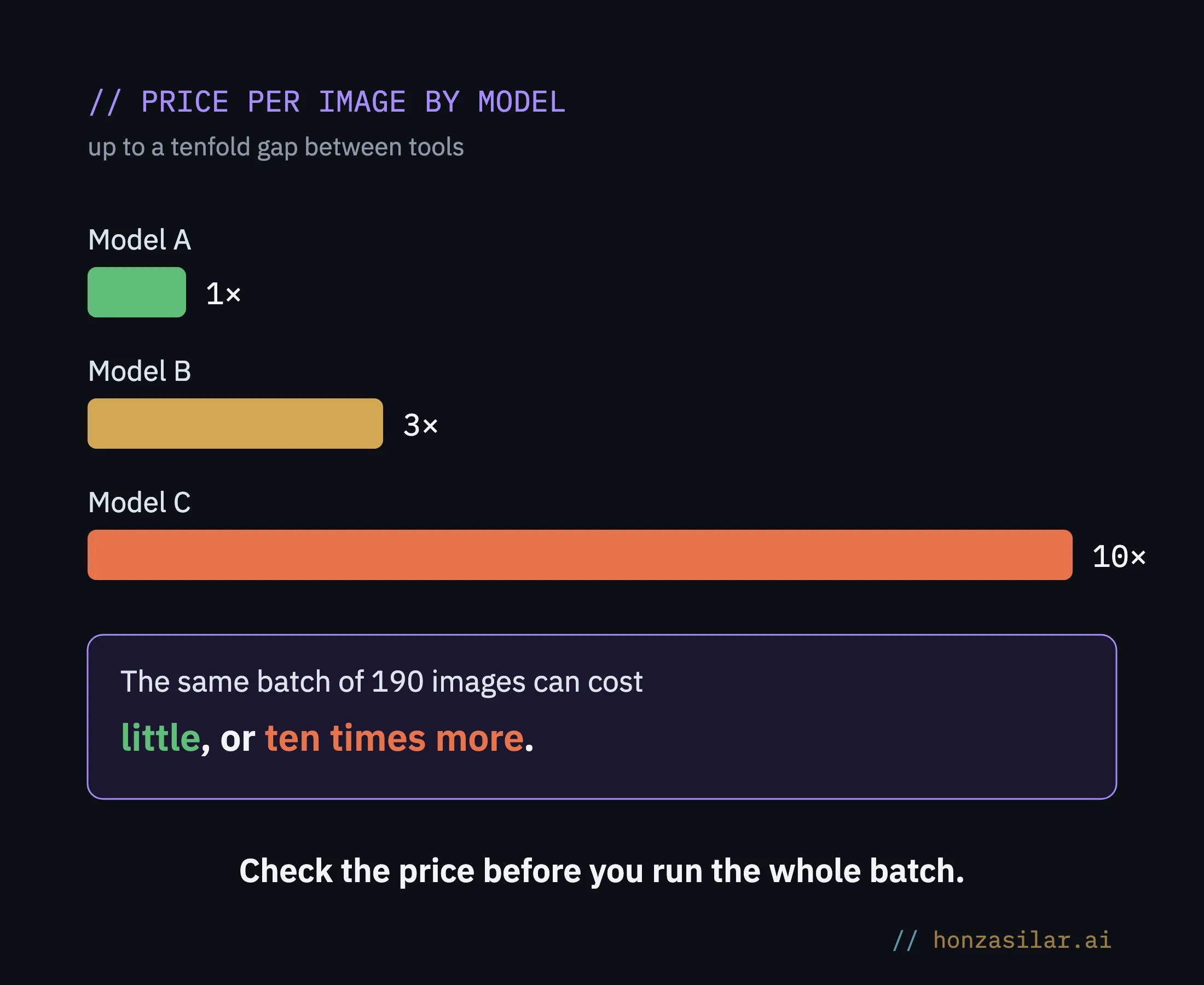
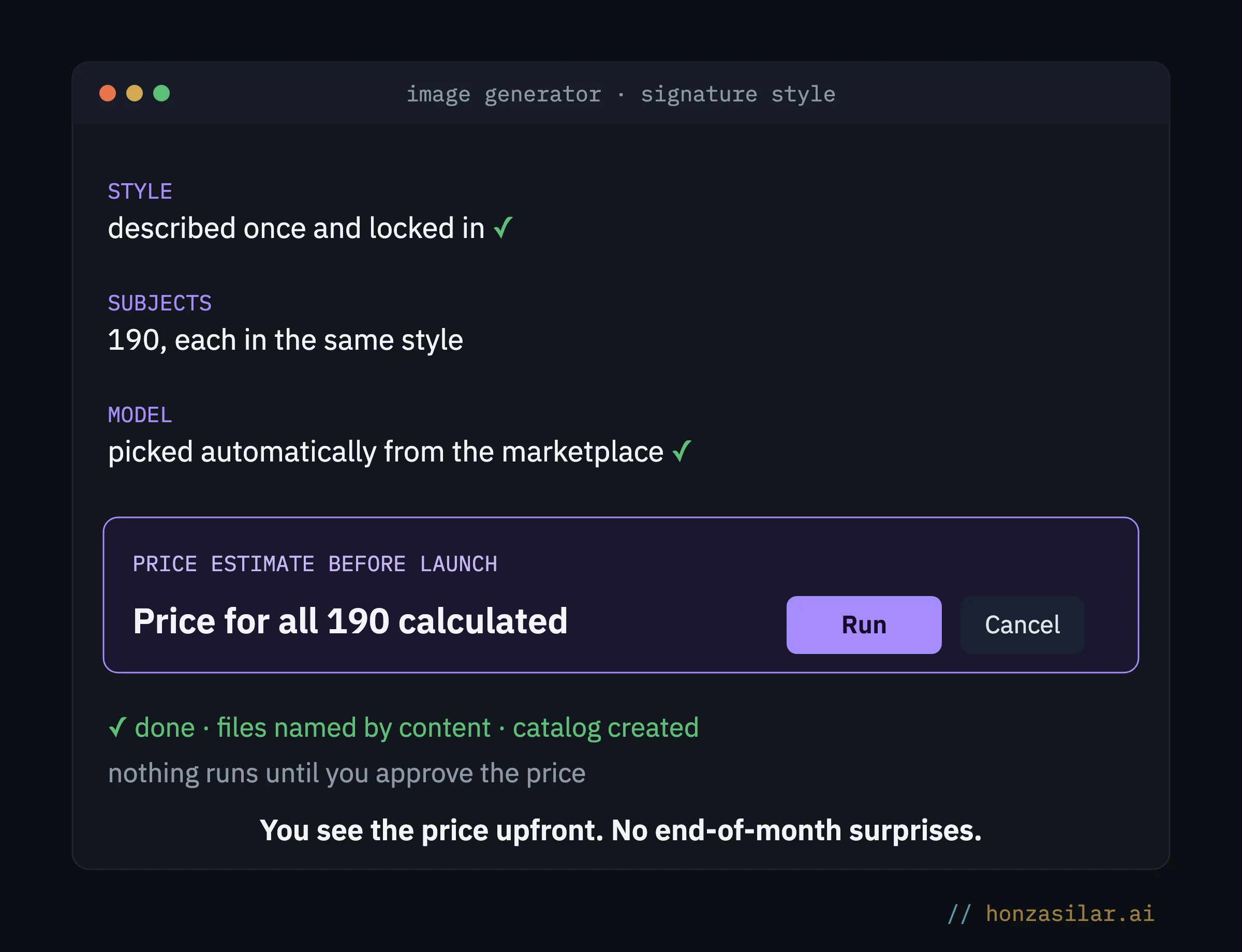
I’m deliberately not giving you an exact amount for those 190 images here. Yours will be different, because it depends on the model, the resolution, and the number of attempts. More important than the number is a rule that always holds: see the price before you run the whole batch. My system does it for me, but you can check the costs on a few images before you launch hundreds with any tool. No nasty surprises at the end of the month.
One conversation, 190 images in one style
The whole 190-illustration project happened in a single conversation with Claude. I’ll retell it in short, without the technical details, but the steps went in exactly this order.
The conversation, condensed
Me: I have 190 illustrations in my training materials, and each one comes from somewhere else. I want them to look like one brand. I’ll describe the style once, and you keep it for every subject.
Claude: Got it. I’ll pick the best model from the marketplace for redrawing the illustrations. Before I run anything, I’ll show you what one image will cost and what the whole batch will cost.
Me: The price works. Go ahead.
Claude: Done. All 190 subjects are redrawn in your style, and I named each file after what’s in the picture. You also have a catalog of every subject, so you can find your way around them.
How many images the system handled in one conversation
Who this isn’t worth it for
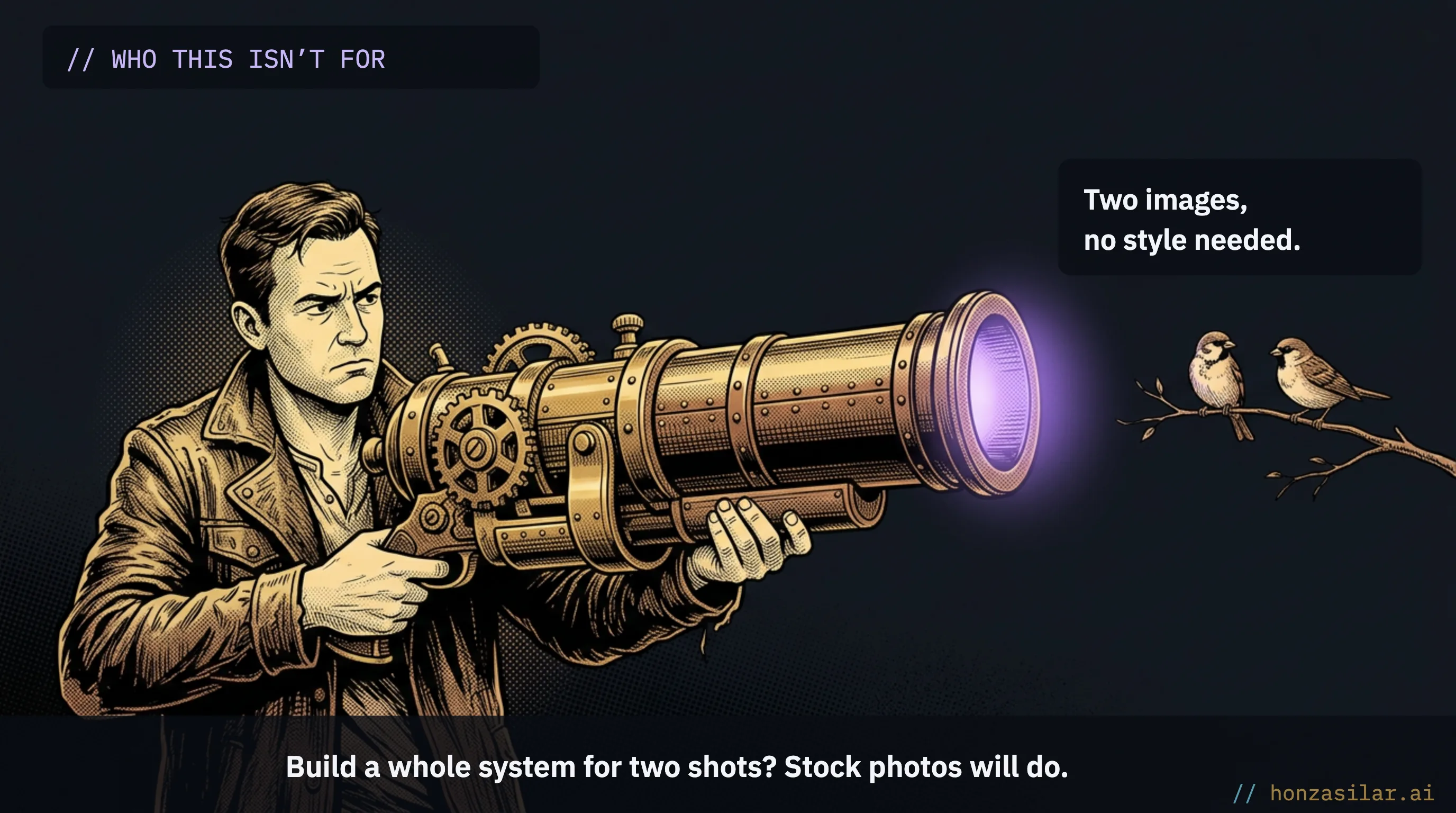
Let’s admit the limit. If you need one or two images and don’t care about a consistent style, there’s nothing to think about. Stock photos are faster and cheaper, and building a system for two shots is like setting up your own photo studio for a passport photo. This pays off when you’re dealing with dozens of images that need to look like one brand, or with visuals you’ll keep coming back to. Then every image you hunt down by hand is one more place where the style drifts.
The whole system in a nutshell
- I describe my style once, in fixed terms, so the machine keeps it for every subject.
- I say what I need, and the system picks a suitable model from the marketplace on its own.
- Before it starts, it shows me the price, so I know what I’m getting into.
- It generates the images in one signature style and names them systematically.
- The same system removes backgrounds, upscales images for print, or turns a photo into a short video.
The whole system in a nutshell
All of it without stock photos or waiting on a designer, the same way I say one sentence instead of typing. The mismatched collection of 190 images I started with now looks like one brand. And that was the point all along: not one pretty picture, but a hundred that hold together.