Most businesses have plenty of data. Their problem is that it’s scattered. Contacts in one app, open jobs in another, notes in a notebook, and half of the important stuff only in the owner’s head. Every piece of information lives somewhere else, and the only thing holding it all together is you.
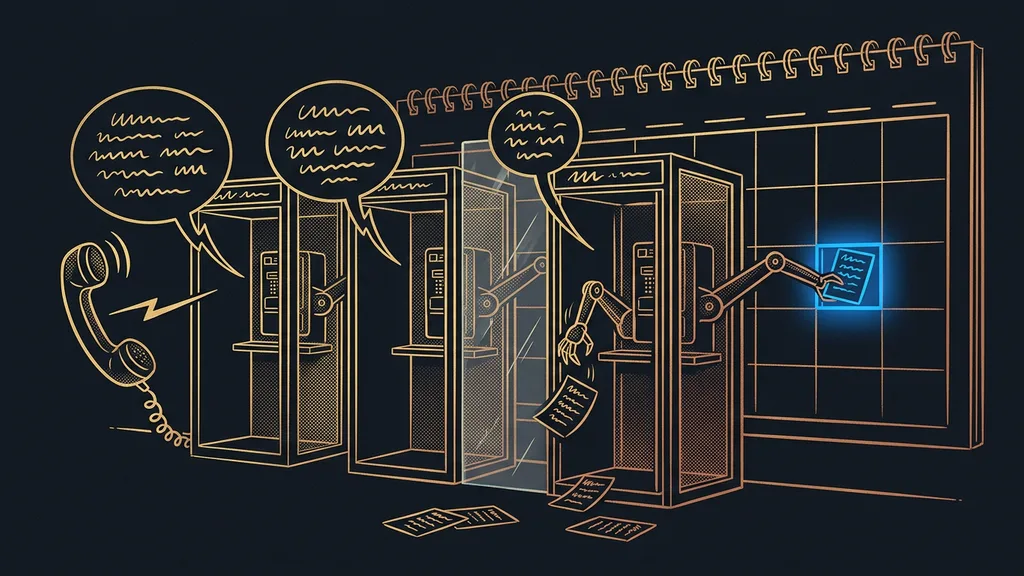
A client you last spoke to six months ago calls. You pick up, smile into the phone, and your mind goes blank. Who is this, and what did we work on together? You open your email, then one spreadsheet, then another, and finally the messages on your phone. The number’s here, the meeting notes are over there, the quote is somewhere else entirely. By the time you’ve pieced it together, the client has been talking for three minutes, and you’re just nodding along, hoping something clicks.
The problem isn’t that you have too little data
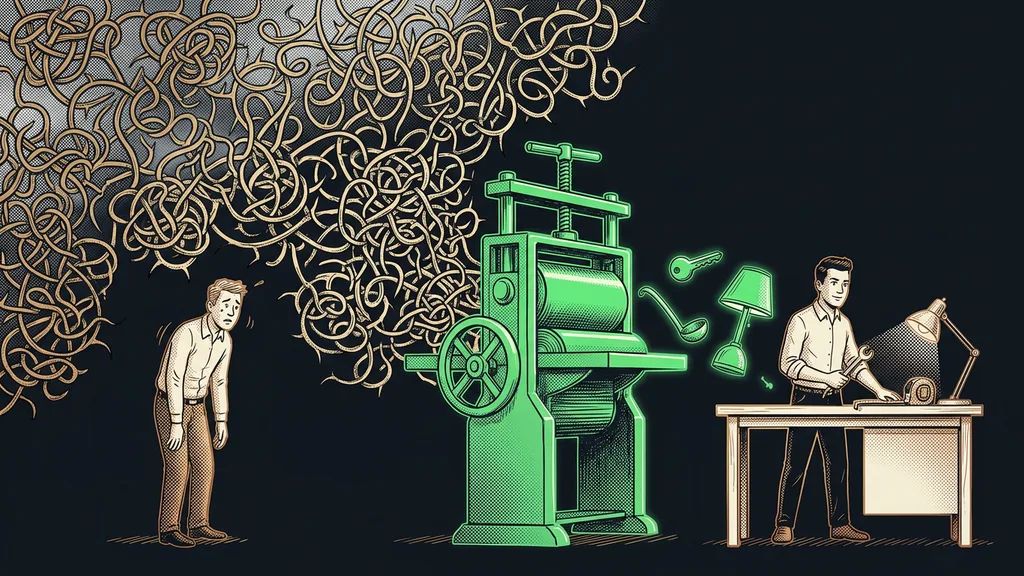
If anything, you have loads of it. The trouble is that the pieces don’t talk to each other. You’re the only link, the living database that’s supposed to remember that this person is that person’s cousin and that you still owe them a reply.
Relational database
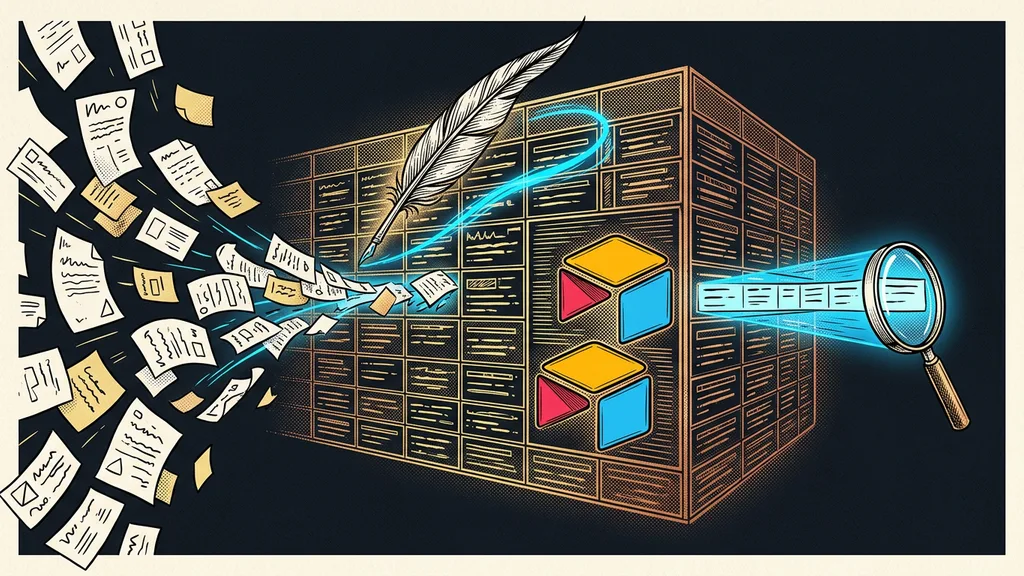
A set of tables that know about each other. A contact is linked to the company it belongs to, the company to its jobs, and each job to its invoices. You then ask about connections rather than individual cells: “show me all the jobs for this company” takes one click instead of a hunt through five files. That’s exactly what turns a pile of spreadsheets into a company’s memory: the links between the data, not the amount of it.
And this is where it starts to hurt. Not all at once, but slowly:
- You forget to follow up, and a job quietly fizzles out.
- You click through files just to find out what you already knew.
- A wrong number ends up written down somewhere, and you only find out when it’s too late.
None of these mistakes looks expensive. But add them up over a year, and you’ll see what it cost you that your business has no memory: a missed meeting, a quote that never went out, a client who went elsewhere because you didn’t get back to them in time, twice. Quiet costs you’ll never see on an invoice, and you pay them anyway. It’s a close relative of fragmented software, where your tools refuse to talk to each other, except here it’s the data itself that gets lost.
A business that can’t remember starts from zero every morning. And it’s hard to grow from zero.
More willpower won’t fix this
For a long time, I thought the solution was to “finally knuckle down”: write everything down once and for all, then just keep it up diligently. I tried that about five times, and every time it lasted a week. Manual order depends on discipline, and discipline is the first thing to go when you’re slammed. When three things are on fire at once, you’ll write it down “later.” And later never comes.
I realized willpower wasn’t the answer. The way out was to take this work off my shoulders entirely and let a system keep things in order instead of my personality.
One place that AI both fills in and reads
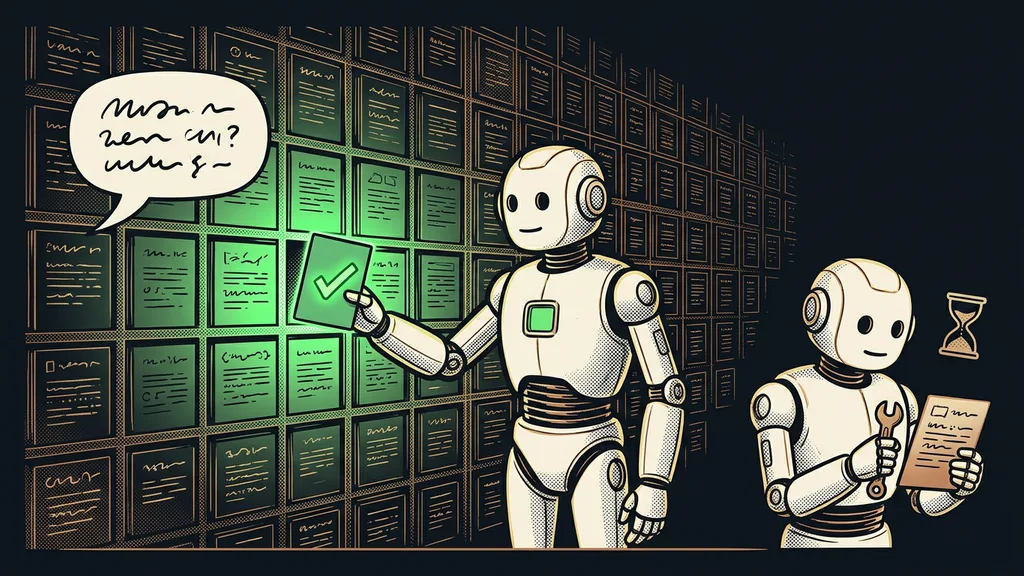
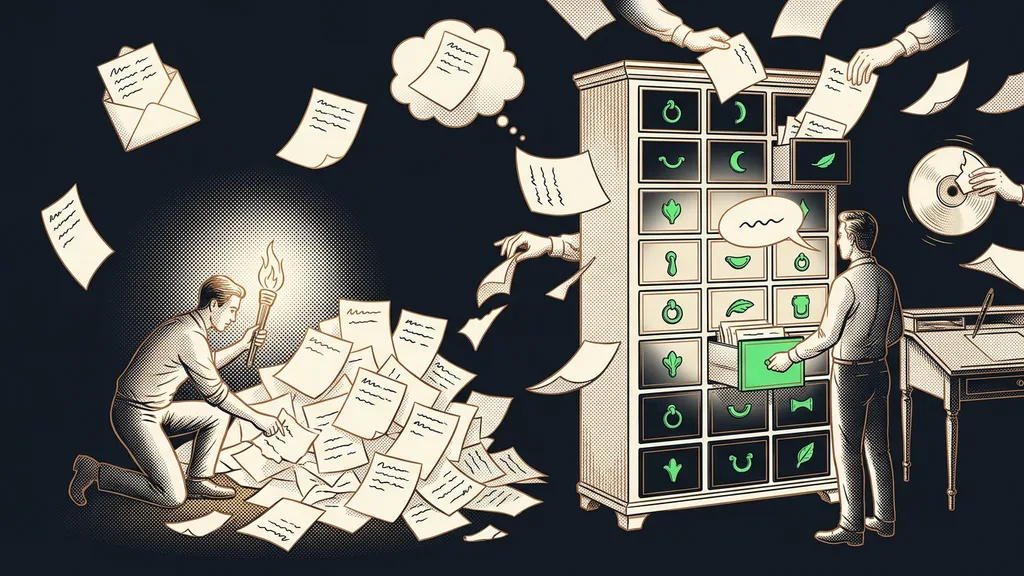
So I built a company database in Airtable, a smarter spreadsheet that can also link records to each other. On top of it, I put an AI that understands an ordinary Czech sentence. Most importantly, I don’t have to click around in the database at all. I say in a plain sentence what happened, and the AI turns it into “create, find, connect, summarize” in the right place.
Single source of truth
One place that counts as authoritative when data disagrees somewhere: this is the correct version. You don’t argue about whether the number in the email or the one in the spreadsheet is more current, and people and downstream automations both trust it. Without it, every tool has its own truth, and you’re the one who has to keep reconciling them.
What it can do, in concrete terms
A new contact comes in? The AI creates the record itself in the right place, fills in what it knows, and links it straight to the company it belongs to. Need to find something? I ask in a normal sentence, “who asked us about that training in May?”, and I get an answer instead of twenty minutes of searching. Want an overview? I ask for one and I have it, pulled together from everything I’d otherwise spend a whole afternoon piecing together by hand.
One-minute self-test
Run through your data in your head: how many different places are held together today only because you remember them? Contacts, open jobs, who promised what to whom. Each of those places is a point where something will get lost the moment you’re swamped, or on vacation.
Data the rest of your business can reach too
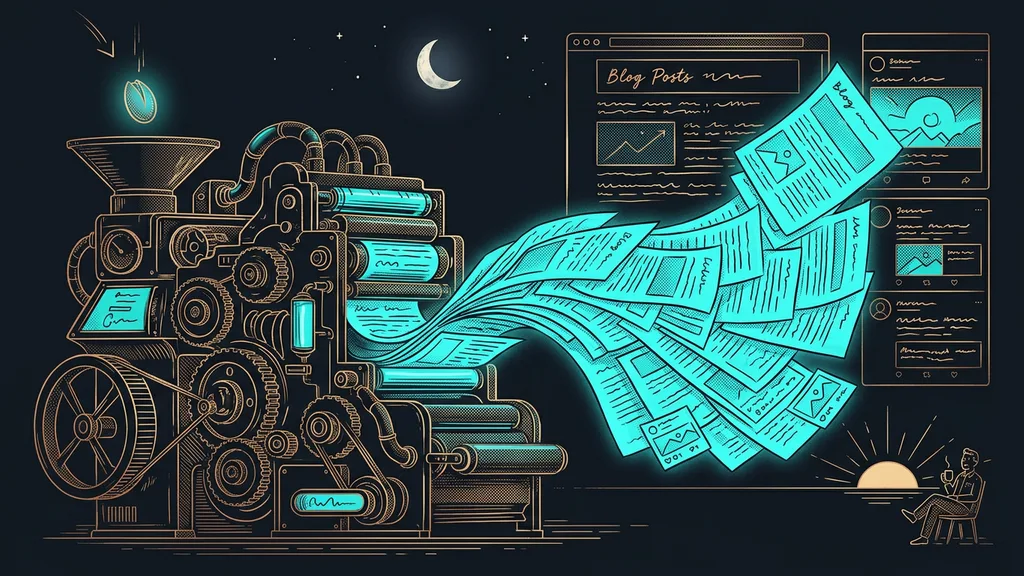
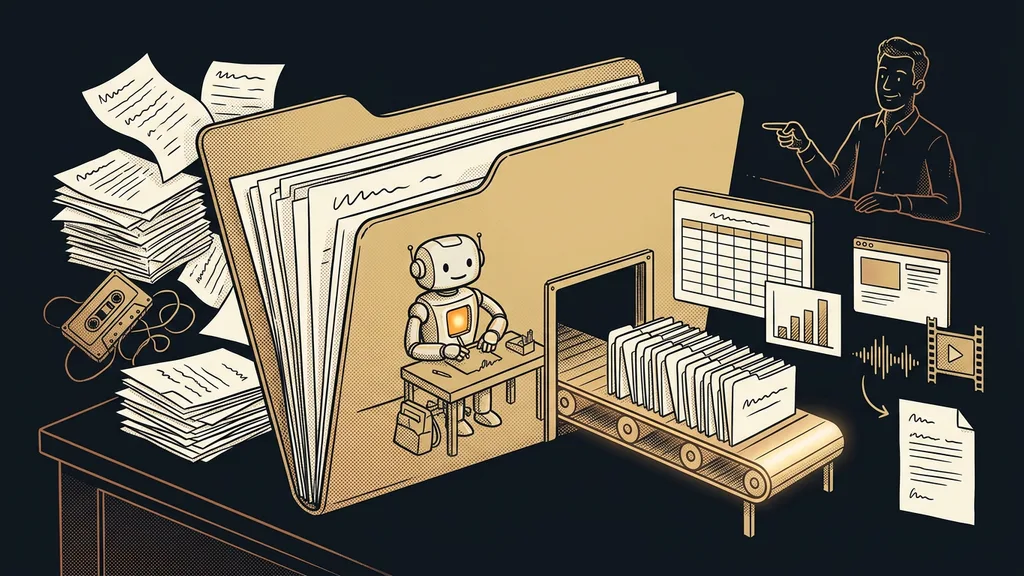
What makes the database fit into the rest of the business is that the data isn’t locked inside one app. It sits in one place that my other automations can reach too. A new record shows up? It can trigger a welcome email on its own. Something changes? The next process in line knows about it right away. The database stopped being a dead storeroom and became the heart that keeps the rest of the business going.
It asks before it overwrites
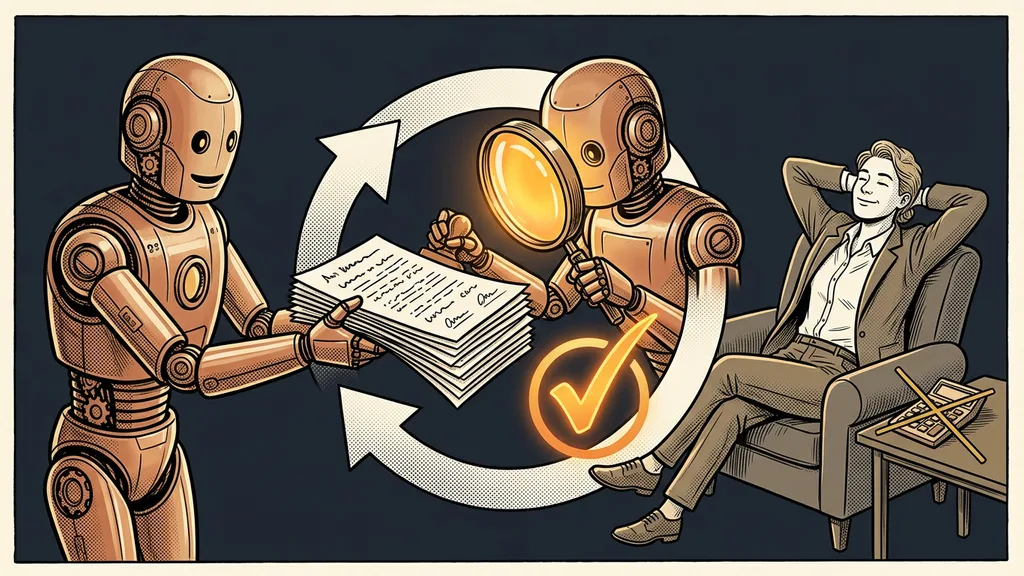
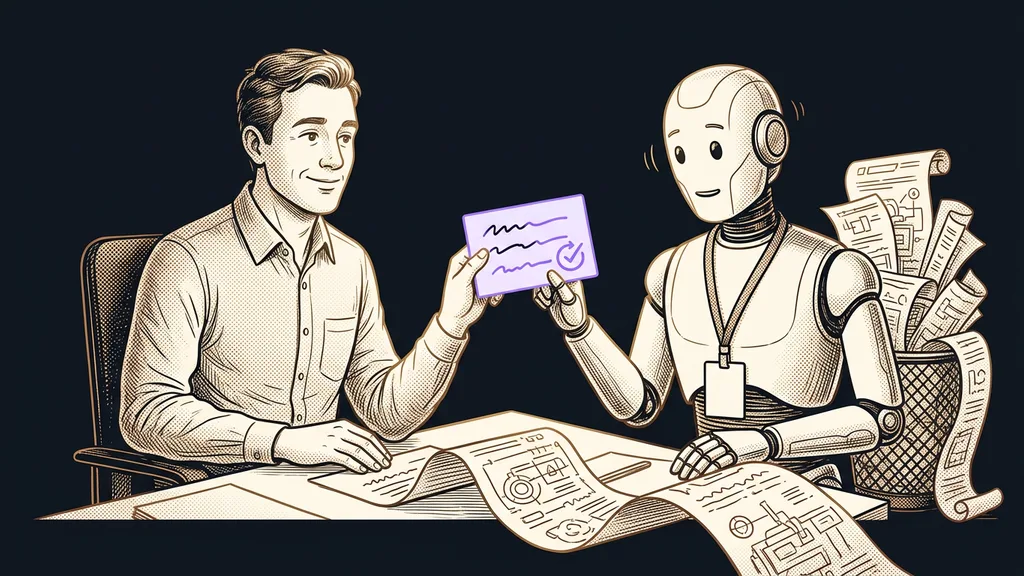
An automation that overwrites data on its own is a nightmare. So on the steps that matter, creating, overwriting, and deleting, mine doesn’t do anything without my confirmation. It prepares the change and asks.
Human in the loop
A way of building automation where the system prepares everything, but a person confirms the decisive step. In practice, it’s the only difference between an automation you trust and one you’re afraid of, especially when your data is at stake.
So who isn’t this worth it for? If you have five contacts in one spreadsheet and that number isn’t growing, the spreadsheet is plenty, and this would be like setting up a filing cabinet for five business cards. It pays off as soon as your data lives in several places and keeps growing, because every extra place is one more piece of memory you’d otherwise have to carry yourself.
The whole system in brief
- The foundation is one connected place where the data lives: tables that know about each other.
- On top of it sits an AI that understands an ordinary Czech sentence.
- I tell it in plain words what happened, and it turns that into “create, find, connect, summarize.”
- For creating, overwriting, and deleting, it waits for my confirmation. Nothing important gets overwritten without permission.
- Downstream automations can reach the same data, so a new record triggers whatever comes next on its own.
It’s not rocket science: one smart place with an AI on top that turns a human sentence into work with data. Let’s go back to the start, to that unexpected call. In a world with a database like this, you pick up, ask a quick question in the same breath, and have the whole history in front of you before the client finishes their first sentence. You skip the stress, the clicking around, and the awkward silence. That’s exactly the difference between a business that has to remember and a business that remembers on its own.