The question of where to start with automation has two usual answers. Start small, or start where it hurts most. The first piece of advice is vague because it doesn’t say with what. The second sends you straight to the most complex process in the company, which is exactly where a first attempt is most likely to fail.
I hear this over and over in consultations. A company has a list of 15 things it would like to automate and stares at it for six months. It has the tools and the budget. What it lacks is an order. And you can’t copy that order from someone else’s list, because every company has a different ratio between what it merely copies and what it decides.
What matters is what the process does with information
Sort processes by what happens to information inside them, rather than by department or tool. Once you name that, the order almost works itself out. So does the list of processes that shouldn’t be handed over at all.
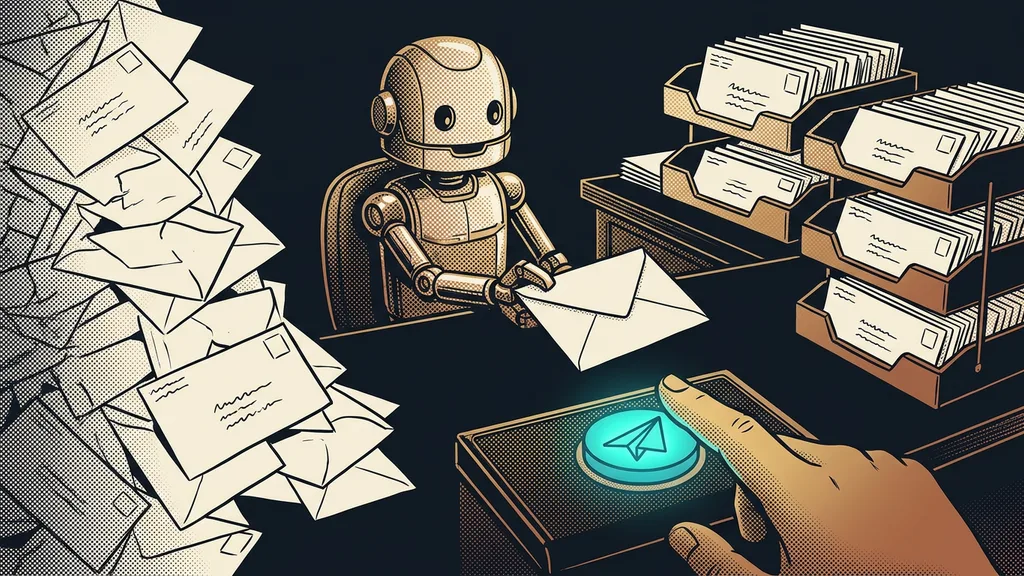
Copying process
A routine where the information already exists and a person just moves it from one place to another. From an email to a spreadsheet, from a form to a contract, from notes into a system. Nothing gets invented or decided in it, and that’s exactly why it’s the easiest to hand over.
When I ask about a process, most people describe the tools it runs in. But that’s a top-down view, and it won’t give you an order. The more interesting question is what happens to information in that process, because that determines how hard it will be to hand it over to a system.
Two processes can even run in the same app and each belong somewhere else. Issuing an invoice is copying; deciding on a discount is judgment. If you don’t separate them, the whole automation gets stuck on the smaller piece, and it looks like nothing works.
The first thing I ask is what the process does with information. Whether there’s a tool for it is only the second question.
Five types that cover almost every business routine
Almost everything that runs on repeat in a business falls into one of five types. The difference between them is how much judgment they need.
- Copying. Information is moved without changes. Typically data from an inquiry that drops from a form straight into a finished document.
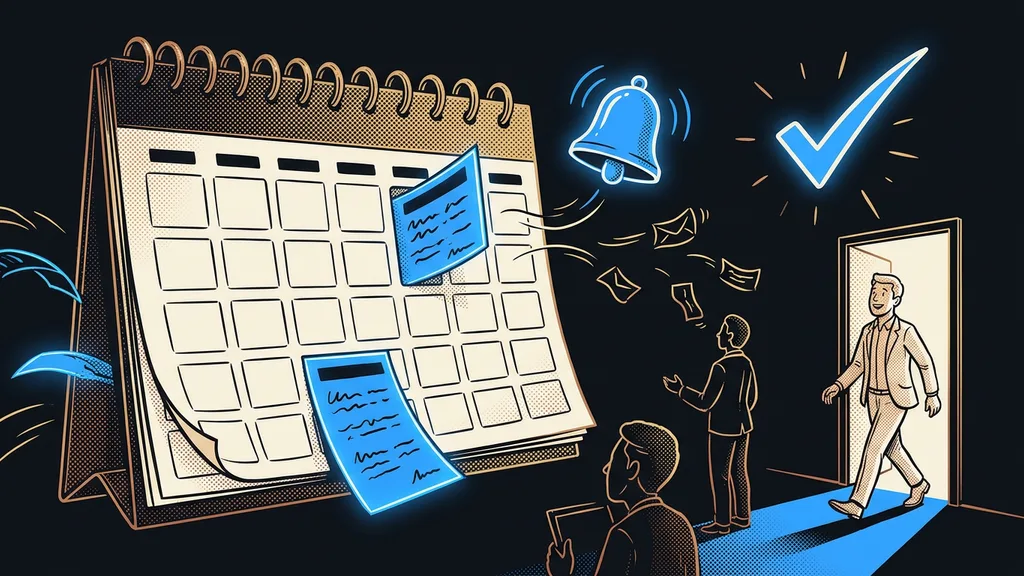
- Tracking. Nothing gets moved; the job is simply not to forget that something is due. Reminders, deadlines, and the workflows that keep an inquiry alive belong here.
- Sending. One message has to reach many people at the right time. Think bulk emails prepared in one place, invitations, notices to customers.
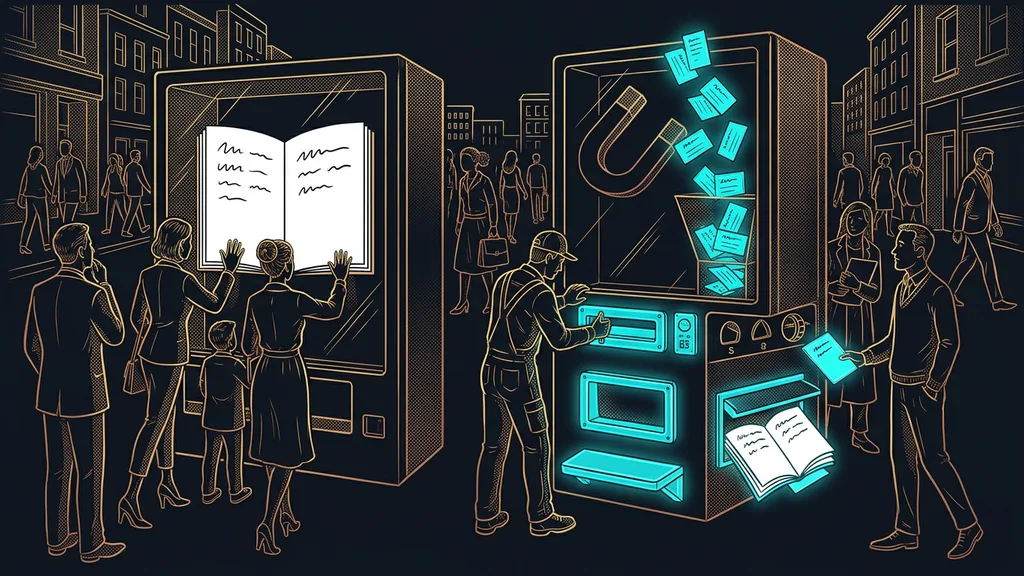
- Answering. Someone asks, and the answer already exists somewhere in the company. Here the system handles the first round and a person keeps the last word.
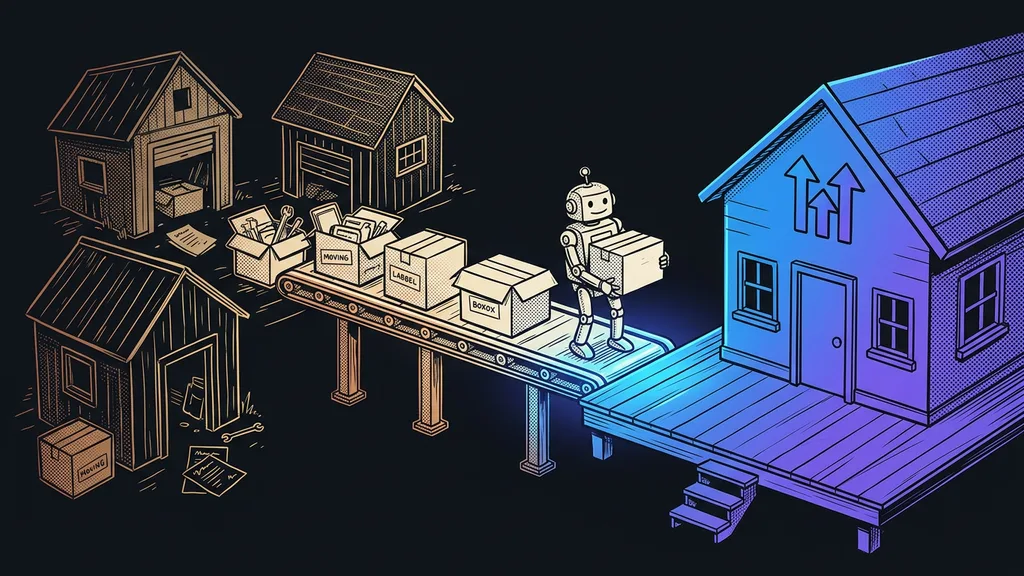
- Compiling. The data sits in five systems and someone regularly pulls it into one overview. A routine that runs overnight handles that with no trouble these days.
There’s a sixth type too, but it doesn’t belong on the list. Those are decision processes, and I’ll get to them below. They differ from the other five in one thing: you can’t describe the outcome in advance, because it depends on the situation every time.
Copying processes go first, and that’s on purpose
You start with copying processes because there’s no room in them for an error of judgment. The information going in and coming out is the same, so you can check the result in a minute. There’s exactly one right answer, and you know it in advance. Either the data came across complete and correct, or it didn’t. Within a week you know whether it works, and you don’t need an opinion about it.
Next come tracking processes, then sending. Answering and compiling go last, because there the system makes selections, and selections take longer to check. So the order follows how quickly you can tell something works, not what annoys the company most.
Workflow
A sequence of steps described in advance and set off by a single event. An inquiry comes in, so a contact is created, a confirmation goes out, and two days later a reminder follows. There’s no artificial intelligence in it, just a written-down procedure. On the plus side, a company can have it up and running in a single morning.
How to classify your own process in a minute
Take one thing you’ll do more than three times this week and describe it in one sentence without naming a tool. The type almost always falls out of that sentence.
The one-minute self-test
Write your process as a sentence that starts with a verb: I copy, I track, I send out, I answer, I compile. If two verbs fit into the sentence, you’re looking at two processes. Split them and classify each one separately, or your first attempt will get tangled for no reason.
If you can’t write the sentence at all, that’s not your fault. It means the process doesn’t have a fixed shape yet, and a system needs a fixed shape before anything else. A process like that gets written down first and automated only after. You can skip that step, but it’ll come back to bite you at the first snag.
The type to leave to a person
The sixth type, decision processes, doesn’t get handed over. As soon as a process calls for judgment about a price, a client relationship, or an exception to a rule, the decision belongs to a person. A system can happily prepare the groundwork and save you an hour, but the last step stays with you.
So who isn’t this worth it for? A business where every job is different and nothing repeats. There’s nothing to classify, and building anything rigid doesn’t pay. Wait until the first routine that repeats at least weekly shows up, and start there. Until then, a better note-taking system will earn you more than automation.
The whole guide in a nutshell
- Describe the process in one sentence without naming a tool, and start that sentence with a verb.
- Classify it by what it does with information: copies, tracks, sends out, answers, compiles.
- Leave out decision processes; for those, the system only prepares the groundwork.
- Start with a copying process, because you can check its result in a minute.
- Only after the first working step, add tracking and sending.
- Leave answering and compiling for last, once checking has become routine in your company.
There’s nothing wrong with that list of 15 things companies stare at for six months. It’s just missing a column that says what each row does with information. Once you add it, you won’t have to figure out the order anymore.