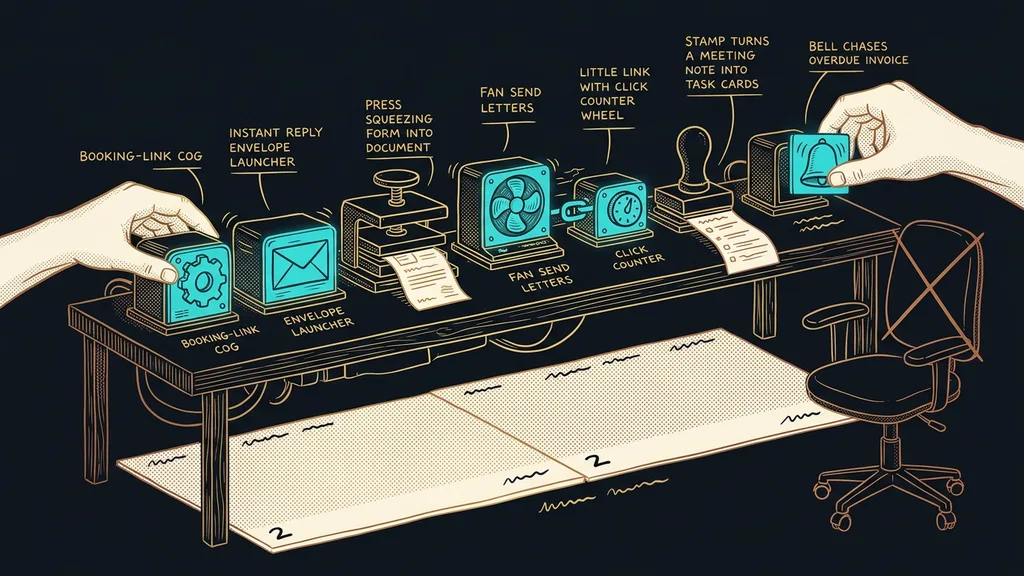
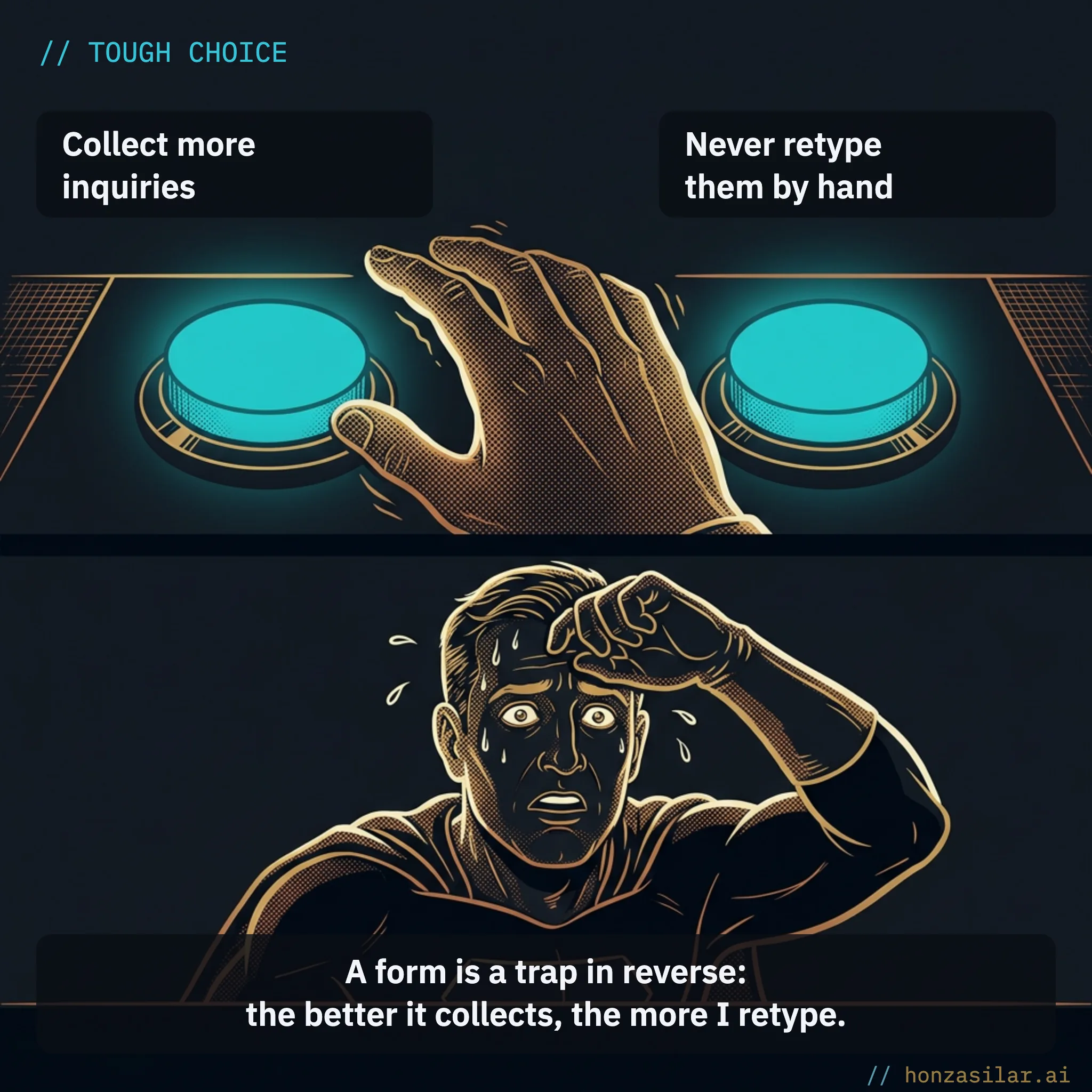
A form is a trap in reverse: the better it collects responses, the more manual work it piles on whoever sits behind it. Every completed form still has to get somewhere: into a system, into a spreadsheet, into a documents folder. And usually, nobody built that last stretch of road behind the form.
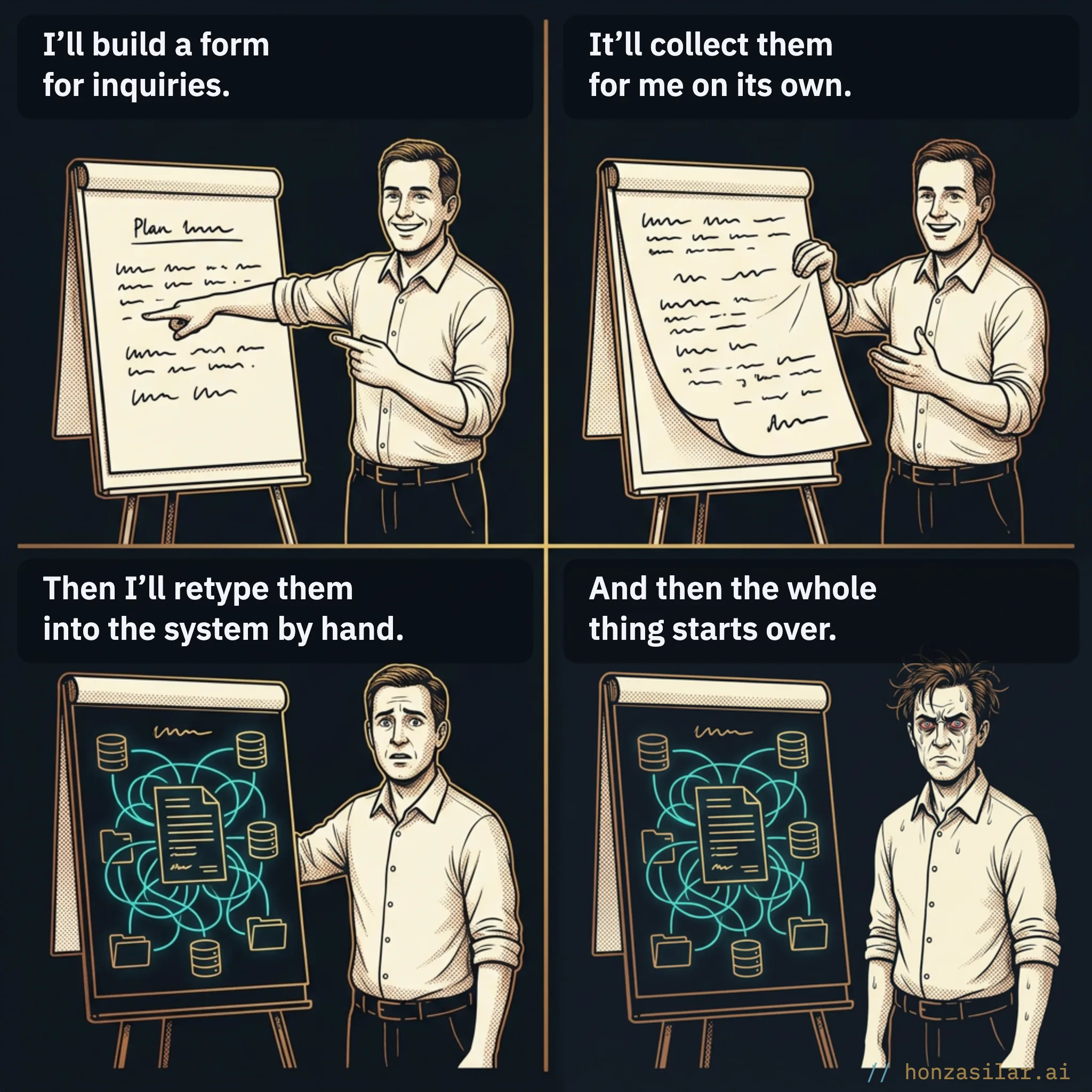
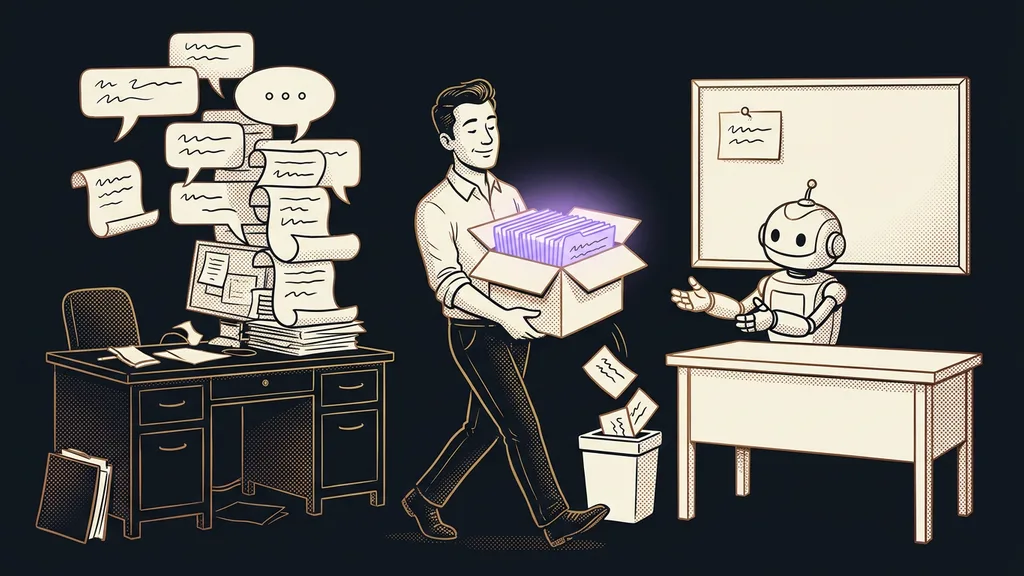
I know this from experience better than I’d like to. A notification comes in, I open the form, select the name, copy it. Back. Email, phone, the answer to the first question, the second. Finally, I download the attached PDF, rename it, save it to the right folder. And a moment later, the same thing again, because another pile came in over the morning. For years, I took it for granted that someone manually carried whatever came in from the form to my systems. That someone was me.
The real problem is the bridge behind the form
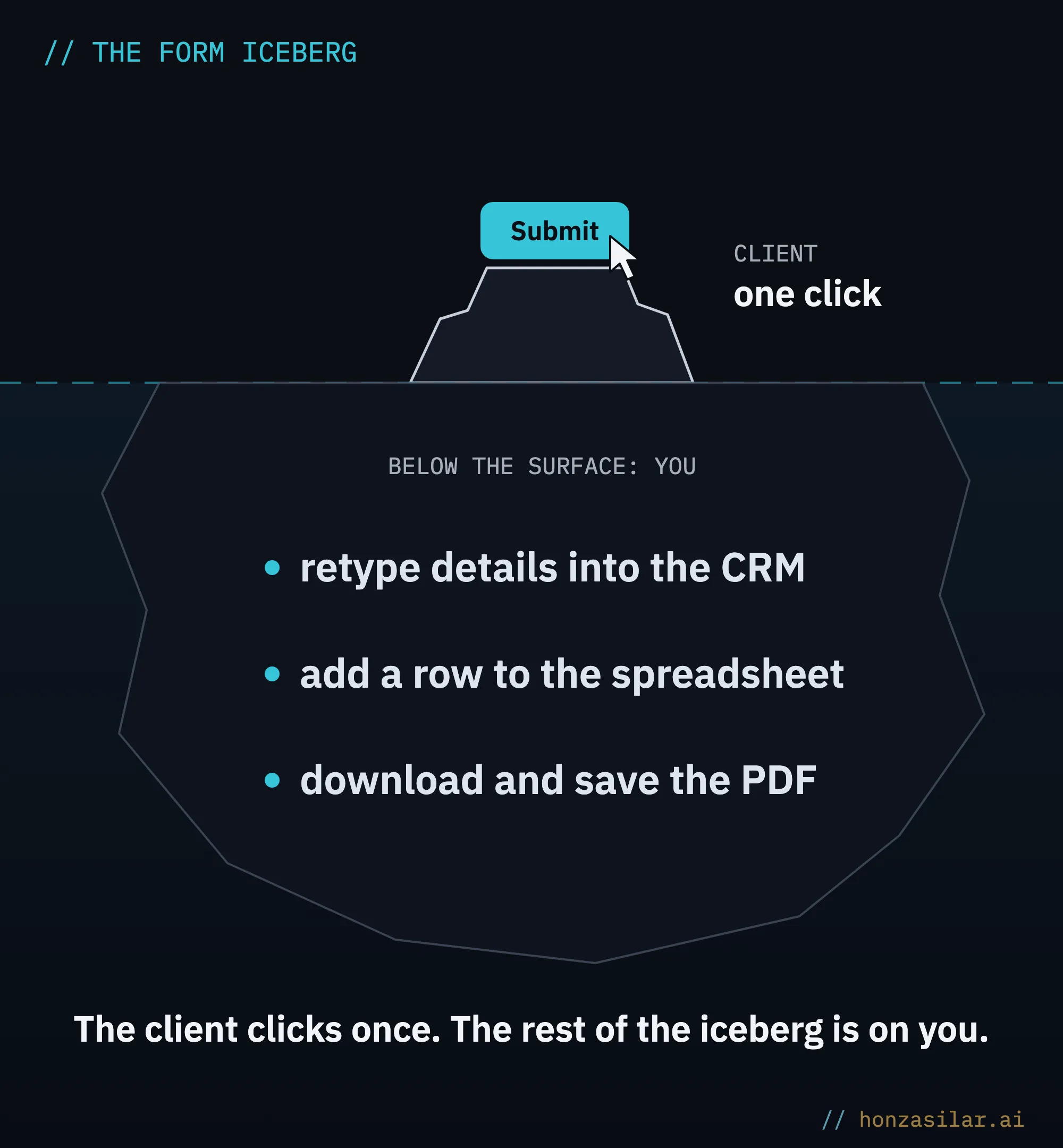
The form does its job. The trouble starts only when the collected data has to go somewhere else. It collects the name, contact details, and answers, attaches the file, and serves it all up nicely. But nobody built the bridge between the form and your CRM, your spreadsheet, or your documents folder, so you cross it on foot every day, with a suitcase full of data in your hand.
Bottleneck
The point everything has to pass through, which can only handle it slowly and so holds up everything else. With forms, the bottleneck is you: as long as you move the data by hand, the whole collection process is only as fast as you can copy. And more inquiries then mean a longer line at the keyboard rather than a better result.
On top of the time, there’s a second, sneakier tax: a typo in an email address, a digit dropped from a phone number, an answer pasted onto the wrong contact. Mistakes you don’t see until they announce themselves with an undelivered confirmation or a confused client.
The most expensive part of any form is everything you have to do by hand with the answers once it’s filled in.
The one-minute self-test
Take last week. How many completed forms came in, and how many minutes did it take you to retype one into your system? Multiply the two. That number is your weekly tax for the missing bridge, and you pay it again every week.
The one-minute self-test: what manual retyping costs you
How this differs from simple field mapping
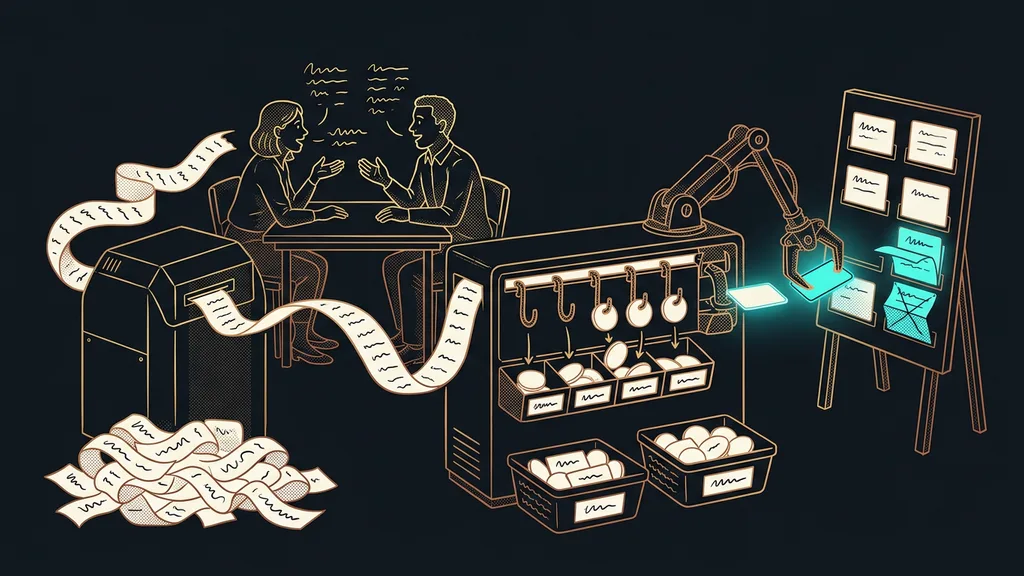
Zapier and Make have been able to move a form field into a column in your system for years. What gets interesting is what happens when a person doesn’t fill in the form like a machine. Classic automation works as rigid mapping: the “name” field goes into the “name” column, the “phone” field into “phone.” As long as people fill it in precisely, it’s reliable. But people write their own way. They put three things in one field, swap first and last name, and paste half a paragraph into the notes with a date and a budget hidden in it. And that’s where rigid mapping hits a wall: it carries the text over word for word, but it doesn’t understand it.
Reading for meaning
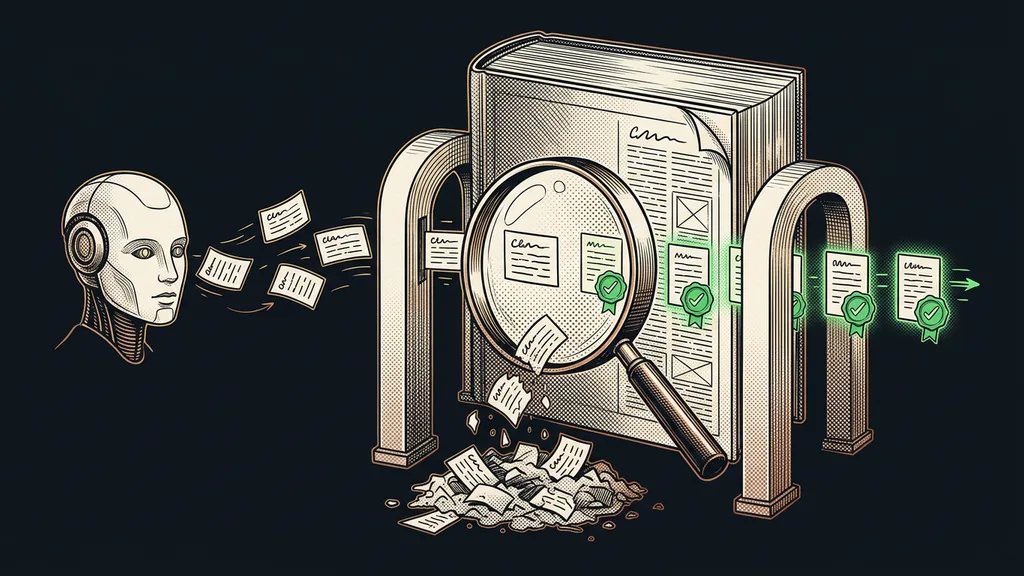
Reading for meaning means the AI doesn’t wait for neatly filled-in fields. It understands what a person wrote, even when they wrote it loosely, out of order, or in Czech, diacritics and all. From the sentence “feel free to call me in the evening, my budget’s up to twenty grand,” it works out that one part is a preferred time and the other an amount, and files each where it belongs. Rigid mapping carries the text over; reading for meaning understands it and sorts it.
When a person doesn’t fill in a form like a machine
Rigid field mapping
The “name” field goes into the “name” column. Works as long as people write precisely.
First and last name swapped? It copies them over reversed.
A budget hidden in the notes stays buried in the text.
Reading for meaning
“Call me in the evening, I’ve got up to twenty grand.”
It recognizes on its own which details in the sentence matter and files them where they belong.
Czech diacritics and three things crammed into one field: it sorts them all by meaning.
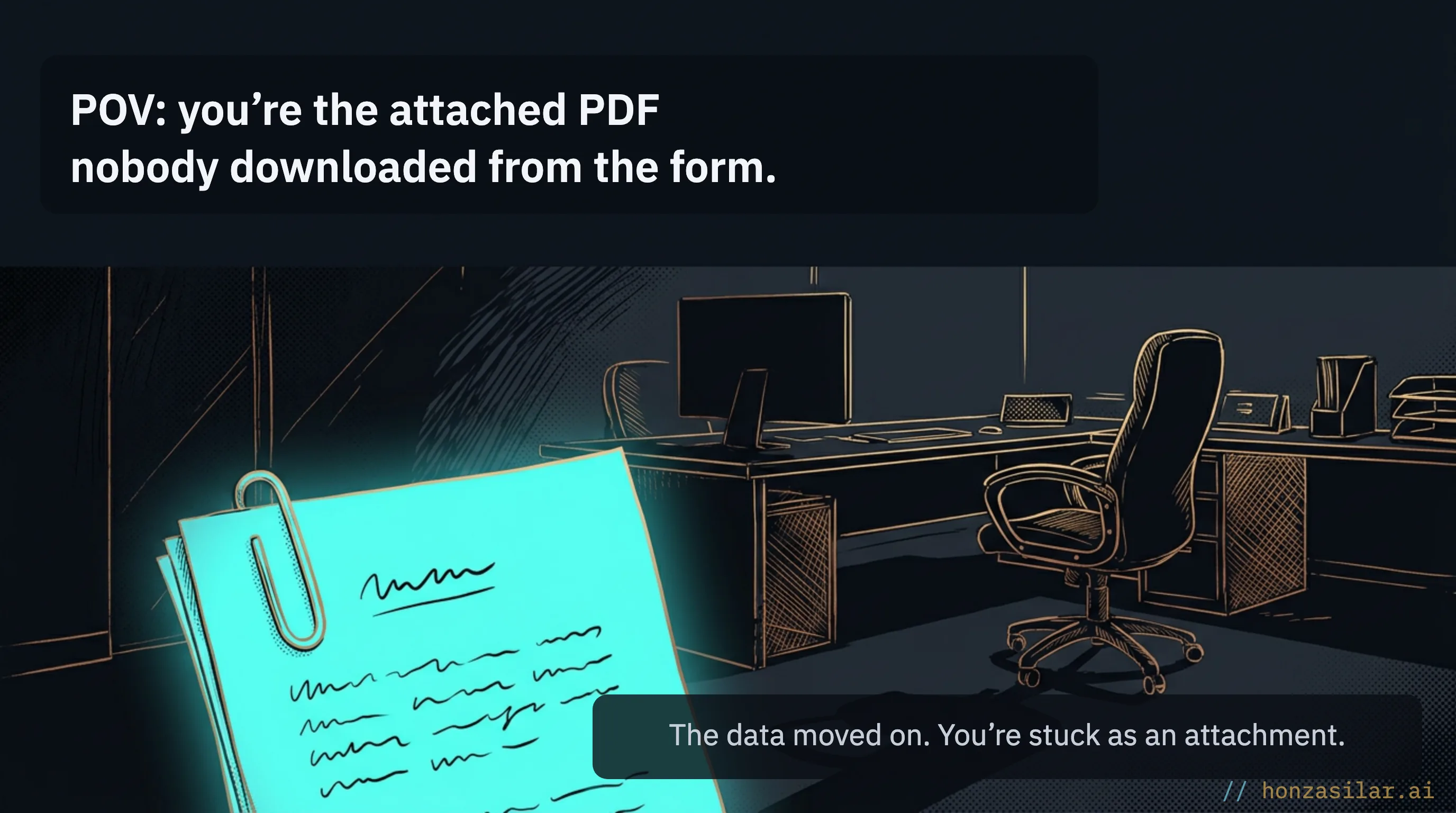
It handles an attached PDF the same way: it doesn’t overlook it, takes it along, and saves it with the data it belongs to. And Czech is no obstacle for it. It understands the diacritics and the way people actually answer. It’s the same principle as pulling data from the web without copying by hand: the point is understanding what’s in the fields, not blindly shuffling them around.
Where the form data actually goes
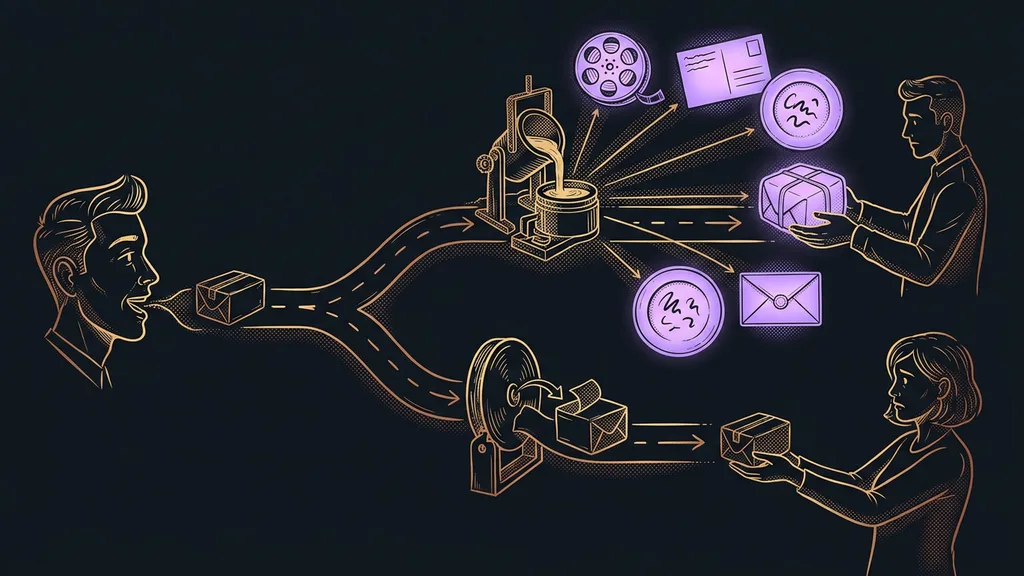
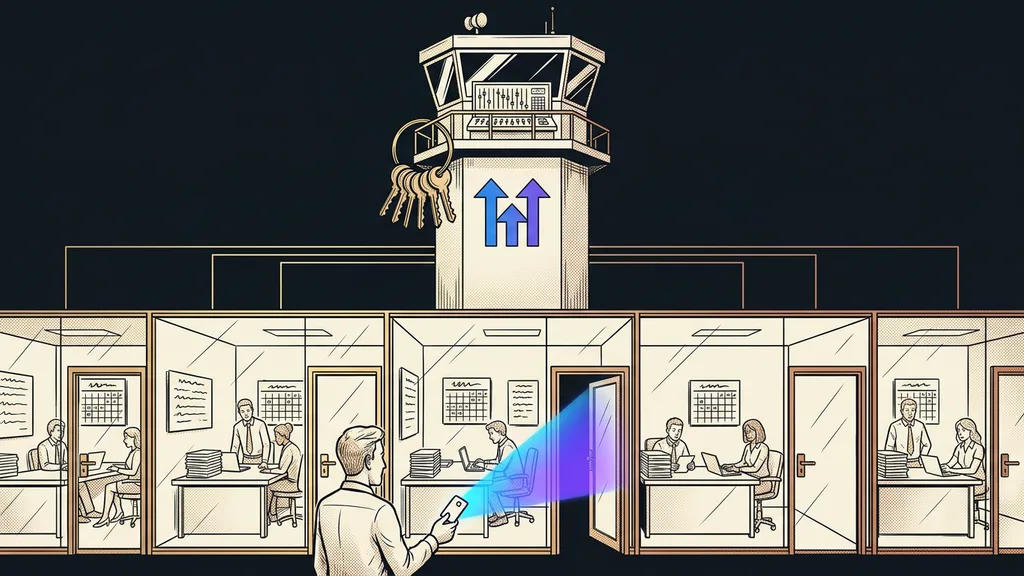
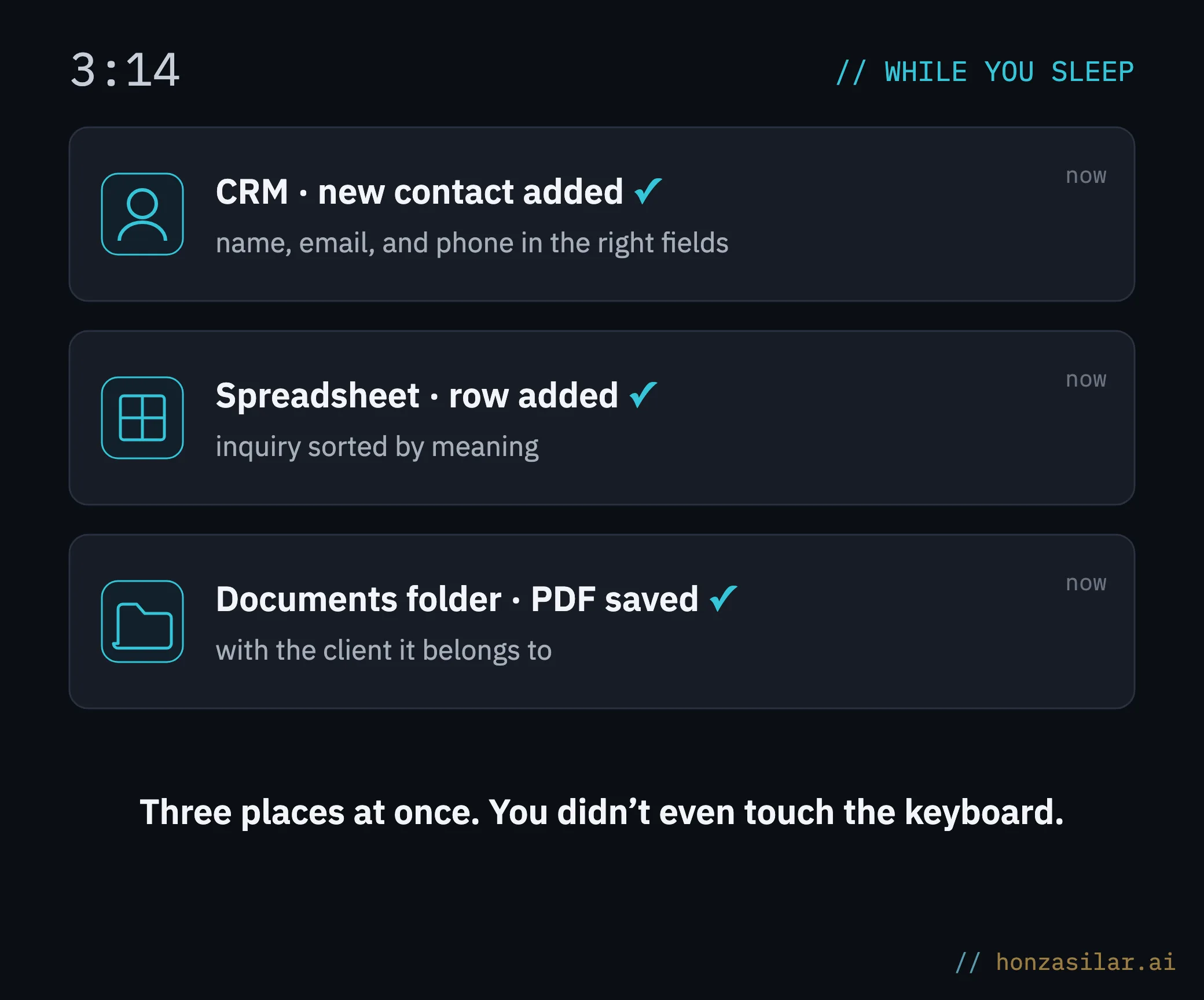
So this isn’t just theory: specifically, the form data ends up in three places at once. The answers land as a new contact in the CRM, with the name, email, and phone number in their proper fields. At the same time, they’re written as a row in a spreadsheet, where you have them all together and can filter them. And the attached PDF goes to that client’s documents folder, so you never have to look for it and you never forget it.
Where the form data actually goes
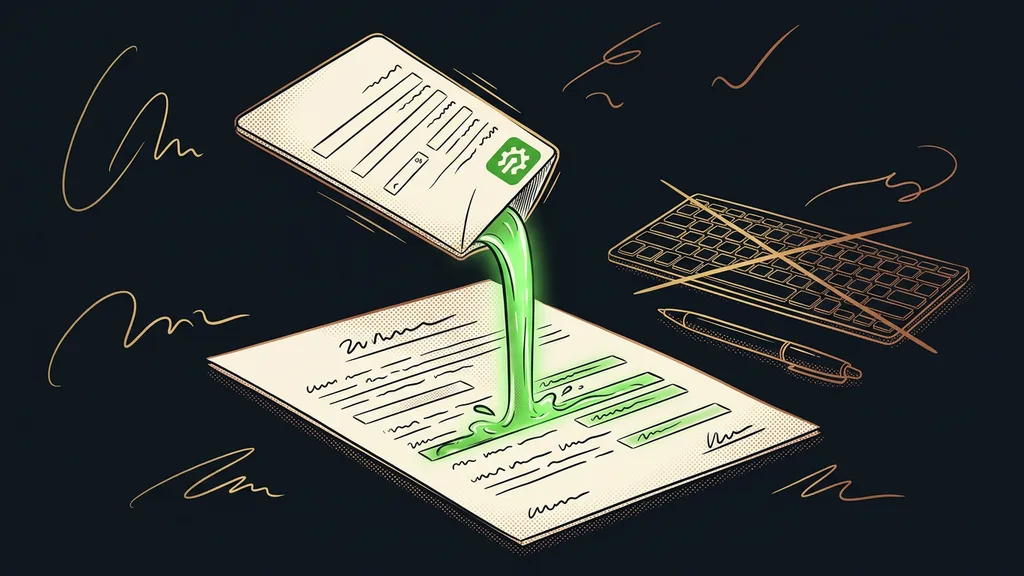
In my setup, it runs on Cognito Forms. The moment a client clicks submit, AI takes over the form: it reads what came in, sorts it by meaning, and sends it to those three places. Exactly how I wire it together I’ll keep to myself, but this is the principle, and you can build it on top of any form. In the end, the breakthrough wasn’t technical. It came when I realized that no human has to cross that bridge for me at all. The data can cross it on its own.
Who it isn’t worth it for
If you get two inquiries a month and retype them from memory, don’t bother. A spreadsheet is enough for you. Nobody builds a bridge over a puddle. Automation starts paying off once forms keep piling up and their data branches out to several places, because that’s where every manual step is one more chance to slip. It’s exactly the kind of single measurable step that brings AI into a business: a small, annoying job nobody wants to do, yet someone has to.
Who it pays off for, and who’s fine with a spreadsheet
Worth it
Forms keep piling up and come in every day.
Their data branches out to several places (CRM, spreadsheet, folder).
Every manual step is one more chance to slip.
A spreadsheet will do
Two inquiries a month, and you retype them from memory.
The data doesn’t go anywhere else.
Automation here would be a bridge over a puddle.
The whole thing in a nutshell
- The client fills in and submits the form, their own way rather than like a machine.
- Submitting is the signal. AI reads what came in.
- It sorts the answers by meaning, not by fixed fields, and takes the attached PDF along too.
- It sends everything to three places: a contact into the CRM, a row into the spreadsheet, the PDF into the documents folder.
- All you do is look at the finished data. You don’t copy, download, or retype anything.
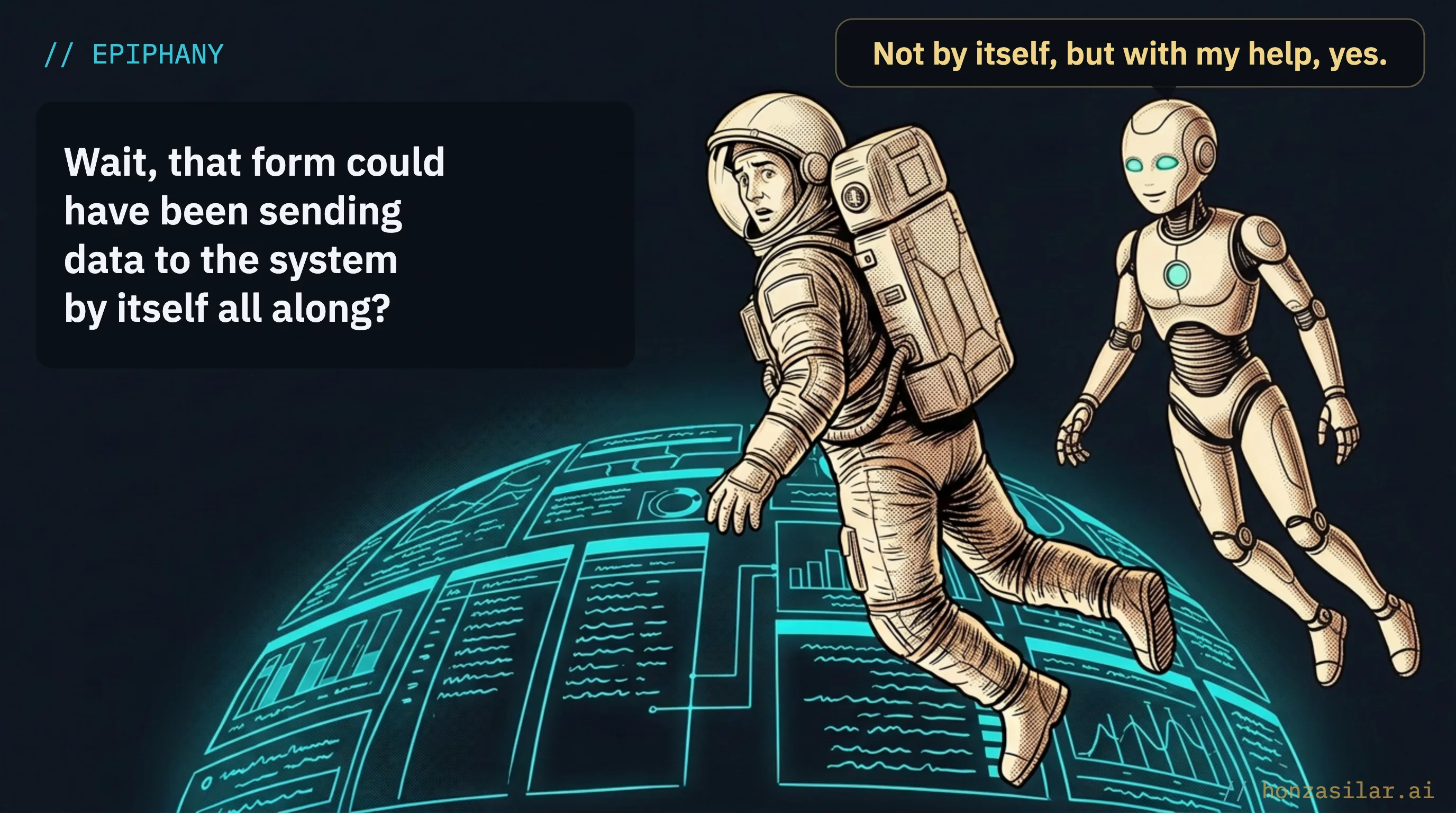
That bridge between the form and your system hasn’t gone away. It’s just that someone else crosses it instead of you, someone who doesn’t get tired, doesn’t slip a row, and doesn’t forget the attachment. Next time a new form pings, you don’t have to open, select, or download anything. What matters is already where it belongs. And you’ve given that time to the thing that makes the form worth having in the first place.