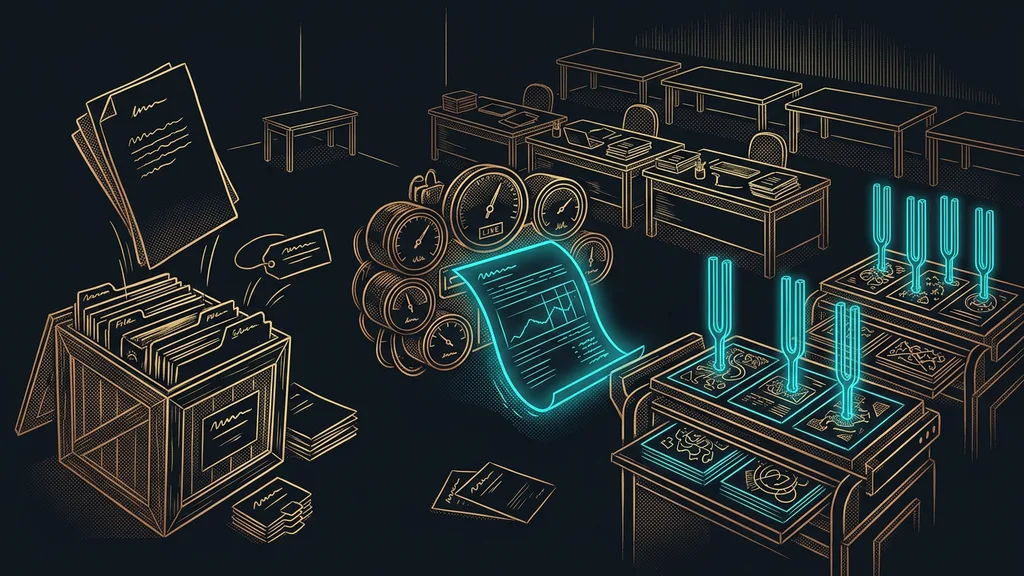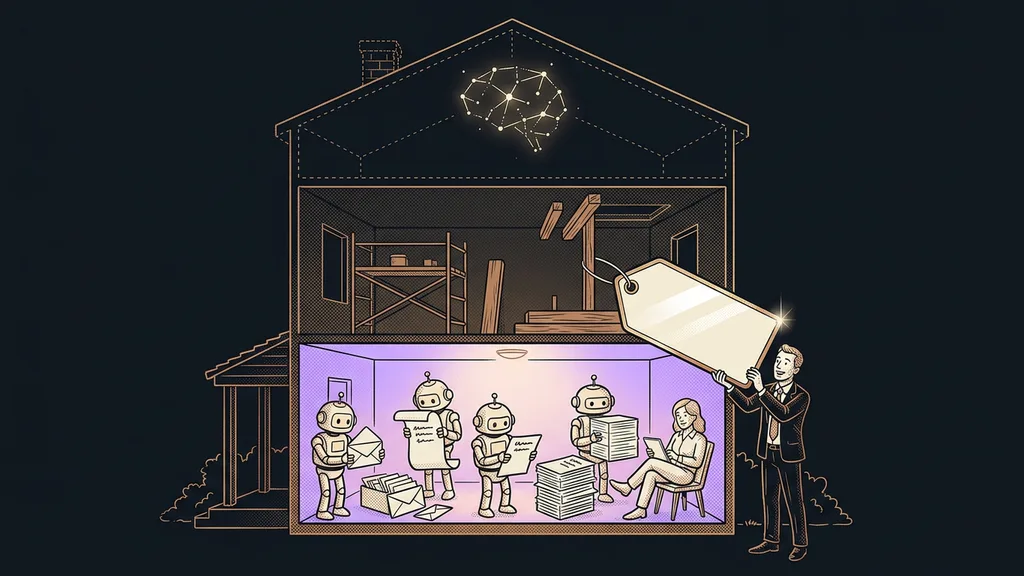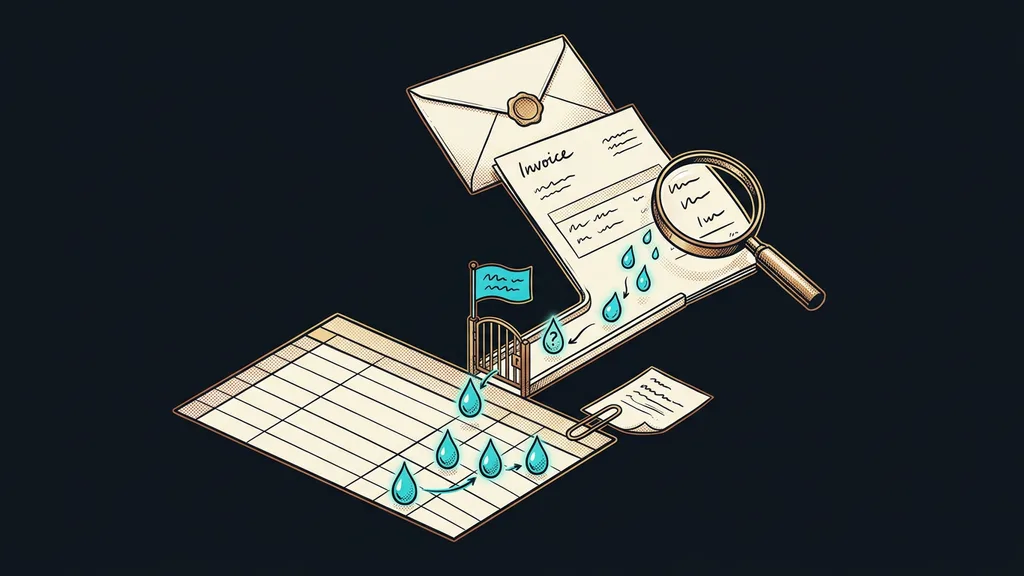
An incoming invoice is a picture of data, not data. The email attachment holds everything you need: the supplier, the invoice number, the amount, the due date. And still someone retypes it into a spreadsheet by hand, because otherwise you can’t calculate with it. It’s the most boring step in the business and also the one where a typo creeps in most easily.
I know this from my own inbox folder. On the twentieth of the month, there’s a pile of PDFs in it from different suppliers, each with a different layout. I open them one by one and copy the numbers into a spreadsheet. By the third invoice, I stop paying attention, and by the seventh, I’m not sure whether I’ve already entered it.
The format is what makes you retype
PDF is a format for reading, not for calculating. It looks like a tidy document, but to a computer it’s a set of lines and letters with no meaning. Until someone determines which number is the amount and which one is the payment reference, the invoice stays an attachment forever.
That’s why manual retyping hangs on so stubbornly. Call it translation rather than backwardness: a person looks at the document and converts it into columns in their head. And translation is work your attention can sustain for about twenty minutes.
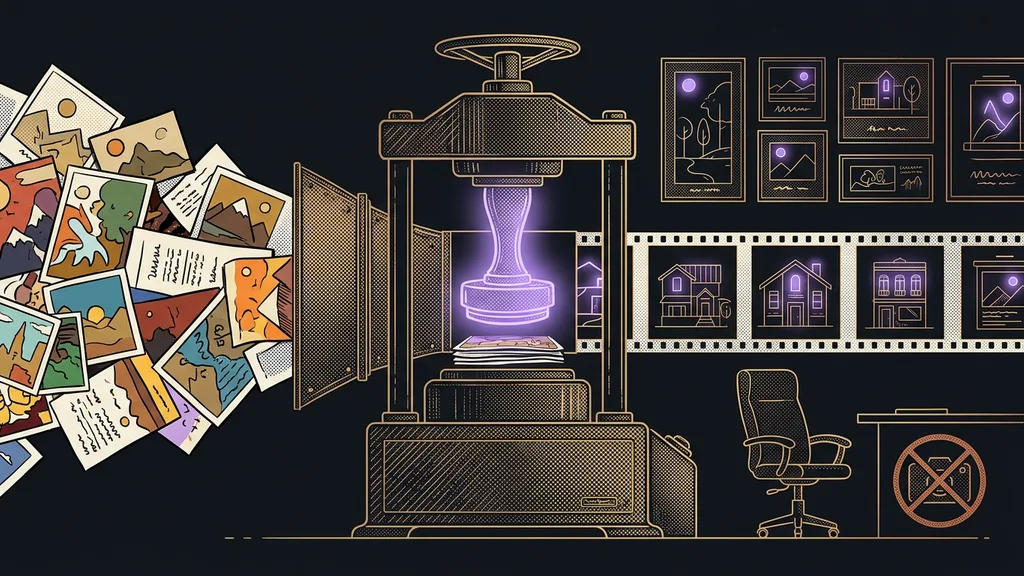
Document data extraction
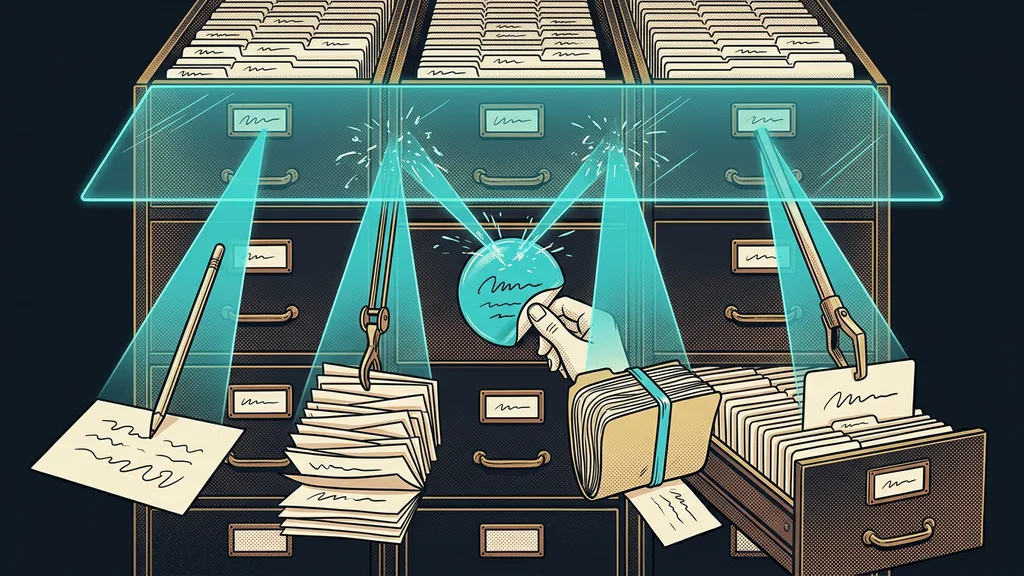
The technical term for the moment the individual details get pulled out of an invoice, receipt, or delivery note and saved into fields: supplier, invoice number, amount, due date. With scanned paper, it’s preceded by recognizing the text in the image (technically, OCR). The result is a row you can calculate with and search. Until the extraction happens, the invoice is just an attachment.
The invoice has all the numbers inside. What’s missing is a way to get them out without a person nodding off over it.
From an attachment in your inbox to a row in your spreadsheet
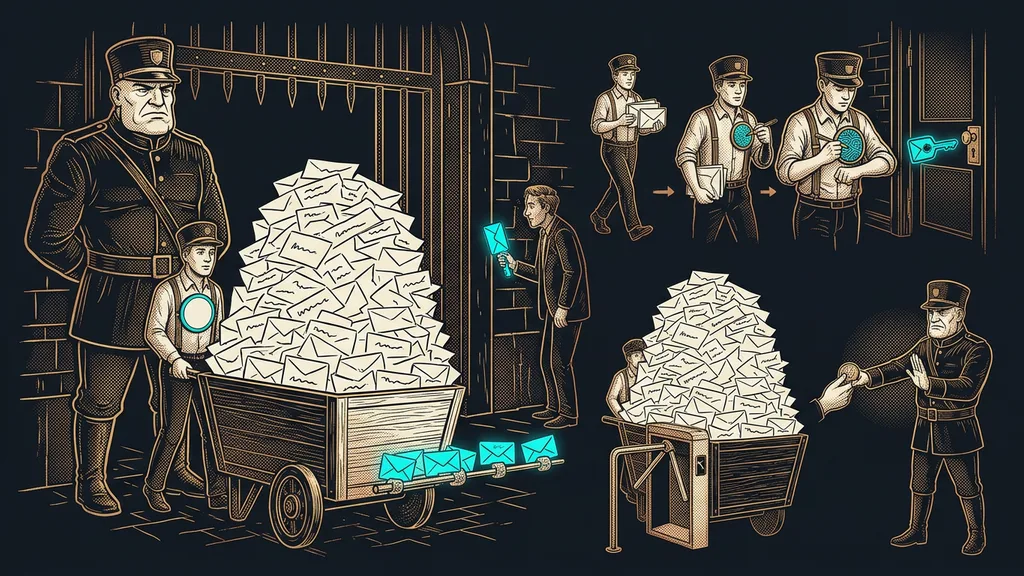
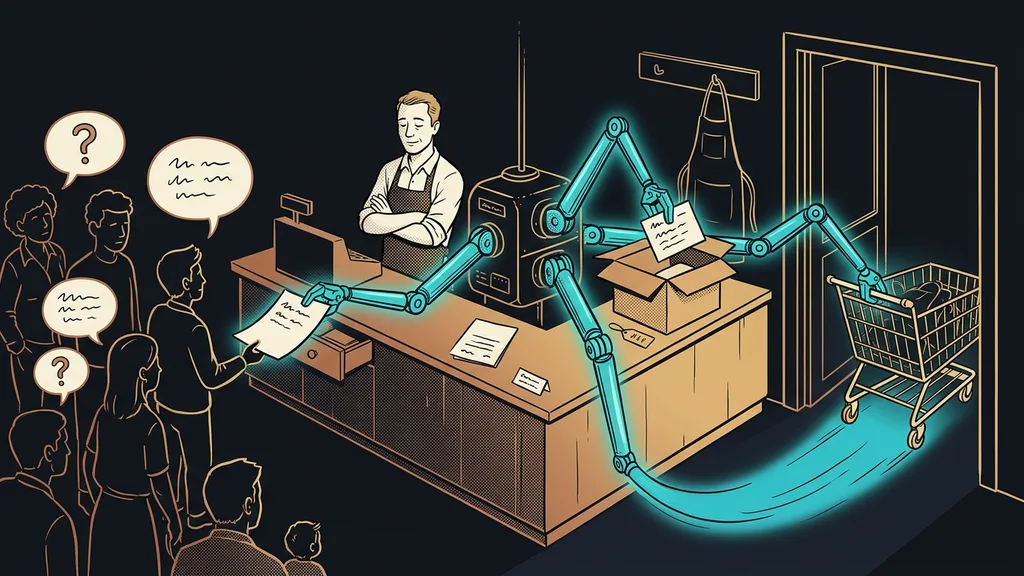
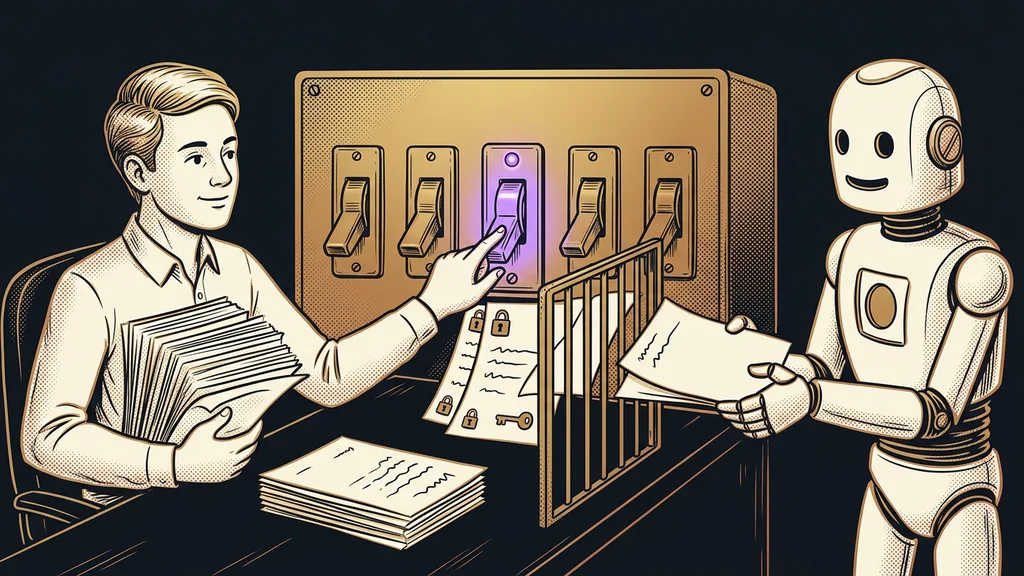
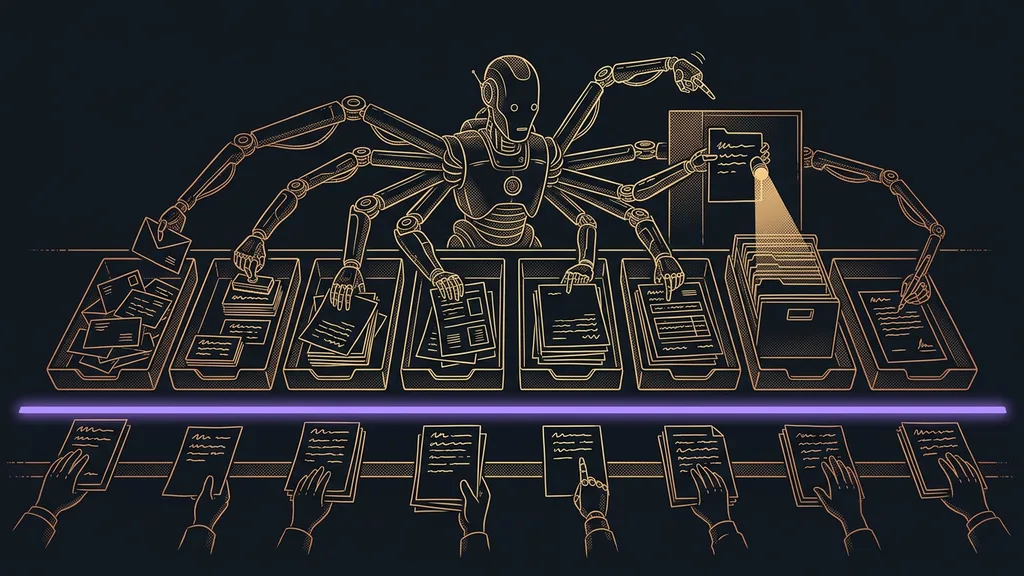
The whole path has three stops, and a person only stands after the last one. First, the document has to be found. The system watches one place in your inbox, and a new attachment sets it off, so you don’t forward or upload anything. That sounds like a detail, but every extra step a person has to take is a step that will one day be forgotten. AI that works right inside your Google account runs on the same principle.
The second stop is reading. Out of the attachment come the details that actually belong in the spreadsheet:
- the supplier and their company ID, so one company doesn’t get created three times under three names,
- the invoice number and payment reference, which give away a duplicate,
- the amount before tax, the tax, and the total, because each of those three columns is used by someone different,
- the issue date and due date, from which you then work out what’s urgent.
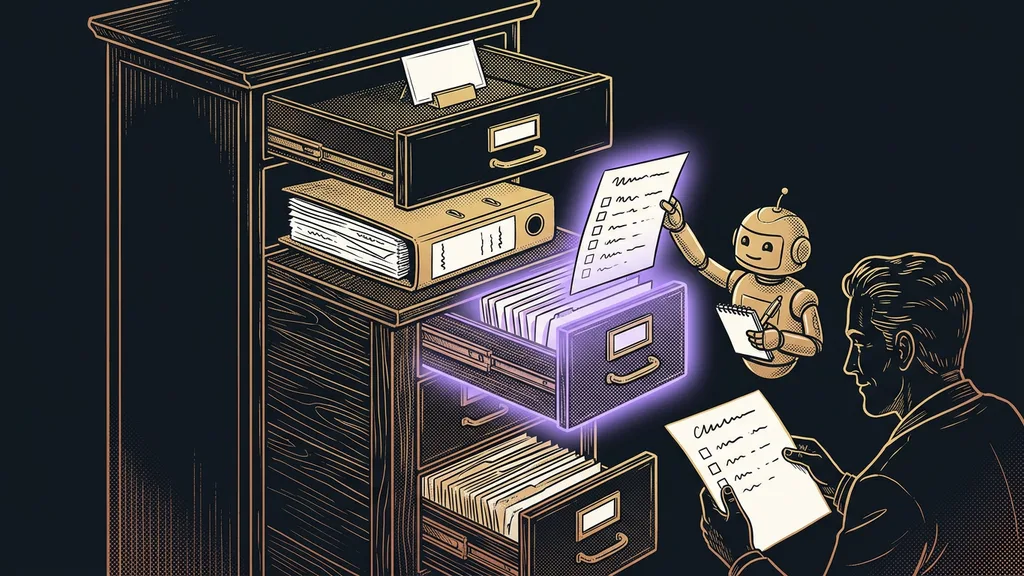
Finally, a row gets created with the original attached to it. You read the spreadsheet as an overview, and one click still takes you to the paper it came from. I can do it the other way around too: a filled-in form turns into a finished PDF. And I’ve described the database that AI fills in by itself in a separate article.
One-minute self-test
Open the folder with last month’s incoming invoices and count them. Then work out honestly how many minutes one document takes, from opening the attachment to a saved row, including looking up who the supplier even is. Multiply that by the count, then by twelve. That number is what manual translation costs you in a year.
When the system isn’t sure, it stops
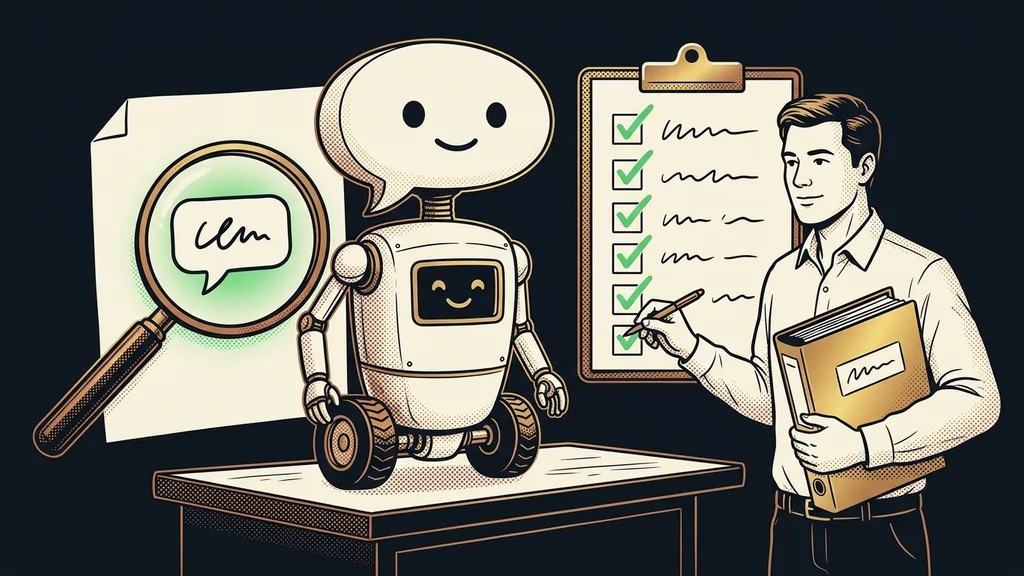
The most important quality here is admitted uncertainty, even more than accuracy. With an invoice generated by accounting software, reading is easy and the numbers add up. With a scan of crumpled paper photographed on a phone, the error rate goes up, and that’s exactly where you need the machine to speak up.
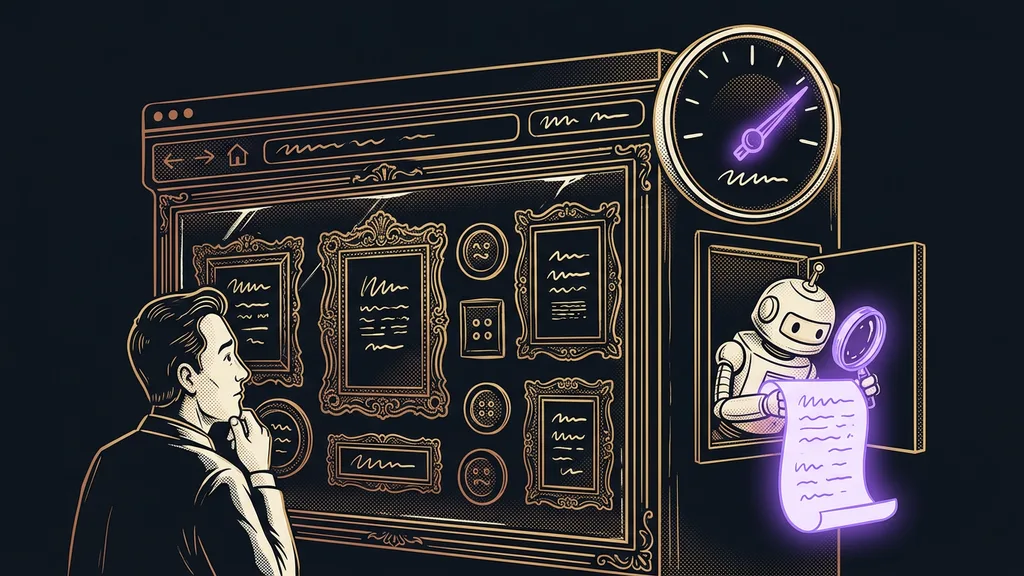
Confidence score
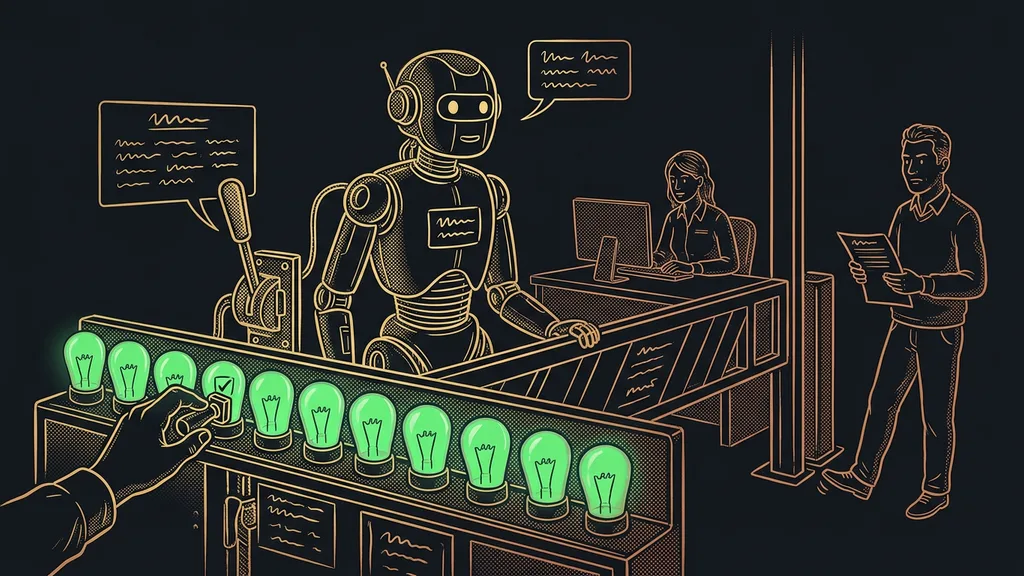
A number AI uses to rate how sure it is of its own result. It’s calculated separately for each extracted field, so the system can be firm on the amount and unsure about the due date. You set a threshold below which a document doesn’t get filed on its own and waits for a person. That threshold is exactly what separates an automation you trust from one you end up double-checking line by line.
In practice, that means I don’t scroll through the whole spreadsheet in the morning. I look at the two or three rows that have a flag and treat the rest as done. I used to worry it would dump nonsense in there and I’d have to hunt it down. It turned out the other way around: the more willingly the machine admits uncertainty, the less I have to watch it.
Safeguard
Two things always hold. The original PDF is never deleted or overwritten, so you can always check where a number in the spreadsheet came from. And the same document never gets filed twice: when an invoice arrives a second time, the system matches it with the original and tells you.
The spreadsheet is only the beginning
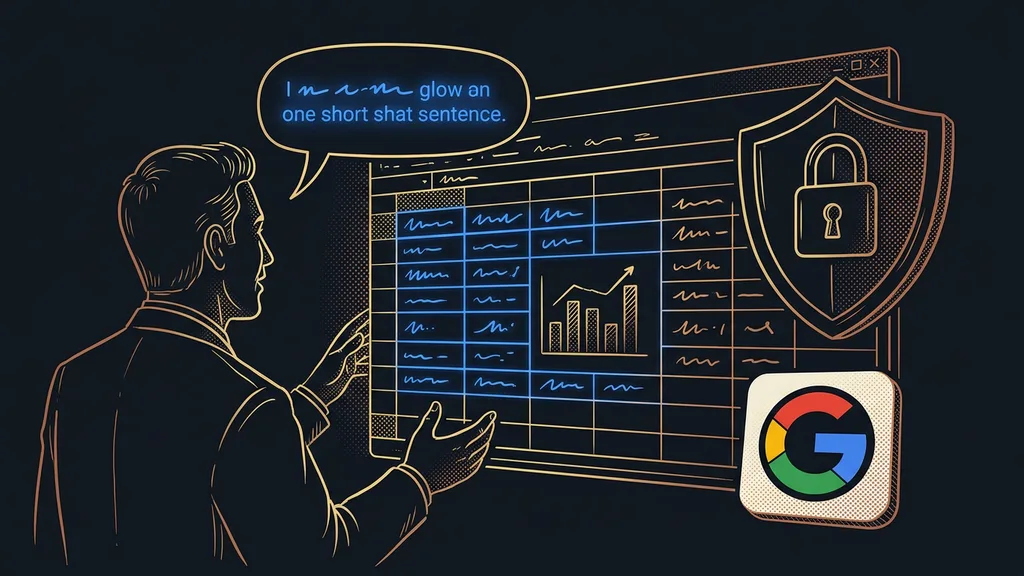
The value comes from the questions you can finally ask once the spreadsheet exists:
- how much you’ve paid for software this year,
- which supplier quietly raised their prices,
- what’s overdue and what’s urgent this week.
A pile of attachments won’t answer any of these questions until you go through it one by one.
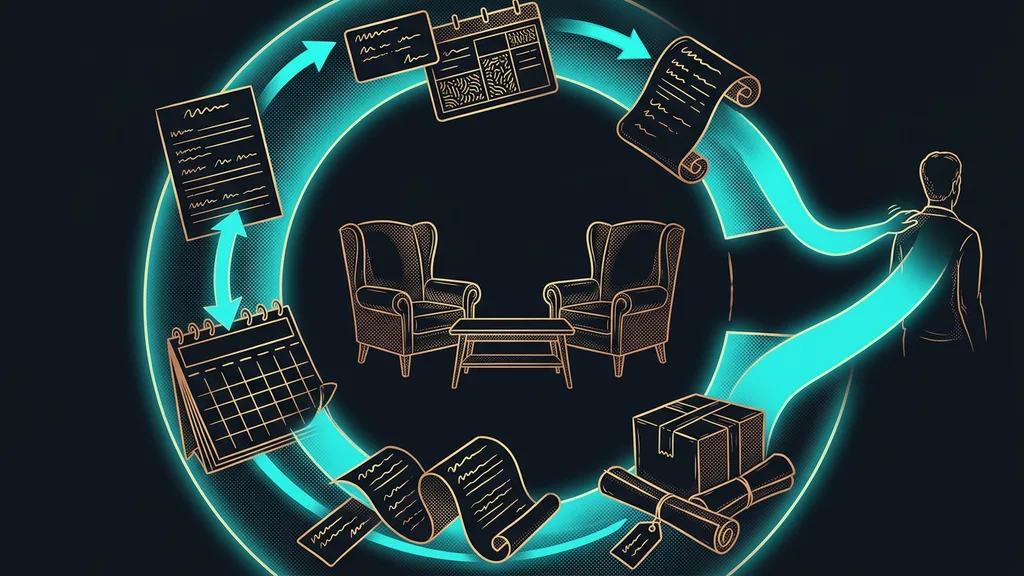
And incoming documents are only half of the picture. On the outgoing side, I already know who owes me and what I haven’t invoiced yet, because I kick off invoicing with a single sentence. Only together do those two numbers tell you what comes into the business and what goes out.
Who this doesn’t pay off for
This isn’t for everyone. If you get three invoices a month and file them in a folder, an extra spreadsheet only adds work. The line falls where you stop knowing your documents by the supplier’s name and start searching through them. It also doesn’t pay off for a business whose documents land in its accounting software straight from the supplier. There, the bridge already exists; it’s just that nobody knows about it.
The whole system in a nutshell
- Incoming invoices arrive in one place in your inbox and aren’t forwarded anywhere.
- A new attachment starts the reading: supplier, invoice number, amounts, dates.
- The extracted details get created as a row in the spreadsheet, with the original attached.
- A document with a low confidence score doesn’t get filed on its own and waits for a person.
- The system matches a duplicate with the original row and alerts you instead of adding it again.
- You then ask questions about the spreadsheet in plain language instead of digging through attachments.
The pile of PDFs on the twentieth of the month isn’t going anywhere. It keeps coming, and it still has twelve different layouts. There’s just one difference: nobody translates it anymore. What makes a system valuable is that it leaves nothing to retype. How much it does along the way matters far less.