You launch a paid group in GoHighLevel, send out the link, and the first person pays. The payment comes in, and a confirmation goes out to them. But they’re nowhere to be found in the group. Nothing broke: the group is private, and after the payment, their request to join is waiting for you.
GoHighLevel has more spots like this between payment and content. Communities and courses are two separate modules, and each lets people in through a different door. If you know the doors in advance, you can set up access so it runs on its own. I run my own community, AI Podnikatelé (Czech for “AI entrepreneurs”), in the Communities module too, and I build courses by machine through the API, so I know most of those doors from my own practice.
Community vs. course: who lets a member in
| What you’re dealing with | Community | Course |
|---|---|---|
| Access comes from | the group itself; when you sell elsewhere, the Grant Group Access action | an offer, not the course itself |
| After payment | a public group lets them in right away, a private one waits for approval | only a workflow with the Course Grant Offer action lets them in |
| Where members get stuck | an unapproved join request | an offer still in draft, unpublished lessons |
| Leaving | a canceled subscription removes them automatically | the Course Revoke Offer action |
Two doors into a paid group
You set the group’s price in its settings, on the Subscriptions tab. It can be a one-time payment or a monthly or yearly subscription. Free trial days are only available for subscriptions. Payments run through GoHighLevel’s payment module, meaning Stripe, NMI, or Authorize.net, and you can try out the whole flow in test mode before you open it to the public. I cover how to connect a gateway in my article on payments in GoHighLevel.
The group type decides when a person gets in:
- Public paid group: the person pays and becomes a member right away.
- Private paid group: the person pays, and their request waits on the People tab until an admin approves or rejects it.
A private group makes sense when you want to pick members by hand. But then someone has to keep approving requests, or a paying member is left waiting outside. Leaving, on the other hand, is automatic. When a member cancels their subscription, whether in GoHighLevel or directly in Stripe, they get a confirmation, you get a notification, and the system removes them from the group on its own.
The third door goes through a workflow
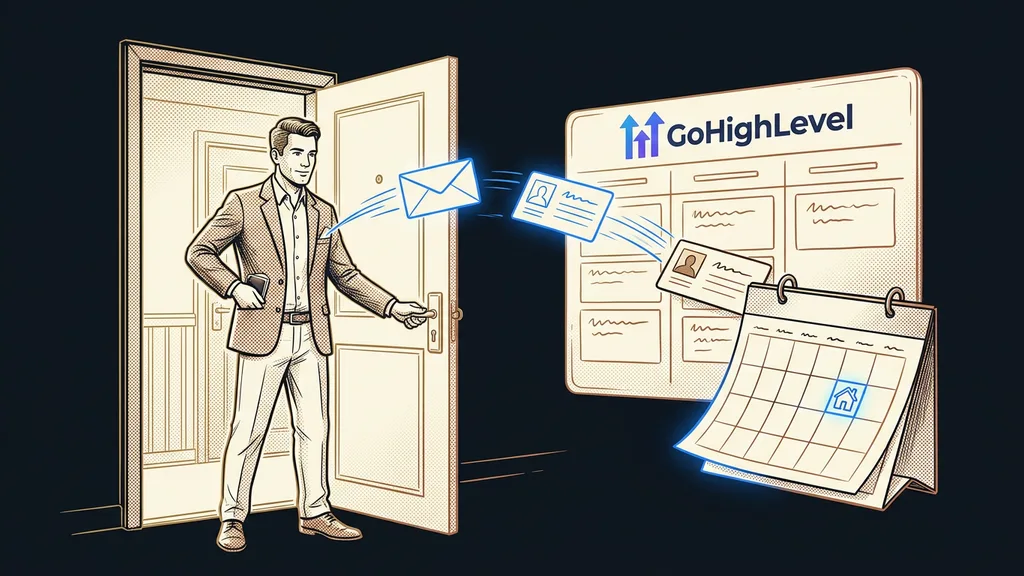
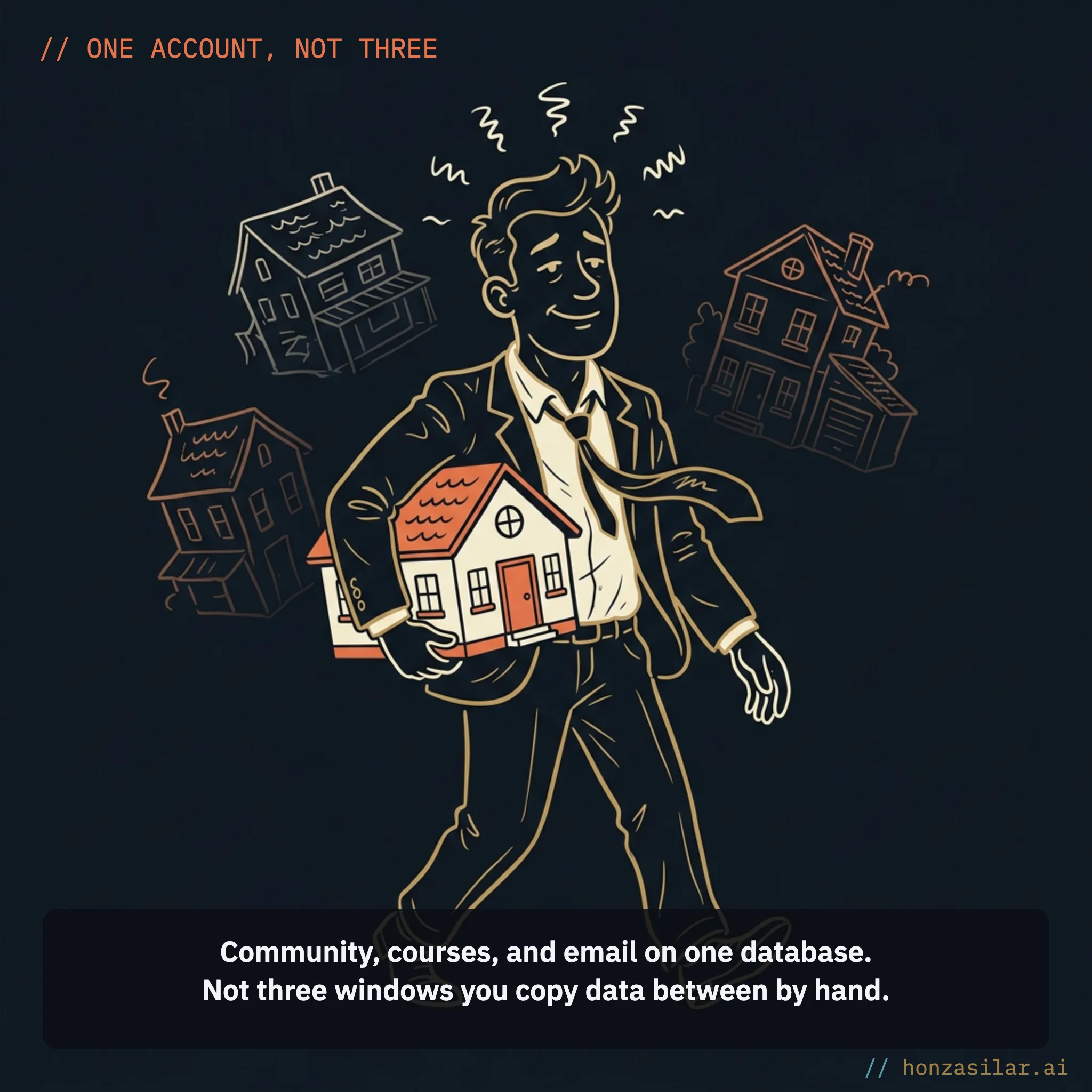
Not every sale happens directly in the group. You might sell the community through a form in a funnel, give it away as a bonus with a course, or open it up after a consultation. In those cases, a workflow adds the member to the group.
GoHighLevel has two actions and two triggers for this:
- Grant Group Access and Revoke Group Access are actions that grant or remove access.
- Group Access Granted and Group Access Revoked are triggers that only listen for a change in access.
It’s easy to mix these up. A trigger lets nobody in, it only finds out that someone is in. A join request (Requested to Join Group) is a third thing altogether and grants no access at all. So a sensible setup looks like this: a payment or a tag starts the first workflow with the Grant Group Access action, and the Group Access Granted trigger kicks off a second one, the welcome workflow.
A course has three links in the chain
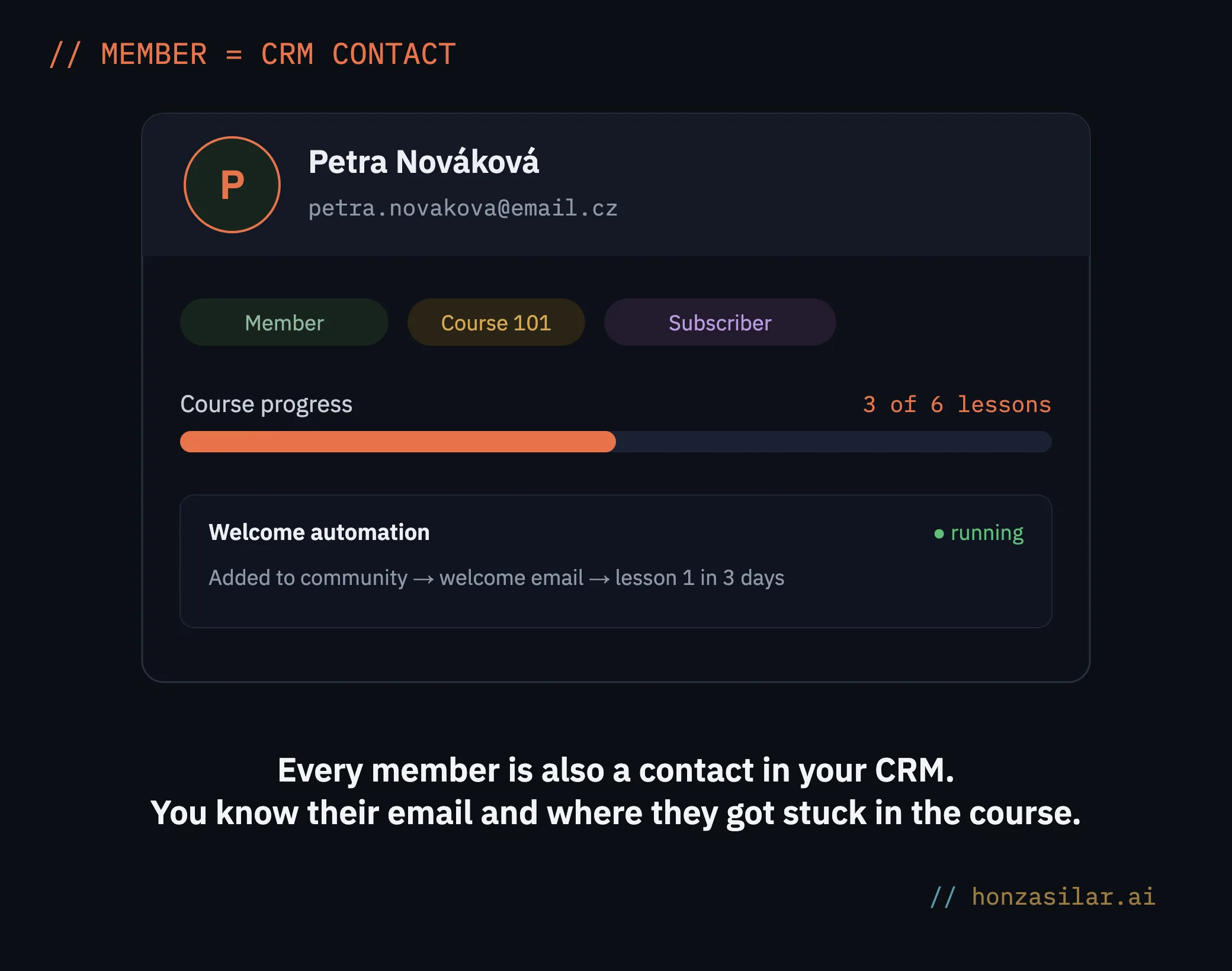
The chain is longer for courses, and I got to know it best while building courses through the API. That way, I upload a 19-lesson course in a single import instead of six hours of clicking. And imported courses are exactly where you can see what access is made of.
How much clicking a course import saves
Offer
Your ticket to a course in GoHighLevel. The course itself is just a product with lessons and lets nobody in, even when it’s published. A person only gets access to an offer that contains the course. One offer can include several courses.
The whole chain:
- The product, meaning the course with its categories and lessons.
- The offer, which a course created by hand in the app gets automatically. A course uploaded by import doesn’t have one, so you have to create it.
- A workflow with the Course Grant Offer action, which lets the person into the offer. The Course Revoke Offer action takes them out again.
Three traps lie along the way. An offer in draft won’t show up in the dropdown of the Course Grant Offer action, so publish it. Publishing the offer doesn’t let anyone in or send anything, by the way. The second trap: a published category doesn’t publish its lessons. Each lesson has to be switched on separately.
The third trap surprised me the most. A contact with emails blocked (DND) gets access to the course but doesn’t receive the system email with the login. I verified this with a pilot test: the blocked card got access and no email, while a control card without the block got the email within ten seconds. So for people who haven’t given you consent yet, sort out consent first and only then add the tag that triggers access.
Test it on your own contact
Before you let the access workflow loose on people, leave it as a draft and run it with Test Workflow on your own contact. Then log in as a member and go through the first lesson. An admin in preview doesn’t see what a member sees, and ten minutes of testing saves dozens of apology emails.
Moving from Skool and other platforms

A ready-made importer, which you’ll find in the group settings, brings a group over from Skool. It works in two steps. First, it generates a CSV of members, and some of them are missing an email address. You fill those in, but don’t change the profile ID, because that’s what members are matched by. Only once the members are in do the posts follow, and they get matched to their authors.
Courses from other platforms come over by import through the API. The lesson description is saved as HTML, not Markdown, and the import isn’t idempotent: every run creates a new course. Run it twice and you have the course twice. I describe how to decide what’s even worth moving from a big library in my article on migrating lessons.

Gamification without illusions
Points in a community come from likes: every like on your post or comment is one point. There are nine levels at most, and you can rename them, but not the point thresholds. Level 2 takes 5 points, level 9 takes 33,015. A level applies only within one group; in another group, the member starts again from level 1.
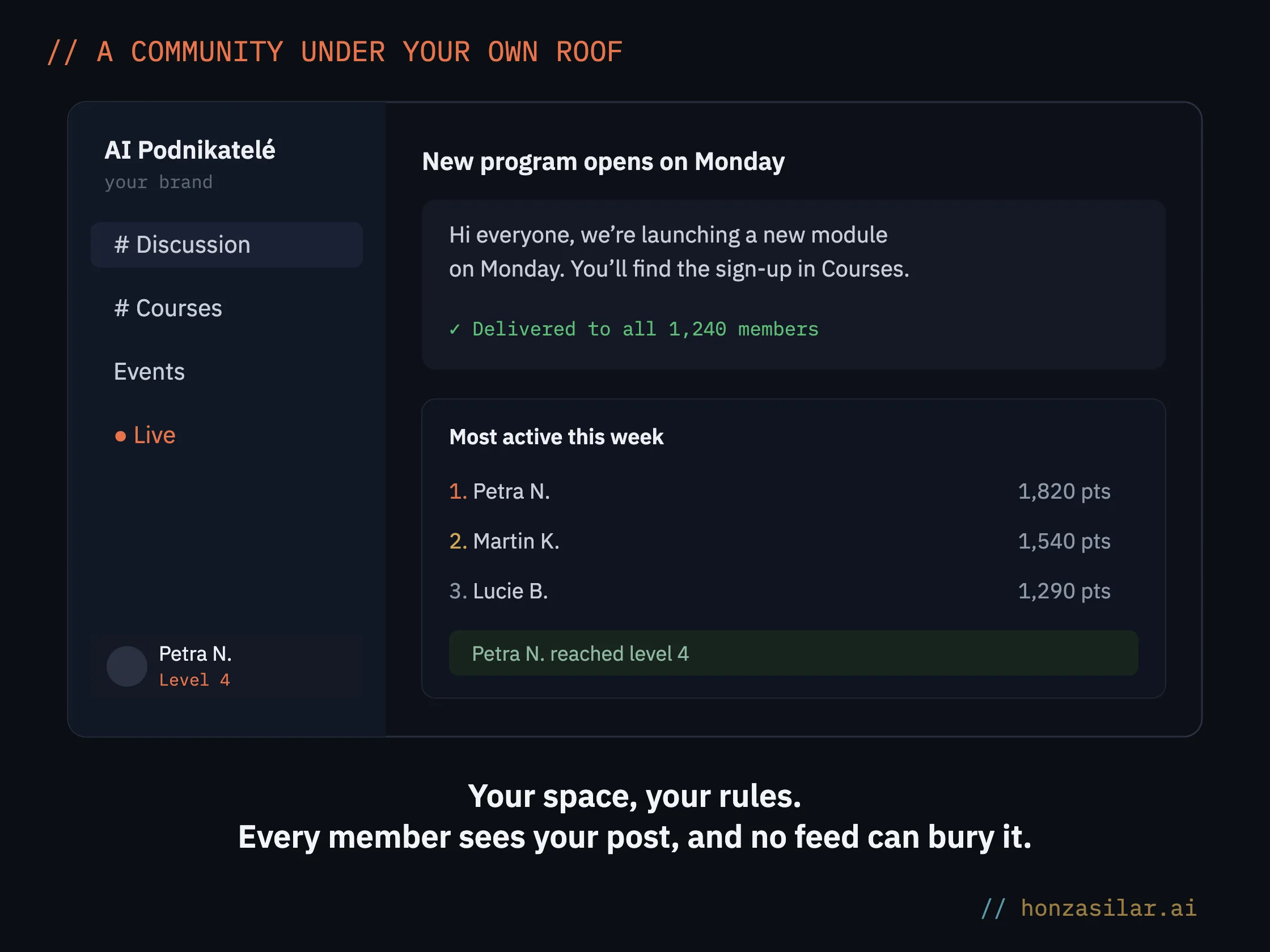
Rewards are the weaker spot. You can add three at most, only as text, and you can’t tie them to a level. If you promise “a bonus course at level 5,” you’ll have to unlock it by hand.
In your language and under your brand
Communities in GoHighLevel speak English. You can write channel and level names in your own language (Czech, in my case), but system labels like Members stay in English. For the rest, there’s custom code. Each group has fields for custom CSS and JavaScript in its settings, on the Branding tab under Advanced Options. The code only loads after you turn on the Live Mode switch, and if you break something, the group’s address with ?customCode=false loads it without the code.
The most common request is hiding the member count, so nobody multiplies it by the membership price. GoHighLevel can’t do that natively, but one line of CSS can. It’s cosmetic, not security, though: the number still comes from the server, and the member list on the Members tab stays visible. In the JavaScript field, I also avoid the < and & characters, because code that worked in the browser console didn’t take effect there.
Courses have their own CSS and JavaScript fields in the course appearance settings. With them, you can recolor the player to match your brand and use your own script to translate even buttons like Mark As Complete. I’ve written up separately everything in GoHighLevel that needs translating into Czech.
What a GoHighLevel community can do and what you need to watch yourself
- Paid membership one-time, monthly, or yearly, with trial days on subscriptions.
- When someone cancels a subscription, the system removes them from the group on its own.
- Points for likes and nine levels you can rename.
- An importer that brings a group over from Skool, posts included.
- You can’t tie a reward to a level, so you unlock it by hand.
- System labels like Members stay in English, and you translate them with custom code.
Who it’s not worth it for yet
If you’re gathering your first few dozen people and still looking for a topic, stay where you meet them. A Facebook group is good for meeting people. Moving pays off once the community brings in income and losing it would hurt. Whether you go with GoHighLevel or another course platform depends mainly on who your contacts should belong to.
Be careful with a course in the middle of a run, too. I wouldn’t move people from a program that’s currently running until it ends. A coach or instructor who also wants bookings and payments will find the whole path in my article GoHighLevel for coaches.
Access in a nutshell
- A public paid group lets a member in right after payment; a private one waits for your approval.
- A sale outside the group is completed by a workflow with the Grant Group Access action.
- A course is opened by an offer and the Course Grant Offer action; a published course on its own isn’t enough.
- A contact with emails blocked gets access, but not the login email.
- Before launch, go through the whole path on your own contact as a member.
You can build a community and a course quickly. Where you lose money and trust is at the doors, and those are worth one extra afternoon. If you already have GoHighLevel up and running and need to finish the access setup, I can help at €80–160 an hour, with no retainer.