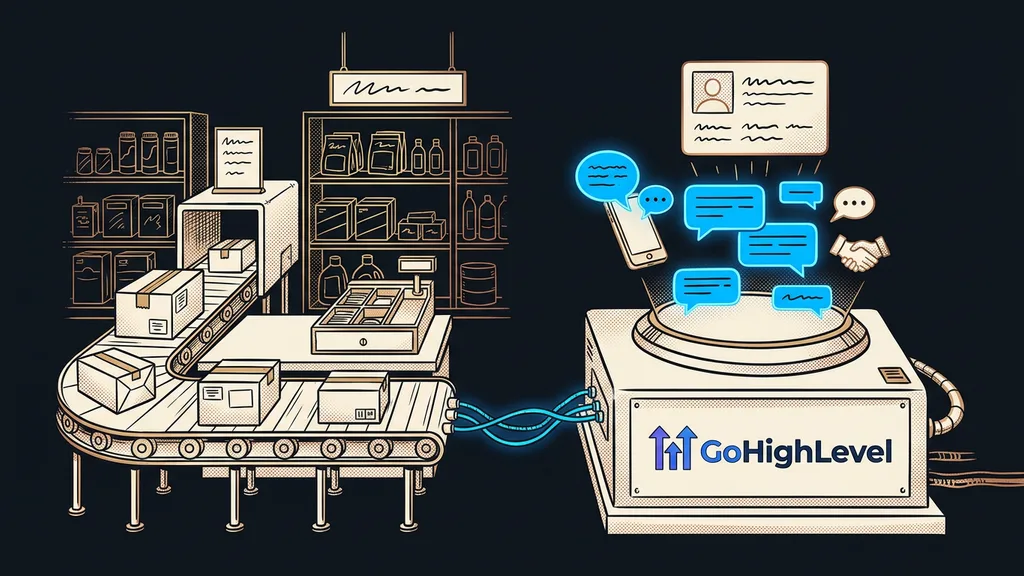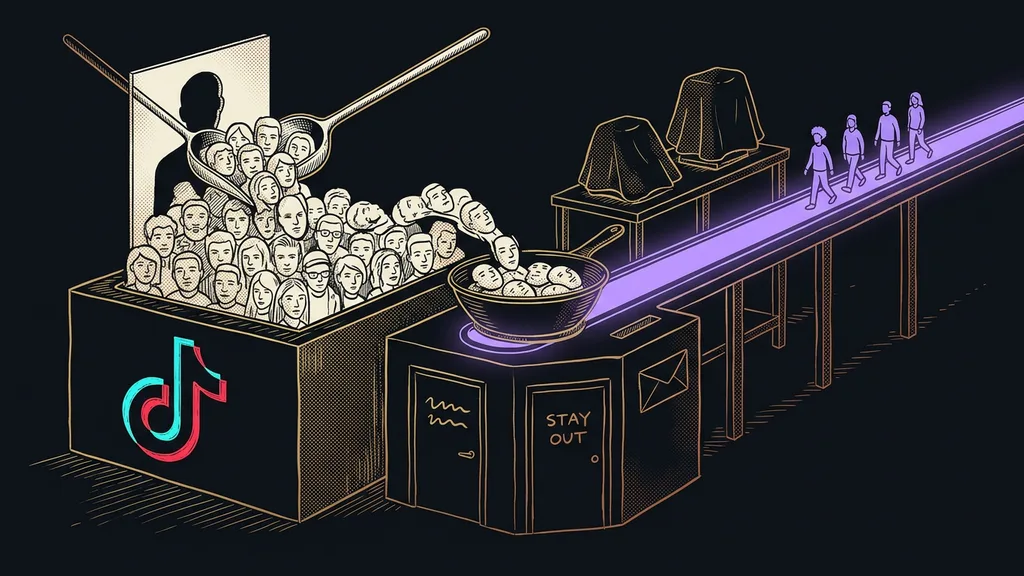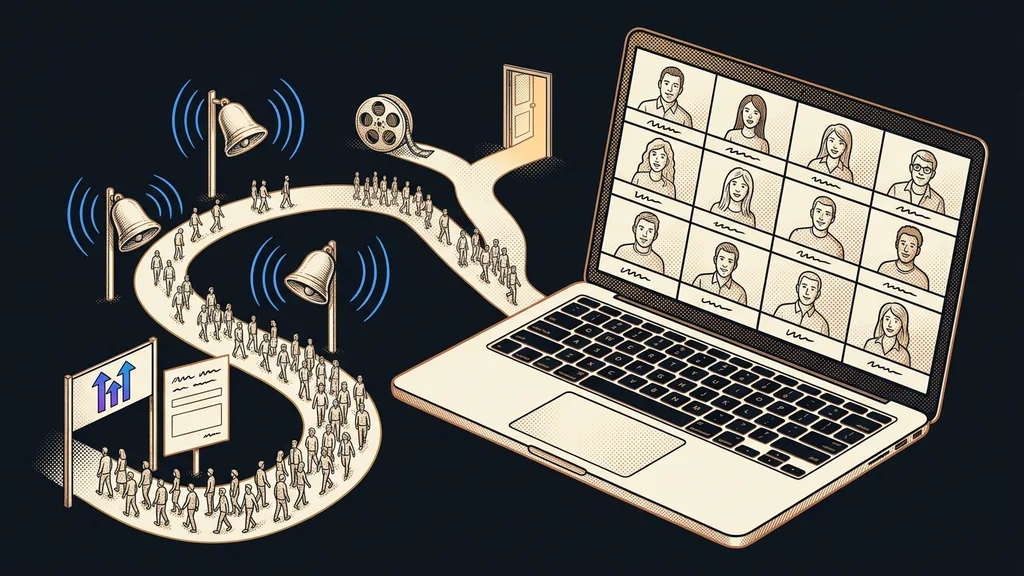
A webinar starts losing people before it even begins. Plenty of people fill in the registration form, but only some of them make it into the room. The Zoom link is sitting in last week’s email, the reminder went out by hand that morning, and everyone has to ask for the replay themselves. Yet in GoHighLevel, the whole path from registration to offer can be put together in one system.
Trainers, consultants, and small business owners all bring me this. They’ve thought the webinar through down to the last slide, but everything around it was thrown together in a hurry: a form in one tool, the list of registrants in a spreadsheet, reminders from a personal inbox. Someone who signed up ten days ago often doesn’t even know what they said yes to by the day of the event.
You lose registrants in the quiet days before the start
The main reason people don’t show up to a webinar is that they hear nothing from you between registering and the start. The decision to sign up came in a single moment of interest. That moment fades before the camera even comes on.
Quiet days
The time between registration and the start of a webinar, when a registrant gets nothing from the organizer except the confirmation. The longer it is, the more people forget what they signed up for and the fewer of them show up. You can’t shorten it much, because invitations go out well in advance. But you can fill it.
Signing up for a webinar is a promise someone made to themselves in a good mood. A reminder puts it back on their calendar.
That’s why I always set up a webinar backward. First, I get clear with the client on what happens after the broadcast and who gets what. Only then do I build the registration page, because by then I know what information I’ll need from it.
Registration: a page, a Class Booking calendar, and a tag
I put registration in GoHighLevel together from three pieces: a page with a promise, a Class Booking calendar, and a tag that marks the registrant. The page is an ordinary funnel with a form and a thank-you page, just like the pages connected straight to the CRM.
Class Booking calendar
A GoHighLevel calendar type for events where one host speaks to several people at once. You set the date, duration, number of seats, and location, such as a Zoom or Google Meet link. Registrants then get the link right in their confirmation, and once the seats are full, the calendar stops accepting registrations on its own.
For a paid workshop, the calendar also collects the fee through Stripe. On top of that, every registrant gets a tag with the event name and month, such as “event-webinar-2026-10,” following the rules I describe in my piece on keeping tags tidy. Thanks to it, you can still look up a year later who attended which webinar.
Registration gets stuck in the same places as a lead magnet. The thank-you page doesn’t say what happens next, and nobody wrote the confirmation email, so a bare system message in English goes out.
Reminders count from the start of the event, not from registration
Reminders have to go out based on the webinar date, not on when each person signed up. In a GoHighLevel workflow, that’s what the Event Start Date step is for. It sets the start of the event as a fixed point, and the Wait steps are then measured from it.
My usual series has four messages. The confirmation goes out right away and includes an add-to-calendar link. The day before, a short reminder of what people will take away from the webinar. An hour before the start, the join link arrives, and the minute it starts, one more sentence: we’re starting, here’s the link.
In accounts I take over, the most common thing I see is waits counted from registration. Someone who signs up the day before the event then gets the “we start in a week” message after the broadcast is already over. The second classic: the account’s time zone was left on an American one, so the reminders go out several hours off.
A dry-run registration
Two days before the webinar, register yourself, with a second email address and your own phone. Write down what you received and when. If the join link arrives late, or not at all, you’ll know before your guests do.
The workflow itself is done in an afternoon. The message copy takes longest, because each message has a different job and none of them can read like a nagging reminder.
After the webinar: the replay for some, the offer for others
When it’s over, the registrants split into two groups, and each one gets something different. Those who came get a thank-you and the offer you talked about during the webinar. Those who didn’t come get the replay, with a clear deadline for watching it.
You can tell who attended from the booking status in the Class Booking calendar, or from the Zoom attendee list, which you import back onto the contacts as a tag. The workflow branches on that, and everyone gets their own message.
The post-webinar offer doesn’t have to be loud. One message with a link to book a consultation or sign up for a course is enough, plus a reminder two days later for those who didn’t click. Anyone who didn’t respond even to the replay moves into your regular newsletter, which these days almost writes itself.
The replay has a second life too. An hour-long talk turns into an article, a few posts, and an email, as I describe in my piece on one piece of content with five outputs. That way, the webinar keeps working for weeks after the broadcast.
When you don’t need to build the whole system
For a one-off session for fifteen people you know personally, registration directly in Zoom and one email the day before is enough. The GoHighLevel system pays off if you run webinars regularly, collect new contacts through them, and have something to offer after the broadcast. Without an offer, you end up with a nice registration and, a month later, a list of names nobody knows what to do with. Either way, the broadcast itself runs in Zoom or Google Meet, and GoHighLevel handles everything around it.
The whole system in a nutshell
- Decide what you’ll offer registrants after the webinar, and only then start building.
- Create a Class Booking calendar with a seat limit and a Zoom or Google Meet link.
- Build a registration page with a form, a thank-you page, and an event tag.
- Set up a workflow that counts reminders from the start of the event.
- Do a dry-run registration and check what arrives and when.
- After the webinar, send the replay to those who didn’t come and the offer to those who stayed.
On the day of the event, you sit in front of the camera, test your mic, and don’t even glance at your inbox. The link went out to registrants, so did the reminder, and the replay and offer are queued up for the end of the broadcast. If you’d like someone to build that path for you and hand it over finished, I offer done-for-you GoHighLevel, and you’ll talk to the same person from the first consultation to the handover. That leaves you just one thing to do: click the button at the agreed minute and start talking.