Consolidating tools sounds like pure savings. You cancel five subscriptions, keep one, and your card statement gets shorter. Sometimes that’s really how it goes. Other times, a sixth license gets added and the five old ones keep running, because nobody managed to move off them. And you can tell the difference in advance.
With clients whose systems I set up, we almost always start with a list of payments. For two or three of the line items, the owner has no idea who in the company uses them. And when we go through what each tool can do, we find that three of them partly do the same thing.
First, split your tools into two piles
Before you start canceling subscriptions, ask one question about each of them. Does this tool need to know what’s in the others? Where the answer is yes, consolidation pays. Where it’s no, you’ll just swap a good tool for an average module.
That’s because businesses rarely run on a single system. What they actually have is a pile of subscriptions that don’t know about each other. Part of that pile belongs together, and part of it doesn’t.
| Area of work | Consolidate? | Why | Telltale sign |
|---|---|---|---|
| Contacts and deals | Yes | everything else builds on them | you copy names between windows |
| Emails and bulk sends | Yes | they need the same address list | an unsubscribed customer keeps getting mail |
| Appointment booking | Yes | the appointment belongs to the contact | you copy appointments into the CRM by hand |
| Chat and website messages | Yes | the conversation belongs to the contact | you look up the history in two tools |
| Invoicing and accounting | No | tied to your accountant and to the law | your accountant has their own system and won’t change it |
| Graphics, video, and audio | No | they don’t work with company data | the output is a file, not a customer record |
| Bridges between tools | Goes away on its own | they only exist to connect things | the scenario just moves data from window to window |
The table gives you a rough sort; the finer decision lies in the four criteria below. You can go through them in one afternoon, and they work even if you end up consolidating nothing.
Subscription overlap
When you pay for the same function in two tools at once. Typically, that’s sending emails, which both your email marketing service and your CRM can do. You won’t see it on your card statement, because both line items look legitimate. You only notice it when you realize you’re doing one thing in two places.
You don’t consolidate tools to have fewer of them. You do it so that a person with a notepad stops running back and forth between them.
Criterion 1: who moves data between them
This is the strongest reason to consolidate, and the only one you can put a number on. Wherever someone copies a name, a date, or an amount from one window to another, you pay twice: in licenses and in time.
Go through your tools in pairs, and for each pair, answer what travels between them and who carries it. If the courier is a person, you have a candidate for consolidation. If the data moves through a bridge that passes it along by itself, the problem is solved, and you don’t need to consolidate.
The most common real-world case looks like this. An inquiry comes in through a form, someone retypes it into the CRM, and then types the meeting date into the calendar as well. Three windows, one piece of information, and two places where a typo can creep in. That exact trio should be the first to be consolidated.
There’s also a third route, and it’s often cheaper than either. You leave the tools as they are and put an assistant on top of them that works in them on its own, for example directly in your company Google account. The manual retyping disappears without you canceling anything.
Criterion 2: what each tool actually charges for
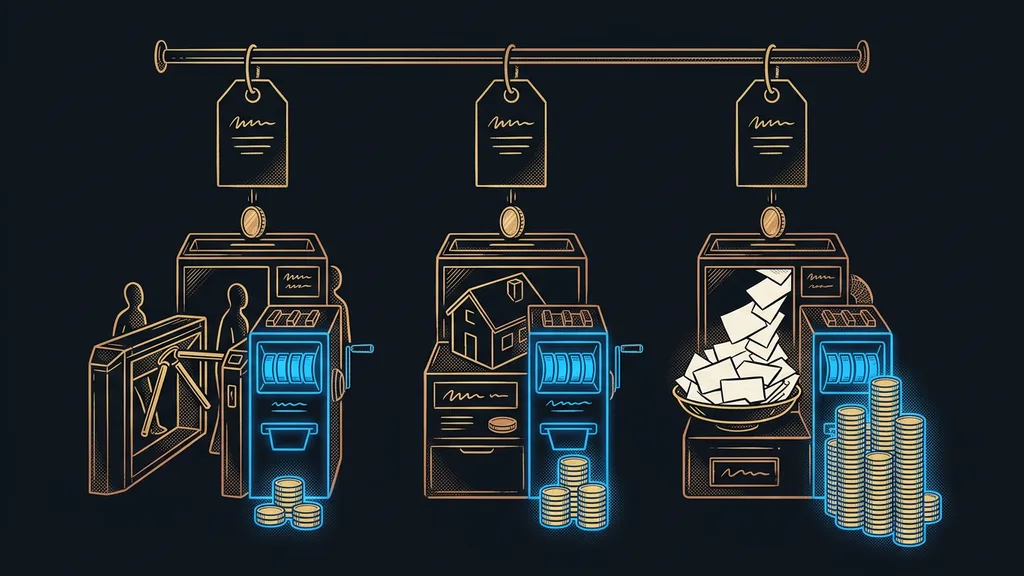
Two subscriptions with the same price can each be about something different. What matters is how they bill, not the number on the invoice.
Buffer bills per channel: the Essentials plan costs $5 a month per profile, so six profiles come to $30, not $5. Zapier bills per task and gives you 100 tasks a month on the free plan. Tidio bills per conversation, so a successful campaign inflates your bill. GoHighLevel bills for the whole agency account, where the Starter plan comes to $97 a month and includes three separate sub-accounts. I took all these numbers from the official pricing pages on September 19, 2026.
That’s why you can’t compare two offers by adding up their monthly prices. What you can compare is the price of last year’s usage: for as many profiles as you have and as many conversations as you had last year. It usually takes fifteen minutes, and the ranking of the offers changes afterward.
Only at this point do you see whether consolidation really saves money. Say you have five tools at $10 a month each. A single platform at $97 is more expensive than that until it replaces a sixth and a seventh line item as well. So run the numbers on the whole statement, not one line item against another.
One-minute self-test
Open last month’s card statement and answer two questions for each line item. Who in the company uses it, and what would happen if it stopped existing tomorrow? Start where you can’t answer either one. I’ve always had items like that.
Criterion 3: what the tool is best at
A platform does lots of things well and few of them best. So before you consolidate, it pays to know which of your tools is the best in its category.
Good examples are translation, Czech audio transcription, and accounting. A specialized Czech transcription service costs around CZK 200 (about €8) per hour of audio, according to its pricing as of September 19, 2026, and Czech is the reason it exists. A general-purpose module inside a big international platform usually isn’t built for it.
This is where consolidation hurts. You swap the best for the average, save €10 or €20 a month, and someone ends up redoing whatever that module produces. So before you start comparing platforms against each other, look at both local and international alternatives, and above all at what each one is good at.
Criterion 4: how you get back out
The fourth criterion is about the end of the relationship, which is why almost nobody thinks about it. Yet it decides how expensive backing out would be.
Vendor lock-in
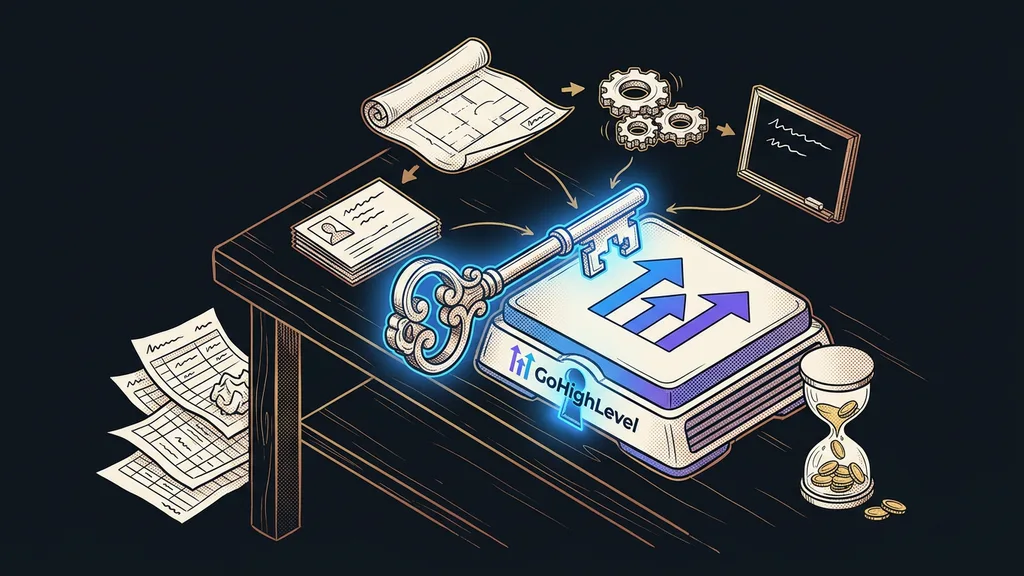
How much of your business stays inside one tool, and how easily you can get it out. It’s not just contacts. It also covers websites, email templates, automations, and your history of customer communication. The more functions you keep in one place, the deeper the lock-in.
Consolidation increases this lock-in; that’s its price. That doesn’t make consolidation wrong. It means you ask about exports before you sign: what you can take with you, in what format, and what stays with the vendor. An answer like “we can probably figure something out” is an answer in itself.
When consolidation is a trap
On the surface, the trap looks like a sensible decision, not a mistake. It only shows its true colors three months later. I run into it in three forms.
The first is the overlap period. The new setup is running, and so is the old one, because the data hasn’t been moved out of it yet. So you pay for both, and without a date in the calendar, that goes on for months. That’s why a switchover needs a deadline, not a feeling that it’s nearly done.
The second is one single missing feature. The platform does 90% of what you need, and someone on the team uses that one remaining little thing every day. Because of it, the team goes back to the old tool, and you pay for both.
The third is the migration itself. Content and contacts move over in a boring way, without surprises; the real risk is the domain and company email. Plan that part separately, and don’t do it in the same week as everything else.
Safeguard
Before you cancel an old tool, export your data from it and store it somewhere safe. An export usually takes two clicks, and once the account is closed, you can’t get to it anymore. I do this even when I’m sure I’ll never go back.
Who shouldn’t consolidate at all
This isn’t for everyone. If you pay for three tools that share nothing, consolidating them will cost you a month of work and save you €10 or €20. That’s a bad deal, and I’m happy to say so in so many words.
It also doesn’t pay off in the middle of your busy season. When you’re getting the most inquiries right now, migrating tools is the last thing your business should be doing. Wait for a quieter month; you’ll feel the difference.
And then there’s the case where the problem lies elsewhere. There are only a few tools, but nobody is responsible for keeping them in order. No consolidation will help there, because the mess moves with you.
The whole decision in a nutshell
- List every subscription from your card statement, even the smallest one.
- For each one, answer who uses it and what would happen if it disappeared tomorrow.
- Mark the pairs where a person carries data between them. Those are your consolidation candidates.
- Keep separate whatever is best in its category, especially where Czech is involved.
- Before you sign, ask about exports and about what stays with the vendor.
- Put the switchover in your calendar with an end date, and handle the domain move separately.
And those two or three line items where the owner has no idea who in the company uses them? They’re the reason you go through the whole card statement. You can shorten it in two ways: either cancel the items, or remove the reasons they ended up there. The second way lasts. Good consolidation isn’t measured by the number of canceled subscriptions. It shows in the fact that nobody runs between the tools anymore, carrying data around in their head.