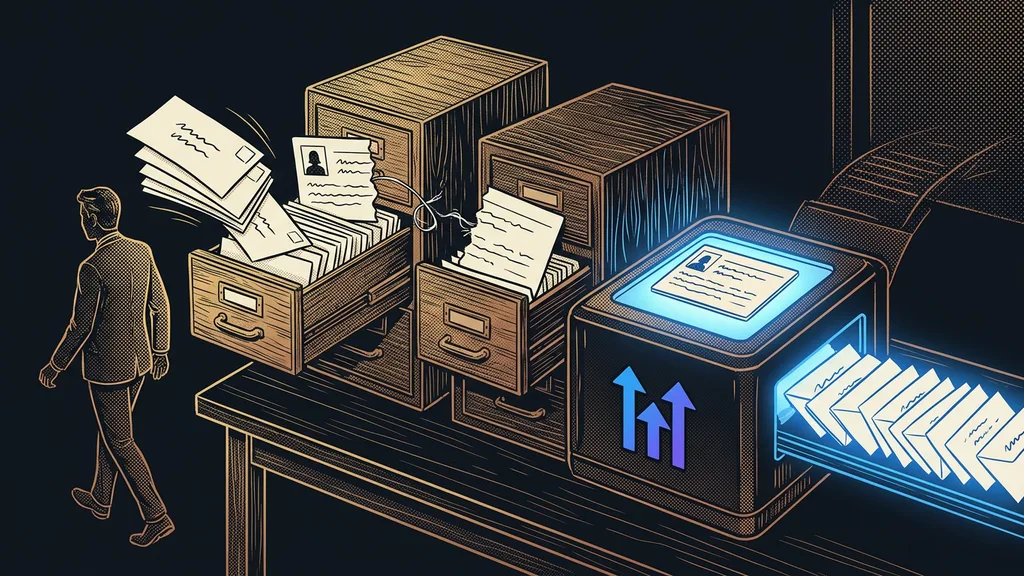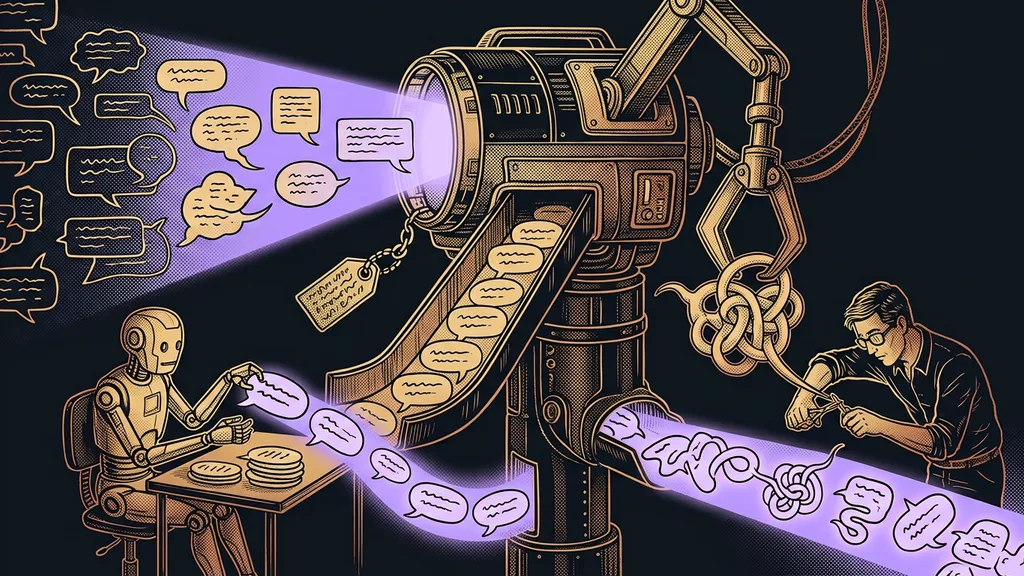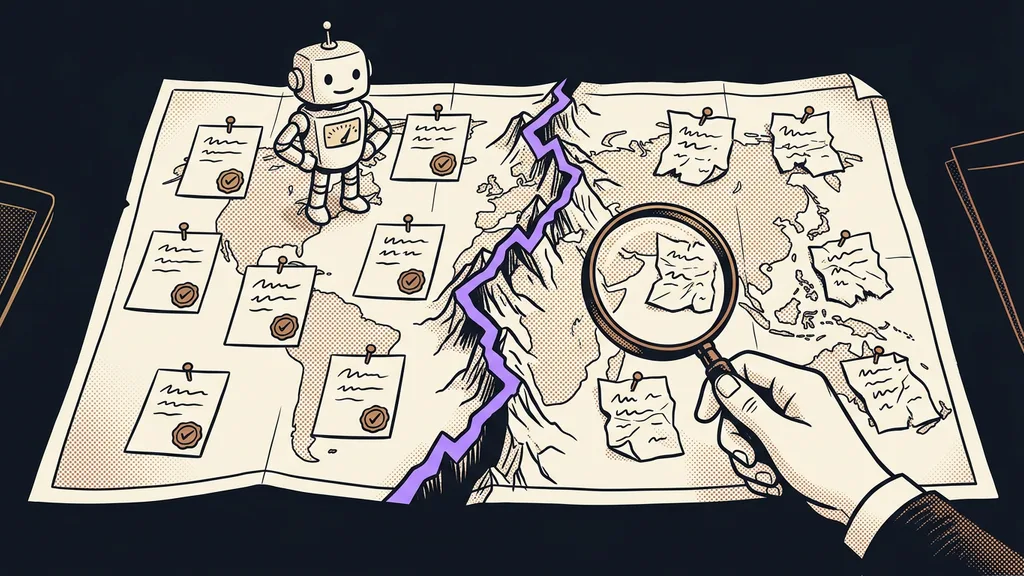
AI’s jagged frontier explains why artificial intelligence is a genius and a bumbler at the same time. It does one job better than a human and then, right next to it, fails at a task that looks just as hard. You can’t predict which from how the task looks. And the most expensive mistake is usually the one that sounds convincing.
I work with AI every day, often in several windows at once. Even so, when a new task comes along, I don’t know in advance whether it’ll handle it. That’s why every new job follows the same order: first a test on real data, and only then trust. An experiment with hundreds of consultants showed back in 2023 why there’s no other way.
What is AI’s jagged frontier?
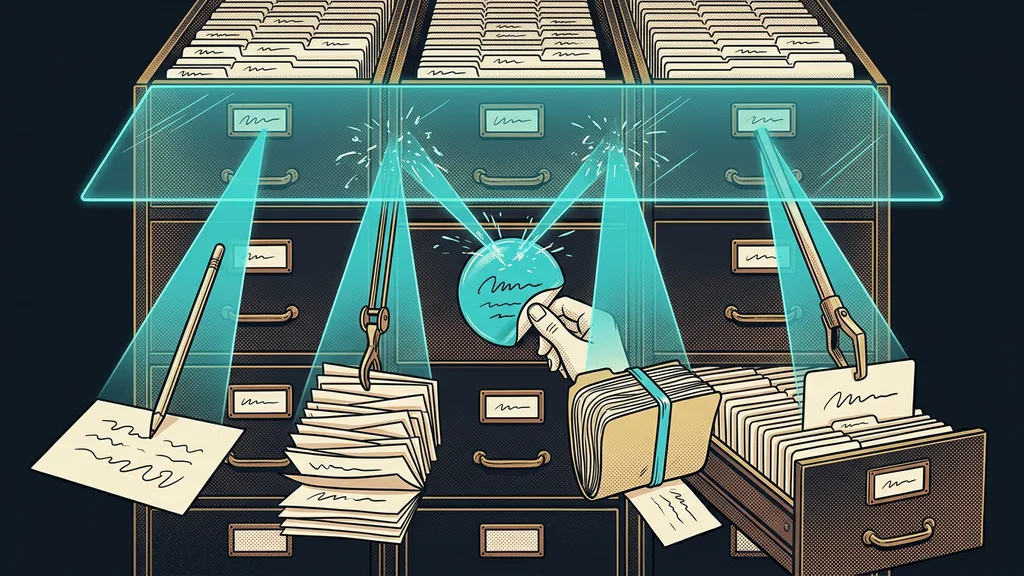
AI’s jagged frontier is the invisible line between tasks AI can handle and tasks it fails at. It isn’t straight. It runs right through a single job, and it can just as easily run between two tasks that seem equally hard to a human.
The term was introduced in 2023 by researchers from Harvard and other universities who ran the experiment together with the consulting firm Boston Consulting Group. They called it the jagged frontier. Co-author Ethan Mollick popularized it on his blog the same day the study came out. He compared the frontier to an invisible fortress wall: back then, he said, AI could write a sonnet but not a poem of exactly fifty words.
Jagged frontier
The boundary between work AI does well and work it botches. It’s irregular and invisible, so tasks on either side of it can look equally hard. You only find it by testing, and it shifts with new models.
What’s hard for a human and what’s hard for AI are two different things. How difficult a task is won’t tell you where the frontier runs. Only a test will.
What the experiment with 758 consultants measured
Inside the frontier, people using AI worked faster and better; outside it, they made more mistakes. That’s the result of a preregistered experiment whose peer-reviewed version came out in March 2026 in the journal Organization Science. All 758 participants were randomly assigned to three groups: no AI, GPT-4, and GPT-4 plus a short introduction to writing prompts.
| What was measured | Inside the frontier | Outside the frontier |
|---|---|---|
| Which tasks | 18 realistic consulting tasks | a complex management task, chosen on purpose |
| Result with AI | 12.2% more tasks completed, 25.1% faster, and at significantly higher quality | 19 percentage points less likely to reach the correct solution |
More interesting than the numbers is why people outside the frontier made mistakes. According to Mollick, AI gave them a wrong but convincing answer, and they adopted it. He wrote that they “fell asleep at the wheel.” Yet they wrote up their solutions better than the people without AI, so the error wasn’t visible on the surface. Not everyone fell asleep, though.
Centaurs and cyborgs
Two ways of working with AI, as Ethan Mollick named them. A centaur divides the work: what they do better themselves, they do themselves, and the rest goes to AI. A cyborg works with AI continuously, in small pieces, crossing back and forth over the frontier. According to Mollick, that’s how many consultants handled tasks on both sides of the frontier.
Why does a similar task turn out the opposite way?
Because AI doesn’t perceive difficulty the way a human does. Its abilities grow unevenly, so expert-level performance sits right next to a beginner’s mistake.
The experiment used a model from 2023, and today’s models are somewhere else entirely. But the jaggedness hasn’t gone away. Researcher Andrej Karpathy wrote in December 2025 that language models are a versatile genius and a confused schoolkid at the same time. According to him, they’ve improved most where results can be verified, meaning math and programming.
In a business, it looks inconspicuous. AI can write a customer a friendly, flawlessly written reply to a complaint and, in that same reply, cite a deadline your terms and conditions don’t even contain. The text is inside the frontier; the fact about your business is outside it. It’s similar with bulk PDF reading. The running text of a contract goes smoothly, but in a table, a small shift is enough for an amount to land on the wrong row.
The jagged frontier is a different problem from most rollout mistakes, which happen before a business even switches AI on. It only shows up during actual work, even in a business that got everything else right.
A trust map: where to trust AI and where not to
Nobody will draw the frontier for you in advance, but you can map it yourself on your own tasks. Mollick’s advice is simple: use AI for work tasks often enough, and you’ll start to see the shape of the frontier. I recommend putting it on paper. Take ten tasks that repeat in your business every week. Have AI do each of them on real material, then sort them into three columns.
Three columns on one sheet of paper
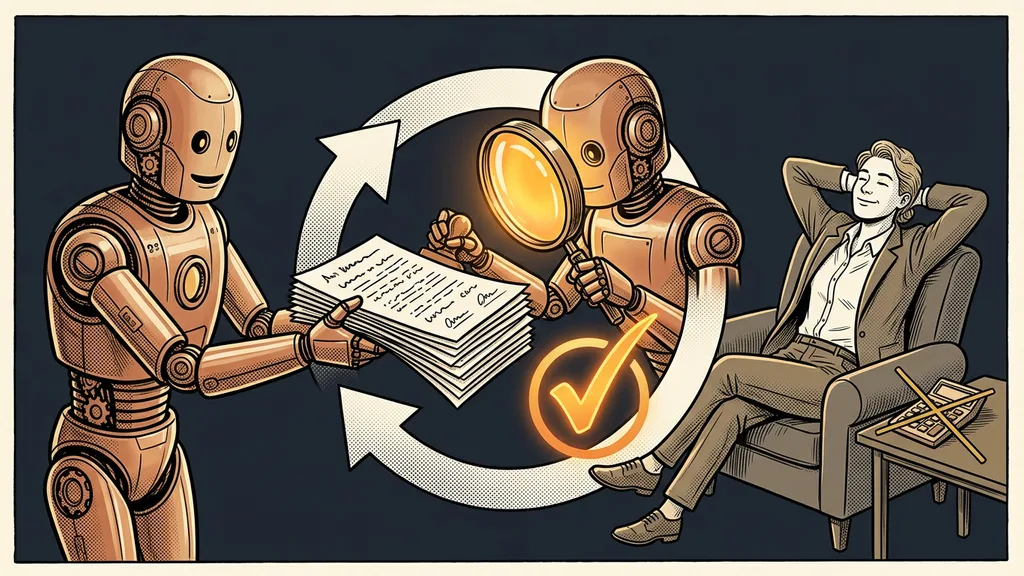
AI does it, a human checks: tasks it got right the first time and whose results can be verified quickly. AI helps: tasks where it gave you a good foundation, but a human supplies the facts or the conclusion. No AI: tasks where it made convincing mistakes, or where a mistake would cost more than AI saves.
Nobody does the tasks in the first column by hand anymore; a quick check is enough. The best time to make the map is your first month with AI, when you’re testing and measuring anyway. And the map needs an owner: the person who’s in charge of AI in your business and goes through all three columns again after every model change.
Checks belong at the frontier, not everywhere
Instead of spreading your checks evenly across everything AI does, concentrate them where AI sounds convincing and a mistake would cost you money or a customer.
A safer start is tasks whose results can be verified: a total against a spreadsheet, a figure against your system, a reply against your terms and conditions. There, you’ll find a mistake fast. Worse are tasks where the finished text doesn’t give anything away by itself, such as a recommendation, a judgment call, or an answer about what you promised to whom.
A good example is a morning ad check: the system may pause a money-losing ad set on its own, but it can add budget only with your approval. The system’s autonomy ends exactly where an expensive mistake begins.
When you don’t need a map
A map doesn’t pay off where AI does a single thing and you read the whole result every time. If you have AI polish an email once a week and go through every word anyway, you’re guarding the frontier automatically. It doesn’t pay off for one-off work either; there, checking the result is enough. Once AI does several kinds of work or several people use it, the map earns its keep. Each of them then needs to know the same thing: where the output can be relied on and where it can’t.
The whole map in a nutshell
- Expect AI to be brilliant at one job and to fail at the one next to it, even when both tasks look equally hard.
- List the tasks that repeat in your business, and test each one on real material.
- Sort them into three columns: AI does it and a human checks, AI helps, no AI.
- Concentrate your checks where AI sounds convincing and a mistake is expensive.
- After a model or tool change, go through the map again, because the frontier moves.
The genius and the bumbler will probably keep living side by side in the next model too; only the frontier between them will move. With a map, you know which work the genius will do for you on its own and where one human glance is enough to keep the bumbler from doing damage. I’m happy to go through a map like this with you, on your tasks and real data, as part of bringing AI into your business. It starts with a free, no-obligation consultation.