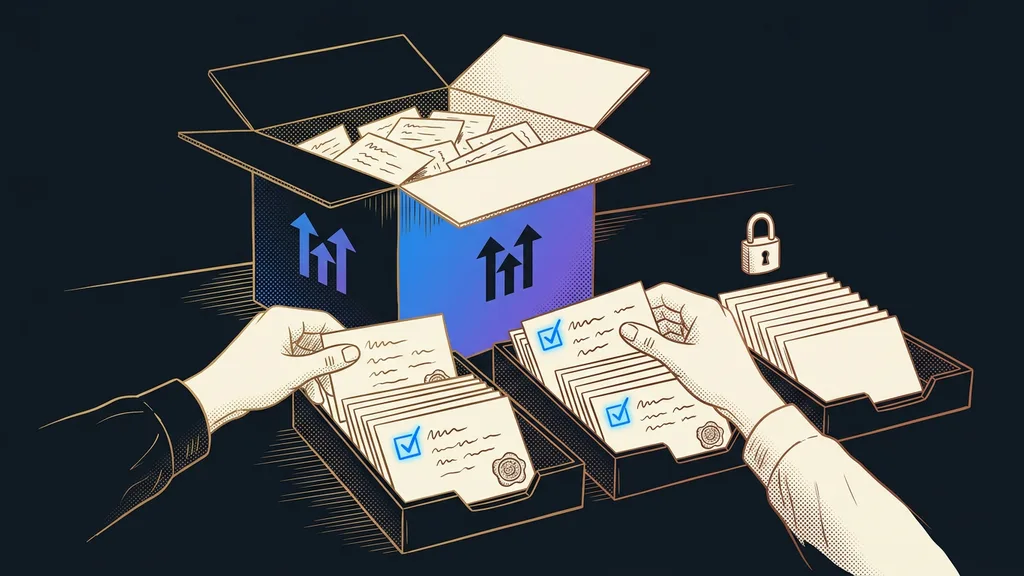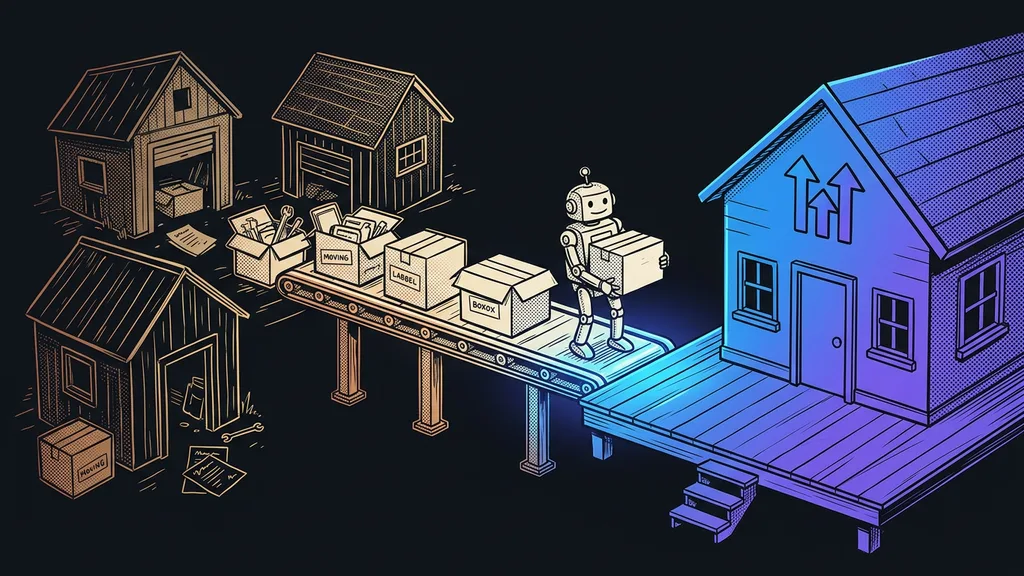
On the first of the month, the invoices land in your inbox. One for email marketing, another for the sales page tool, a third for the booking calendar, a fourth for the CRM. You’ve suspected for a long time that one platform could handle all of it. But whenever you start seriously thinking about switching, the same thought pops up: what about my contacts, and the sequences that are finally making money? So you pay for another month instead.
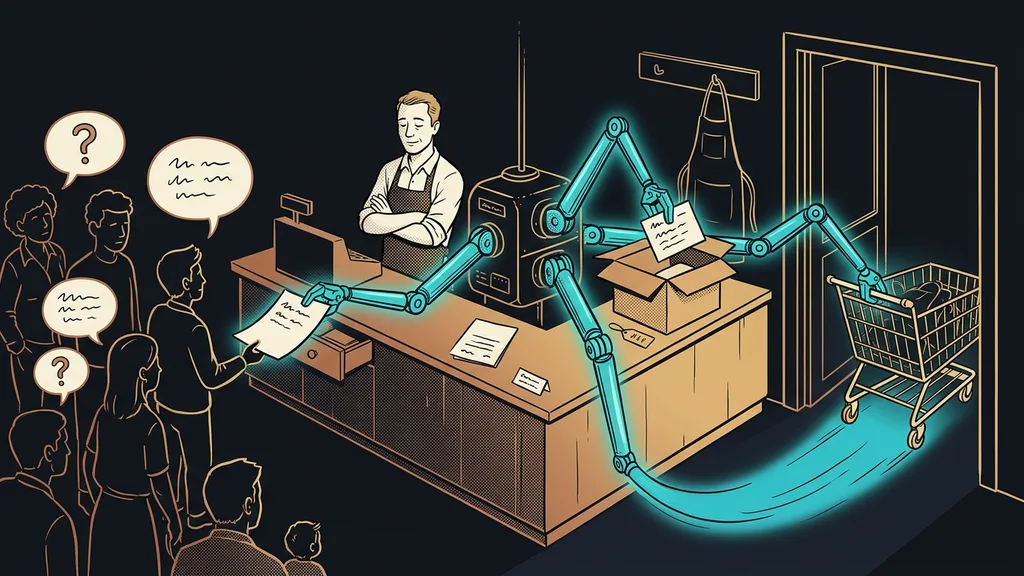
Yet migrating to GoHighLevel means moving contacts, automations, and bookings from several tools into one platform without your customers noticing. It’s a craft with a set procedure rather than a leap across a chasm. There’s only one dangerous spot in it, and I’ll get to that in a moment.
“I’ve been collecting those contacts for ten years. If they get lost in the move, I’ll never get them back.”
A business owner who was paying for Mailchimp, ClickFunnels, and Calendly at the same time told me that. For over a year, he’d put off a decision he’d long known he had to make. Almost nobody likes their patchwork of tools. Companies stay in it out of fear, not love.
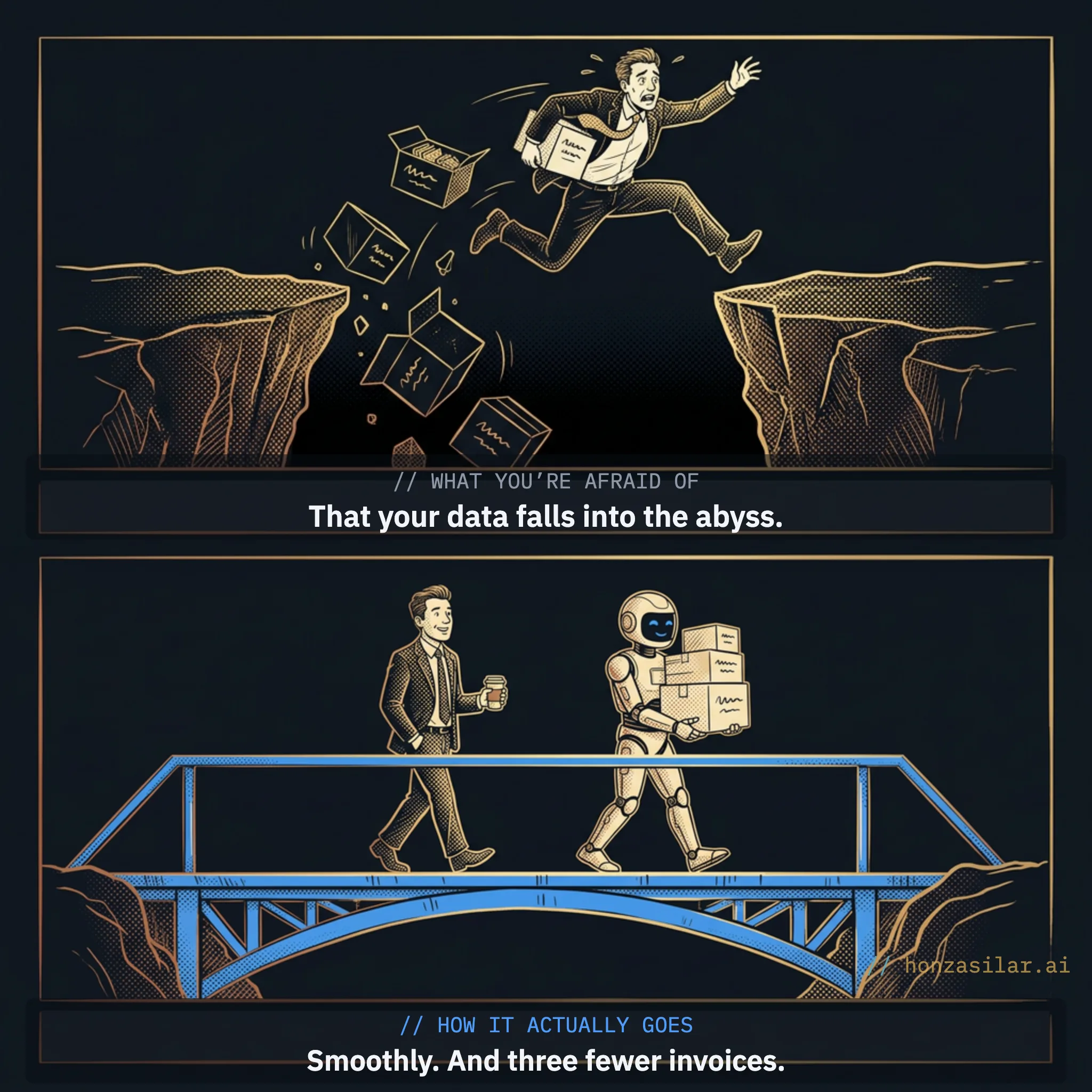
The fear nobody invoices you for
Putting it off has a cost; you just don’t see it on an invoice. The visible layer is easy to count: you pay several subscriptions for features that largely overlap, a typical symptom of a fragmented tool stack. The hidden layer is worse. Every month you wait, more data piles up scattered across four systems: contacts in the email tool, orders in the funnels, appointments in the calendar.
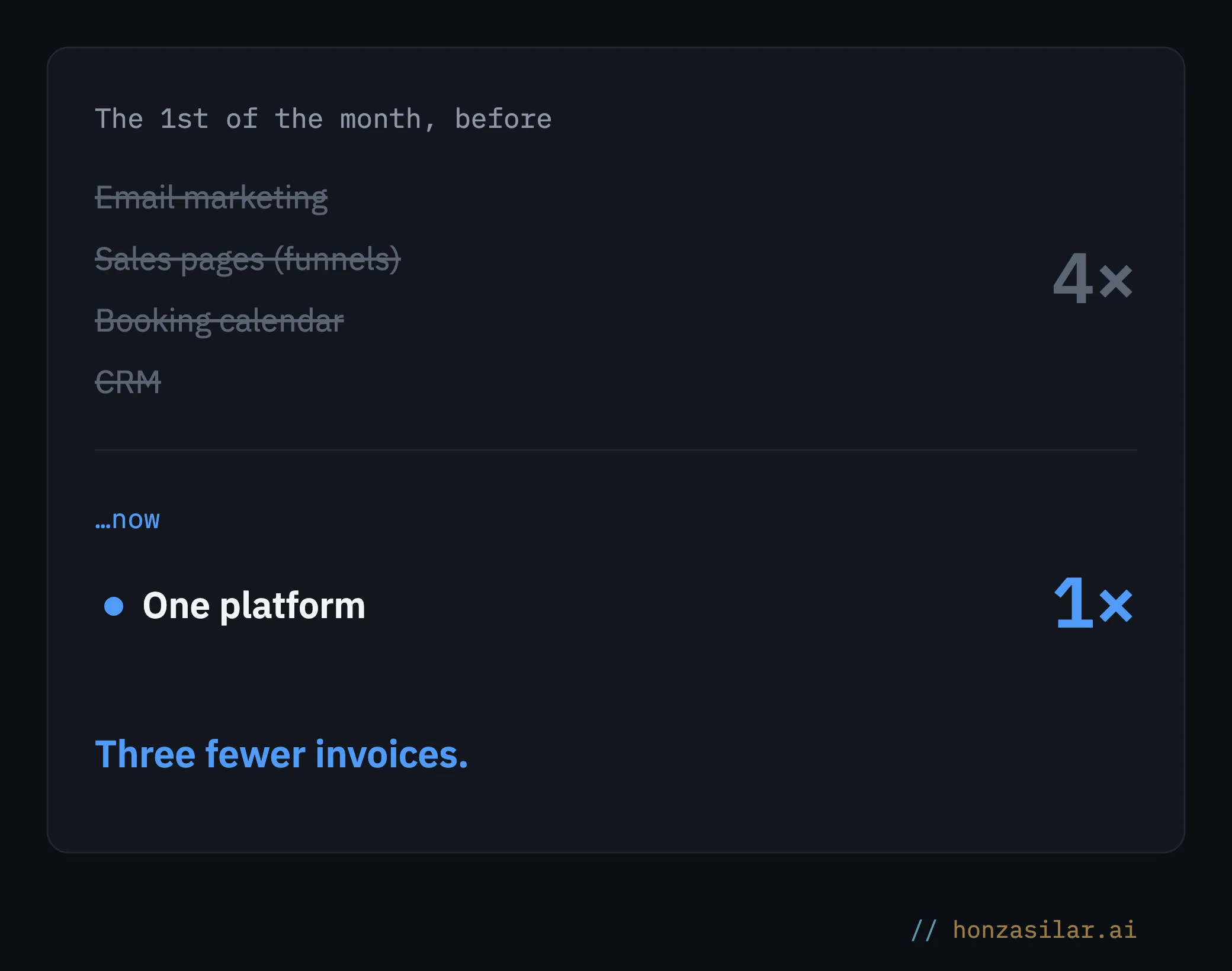
It becomes a vicious circle. You’re afraid to move because you have lots of data, and the data keeps growing because you’re afraid to move. The sooner you break the circle, the less you’ll have to move.
Three fears that hold a migration back
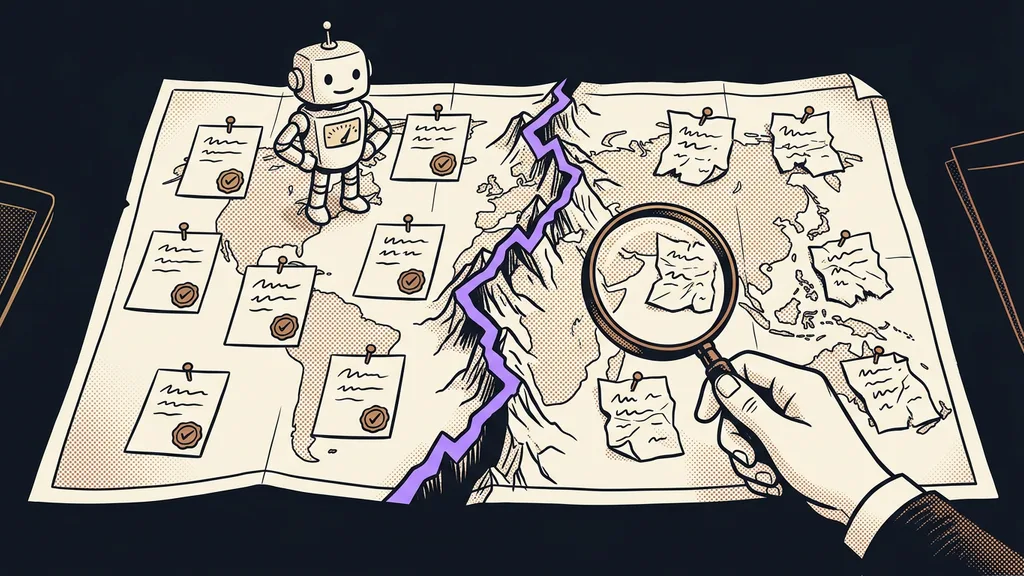
What moves over, and what you’re better off rebuilding
The good news first: you don’t have to lose anything valuable. Each part of your business just moves differently.
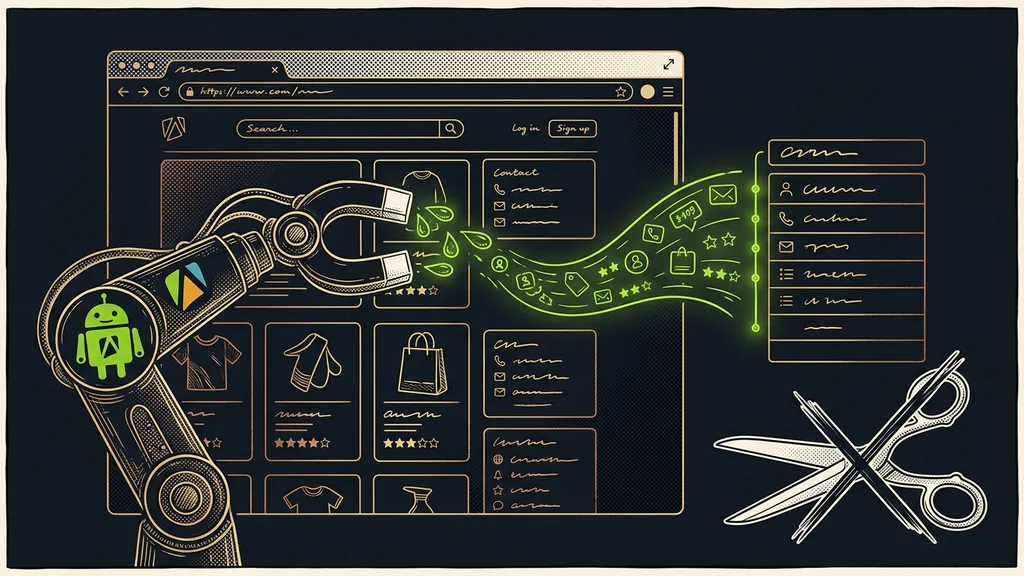
- Contacts, tags, and custom fields move in one package. You export them to CSV from Mailchimp or ActiveCampaign and import the lot into GoHighLevel; the platform puts practically no limit on the number of contacts. And you’re not trading one cage for another: you can download your database back to CSV from here, too, any time.
- Segments get rebuilt rather than transferred. Their equivalent is Smart Lists: saved dynamic filters that update themselves.
- Email sequences don’t transfer one to one, and that’s actually a good thing. You rebuild a linear sequence from the old tool as a workflow with conditions and branching; the built-in AI builder can even generate it from a plain description of what the automation should do.
- Sales pages and funnels get rebuilt in the builder, with over 200 industry templates to choose from. To be fair, I’d leave a brand website that relies on SEO where it is, because GoHighLevel’s builder isn’t known for fast load times. Sales pages and forms, on the other hand, belong with the CRM: a lead from them drops straight into the pipeline and triggers automations.
- Bookings are taken over by the calendar built into the platform: every booking creates a contact right away and triggers a follow-up workflow, such as a reminder two hours before the appointment. The booking widget, which comes in English, can also be translated into Czech.
- History has two parts. New communication, meaning emails, SMS, calls, and social media messages, the platform collects from day one on a single contact record in one timeline. The old history you export and archive before canceling your accounts; the import won’t bring campaign stats along, but you don’t have to lose them.
What moves over and what you rebuild
| Part of the business | How it moves |
|---|---|
| Contacts, tags, custom fields | ✓ transfer via CSV, and back |
| Segments | rebuilt as Smart Lists |
| Email sequences | rebuilt as workflows (AI builder) |
| Funnels and sales pages | rebuilt in the builder, 200+ templates |
| Bookings | ✓ calendar built into the platform |
| History | new from day 1; archive the old |
The only real risk: your sending domain’s reputation
When a migration goes wrong, lost contacts are almost never to blame; a CSV moves in an afternoon. What can let you down is email deliverability.
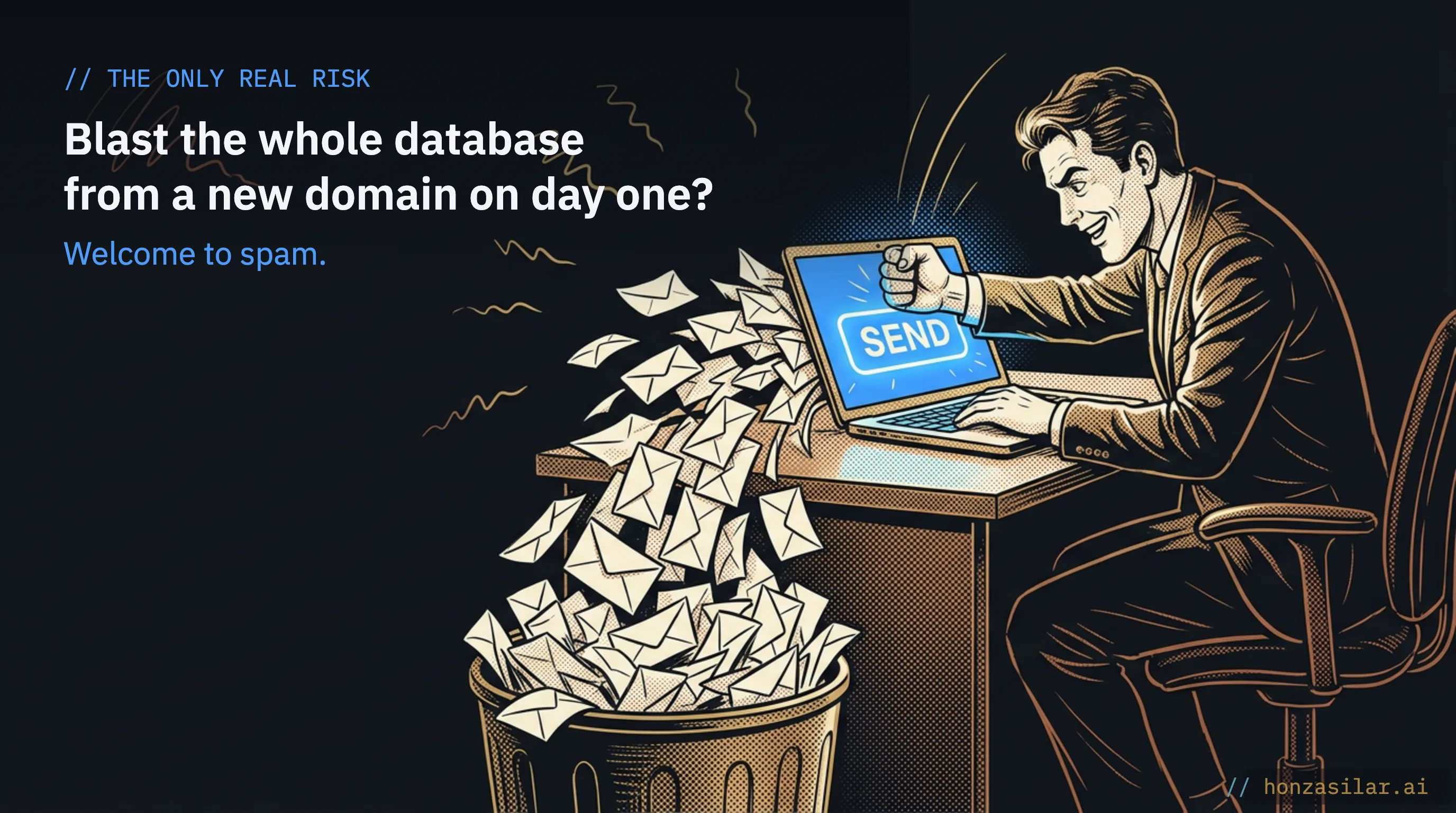
A new sending domain has no reputation with email providers. If you send a campaign to your entire database from it on day one, Gmail and Seznam, the big Czech email provider, flag it as suspicious, and the emails end up in spam. That’s exactly the outage people fear, except companies usually cause it themselves, by rushing.
Domain warm-up
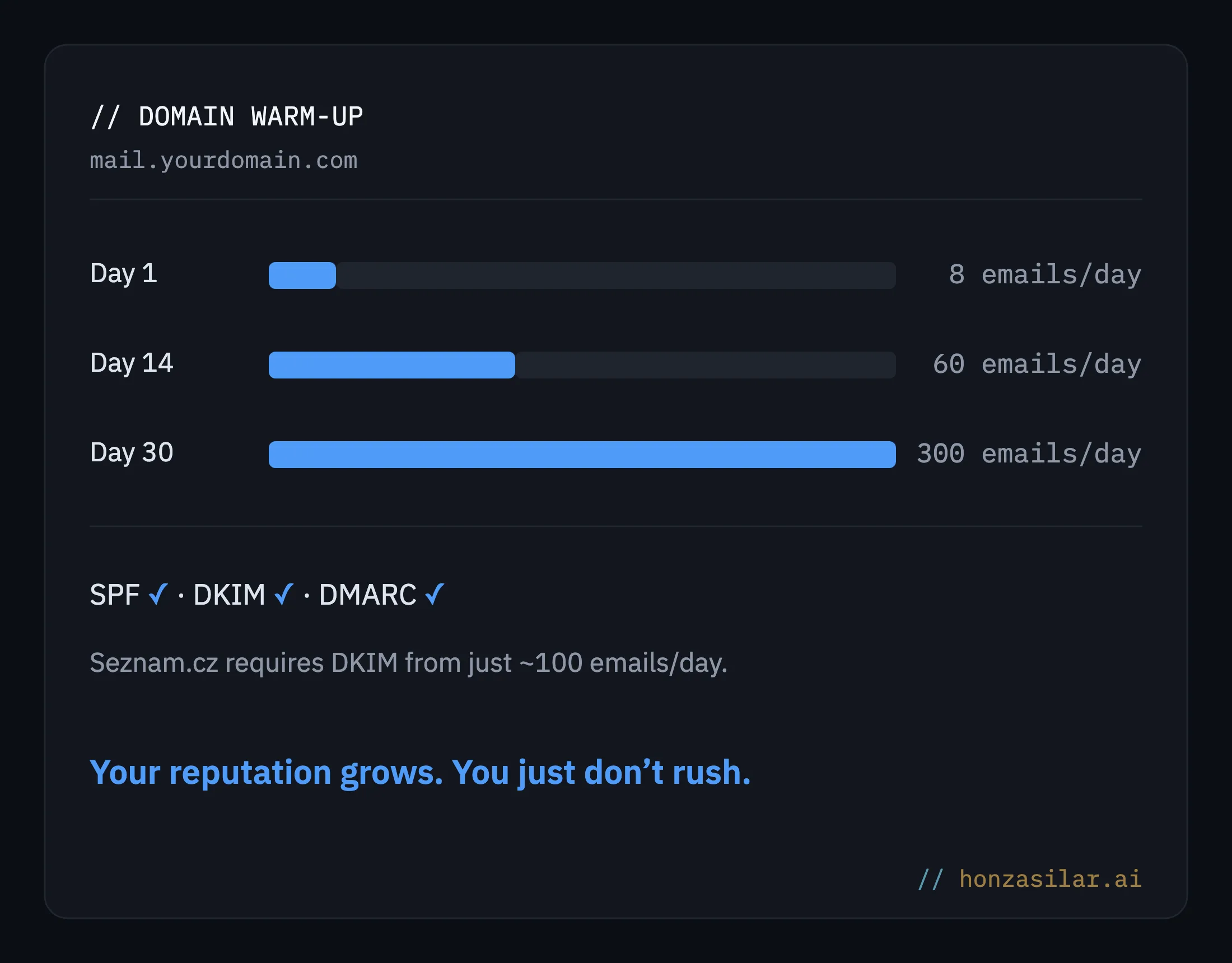
Gradually building a good reputation with email providers. For a few weeks, a new domain sends only a small number of emails, and the volume grows step by step rather than in jumps. That gives Gmail and Seznam time to confirm that the domain sends wanted mail, and they stop treating it with suspicion. Skipping this step is asking for spam.
Warm-up usually takes four to eight weeks: you start at 5–10 emails a day, and the volume never jumps. GoHighLevel has a built-in automatic warm-up that lets only a small volume through in the first days and raises the limits in phases depending on how the domain performs. So you don’t have to watch the numbers by hand. You just don’t rush.
The one thing that slows a migration down
The second safeguard is verification: addresses get checked before the import so the dead ones are cleaned out of the database. The platform watches your share of undeliverable emails and slows down sending when it rises. A database that has been growing in another tool for ten years deserves that kind of cleanup.
And one Czech specialty to finish. Seznam.cz requires a DKIM signature from as few as roughly a hundred emails a day; without it, open rates on Seznam drop noticeably, much more than on Gmail.
DKIM, SPF, and DMARC
Three DNS records that prove to email providers that an email really came from your domain and nobody tampered with it along the way. DKIM adds a digital signature to the message, SPF says which servers may send on behalf of the domain, and DMARC decides what happens when something doesn’t match. Without them, Gmail and Seznam treat you as an unknown sender.
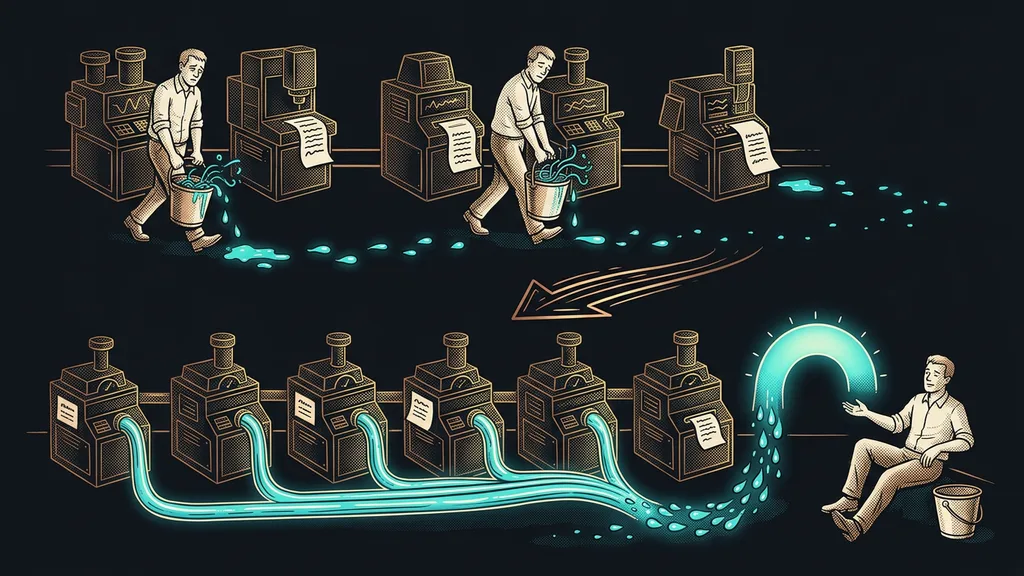
That gives you the whole strategy for a switch without downtime: you shut down the old tool at the end, not at the beginning. Both systems run side by side for a few weeks. The old one sends campaigns as before while the new one warms up. You switch over only once the domain is warmed up and the sequences are tested.
“We won’t shut anything down until the new system is running. Your customers won’t notice a thing. You’ll just notice fewer invoices.”
Who shouldn’t bother migrating
If you run a single tool that suits you and nothing spills over from it into other places, there’s nothing to solve; switching would be extra work with no benefit. It pays off where you’re paying for three or more subscriptions, your data is scattered across systems, and the monthly tool bills are starting to sting. The more fragmented the patchwork, the bigger the relief at the end.
Who a migration pays off for
Worth it
- You pay for three or more subscriptions with overlapping features
- Your data is scattered across four systems
- Monthly tool bills are starting to sting
Not worth it
- You run a single tool that fits, and nothing spills over
- Switching would be extra work with no benefit
In practice
Contacts move in an afternoon, and the structure of the new system is up in a few days. The only thing that holds you up is warming up the sending domain. That’s exactly why canceling the old subscriptions is the very last step, not the first.
The whole system in a nutshell
With my clients, the whole migration fits into six steps:
- Export everything. Download contacts, tags, stats, and your campaign archive from the old tools. Don’t cancel anything yet.
- Build the structure. Pipelines, calendars, forms, and workflows take shape in the new system while the old one keeps running and notices nothing.
- Set up DNS. A dedicated sending subdomain (say, mail.yourdomain.com) plus SPF, DKIM, and DMARC records. Your emails then stop arriving with a “sent on behalf of” note from someone else’s domain.
- Import a cleaned-up database. Addresses go through verification so the import doesn’t kick off with a wave of bounced messages.
- Warm up and run both in parallel. The new system sends little and slowly while the old one handles day-to-day operations. Gradually, you move forms and bookings over to the new one.
- Switch over and clean up. Once everything runs in the new system, cancel the old subscriptions. This step comes last, not first.
A migration without downtime in six steps
- 1Export everything: contacts, tags, stats, archive. Cancel nothing yet.
- 2Build the structure (pipelines, calendars, workflows); the old system keeps running.
- 3Set up DNS: a sending subdomain and SPF, DKIM, DMARC records.
- 4Import a cleaned-up database (addresses get verified).
- 5Warm up the domain and run both in parallel, moving forms over gradually.
- 6Switch over and cancel the old subscriptions. This step comes last, not first.
And that business owner from the beginning? He moved in exactly this order. His customers didn’t miss a single email or booking, and there wasn’t one day of silence. For a year he’d feared a step that went so smoothly in the end that he noticed it by one thing only: on the first of the month, he got three fewer invoices.