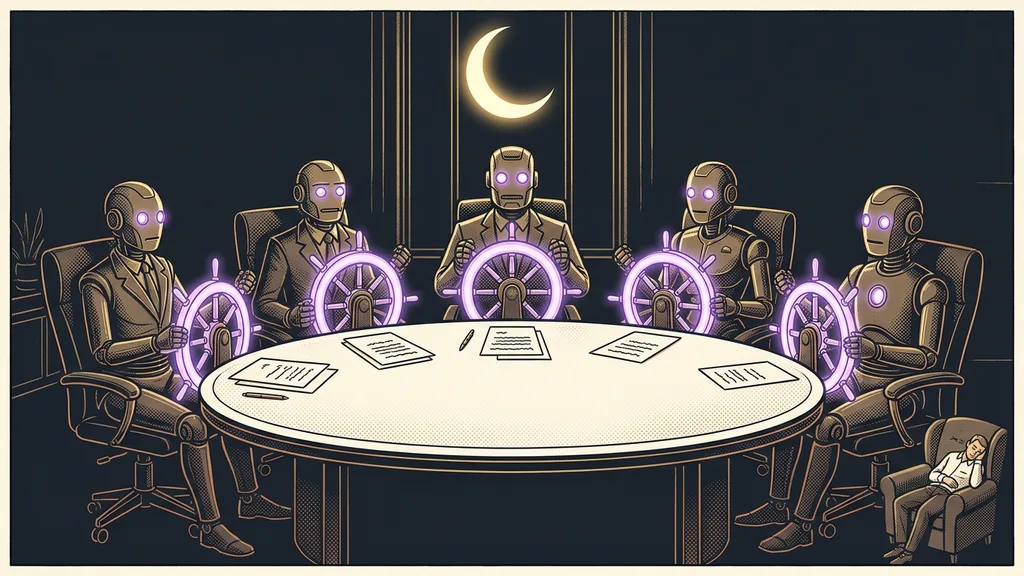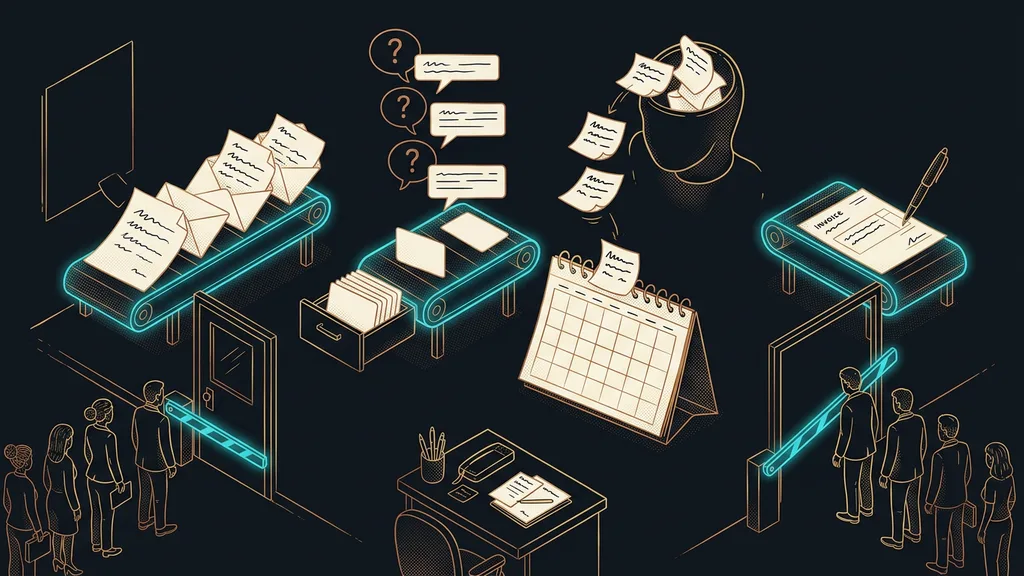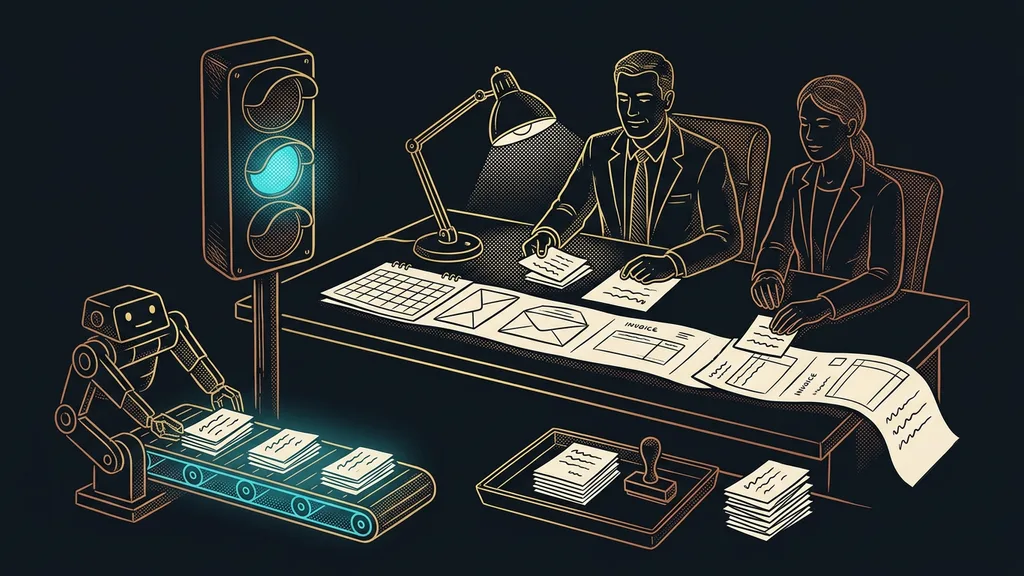
Automation in a business usually has no owner. Someone set it up once, everyone else uses it, and it’s in nobody’s job description. So it keeps running until something in the business changes: a product gets discontinued, the price list gets updated, a person leaves. Only then do you find out there’s nobody to ask about it.
I hear it in consultations over and over. A business has five or six things running on their own, and when I ask who’s in charge of them, there’s a moment of silence. Then comes the name of someone who worked there two years ago, and a laugh that isn’t entirely cheerful.
AI in your business is a responsibility, not a technology
It’s an operational responsibility, like invoicing or inventory, rather than a discipline for the IT folks. It’s just newer, so nobody has assigned it to anyone yet. That’s exactly why it most often gets lost in the gap between job descriptions.
That difference decides everything else. Technology is needed at the moment something gets built. The responsibility is needed all the time, because the business itself keeps changing underneath it: prices, products, people, and the promises you make to customers.
Orphaned automation
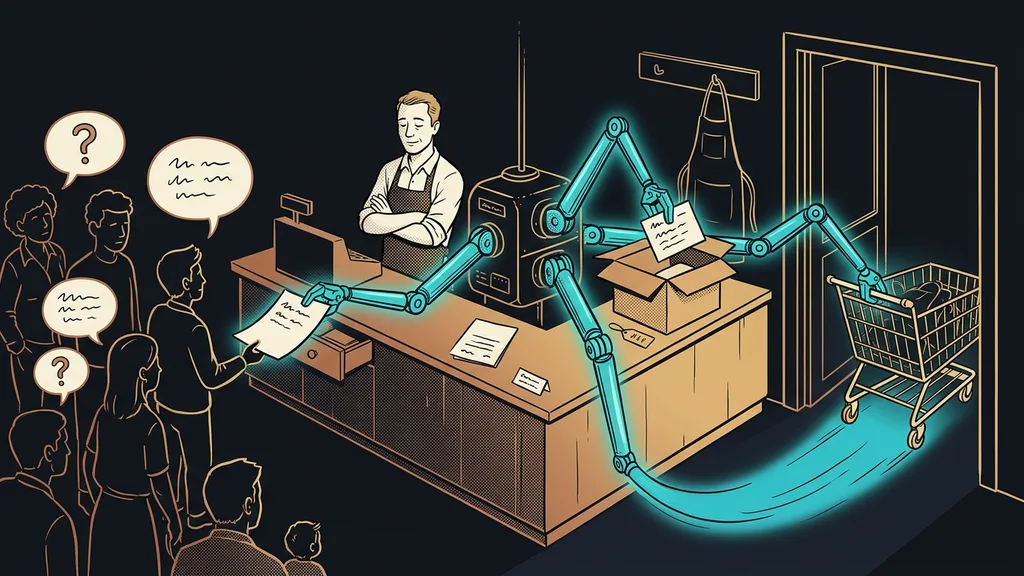
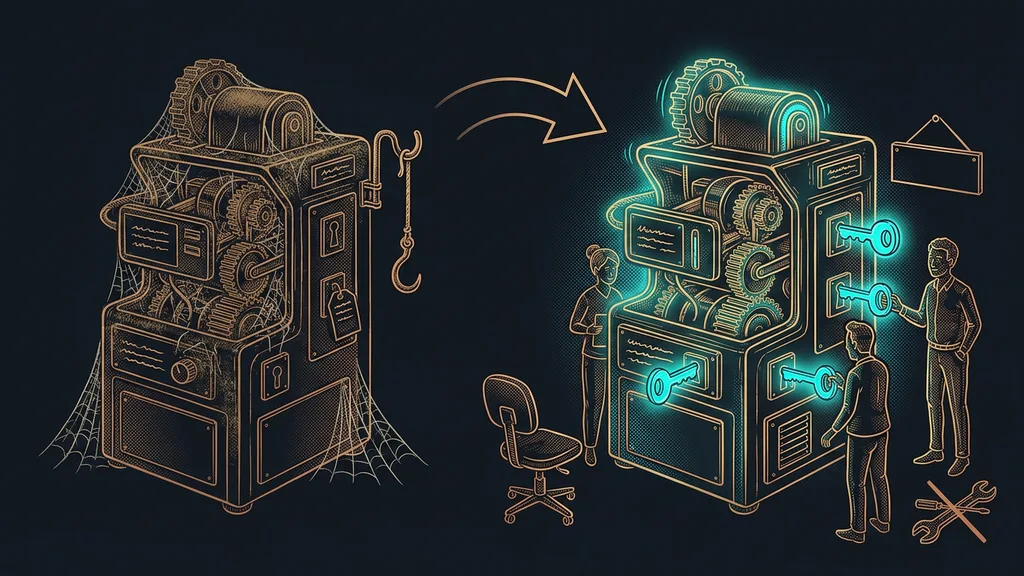
An automation someone set up once that nobody monitors today. It keeps running and acts as if everything is fine. Meanwhile, nobody knows exactly what it does, what triggers it, or what breaks if it’s switched off.
“A guy who worked for us back then set it up. Nobody has touched it since, and honestly, we’re afraid to.”
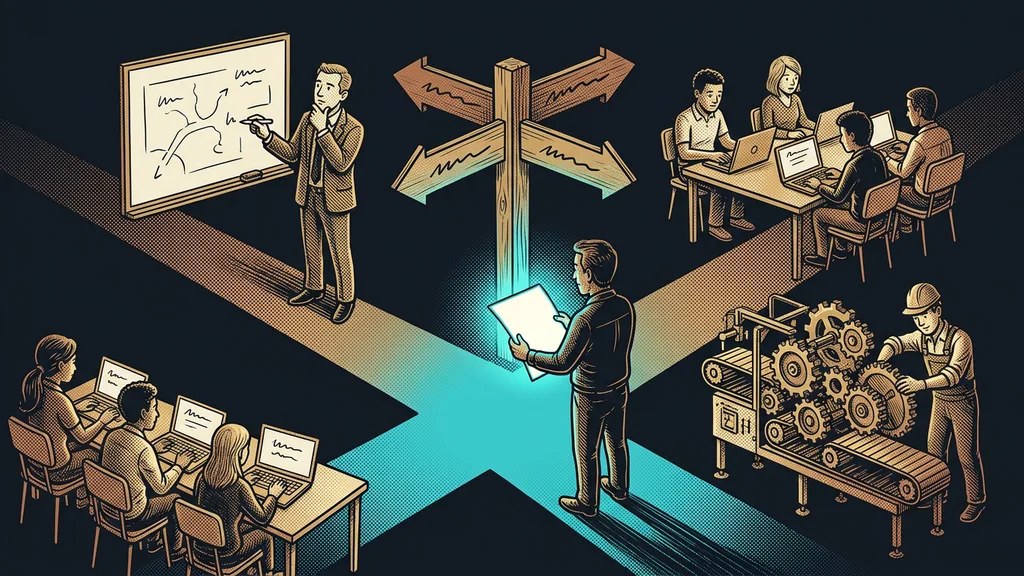
Three roles, and none of them is a programmer
You need three names, not three full-time positions. In a small business, it’s completely normal for one and the same person to hold two of the roles. What matters is that the roles exist, not how many people fill them.
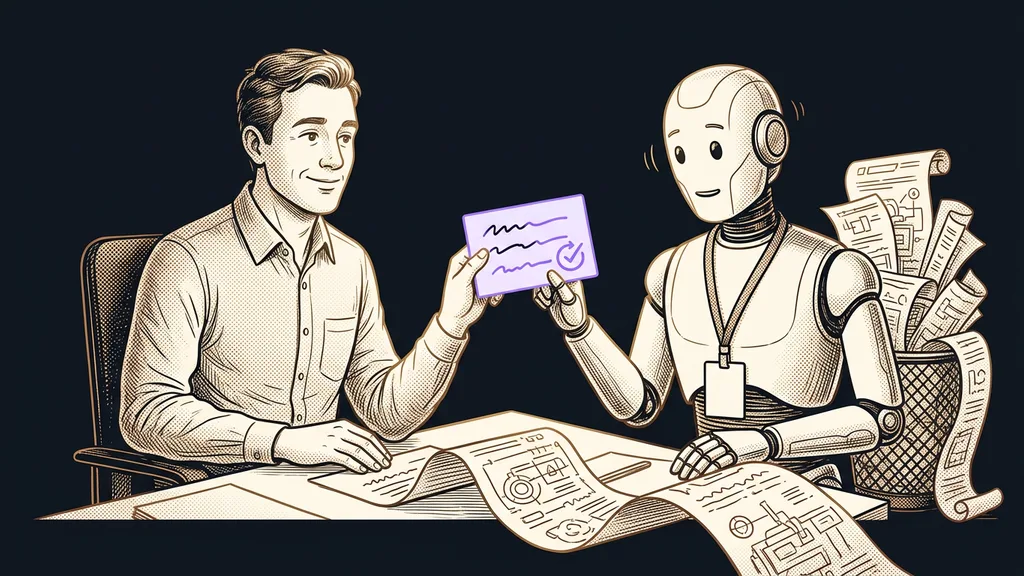
1. The one who decides. The owner or a manager who knows the work. They determine what gets automated and what doesn’t, and above all, they approve what’s allowed to go out to a customer without a human check. That’s a business decision, not a technical one. This also applies to AI that works in the business like an employee: it can do the work around the clock, but responsibility for the result stays with a person.
2. The one who uses it daily. The person the results land with. They notice before anyone else that the answers have stopped fitting or that a report shows nonsense, and their only duty is to speak up. When AI works directly in your company email and calendar, this is usually someone from operations who handles that work every day.
3. The one who builds and changes it. Either an outside provider or a trained person in-house. They’re the only one who touches the setup; everyone else asks them for changes. This is the person who teaches the AI new skills, and surprisingly often it’s someone from operations, not IT.
What happens when nobody holds it
Nothing dramatic, and that’s exactly the catch. The automation doesn’t break. It carries on according to rules that stopped applying long ago, and it can do that quietly for six months.
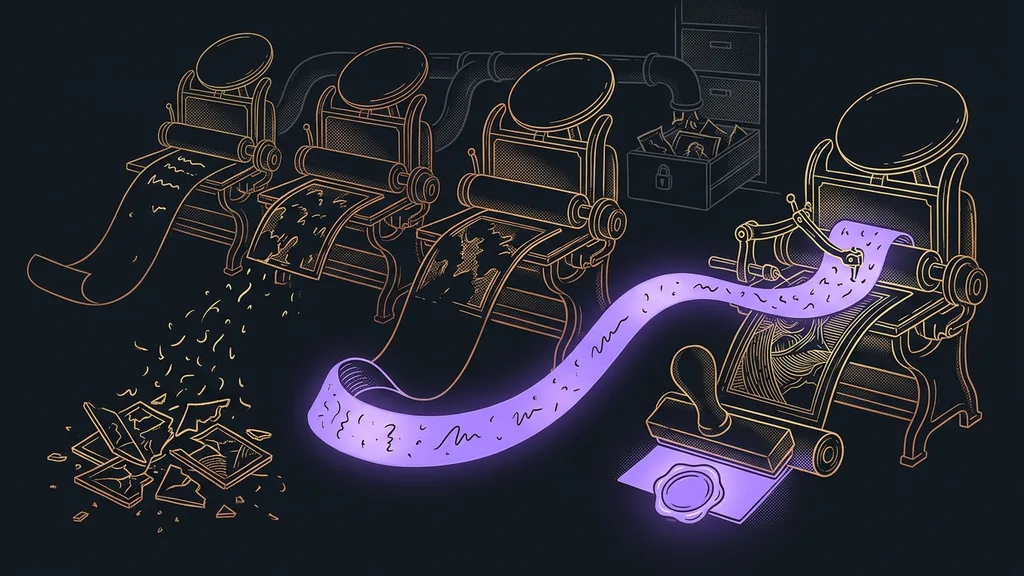
The most common real-world case looks like this: the business discontinues a product or a condition, but the automation doesn’t know and sends customers something that’s no longer true. No error message arrives. An email from a customer does.
The second case is even quieter. Rules you gave the AI last year describe a business that no longer exists. Its answers stay polite and fluent; they just don’t match reality. A well-built system does handle part of the checking itself, but it only verifies what you told it to watch. It won’t ask about things you yourself have stopped knowing about.
One-minute self-test
Write down everything in your business that runs on its own: email campaigns, reminders, reports, the website chatbot. Next to each item, write the name of the person who would notice it has stopped making sense. How many lines are left without a name?
How to hand it over
What you hand over is a list, not logins. You can sort out access in ten minutes, and it comes last. But what each automation does can only be handed over by writing it down.
Automation register
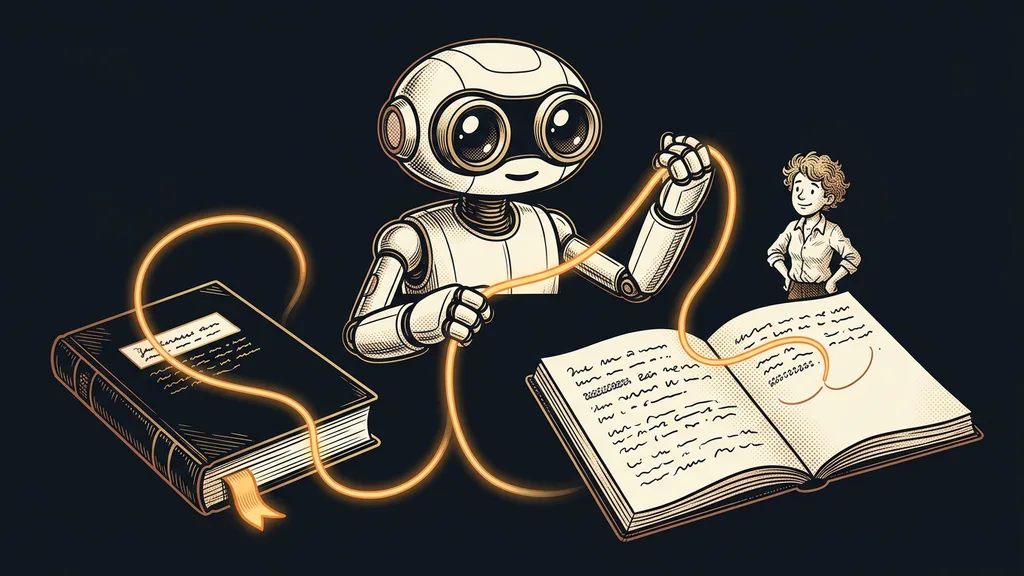
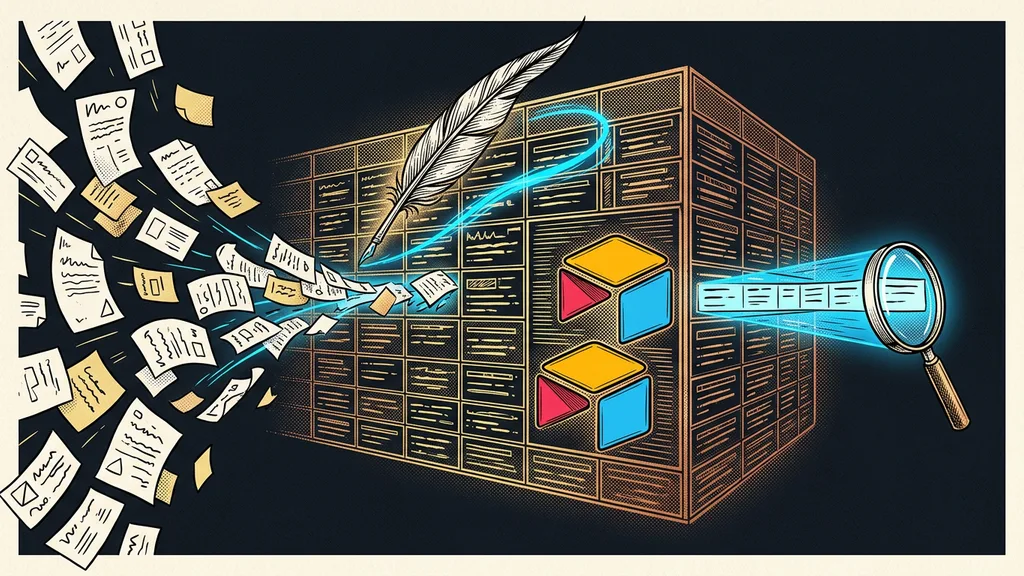
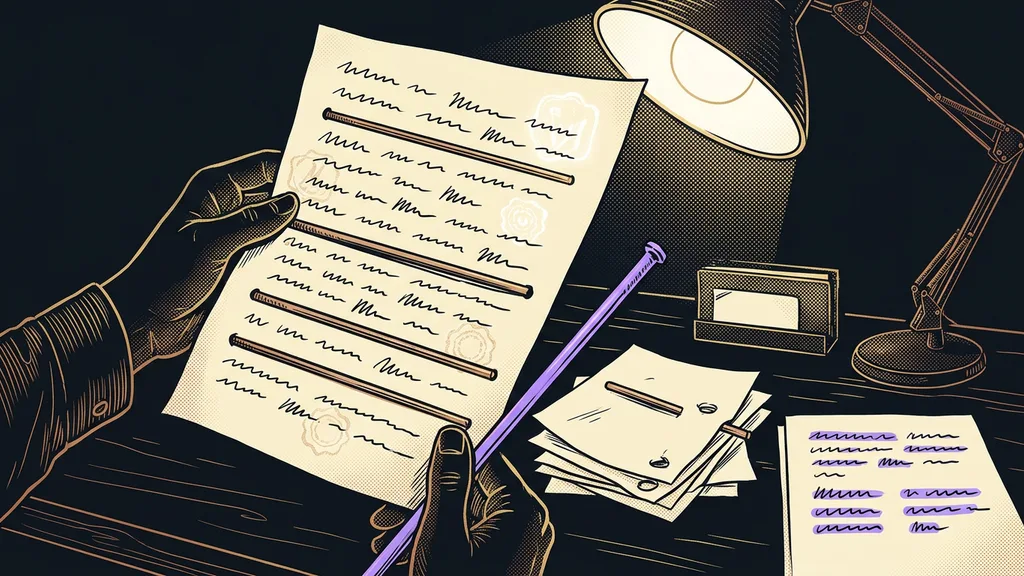
A plain list of everything in your business that runs on its own. Three sentences per item: what it does, what triggers it, and what breaks if you switch it off. It looks like paperwork, but it’s the only thing that lets you talk about the system even when its author isn’t in the room.
With a list like that on the table, a handover takes one afternoon. Without it, the incoming person has nowhere to start, so they usually build their own layer next to the old one. A year later, the business is running two things that contradict each other.
The other half of the handover is training the rest of the team. The goal is to show people where they have the right to say stop, rather than to teach them where to click. When the team knows what to ask of the AI and where to check it, the whole operation stops hanging on one enthusiast.
When it isn’t worth it
This isn’t for you if you have one single automation and use it every day. You’ll notice it has stopped working without any register, because you’ll miss it. A register makes sense from three running things upward, and above all from the moment someone other than the person who built them starts using them.
The whole setup in a nutshell
- Write down what runs on its own in your business. It usually takes twenty minutes.
- For each item, add what it does, what triggers it, and what breaks if you switch it off.
- Next to each, write the name of the person who would notice it has stopped making sense.
- Give one person the right to decide what may go out without a human check.
- Once a quarter, go through the list and check that the rules still apply.
- Switch off whatever no longer applies before it gets a chance to promise someone something.
That nervous laugh after the name of someone who worked for you two years ago is really the whole problem. It isn’t their fault, and usually it isn’t anyone else’s either. AI got into businesses faster than anyone could invent a line for it in a job description. A business where this responsibility has its own person runs better, and not because of better tools: for everything that runs on its own, someone knows what it does and why.