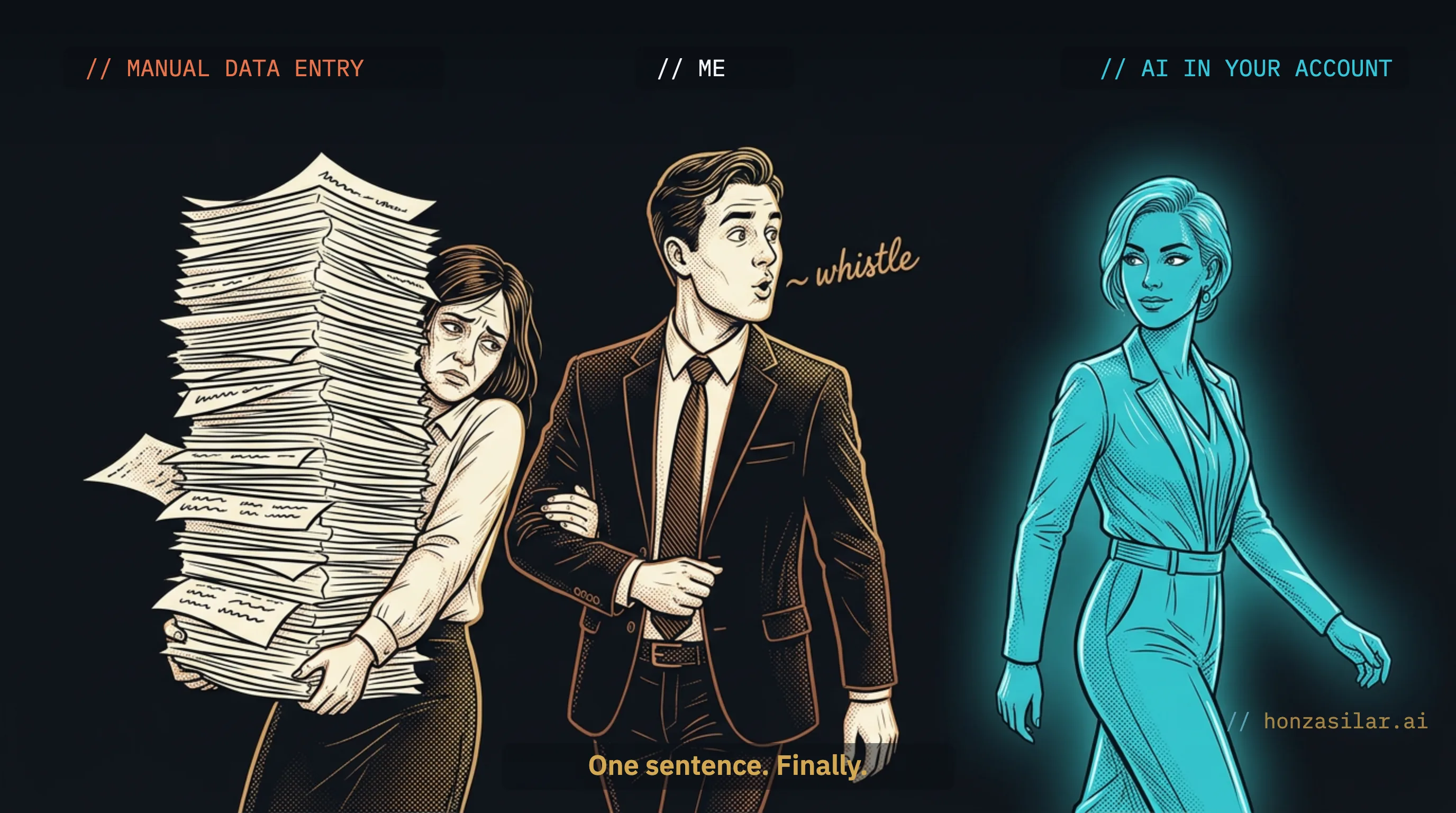
You spend a few hours a week shuffling data from one window to another. You copy a number from an email into a spreadsheet, rebuild the same document every week from last week’s version, and hunt for an attachment in Drive by half its name. The work is mechanical rather than hard, and that’s exactly why it bugs you the most. It gets you nowhere. It just nibbles away at time you’d rather give to something nobody else can do for you.
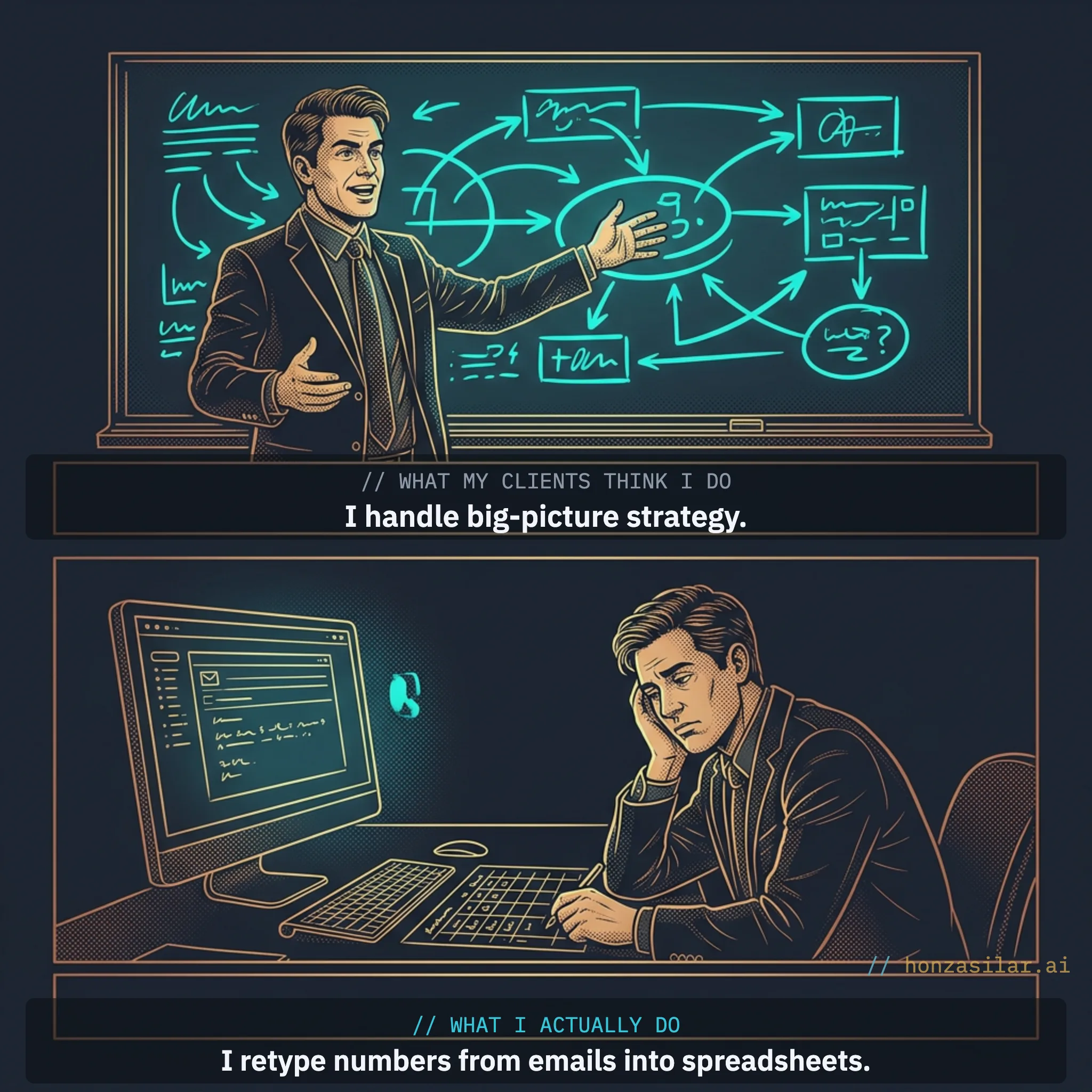
I spent years doing this too. I make my living from automation and consulting on AI in business. I advise companies on how to cut manual work, and in the evenings I was filling in my own spreadsheets like everyone else. I knew it was silly. I just never got around to fixing it, because it “sort of worked.” And there’s the catch: it keeps working. It just costs you a few hours every week that you’ll never get back.
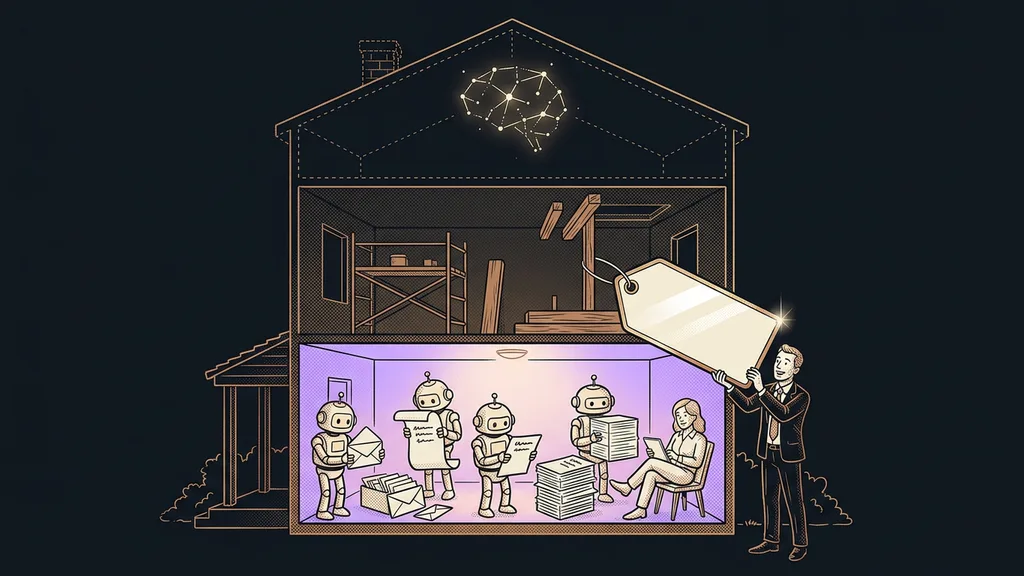
The most expensive work in your business is the mindless kind
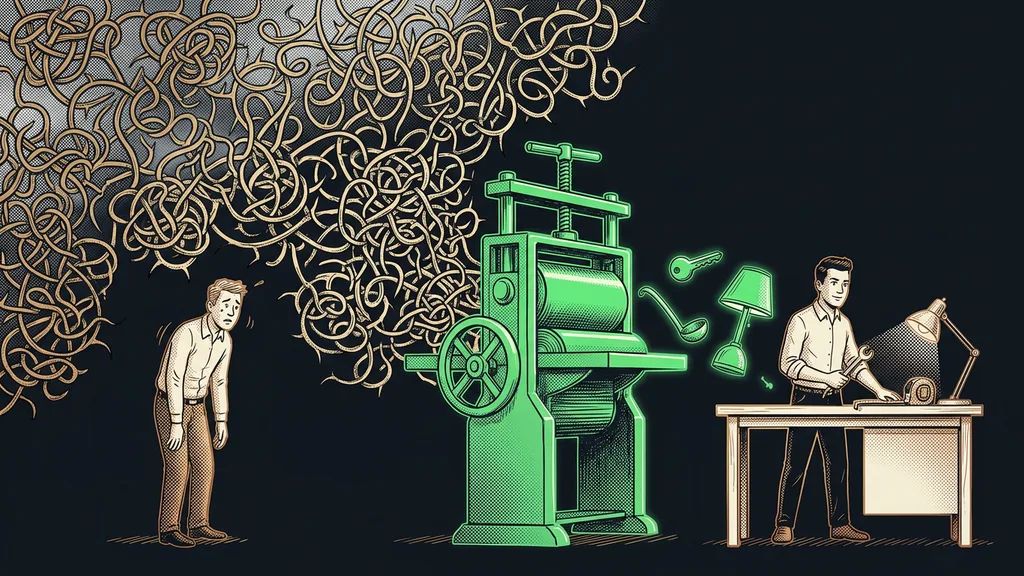
That grunt work is expensive precisely because it isn’t hard. A person sits there doing it only because your tools don’t talk to each other.
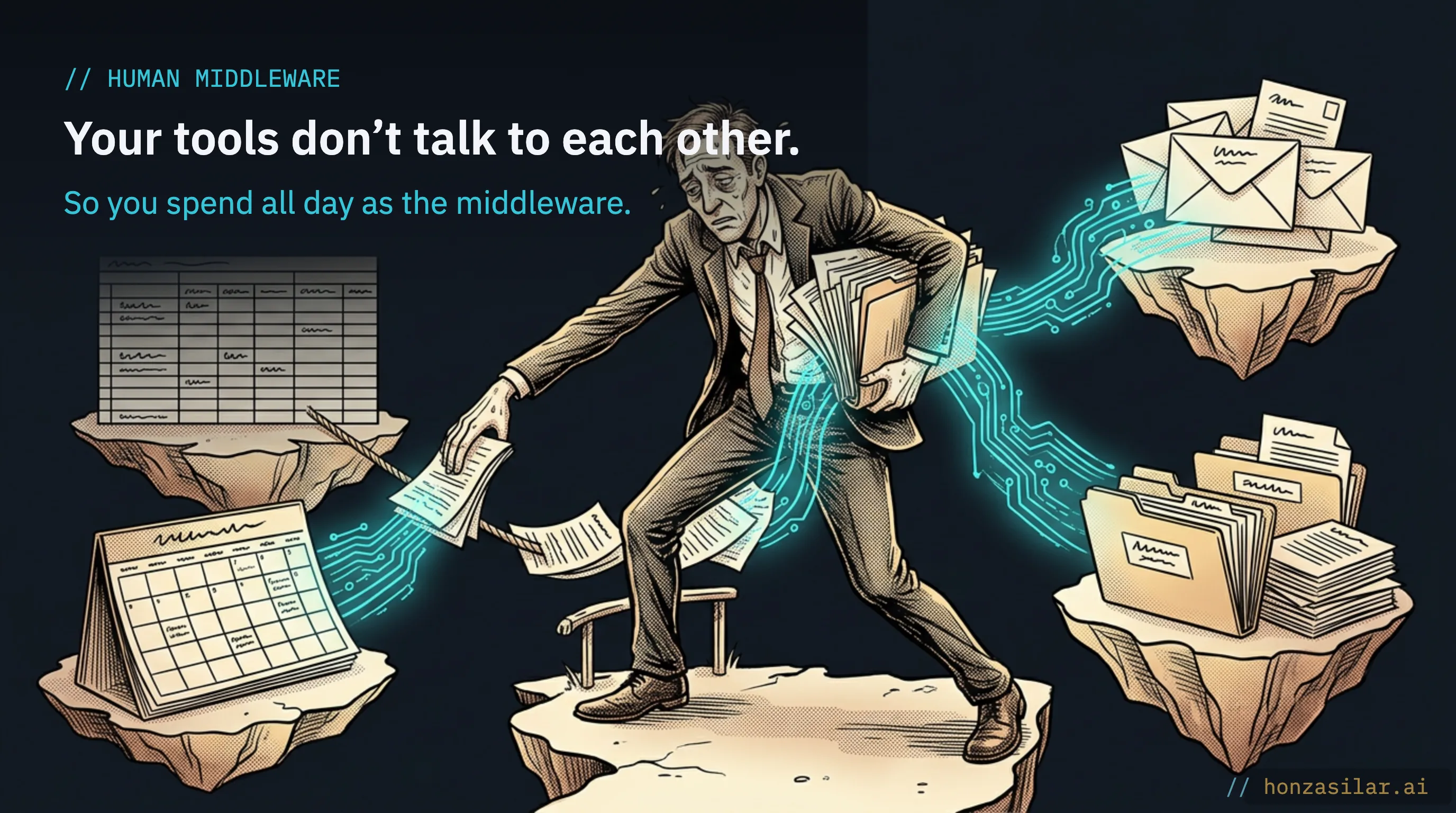
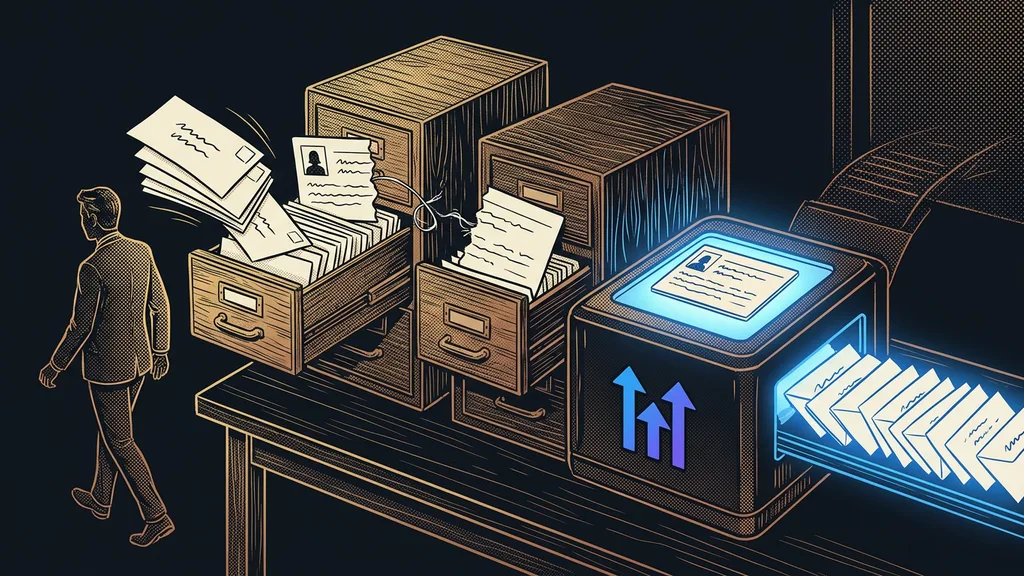
Your inbox doesn’t know about your spreadsheet. The spreadsheet doesn’t know about Drive. The calendar lives a life of its own. Someone has to connect those islands, and that human middleware is you.
But human middleware gets tired and makes mistakes. And your job in the business is to think, not to copy and paste. Every hour you spend shuffling data between windows is an hour you can’t sell, can’t spend coming up with ideas, and can’t give to a customer.
One-minute self-test
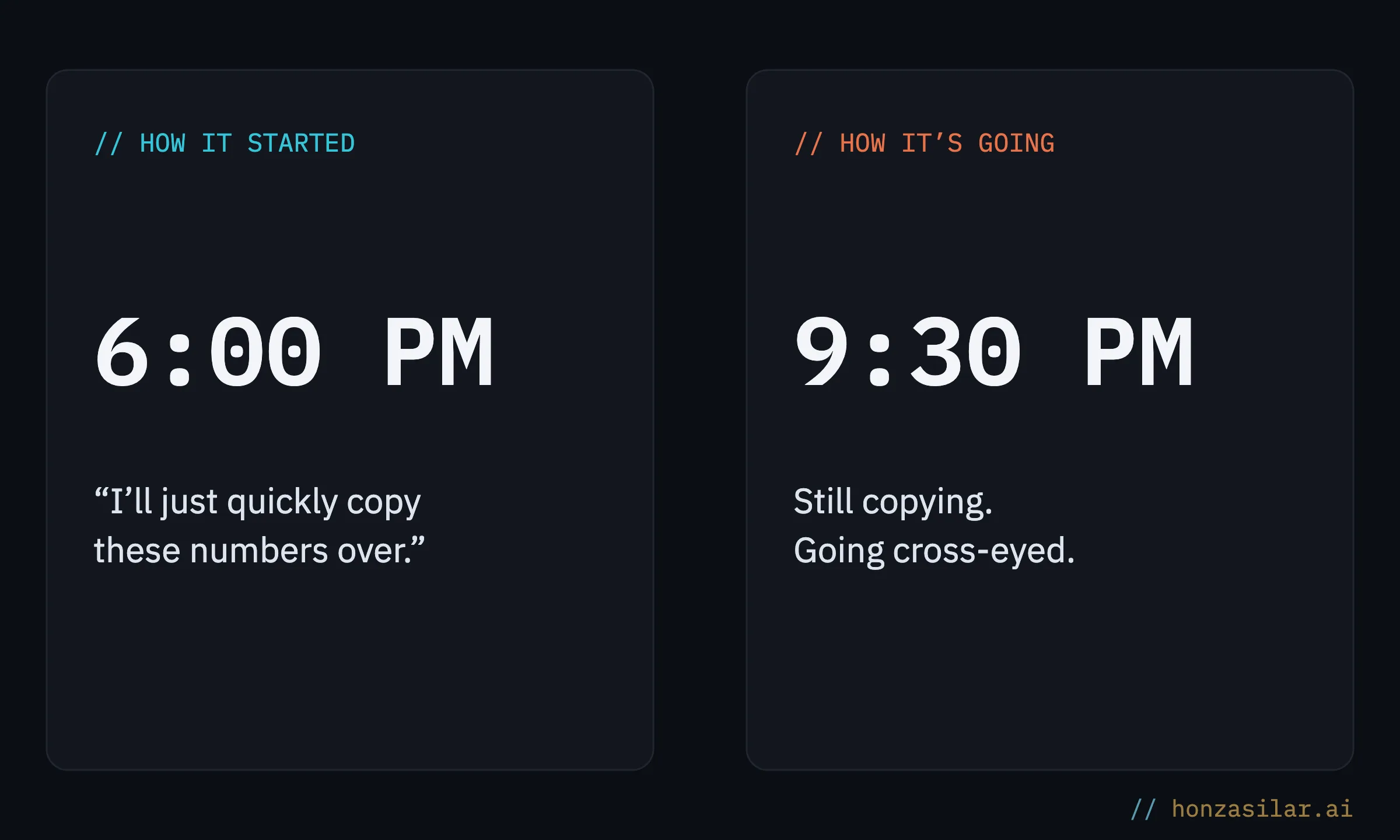
Take this week and add up how much time went to pure copying from one window to another: from email to spreadsheet, from spreadsheet to document. Not the thinking, only the moving. Remember that number. That’s exactly how much work you can hand off.
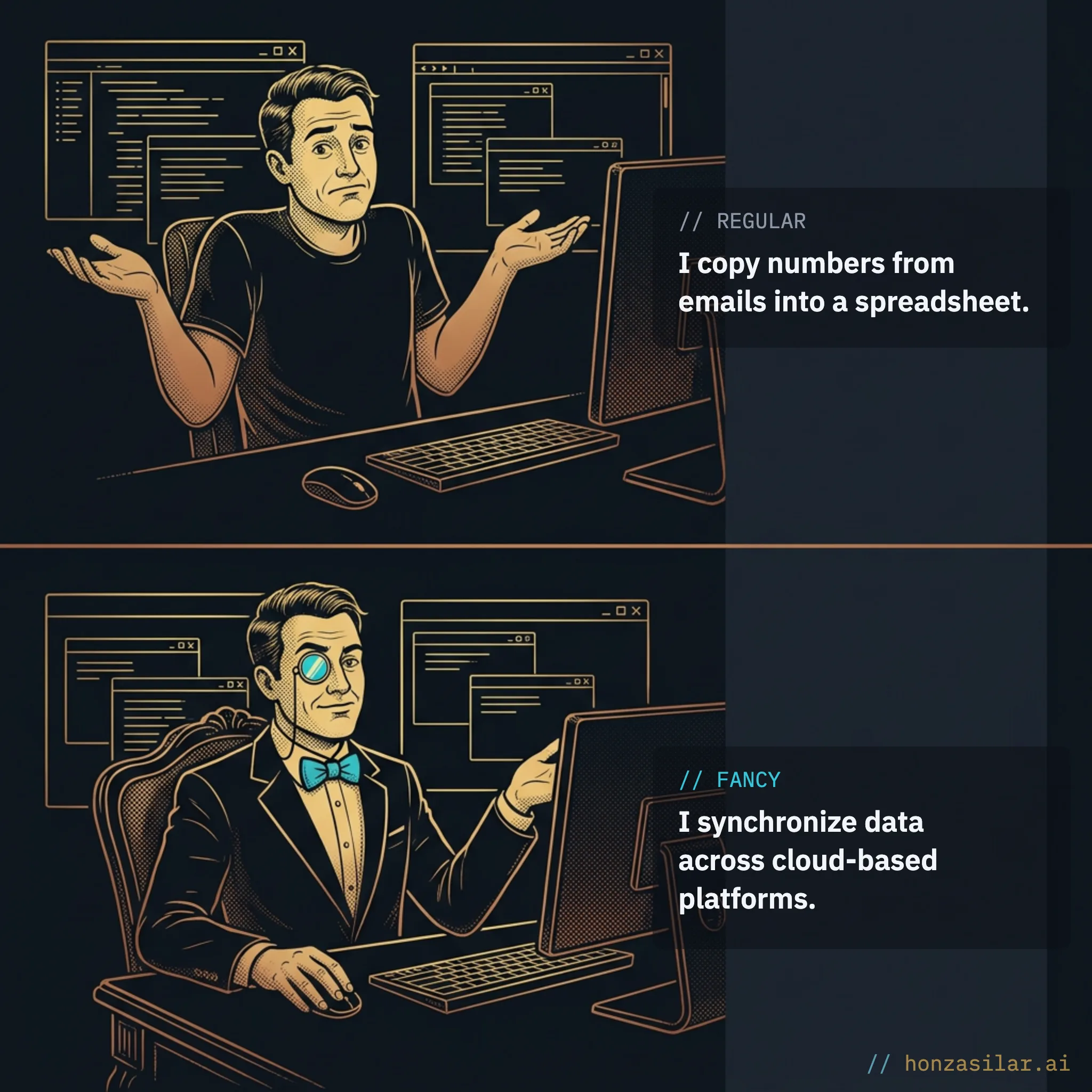
The most expensive work in a business is the mindless kind you do over and over, not the complicated kind.
AI works right inside your Google account
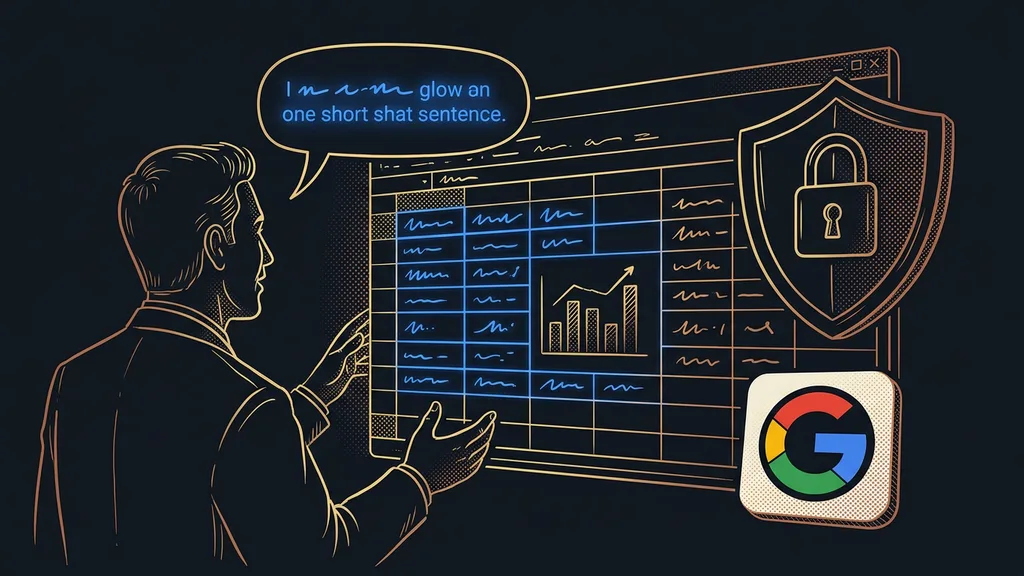
These days you don’t have to be the middleware between your inbox, spreadsheets, and documents. I connected AI directly to my Google account, and it does the work there for me. It’s less a boxed product off a shelf than a way of connecting AI to an account: it gets set up to fit you, and from then on it takes instructions.
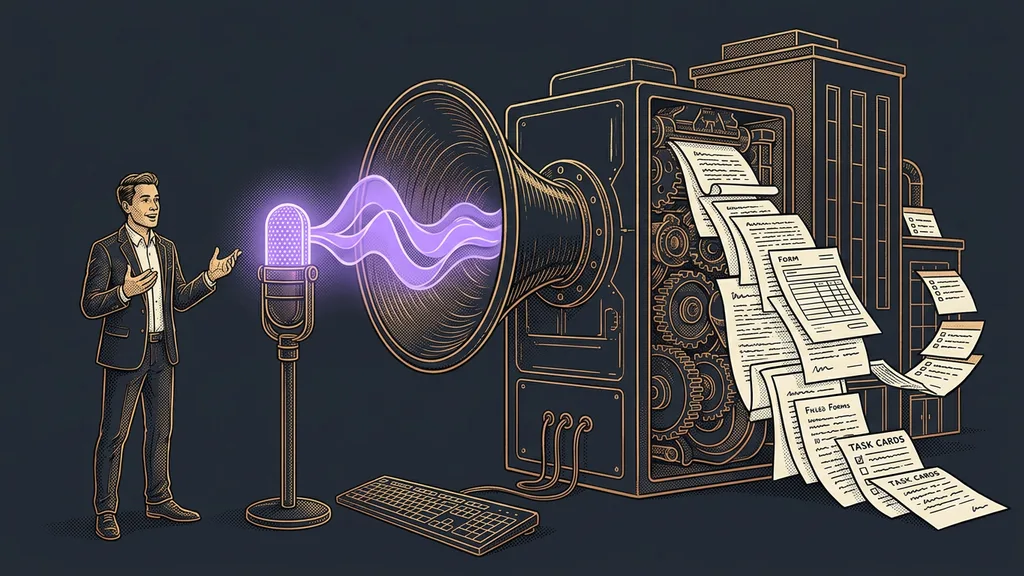
You tell it what you need in a plain sentence, and it:
- enters data into a spreadsheet, in the right rows and columns, whether it’s three items or three hundred,
- prepares a finished document, filled in and formatted, so you don’t have to piece it together from the previous one again,
- finds a file in Drive, even if you only remember half its name,
- goes through your email and calendar and pulls out what matters: who sent what, and what’s waiting for you tomorrow.
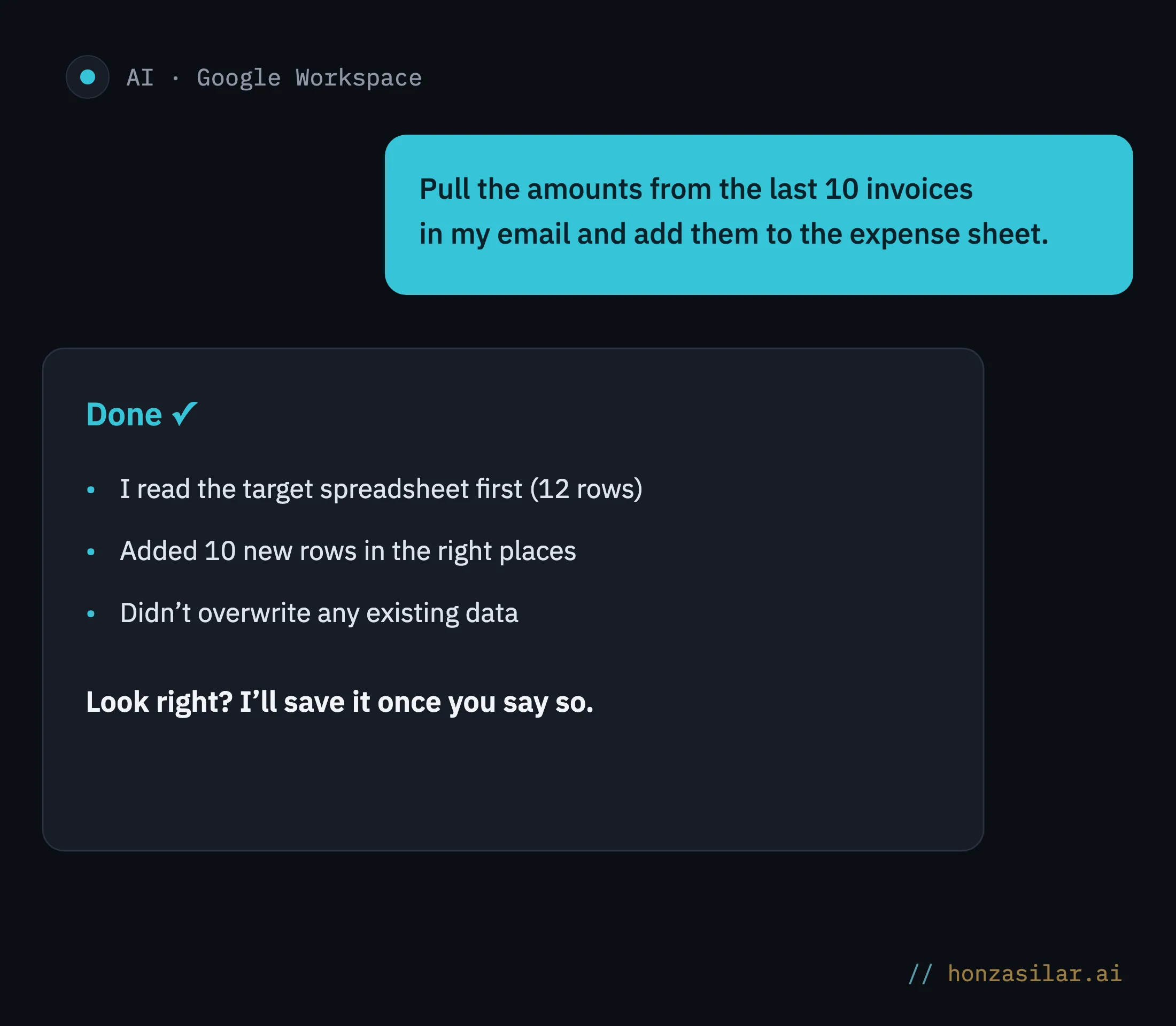
Here’s a concrete example. You might write: “Pull the amounts from the last ten invoices in my email and add them to the expense spreadsheet.” The AI handles the rest. One sentence, and you can go do something else.
Connector (the link between AI and your account)
The bridge that lets AI see into your Google account and do specific things there: read a spreadsheet, create a document, go through your email. You set it up once and decide everything it’s allowed to do. That doesn’t hand AI the keys to the whole world, only to the doors you open for it yourself.
Now for the question almost everyone asks at this point: “What if it overwrites or deletes something it shouldn’t?” That’s why the whole thing is built on safeguards.
Three worries about AI in your Google account
Safeguards that let you trust it
Automation is a nice thing right up until it overwrites half your spreadsheet without asking. I built this one so that can’t happen, and these are safeguards, not promises.
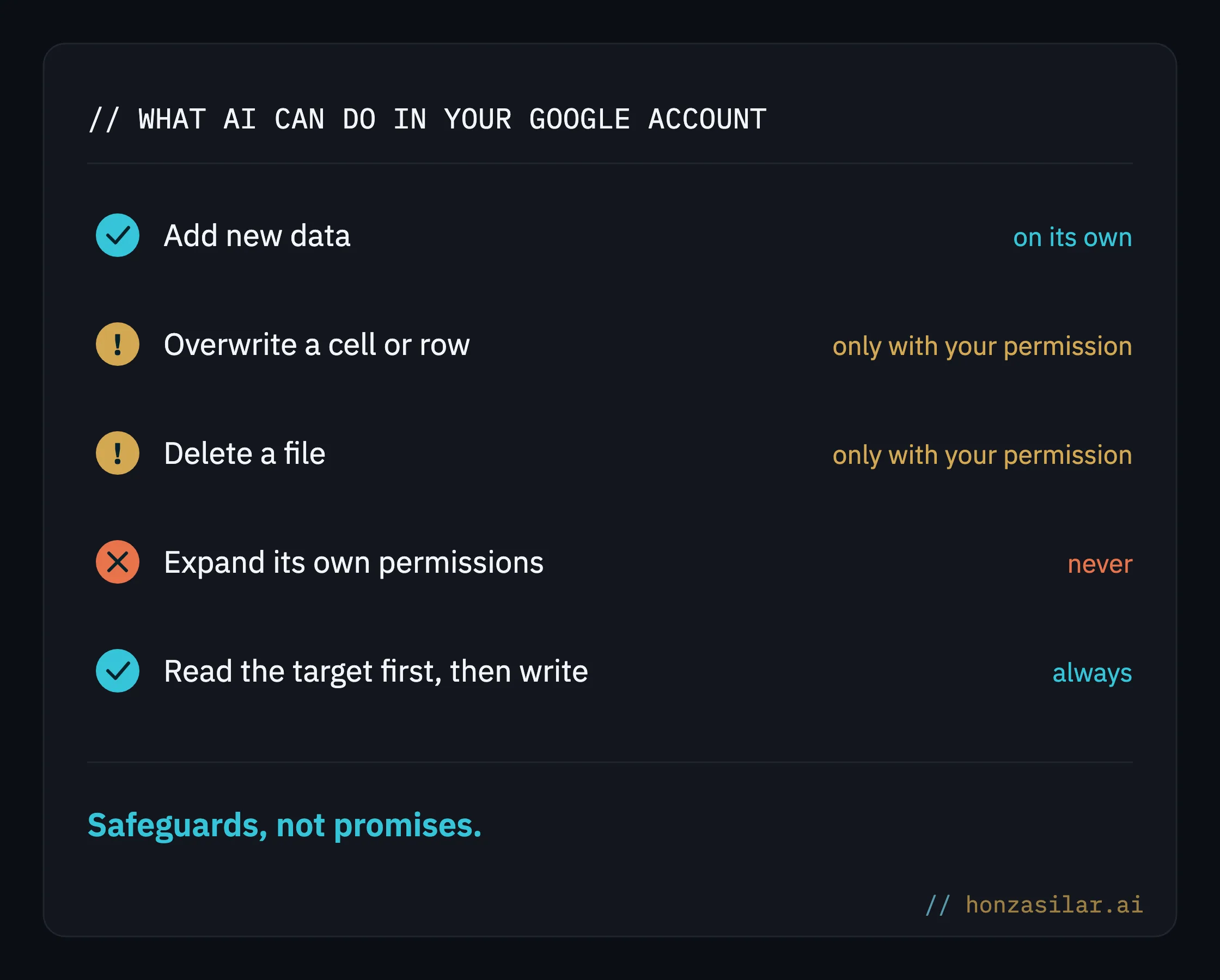
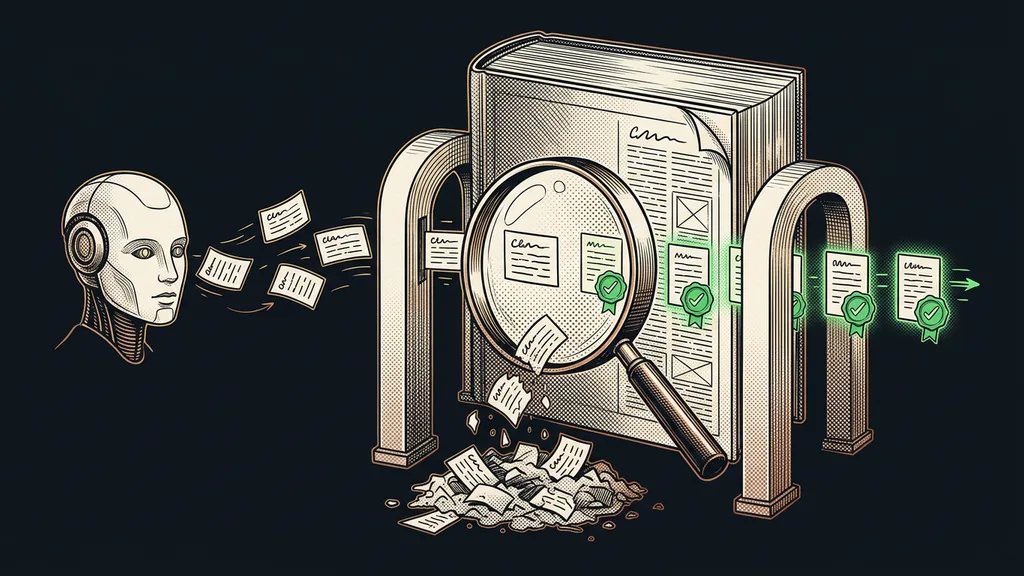
Before the AI writes anything, it reads the target location first. It looks at what’s already in that spreadsheet or document, and only then starts writing. It doesn’t write blind. And if it isn’t sure where a number belongs, it asks rather than putting it in the wrong place.
Overwriting or deleting anything, whether a cell, a row, or a whole file, happens only when you explicitly approve it. Every single time, even when the AI is sure of itself. It can add new data on its own, but it touches existing data only with your permission. Adding is safe, overwriting can hurt, and that’s exactly the line that’s fixed.
And third: permissions never expand on their own. It gets what it’s been allowed and not one step more. Over time, it won’t start taking access you never gave it.
Safeguards that let you trust it
- Before writing anything, the AI reads the target location first, so it never writes blind
- When it isn’t sure where a number belongs, it asks
- It adds new data on its own; overwriting and deleting happen only after your explicit approval
- Permissions never expand on their own: what it’s allowed is all it gets
So who shouldn’t bother connecting AI to their Google account? If you copy over a few rows now and then, doing it by hand is enough. Setting up a connection for that would be like hiring movers for a single box. It pays off where the same work in spreadsheets and documents comes back every week.
Who should connect AI to their Google account
Worth it
- The same spreadsheet grunt work comes back every week
- You shuffle data between email, spreadsheets, and Drive
- You want to keep the thinking and hand off the copying
Not worth it
- You copy a few rows now and then, which is faster by hand
- You have no repetitive manual work to hand off
The whole system in a nutshell
- You connect AI to your Google account and decide what it’s allowed to do.
- You say what you need in a plain sentence: add to a spreadsheet, make a document, find something.
- The AI reads the target location first and only then writes.
- It adds new data on its own and asks for your permission to delete or overwrite.
- You glance at the result and nod.
Spreadsheets, documents, and email can practically run themselves, and so can a whole company database or data from the web, with no manual copying. What’s left for you is the part that matters: saying what you want and making sure nothing got touched that shouldn’t have. Good automation leaves the decisions with you and takes only the mindless work nobody wanted to do anyway.