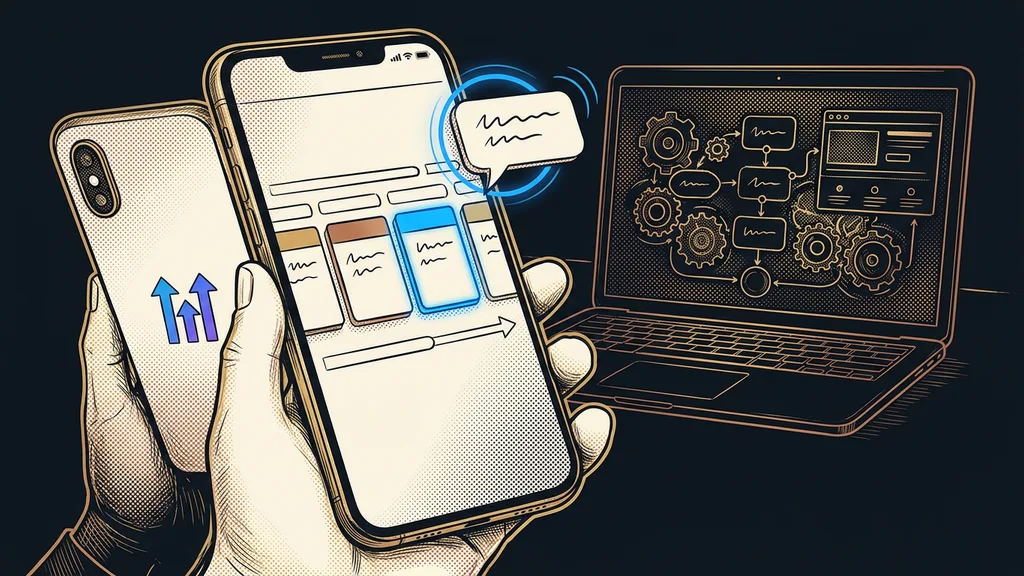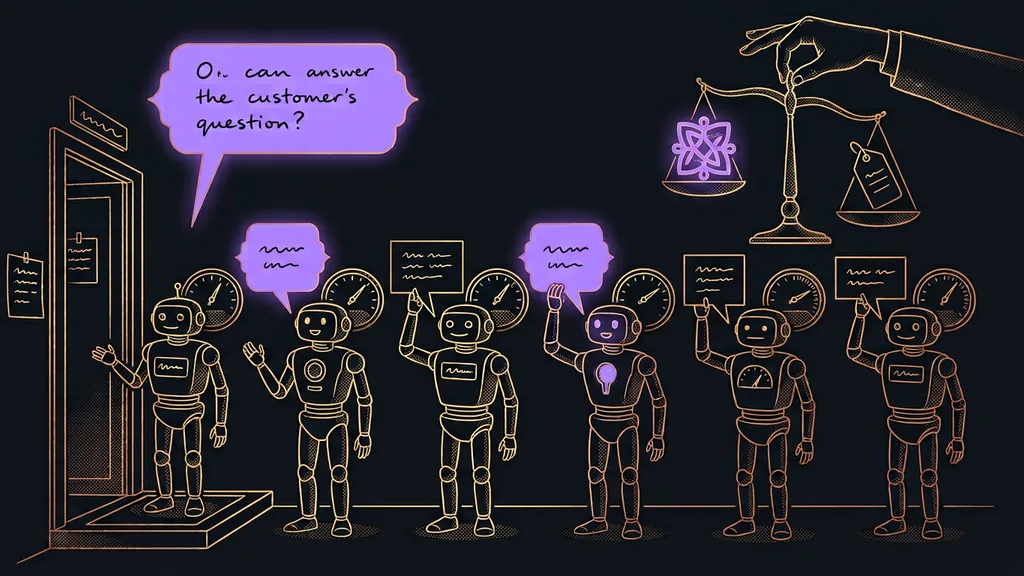
These days, almost every CRM can do email marketing, and GoHighLevel is no exception. If you keep your contacts in it, sooner or later you’ll wonder whether to keep paying for Ecomail or SmartEmailing (two Czech email marketing tools) on top of it. The short answer: for a business that sells services, email right in GoHighLevel is enough. An online store with a product catalog will be happier with a separate Czech tool.
This question comes up in almost every GoHighLevel setup, usually when we’re importing contacts from the old email tool. I answer it from both sides. I send my own newsletter from SmartEmailing, and every day I build campaigns and automated sequences in GoHighLevel for clients. Neither tool is bad. But each one suits a different business.
GoHighLevel, Ecomail, and SmartEmailing in one table
The main difference is what you pay for. GoHighLevel charges for the license and the emails sent; Ecomail and SmartEmailing charge for the size of your database. Most of the rest of the table follows from that.
| What I’m comparing | GoHighLevel | Ecomail | SmartEmailing |
|---|---|---|---|
| What you pay for | an account license and emails sent | number of active contacts | database size |
| Starting price | Starter $97 a month, emails $0.675 per thousand | Profi from CZK 150 (about €6) a month billed annually | no fixed amount in the price list |
| Free | 14-day trial | up to 200 emails a month | 14-day trial |
| What else you get | CRM, pipeline, calendars, SMS, websites | online store features from the Marketer+ plan up | all features in one plan |
| Where it’s strongest | email tied to sales and bookings | online stores and a Czech interface | working with contact data |
| Language | admin in English, emails in Czech | Czech | Czech |
I read Ecomail’s and SmartEmailing’s prices in their official price lists on October 8, 2026; GoHighLevel’s prices are as of early October 2026. For Ecomail, it’s the lowest tier, the one you start with. SmartEmailing doesn’t publish a fixed amount and calculates the price based on the number of contacts, so I’m not guessing it here.
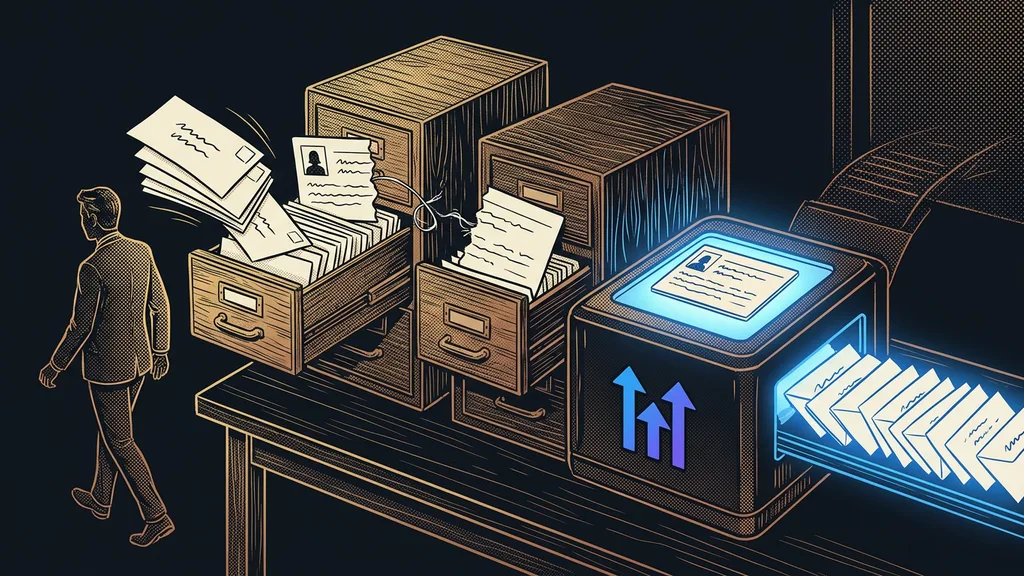
Two card files for one customer
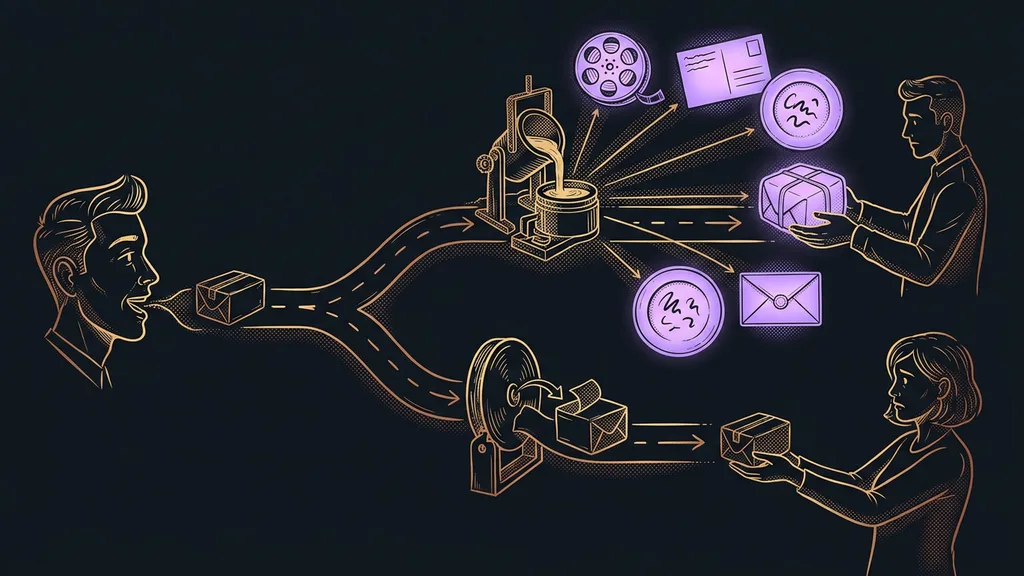
When you have a CRM and a separate email tool, every customer is kept in two places. Every change then has to make it into the other system too: a new contact, an unsubscribe, a purchase, a booked meeting.
Separate email tool
A service built only for bulk email: newsletters, automated sequences, and sign-up forms for collecting contacts. Contacts in it live separately from the CRM. So it knows only what someone sends it about sales, meetings, and payments, whether by hand or through an integration.
I call this the double card file. As long as the integration works, nobody notices it. The moment it hiccups, someone who bought at full price yesterday gets a newsletter with a discount. Or a salesperson sends an offer to someone who unsubscribed from all emails a week ago.
A newsletter that doesn’t know what the customer bought yesterday is writing blind. No template can fix that.
GoHighLevel: email where the selling happens
GoHighLevel sends campaigns from the same database where you keep deals, bookings, and payments. So an email can react to whatever is happening with a contact right now.
Best for: a service business that wants its emails to follow up on inquiries, meetings, and jobs.
Under the Marketing menu, you’ll find the Emails section with campaigns and templates, and the editor works by dragging blocks. You choose recipients with a Smart List, a saved contact filter such as “clients with a completed job in the last six months.” You build automated sequences in workflows and tie an email to a submitted form, a booking, or a deal moving along the pipeline. Anyone who unsubscribes gets email DND (Do Not Disturb) switched on for their contact, and neither bulk campaigns nor workflows will send them anything after that. You also get your own sending domain, address verification before a send, and subject line A/B testing.
Where it falls short: compared with the Czech tools, the editor is bare-bones, and the admin is in English. Ecomail and SmartEmailing both have more polished online store extras, like product feeds in emails or product recommendations based on purchases. SmartEmailing also calculates in more detail how much each email earned you.
Price as of early October 2026: Starter costs $97 a month for the whole account, and emails sent cost $0.675 per thousand. In practice, that works out to roughly €0.62–0.66 per thousand emails. You pay nothing for contacts you’re not emailing at the moment.
Ecomail: Czech email marketing built with online stores in mind
Ecomail is a Czech tool for newsletters and automated emails that charges by the number of active contacts. Its higher plans are built mainly around online store integration.
Best for: an online store or a business that sends a newsletter regularly and wants a Czech interface with prices in Czech crowns.
The Profi plan handles unlimited emails, a drag-and-drop editor, and AI-suggested subject lines. Marketer+ adds online store integration and automations based on customer behavior, such as an email to people who left a full cart. If you only send now and then, you can buy credits instead of a plan: 5,000 emails cost CZK 1,600 (about €66), and you can have as many contacts in the account as you like.
Active contact
A subscribed contact you actually send email to from the tool. Ecomail sets the plan price based on the number of active contacts. Unsubscribed and bounced addresses don’t count, so cleaning up your list shows on the invoice too.
Where it falls short: Profi lacks both online store integration and behavior-based automations, so the real starting point for an online store is Marketer+. The price grows with your database even if you send little. And the contacts live outside the CRM, so the double card file is there from day one.
Price as of October 8, 2026: Profi from CZK 150 (about €6) a month billed annually, CZK 250 (about €10) billed monthly. Marketer+ from CZK 200 (about €8) or CZK 300 (about €12), respectively. You can send 200 emails a month for free. These are all lowest-tier prices; they go up with a bigger database.
SmartEmailing: one plan and deep work with data
SmartEmailing is a Czech email marketing tool that doesn’t split its plans by features. You get everything included from day one and pay only by the size of your database.
Best for: a business whose main sales channel is its newsletter and that wants to dig deep into contact data.
I use it myself, so here I’m speaking from my own account. It’s strong at behavior-based segments, an engagement score for every contact, and RFM analysis, which splits customers by how recently, how often, and how much they buy. The statistics also show email’s share of your revenue. Support is in Czech, by email and by phone. On top of it, I run newsletter prep that AI handles for me, and all that’s left for me is deciding what goes out.
Where it falls short: the interface is half old and half new, and it takes a while to find your way around segmentation. For a business with a few hundred contacts, it’s more kit than you need. And just like with Ecomail, you keep your contacts separate from the CRM.
Price as of October 8, 2026: one plan, priced by database size, with a 14-day free trial. The official price list doesn’t show a specific amount, so I’m not giving one.
What happens to the price when your list grows?
With GoHighLevel, the price grows with how many emails you send. With Ecomail and SmartEmailing, it depends on the size of your list, even if you’re not emailing those contacts right now.
Take a newsletter four times a month. With five hundred contacts, that’s 2,000 emails, and GoHighLevel charges you about €1.30 for them. With five thousand contacts, it’s 20,000 emails, so around €13. You pay for the license either way if you run your CRM in GoHighLevel. Ecomail starts at CZK 150 (about €6) for the lowest tier and goes up with each additional contact tier. You’ll find the exact amount for your number in its price list.
With tools that charge by database size, you also pay for people who haven’t opened your emails in a year. Before you delete them, try to get one more job out of them. I describe how to do that in small batches in the piece on waking up an old contact database.
The one-unsubscribe test
Subscribe a test address to your newsletter, then unsubscribe it using the link in the footer. Does your email tool know? Does your CRM know? And if a salesperson sent that address an offer from the CRM tomorrow, would it go out? If you see the unsubscribe in only one system, your double card file is already leaking.
When the CRM is enough and when you need a separate tool
What decides it is what you sell and how big a share of your sales comes from email. The size of your list is a secondary question.
- Email from GoHighLevel is enough when you sell services, consultations, or courses, your emails follow up on inquiries and bookings, and you send a newsletter once or twice a month.
- A separate tool pays off when you have an online store with a catalog, email brings in a big share of your revenue, and you need product feeds, abandoned carts, and detailed revenue tracking.
- Both systems side by side make sense only when they’re reliably connected and you know who keeps an eye on the integration.
One thing always speaks for the CRM. Booking confirmations, reminders, and welcome emails go out from GoHighLevel anyway. If your newsletter goes out from it too, both run on the same sending domain, and your branded system emails look the same as your campaigns.
Who none of these options will help
For a business that emails a few dozen regular customers once a quarter, none of the three tools adds anything significant. Ecomail’s free plan, with up to 200 emails a month, will do.
Moving for the price won’t help either if your online store runs happily in Ecomail or SmartEmailing with cart sequences and feeds already built there. Rebuilding will eat more time than you’ll save. And if you have nothing to say to your readers, no tool will save your newsletter.
The whole choice in a nutshell
- Write down what you sell: services and bookings, or products from a catalog.
- Find out how many contacts you have today and how many you’ll have in a year.
- Services and emails tied to sales: send from GoHighLevel and cancel the separate email tool.
- An online store where email is the main channel: keep Ecomail or SmartEmailing and connect it to the CRM.
- If you keep both systems, pick a person to check the integration once a month.
The fastest answer comes from the test address you unsubscribed. If the unsubscribe showed up in only one system, you’ve made your decision before you open the first price list. If GoHighLevel comes out on top, I’ll set up campaigns and automated sequences in it so they follow up on your inquiries and jobs. I do it myself, so the person who discusses the brief with you is the same person who hands over the finished account. Then keep the test address on your list and repeat the test once a quarter.