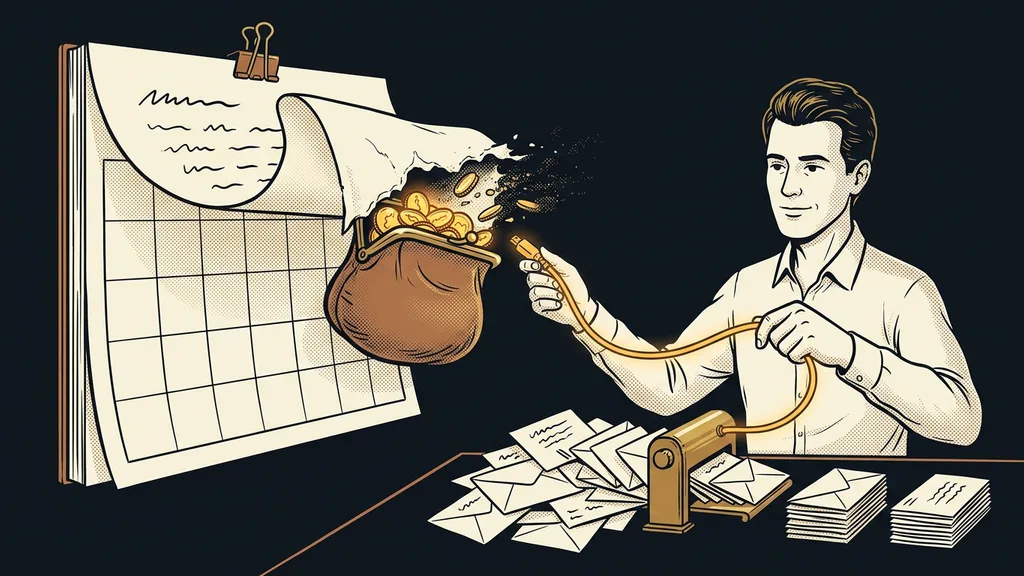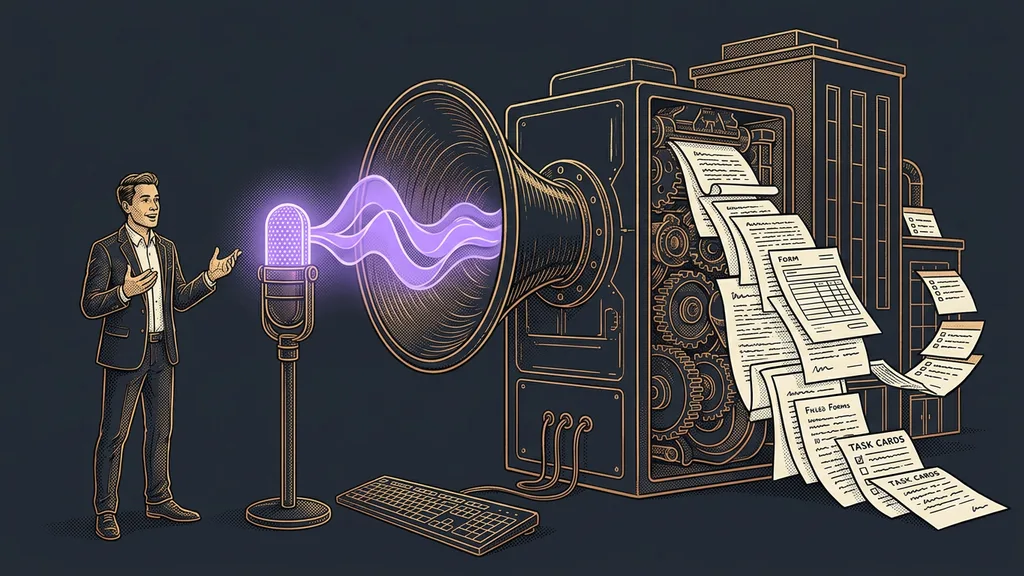
The slowest part of working with AI is usually your fingers, not the processor or the connection. The model is ready to answer in a second, but by the time you’ve typed out the prompt, a minute has gone by. And that minute repeats fifty times a day. So the bottleneck sits between the chair and the keyboard, not inside the computer.
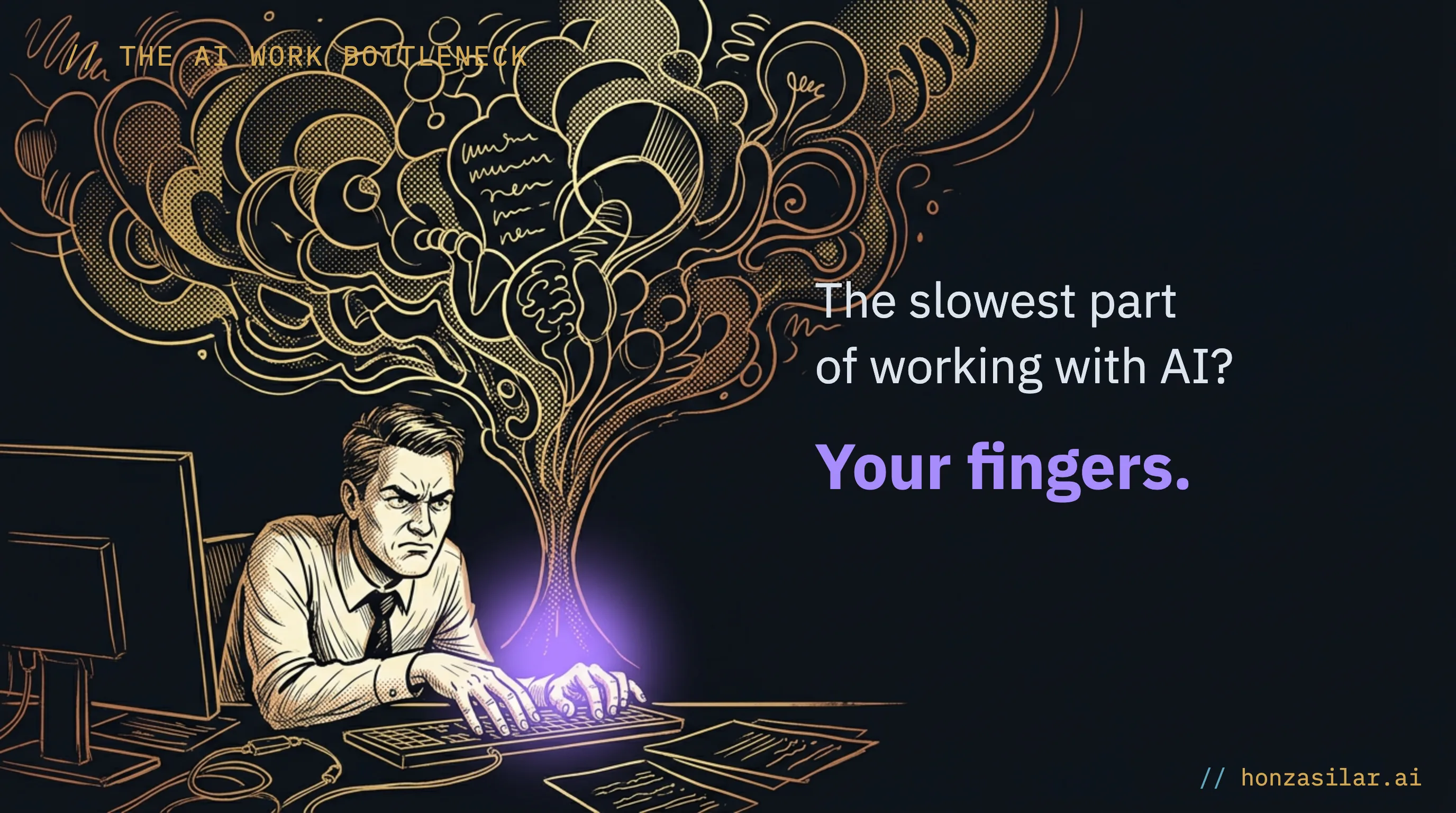
For years, it was exactly the same for me. It’s 11 a.m., I know exactly what I want from the AI, and meanwhile I’m slowly pecking at the keyboard, deleting a typo, and trying to remember where I was going with it. And the solution practically offers itself: stop typing and start talking.
KEYBOARD × VOICE
Typing by hand
I peck away slowly and delete typos
A minute goes by before the prompt is typed
And that minute repeats over and over
The bottleneck sits between the chair and the keyboard
Dictating
“I talk as fast as I think”
Hands off the keyboard
I say the prompt and the work gets going
And the transcription learns my field
Why almost nobody ends up dictating
Dictation has one nasty weakness that makes most people give up on it after a few days. I talk roughly as fast as I think, so compared with typing, the gain is several-fold, not a few percent. But speed isn’t everything.
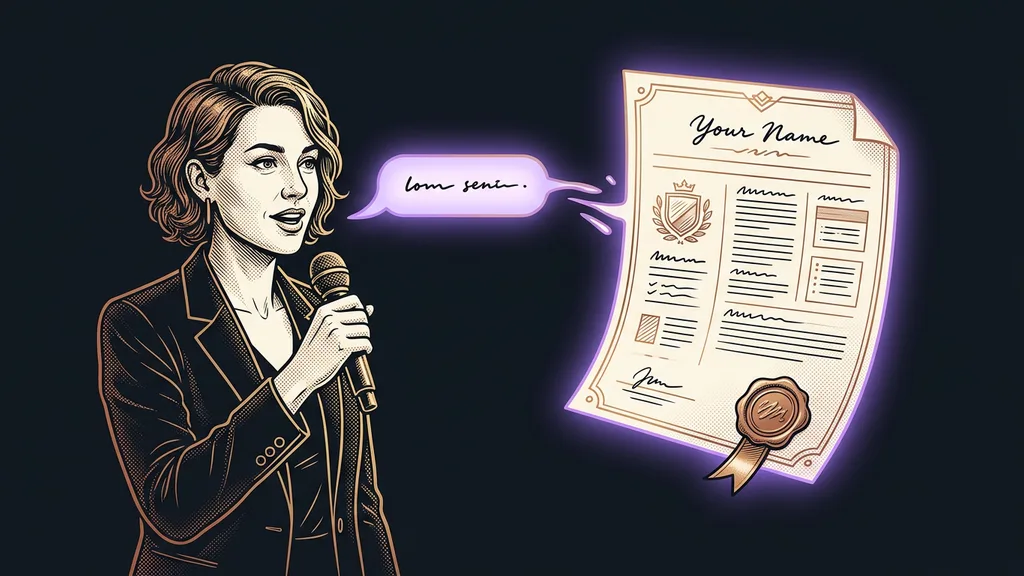
Transcription handles everyday Czech very well. Where it falls apart is names and technical terms, exactly the stuff every specialized job is full of. Tool names, abbreviations, client names, foreign words. You say it clearly, the transcriber turns it into three different garbled versions, and then you fix them by hand. By the fiftieth time, you’ve had enough and you go back to the keyboard.
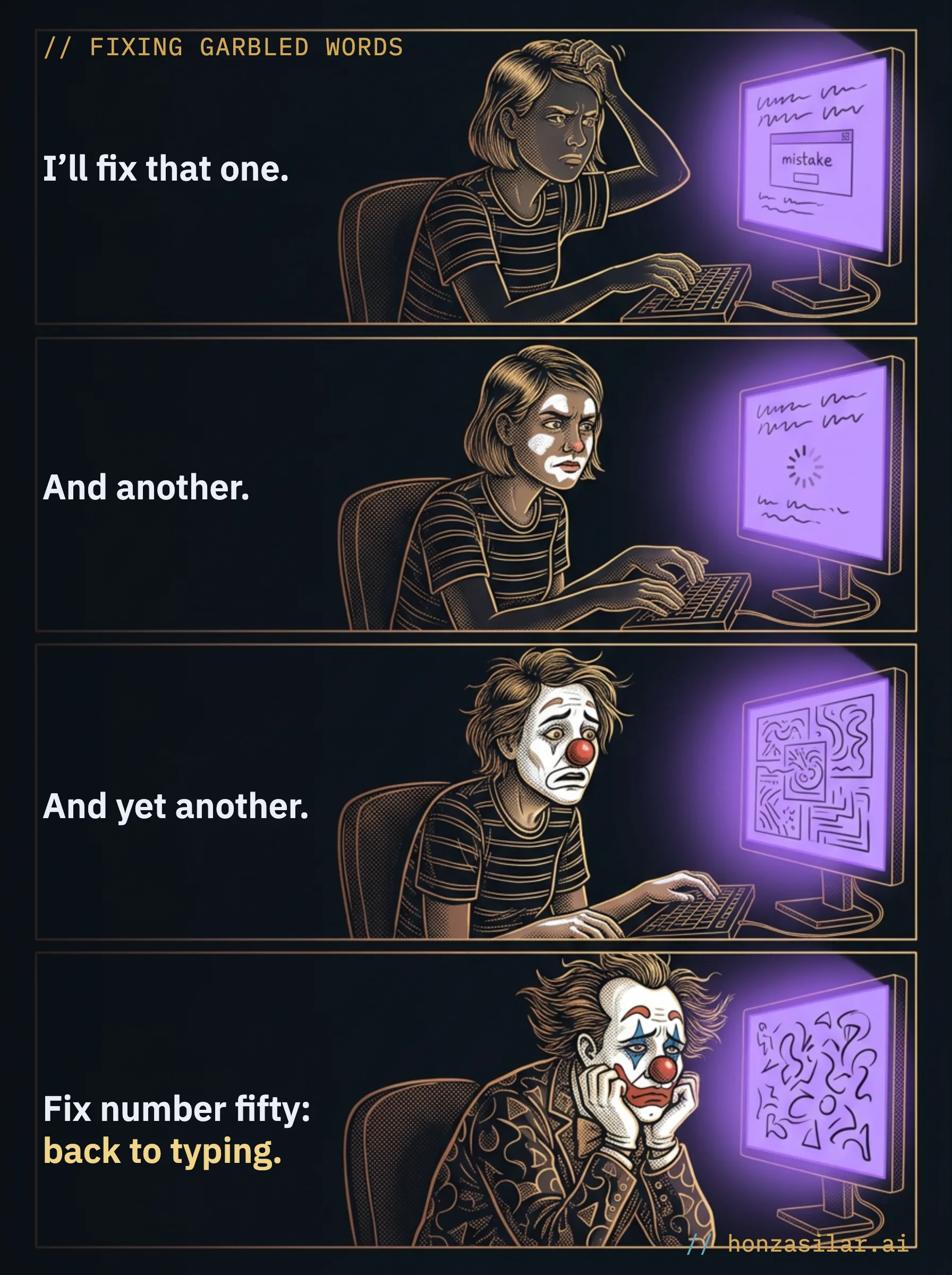
And you’re back at the bottleneck, one illusion poorer. The tool isn’t to blame. A single detail that nobody deals with is.
THE AI WORK BOTTLENECK
One-minute self-test
Go back over today: how many times did you retype the same garbled name, abbreviation, or term by hand after dictating? Take that number, multiply it by the working days in a year, and add a few seconds for each fix. That total is exactly what nobody will ever pay you for.
A tool that learns from your work
For me, dictation became the backbone of the whole day. One twist made that happen: my transcriber learns from my work, not from its own mistakes. On top of the dictation runs a silent layer I barely notice.
Silent layer
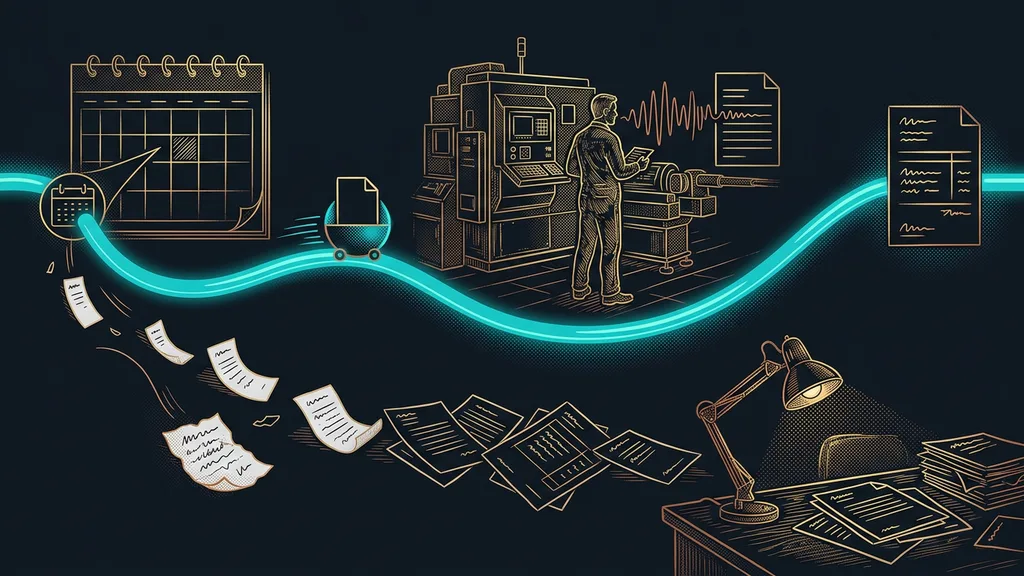
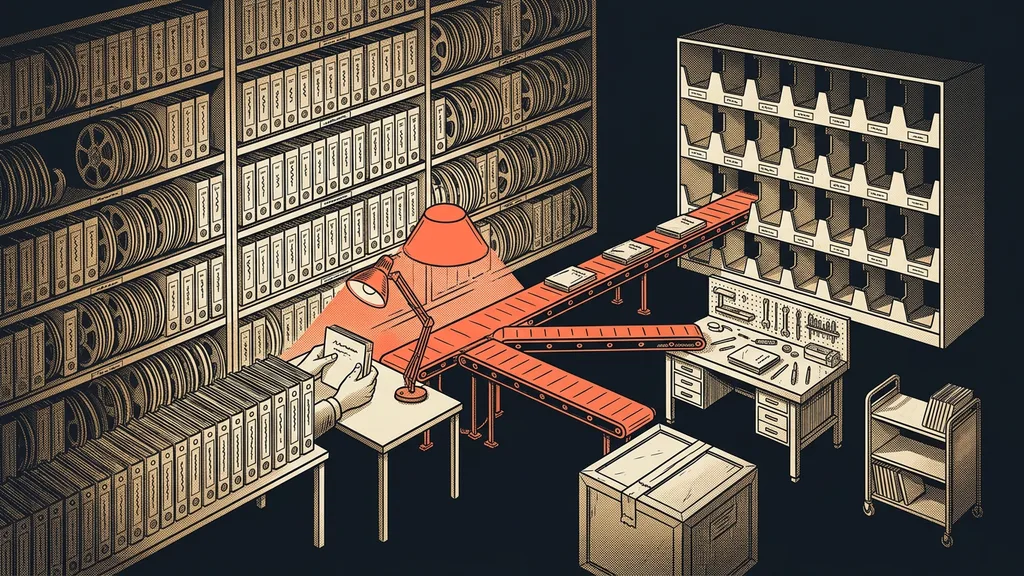
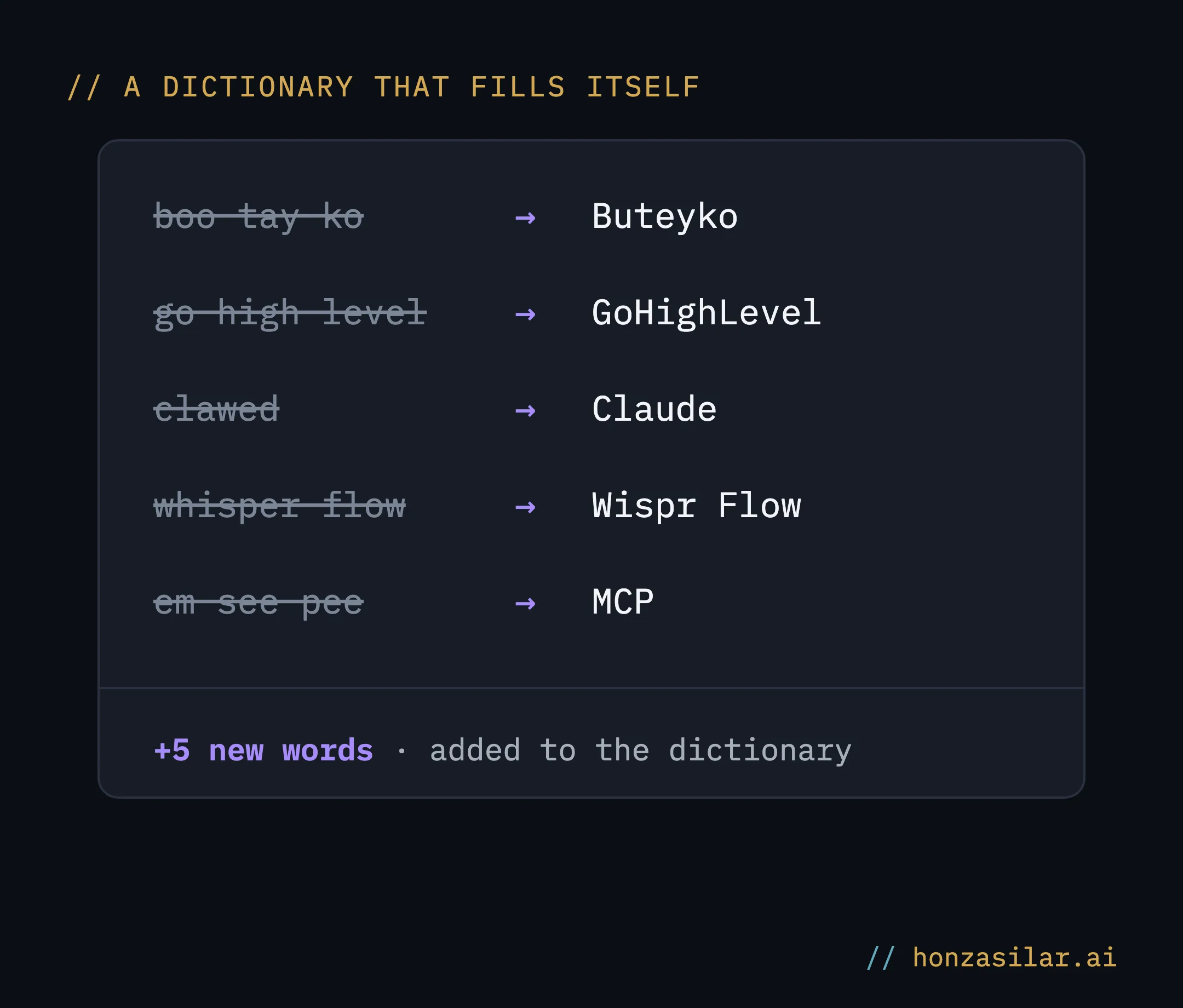
An assistant that runs in the background while you work as usual and sets aside the words the transcriber struggled with: garbled forms, misheard names, mangled terms. You don’t stop for it, and you don’t retype anything. It all gets collected on its own, as a by-product of you talking. Every so often, the collected batch goes into the transcriber’s dictionary.
HOW TRANSCRIPTION LEARNS YOUR FIELD
Every round moves it a step further: a word it mangles today, it gets right next time. Within a few weeks, an ordinary dictation tool turned into one that knows my field: my terms, my names, my abbreviations. That’s exactly how I teach AI other skills too: once, and for good. It improves practically every week, and I haven’t added a single minute of work for it.
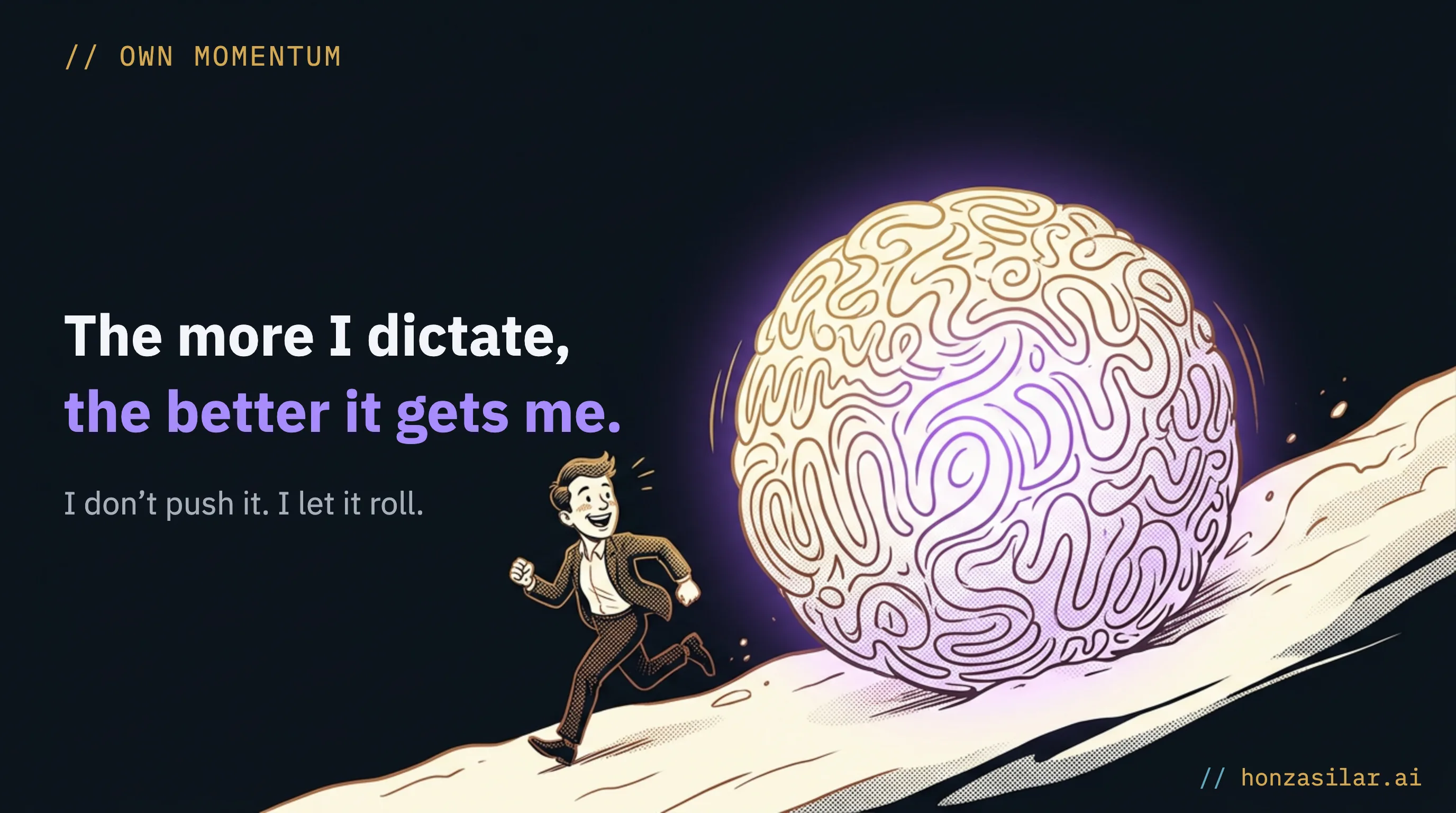
Instead of one more task on a list I’d never get to, it runs on its own momentum: the more I dictate, the better it understands me.
Until it learns a word, the AI fills in the gap
That leaves one gap: the time before a new word makes it into the dictionary. Even that doesn’t slow anything down, because the AI reads the garbled word from context.
WHAT PEOPLE THINK ABOUT DICTATION
Contextual inference
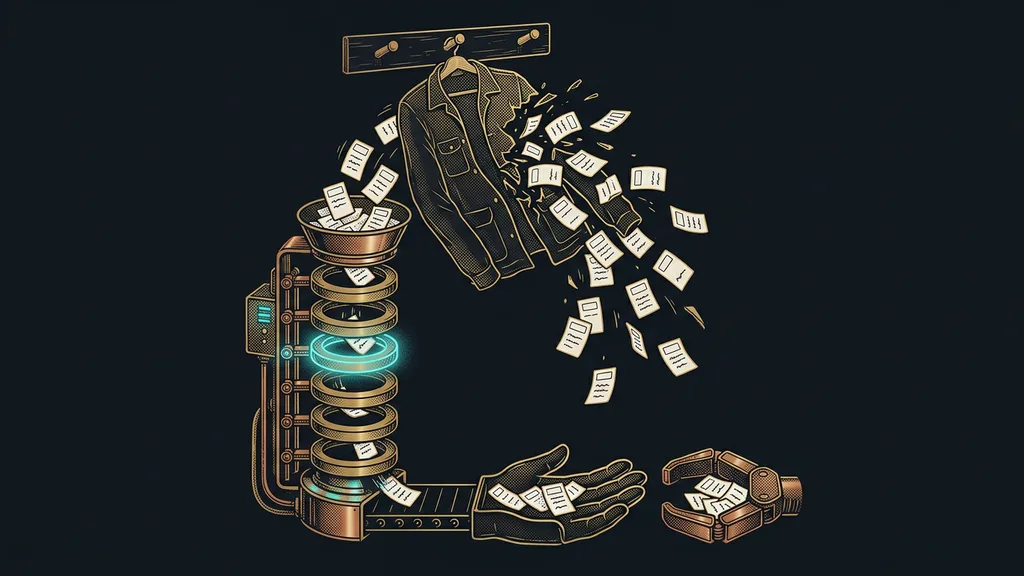
The AI’s ability to work out the right meaning of a word from the surrounding sentence rather than from its literal form. When a garbled word slips into your prompt that was obviously meant to be a tool name or a client’s name, the model doesn’t take it literally: it works out from context what you said and runs with the right meaning.
That knocks out the last excuse against using your voice. I don’t have to wait until the dictionary is finished. It works from day one and just gets more accurate over time.
For me, a garbled word doesn’t stop the work. It’s the raw material that dictionary is built from.
You can run the whole business by voice
In the end, my voice runs the whole operation, not just one app. It goes well beyond dictating notes into a voice recorder. I run my day-to-day work with it:
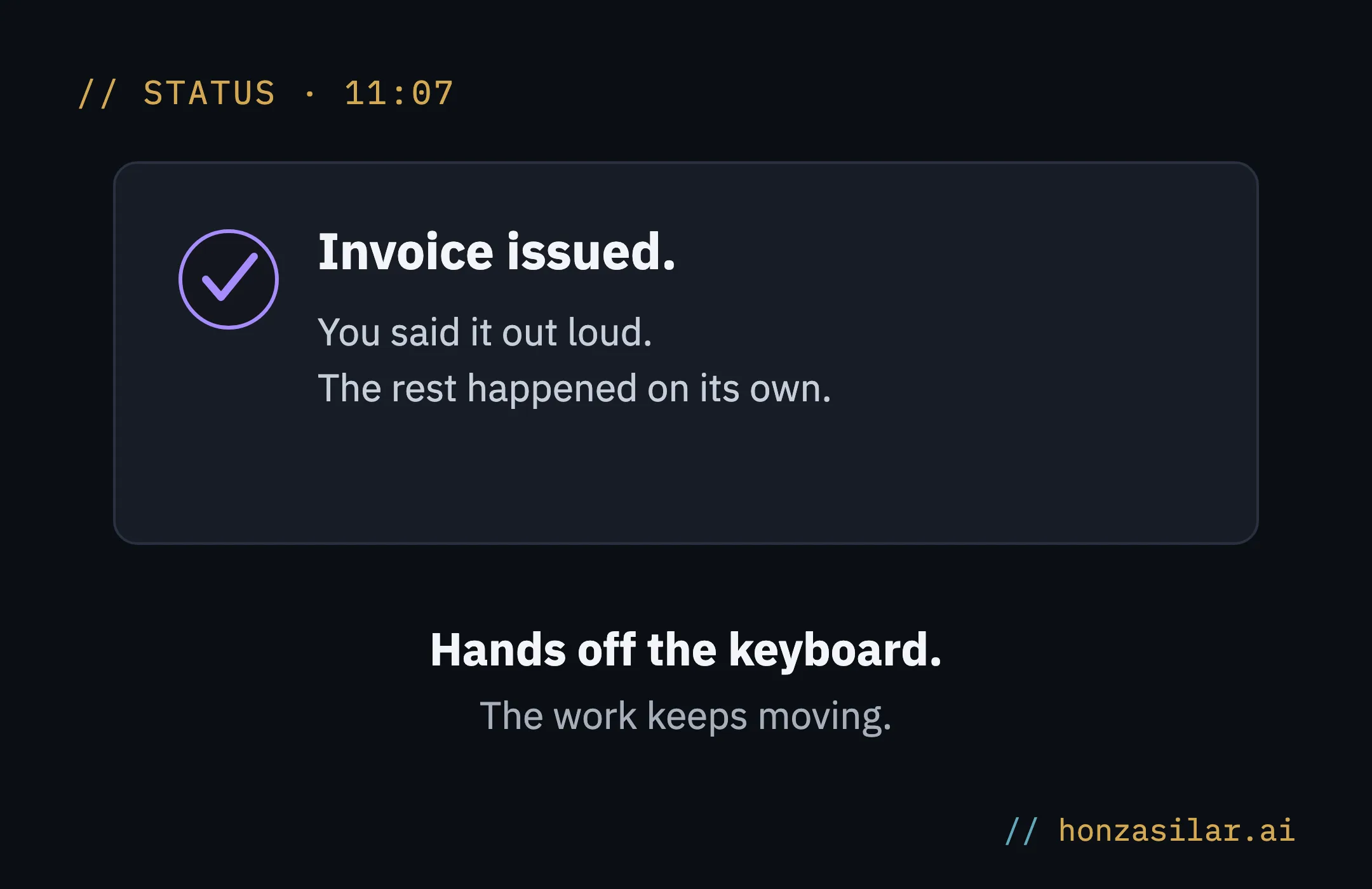
- I dictate that an invoice should go out, and it goes out.
- I dictate a text change for the website and have it published right away.
- I dictate a task, and a whole chain of steps kicks off that I’d otherwise click through one by one.
Hands off the keyboard, and the work keeps moving in the meantime. That’s the real difference. I didn’t speed up my typing: I barely type anymore.
Who it won’t pay off for
This isn’t for everyone. If you only dictate occasionally or work in a field that doesn’t rely on special names, you’ll save little. Wispr Flow handles everyday Czech without any tuning, so a custom dictionary has almost nothing to add. The whole payoff is in specialized work: the more names, abbreviations, and terms pass through your dictation, the more it pays off.
The whole system in a nutshell
- I dictate into a voice transcription tool that turns speech into text.
- On top of it runs a silent layer that sets aside the words the transcription can’t handle.
- It all gets collected on its own in the background, without me stopping for it.
- Every so often, the collected batch goes into the transcriber’s dictionary.
- Until it learns a new word, the AI works it out from context in the meantime.
How it works
It’s not rocket science. The base layer is the voice transcription tool Wispr Flow, which turns speech into text. Through this link, by the way, you get it free for a month, so you can try it on your own work. On top of it runs an AI assistant that keeps its own journal: it sets aside the words the transcription can’t handle and every so often sends them back into the dictionary. It’s the same logic behind an AI that remembers where you left off: nothing gets lost, and everything builds up.
I started out with my fingers slowing me down. Today I hardly notice the keyboard. The minute that used to repeat fifty times a day has melted away, because every week the whole system settles a little closer to the way I talk, not because I learned to type faster.