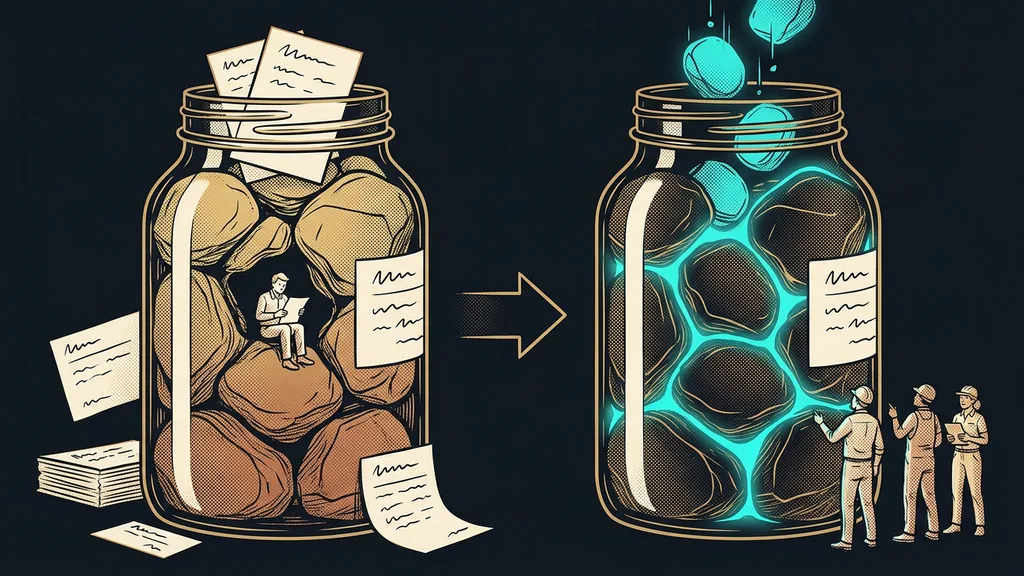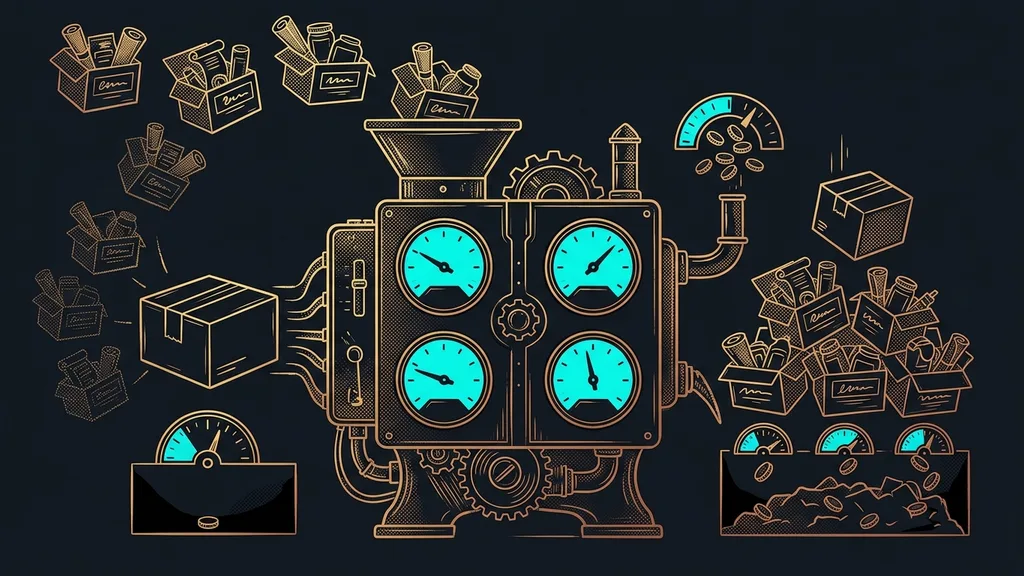
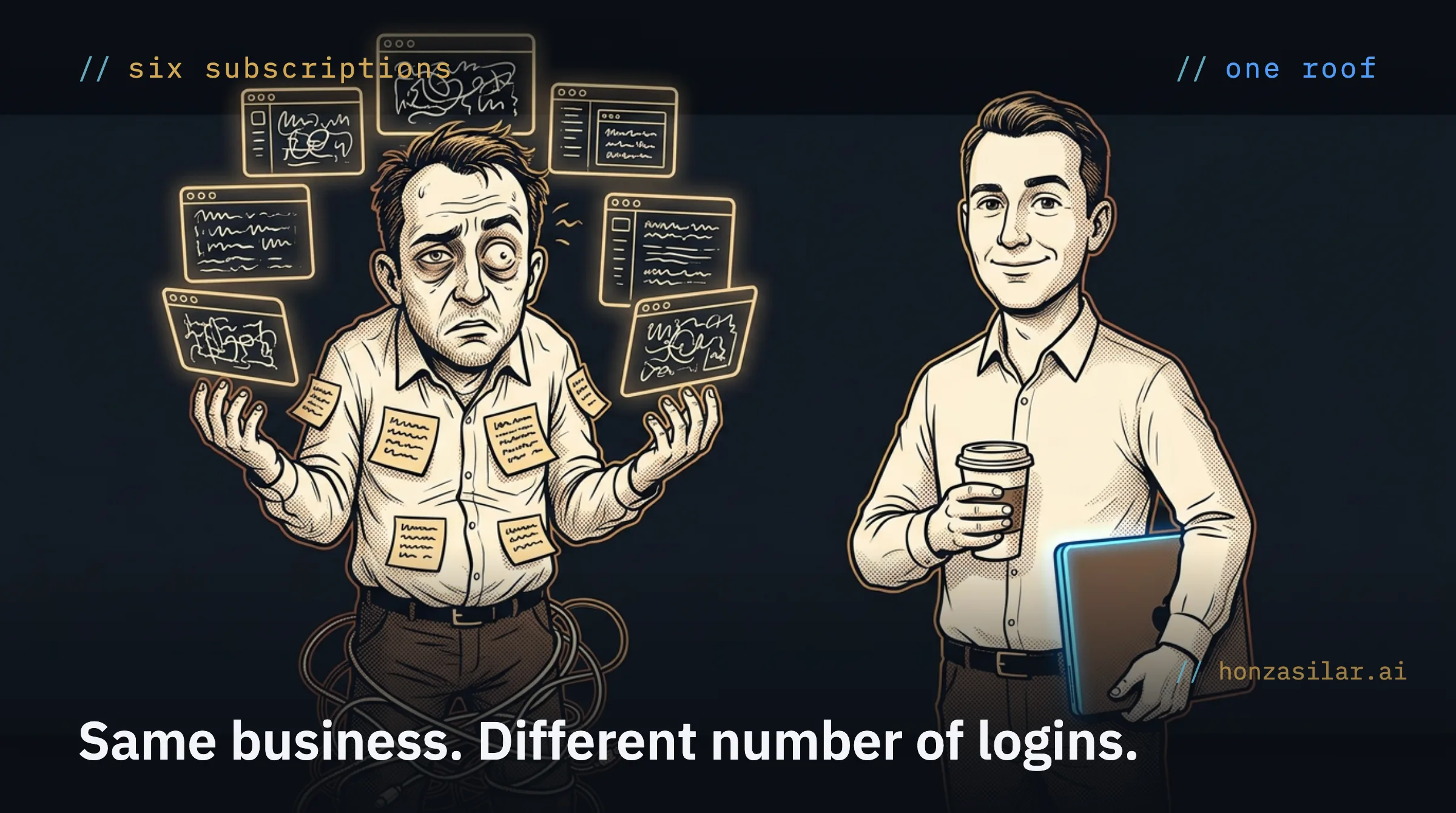
Most small businesses today run on a pile of subscriptions rather than one system. CRM in one tool, newsletters in a second, sales pages in a third, a fourth books the meetings, the course lives in a fifth, and a chatbot from a sixth company answers on the website. On top of all that, Zapier or Make shuffles data back and forth to hold the whole thing together. Nobody planned it this way. The pile grew on its own, layer by layer, as the business solved one urgent pain after another.
With the clients I set up systems for, I routinely count five to ten tools per small business. And almost every time, nobody designed it that way on purpose. Each subscription was a sensible decision when it was bought. But nobody kept the whole picture in their head, so today you’re afraid to touch it, because it isn’t clear what depends on what.
Fragmented stack
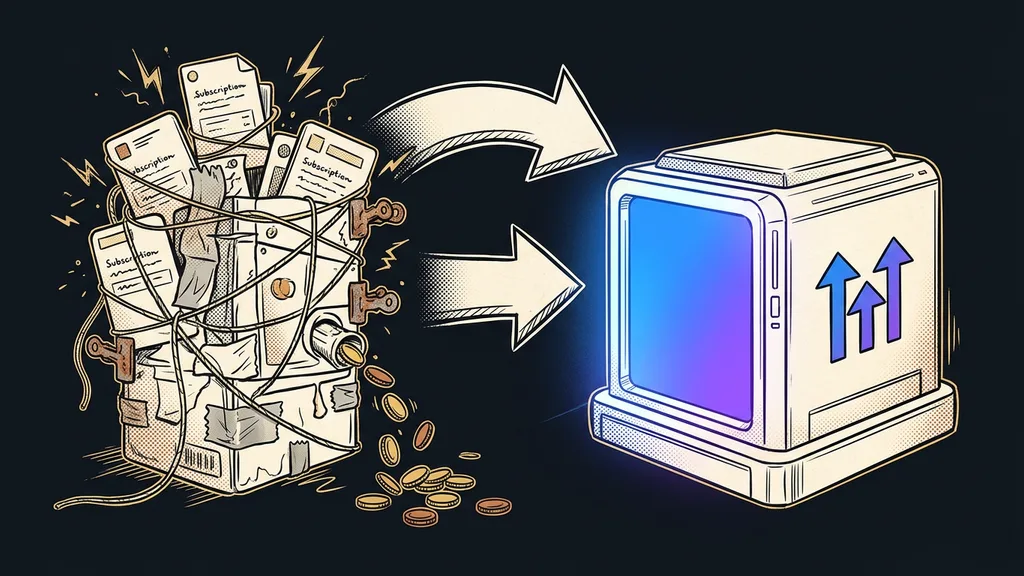
A fragmented stack is a business assembled from several separate tools that don’t talk to each other directly. “Stack” means the set of software a business runs on; it’s fragmented because instead of one whole, you have a few islands with bridges between them. Each tool is good on its own and knows one piece of the customer, but you can’t see the customer’s whole story anywhere.
Each tool holds only a piece of the customer
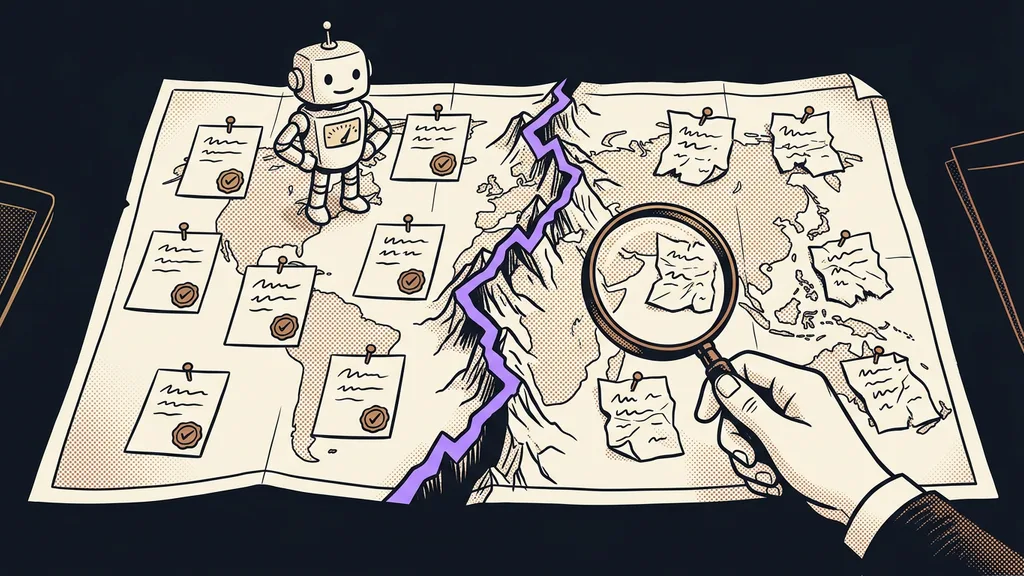
None of these tools knows the whole customer. Each one holds only its own piece, so a person splinters into several different traces across them.
Picture a customer who comes to you the usual way. She reads your newsletter, clicks through to a sales page, books a consultation, asks a question in the chat the day before, and finally buys a course. She has passed through five of your tools, and each one kept a different trace of her. When she then calls you, you piece her together like a detective: you open three windows, search twice, and still end up saying, “Sorry, let me look into it and get back to you.” With one customer, it’s a funny story. With three hundred, it’s a problem that costs real money.
The glue breaks quietly
The gaps between tools get glued together with integrations. And the glue holds only until it quietly gives way.
Integration
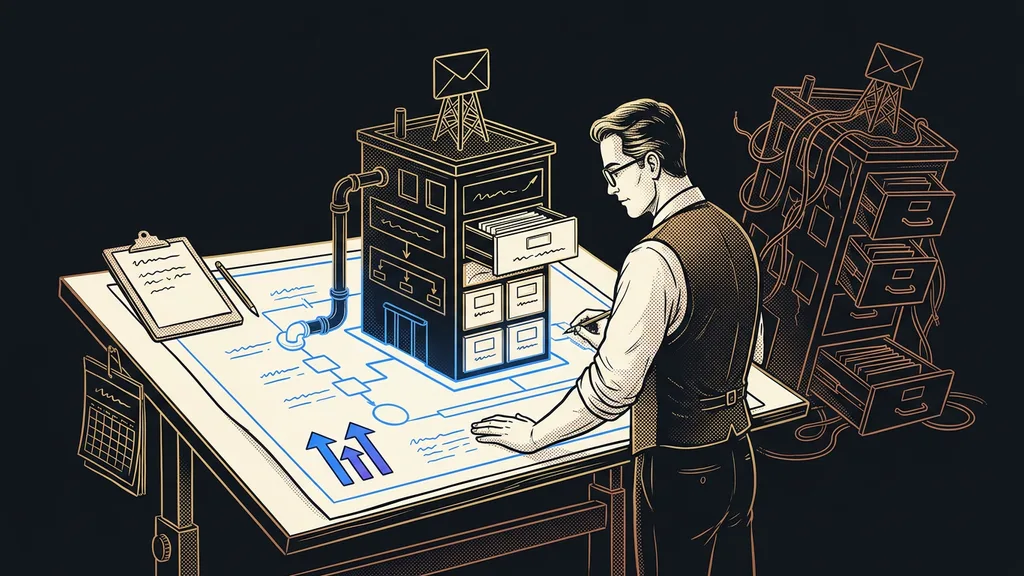
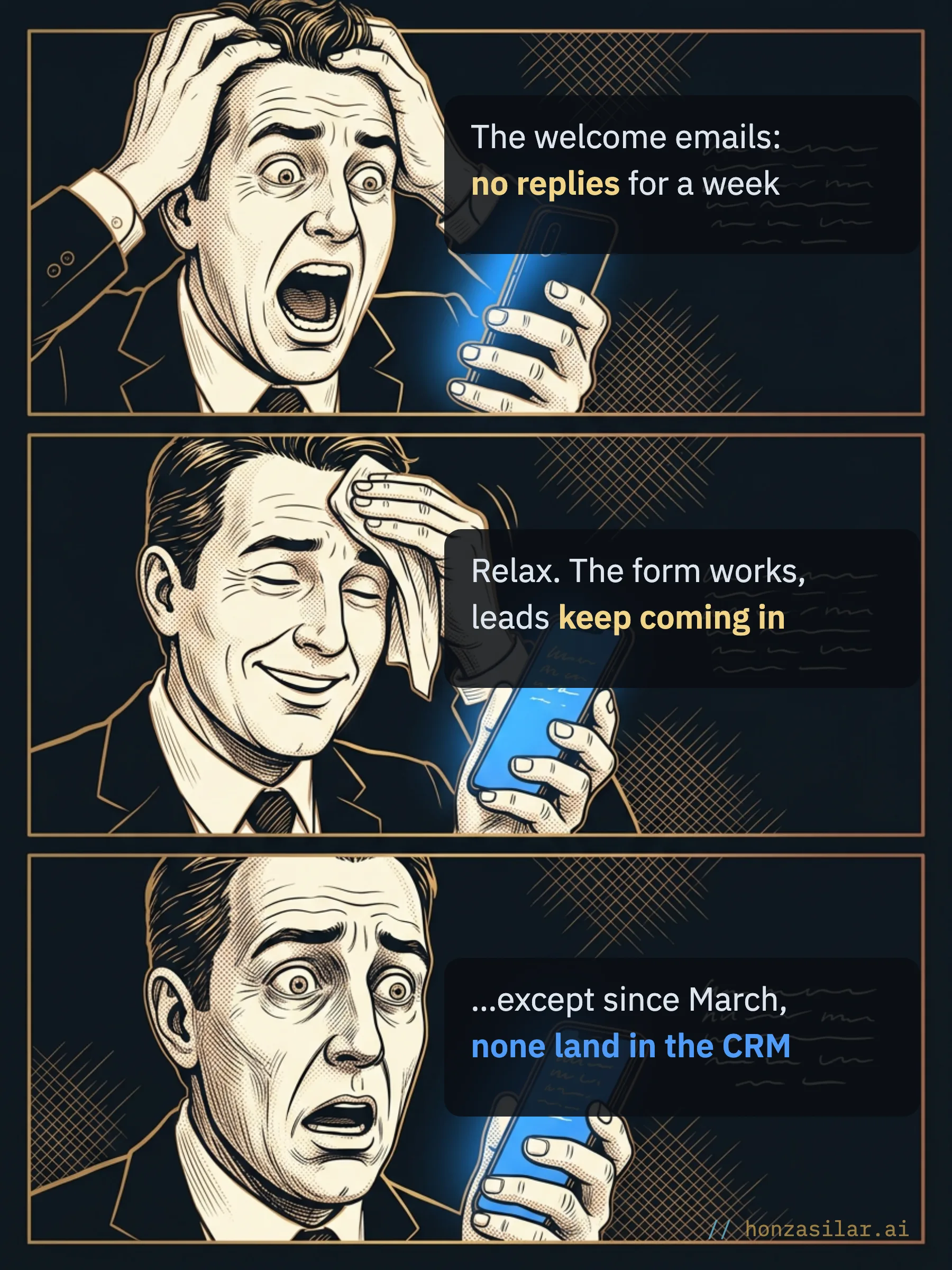
An integration is an automatic bridge that moves data from one tool to another, such as a contact from a form into your CRM. It works great until something changes: someone regenerates an API key, a field gets renamed in a tool, a scenario switches itself off after an update. And the chain never breaks loudly. The form keeps dutifully collecting contacts; they just don’t land where they should anymore.
And you’re the one maintaining that fragile chain, because nobody else knows how it works. Every Monday you check whether the scenarios are running, every so often you export a CSV from one tool and import it into another, and in the evenings you dig into why a tag didn’t carry over. Instead of running a business, you’re dispatching for your own software. And you usually spot the error late, when suddenly nobody replies to your welcome email sequence.
You pay three times
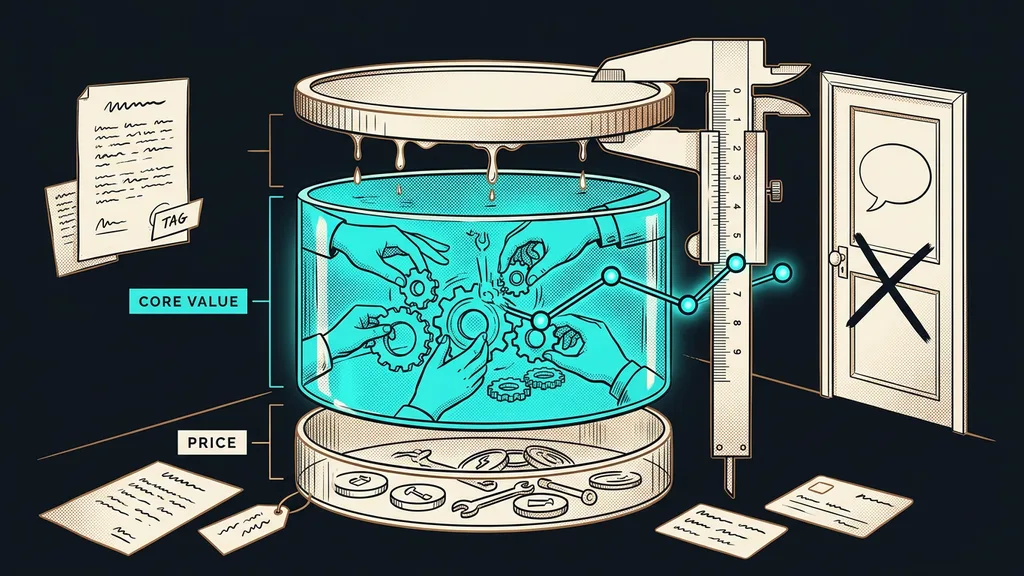
Add up what that patchwork really costs you. You pay for it three times, not once.
First in money: licenses that look harmless one by one add up to hundreds of dollars a month. Second in time, spent on managing passwords, checks, exports, and learning six different interfaces. And third, most expensively, in customers: every lead that fell through the gap between systems is a person who won’t get in touch again.
“You know, I actually have no idea how much I pay for all of this put together. I’ve never added it up. It would probably scare me.”
A client told me this when we first listed his tools on a single sheet of paper. And he wasn’t the exception. Nobody likes doing that sum, because the result hurts.
One-minute self-test: add up your patchwork
- List every subscription your business runs on, on one sheet of paper.
- Next to each one, write what it costs per month.
- Next to each one, write what customer data it holds.
- Mark the bridges between them: every integration is a spot where something will quietly break one day.
- Add up the money and the number of tools. And keep that sheet for next quarter.
What changes when everything lives under one roof
One thing changes, and everything else follows from it: the individual tools stop being separate islands connected by bridges and become parts of one whole.
GoHighLevel is a platform that combines CRM, email, funnels, booking calendars, communities, courses, and a chatbot in one system. A form doesn’t need a bridge to the CRM, because it sits right inside that CRM and sales pipeline. In practice, this means the exact spots where something used to quietly break simply disappear:
- A lead from a sales page is in the CRM immediately, not whenever a third-party service that can fail gets around to moving it.
- A booking creates the contact on its own and triggers reminders, so people actually show up to consultations.
- A chatbot trained on your business’s knowledge answers on your website, by SMS, and on social media, and it handles Czech brilliantly.
- All communication with one person comes together in one inbox, in chronological order.
The result
One customer, one record, and on it the whole story from the first click to the last payment. When they call, you read one timeline instead of searching through three windows.
When it isn’t worth it
Consolidating into one system isn’t the answer to everything, and it would be unfair of me to hide where its limits are.
Watch out for two things. Course videos have to be uploaded again; migration is a manual step here. And I wouldn’t build a pure brand website that has to live off SEO and win page-speed races in the built-in editor. I build that elsewhere and just connect it to GoHighLevel. A sales funnel meant to collect leads and feed the CRM, on the other hand, gets everything it needs here. And for a business that gets by with one tool and loses nothing, all of this would be gluing back together a mug that never broke.
What it costs
So the numbers aren’t just a feeling: a direct GoHighLevel license on the Unlimited plan costs $297 a month. In the Czech Republic, a localized version is also available for CZK 1,990 (about €80) a month excluding VAT.
Add a little usage on top of the license: emails come to $0.675 per thousand sent, so ten thousand emails cost roughly $7. I’ve broken down exactly what’s included and how the plans differ in a separate piece. For comparison: the community platform Skool charges $99 a month for each group, while here you get as many communities, members, and courses as you want, included in the license. And there are well-trodden migration paths from Mailchimp, Calendly, and Skool, so moving isn’t a leap in the dark.
What one roof replaces
| Function | Today (separate tool) | Under one roof |
|---|---|---|
| CRM and pipeline | separate license | ✓ included |
| Email and newsletters | separate license | ✓ included |
| Meeting booking | separate license | ✓ included |
| Communities and courses | $99/mo per group | ✓ included, unlimited groups |
| Website chatbot | separate license | ✓ included, speaks Czech |
| Bridges between tools | Zapier/Make on top | ✓ not needed |
The whole system in a nutshell
- List your tools, their prices, and the data in them, and you’ll see the real size of the patchwork.
- Mark the bridges between them: every integration is a spot where something will quietly break one day.
- Work out what you pay three times over: in money, in time, and in customers who slipped through.
- Move whatever you can under one roof: CRM, email, booking, and courses in one system.
- Leave outside only what works better elsewhere, such as a brand website built for SEO.
Are you still managing that patchwork, or is it managing you? That one question is what matters. The client who first added up his subscriptions on a single sheet of paper now opens one system in the morning, pays one invoice, and no longer plays detective on the phone. He finally has his business back in his own hands, not in six login windows.