AI implementation is usually explained in sentences that say nothing. It saves time, speeds up processes, handles the routine work. A small business owner takes away nothing they could start on Monday. What they need is to see a concrete project: what it looked like before, what the machine took over, and how much time actually came back.
In consultations I keep hearing the same question: “So who already has this running?” That’s why I’ve written up six cases from my work. The clients stay anonymous, and I only give numbers I can back up. Where I didn’t measure time, I’ll say so straight out, because a made-up number is worse than none.
Six projects in one table
All six cases share the same skeleton. A routine that kept repeating, a machine that took over the prep work, and a person who kept the decision. What differs is the industry, the tools, and how much time came back.
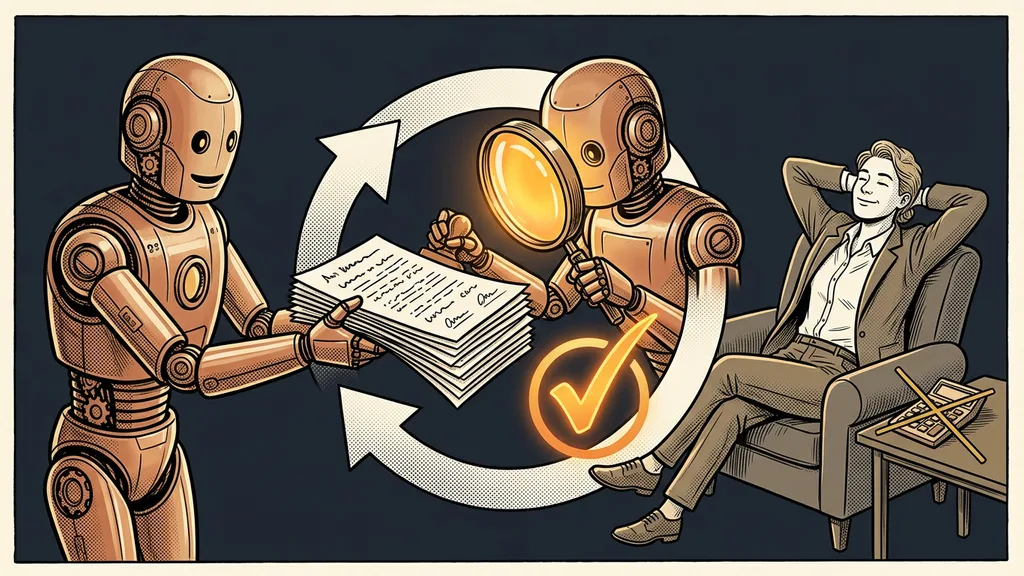
In none of these projects did AI take over the decisions. It took over the work that kept anyone from getting to them.
| Project | Before | What the machine took over | What stayed with people | Documented result |
|---|---|---|---|---|
| Reminders to clients who went quiet | Whoever remembered wrote to them | A personal email and text message in the company’s tone | Approving every message | 16 out of 16 emails right the first time |
| A chatbot for a community | The same questions over and over | Answers from a library of 876 questions, even at night | Approving every new piece of information | New information in the answers within five minutes |
| An affiliate system for an online summit | Commissions based on estimates | The affiliate code, from the website all the way to the invoice | Agreements with partners | Time not measured, commissions from data |
| Selling online courses | Manual retyping and access checks | Form, payment, invoice, and access | Watching over exceptions | Time not measured, no manual retyping |
| CRM setup for a new client | Two to three days of clicking | A plan from a questionnaire and ready-made instructions | Decisions and review | Done in an afternoon |
| A Czech product in foreign languages | Translation seen as “a year’s work” | Volume and first drafts of the copy | Names, tone, choice of texts | 15 languages by the end of the following month |
Client care: reminders and answers that don’t wait
AI pays off fastest where a person is waiting for an answer. The first two projects address exactly that.
Clients who had gone quiet used to wait until someone remembered them. Now the system prepares a personal reminder by email and text message, written in the company’s tone. Nothing goes out until a person approves the message. In the first live run, all 16 emails were right the first time. The principle is the same as with routines that work while you sleep: the machine prepares, a person reads and nods.
The second case is a chatbot for a community I run myself. It answers from a library of 876 questions and answers in Czech, even at three in the morning. It learns a new piece of information within five minutes, but only after I approve it. Roughly twice a year, the whole library gets a complete overhaul.
Human in the loop
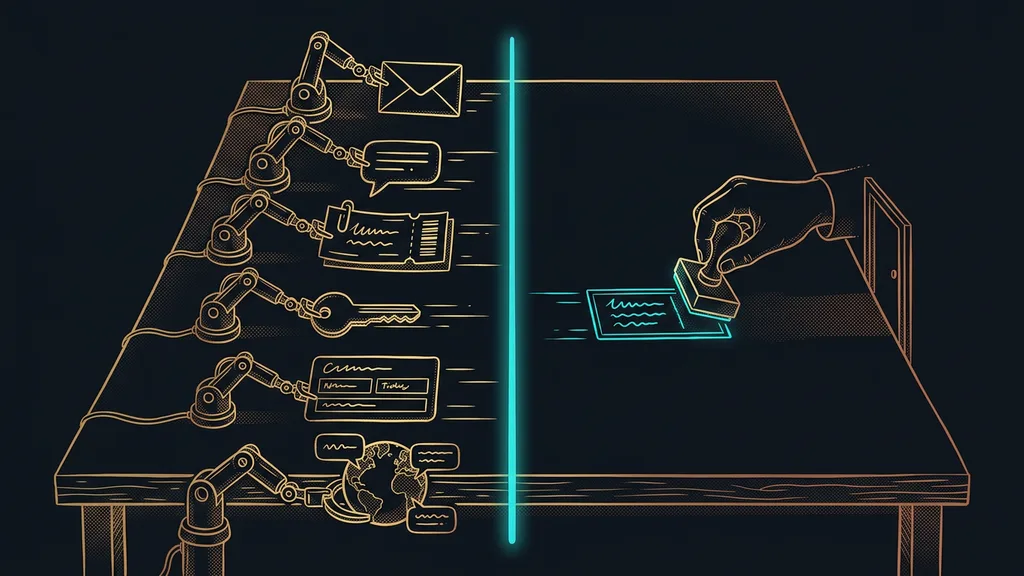
A setup where the machine does the prep work and a person confirms any step with an outside impact: sending a message, adding an entry to the library, making a payment. In both projects above, it’s the only point where a person steps into the work. It takes them seconds, but they carry all the responsibility.
Data that gets there on its own: affiliates and invoices
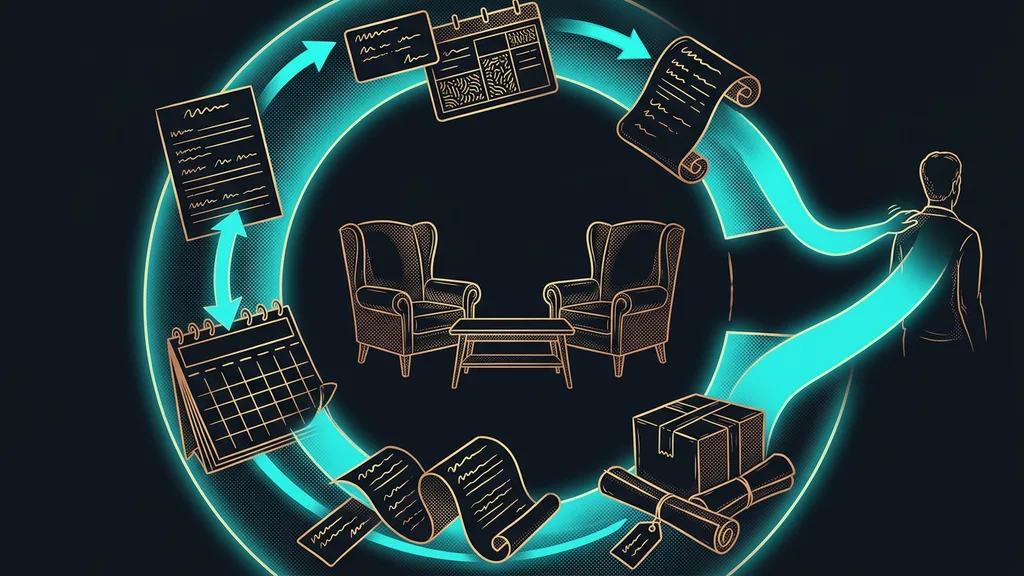
The second pair of projects is about the path data takes rather than about text. A piece of information is entered once, and nobody retypes it after that.
The organizer of an online summit needed to know which affiliate had brought in which customer. Now the affiliate code is captured right on the website and travels with the order all the way to the invoice. Commissions are calculated from data instead of estimates. I didn’t measure time here. The yardstick is accuracy, because every commission is backed by a specific order.
Selling online courses works in a similar way. The form, payment, invoice, and access to the course used to mean manual retyping and uncertainty about whether the customer really got in. Now an order goes through all four steps and nobody retypes a single line. If it gets stuck somewhere, the system speaks up instead of staying silent.
Volume nobody would have time for
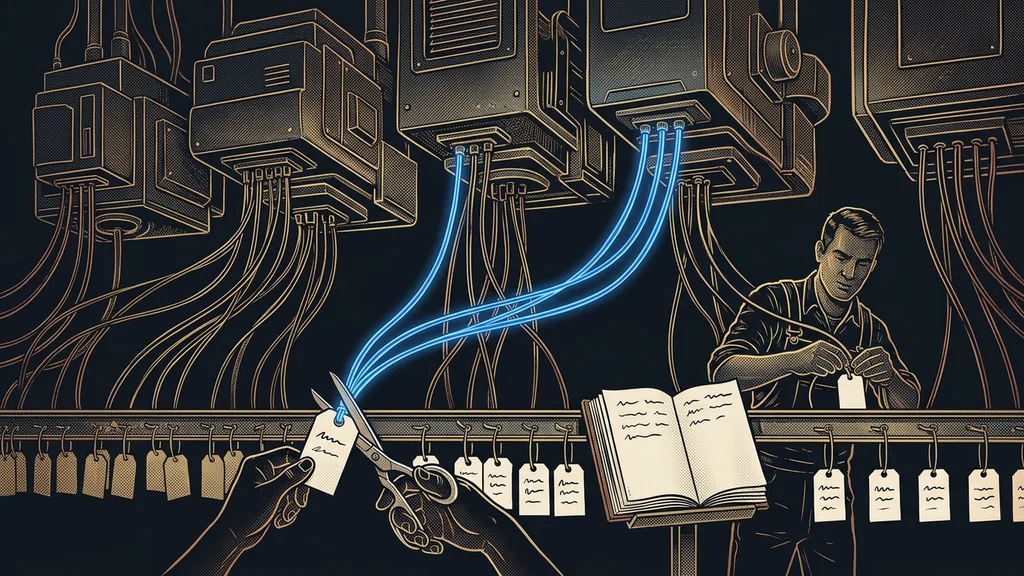
The third pair is about volume. A person could do this work too; it would just take them days or months.
Setting up a CRM for a new client used to take me two to three days of clicking: custom fields, calendars, tags, automations. Now the client fills out a questionnaire and the system builds a plan from it. Whatever the assistant inside the platform can handle, I get as ready-made instructions; the rest comes as a checklist. The account is ready in an afternoon, and I’m left with the decisions.
For the owner of a Czech app, going international was a perennial topic that always ran into the idea of a year-long translation project. Now the product speaks 15 languages. The first two versions were done in a few weeks, and the rest followed by the end of the next month. AI carried the volume and the first drafts of the copy. Names, brand tone, and the choice of what gets translated at all stayed with people.
What the successful projects have in common
None of them started with an overhaul of the whole company. Each one started with a single routine that repeated, could be described, and had a clear check at the end.
Pilot routine
The first piece of work a company hands over to AI to test whether it works in its day-to-day operations. It comes back at least once a week, can be described in a few sentences, and the finished result is easy to check. Once the pilot is running, the next step gets added, and step by step a process takes shape.
The second common thread is the line between machine and human. I draw it before anything gets built, and in all six cases it sits in the same place: whatever goes out, a person approves. Over time, pilots like these can add up to a whole team of AI helpers, but it always starts with one routine.
Looking for your seventh case
Go through last week and find a task you did at least three times the same way. Can you describe it in five sentences? And can you tell at the end whether it’s been done well? If you answer yes twice, you have a candidate for your first pilot.
Where AI helped least
It helped least where the work was mainly about decisions. For one client, 371 lessons were moved from an old platform to a new one. The transfer itself was the easier part. Each lesson needed a decision: carry it over, rewrite it, or leave it in the archive, and only the owner knew which.
Likewise, AI won’t do much for a company that has no repeating work. If you do something different every day, there’s nothing to hand over to a machine. And if you answer two questions a week off the top of your head, your head is all you need.
The whole thing in a nutshell
- Pick one routine that comes back every week and can be described.
- Draw the line: what the machine prepares and what a person approves.
- Build a pilot and let it run on real data.
- Measure what can be measured, and don’t embellish the rest.
- Once the pilot runs reliably, add the next step.
To the question of who already has this running, you now have six answers. None of these projects came out of a grand plan. Each one was kicked off by a single annoying routine nobody wanted to do by hand anymore. You probably know yours without a table. If you’re not sure how to hand it over, we’ll go through it together on a free consultation, where you talk to me directly. The seventh row of that table could then be yours.