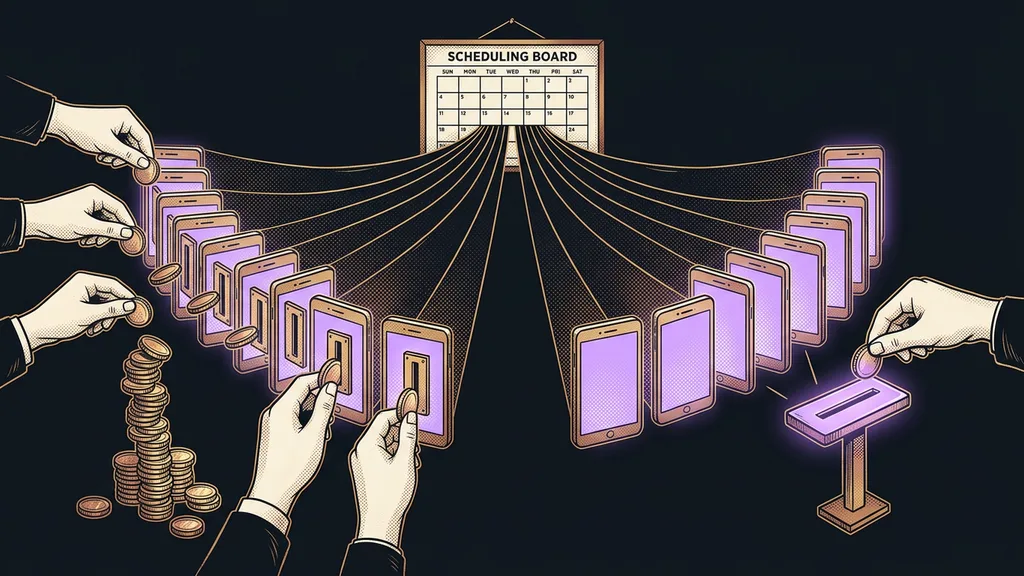
Social media schedulers look almost identical. A calendar at the top, a list of accounts on the left, a post preview on the right. The difference only shows up on the invoice, because one tool charges for every connected profile and another charges for the whole account, however many profiles you have.
I see it every time I help someone get their social media going. A business picks a tool because of the five dollars a month, connects six profiles, and pays thirty. Nobody cheated them; the price list says so right on the first page. It’s just that nobody read it to the end.
Your profile count sets the price
Grab a pencil and write down how many profiles you’ll actually connect to the scheduler. Facebook, Instagram, your company and personal LinkedIn, YouTube, maybe TikTok. For some tools, that number multiplies the entire rate.
The second number is how many people will log in to the tool. Some schedulers charge for them too, even for someone who only approves posts. Only with those two numbers does it make sense to open the price list.
The table lists the six schedulers a small business runs into most often. I took the prices from the official price lists on September 19, 2026, and I’m leaving them in the currency each list uses. The last column says what each one shows you beyond a plain post queue.
Six schedulers and what multiplies their price
| Tool | What you pay for | Price as of Sept. 19, 2026 | Free plan | What else it shows you |
|---|---|---|---|---|
| Buffer | per channel | Essentials $5, Team $10 per channel | 3 channels, 10 posts per channel | nothing extra, just a post queue |
| Metricool | by number of brands | Starter from €16, Advanced from €43 | 1 brand, 20 posts a month | usable analytics |
| Later | per set of profiles | $18.75, $37.50, and $82.50 a month | none, only a 14-day trial | a visual Instagram grid |
| Canva | per account | Pro $144 a year | generous, even on the free plan | design and scheduling in one place |
| Hootsuite | not verified | not verified | not verified | an approval workflow for large teams |
| GoHighLevel | included in the full CRM | Starter $97 a month | only a 14-day trial | the contact who responded to the post |
Per-channel pricing
A model where the list price is multiplied by the number of connected profiles. Five dollars looks like pocket change; with six profiles, it’s thirty dollars a month. The opposite model charges for the whole account, so a seventh profile doesn’t raise the price. The gap between the two grows as a business adds networks.
You pay for a scheduler by the profile, and over time you add profiles rather than drop them.
That’s exactly why it pays to price things out for where you’ll be in a year, not where you are today. A business that publishes to three networks today usually manages more a year later. I’ve written separately about what it looks like when posts to all your networks go out from one place.
Buffer: the easiest start, but you pay for every profile
Buffer is the easiest way to start scheduling. The interface is clean, setup takes fifteen minutes, and the free plan is enough to try it out.
Best for: individuals or small businesses with two or three profiles that mainly want their posting schedule in order.
In practice, you load up a week’s worth of posts and stop worrying. Don’t expect more than that: it’s an honest queue, not an analytics tool.
Where it falls short: you pay for each channel separately. Six profiles on the Essentials plan come to $30 a month, not $5.
Price as of September 19, 2026: free for three channels and ten posts per channel; Essentials $5 a month per channel; Team $10 per channel.
Metricool: scheduling and analytics in one window
Of these six, Metricool is where scheduling and reporting come together best. It fits where social media is already bringing something in and you want to know what.
Best for: a business that publishes regularly and wants to see results without opening five native analytics dashboards.
In practice, you get a calendar, a queue, and reports in one place. Its rate is multiplied by the number of brands rather than profiles, so one business with all its networks fits comfortably into the lowest paid plan.
Where it falls short: the free plan gives you twenty posts a month, which lasts only a few days if you post regularly.
Price as of September 19, 2026: free for one brand and twenty posts a month. Starter begins at €16 a month for five brands, Advanced at €43 for fifteen.
Publishing queue
A list of ready-made posts that the tool releases at preset times. Instead of scheduling each post separately, you set up time slots and drop finished pieces into them. The queue is the core of every scheduler. Everything else is built on top of it.
Later: a visual Instagram grid, but no free plan
Later is built around visual planning. You can see ahead of time what your whole Instagram grid will look like and rearrange posts accordingly.
Best for: brands where the look of the profile as a whole matters: fashion, food, interiors, travel.
In practice, you lay out a month in advance and know the profile will hang together. Images in a consistent style of your own help here too, because otherwise the grid falls apart no matter how well you plan.
Where it falls short: there’s no free plan at all, only a 14-day trial. So you can’t test it long-term for free.
Price as of September 19, 2026: Starter $18.75 a month billed annually for one set of eight profiles, Growth $37.50, Scale $82.50.
How I choose
Before I open a price list, I write down three numbers: how many profiles the business has, how many posts a month it actually publishes, and how many people need access to the tool. Only with those three numbers can you read the price list properly. Without them, you’re choosing based on a rate that applies to one profile and one person, and that’s almost never your situation.
Canva: design and scheduling in one place
Canva is primarily a design tool that adds scheduling, rather than a scheduler in its own right. For a small business, it’s often the cheapest route, because you have to make your graphics somewhere anyway.
Best for: a business without a designer that mainly needs to create a visual and send it out right away.
In practice, you create a post and schedule it without downloading and re-uploading the file. Skipping that hop between tools saves more than it seems. If you want to go a step further, you can have content go out regularly on its own.
Where it falls short: the templates show. Grab the most popular one, and the business next door has the exact same flyer.
Price as of September 19, 2026: the free plan is generous; Pro costs $144 a year.
Hootsuite: for large teams with approvals
Hootsuite is a well-known name in the category, aimed at large teams. Its main strength is the approval workflow, where a post passes through several hands before it goes out.
Best for: a larger organization where one person prepares content and someone else approves it.
In practice, you set up roles and permissions and have a record of who published what. For a two-person business, that’s unnecessary overhead, because approval there takes one sentence across the desk.
I mention it mainly because it shows up at the top of roundups and hardly anyone adds who it’s meant for. A small business ends up paying for processes it doesn’t need.
Where it falls short: historically, it’s been the most expensive in the category. I didn’t verify what the free plan includes, so don’t count on it in advance.
Price as of September 19, 2026: not listed. I didn’t read the price list from an official source, and an estimate would be useless here.
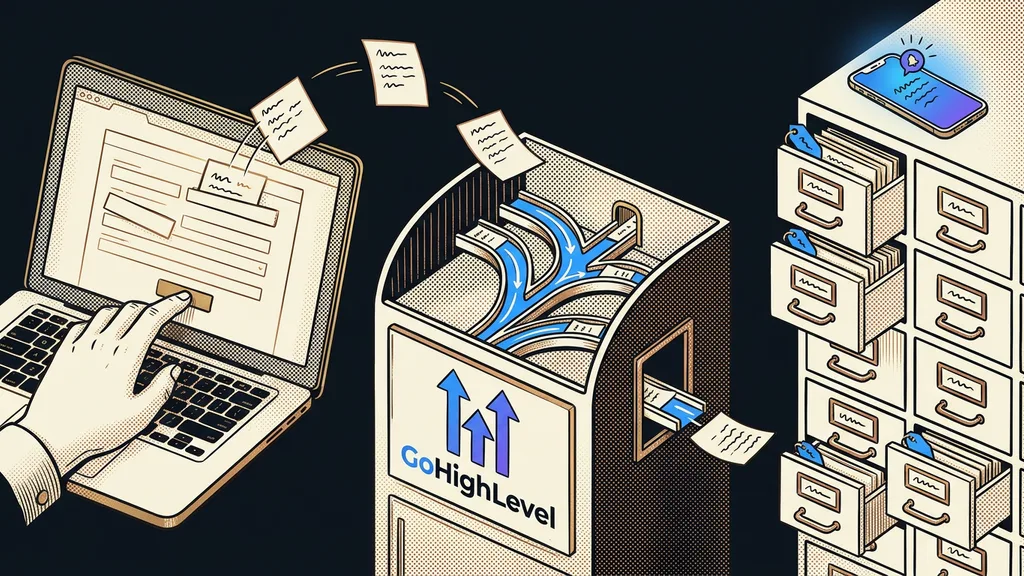
GoHighLevel: scheduling inside the CRM
I set this platform up for clients, so I’m leaving it for last, along with what doesn’t work about it. The scheduler isn’t a standalone product here; it’s one feature inside the whole GoHighLevel platform.
Best for: a business that already manages its contacts and sales in the platform and doesn’t want another subscription just for social media.
In practice, you see the contact who responded to a post right next to it, and you can follow up with them straight away. You can also tell who clicked the link in a post, which a standalone scheduler can’t do.
Where it falls short: you’re buying a whole CRM, not a scheduler. If you only want to schedule posts, you pay for lots of features you’ll never open.
Price as of September 19, 2026: the scheduler is part of the Starter plan at $97 a month. You can’t buy it separately, and there’s no free plan, only a 14-day trial.
Who none of these will help
Who isn’t this for? If you have one profile and post once a week, a scheduler won’t give you anything. The network’s native app handles that too, for free.
Businesses that expect content from a scheduler make up the second group. A scheduler decides when a post goes out, not what’s in it. If you have nothing to say, all you get is more regular silence. And one more thing holds: a scheduler can only show what the network lets through its API, so for deeper analysis you’ll end up back in the native analytics anyway.
Choosing, in a nutshell
- Count the profiles you’ll actually connect, and add the ones coming within a year.
- Find out what each tool multiplies its rate by: channel, brand, set, or account.
- Decide whether you just want a post queue or results reporting as well.
- Check what the free plan includes. Ten posts per channel is a demo, not something you can run on.
- Read the price list last, and always for your own number of profiles.
Those thirty dollars from the beginning weren’t the scheduler’s fault; it did exactly what it promised. The difference came from six profiles nobody counted in advance. Half an hour with a pencil will save you more here than an hour of reading reviews.