Running sales from your head and a single spreadsheet works until you have several things going at once. Then inquiries start quietly dying along the way. They weren’t bad inquiries. They simply got forgotten in the rush. And you never find out about a forgotten inquiry, because it doesn’t remind you it exists.
Here’s how it goes. An inquiry comes in by email on Tuesday, and you reply that you’ll get back to them by the end of the week. On Thursday another one arrives through Messenger, on Friday one comes from the website and one by phone, and you promise them all the same thing.
But Monday brings twenty other fires, and by the time you remember that Tuesday inquiry, “by the end of the week” has suddenly turned into two weeks. When you finally get in touch, all you hear back is silence. They bought somewhere else.
I see this scenario at businesses all the time. The owner keeps some of the open deals in their head, some sit in a workbook called inquiries.xlsx that someone last opened three weeks ago, and the rest is buried in email threads. I set up CRMs for clients practically every day, and one conversation comes up again and again:
“How many deals do you have going right now?” “Um… five? Maybe seven. I’d have to dig through my email.”
Your head is a bad database
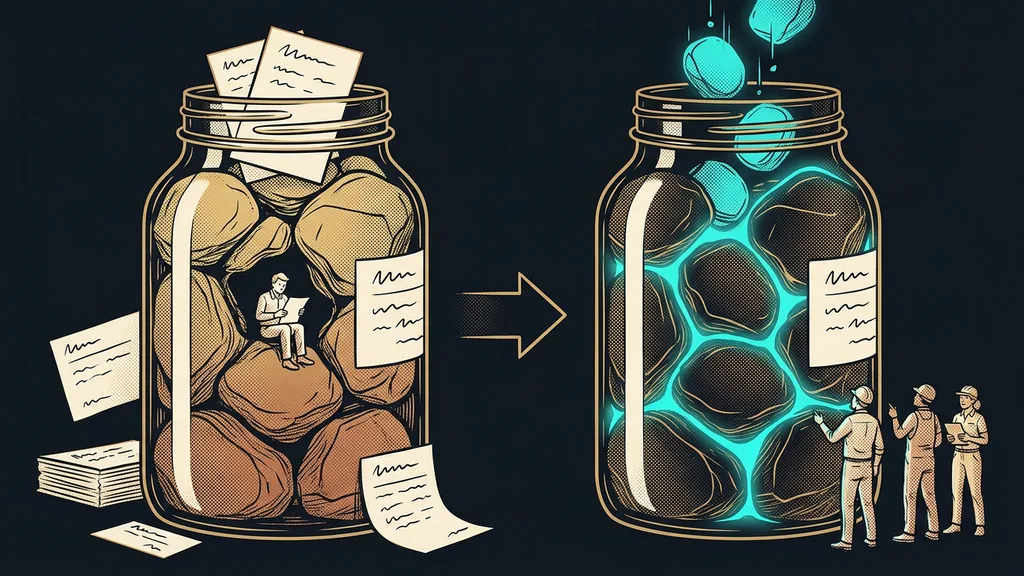
It’s not about being disorganized. But your head isn’t a database, and a spreadsheet isn’t a system: it won’t warn you that a deal hasn’t moved in two weeks, it won’t connect a new inquiry to earlier conversations, and it doesn’t update itself. Once you have several deals going at once, leads start slipping through your fingers. That’s exactly what a CRM for small businesses is for: to keep track of things for you, not to add to your workload.
And this is where it starts costing money. You’ve already paid for every one of those leads once: with ads, content, referrals, your own time. A “no” costs you less than an inquiry that dies of silence, because that person wanted to buy, just not from a business that never got back to them.
One-minute self-test
Right now, without peeking at your email or your spreadsheet, try listing every deal you currently have in play, including the ones where the ball is in your court. How many did you come up with, and how sure are you that you didn’t forget any?
A board nothing falls off
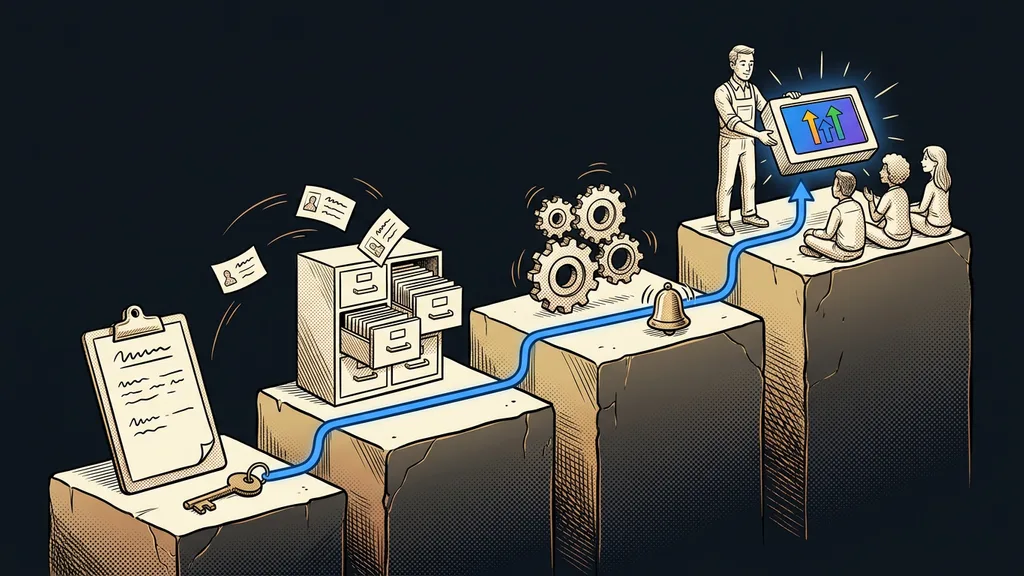
For this, I build clients a good old board in GoHighLevel, only digital and connected to everything else. A pipeline is a board of open deals: the columns are the deal stages, say New lead → Qualification → Proposal → Closed, and the cards are individual opportunities that move to the right as the deal progresses. A single screen then tells you, at any moment, how much you have in play and where each deal stands.
Before we go further, let’s sort out two terms that people mix up all the time. Without that, it’s hard to count how much business you’re actually working on.
Lead and opportunity
A lead is a person: a contact with a phone number and an email address. An opportunity, as GoHighLevel calls it, is a specific deal you’re currently trying to win with that person. One contact can have several opportunities open at once, say one card in the sales pipeline and another in the complaints pipeline. And because the number of pipelines isn’t limited, sales, service, and recruiting can each have a board of their own.
The pipeline is the kitchen, the funnel is the fishing net
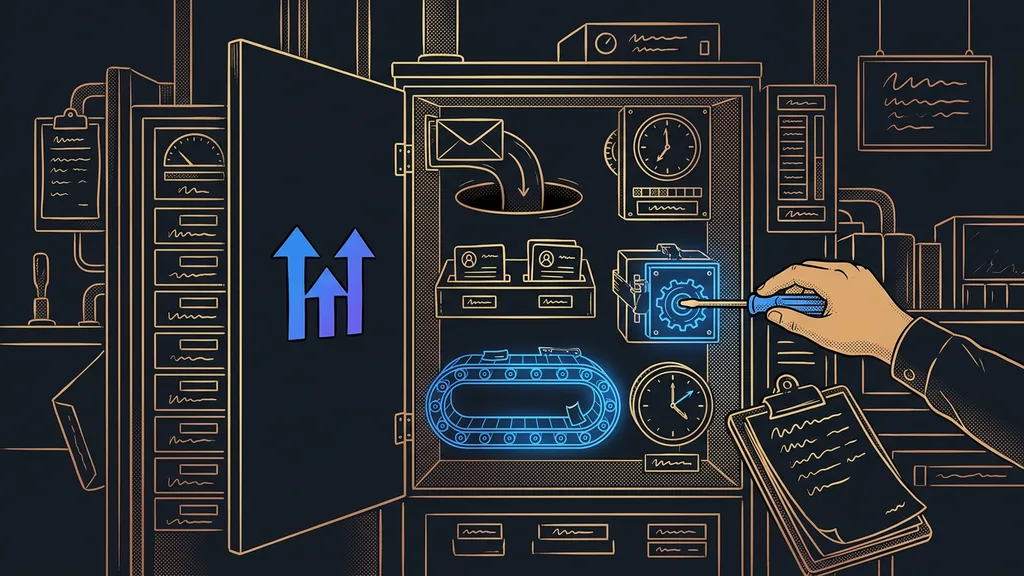
A pipeline is not a funnel, even though the two words get mixed up almost constantly. The funnel is the fishing net: the sales pages and forms that bring inquiries in. The pipeline is the kitchen, where the catch gets prepared. In GoHighLevel, the two connect on their own, so there’s no manual gap left between “an inquiry came in” and “I’m working on it.”
In practice
An inquiry from a website form is created straight away as a card in the first stage of the pipeline, along with the contact and everything the person filled in. Nobody copies anything from email into a spreadsheet, so there’s no point where the lead could get lost.
Once the data builds up, you’ll see where you’re losing
The overview itself is only the beginning. The real strength of a pipeline shows after a few weeks, once data piles up and the board starts answering questions you used to just shrug at.
Four deal statuses: Open, Won, Lost, Abandoned
Every opportunity ends up in one of four fixed statuses: Open, Won, Lost, or Abandoned. You can’t rename these four, but you can name the stages between them however you like. The point is simple: no deal is left hanging in a foggy “it sort of fizzled out.” For every single one, it’s clearly stated how it ended.
The system flags stuck opportunities on its own. It tracks how long a card has gone without moving, and only a real interaction with the customer resets the inactivity counter. An email you sent that got no response doesn’t count as progress.
For lost deals, you record the reason you lost. After a quarter, you look at the report and know whether you’re losing on price, on timing, or to competitors, and that’s solid ground for decisions, not a gut feeling. On top of that, smart tags highlight cards automatically based on a condition you set. For almost every client, I highlight opportunities with no salesperson assigned: a card nobody owns has nobody to move it forward, and that’s exactly the one that most often falls through.
Behind every card sits the whole contact
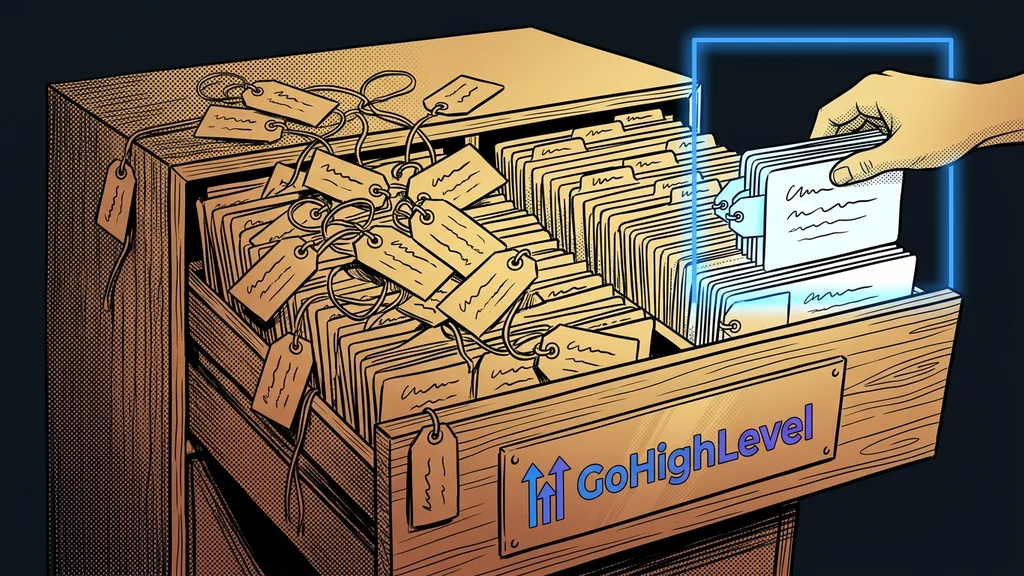
The board is just the top layer. Behind every card sits a contact, and everything else comes together there: custom fields for the data your industry needs (a license plate number for a car repair shop, a contract anniversary for an advisor), and tags, which most automations are triggered from. You add a tag, and a sequence of emails and SMS messages starts running in the background. And because communication runs in GoHighLevel too, you have the contact’s entire history in one place: SMS, emails, calls, and messages from Messenger and Instagram. You stop searching your memory for where you talked to whom.
When several people handle sales
If you have a sales team, you’ll appreciate the mode where each salesperson sees only the contacts and opportunities assigned to them (in GoHighLevel it’s called Only Assigned Data). Then, when one person leaves, the whole database doesn’t walk out the door with them. Just make sure every contact has an owner: anything unassigned disappears from your salespeople’s view.
Who doesn’t need a pipeline of their own
It’s not for everyone. If you handle two deals a month from memory, a spreadsheet is enough, and a pipeline would just be extra overhead. It pays off once you’re working on several deals at once and start sensing that something is slipping through your fingers.
The whole system in a nutshell
- Every inquiry, whether from the website, the phone, or Messenger, is created as a card in the first stage of the pipeline.
- You move the card to the right as the deal works its way through the stages.
- The system flags stuck opportunities on its own, so you get back to them in time.
- Every deal ends in a clear status: won, lost, or abandoned.
- For lost deals you see the reason, so over time you learn where you’re losing business.
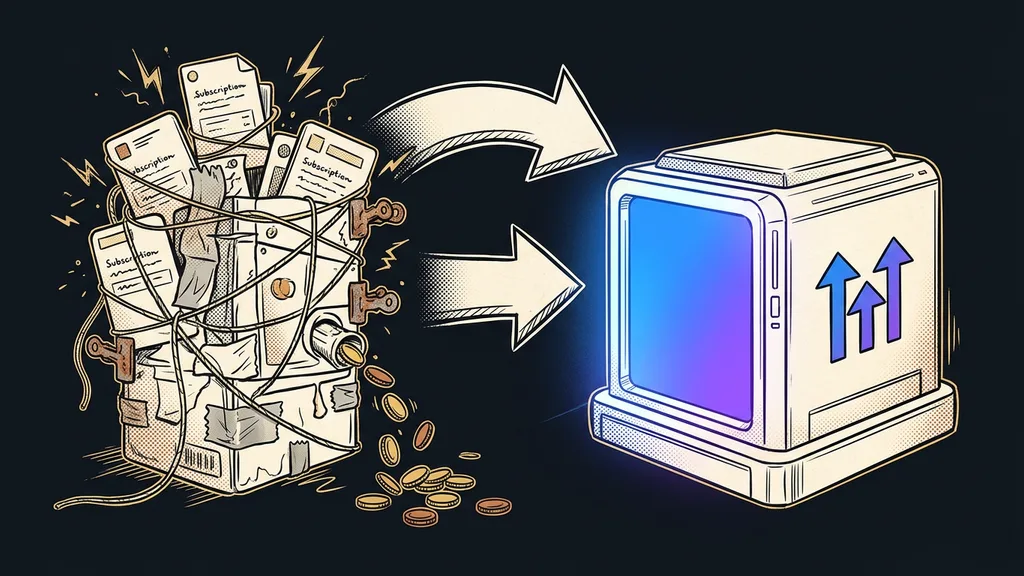
And that Tuesday inquiry from the beginning? It would be hanging on the board as a card, with the whole conversation attached, and if it sat still for too long, the system would flag it as stuck on its own. You don’t need a better memory or iron discipline. You just need to stop running sales from your head and put your deals on a board nothing falls off.