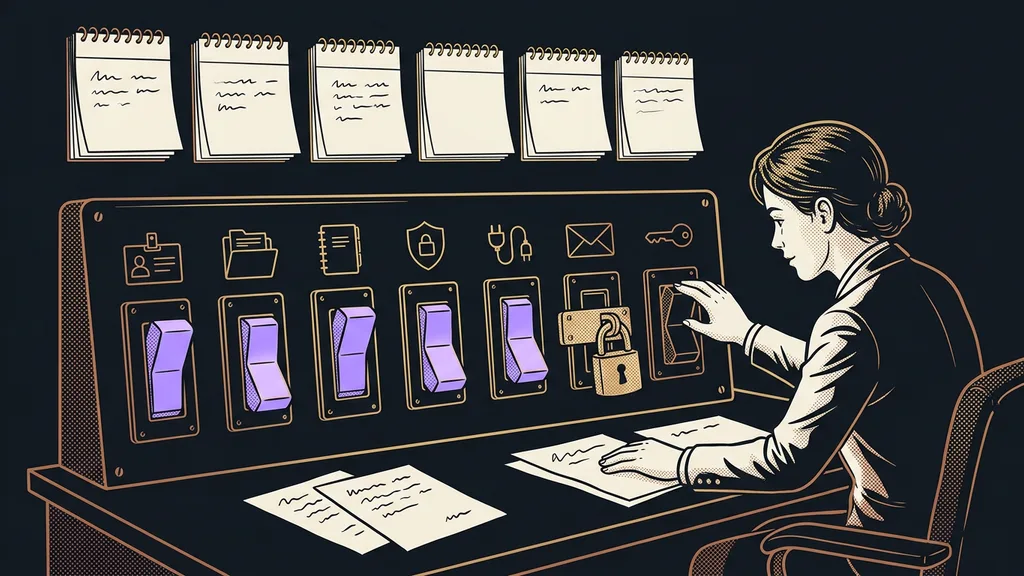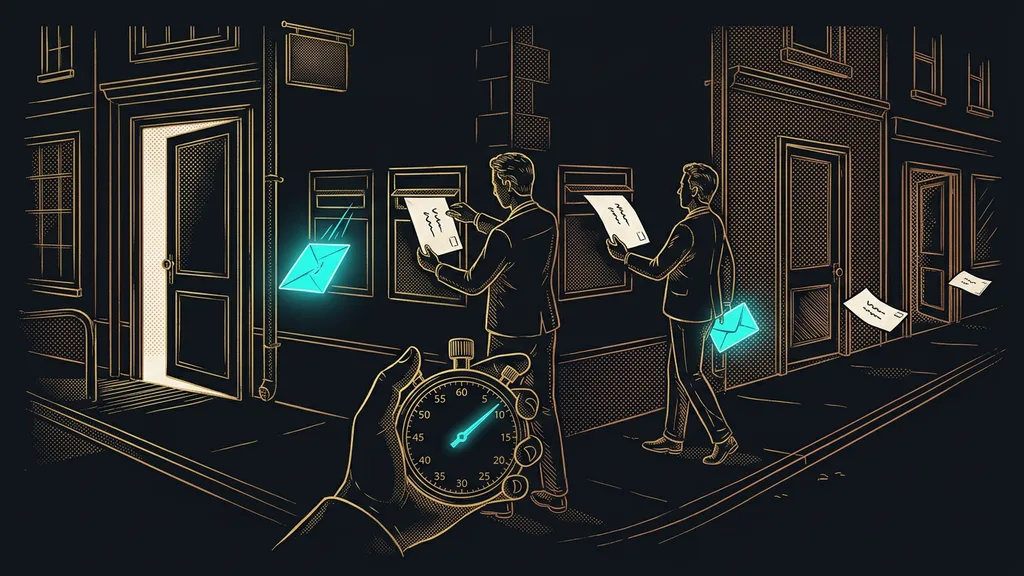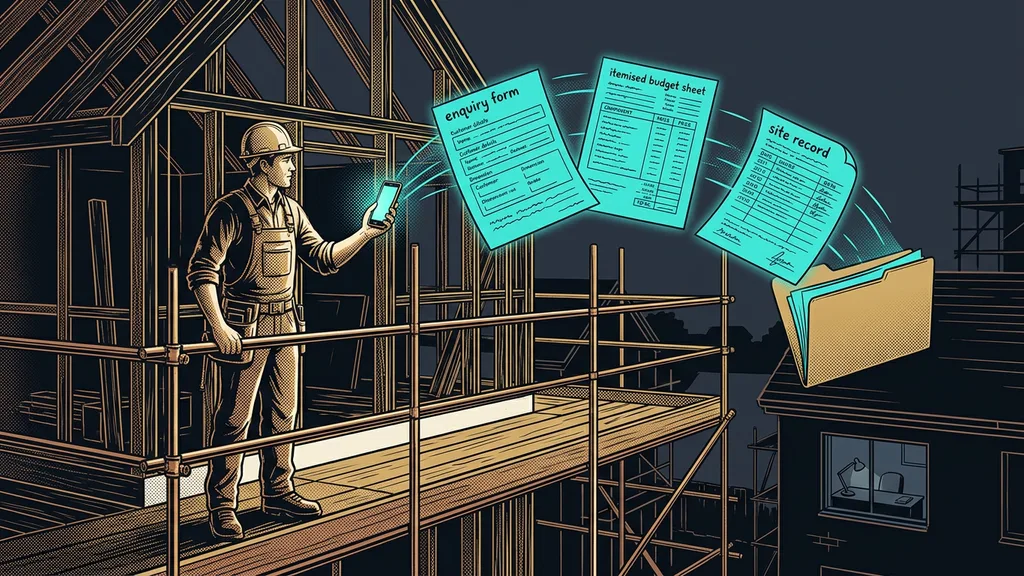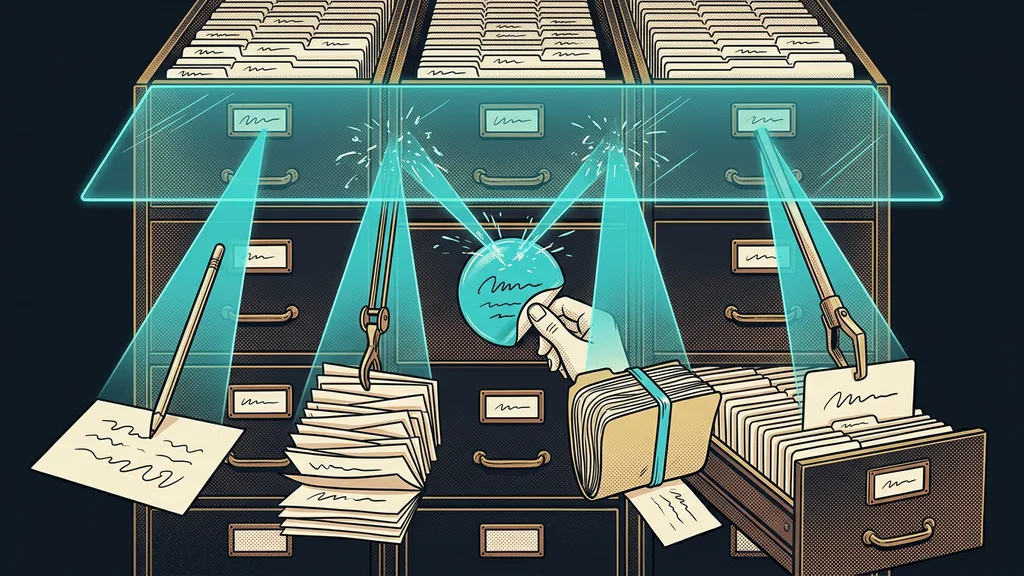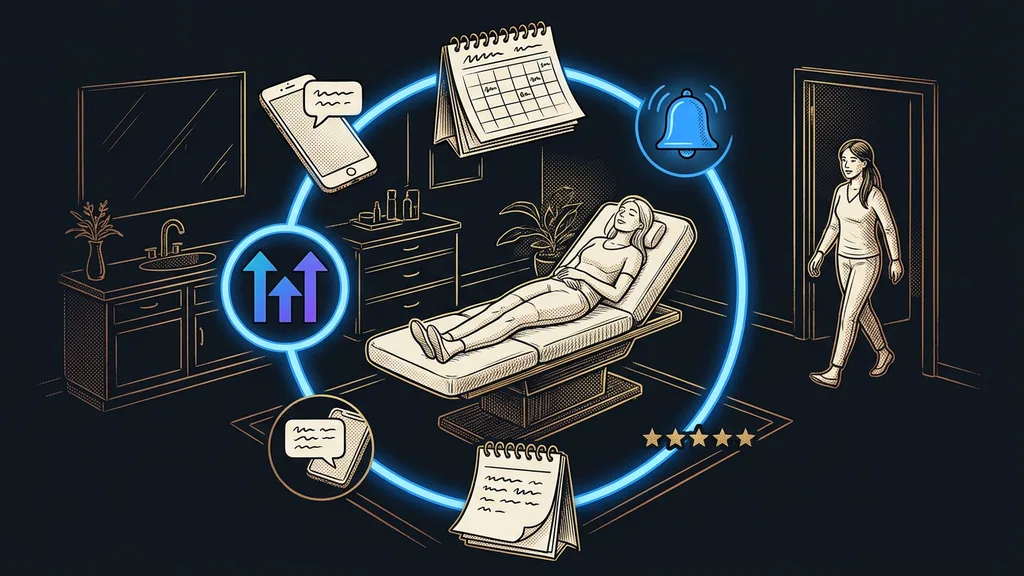
A free plan is standard for AI tools these days. A business picks up five of them over a year and pays nothing for any of them. The trouble is that each one ends somewhere else, and you can’t read that spot off the pricing page. You only find it when the tool stops in the middle of a job.
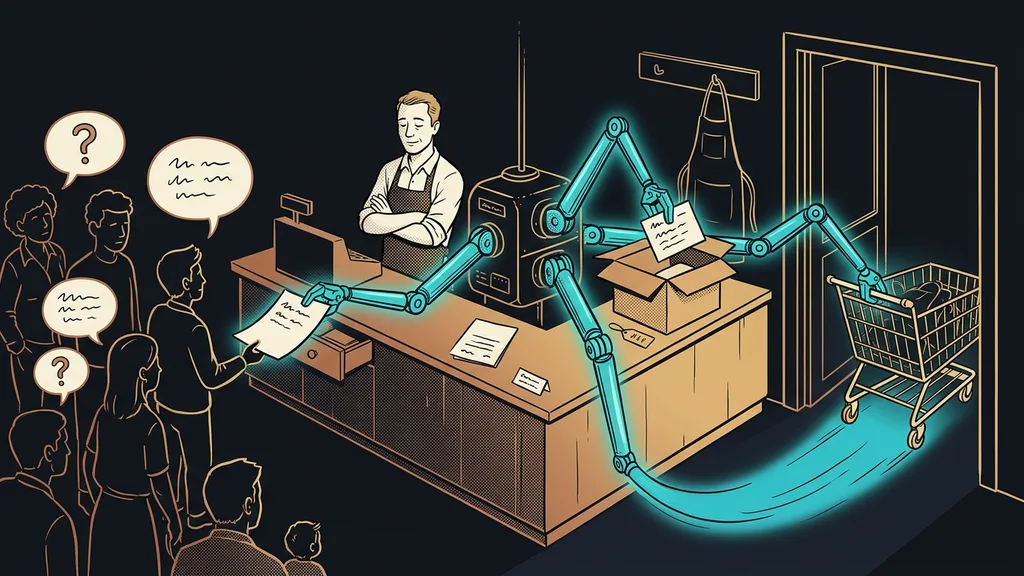
I see it with clients all the time. For six months everything runs for free and the business is happy. Then a campaign takes off, interest jumps, and the chatbot on the website stops answering on a Friday afternoon. It didn’t break. It ran out of replies.
You can’t compare free plans until you know what’s being counted
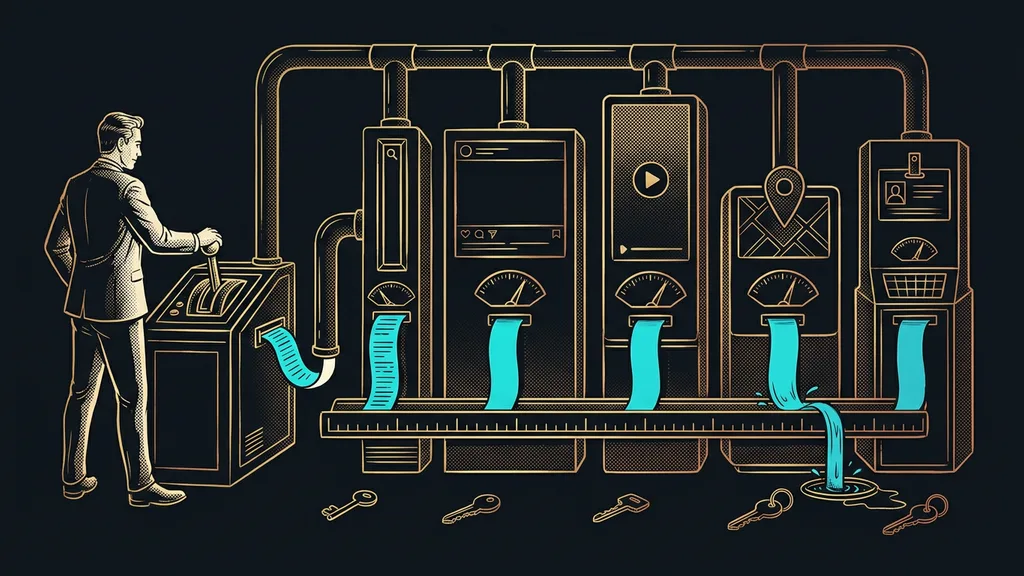
The cap is set by the unit a vendor bills in, not by how generous the vendor is. One counts credits, another tasks, a third conversations, and a fourth channels. Until you convert your own workload into that unit, you’re comparing apples and oranges. That’s exactly how a business ends up stitched together from five subscriptions that can’t talk to each other.
I took the limits and prices below from the official pricing pages on September 19, 2026.
| Tool | What’s counted | What you get free | Entry paid plan (September 19, 2026) |
|---|---|---|---|
| Canva | features, not items | a generous free version | Pro, $144 a year |
| Make.com | credits | 1,000 credits a month | Core, $9 a month |
| Zapier | tasks | 100 tasks a month | Professional from $19.99 |
| Buffer | channels and posts | 3 channels, 10 posts per channel | Essentials, $5 per channel |
| ElevenLabs | credits | 10,000 credits | Starter, $6 a month |
| Descript | media minutes | 60 minutes a month | Hobbyist, $16 a month |
| Tidio | conversations | 50 conversations a month | Starter, $24.17 a month |
In short: with four of these seven, the better your business does, the faster you burn through the cap.
Free plan cap
The line past which a tool stops working until you pay. It’s almost never written as an amount of money, but as a number of units per month. That’s exactly why you can’t compare two free offers until you convert both to your own numbers.
“But it’s free. How can it stop working in the middle of a campaign?”
I usually hear that question on a Friday evening. The answer is annoyingly simple. A free plan is a sample, not a scaled-down version of the paid one. And a sample is metered.
Canva: a free version whose limit is sameness, not a number
Canva has the most generous free plan of all seven, and the entire interface is available in Czech. On its pricing page as of September 19, 2026, Free costs nothing and Pro costs $144 a year.
Best for: a business without a designer that needs flyers, presentations, and social media posts.
For free, you can put together everyday business graphics from templates, and nobody counts how many you make. For lots of small businesses, it’s the only design tool they’ve ever needed.
Where it falls short: the templates show. The business next door can have the same flyer, and you’ll hear about it from a customer. Here the cap is how easily people mix you up with someone else, not a count.
Price as of September 19, 2026: Free $0, Pro $144 a year.
Make.com: a thousand credits a month, then a quick stop
Make gives you 1,000 credits a month for free. That sounds like a lot until you find out that one ten-step scenario eats ten credits every time it runs.
Best for: a business that wants to connect three to ten apps without hiring anyone to do it.
An order creates a contact in your CRM, the confirmation goes out on its own, and nobody retypes anything. I cover how far you can stretch a bridge like that in my piece on connecting your CRM to other systems.
Where it falls short: since 2025, Make counts credits instead of operations. Older tutorials and your estimate from last year are off as a result, and you’ll only notice on the invoice.
Price as of September 19, 2026: free up to 1,000 credits a month, Core $9 a month, Pro $16, Teams $29. Each paid price is quoted for a monthly allowance of 10,000 credits.
Zapier: a hundred tasks a month, or three a day
Zapier gives you 100 tasks a month for free. That works out to three runs a day: just right for one small connection, and not enough for two.
Best for: someone who needs one simple connection and wants it done this afternoon.
You can build a connection in twenty minutes without reading any documentation. Its list of supported apps is the longest of them all, so you’ll almost certainly find yours.
Where it falls short: you’ll pay considerably more than in Make for the same work. It bills by task, so every step in a Zap is another billable item, and a more complex Zap gets several times more expensive.
Price as of September 19, 2026: 100 tasks a month free, Professional from $19.99 a month billed annually, or $29.99 billed monthly.
Credit
An artificial unit a vendor introduces instead of minutes, operations, or messages. You only find out how many credits something uses after you run it, and credits can’t be compared between two tools. That works in the vendor’s favor, not yours, and it’s good to know it up front.
Buffer: three free channels, then you pay for each one separately
Buffer gives you three channels and ten scheduled posts per channel for free. But the paid plan doesn’t cost five dollars a month, the way it seems at first glance.
Best for: an individual or a small business planning content for two or three profiles.
You write a post, pick the networks, and your week is done. Sending one text to every network from a single place is the more convenient route, but Buffer is enough to get started.
Where it falls short: you pay per channel. Six profiles on the Essentials plan cost thirty dollars a month, not five. Read that sentence twice, because this is exactly where most budgets blow up.
Price as of September 19, 2026: 3 channels and 10 posts per channel free, Essentials $5 a month per channel, Team $10 a month per channel.
ElevenLabs: ten thousand credits, and every regeneration costs again
ElevenLabs gives you 10,000 credits for free. That’s plenty for trying out your own voice, but not for regular voiceovers.
Best for: voicing an article, an educational video, or a longer text you don’t want to read yourself.
You clone your voice from a short recording, and from then on you just paste in text. Czech is among its 74 languages, and it works.
Where it falls short: regenerating the same sentence costs the full price again. If you fine-tune a recording word by word, you pay for it several times over, and with long texts that adds up.
Price as of September 19, 2026: 10,000 credits free, Starter $6 a month for 30,000, Creator $11 for 121,000, Pro $99 for 600,000.
How I choose
Instead of asking how much I get for free, I ask how many units I’ll use in a month when things go well. I work the number out from real usage, not from a quiet month, and add a third on top. If I land just under the cap, I plan on the paid plan right away. I’ll outgrow the free one anyway.
Descript: sixty minutes a month that don’t roll over
Descript gives you 60 media minutes a month for free. It transcribes them and lets you edit the video by deleting words in the transcript, which is the fastest way to edit for anyone who isn’t technical.
Best for: a podcast or video you need to clean up, cutting the flubs and the dead air.
Delete a sentence in the text and it disappears from the recording too. Czech is on its list of 25 transcription languages, so you can use it for recordings in Czech.
Where it falls short: hours don’t roll over to the next month. If you record in bursts, you pay even for the months when you record nothing, and in your production months you hit the cap anyway.
Price as of September 19, 2026: 60 media minutes a month free, Hobbyist $16 a month for ten hours, Creator $24 for thirty hours.
Tidio: fifty conversations a month, a cap on your own success
Tidio gives you 50 billable conversations a month for free, plus 50 one-time AI agent replies. What sets it apart is that you pay per conversation.
Best for: a small online store that wants both live chat and a bot on its website, and wants to start without any investment.
The bot handles questions about shipping and availability, and a person steps in for the trickier cases. Setup takes one afternoon.
Where it falls short: it bills per conversation, not as a flat fee. So a successful campaign pushes up your bill exactly when you’re most visible, which makes the budget hard to plan.
Price as of September 19, 2026: 50 billable conversations a month free, Starter $24.17 a month, Growth from $49.17. The Lyro AI agent from $32.50 a month for 50 conversations.
Two traps you won’t spot on the pricing page
First: Runway’s free plan has 125 credits, but as a one-time allowance, not every month. Second: Chatbase gives you 50 messages for free, and the very next tier costs $40 a month. Both are on their own pricing pages as of September 19, 2026. That turns the free version into a demo rather than a plan you can run a business on, and it’s good to know that before you build anything on it.
Three tools with no free version at all
Later doesn’t have a free plan, not even a basic one. According to its pricing as of September 19, 2026, it only offers a 14-day trial, then Starter at $18.75 a month billed annually. So you can forget about long testing.
Jasper is in the same boat. It has no free version, the trial lasts seven days, and Pro costs $69 a month per seat, or $59 billed annually. It’s a layer on top of models you can get elsewhere for twenty dollars.
And third, GoHighLevel. Again, just a 14-day trial, then Starter at $97 a month. That’s the highest entry price in this whole article, and I’ve broken it down separately in a piece on what you pay for beyond the license with GoHighLevel.
Who none of this will help
It won’t help anyone looking for a way to never pay for anything. Free plans are samples, and a business built on seven samples is more fragile than one running on two paid tools.
It won’t help where the workload fluctuates either. A seasonal business outgrows the cap in exactly the worst week of the year, and then the paid plan gets bought in a hurry, which means at a high price.
And there’s one last case worth mentioning. Sometimes the cheapest thing is the one you build yourself. Your own short links that quietly log every click run practically for free and have no cap at all. A business has more spots like that than you’d think.
How to choose, in a nutshell
- For each tool, find the unit it bills in.
- Convert your actual monthly volume into that unit, not the volume from a quiet month.
- Add a third on top as a buffer for a good month.
- Wherever you land just under the cap, buy the paid plan right away.
- Run the numbers extra carefully for Buffer, Zapier, and Tidio, because their unit grows with your success.
- Open the pricing pages right before you buy. The numbers here are as of September 19, 2026.
That Friday when the website chatbot went quiet was actually good news. Nobody broke anything, and the tool worked exactly as designed. The business had simply used up its monthly conversation allowance for the first time, because things were going well. Judge a free plan by how fast you outgrow it once business picks up, not by how much it gives you.