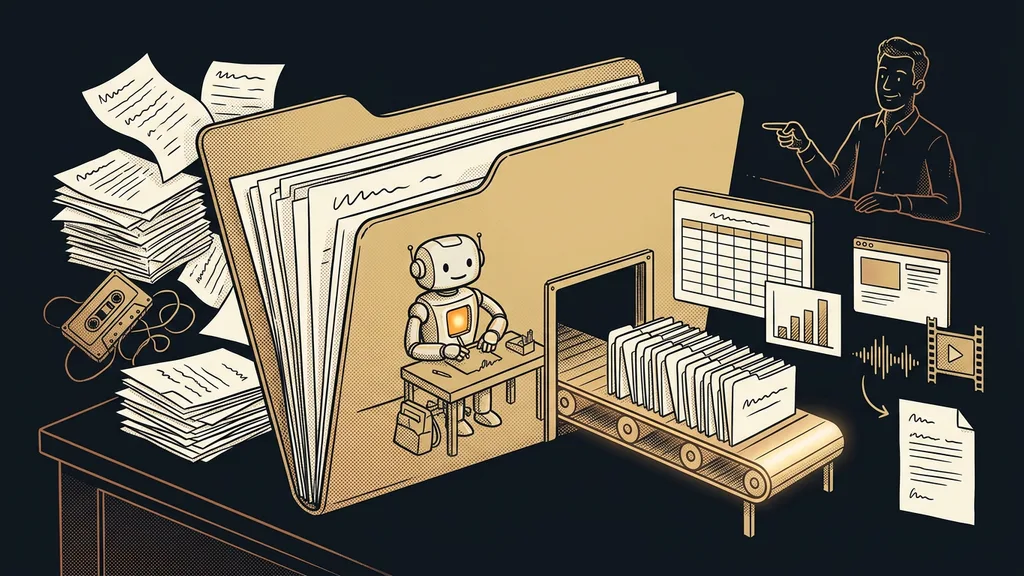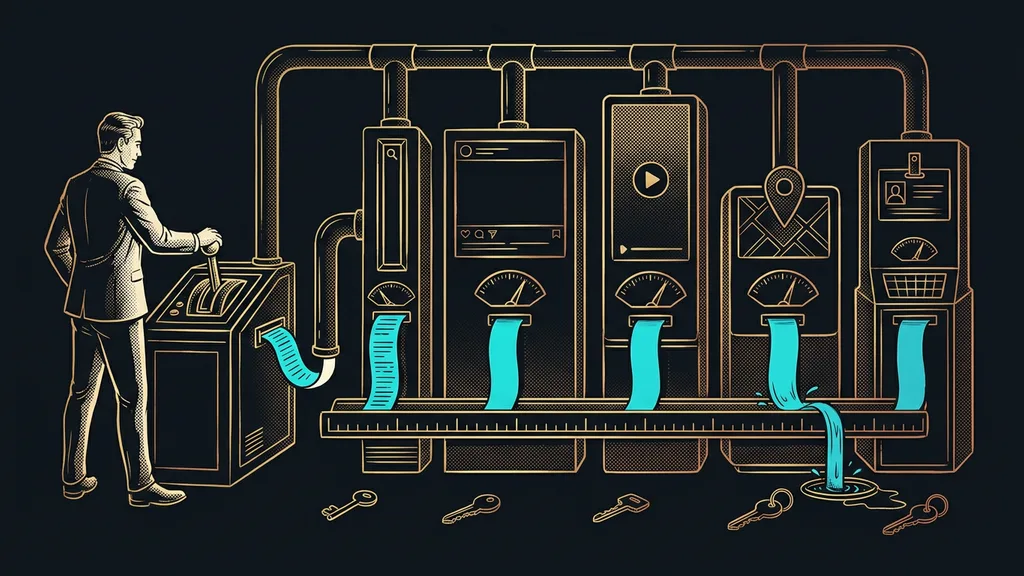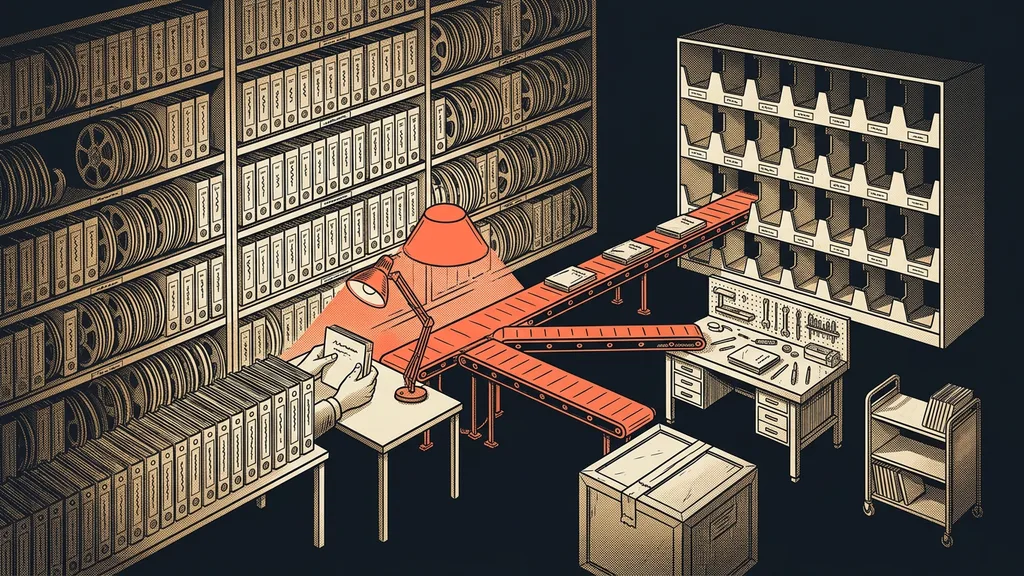
A course library takes years to build, and nobody ever goes through all of it. Lessons pile up, along with bonuses, recordings of live sessions, three versions of the same video, and attachments nobody downloads anymore. Then, when it’s time to switch platforms, it looks like a single item on the to-do list: move the content.
With clients, I see the same thing every time. We open the old platform, and the first thing anyone says is, “We probably don’t need this anymore.” Then there’s silence, because nobody is sure whether it might still be selling somewhere.
You’re moving decisions, not data
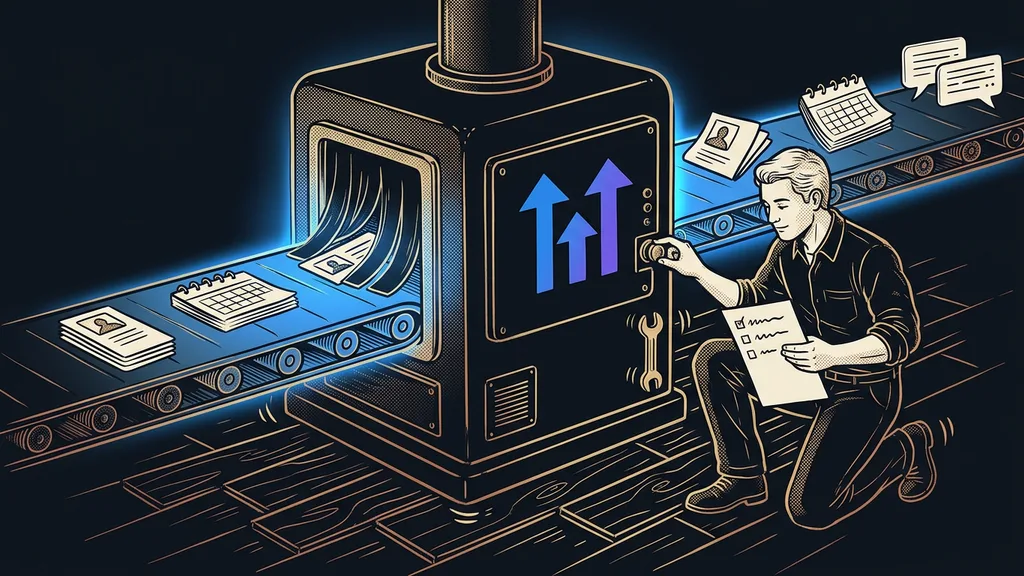
Transferring the files is the easier part of the whole job. The hard part is deciding what belongs in the new library at all. Every lesson is a small decision, and with three hundred lessons, you have to make three hundred of them.
Library inventory
Going through all your content piece by piece with a single question: does it sell, does anyone watch it, and is it still valid? It’s work most people put off for years, because it’s invisible and nobody orders it. A migration just puts all of it on the table at once.
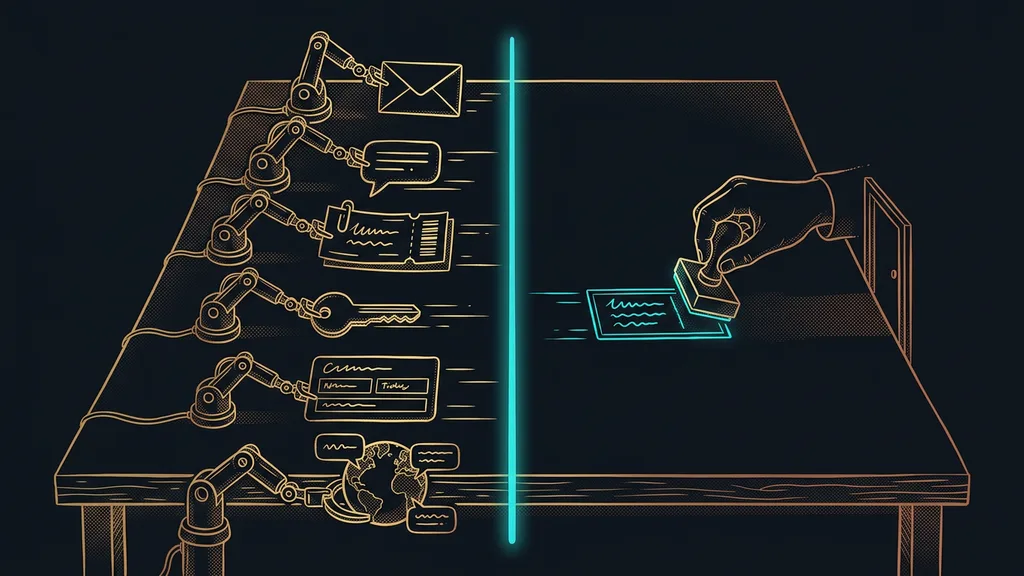
The good news is that you do this inventory once, and then you’re done with it. On the downside, you can’t avoid it, and nobody can do it for you. Not even a machine, because only you know what still sells.
Moving content is less a technical job than the inventory you’ve put off for years, and now it has to be done all at once.
The three piles your library breaks into
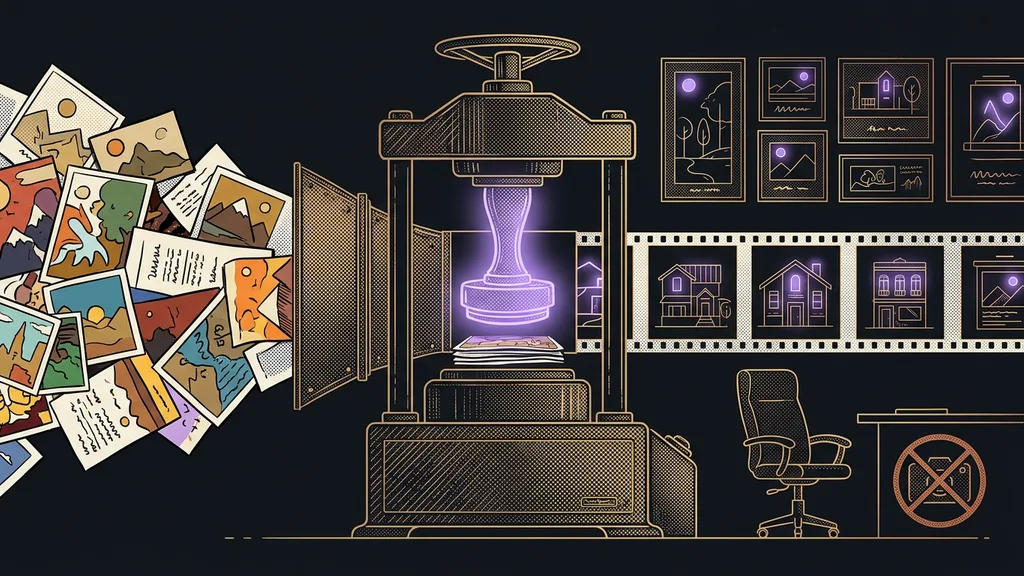
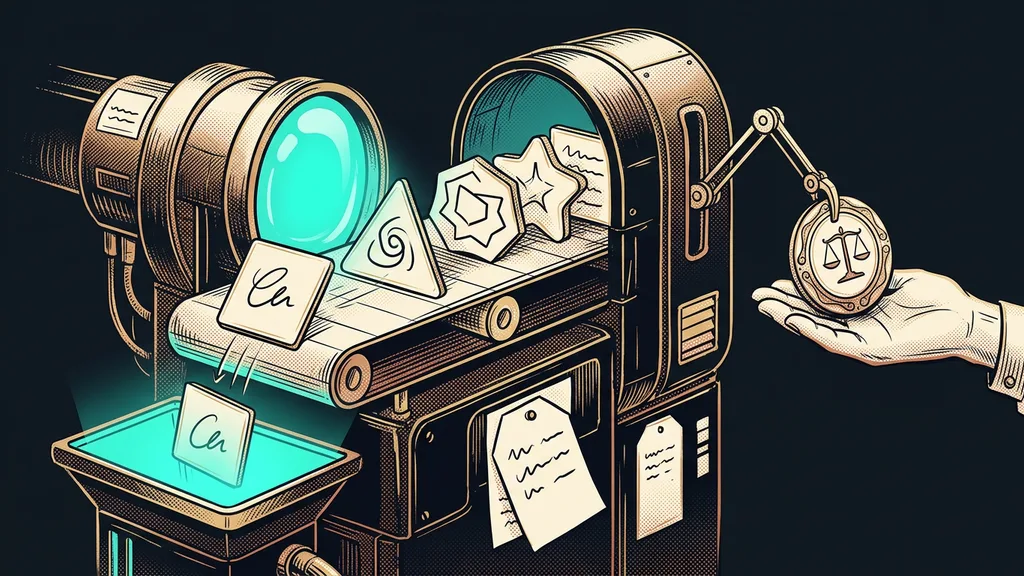
Every lesson ends up in one of three piles. Either it carries on unchanged, it gets rewritten along the way, or it doesn’t move at all.
The first pile is content that sells and that people watch. It moves over as is. The second is content where the topic holds but the recording is outdated or the product has changed. That gets rewritten once it’s in the new course library and community, not before the move. The third pile is whatever hasn’t sold in years and that nobody looks at.
That last pile doesn’t get deleted, though. It goes into an archive you can still get to, but that’s out of everyone’s way. For one client, 371 lessons ended up moving. For another, we’re now deciding on 82 topics, plus an archive that will stay off to the side.
Most decisions take just two questions: is anyone still watching it, and is it part of something that still sells? If both answers are no, you’re done, and there’s no point debating it for half an hour.
The bottleneck is at the destination, not the source
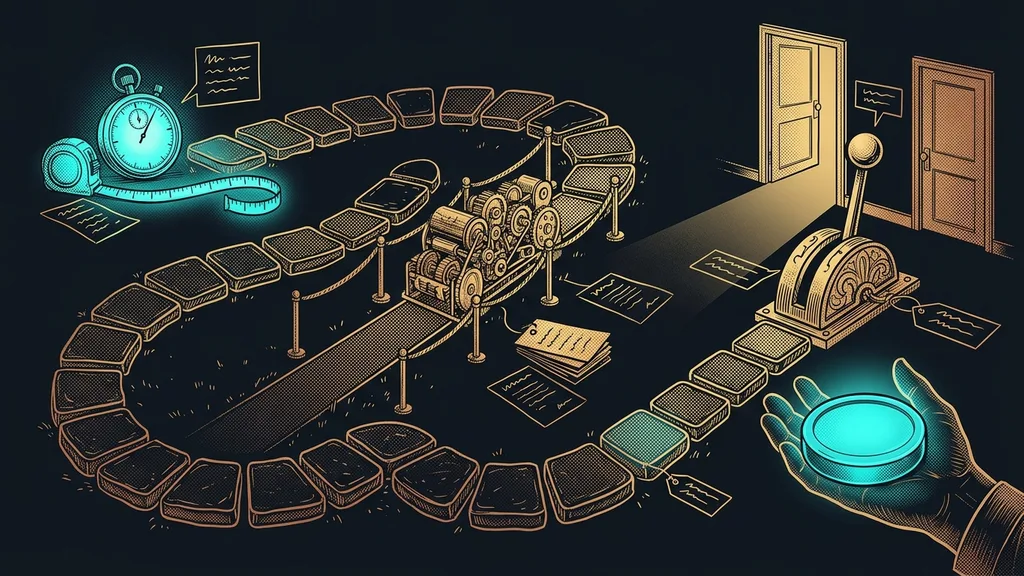
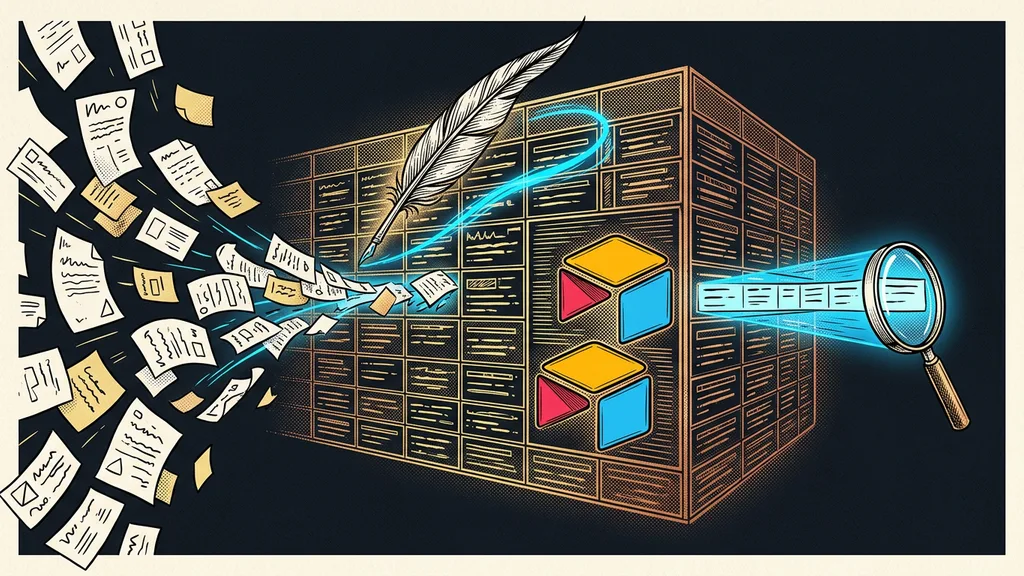
A migration almost never gets stuck because something can’t be pulled out of the old platform. It gets stuck a step later, when suddenly nothing can be found in the new environment. Three hundred lessons without categories and filters make a heap, not a library.
That’s why, in the new platform, you build the structure first and only then pour in the content: categories, tags, lesson order, search. It’s the same question a chatbot on a knowledge base has to deal with: the best content in the world is useless if nobody can get to it when they need it.
Naming convention
An agreement on how lessons are named before they’re created. The same title format, the same order of information, the same way of numbering parts. It looks like nitpicking until you have three hundred lessons and you’re looking for one in particular. Then it’s the difference between ten seconds and ten minutes.
One-minute self-test
Open your library and try to find a lesson on one specific topic within ten seconds, by what’s in it rather than when it was made. If you, the author of the content, can’t find it, your customer doesn’t stand a chance.
This work can be split, and that’s also the cheapest way to do it. I build the structure in the new platform, because that’s a craft and can be done in advance. Sorting the content, however, stays with the client. Only they know what still sells and what was only good back then.
What gets lost even when everything is moved
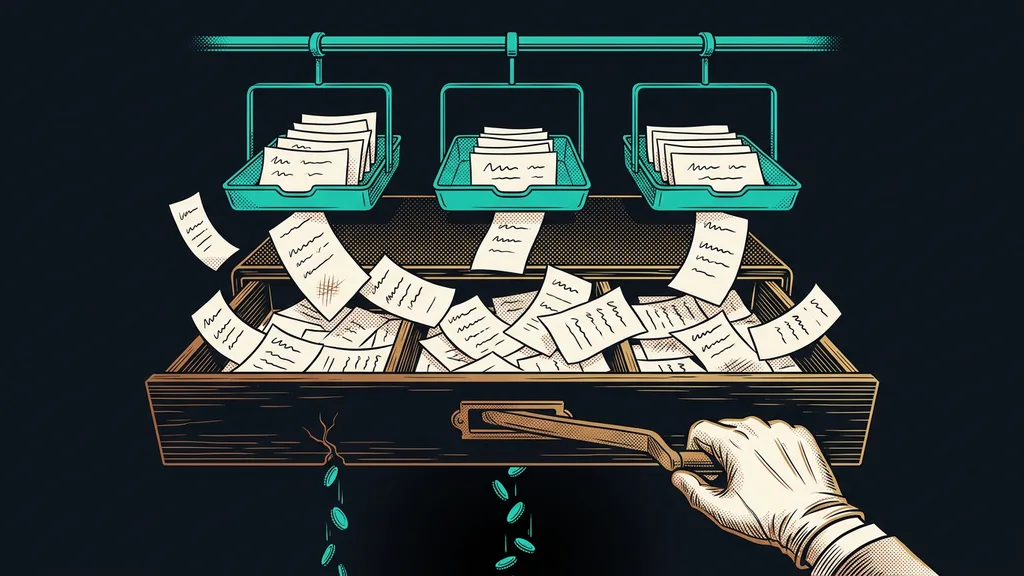
Three things almost always get lost in a migration, and it’s better to know that up front: students’ progress, the discussions under lessons, and links from outside that point to the old addresses.
Student progress can only be partly replaced, so it’s worth telling people in advance that they’ll need to find their place in the course again. Discussions usually don’t transfer, and it’s worth deciding whether you even want them back. Links, on the other hand, are fixable: the old addresses get redirected to the new ones, and nothing breaks for anyone. The same applies as with any migration to a new platform, where the biggest risk hides in the domain and the links, not in the data.
Who a migration isn’t worth it for
And when shouldn’t you take it on? If you have three lessons, one video, and a few customers, the move won’t pay for itself. The tipping point comes once the library grows faster than the old platform can handle, or when you need a community, payments, and sales pages in one place alongside your courses.
Moving isn’t worth it just because the new environment looks nicer, either. Looks are the cheapest reason there is, and on their own they can’t justify weeks of work. A good reason sounds different: the content can’t be maintained, people get lost in it, or you’re paying for three tools that one system could handle.
The whole migration in brief
- Go through the library piece by piece and sort it into content to move, to rewrite, and to archive.
- Build the structure in the new platform first: categories, tags, names, and search.
- Move only the first pile, and file it right away, not later.
- Redirect the old addresses to the new ones so links in emails and posts don’t break for people.
- Rewrite the second pile gradually, once you’re already up and running, and leave the archive off to the side.
After the inventory, you finally have an answer to “We probably don’t need this anymore,” and that’s the most valuable part of the whole migration. A new platform won’t fix anything on its own. What’s worth something is the order that comes into it along with the content.