← Blog

Claude Code 9 min read

Your website live in a minute, domain and email handled for you

No more waiting on developers or late nights in hosting dashboards. One sentence, and your page is live at its own address. I handle domain, DNS, and email.

CloudflareAstroClaude Code

Illustration for the article: Your website live in a minute, domain and email handled for you

What you’ll take away

When a website won’t go live, what holds you up is the boring shell around the page: domain, DNS, hosting, email. I’ll show you how to hand that whole layer to AI and keep only the decision about when the site goes live.

  • I’ll name the tax everyone pays who wants to keep their own website under control.
  • You’ll get a one-minute self-test.
  • You’ll see what deploying a website and a domain looks like when AI handles the boring technical layer and you’re left with only the decision about what goes live.
  • And you’ll learn when this is an unnecessary luxury and who’s perfectly fine with an off-the-shelf website builder.

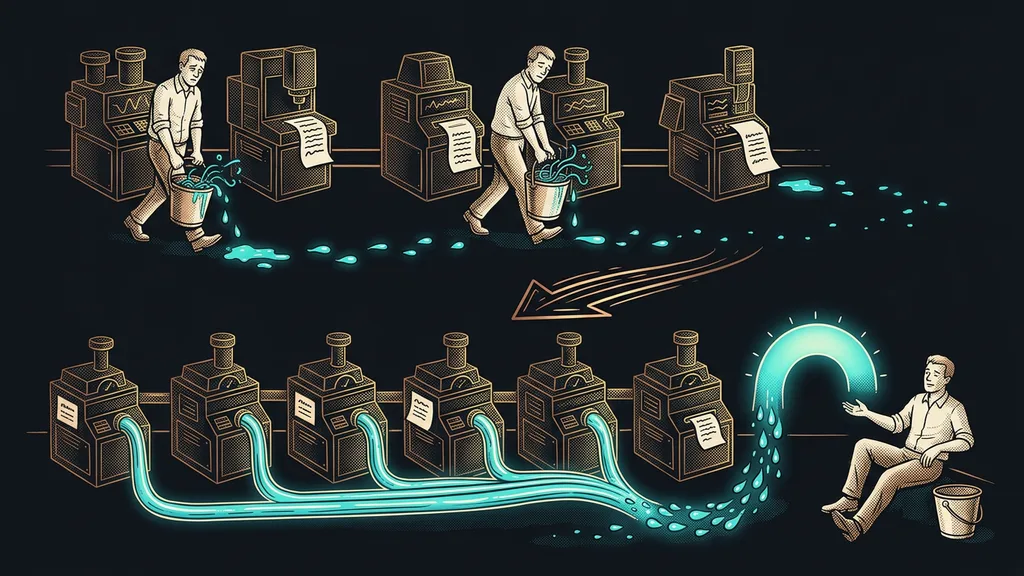
When a website won’t go live these days, the page itself is rarely to blame; you can come up with it and write it in an afternoon. What holds you up is the shell around it: the domain, DNS records, hosting, email authentication. Either a few days of back-and-forth with a tech person, or an evening in a dashboard where one wrong click takes down the company’s email. Yet today one prompt can handle that whole layer, leaving you only the decision about when the site goes live.
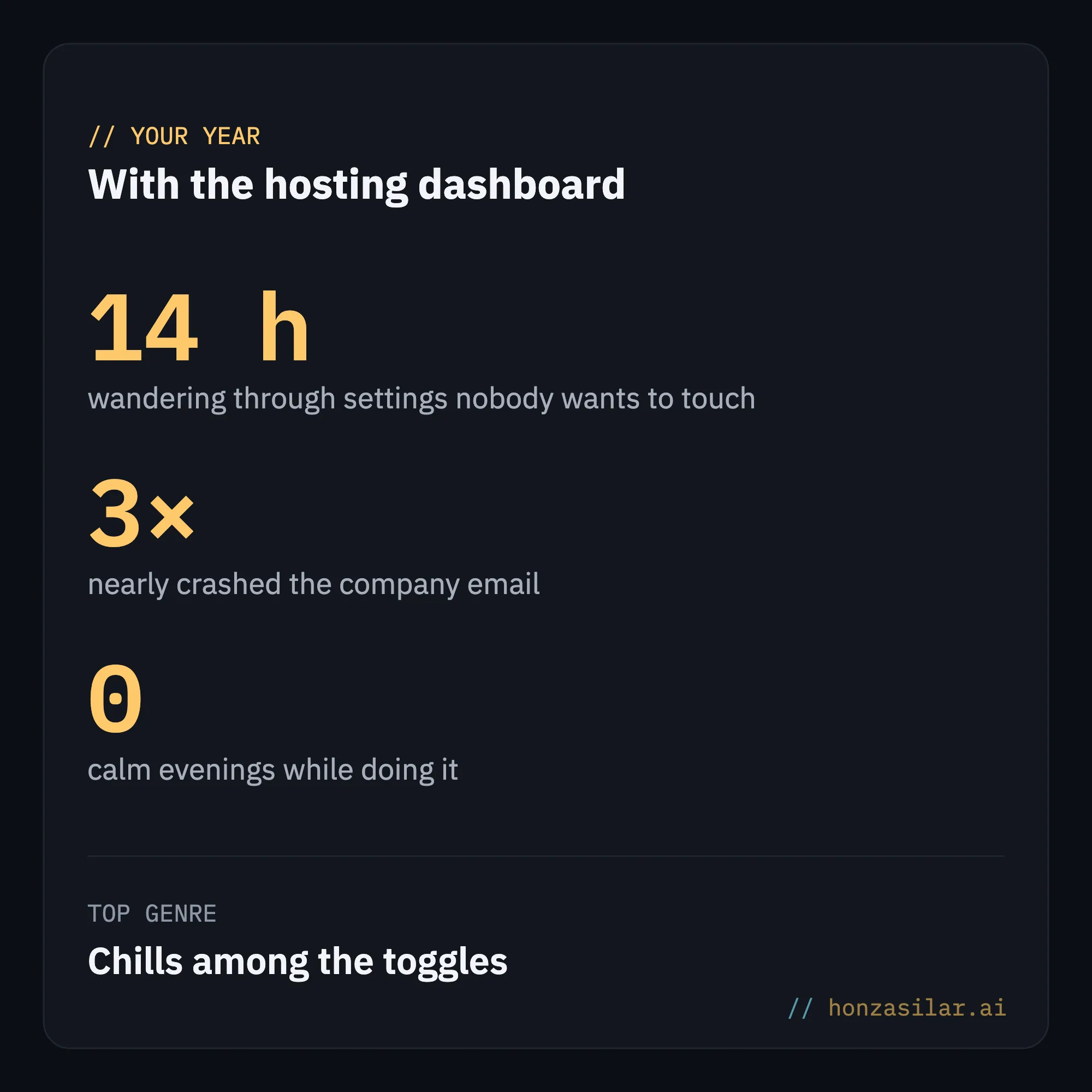
Meme styled as a year-in-review recap, “Your year with the hosting dashboard”: 14 h wandering through settings nobody wants to touch, 3× nearly crashed the company email, 0 calm evenings while doing it, and a top genre of “Chills among the toggles”: managing hosting by hand costs you time and peace of mind

For years, it was the same for me as for most people. A website used to be a project of two days of waiting and one sleepless night. I’d open the hosting dashboard, feel a chill among dozens of toggles, and close it again rather than risk one click stopping email for the whole company the next morning. I was a little afraid of every change to the website.

The shell around the website is what slows you down

The website isn’t the hard part. I’ve always enjoyed figuring out what a page should look like and what goes on it. What took my time and my peace of mind was the boring technical layer around it, which almost everyone hates: domains, DNS records, email authentication, those three acronyms that keep your messages out of spam. Work where something breaks easily and nobody wants to do it.
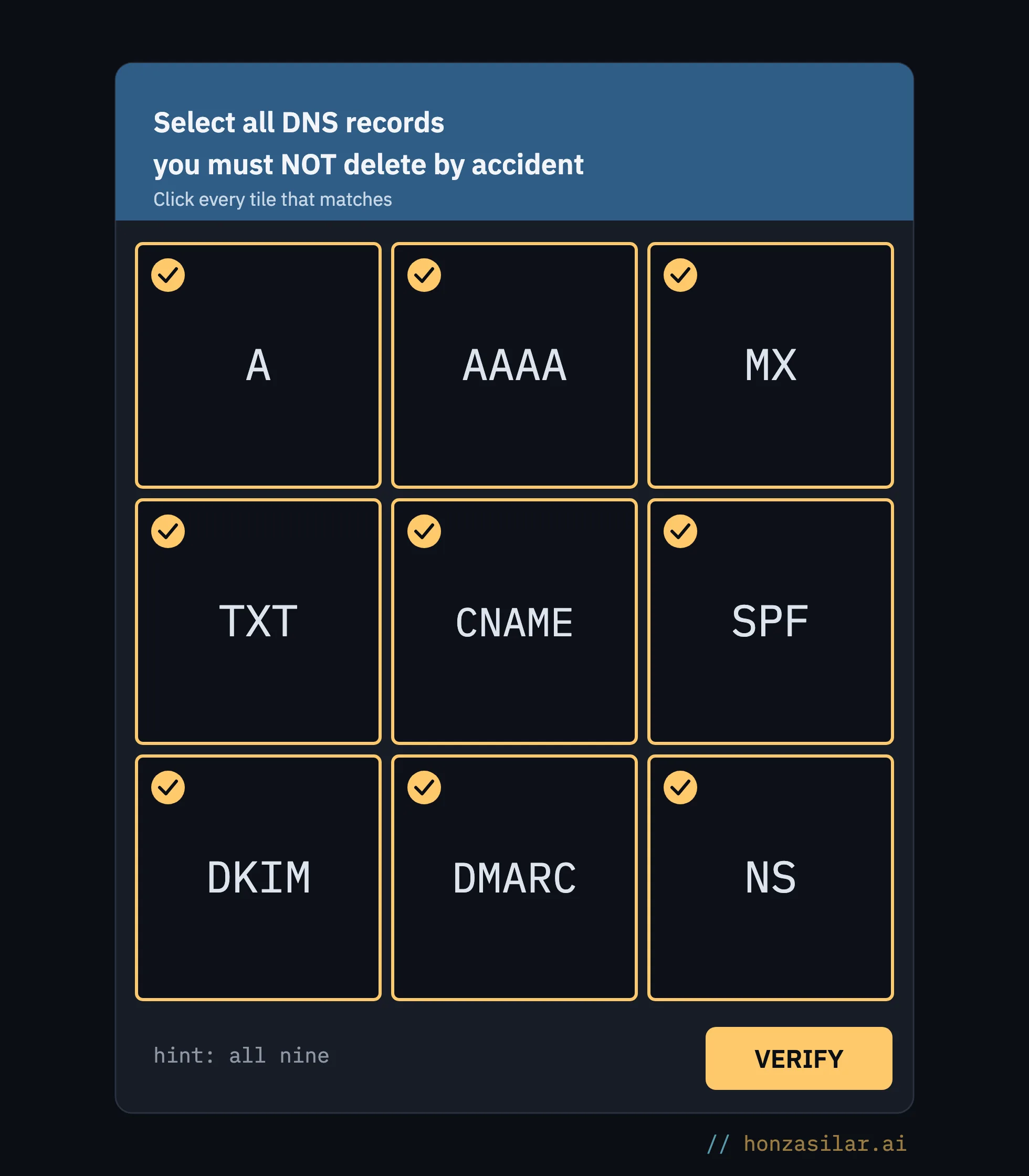
Meme styled as a CAPTCHA, “Select all DNS records you must NOT delete by accident”: all nine tiles are checked, A, AAAA, MX, TXT, CNAME, SPF, DKIM, DMARC, and NS, and at the bottom it says “hint: all nine”: in DNS, almost nothing can be deleted without consequences

DNS records

DNS is a kind of phone book for the internet: it tells the browser which server your domain lives on and where to send email. If you change something in it wrongly, the website stops loading or the company’s email goes down, and nothing warns you beforehand. That’s exactly why it scares people.

What held me back the most was always the thankless layer around the website, never the website itself.

One-minute self-test

When did you last wait on a tech person because of a DNS record or email? And how many times have you put off a change to your website just because you didn’t feel like opening the dashboard? That waiting and putting things off is the shell I’m talking about.

Website and domain on a single prompt

Trade offer meme: a smiling man in a suit and sunglasses spreads his arms, with “I receive: one sentence” on the left and “You receive: website + domain + DNS + email, done for you” on the right, and a browser window glowing above his palm: for one sentence, you get the whole technical layer around your website

These days I don’t deal with that shell. I build a website and send it to its live address with a single prompt: I say what I want in plain language, and a system built on Cloudflare takes care of the rest. I skip the FTP uploads and the wandering through settings. Before I’ve gotten my coffee, the new page is running on its own domain. And it checks for itself that it really loads.
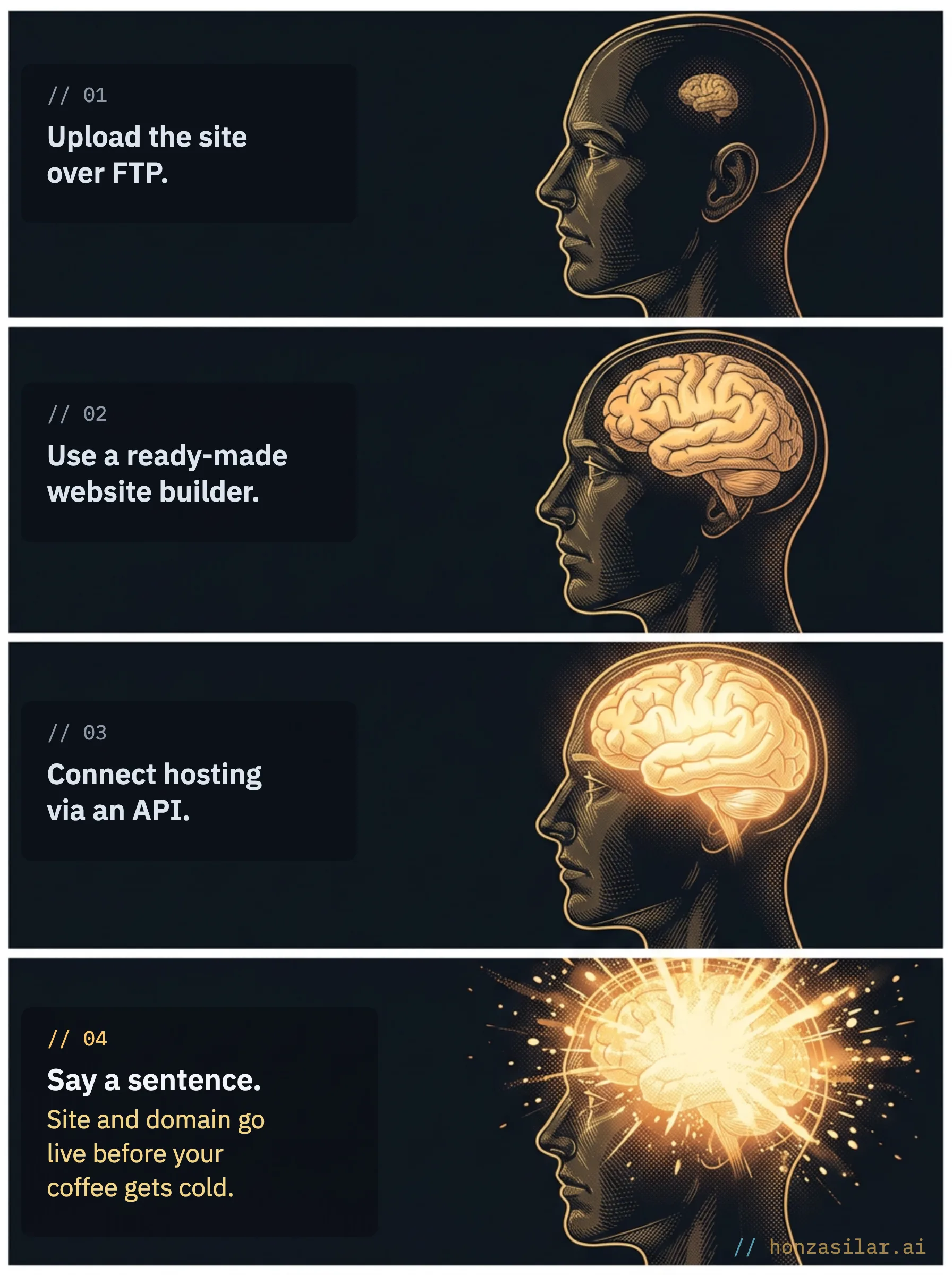
Expanding brain meme in four levels: “Upload the site over FTP.”, “Use a ready-made website builder.”, “Connect hosting via an API.”, and finally an exploding, glowing brain next to “Say a sentence. Site and domain go live before your coffee gets cold.”: the fastest way to a website on your own domain is one sentence

Take the “in a minute” as a picture of that calm rather than a measured time. The deployment itself really does take a few minutes. Writing the content and letting a new domain propagate across the internet takes a while, but that’s work I enjoy, not the kind I dreaded for years.

What changed most is how I think. For every change, I have a preview version built at its own address, so I see what the website will look like before I let it out. I can have as many as I want, and they cost nothing. When launching takes no effort, I stop minding throwing things away: I try three versions of the home page, delete two, and haven’t held anyone up. The live version goes out only when I say so.

A website change: before and now

Before

A few days of back-and-forth with a tech person over the domain and DNS
An evening in a dashboard where one click takes down the company’s email
You put off the website change so you don’t have to deal with it

Now

“Deploy it to the new domain.”
The site is live before I’ve gotten my coffee
Free previews, the live version only on your word
Two days of waiting and a sleepless night shrink to one sentence and the decision about when the site goes live.

And it doesn’t apply only to websites. I’ve handed the whole technical layer underneath them to AI; that’s how I manage twenty-four domains today. Redirecting a domain, changing a DNS record, setting up email authentication, or connecting an address to a new website: I say it in plain language, and it’s done. Emails then go out from the domain in your brand, not from some random address.

How many domains I manage in plain language

24 domains
managed with a sentence instead of clicking around a dashboard
Redirect a domain, change DNS, set up email authentication: I say it in a sentence, and it’s done. Figure as of July 2026.

Safe, even when AI holds the keys to everything
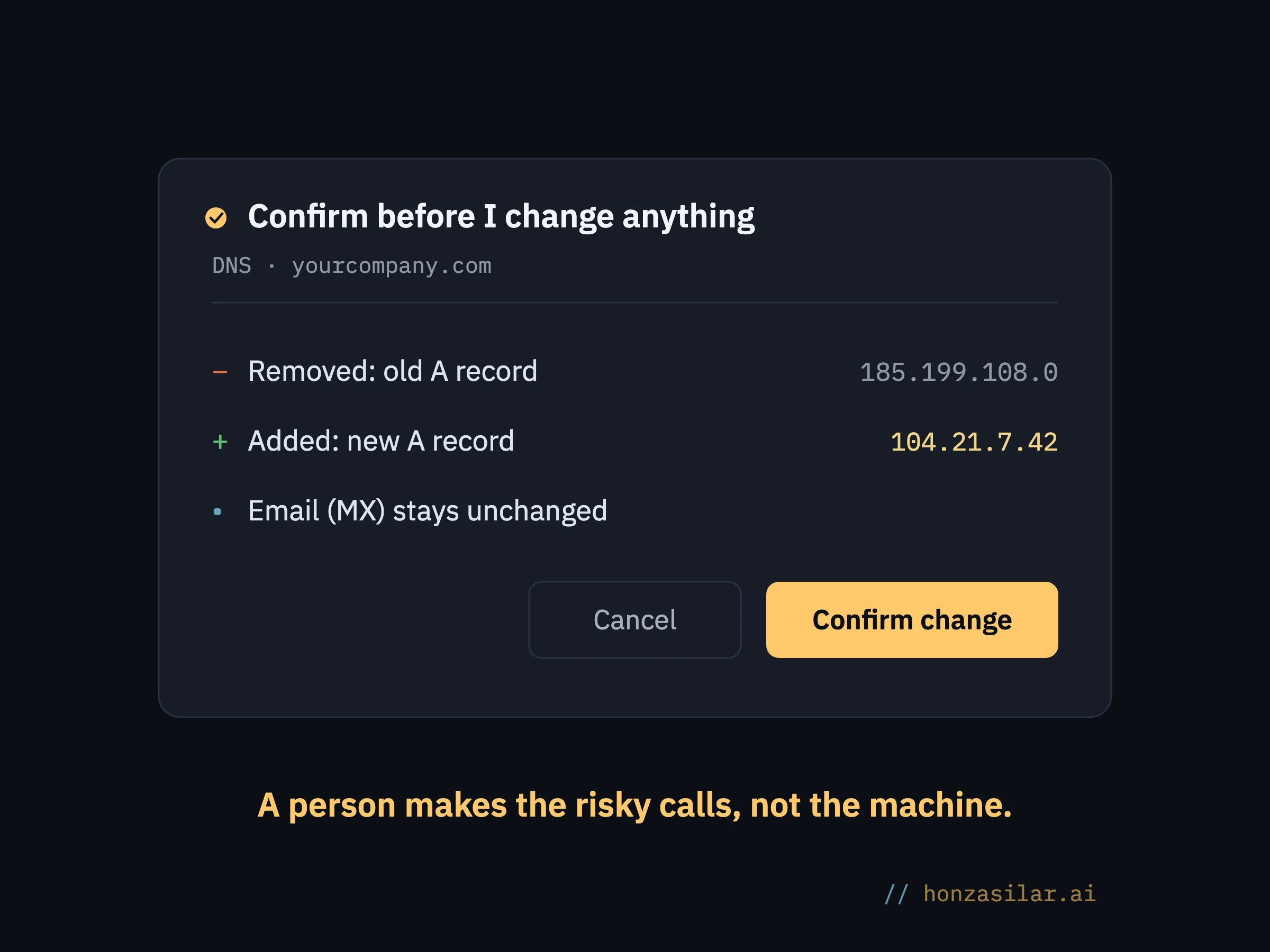
Meme styled as a confirmation dialog, “Confirm before I change anything,” for the DNS of yourcompany.com: the old A record 185.199.108.0 will be removed, a new A record 104.21.7.42 will be added, and email (MX) stays unchanged; at the bottom are Cancel and Confirm change buttons, and under the dialog it says “A person makes the risky calls, not the machine.”: before every risky change, the AI shows what will happen and waits for approval

This is almost always where the worry comes up: what if an AI with access to domains and email deletes something or puts a half-finished website online? The answer is simple: the AI never takes a risky step on its own. Before it deletes or changes anything, it first shows me exactly what will disappear and what will be added, and waits for confirmation.

Human in the loop

A way of building automation where the system prepares everything, but a person confirms the decisive step: deleting, publishing, sending. In practice, it’s the only difference between an automation you trust and one you’re afraid of.

Safeguard

Access credentials are kept separately, away from everyday work, and the system reaches for them only when it really needs them. It releases the live version only on my explicit word, and it waits for confirmation on risky steps. After deployment, it also checks for itself that the website is running and responding as it should.
Three fears when you give AI the keys to your domains

The AI will delete my domain or put a half-finished website online.
It doesn’t take risky steps on its own: it first shows what will disappear and what will be added, and waits for confirmation.
It will have the keys to everything.
Access credentials are kept separately, and the system reaches for them only when it really needs them.
The live version will go out before I know it.
It goes out only on your explicit word. Until then, it’s all just previews.
For risky steps, a person decides, not the machine. This is what makes the difference.

Who this isn’t worth it for

Straight up: if you just need to build a website once in an off-the-shelf builder and not touch it for years, you don’t need this. It makes sense once you change your website and domains often or manage several of them; there, every manual step in a dashboard is one more place where something can slip through the cracks. If you deal with one page once a year, a regular tool will do, and that’s exactly right.

Who deploying by prompt pays off for

Worth it

  • You change your website and domains often
  • You manage several at once
  • You want to try versions and throw them away without regret

Not worth it

  • You build a website once and don’t touch it for years
  • You deal with one page once a year, and an off-the-shelf builder is enough
The more websites and domains you juggle, the sooner handing off the boring layer pays off.

The whole system in a nutshell

  1. I prepare the website and its content and say in plain language what the system should do.
  2. The system deploys the page to its live address and connects the domain.
  3. AI handles DNS, email authentication, and domain verification for me.
  4. For every risky step, it first shows me what will change and waits for confirmation.
  5. After deployment, it checks for itself that the website is running and responding as it should.
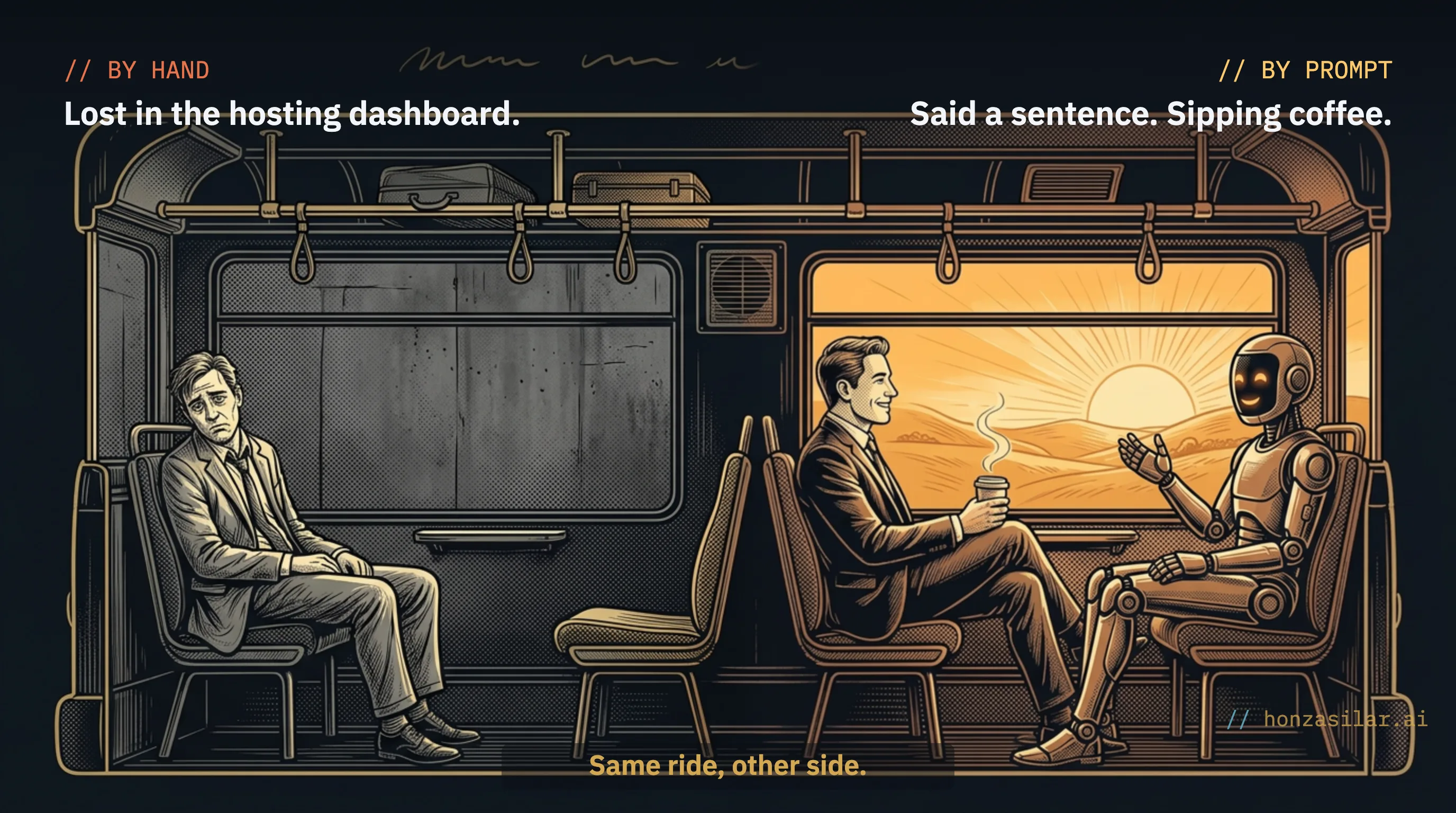
Meme in a train car split into two halves: on the left, in a gray compartment, a dejected man sits under the caption “By hand: Lost in the hosting dashboard.”; on the right, in a sunlit compartment, a smiling man with a coffee sits across from a cheerful AI agent under “By prompt: Said a sentence. Sipping coffee.”; at the bottom, “Same ride, other side.”: AI handles the boring technical layer for you, and you keep your peace of mind

And that coffee from earlier? The best part, even though you really do feel the speed, is the calm. For me, a website has gone from a project of two days of waiting and a sleepless night to a decision made before the coffee gets cold. The boring shell around the website is still there. It’s just handled by someone who isn’t afraid of it.

FAQ

What does it mean to deploy a website with a prompt?

It means you don’t have to upload the site to hosting by hand and click through settings. You say what you want in plain language, and an AI connected to Cloudflare builds the page, sends it to the live address, and connects the domain and email. You’re left with only the decision about when it goes live.

Is the website really live in a minute?

The deployment itself really does take minutes: the system publishes the page faster than I can go get a coffee. Writing the content and letting a new domain propagate across the internet takes a while, though. The minute is more a picture of that calm than a measured performance.

What if the AI deletes or breaks my domain?

Before it deletes or changes anything, it first shows me exactly what will disappear and what will be added, and waits for confirmation. For risky steps, there’s always a human in the loop: a person decides, not the machine. The access credentials are kept separately, and the system reaches for them only when it really needs them.

Does this only work with Cloudflare?

My whole system runs on Cloudflare and Claude Code because I trust them. But the principle carries over to any hosting you can control through an API. The point is handing the boring technical layer to AI, whatever the specific tool.

Who isn’t this worth it for?

Anyone who just needs to build a website once in an off-the-shelf builder and not touch it for years. This approach pays off when you change your website and domains often or manage several of them. If you deal with one page once a year, a regular tool will do.

Want something like this?

I built this system to order, and I can build one for you too. Tell me what caught your eye.

Keep reading

Looking for something specific?

Describe what you’re dealing with in one sentence, and I’ll find the articles that help.