Claude Cowork, chat, and Claude Code are three modes of the same Claude. In the app, you get them under one subscription (for some people, chat and Cowork have already merged into a single conversation), but the app itself doesn’t tell you which one to use for what. The wrong choice costs you time and usage. Either you’re manually copying results out of chat that Cowork would have finished on its own, or you’re burning through your limit in Claude Code over two sentences.
I work with Claude every day, often in several windows at once, and I set it up for clients on their own computers. The mode is worth choosing first, because it determines your plan, your installation, and what Claude is allowed to touch. If you’re still torn between Claude and ChatGPT, you’ll find the answer in my comparison of the two. Here, you already have Claude and you’re figuring out which of its windows to open.
One Claude, three ways of working
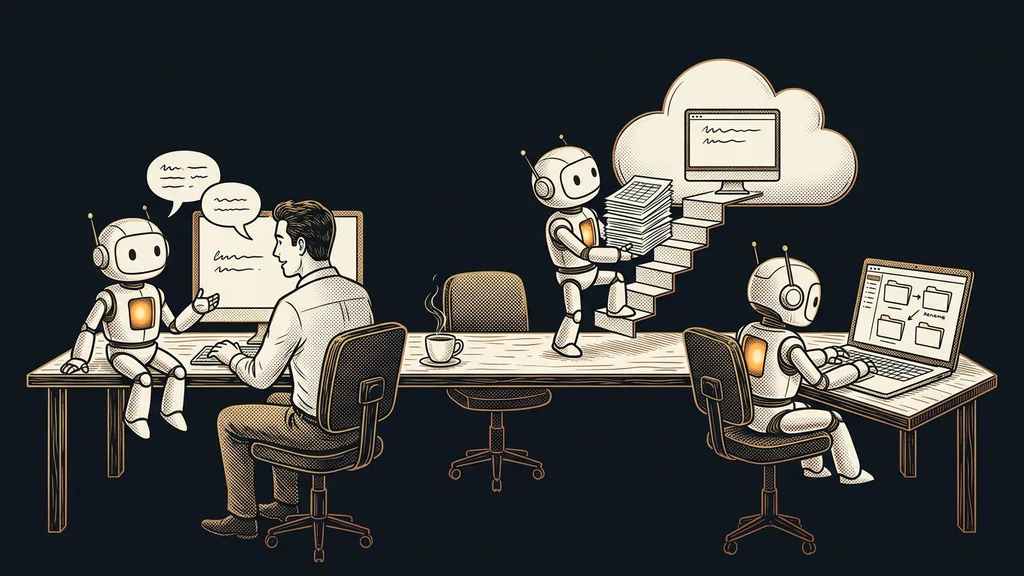
The same Claude works in all three modes. What differs is the harness around the model: where the work runs, what Claude is allowed to touch, and whether you have to sit there while it works.
Chat is for a conversation you sit through. Cowork is for a task you can walk away from. Claude Code is for work with files and programs on your computer.
| Mode | Where you open it | Plan as of October 11, 2026 | What work it’s for |
|---|---|---|---|
| Chat | claude.ai on the web, desktop app, mobile | the Free plan too | conversation, text, quick questions |
| Cowork | desktop app, web, mobile | paid, from Pro | a task you hand over in full |
| Claude Code | Code tab in the desktop app, terminal, web | paid, from Pro | files, programs, and web projects on your computer |
The paid modes start with the Pro plan at $20 a month. Billed annually, it comes to $17 a month (Anthropic’s US pricing as of October 11, 2026, excluding tax).
Claude Cowork
The mode of Claude that finishes a task on its own from a description of the result, even if you walk away in the meantime. It’s built on the same foundation as Claude Code, just without the terminal (the black window where you type commands). Anthropic released it in January 2026 as a preview.
Chat: for a conversation you want to be part of
Chat fits anywhere you fine-tune the result as you go: you write, Claude replies, and you respond. It’s the only mode that also works on the free plan.
You’ll find it on the web at claude.ai, in the desktop app (macOS, Windows, and Linux, which is still in beta), and on iOS or Android phones. According to the pricing page as of October 11, 2026, even the free version can search the web, create files, and remember things between conversations. If you’re coming from ChatGPT, you don’t have to start from scratch, because your ChatGPT memory can be transferred.
Example task: you paste in an email from an unhappy customer and work through the reply with Claude sentence by sentence until the tone is right.
Cowork: for a task you hand off and walk away from
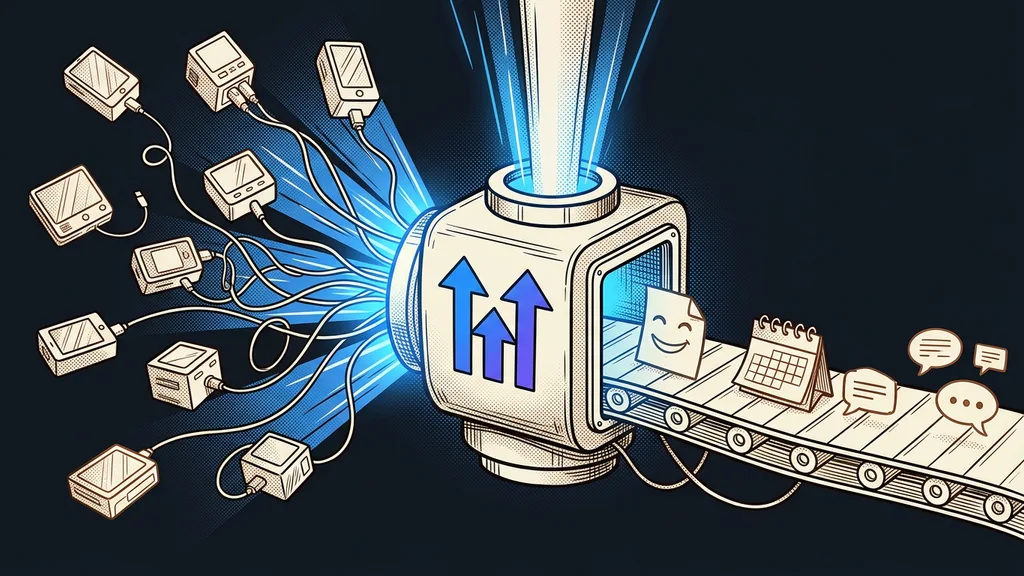
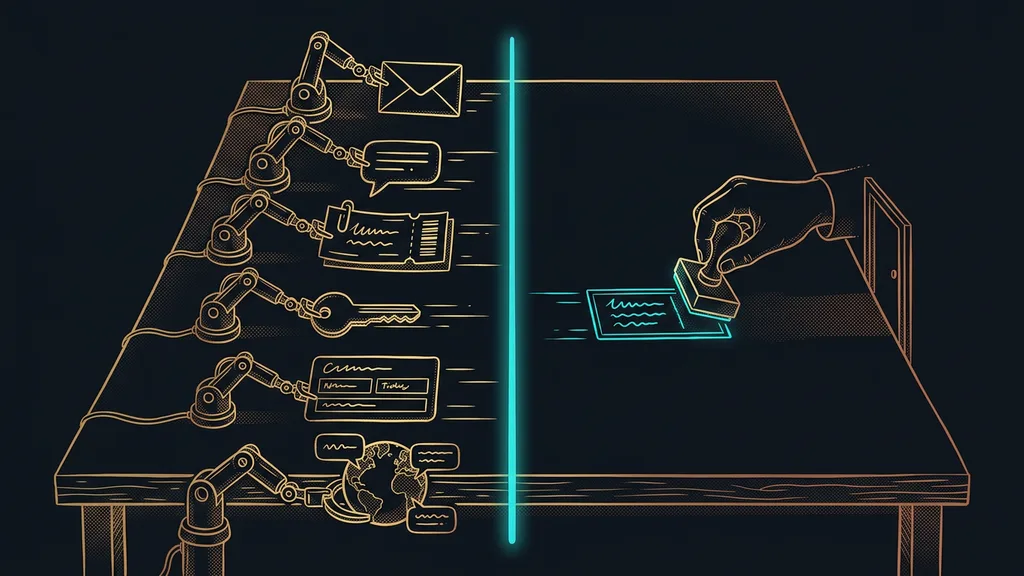
Cowork takes over the whole task. You describe what should come out, and you come back to a finished file. According to Anthropic’s help center, it can read folders on your computer and hand back an Excel spreadsheet with working formulas, a PowerPoint presentation, or a finished document. It can handle the web too: open a page, click, and fill in a form.
Example task: “Go through the folder with September’s invoices and put together an Excel spreadsheet with the total for each customer.”
Since October 6, 2026, new Cowork tasks on the Pro and Max plans run in the cloud, meaning on Anthropic’s servers. The work continues even if you close your laptop. But Claude can only read folders on your computer through the open desktop app.
Some Pro and Max users no longer see the Chat and Cowork toggle in the message box. Anthropic is gradually merging the two into a single conversation, and everything that only Cowork could do before now works from any conversation. You can’t switch back. How you describe the task still matters, though. For Claude to finish it on its own, it pays to brief it with a goal: a description of what done looks like.
Before you leave your desk
In the message box, you choose how much Claude may do without you. The default, Manual, means it asks before every action. In Auto mode, it works without asking, and safety checks review each action beforehand. For the first few weeks, I recommend staying on Manual and switching to Auto only for a task you’ve seen run through well.
Claude Code: for work that should run on your machine
Claude Code is built on the same foundation as Cowork, but it’s designed for working with files and programs. It reads what’s in your folders, edits files, and runs commands. When you launch it in the desktop app or the terminal, it’s the only one of the three that works directly on your computer. The model itself still answers from Anthropic’s servers, though, so whatever Claude reads from your files gets sent there.
In the Claude desktop app, you’ll find it on the Code tab, and according to Anthropic’s documentation, you don’t need to install it separately. It also runs in the terminal, in developer tools, and on the web. And you don’t need to know how to code, as I explain in my first steps guide.
Example task: “Rename the product photos in this folder using the codes from the spreadsheet and resize them for the web.”
Anthropic’s help center itself mentions one trap. If you have an API key (developer access billed by usage) set up on your computer from before, Claude Code will use it instead of your subscription. You’ll then be billed separately for the work.
The five-hour window
Usage limits on paid plans have two windows: one resets every five hours, the other once a week. Chat, Cowork, and Claude Code all draw from them together, so a long task in one mode eats into the others too. You can see how much you have left under Settings › Usage.
When to skip each mode
A costly mistake is sending small jobs to Claude Code or Cowork. According to Anthropic’s help center, longer tasks that search the web, run code, or create files use up more of your limit than a quick question.
That’s why, after installing, I recommend checking the toggle that sets several agents loose on one task at once (multiple Claudes working in parallel). It burns through your limit faster than you’d expect.
- Chat isn’t the place for repetitive work with files. Cowork will finish that kind of work for you on its own.
- Cowork is the wrong pick when a task should run only on your computer. For that kind of work, Anthropic’s help center recommends Claude Code in the desktop app.
- Claude Code isn’t for a quick question or a single email. Chat will handle it, and you keep your limit.
If you rewrite an email with Claude once a week, you don’t need Cowork or Claude Code. Chat is enough, even on the free plan. One of my clients experienced the opposite: she was making dozens of short videos in Claude Code. On the cheapest paid plan, she hit the limit and moved up to a higher one.
Choosing a mode in a nutshell
- For conversation, text, and quick questions, open chat, even on the free plan.
- Give a task you want to walk away from to Cowork, described as the finished result.
- Give work with files and programs that should run on your machine to Claude Code.
- Start on Manual, and check the toggles that launch multiple agents.
- All three modes share one limit, so keep an eye on it in Settings › Usage.
So chat, Cowork, and the Code tab stop being a puzzle. Before any job, two questions are enough: do you want to be there while it runs, and should it stay on your computer? If you’d like to work through the choice on your own work, I’ll help you with it during a 1:1 Claude setup on your computer. You can take the first step yourself today. Pick a task that held you up this week, describe to Claude what it should look like when it’s done, and walk away from your desk.