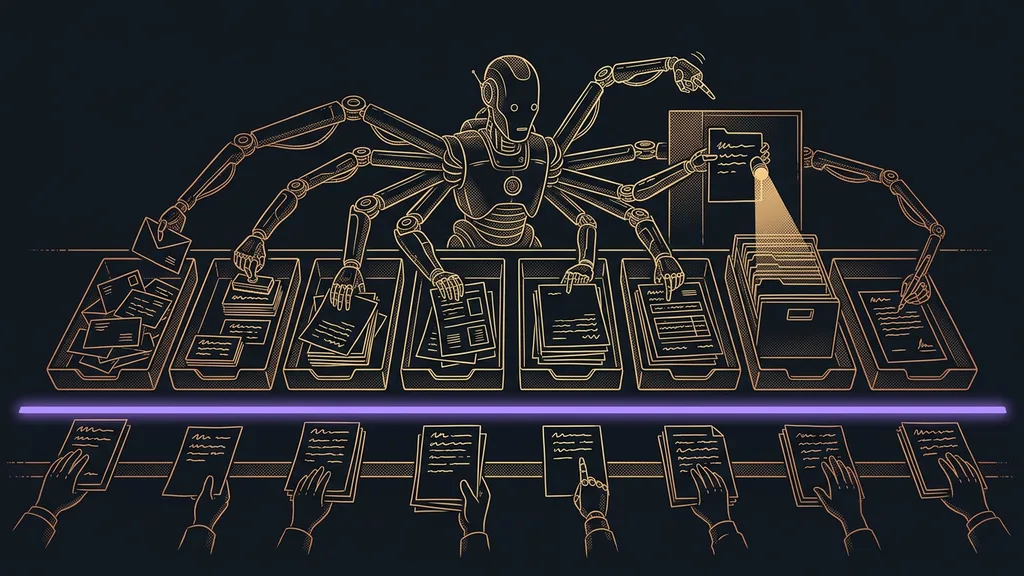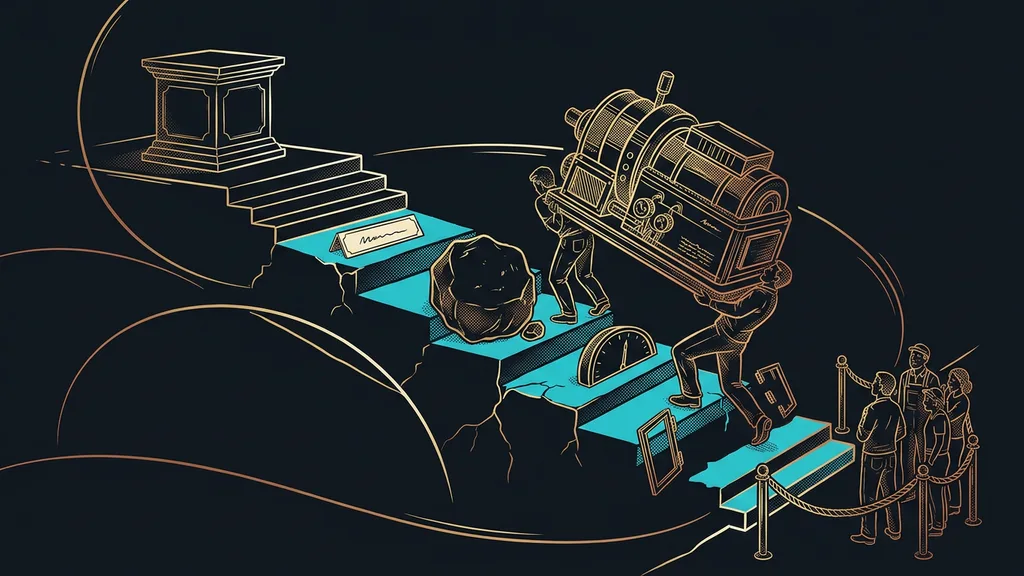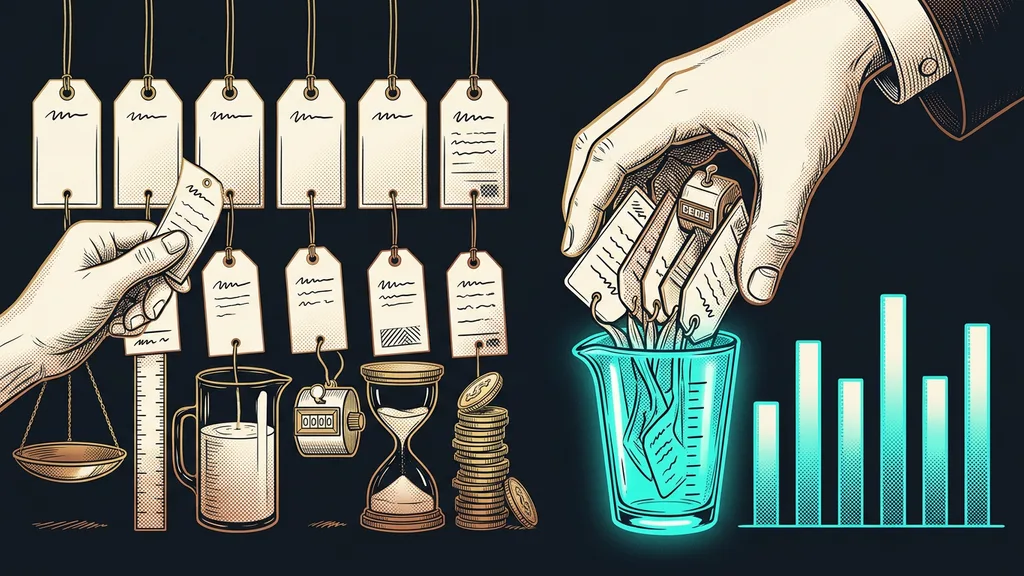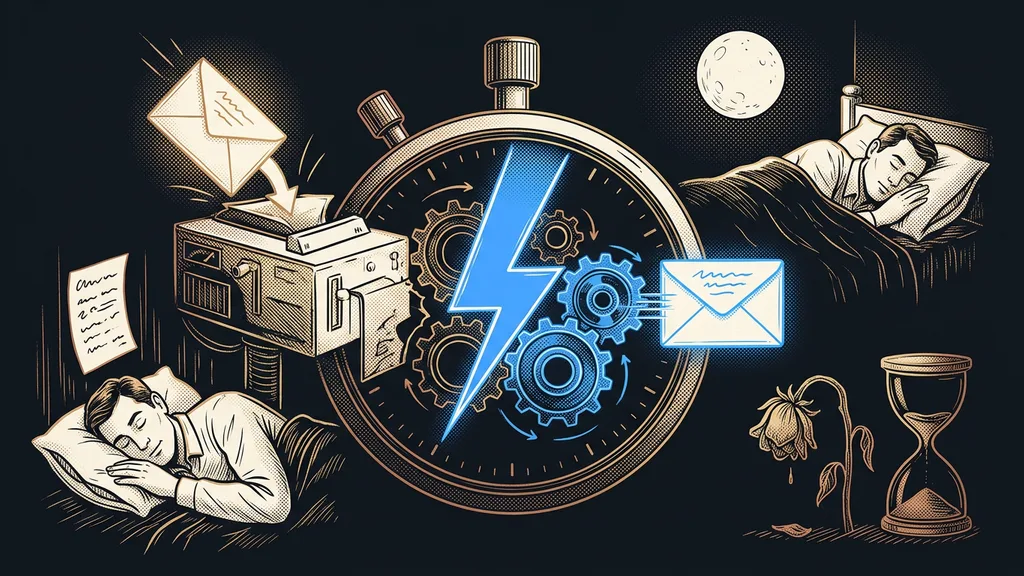
In small businesses, a deal is often decided before you even notice it exists. It happens in the few minutes after someone submits a form, rather than on your website or in your price list. That’s when the prospect is most interested and also most impatient. Whoever gets back to them first usually closes the deal. Whoever replies three hours later is often talking to someone who has changed their mind in the meantime.
It’s Friday, 9:30 p.m. Someone has just read through the pricing on your website, hesitated for a moment, and sent an inquiry. You have no idea. Dinner is on the table, your phone is charging in the hallway, and work email won’t get opened until Monday. First thing that morning, you reply. But all you get back is one sentence: “Hi, thanks, but we’ve gone with someone else in the meantime.”
I see this scene at businesses over and over. I set up GoHighLevel for clients every day, and almost every engagement starts with the same discovery: the business pays for a website, ads, and content, but the inquiries they bring in wait hours, sometimes whole days, for a reply.
Whoever replies first makes the sale
A prospect is at their most interested at the exact moment they submit the form. They’re solving their problem right now, their browser is open, and they’re almost certainly not writing only to you. Whoever gets back to them first talks to them first, and often is the only one who does. Call three hours later, and instead of a hot lead you reach someone who has booked a meeting with your competitor in the meantime.
Speed to lead
The time between a prospect sending an inquiry and your first reply. It matters more than it seems: a prospect is hottest in the minute they hit send, and with every hour after that they cool off and look around elsewhere. You don’t have to become faster through sheer discipline. You just need a reply ready before your competitor can send theirs.
“We reply by the next business day. That’s a decent pace, isn’t it?”
I hear this from clients a lot, and I understand it. Back when inquiries came by mail, that would have been a decent pace. But today’s prospect compares your reply with the company that got back to them before they could close their laptop, not with the mail. An inquiry you answer three hours later isn’t late. It’s dead.
The leak nobody reports
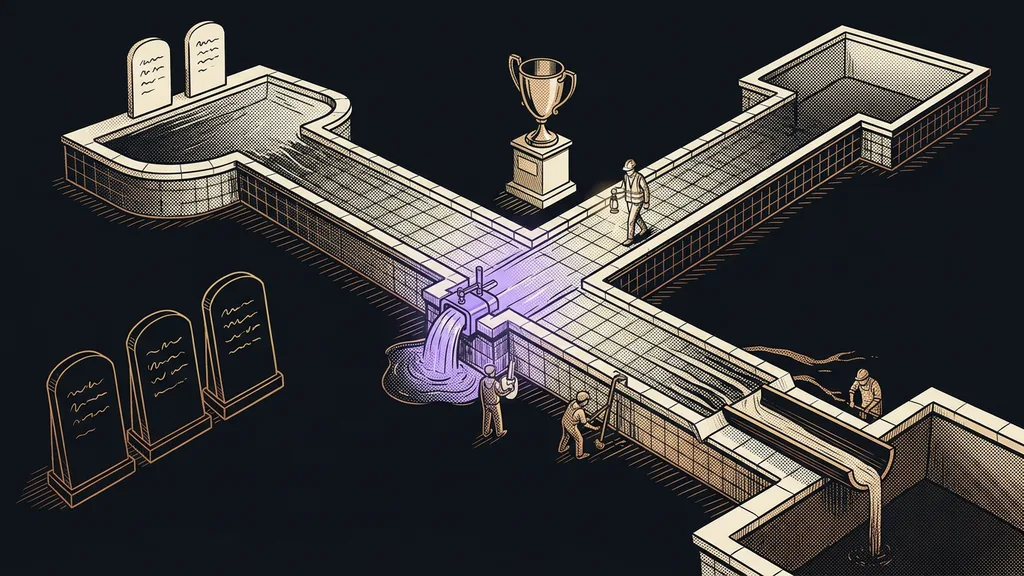
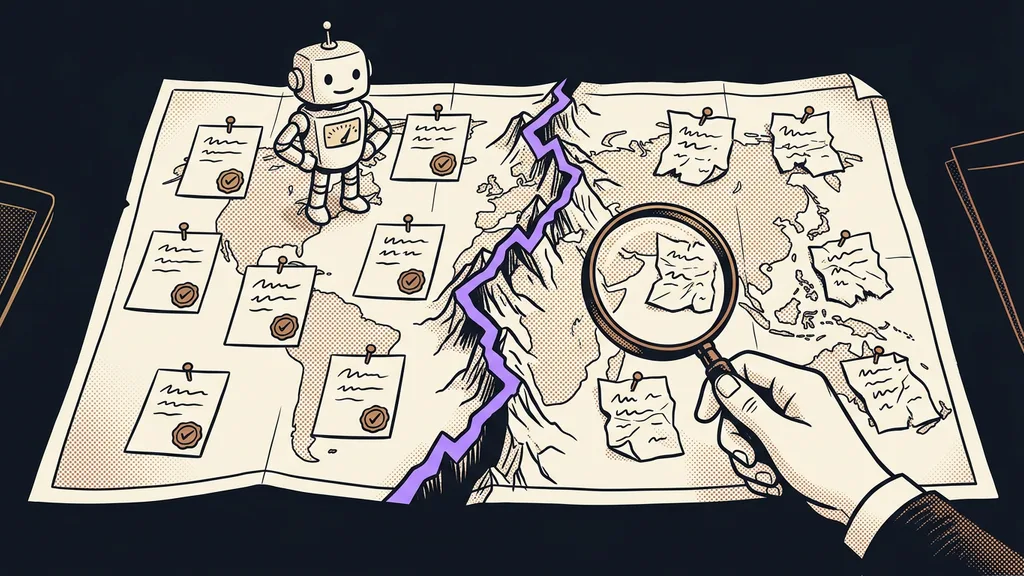
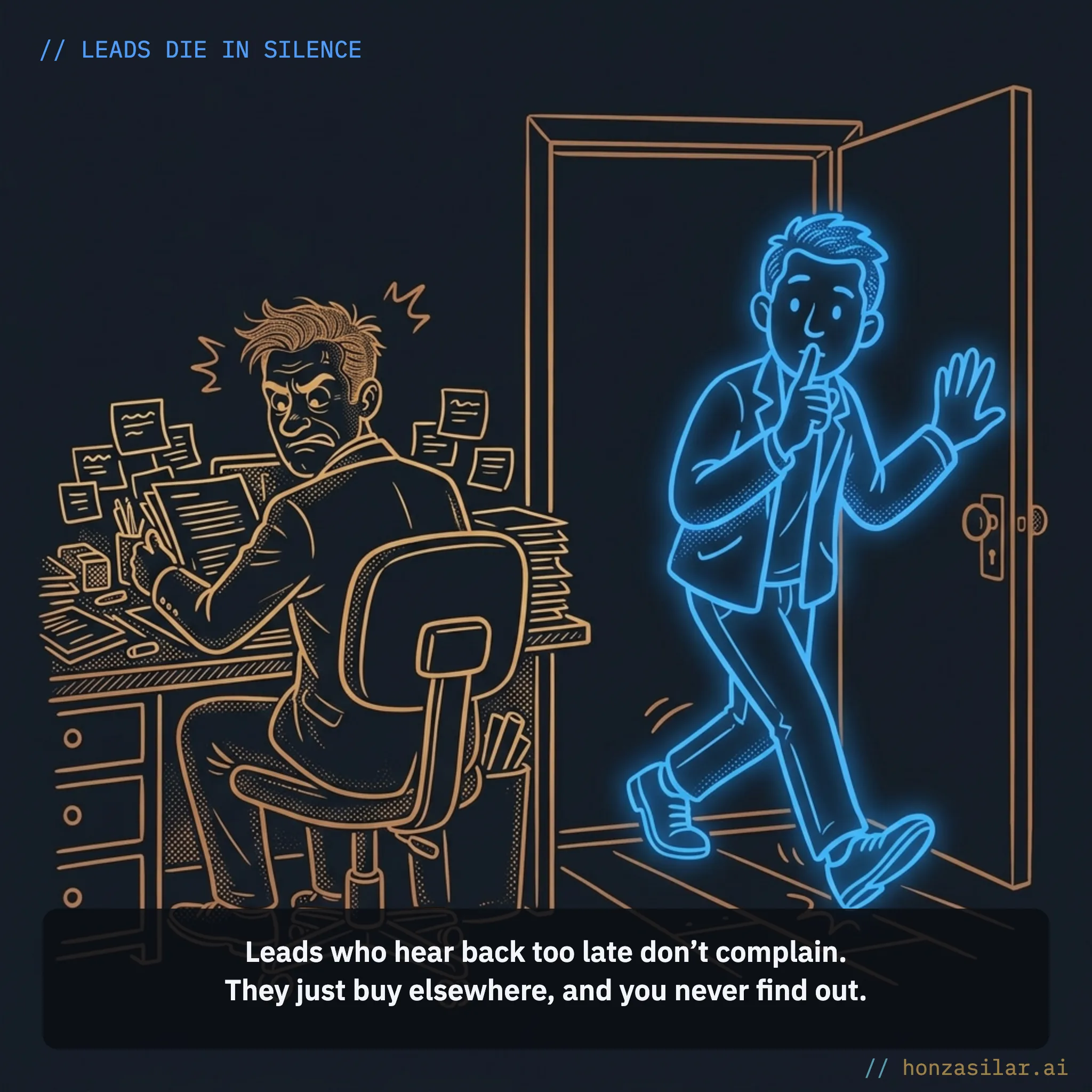
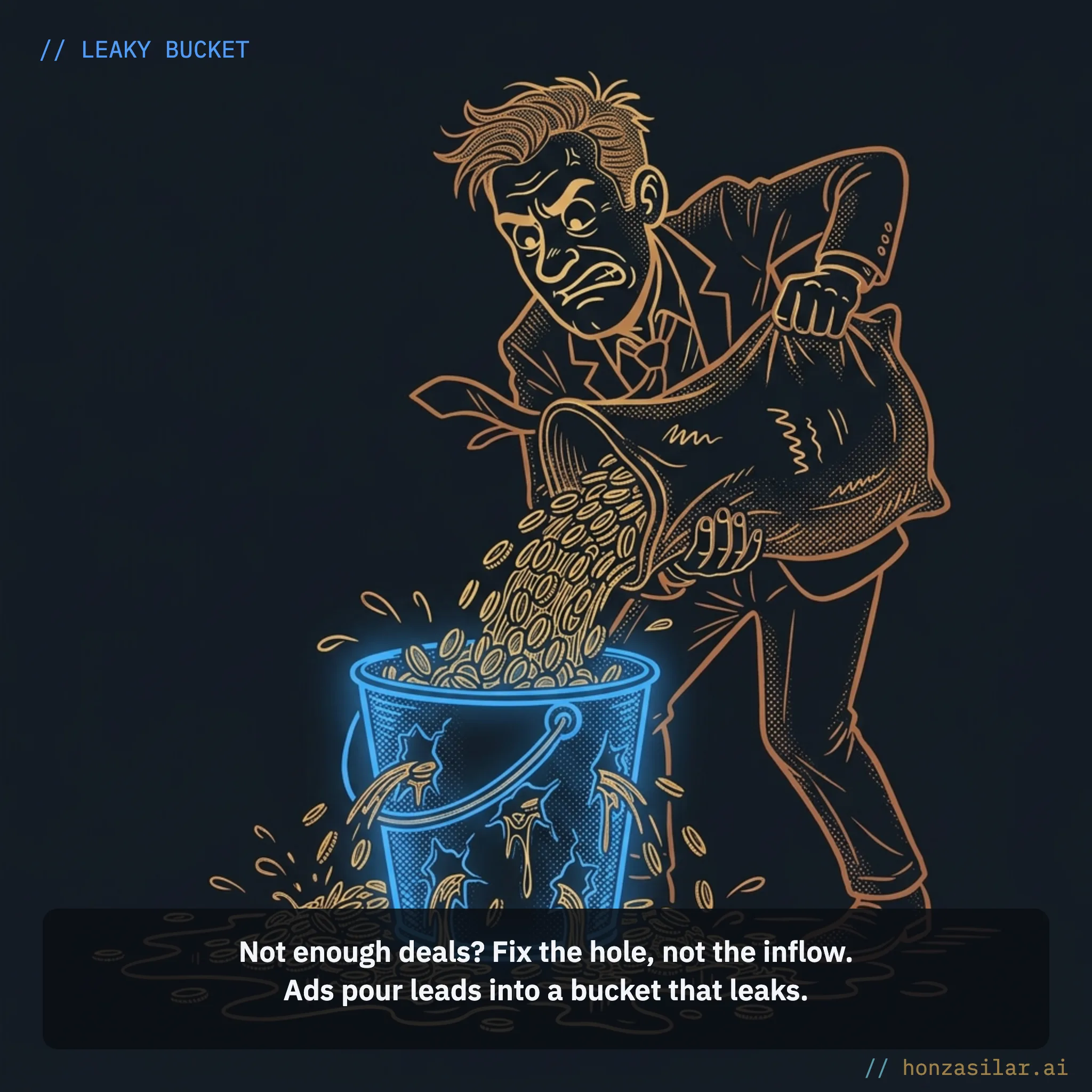
The most treacherous part is the silence. A customer you replied to late won’t come to complain. They just buy elsewhere, and you never find out. In your numbers, all you see is “not enough deals,” and you reach for the one obvious fix: you pour more money into ads. But the leak is in the bucket, not in the inflow. Every paid website visit is decided in those few minutes after someone submits the form.
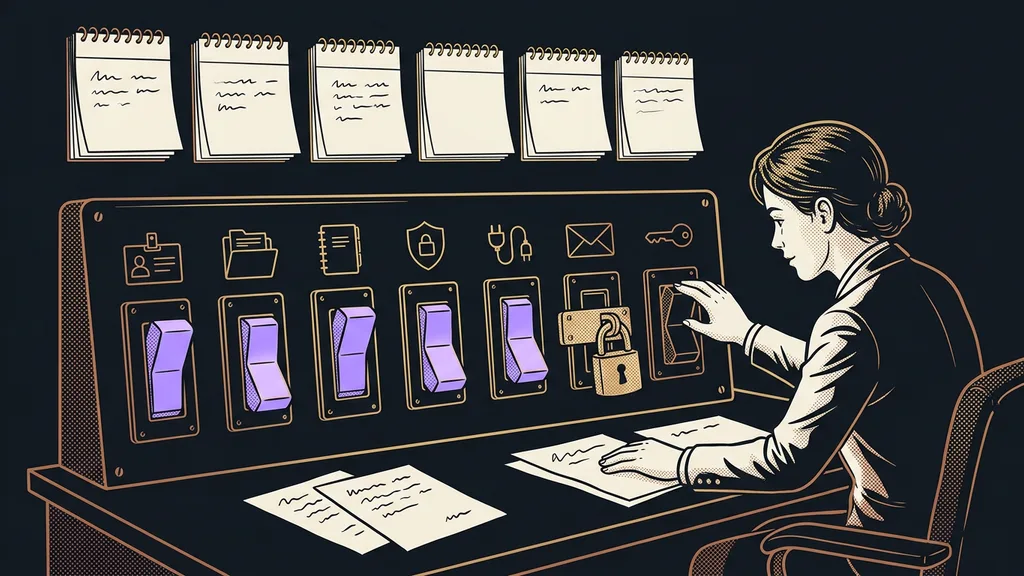
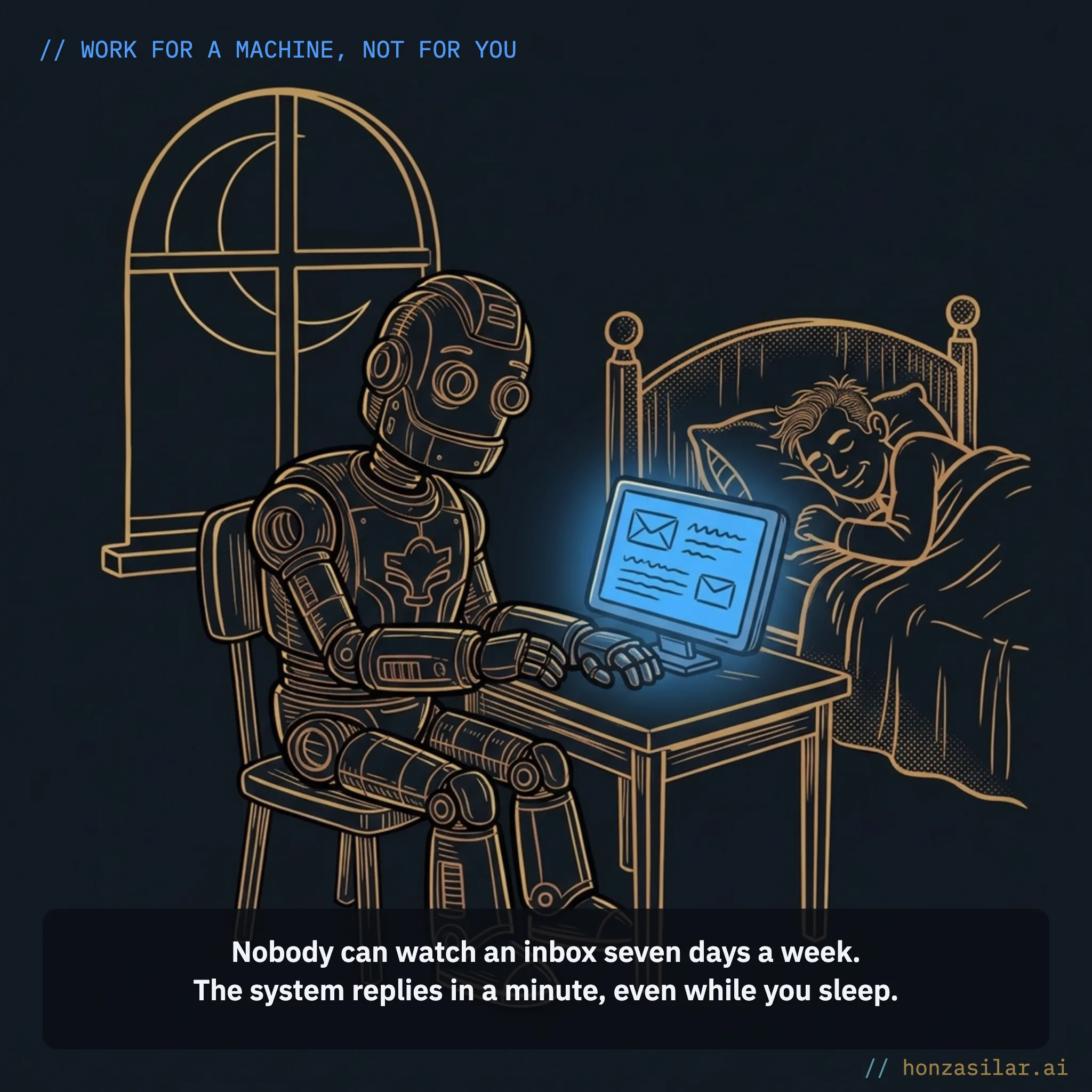
And you can’t keep track of this by hand. Nobody can watch an inbox seven days a week, take every call, and remember who to check back with in three days. This is a job for a machine, and no amount of discipline changes that.
One-minute self-test
Take your last ten inquiries and go through them: how long did each prospect wait for a first reply, and how many of them picked someone else in the meantime? The first number is your speed to lead. The second is the price you pay for it.
Three sentences that cost you deals
Four automations that keep a lead alive
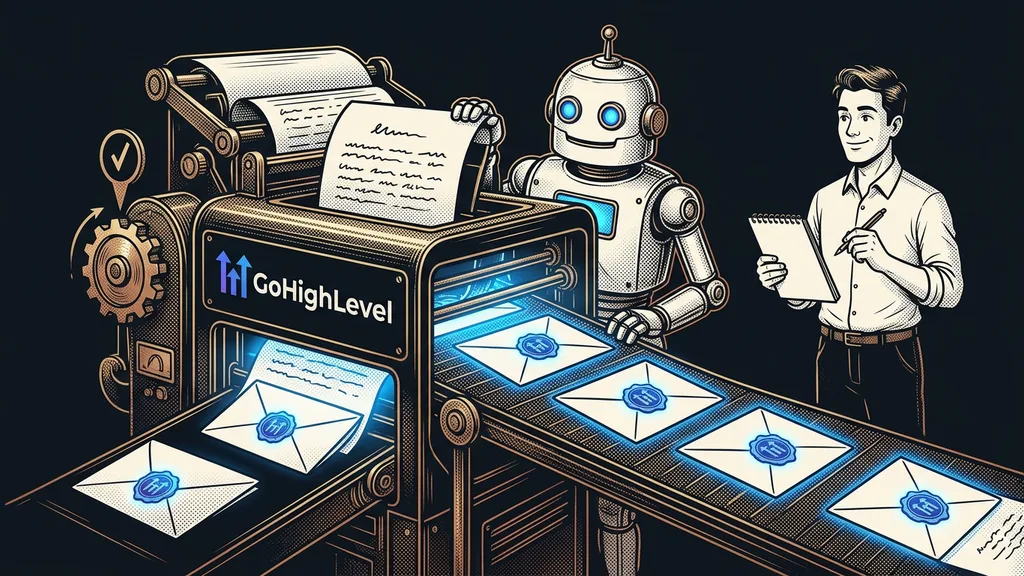
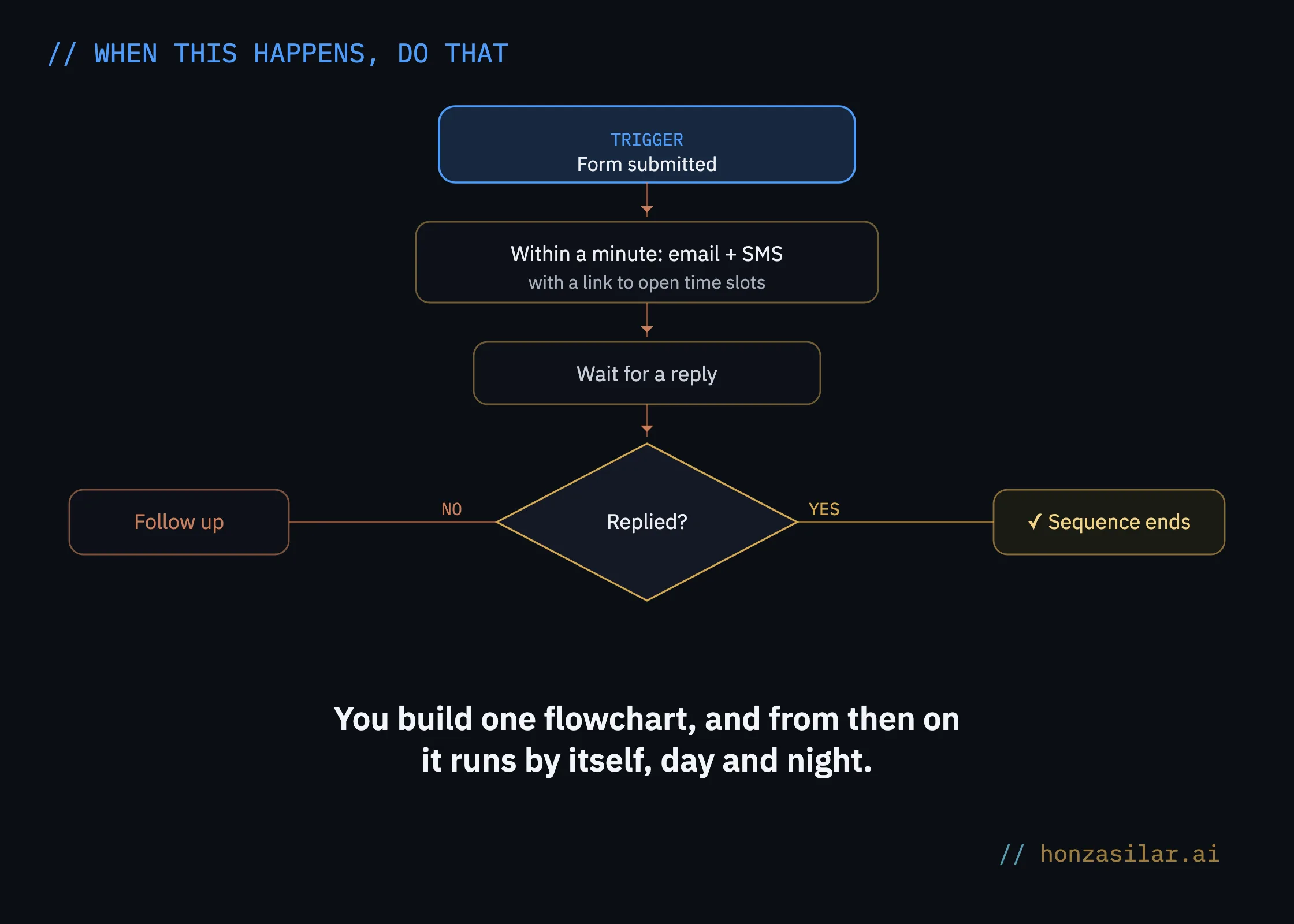
This is exactly what Workflows are for in GoHighLevel: they’re the automation engine of the whole platform. Picture a flowchart: when this happens, do that, wait, decide based on the reply. You build it once, and from then on it runs by itself, day and night. For clients, I most often build these four:
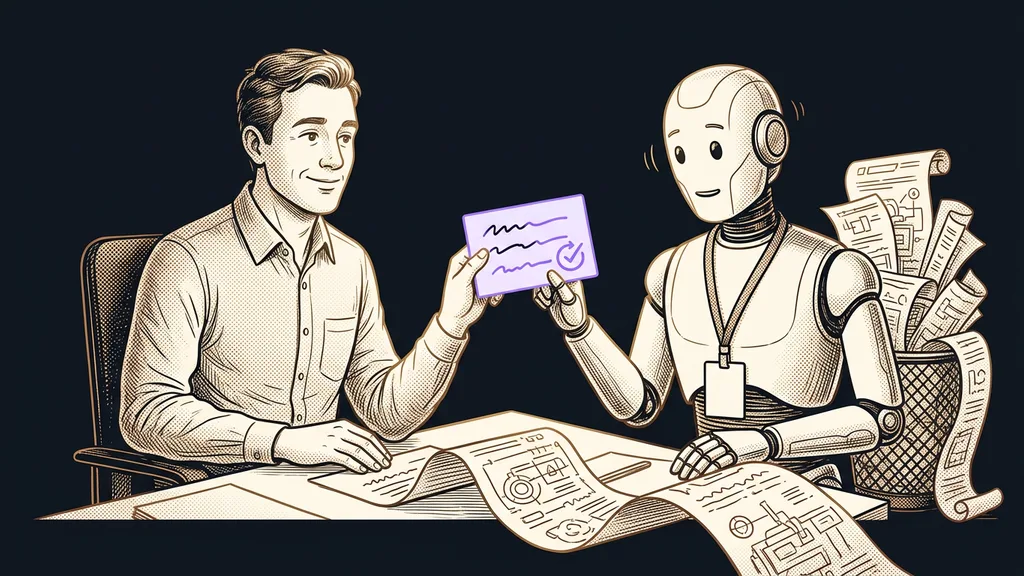
- An instant response to every inquiry. A submitted form triggers the workflow: within a minute, the prospect gets a thank-you email and an SMS with a link to open slots in your booking calendar, which is connected directly to the CRM. At the same time, the inquiry drops into your sales pipeline on its own, so nobody has to copy it over from email in the morning.
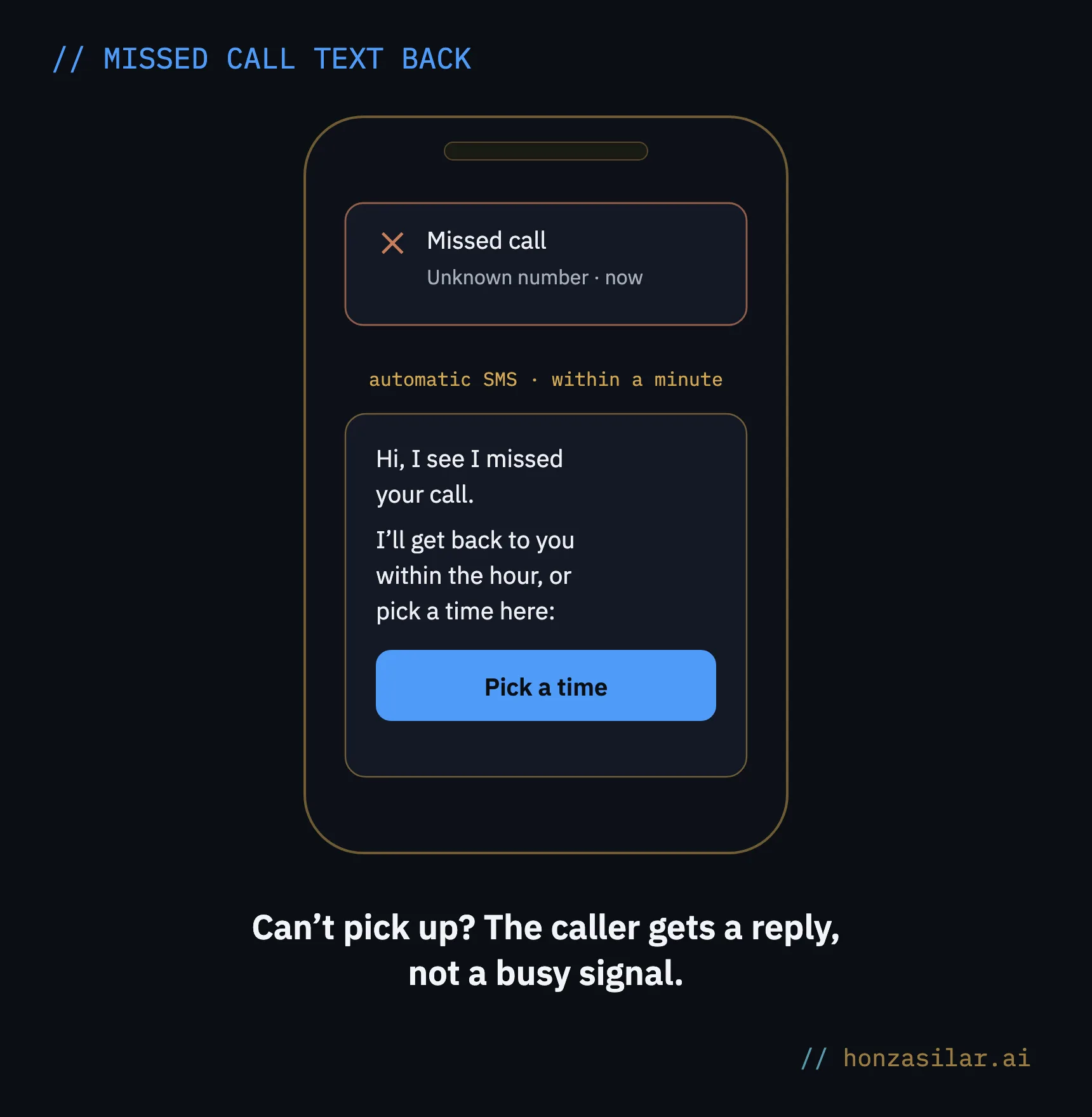
- Missed call text back. Can’t pick up the phone? The caller gets a message within moments: “Hi, I see I missed your call. I’ll get back to you within the hour, or you can pick a time right here.” Instead of a busy signal, they get a reply, and they don’t dial the next number on their list.
- A follow-up that knows when to stop. If the prospect doesn’t respond, the system checks in: by email the next day, by SMS two days later, or with a WhatsApp message. As soon as the person replies or books a meeting, the sequence ends, so nobody gets a reminder after they’ve already talked to you. And all the replies land in one inbox: email, SMS, Messenger, and Instagram side by side.
- Appointment reminders. The system keeps an eye on booked meetings by itself, say with an email the day before and an SMS two hours before the meeting. People don’t forget on purpose. But they do forget, and a reminder is the cheapest insurance against an empty slot in your calendar.
Four automations that keep a lead alive
- Instant response: an email and an SMS with open times within a minute, and the inquiry drops into your pipeline on its own.
- Missed call text back: a reply and a booking link instead of a busy signal.
- A follow-up that knows when to stop: it checks in, and as soon as the person replies, it ends.
- Appointment reminders: an email the day before, plus an SMS two hours ahead.
In practice
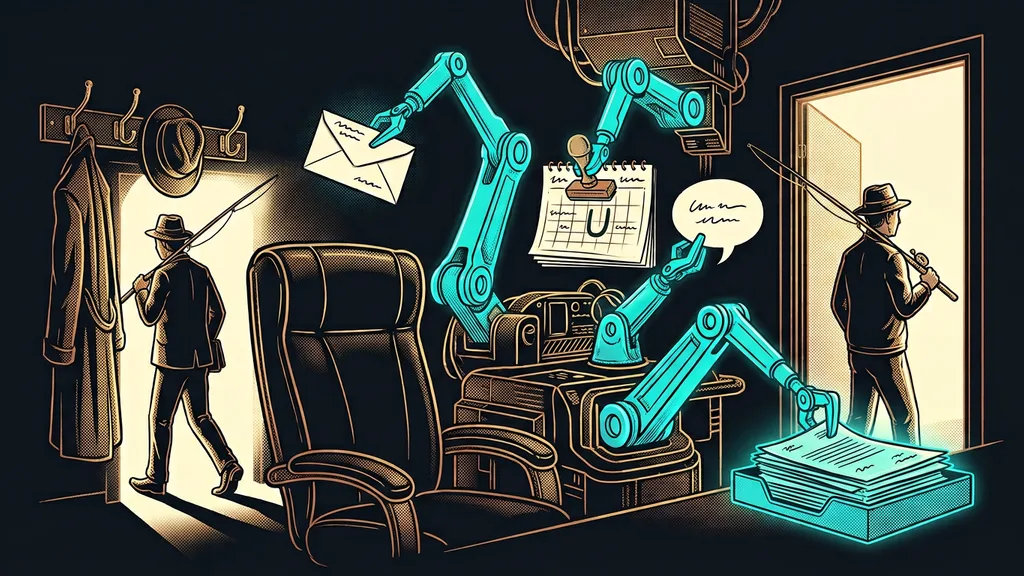
A prospect sends an inquiry on Friday at 9:30 p.m. Within a minute, they get a thank-you with a link to your calendar. On Saturday, over coffee, they pick a Monday slot, and on Monday morning the system reminds them of the meeting. You didn’t touch your phone all weekend, and you still replied first.
What it looks like under the hood
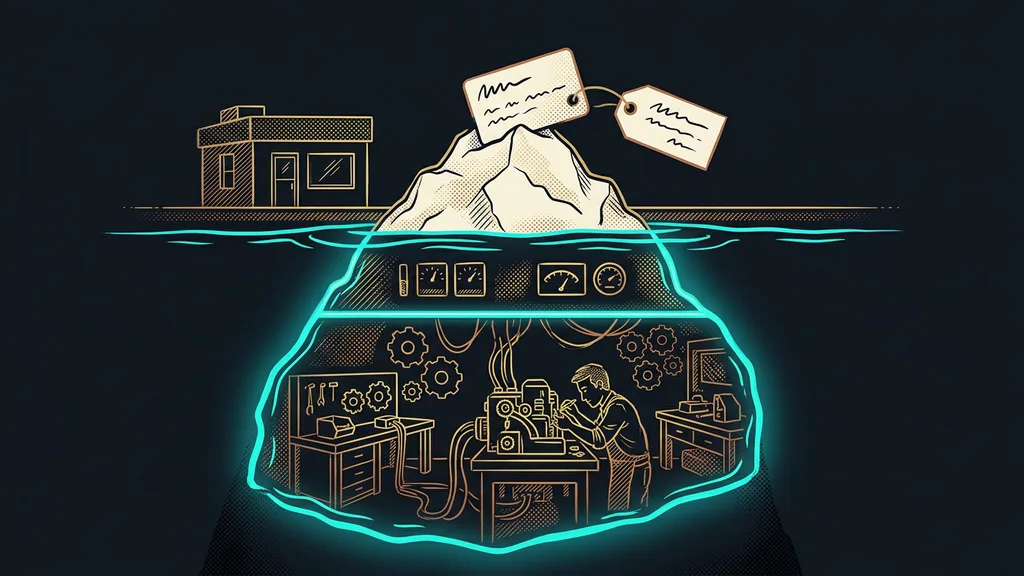
Workflows replaced the older linear Campaigns, and they’re full-fledged flowcharts. An If/Else condition can handle multiple branches, so a prospect interested in a course gets a different message than one interested in a consultation. The system can wait in several ways: for a fixed time, until a specific date, until the contact replies, or, say, until “two hours before the appointment,” which is exactly what appointment reminders rely on.
The sending window takes care of good manners. Set it to, say, 8 a.m. to 6 p.m., and no SMS goes out at midnight, even if the inquiry came in at midnight. For the email part of your sequences, deliverability is what decides things: whether your messages reach the inbox at all instead of spam. It’s worth sorting out before you run follow-ups on your entire database.
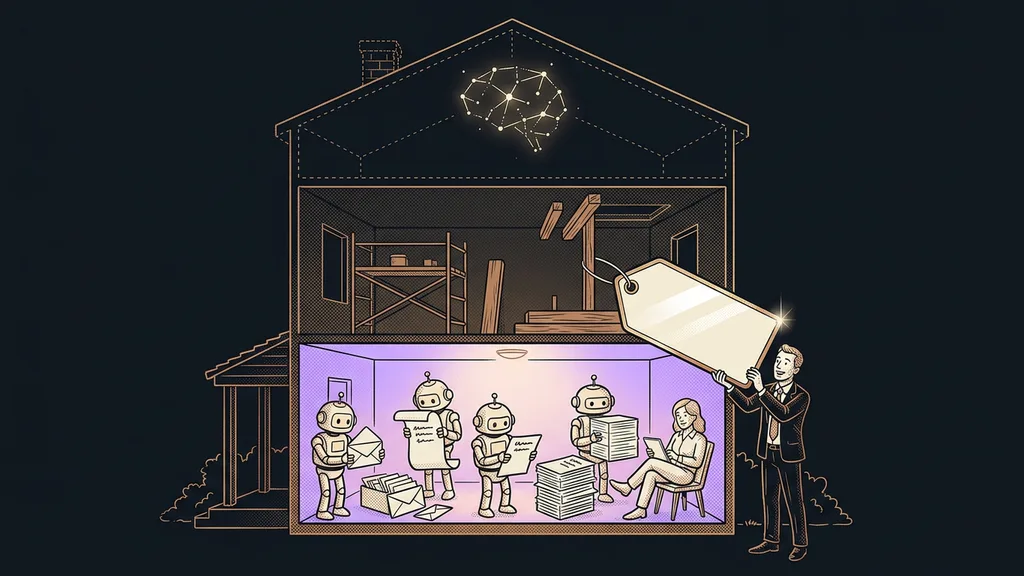
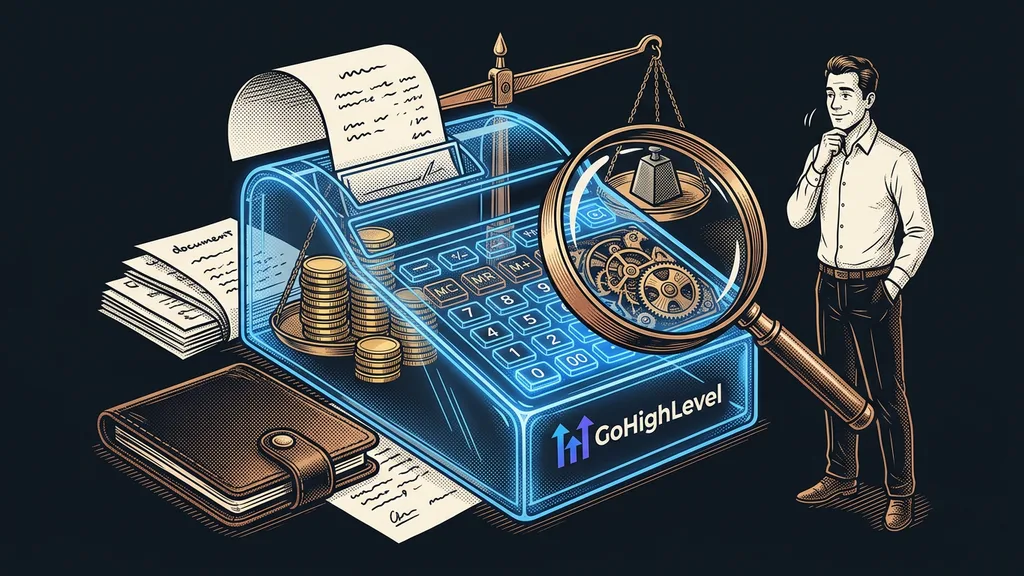
And some good news to end this section: you can build everything above from standard actions included in your license at no extra charge, meaning emails, SMS, conditions, waits, and tags. Only premium steps cost money, such as connecting to outside systems through webhooks, and that runs to pennies per execution according to the platform’s pricing. If you don’t want to assemble flowcharts by hand, describe the automation in your own words and the Workflow AI Builder will build it for you. Every run can also be traced back in the log, so you see exactly what went to whom, and when.
Who this isn’t worth it for
If you get one inquiry a month and calmly take it yourself, you don’t need follow-up sequences; a phone is enough. It pays off once inquiries start piling up, come in outside business hours, and one forgotten reply means a lost deal. Every manual step is one more place where something slips through.
Who automation pays off for, and who’s fine with a phone
Worth it
Inquiries are growing and come in after hours too.
One forgotten reply means a lost deal.
You simply can’t keep track of it by hand.
A phone will do
You get one inquiry a month.
You calmly pick up the phone yourself.
You don’t need follow-up sequences.
The whole system in a nutshell
- A prospect submits a form, calls, or messages you on social media.
- Within a minute, they get a thank-you and a link to open slots, and the inquiry drops into your pipeline on its own.
- If they don’t respond, the system checks in on its own by email, SMS, and WhatsApp.
- As soon as they reply or book a meeting, the sequence stops.
- It reminds them of the booked meeting the day before and again a few hours ahead.
Friday night to Monday morning, without lifting a finger
Let’s go back to that Friday inquiry from the beginning. Instead of starting Monday morning with an apology for a late reply, you open your calendar and see a meeting the prospect booked themselves while you were enjoying your weekend. Inquiries die of silence, not of old age. And silence is the one thing your system can no longer do.