Most people learn how to give AI tasks from cheat sheets. They download a long template for a “guaranteed prompt,” or they go the other way, write half a sentence, and wait for a miracle. Either way, the result tends to be similar: generic text they end up rewriting anyway. And all that’s missing is three pieces of information any new colleague would ask you for: what you want, how much effort to put in, and how to tell it’s right.
I work with Claude every day and dictate my instructions by voice, in plain Czech. Maybe that’s why what Boris Cherny, the creator of Claude Code, posted on X on October 6, 2026, resonated with me so much. Business Insider covered it the next day. Cherny’s advice: “Talk to Claude the way you would a coworker.”
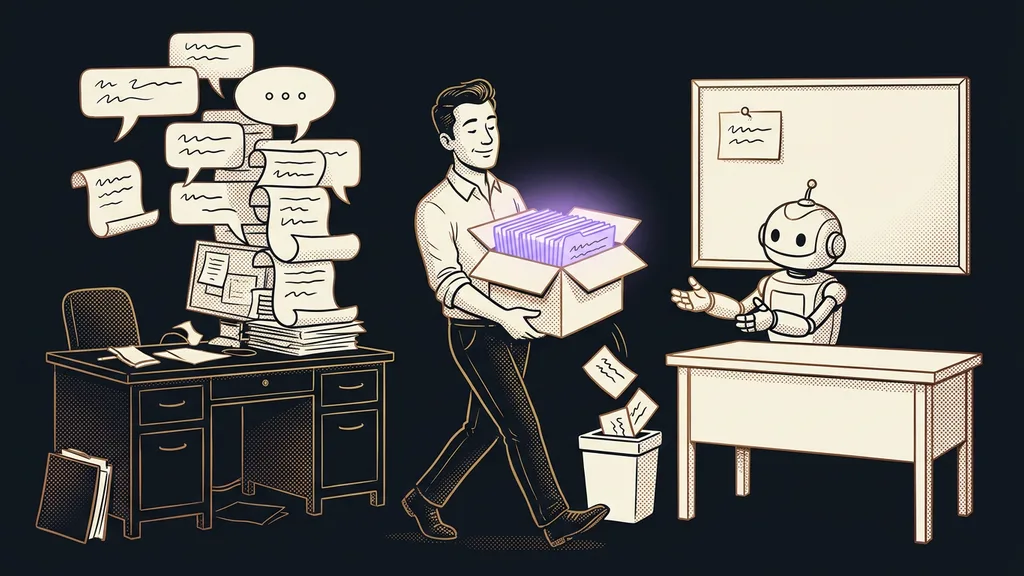
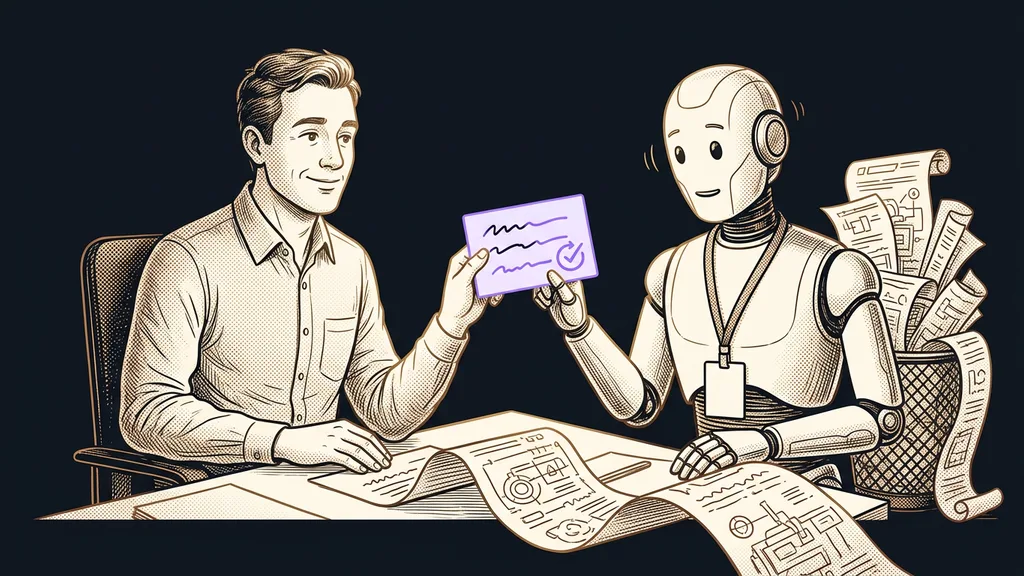
Talk to AI like a new colleague
A good AI prompt is ordinary speech, the kind you’d use with a smart colleague who just joined your company. According to Cherny, there’s no secret to prompting, and for most tasks you don’t need to give AI elaborate instructions. Back in the days of Sonnet 3.5, the exact wording mattered a lot. Today, he says, it’s more important to say three things: what the AI should do, how much effort to put in, and how it will check that it did it right.
Prompt
The text you use to give AI work: a question, an instruction, or a whole brief including source materials. In its article on Cherny’s advice, Business Insider writes that the era of prompt specialists is coming to an end.
A prompt a new colleague wouldn’t understand won’t make sense to AI either. But a colleague asks. AI usually fills in the gaps its own way.
That new colleague is smart and quick but doesn’t know your business. They’d get lost in a long form. Ask for “a proposal,” and you’ll get something generic back. Yet each of the three things takes just one sentence to tell them.
What you want: the result, who it’s for, and what form it takes
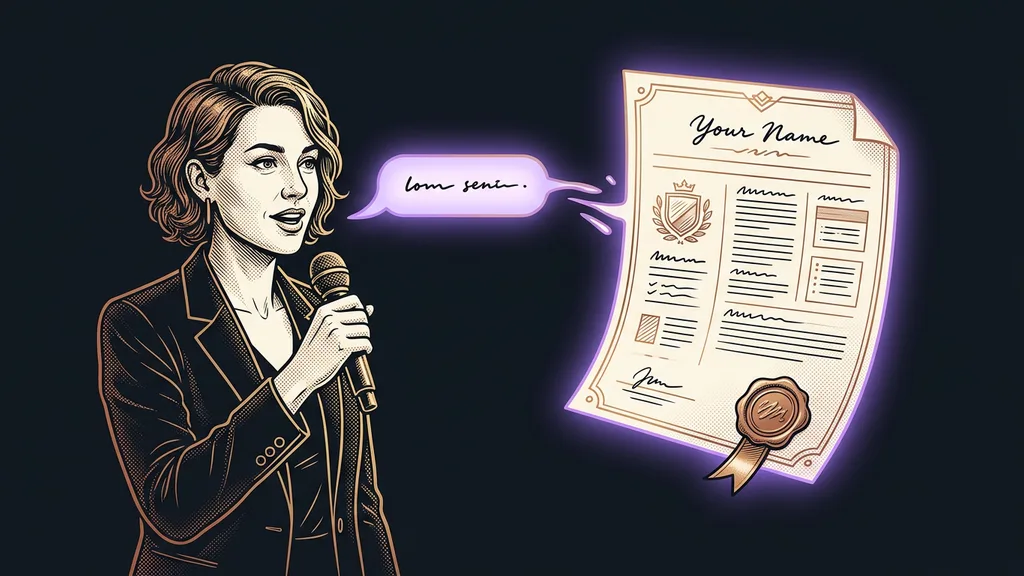
The first sentence describes the result that should be sitting on the table at the end: who it’s for, what materials it’s based on, and what it should look like. A topic alone isn’t enough. Most often, it’s the form that’s missing.
Weak prompt: “Write a proposal for a hair salon website.”
Three-sentence prompt: “Write a proposal for a new website for a hair salon that wants online booking, based on the call notes below. A one-page first draft is enough, so the owner can read it on her phone. Before you give it to me, check that every item matches something in the notes and that you haven’t added anything.”
The first prompt gets you text that fits any hair salon in the world. The second gets you a proposal you can send after a few tweaks. Most writing tools can write it in Czech these days, but the prompt is what decides the result. I ask for a specific form myself: I always want a summary with all the numbers at the end, because I hardly ever open the files AI creates for me.
How much effort: a quick draft or careful work
The second sentence says how much work the task deserves. A reply to a routine question doesn’t need an hour of thinking. A document for a big client, on the other hand, can’t be a sloppy first pass. A new colleague can’t judge that on their own, and AI is often in the same boat.
Cherny showed what this looks like in practice himself. He asked Claude for an interactive page walking through the Acquired podcast episode on Home Depot. Among other things, he wrote in the prompt: “use lots of tokens and iterate till you’re proud of it” (tokens being the units AI counts text in). He set the bar at the data graphics of The New Yorker or The New York Times, only better.
It’s just as useful to say when a little is enough:
Weak prompt: “Reply to this warranty claim.”
Three-sentence prompt: “A customer is complaining about shoes that came unglued after a month, and I want to send her a friendly reply today offering a replacement. It’s a routine thing, so a short draft of five sentences is enough. Before you give it to me, check that you’re not promising anything that isn’t in our warranty terms below.”
Without the second sentence, you risk a long letter you’ll then have to cut down.
How it’s checked: why the third sentence helps most
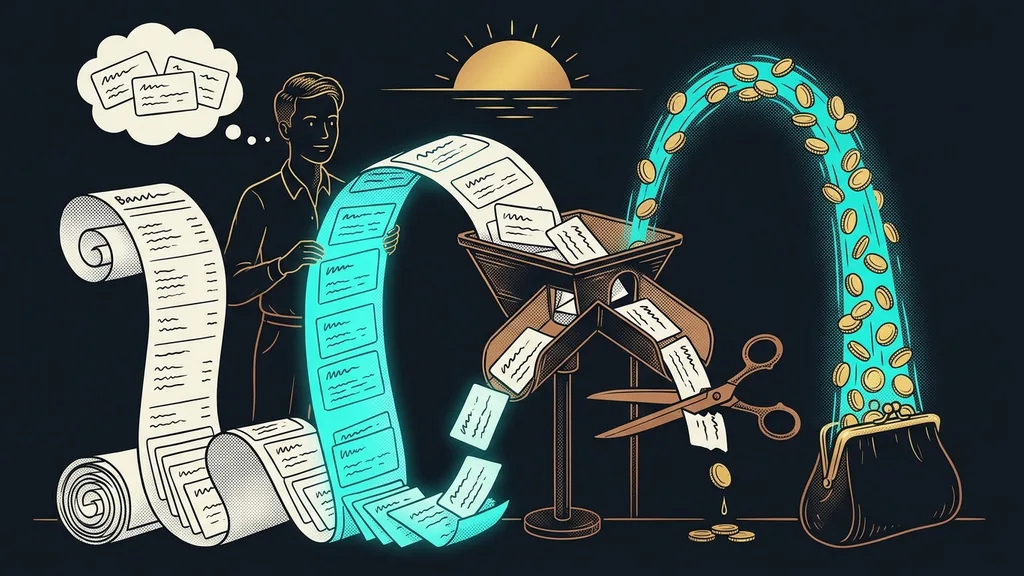
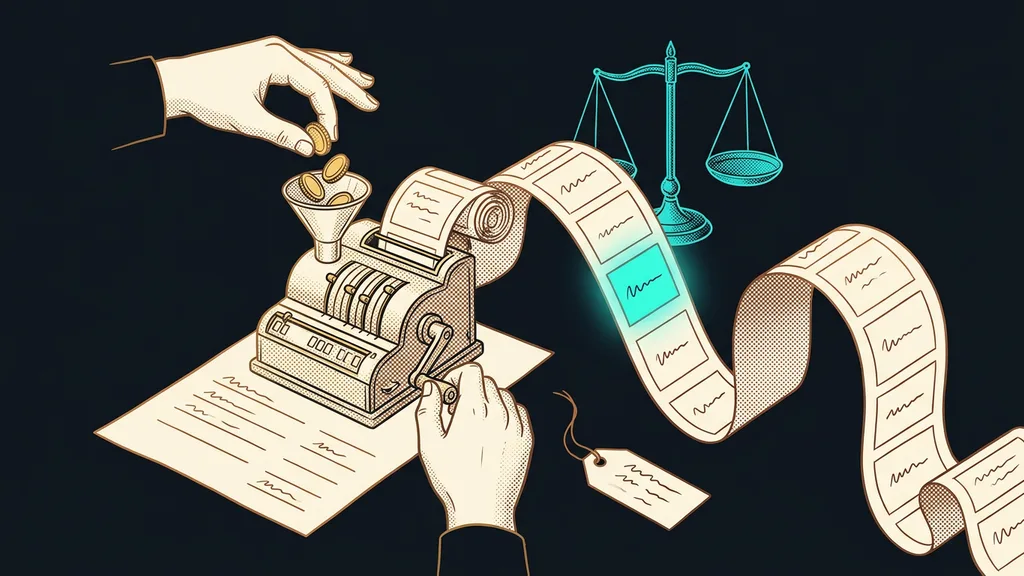
The third sentence says how the AI can tell for itself that the result is right, before it shows it to you. Of the three, it does the most work. Without it, the checking stays with you, and you have to read every line the AI produced.
Cherny has been insisting on this for a long time. Back in January 2026, in a thread about how he works with Claude Code himself, he called it his most important tip: give Claude a way to verify its work. He estimated that with that feedback, the result would be two to three times better. That’s his estimate from programming, not a measurement. AI self-checking in business work rests on the same principle.
Feedback loop
The AI does the work, compares it against something fixed, and corrects it based on the outcome. Then it repeats that until the result passes. In programming, according to Cherny, that might be tests or trying out the app in a browser. In a business, the fixed point is a total, a source document, or your terms.
It’s easiest to see with a spreadsheet built from invoices.
Weak prompt: “Make me a spreadsheet from these invoices.”
Three-sentence prompt: “Make a spreadsheet from the September invoices: supplier, date, amount excluding VAT and including VAT, one row per invoice. Work carefully; the spreadsheet is going to my accountant. At the end, add up the amounts, check the total against the invoices, and tell me how many invoices you processed and which ones you couldn’t read.”
You don’t have to come up with anything technical for the third sentence. Just write what you’d check yourself if you were reviewing a colleague’s work: whether the total adds up, whether the text matches the source materials, and whether anything is missing. Then nobody has to recalculate the AI’s spreadsheet by hand anymore. I want the AI to back up every “done”: what it verified and how. With bulk PDF reading, that goes double, because an error in a single row gets lost easily.
One extra sentence
Take the last task you gave AI and add this sentence at the end: “Before you give it to me, check…” Fill in what you’d check first in the result yourself. Then compare what you get now with what you got last time.
When is one sentence enough?
One sentence is enough for quick questions where you can read the result at a glance. You can check a one-sentence translation, three name ideas, or a quick calculation yourself in a few seconds. Three sentences would take longer here than the check itself.
With a logo, a name, or the tone of a post, on the other hand, the AI has nothing to compare the result against, so the last word stays with you. And if you don’t know what you want yourself, even a perfect prompt won’t help. That’s why I recommend starting with data work, where the task has a clear input and output and the third sentence is easiest to write.
The whole prompt in a nutshell
- Write what you want: the finished result, who it’s for, what materials it draws on, and what form it takes.
- Say how much effort the task warrants: a quick draft or careful work over several rounds.
- End with the sentence “Before you give it to me, check…” and fill in what you would check.
- When you’re writing the same three sentences for the third time, teach them to the AI permanently as a skill.
Feel free to delete that long “guaranteed prompt” template. Three sentences you’d say to a colleague over coffee take a minute to write and do more. If you want your whole team to give work this way, I’ll teach them in Claude training, using your actual tasks. And try ending your next AI task with the sentence “Before you give it to me, check…”