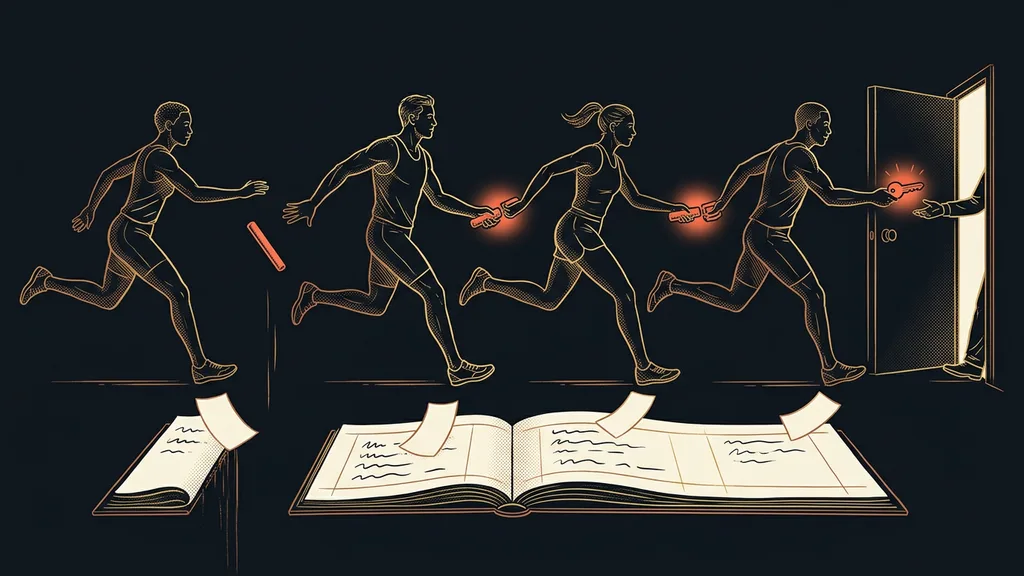
With documents, opening them is worse than reading them. Picture a folder with a few hundred contracts, and you need three data points from each: the date, the amount, and the notice period. Reading one contract takes a minute. The rest of the afternoon gets eaten up by clicking, searching, and retyping into a spreadsheet.
I hear this from accounting firms and from people who manage contracts. Open the file, find the amount, type it into the spreadsheet, close it. Over and over again. The work isn’t hard, but after an hour you stop paying attention. And that’s exactly where mistakes creep in that nobody notices.
The problem is the opening, not the reading
Each individual file is easy. The hard part is getting through two hundred in a row and being as attentive with the last one as with the first.
Batch reading
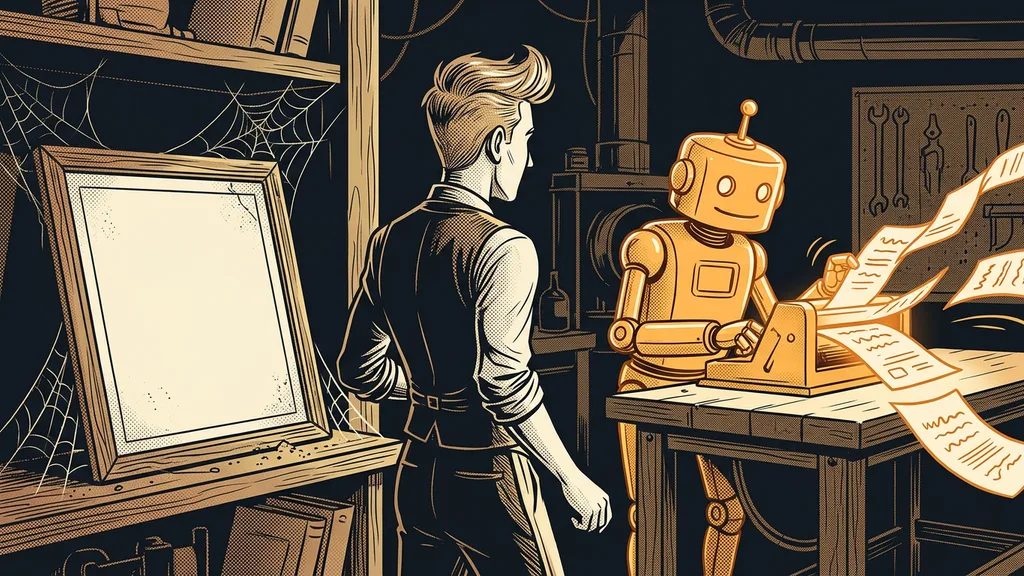
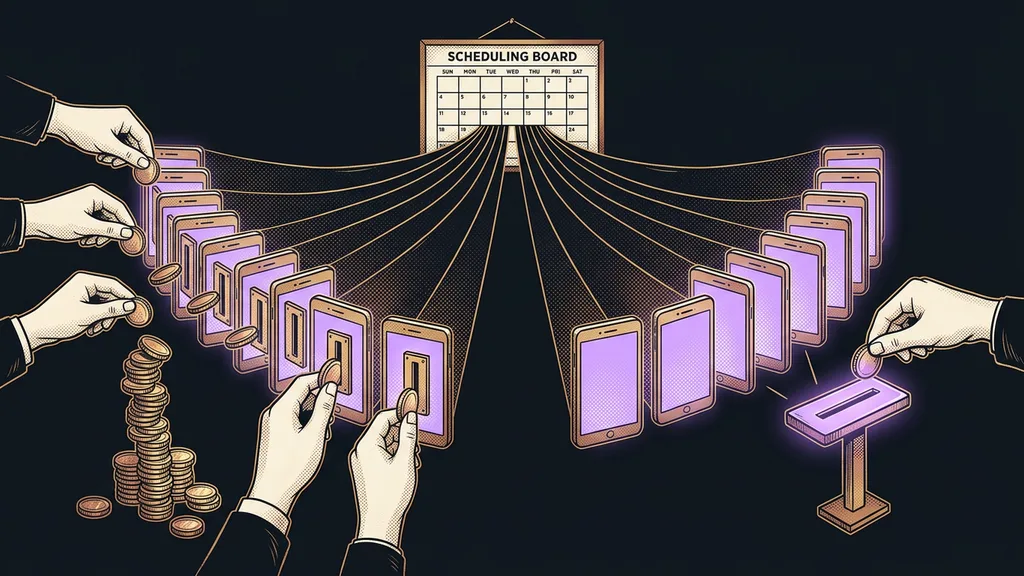
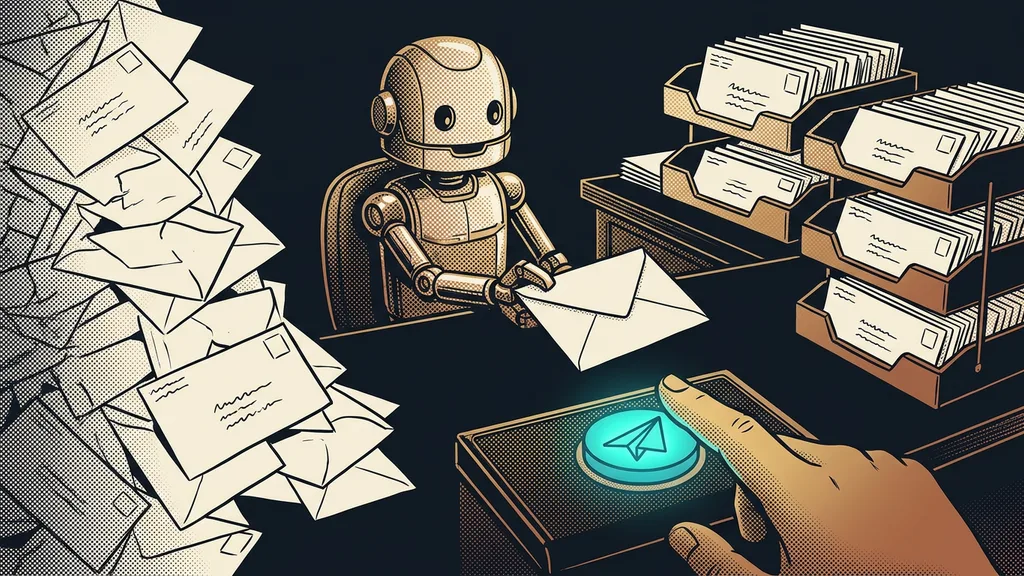
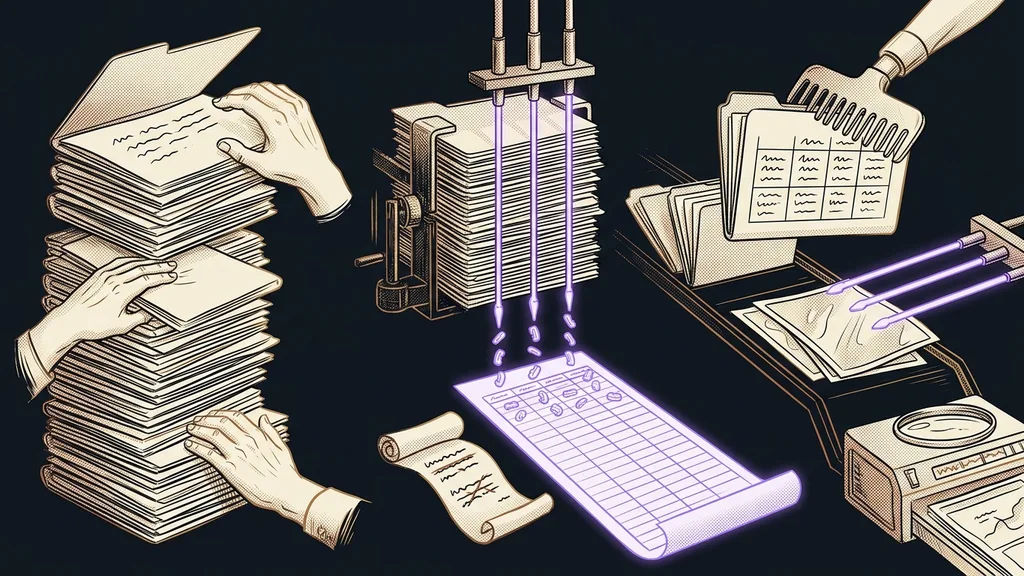
A way of working where a whole folder of documents gets handled at once from a single brief. Instead of asking about one file, you ask about all of them: pull the date, the amount, and the notice period from every contract. The output is a spreadsheet with one row per document rather than an answer in a chat window.
The main difference is what’s left when the work is done. Manual reading leaves a finished spreadsheet and a tired person. A batch leaves the same spreadsheet and an afternoon you can spend on something else.
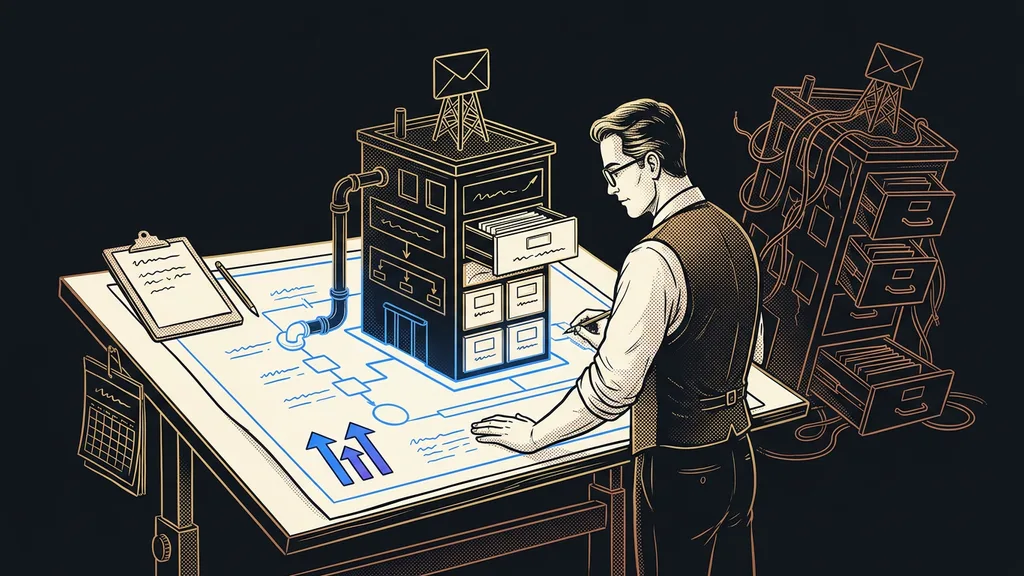
The quality of the result depends on the brief, not the number of files. The more precisely you say what should come out of a document, the less you’ll have to fix later. There’s a world of difference between asking for the important details and asking for the signing date, the total amount excluding tax, and the notice period in days. The first gets you an answer; the second gets you a spreadsheet.
Anyone can open two hundred files. The art is not having to open a single one.
A table inside a document is a different job from a paragraph
A paragraph reads left to right, and nothing can go wrong. With a table, it matters where on the page a value sits, and that’s exactly where the trouble starts.
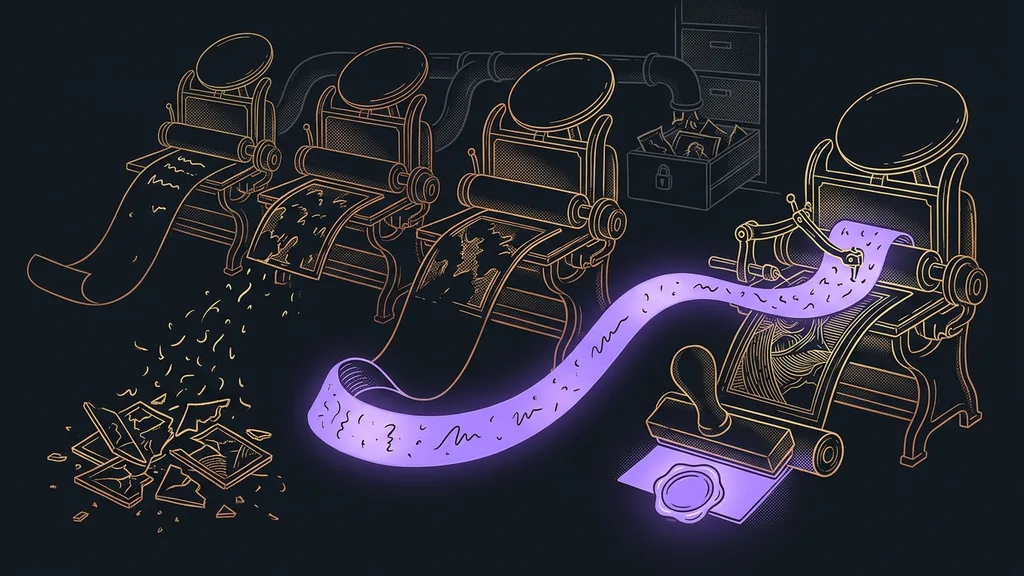
An invoice has a label in one column and a number in another. If the reading is off by just a little, it assigns the amount to a different row. The result then looks perfectly believable, only it’s wrong, and that’s worse than an empty field. Someone will notice an empty field. Nobody notices a believable number.
Documents with a designed layout tend to fare worst: proposals, reports, and presentations with sidebars and colored boxes. With those, it pays to review the result every time, even if a batch of ordinary contracts comes out without a single error. The opposite direction is much easier, by the way. When a document is being created, a finished PDF comes straight out of a form, and nothing needs retyping.
What comes out: a spreadsheet, not a summary
The output of a batch should be a spreadsheet with one row per document and one column per data point, rather than a summary or a nicely written paragraph.
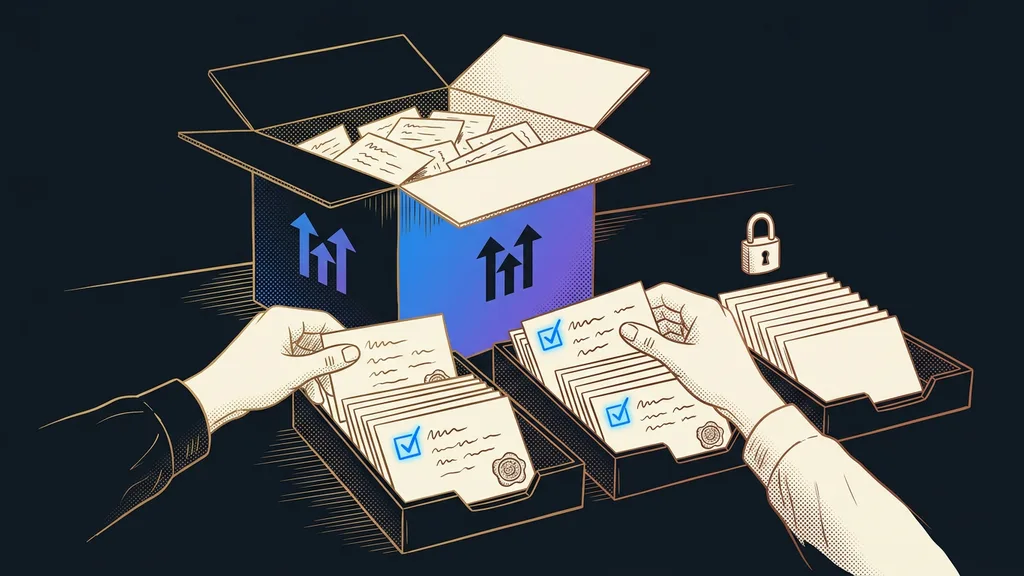
That’s because you can’t check a summary. You can check a spreadsheet: open five random rows, compare them with the original file, and you know right away whether to trust the batch. That’s exactly why it should also include a column with the source file name and the page number. Without them, verifying is hard, and the first time someone disputes a number, you have nothing to show.
Quality check
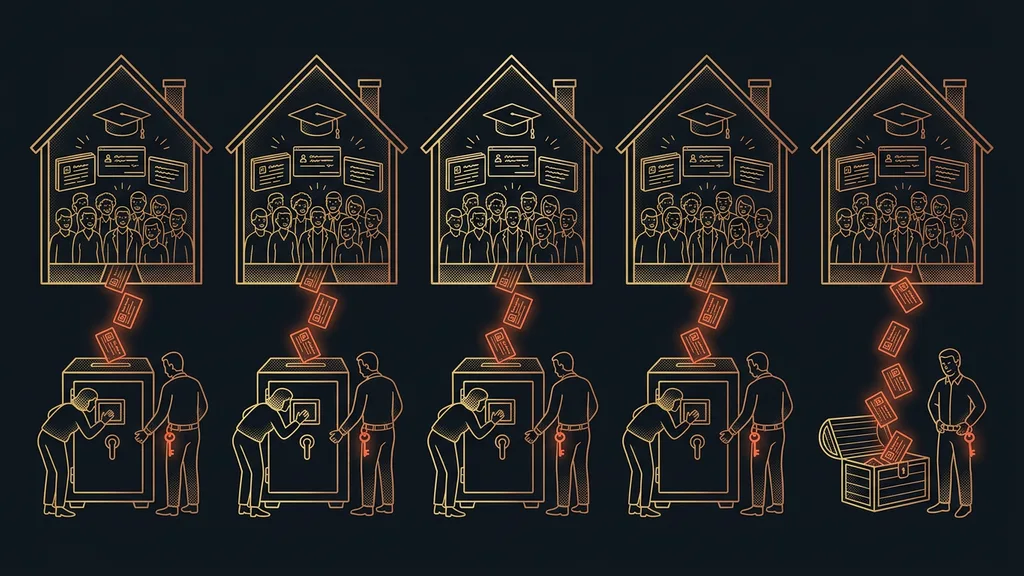
After every batch, take five random rows and compare them with the source document. If all five match, trust the result. If even one fails, don’t just fix that row. Stop, sharpen the brief, and run the whole batch again.
And the finished spreadsheet doesn’t have to end up in a spreadsheet app. If the data needs further work, it belongs straight in a database that AI both fills and reads on its own. Then you can ask questions about it, much like you can ask questions about an archive of your own meetings.
Where it hits a wall: scans and a missing text layer
One thing decides everything. If you can select the text in the document with your mouse, the job is easy. If the whole page gets selected as an image instead, what you’re holding is a photo of paper.
Text layer
Invisible text stored beneath what you see on the page. You can tell it’s there when you can select the text with your mouse and copy it. Documents created on a computer almost always have one. Scans and photos of paper from the mailbox don’t, and the text has to be recognized from them first.
With scans, the text is first recognized from the image and only then read. The result tends to be noticeably worse, especially on diacritics (accented letters like č or á). That’s no dealbreaker; you just plan on checking more samples and sometimes reaching for a better copy.
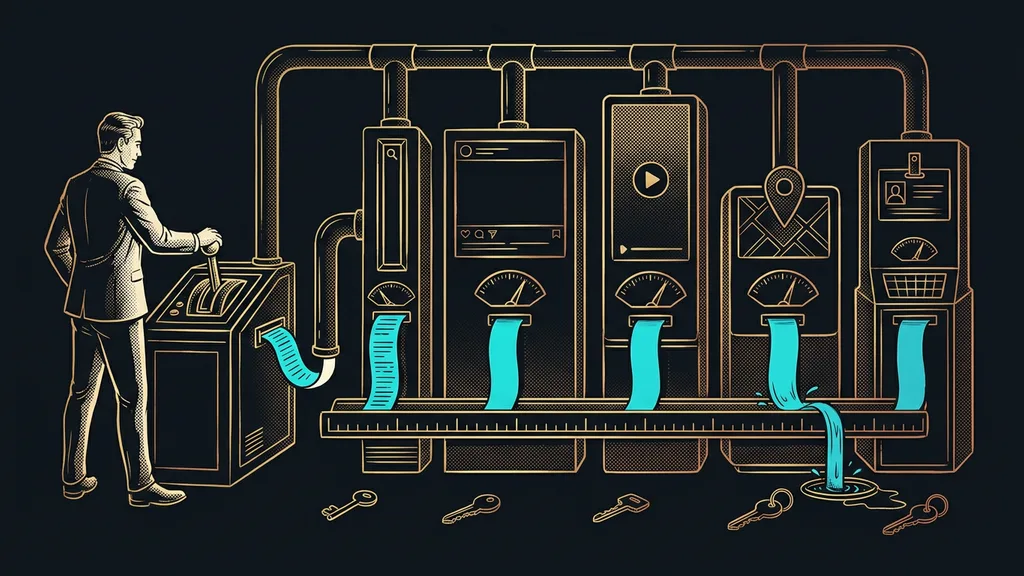
The same approach works for data that isn’t in any PDF. When it sits on someone else’s website, it gets collected in bulk without manual copying, and the sample check applies in exactly the same way.
Who batch reading isn’t worth it for
It isn’t worth it for everyone. If you have five contracts a year, you’ll open them faster yourself than you could explain what to pull out of them.
The second case is trickier. A batch makes no sense where every single document carries a decision about money and every one has to be checked anyway. There, you don’t save time; you just shift it from opening to checking. Part of that checking can go back to the machine if it reviews its own result before handing it over. The final word still stays with a person, though.
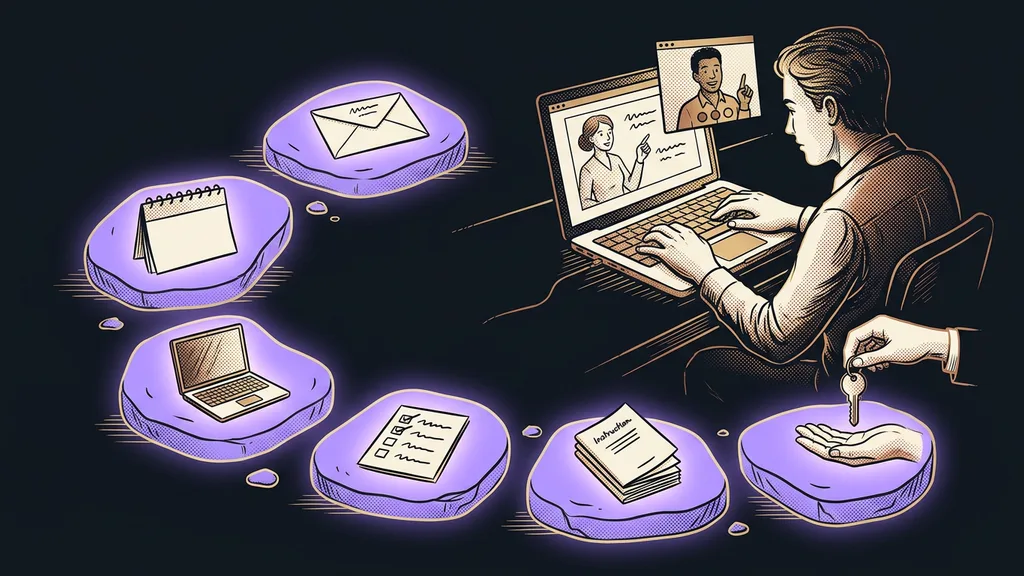
The whole process in a nutshell
- Gather the documents into one folder and find out how many of them are scans.
- Write down which data points you need from each one. The more specific, the better.
- Run the batch and get the output as a spreadsheet, one row per document.
- Have the file name and page added to the spreadsheet so there’s something to verify against.
- Check five random rows. A single bad one means sharpening the brief and running it again.
- For documents with a designed layout, plan on checking every time, not just a sample.
Open the file, find the amount, type it into the spreadsheet, close it. The real work was always in having to open every file separately just to find out whether it held anything interesting. Good document reading saves you time because you stop opening files with nothing in them. Reading faster has nothing to do with it.