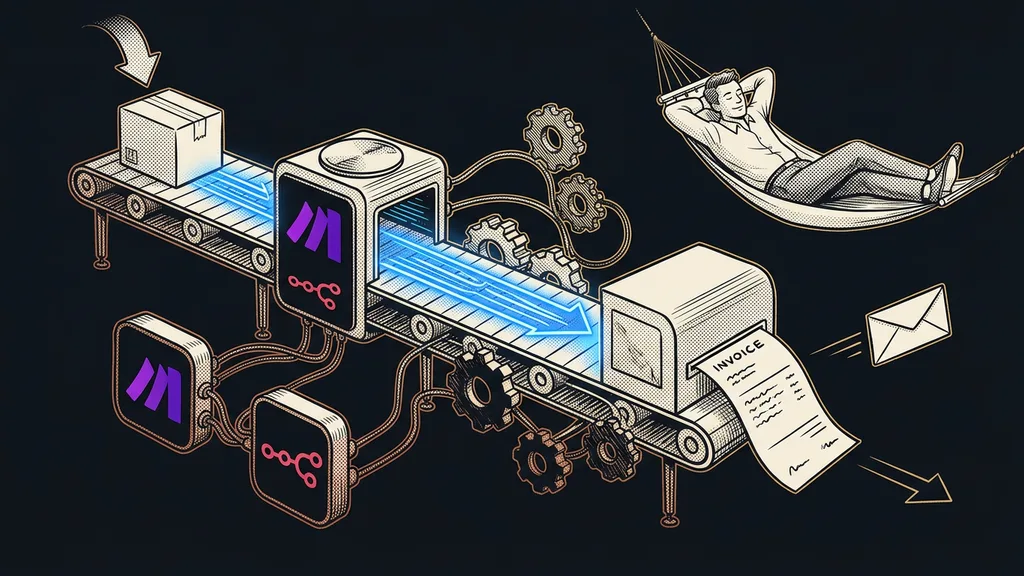
No platform covers everything. Whatever you buy, something always gets left over: Czech invoicing, the bank, the phone network, or an online store that’s been running somewhere else for years. A business doesn’t end where one piece of software ends, and it’s right at that border that your system either saves you work or creates new work.
I see it with clients all the time. A customer paid in the afternoon, the order is sitting in the system, but the invoice doesn’t issue itself. So in the evening you sit down and retype it into your accounting software by hand. Ten minutes, nothing hard. But tomorrow you do it again, the day after you do it twice, and next month a typo sneaks into an amount. After all, what stands between the two programs is you, your memory, and your keyboard.
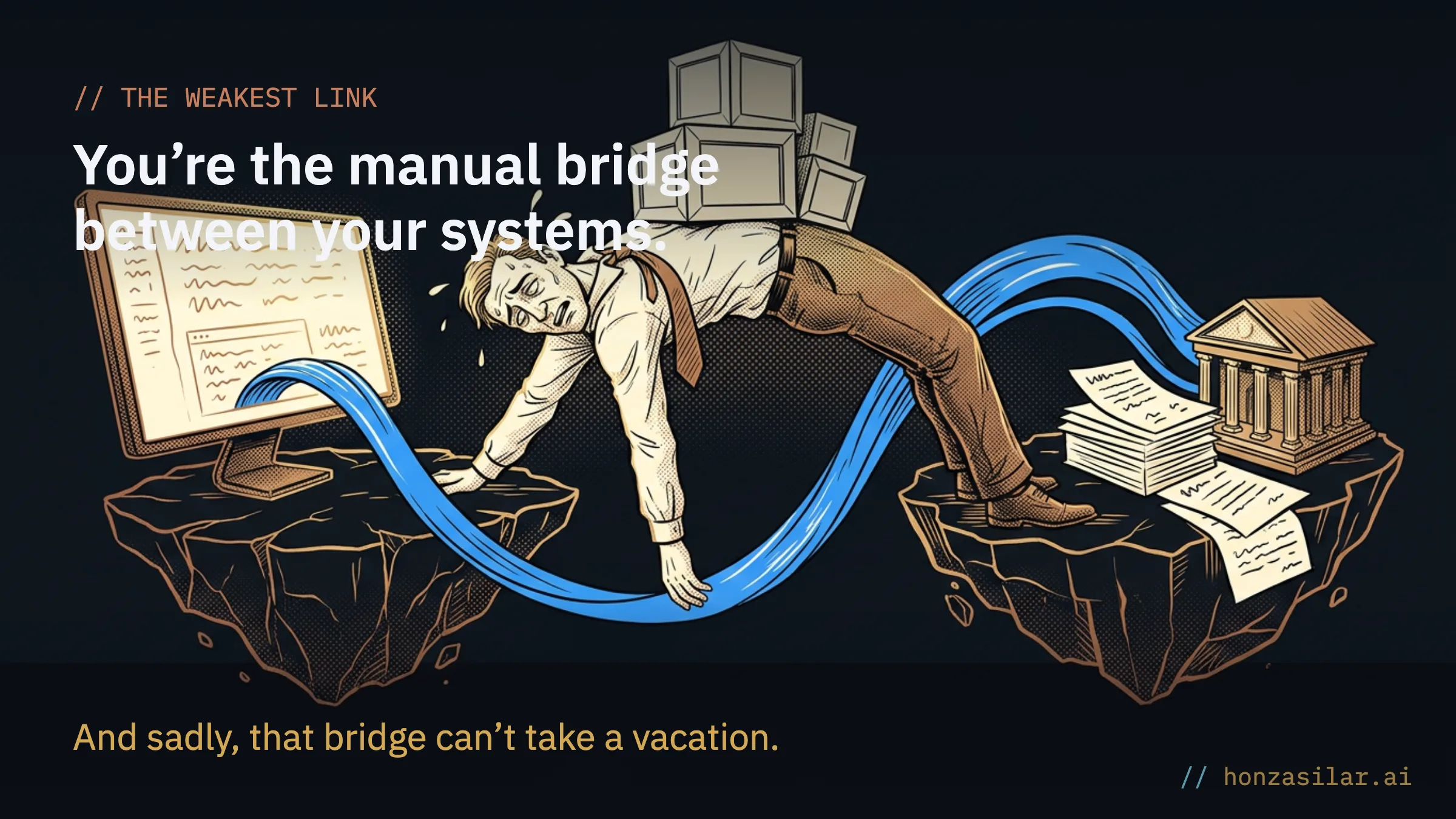
Automation ends where manual retyping begins
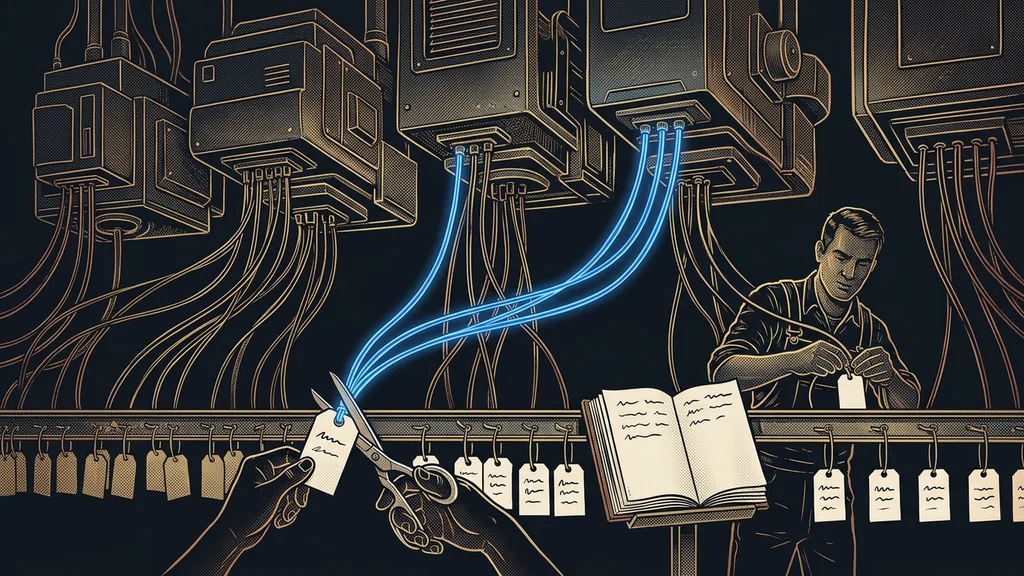
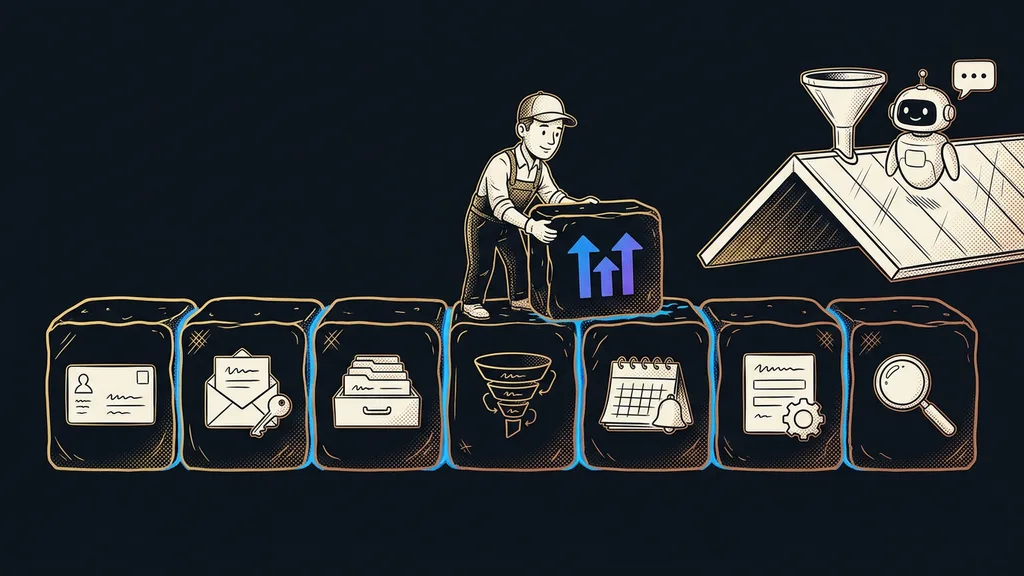
The success of the whole rollout gets decided at the connections, not in the funnels or the CRM. Inside the platform, everything runs smoothly: an inquiry from a form lands straight in the CRM, the calendar keeps track of appointments, and emails go out on their own. But a chain is only as strong as its weakest link. And that link is often you, the person who spends evenings carrying data from one world to the other.
“I finally have everything in one place. I just still write the invoices by hand.”
Almost everyone who comes to me with a “finished” system tells me some version of that sentence, usually right after the relief of canceling half the subscriptions in their patchwork of tools. And it’s no small thing. Manual retyping means delays, a mistake every now and then, and above all a ceiling: the system can’t survive even a day of vacation without you. You expected automation to bring you freedom, and so far you’ve created a new evening chore.

Three doors data flows through
GoHighLevel wasn’t built as a fortress. Three doors lead in and out: webhooks, native integrations, and the full API. Each one suits a different job.
Webhooks. An inbound webhook lets data in. An order from Shoptet (a Czech e-commerce platform) or an inquiry from a WordPress form lands straight in the CRM and triggers a workflow that responds right away. A custom webhook sends data the other way, usually to Make.com, Zapier, or n8n.
Webhook
An automatic message one system sends another the moment something happens. An order comes in and the webhook passes it on immediately, without anyone clicking or waiting. An inbound webhook lets data into the platform; a custom webhook sends it out.
Native integrations. You connect payment gateways, Google and Outlook calendars, Zoom, or WhatsApp right in the settings, without a single line of code.
The full API. When there’s no ready-made integration, the API lets you build a custom connection to practically anything.
Make.com and n8n deserve a special mention. They work as interpreters: on one side they listen for the platform’s webhook, on the other they talk to a Czech tool GoHighLevel doesn’t know. You can click together the bridge between the two worlds without a programmer.
Three doors data flows through
| Door | What it’s for | Real-world example |
|---|---|---|
| Webhooks | Data in and out the moment something happens | An order lands straight in the CRM |
| Native integrations | Ready-made connections without a single line of code | Payments, calendar, WhatsApp |
| Full API | Custom connections to practically anything | A tool GoHighLevel doesn’t know |
What you can connect today
Practically all the Czech tools the platform doesn’t offer on its own. Here are the connections I set up for clients most often.
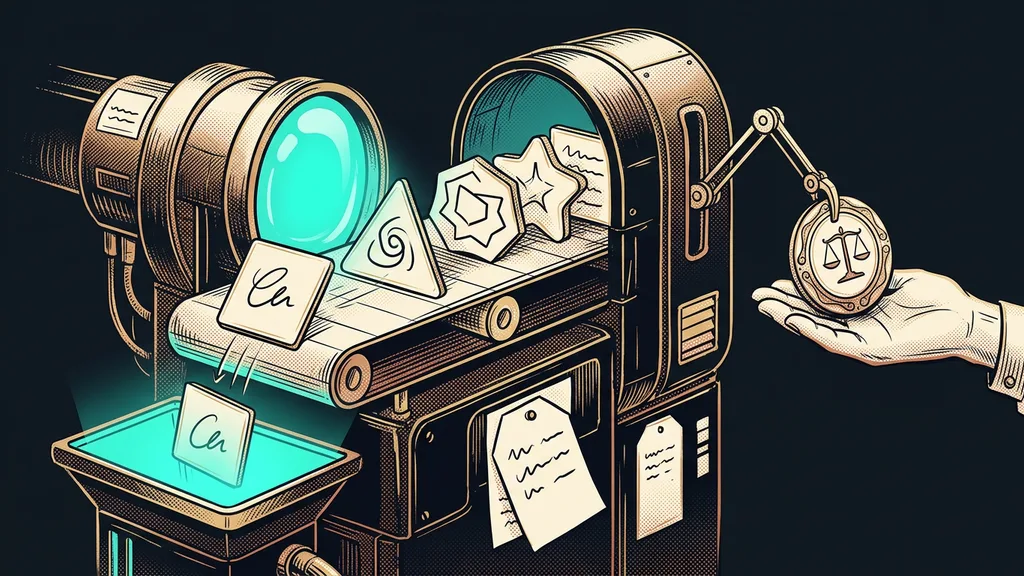
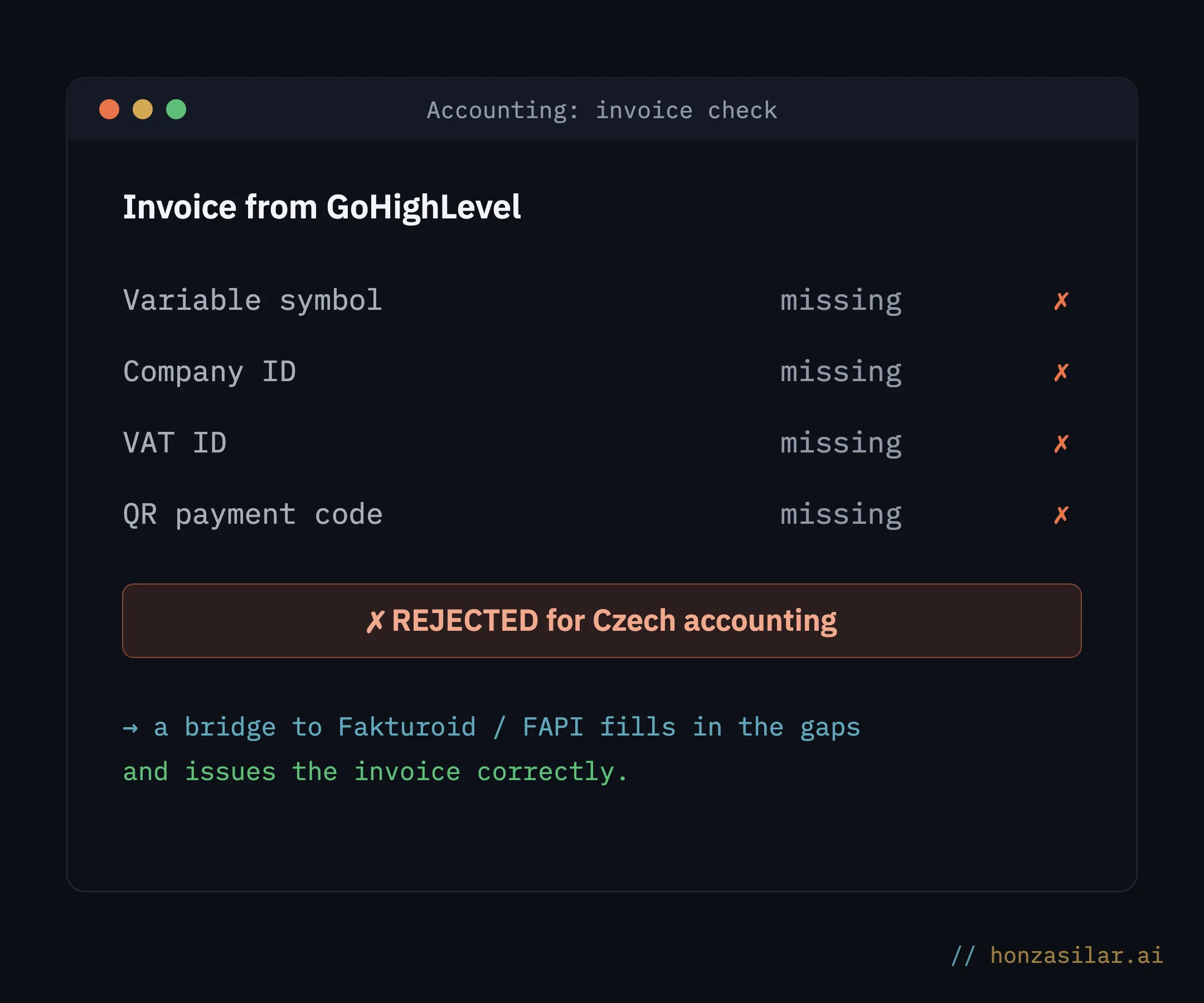
- Czech invoicing. GoHighLevel’s native invoice is unusable for Czech accounting: it lacks the variable symbol (the reference number Czech bank transfers are matched by), the company ID (IČO), the VAT ID (DIČ), and the QR payment code. The fix is a bridge to Fakturoid (a Czech invoicing app) built in n8n. It can also come ready-made: the client sends four details, and a prepared workflow gets cloned into their GoHighLevel account. A Custom Webhook straight from a workflow handles the connection to FAPI (a Czech invoicing and payments tool). The same bridge also powers the invoicing you can kick off with a single sentence.
- Payments. You can choose from Stripe, PayPal, Square, NMI, and Authorize.net. Stripe handles more than 135 currencies, including the Czech koruna, and it’s the only one that gets you Apple Pay and Google Pay. Just keep in mind the rule of one funnel = one currency.
- Phone. Twilio runs under the hood, and a Czech number costs roughly CZK 36 (about €1.50) a month. But watch out for accented letters: an SMS with Czech diacritics splits every 70 characters instead of 160, so the same message costs up to three times as much.
- WhatsApp and email. WhatsApp runs through the official Cloud API, and you can write templates directly in Czech, diacritics included. Bulk emails go out through the built-in LC Email for well under a euro per thousand messages.
- Business tools. Workflows can write to Google Sheets, connect to Slack, and even react to events from Notion. That way, the platform also talks to the tools you don’t want to replace.
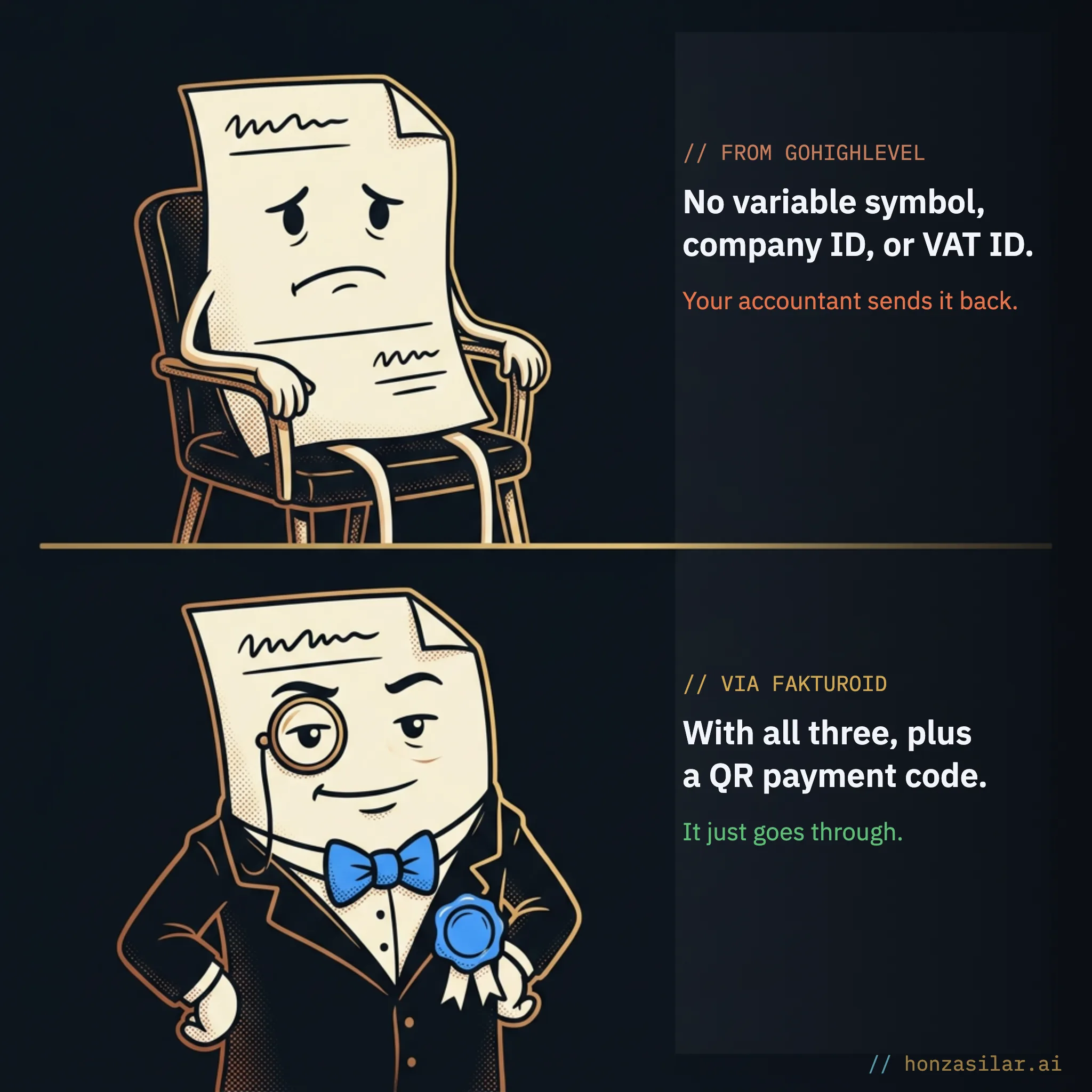
What you can connect to Czech tools today
- Czech invoicing: Fakturoid or FAPI adds the variable symbol, IČO, DIČ, and QR code
- Payments: Stripe handles 135+ currencies including the koruna, and it’s the only one with Apple Pay and Google Pay
- Phone and SMS: Twilio under the hood, a Czech number for roughly CZK 36 (about €1.50) a month
- WhatsApp: the official Cloud API, with templates written directly in Czech
- Business tools: writing to Google Sheets, plus Slack and Notion connections
One-minute self-test
Walk through one order in your head, from payment to finished invoice. How many steps in it do you do by hand: copying the amount, issuing the invoice, sending a thank-you message? Each of those steps is a spot where you can put in a connection and take the job off your shoulders.
When the other side is asleep
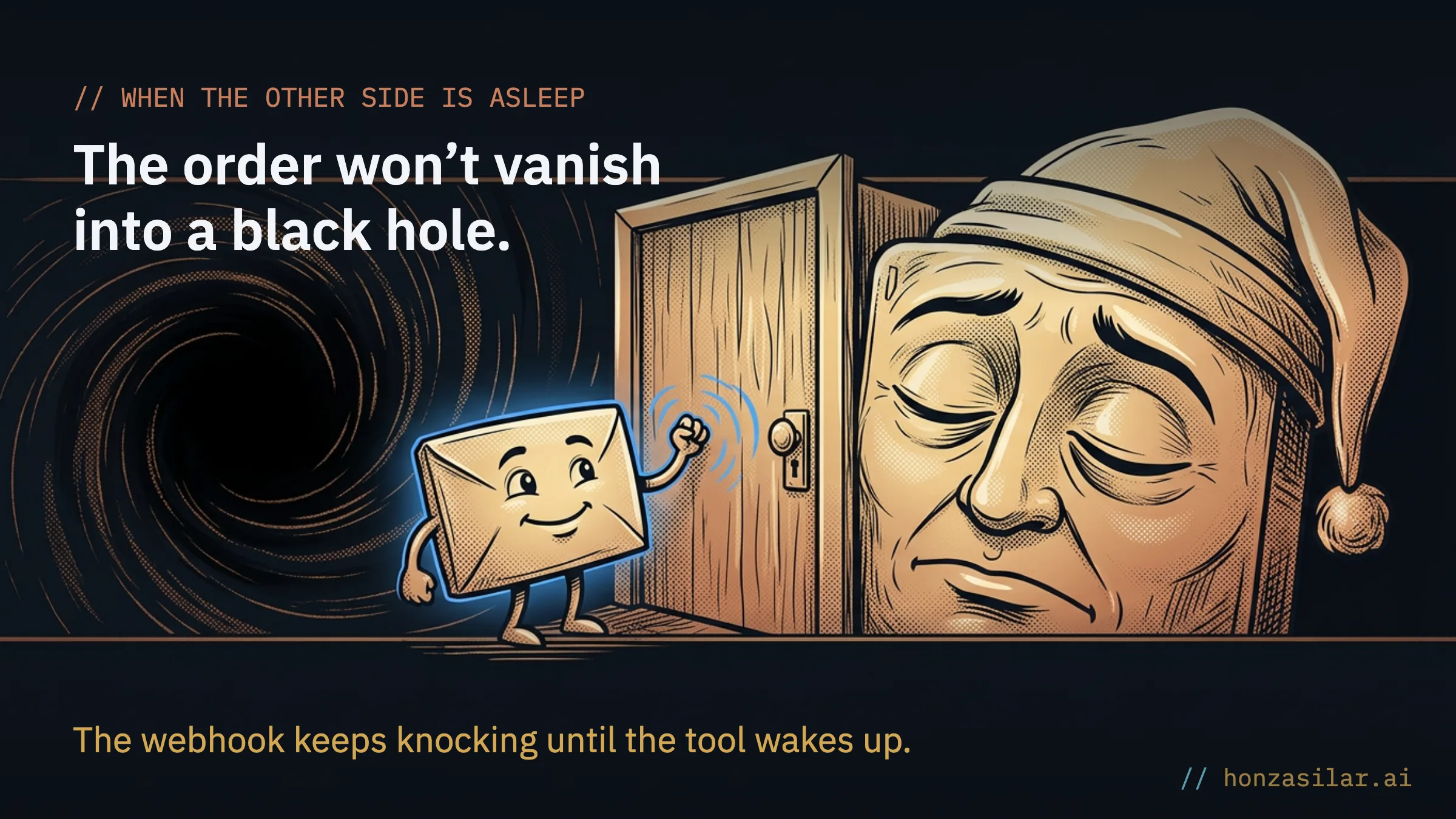
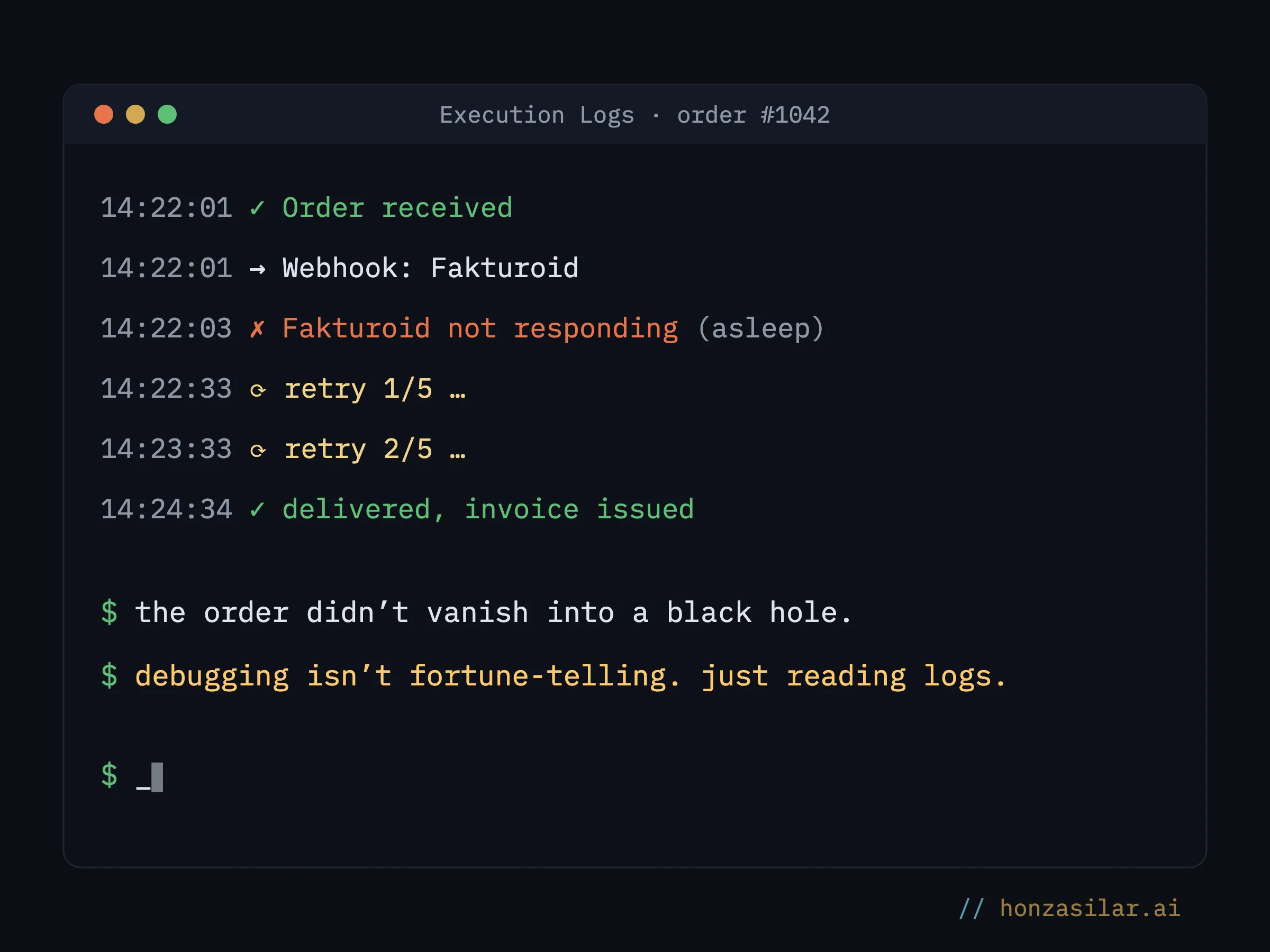
You find out how good a connection is when something goes down, not while everything is running. The platform is ready for that too: when Make.com has an outage, GoHighLevel keeps retrying the webhook delivery, so the order doesn’t vanish into a black hole and arrives as soon as the other side wakes up. For the same reason, I recommend writing to Google Sheets through a webhook and Make rather than directly. In practice, it’s the more reliable route.
And when a connection misbehaves anyway, I open Execution Logs. For every workflow step, I can see whether it ran, with what data, and exactly where it got stuck. Debugging integrations stops being fortune-telling and becomes plain old log reading.
Who doesn’t need this
Not everyone needs to open those doors. If you can run your whole business inside the platform (collecting inquiries, booking appointments, sending emails) and don’t have to worry about Czech invoices or phones, connections are no use to you. Integrations start paying off the moment a Czech tool is left at the edge of your system and someone retypes data into it every day. The more orders flow through it, the sooner the bridge pays for itself.
Who integrations pay off for, and who can skip them
Worth it
- There’s a Czech tool at the edge of your system that you retype data into every day
- Lots of orders flow through your invoicing, bank, or phone
- You want the system to keep running on the days you’re on vacation
Not worth it
- You can run your whole business inside the platform
- Czech invoices and phones aren’t something you worry about
- You only have a few orders, and retyping takes a moment
The whole system in a nutshell
- Inside the platform, the CRM, calendar, and emails run on their own.
- At the edge sits a Czech tool GoHighLevel can’t handle itself: invoicing, the bank, the phone.
- A webhook or native integration sends the data across a bridge (Make.com, n8n) to that tool.
- The invoicing bridge adds the variable symbol, IČO, and DIČ that the native invoice lacks, and issues a Czech invoice.
- When the other side goes down, the webhook delivery is retried; where a connection misbehaves, Execution Logs show you why.
For the nerds: what’s under the hood
I promised to save the technical part for the end, so here it is. Today’s standard is API v2 with OAuth 2.0, and the access token is valid for 24 hours; HighLevel has already retired the old API v1 with its static key. For internal integrations, there are Private Integration tokens with selectable permissions, so a script sees only what it’s supposed to see.
API
An interface programs use to talk to each other directly, with no person in between. When there’s no ready-made integration, the API lets you build a custom connection to practically anything. You don’t have to understand it: it’s enough to know the door exists.
Webhooks, writing to Google Sheets, and custom code count as paid “premium” actions, costing pennies per run according to the platform’s current price list. So an invoicing bridge that handles dozens of orders a month will cost you pocket change in fees. And when a native step is missing, a workflow can run your own JavaScript in a secure sandbox; the built-in AI (still in beta) writes the code for you from a plain description.
Which brings me back to the evening retyping from the beginning. Buying more software won’t make it disappear. It disappears the moment a connection replaces the last bit of manual retyping. The order comes in, the invoice goes out, the thank-you message is sent. And for the first time in all those years, you don’t have to be there.