Almost any tool can translate a page into English today. The harder part is deciding what can be translated and what has to be created anew in the other language. A second language version is more than a website. It also includes videos, social posts, images with text, and the emails your system sends to customers.
With businesses that expand, I keep seeing the same sequence. First, the website gets translated. Then someone notices the sales page reads like a washing machine manual. And finally, someone spends their evenings writing the text for confirmation emails nobody had thought about.
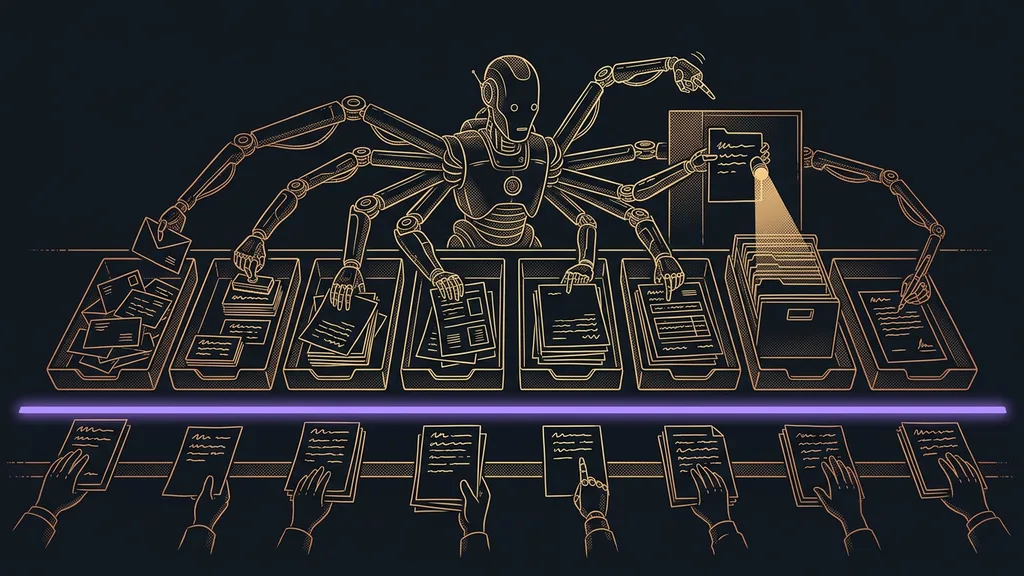
A translator carries over words, localization carries over intent
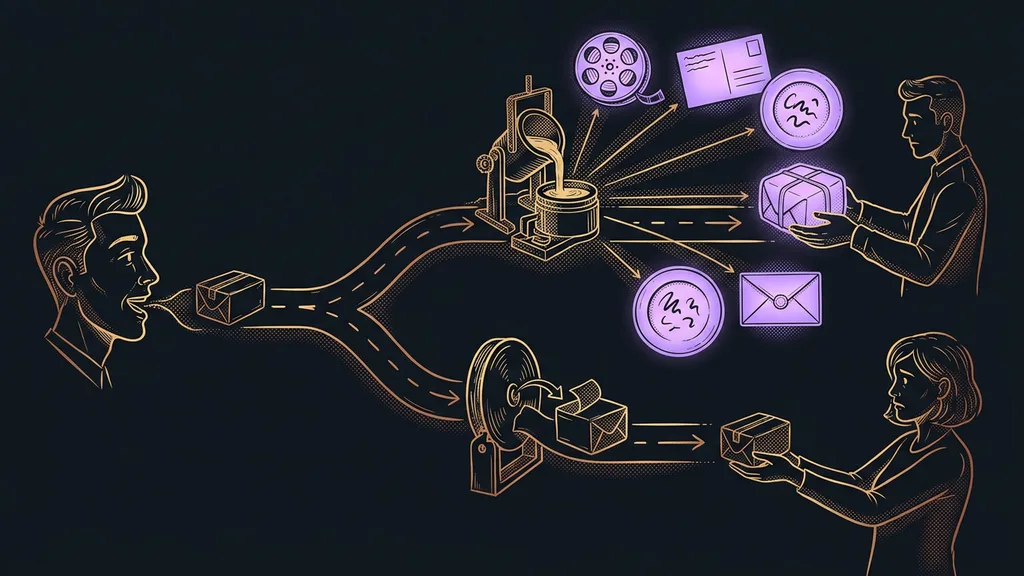
That one sentence is how you pick a tool. A translator takes a finished sentence and faithfully renders it in another language. Localization handles the whole impression: currency, examples, names, tone, and every place where the system talks to the customer. I read all the prices below on the official pricing pages on September 19, 2026.
| Tool | Which layer it covers | Languages | Price as of September 19, 2026 |
|---|---|---|---|
| DeepL | translating finished text | Czech: yes | free for 50,000 characters a month, then from €7.49 |
| Claude | text written directly in the target language | Czech: yes | free version, Pro $20 a month |
| Synthesia | video without filming | more than 160 | free 10 minutes a month, Starter $29 |
| Buffer | a second social media branch | English interface | free for 3 channels, then $5 per channel |
| Canva | images and materials with text | Czech: yes | free version, Pro $144 a year |
In short: the first two tools handle the written word, the third the spoken word, the fourth content distribution, and the fifth everything where text is printed into an image.
Localization
Preparing a product for another market, not just another language. Besides the translated text, it includes currency, date format, examples, names, the phone country code, and the tone of address. You can recognize it by one thing: the customer can’t tell that the original version was made somewhere else.
“I can translate it myself. I just don’t want anyone to be able to tell it’s a translation.”
I hear this almost every time I start a second language with someone. And it’s the right thing to worry about. A bad translation gives itself away less through mistakes than through the fact that the text leaves you with no desire to buy anything.
DeepL: the fastest route to finished text in another language
DeepL is the best choice when you have a finished text and need it in another language. The translated sentences keep both the meaning and the technical terminology, and the result is usually ready to use as is.
Best for: informational and technical pages, how-to guides, terms and conditions, product descriptions, and emails where accuracy is what matters most.
Realistically, it can handle an entire website that only explains things. It also does well with documents where writing from scratch would be wasted effort. If that’s true of your contract or your branded proposal, too, a translator is the right tool and you don’t need anything better.
Where it falls short: it translates, but it doesn’t write. The original text has to be created elsewhere, and if it’s weak in the original language, it’ll be weak in English too. A sales page converted word for word sounds flat.
Price as of September 19, 2026: free for 50,000 characters a month; Individual €7.49 a month billed annually; Team €24.99 per user a month.
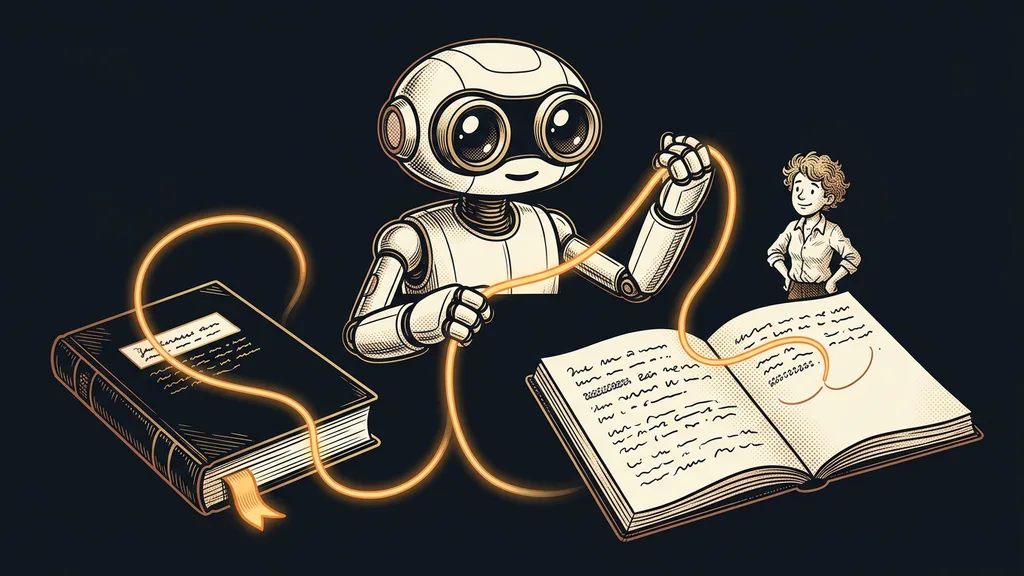
Claude: text written straight in the target language
The second route is not to translate at all. You provide the source material, say who the text is for, and have it written directly in English or Polish. The result doesn’t read like source-language sentences dressed up in foreign words.
Best for: sales pages, email sequences, social captions, and anything where the text has to make something happen, not just say something.
It pays off most for content that gets repeated in every language. A website built from your business description is created the same way, so the second language version doesn’t have to be assembled page by page.
Where it falls short: it needs source material. Without a price list, a product description, and a sample of your tone, it produces generic text anyone could write. And even on paid plans, you’ll run into hourly usage limits.
Price as of September 19, 2026: free version; Pro $20 a month, or $17 billed annually; Max from $100 a month; Team $25 per seat.
How I choose
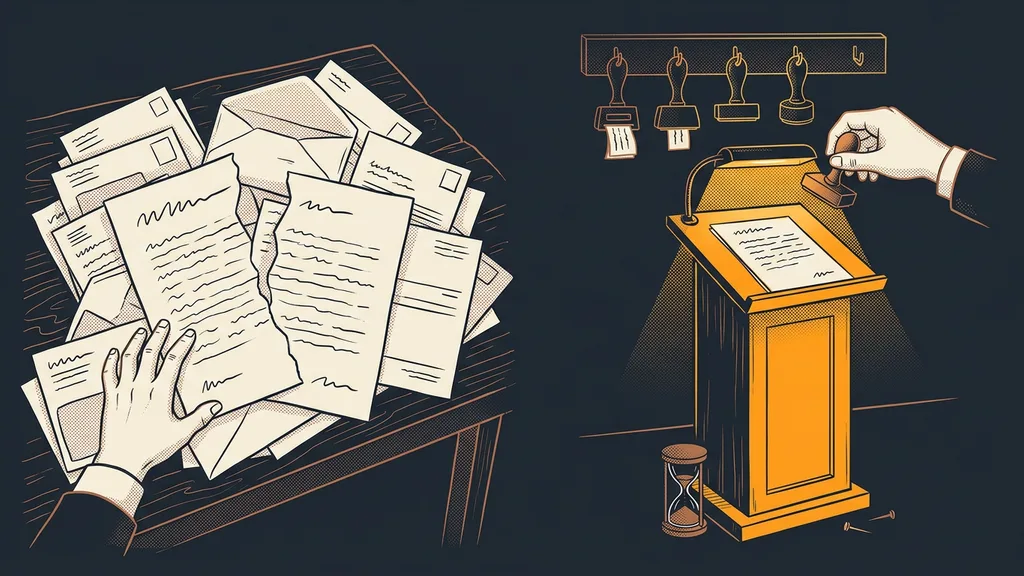
One question decides it: is the sentence supposed to inform or to persuade? What informs goes to the translator. What has to persuade gets written again in the target language. And the order of languages follows how close the market is, not the alphabet. The first one is the market you’re already getting inquiries from.
Synthesia: a training video in another language without a single day of filming
Synthesia builds video from text. You write a script, pick a digital presenter, and the video renders, so you don’t have to put anyone back in front of the camera for another language.
Best for: training, how-to, and product videos that need to appear in several languages and aren’t about your face.
It supports more than 160 languages, so language is rarely what stops you. It makes the most sense for content that gets updated every so often anyway. Instead of reshooting, you just rewrite a sentence in the script.
Where it falls short: $29 a month gets you ten minutes of video, so one longer video a month. And someone other than you is doing the talking, which, for a personal brand, settles the question before price even comes up.
Price as of September 19, 2026: Basic free with ten minutes a month; Starter $29 a month for ten minutes, or $18 a month billed annually with 120 minutes a year; Creator $89 a month for thirty minutes.
Brand glossary
A short list of words that are never translated in your company’s texts, and of words that are always translated the same way. It includes your product name, plan names, feature names, and industry terms. Without it, every language develops its own vocabulary, and customers end up hunting for two different names for the same thing.
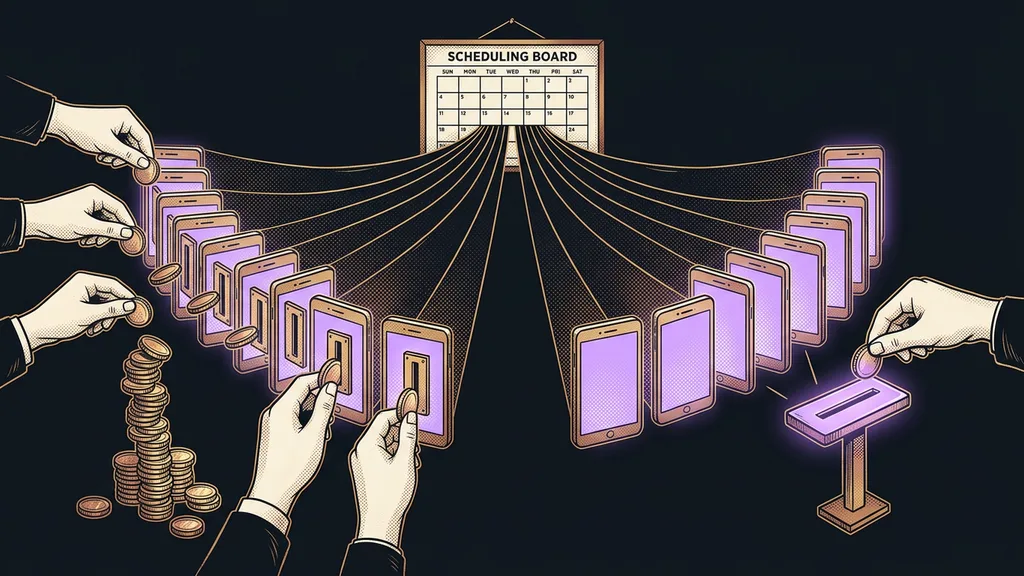
Buffer: a second-language social branch, priced per channel
Buffer is the simplest scheduler if you’re adding another language branch to your social media. Your English profile gets scheduled separately from your main one, and the two never mix.
Best for: a solo operator or a small team running two languages across three to six profiles.
In practice, it solves the main headache of expanding on social media: two languages mean twice the accounts, and with them twice the scheduling. You can prepare posts ahead of time, and the languages won’t get mixed up.
Where it falls short: you pay per channel, not per account. So six profiles on the Essentials plan cost $30 instead of $5, and that’s exactly where the budget for a second language parts ways with the estimate.
Price as of September 19, 2026: free for three channels and ten posts per channel; Essentials $5 a month per channel; Team $10 a month per channel.
Canva: images and materials with text printed into them
Canva handles the layer a translator can’t reach. The text in banners, flyers, presentations, and thumbnails lives in the image rather than in the page code, so it has to be re-typeset by hand.
Best for: a business whose visuals are built on templates and that needs language versions of them.
You save the most if you prepare a template once and then only swap the text. And if you want all the language versions to look like one brand, it helps to take the same approach as with images generated in a single style.
Where it falls short: templates show. The business next door might easily pick the same one, and in another country it’s even easier to spot, because more people there are running the same templates.
Price as of September 19, 2026: free version with no time limit; Pro $144 a year.
The layer no tool covers
There are two things none of these tools will solve for you, and both only show up halfway through the work.
The first is voice. With video and audio, who’s speaking matters, and a digital presenter won’t hold up for a personal brand. That’s why the voice tends to be cloned from the source, so the foreign-language version sounds like you. I describe how that works in practice in my article about how a voice clone narrates my blog posts.
The second is the text inside your systems. Confirmation emails, buttons, form labels, and error messages get translated last, because nobody comes across them while translating the website. Yet the customer reads them right after paying. On platforms that don’t offer localization themselves, it’s extra work, as I describe in the piece on localizing a platform that doesn’t speak Czech.
Who none of this will help
For some, it isn’t worth it, and it’s fair to say so up front. It won’t help anyone selling a service tied to their home market. A foreign-language website will bring them inquiries they can’t serve and frustration on both sides.
The second case is trickier. A business whose texts are a mess in its own language won’t fix anything with a second language. A confusing message stays confusing; more people just get to read it.
And third: not even the best tool will tell you that your slogan has a second meaning in the target country. That’s why the final read always stays with a human, ideally someone who lives in that country.
The whole selection in a nutshell
- Split your content into two piles: what informs and what has to persuade.
- Give the first pile to a translator and have the second one written directly in the target language.
- Put together your brand glossary before the first page goes to translation.
- Plan video, social media, and visuals alongside the website, or you’ll be finishing them in the evenings.
- Don’t forget system emails and in-app text; they’re the piece most often missing.
- Check the pricing pages before you buy; the numbers in this article are as of September 19, 2026.
And that sales page that read like a washing machine manual? It was translated just fine. It was simply translated in a situation where it should have been rewritten. The real test of a good foreign-language version is that nobody notices where it came from, whether or not it matches word for word.