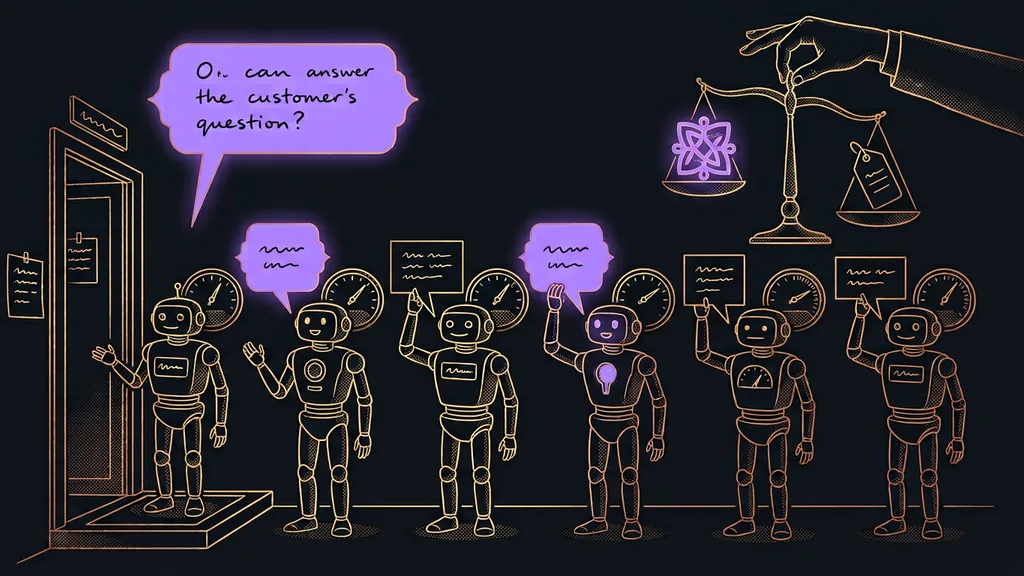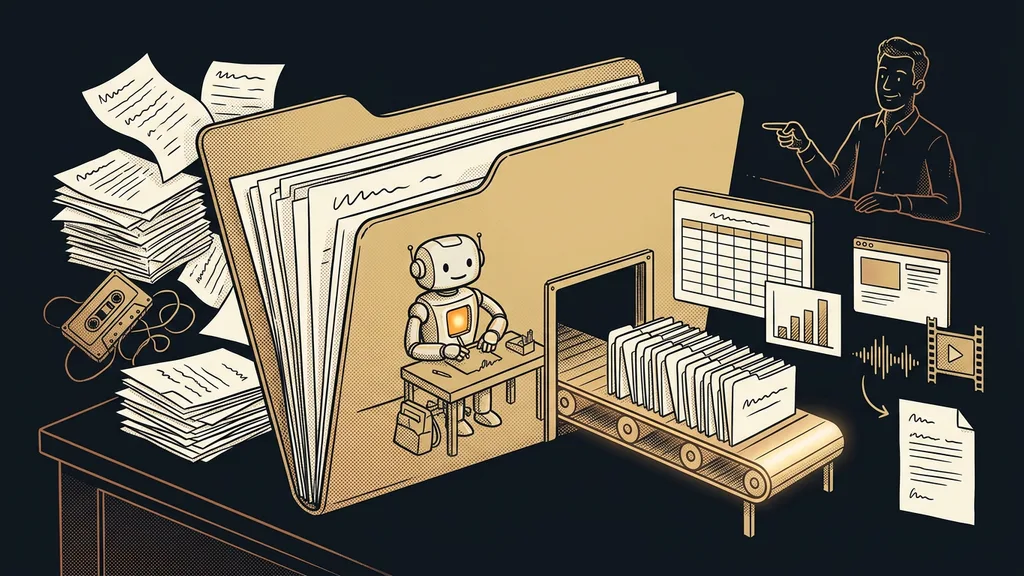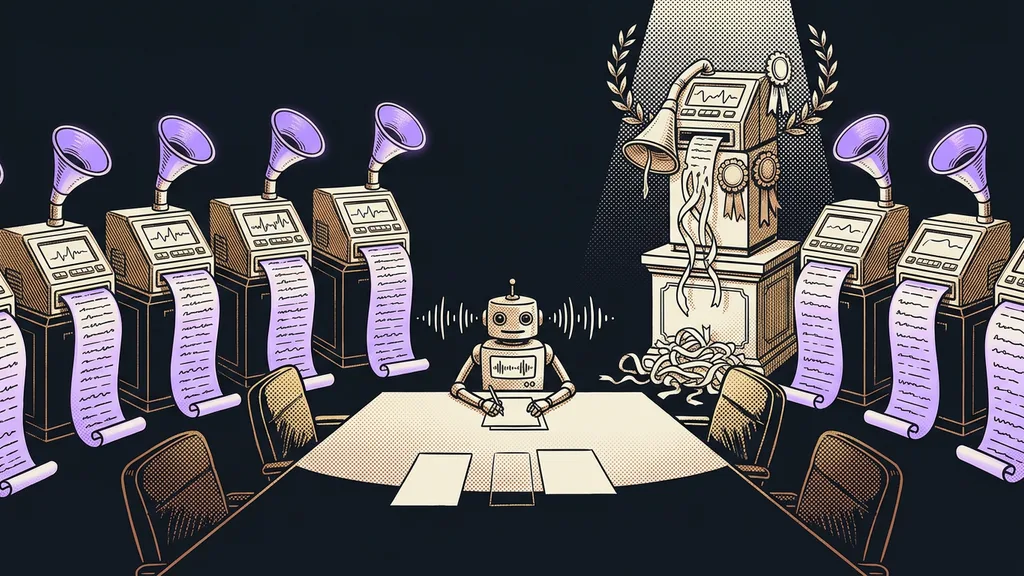
Almost every video call tool offers meeting transcription these days. You turn it on with one click, the text and a summary arrive after the call, and it looks like a solved problem. But the three most important questions only come up later: does it handle Czech, who’s actually listening in on the call, and what happens to the recording afterward.
I underestimated this myself. I rolled out a tool with nothing but five-star reviews, and after my first meeting in Czech, I got a text in which the only thing I could recognize was my own name. There was nothing wrong with the tool; it had simply never been trained on Czech.
The decision comes before accuracy
With transcription tools, you decide before accuracy even comes up. First ask about Czech, because without it, nothing else matters. Then ask how the tool gets to the recording in the first place. And only at the end, ask about price.
| Tool | Czech | How it gets the recording | Price (September 19, 2026) | Main weakness |
|---|---|---|---|---|
| tl;dv | Yes, I’ve tested it | Bot in Meet and Zoom | Free €0, Pro €29, Business €39 a month | With long calls, only part gets transcribed |
| Fathom | Pricing page doesn’t list languages | Bot in the call | Free $0, Premium $20, Team $19 per user | You have to test Czech yourself |
| Otter.ai | No, not on the pricing page | Bot in the call | Basic free with 300 min, Pro $8.33 a month billed annually | Useless for Czech meetings |
| Fireflies.ai | Only in beta | Bot in the call, CRM integration | pricing not verified, free plan exists | Czech isn’t among the main languages |
| Granola | not verified | Listens to your computer, doesn’t join the call | pricing not verified | macOS and Windows only |
| Beey | Built for Czech | You upload a finished file | CZK 198 (about €8) per hour, Plus CZK 590 (about €24), Business CZK 990 (about €41) a month | Can’t join a meeting on its own |
I read the prices in the table directly from the official pricing pages on September 19, 2026. For Fireflies and Granola, that didn’t work out, so you won’t find a number there. If I’d guessed one, it would look just as convincing and be completely useless.
Meeting transcript
A word-for-word text of what was said on a call, usually with timestamps and a summary at the top. It’s the raw material that meeting minutes get made from, not the minutes themselves. Its value comes later, once you can search it, rather than at the moment of transcription.
More than accuracy, what makes a transcription tool valuable is that six months later, you can look up what you promised to whom.
tl;dv: a bot in the call that actually understands Czech
tl;dv sends its own participant into Meet or Zoom to record and transcribe the meeting. In my own experience, it handles Czech, because my client calls run on it.
Best for: regular client meetings where you’ll need to look up agreements and tasks later.
The archive is more useful than any single transcript. Once you can ask questions across all your calls, agreements stop getting lost, as I describe in my piece on a meeting archive that answers your questions.
Where it falls short: with long calls, only part gets transcribed, and the rest disappears without warning. For a three-hour workshop, always check how far the text goes.
Price: verified as of September 19, 2026. The free plan costs €0, Pro €29 a month, and Business €39 a month.
Fathom: the most generous free plan in the category
Of these six, Fathom has the most generous free plan, which makes it a good first step. It works the same way as tl;dv, as a participant in the call.
Best for: trying out the whole idea without paying, before you decide whether transcripts are any use to you.
You get the recording, the transcript, and a summary, and you can get used to the idea that something carries forward from a meeting. Only then does it make sense to think about a plan.
Where it falls short: its pricing page doesn’t list languages at all, so it says nothing about Czech. Test it on a call of your own before you build your workflow on it.
Price: verified as of September 19, 2026. The free version costs $0, Premium $20 a month, and the team license $19 per user a month.
Otter.ai: the best-known name, and still out of the running for Czech meetings
Otter.ai is the best-known name in the category, and deservedly so in the English-speaking world. For Czech meetings, though, it’s not even worth trying.
Best for: calls in English, international teams, and companies that do business exclusively in English.
Speaker identification
A tool’s ability to recognize which participant said which sentence and attach it to a name. Without it, you get one continuous block of text where you can’t tell who promised what. For meeting minutes, that matters more than a few extra percentage points of accuracy.
Where it falls short: Czech. Its pricing page lists English, Spanish, French, German, Japanese, and Chinese, and nothing else. That’s the most useful fact about Otter, and you’ll hardly ever read it in reviews.
Price: verified as of September 19, 2026. Basic is free with 300 minutes a month, and Pro costs $8.33 per user a month billed annually and gives you 1,200 minutes.
Fireflies.ai: strong CRM integration, weak Czech
Fireflies targets companies that want their meeting content connected to their sales system. For Fireflies, the transcript is an input to the next process rather than the end goal.
Best for: sales teams that want a note to appear automatically on the right contact after every call.
That connection is usually the biggest benefit. Minutes that end up in a drawer help nobody, while minutes attached to a contact will be found even by a colleague. You can work the same way with an AI that keeps its own log of a project.
Where it falls short: Czech. According to its own website, it fully supports only a handful of languages besides English, and the rest, Czech included, runs in beta. That’s not enough for a workflow your sales depend on.
Price: not listed. I managed to open the pricing page on September 19, 2026, but there were no numbers on it. A free plan exists; check what it covers directly with the tool.
Granola: notes without a bot in the call
Granola solves an awkward problem people rarely talk about: nobody likes it when a stranger named after some tool joins a meeting. Granola doesn’t join the call; it listens to the audio on your computer.
Best for: sensitive negotiations, meetings with the other side, and situations where a bot in the participant list is hard to explain.
What you get is notes rather than a word-for-word transcript, and plenty of people prefer it that way. The notes can then go straight to where your team looks for them, say directly into Google Drive, much like when AI works across your entire company Google account.
Where it falls short: it only runs on macOS and Windows, and from what I can find, there’s no mobile version. I haven’t verified Czech support, so treat it as an open question.
Price: not listed. I couldn’t verify the pricing from an official source on September 19, 2026.
Beey: Czech transcription when you already have a recording
Beey doesn’t join meetings at all. You upload a finished audio file, and it gives you back Czech text. It’s the only Czech tool on the list, built specifically for Czech.
Best for: recordings of lectures, interviews, and meetings you already have, and for more sensitive content where you want to know who processes the recording.
With Czech speech, the result is usually closer to finished minutes than with foreign tools. From text like that, you can easily pull out a list of agreed work, which then feeds invoicing triggered by a single sentence.
Where it falls short: it can’t get to the recording on its own, so you need something to record the meeting. And you pay for hours of audio, including the half hour spent waiting for latecomers.
Price: verified as of September 19, 2026. In the basic mode, CZK 198 (about €8) per hour of audio; the Plus plan is CZK 590 (about €24) a month for five hours, and Business CZK 990 (about €41) a month for ten hours.
One-minute self-test
Think back to your last three meetings. Can you say right now, without looking, what you promised to whom and by when? Then think about where you’d look if someone asked you six months from now. For me, the answer to both was the same, and it wasn’t a good one.
Who none of these tools will help
If you have two meetings a month and remember both, a transcript gives you one more place to look and solves nothing.
It also won’t help if you never open the transcripts. An archive has no value on its own; the value lies in searching it. If you never pull anything out of the text, you’re paying for a storeroom you never visit.
And then there’s a situation where the deciding factor is the other side’s consent rather than the tool. Recording a meeting without the others knowing comes down to decency and the law. Asking at the start of the call takes five seconds and saves you trouble no transcript can fix.
The whole selection in a nutshell
- Check Czech support first. Without it, the other specs don’t matter.
- Decide whether a bot may join the call or should stay out of it.
- For regular client calls in Czech, tl;dv works for me, and with long calls I keep an eye on where the transcript ends.
- If you want to try the idea for free first, start with Fathom and test the Czech.
- If you have finished recordings and need certainty in Czech, upload them to Beey.
- Don’t use Otter.ai for Czech meetings. According to its own pricing page, it doesn’t support Czech.
In the end, I’m glad about that first transcript where the only thing I could recognize was my name. The tool was fine, just built for a different language. You can tell a good transcription tool by something other than its accuracy score in a test: six months later, you open the search, type the client’s name, and find the exact sentence you’re arguing about today. The rest are details you’ll set up once and then forget about, just like running your business by voice instead of keyboard.