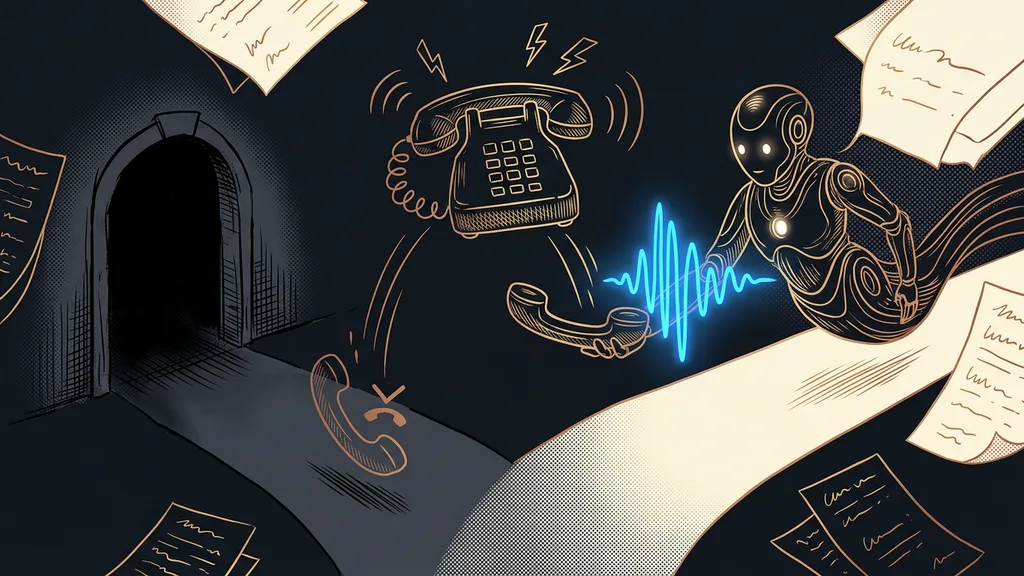
Recordings pile up faster than you can think about where they go. A meeting, a client call, a consultation, a note dictated in the car. These days any app will pull the text out of them in a few clicks. Yet hardly anyone asks the most important question: where does the recording get sent, and what happens to it there?
I caught myself doing it too. I dragged an hour-long client call into a web app and went out for lunch in the meantime. Only on the way did it dawn on me what had been said on that call. Names, numbers, and things the client told me only because they trusted it would stay between us.
Where the recording goes matters more than accuracy
The big transcription decision comes before accuracy even enters the picture. First comes the question of which way the recording travels and where it stops along the way. You can fix a mistranscribed word in two minutes. But you can never take back a copy on someone else’s server.
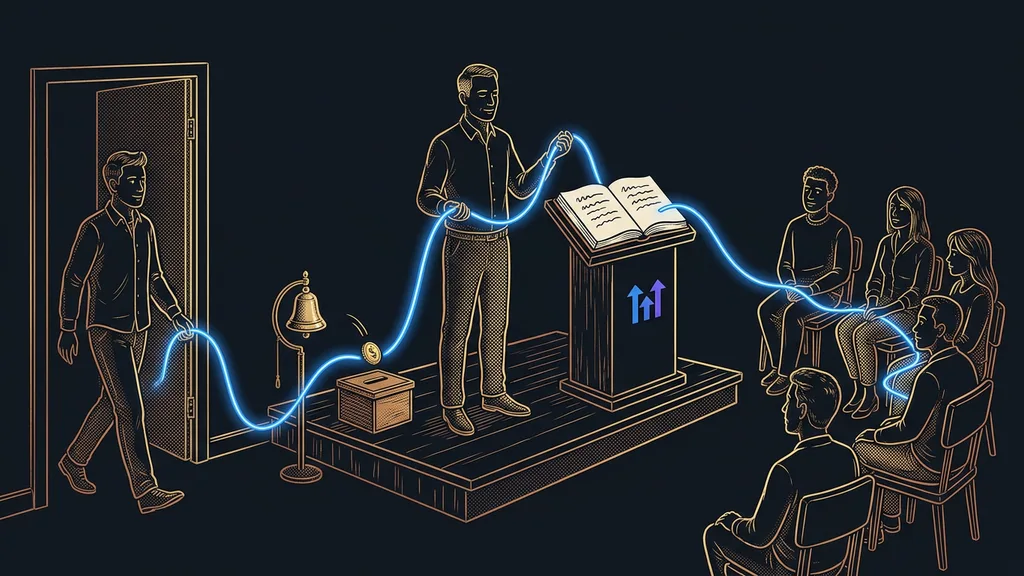
The recording’s journey
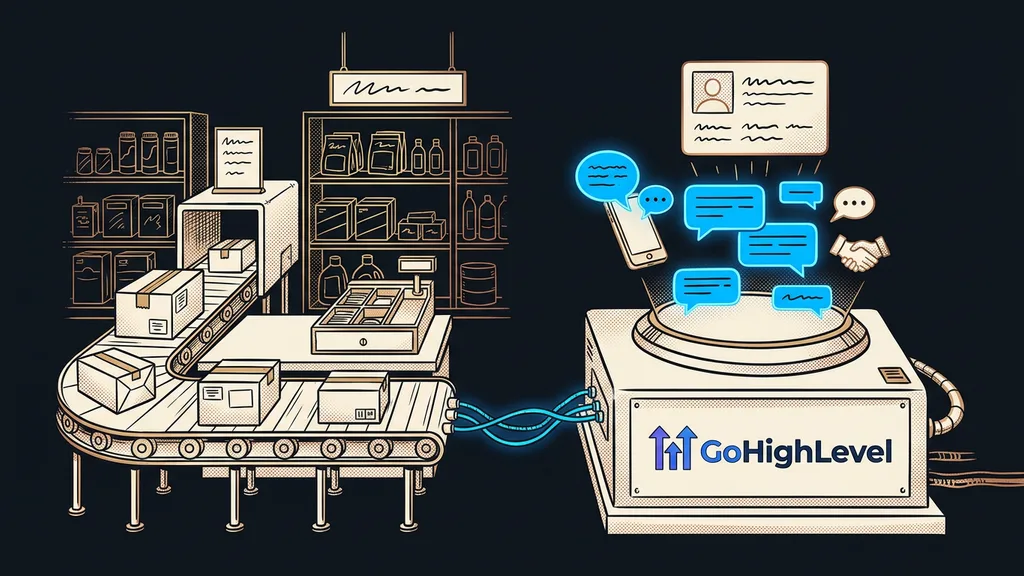
The route an audio file travels before it comes back to you as text: from your laptop to the provider’s server, then into the model that transcribes it, and often into a backup as well. Most services describe it honestly in their terms. It’s just that nobody reads them, because the transcript is ready in two minutes and seems like a harmless little thing.
For a public talk, it doesn’t matter. For a job interview, a pricing meeting, or a call where a client talks about their money, it’s a different story. You’re the one responsible, not the app. You can’t hand off responsibility for a machine’s work, no matter who does the work.
The most sensitive sentence from a meeting really gets heard later, in the transcript sitting on someone else’s server.
Transcription that happens entirely on your desk
There’s another way, and it’s surprisingly ordinary. You can download a speech-to-text model to your computer once, and from then on it works even without the internet. The audio doesn’t go anywhere. The text is created on the same drive the recording sits on.
Speed depends on the machine. On a newer laptop, the text is often done before the recording would have finished playing; on an older one, you’ll wait. The model handles an ordinary meeting in Czech too, which honestly surprised me. It’s the same principle behind dictating instead of typing: to a computer, speech is just ordinary input now.
There’s no secret technology involved. Open speech recognition models are free to download and run on an ordinary work laptop. They need just one setup at the start and a bit of disk space. After that, you won’t hear from them.
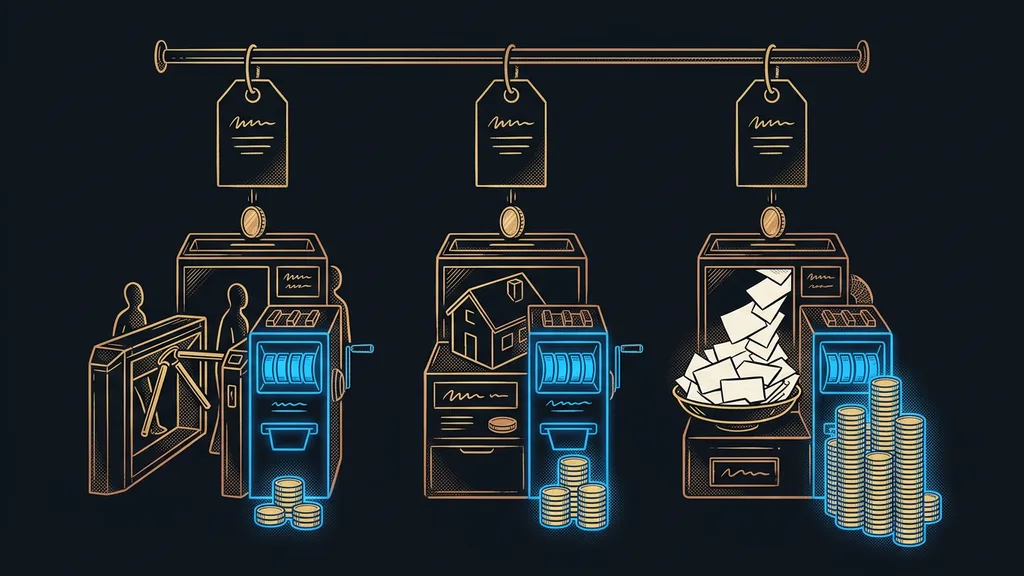
And it costs nothing. Every time, not just until a free tier runs out. Paid transcription tools bill by the hour of audio, and with Czech services, as of September 19, 2026, that came to around CZK 200 (about €8) per hour of recording. At ten hours of recordings a month, that’s an amount worth thinking about.
What actually changes
The biggest change is in the decision-making. I no longer have to think about what’s still OK to send out and what isn’t. When transcription costs nothing and goes nowhere, everything gets transcribed.
That turns your recordings into a searchable archive. I run older recordings that sat uselessly on the drive for years through an overnight batch, and by morning they’re readable text. Nobody has to listen to an hour-long call a second time.
What I allow myself to record has changed too. For more sensitive calls, I used to take notes by hand and decipher them in the evening. Today I hit record every time, because I know the recording stays at home. Notes have become a by-product rather than extra work.
One-minute self-test
Go through last month’s recordings and ask about each one: would I mind if this sentence turned up outside the company? Then look at how many of them you sent to a third-party app. For me, that number never matched what I thought it would be.
What local transcription can’t do
You get plain text, without speaker labels, an editor, or a bullet-point summary. Paid services can do all of that, and it’s their biggest strength.
Diarization (splitting by speaker)
The step in which a transcript is broken into individual turns, each showing who’s speaking. Without it, you get one continuous block of text. In a meeting of two people, you can work out the speakers from context; in a meeting of six, you can’t.
The second thing is audio quality. A recording from a phone lying in the middle of a big table turns out badly with any transcription tool, local or paid. The input matters more than which tool you pick. A microphone for about €10–20 will help more than any setting.
The third thing is convenience. Anyone can upload a file to a web app, whereas here someone has to set up the computer once. And for the opposite direction, meaning your own voice reading out finished text, you need different tools again.
Who shouldn’t bother
One group won’t gain anything from this. If you transcribe two public talks a year and want a finished summary right away, a paid service will serve you better. You risk little and save yourself work. The same goes for anyone who needs speakers separated in every meeting. Local transcription makes sense where there are lots of recordings or they’re sensitive. Ideally both.
The whole principle in a nutshell
- You download a speech recognition model to your computer once, and it stays there.
- The recording stays on your drive and isn’t sent anywhere.
- The text is created on your machine, without the internet and without an account with a third-party service.
- Transcription stops being a decision and becomes routine, because it costs nothing.
- Where you need speaker labels, a summary, or an editor, you choose a paid service deliberately.
I’d still transcribe that hour-long call from the beginning today. I just no longer worry about where it goes. The best data protection rests on the file never leaving, not on a clever setting or a long contract.