You measure a website by the leads it brings in, not by how beautiful it is. And between those two there’s often a surprisingly big gap: pages everyone likes that bring the business almost nothing.
Maybe you’ve been through this too. You ordered a new website from an agency, waited a few months, and the result really is a joy to look at. Friends praise it, the logo fits, the photos pop. And then, for a month, nothing happens at all. Nor the month after. People come to the site, click around, read a bit, and leave again. When someone does fill in the contact form, the message lands in your inbox between invoices and newsletters. Sometimes you catch it right away, sometimes three days later.
I set up GoHighLevel for clients every day, and I hear this story over and over. Only the industry and the amount on the agency’s invoice change.
“We’ve had the website for over a year now, and it’s really beautiful. But whether a single job ever came from it, I couldn’t tell you. I can’t see it anywhere.”
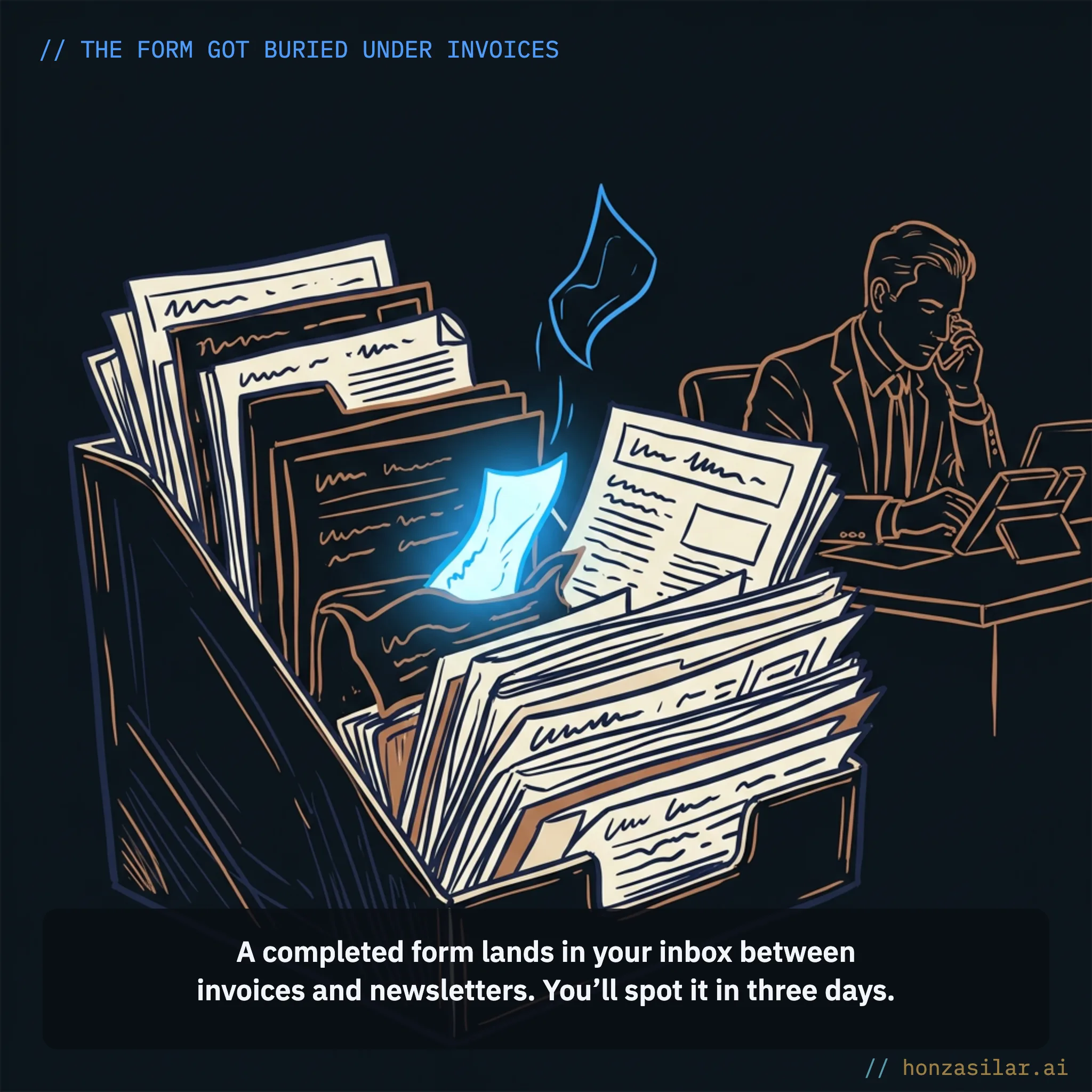
The most expensive business card you can buy
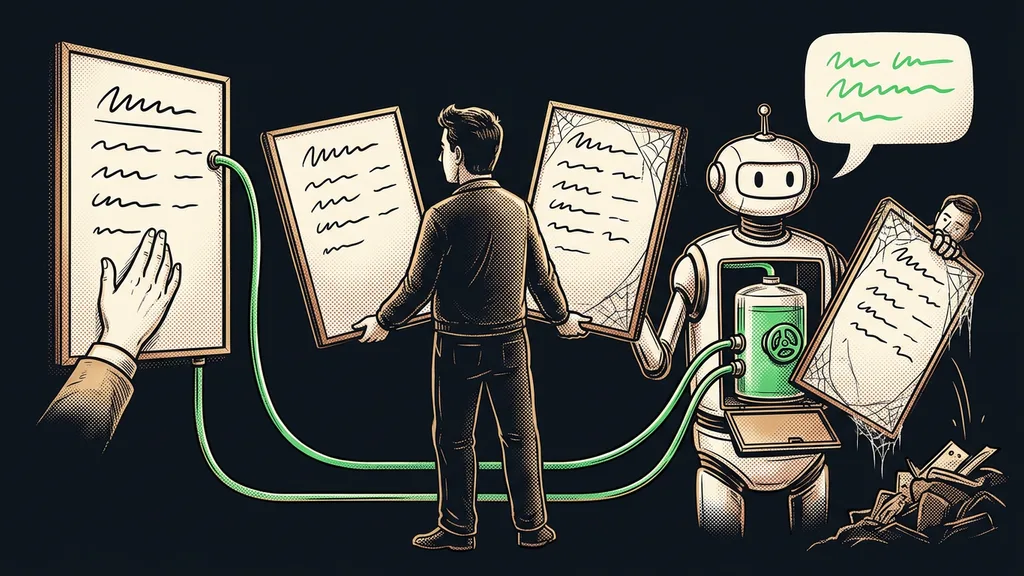
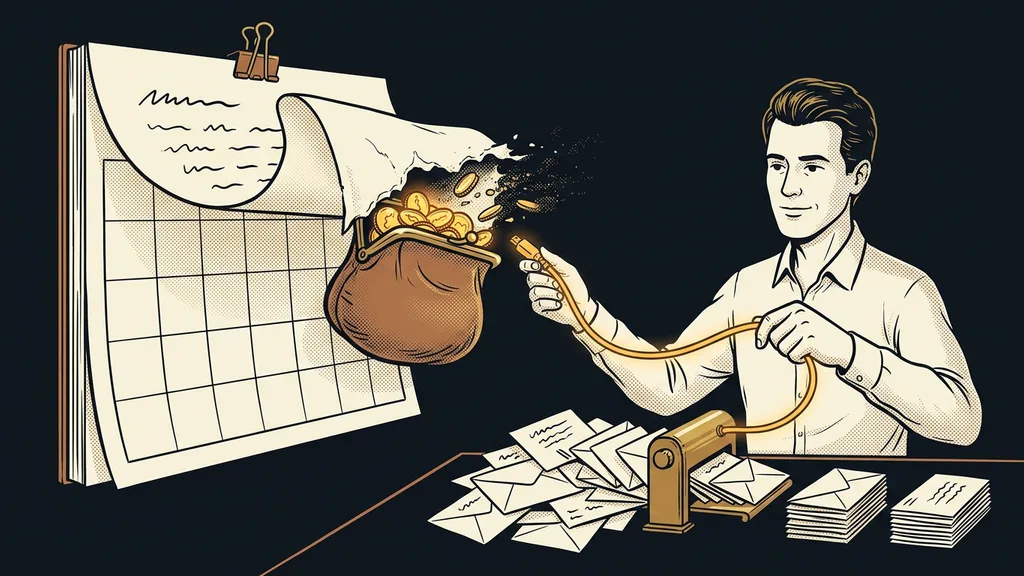
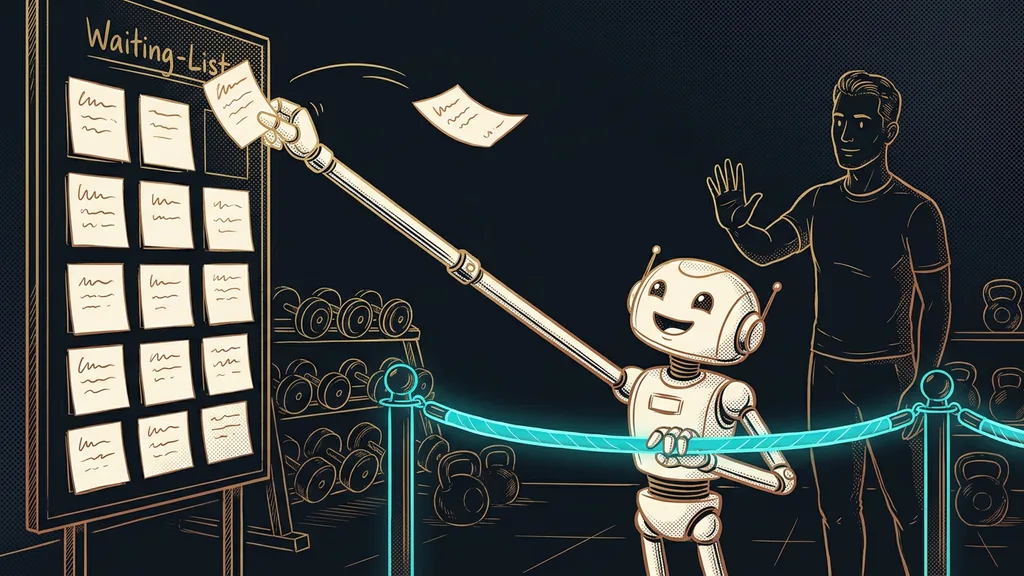
The design and the copy are rarely to blame. Your website simply lives a life of its own, with nothing connecting it to the rest of the business. Its form sends an email, and that’s where its job ends. You don’t know how many people visited the page, where they got stuck, or what put them off. Nobody records the contact anywhere, nobody sends a reply, and whether you follow up a second time depends purely on your memory.
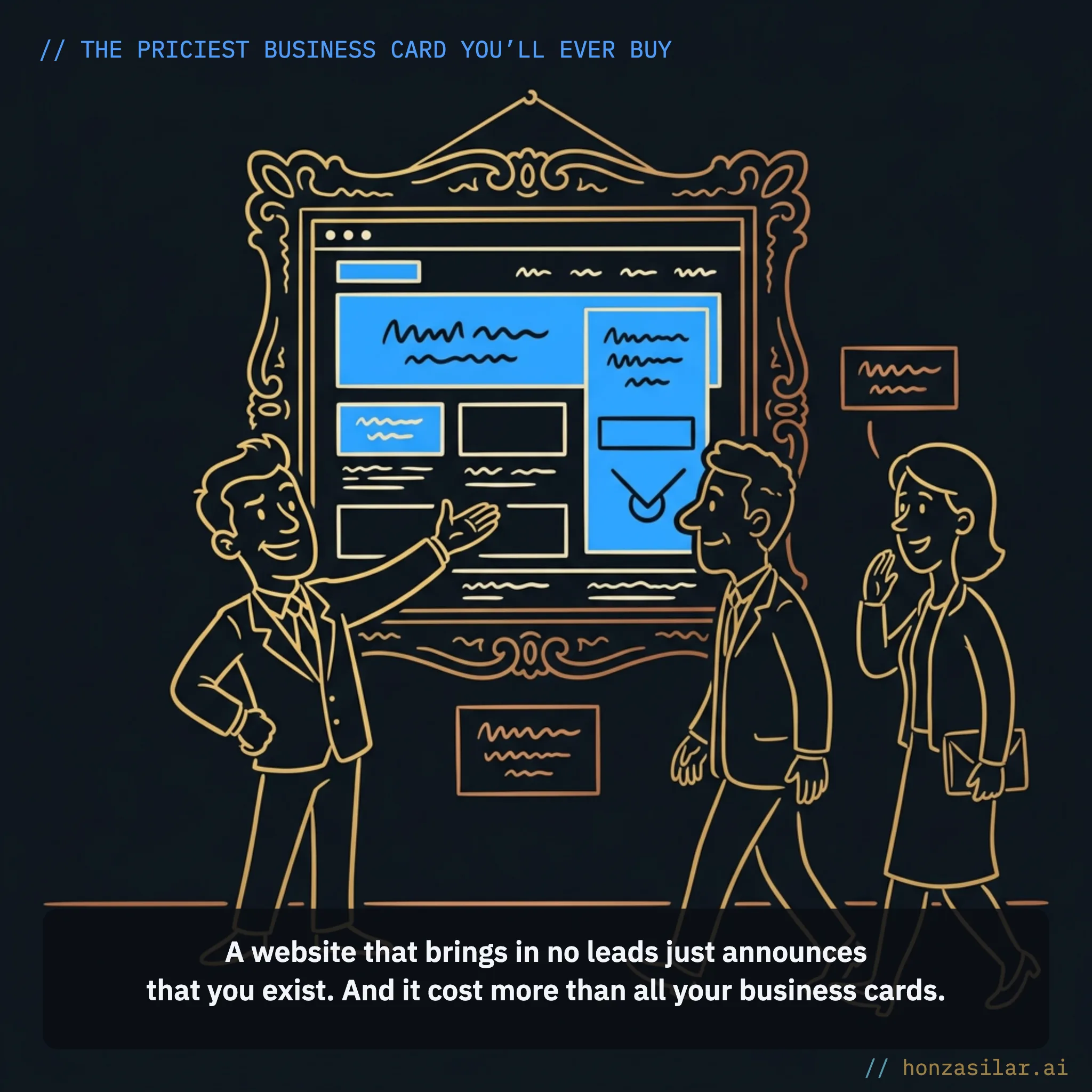
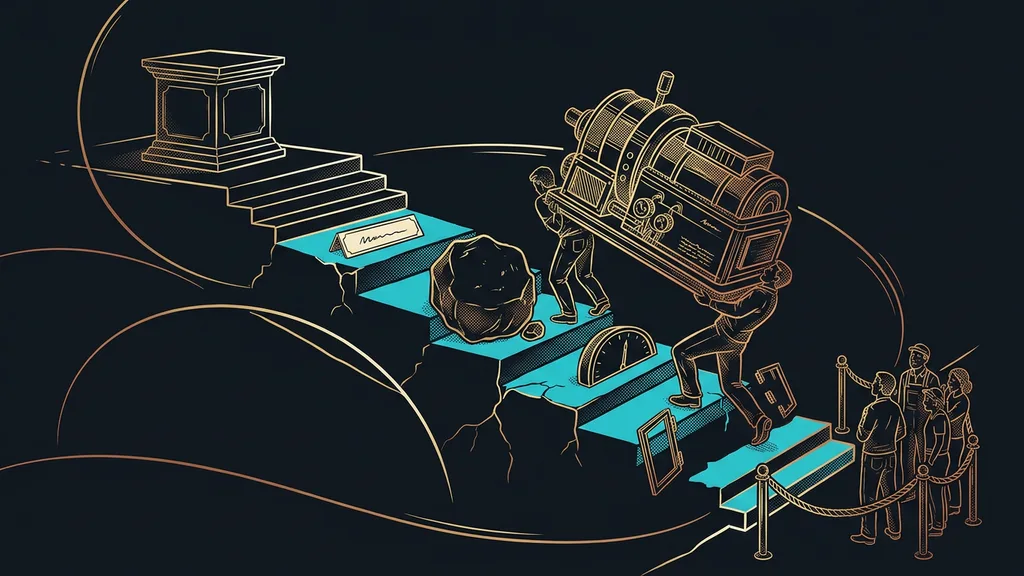
A website like that is a business card. It announces that you exist, but it doesn’t sell. It just cost more than all the paper business cards you’ve ever handed out, combined. Meanwhile, leads go cold, or a faster competitor picks them up.
A website people like × a website that sells
A website people like
Friends praise it, the logo fits, the photos pop.
The form sends an email, and that’s the end of it.
You don’t know how many people came or what put them off.
A website that sells
The form creates a contact and an opportunity on the spot.
Submitting it triggers a reply and a task right away.
You see the numbers: how many came, filled in the form, paid.
Page, form, and CRM in one tool
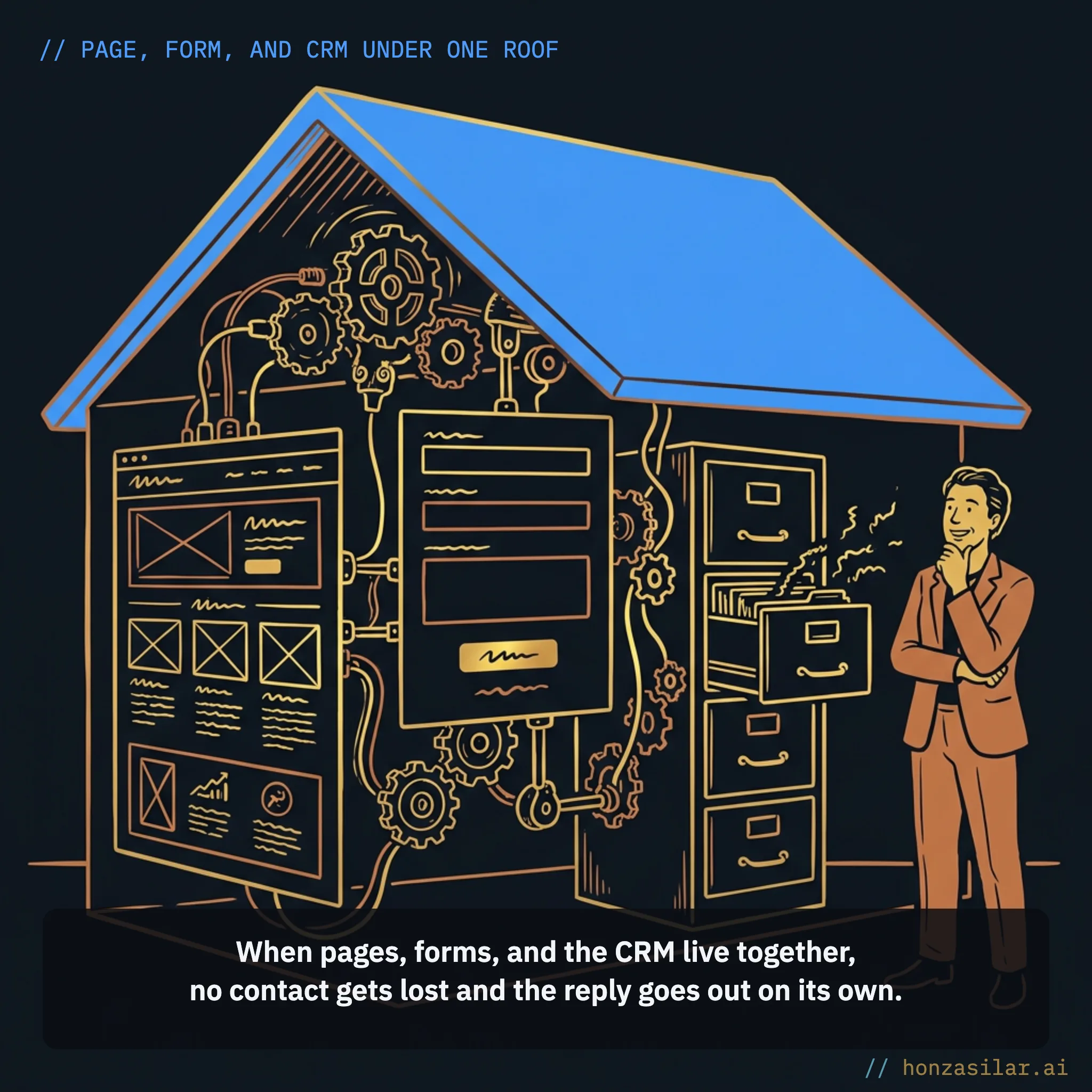
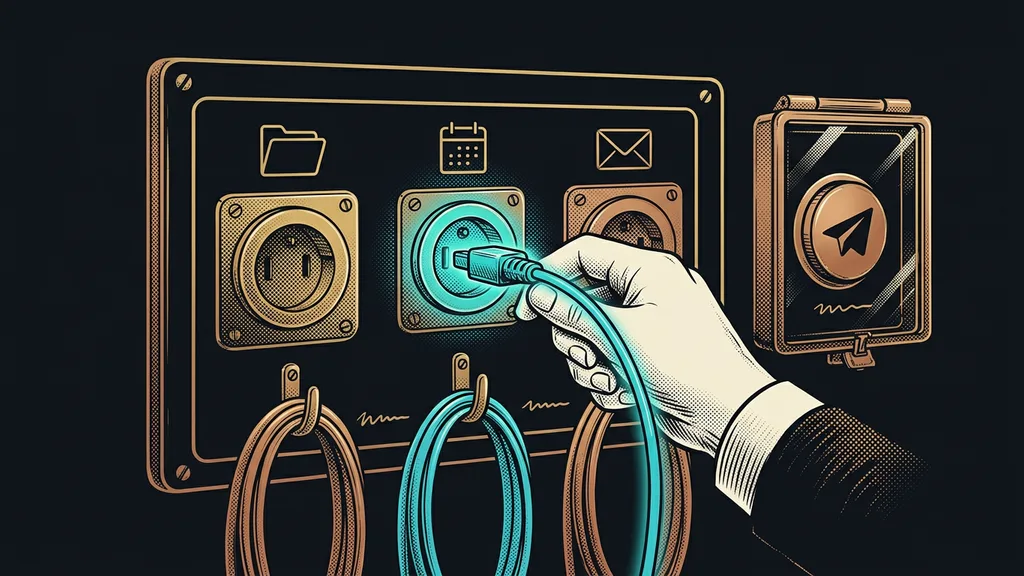
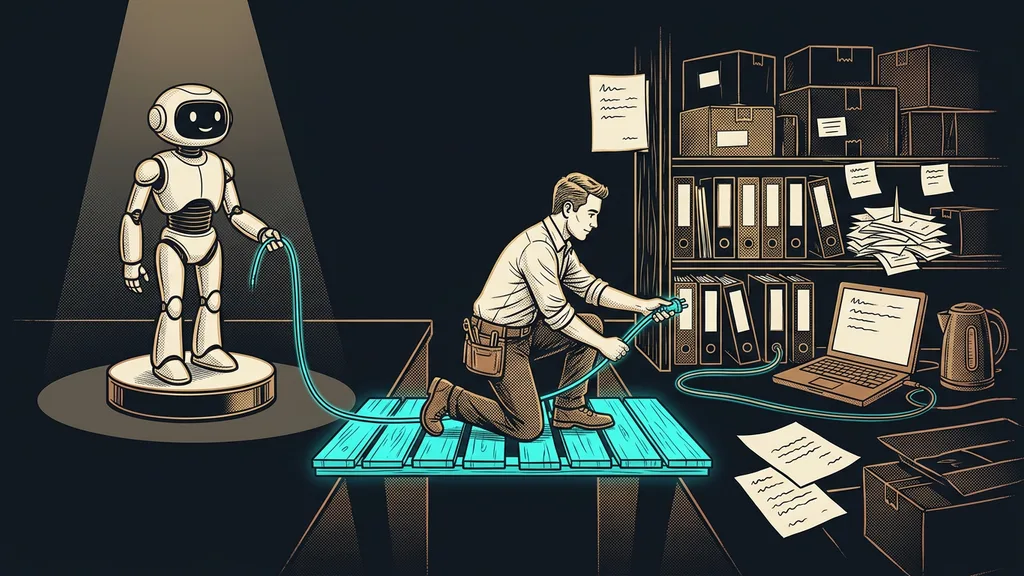
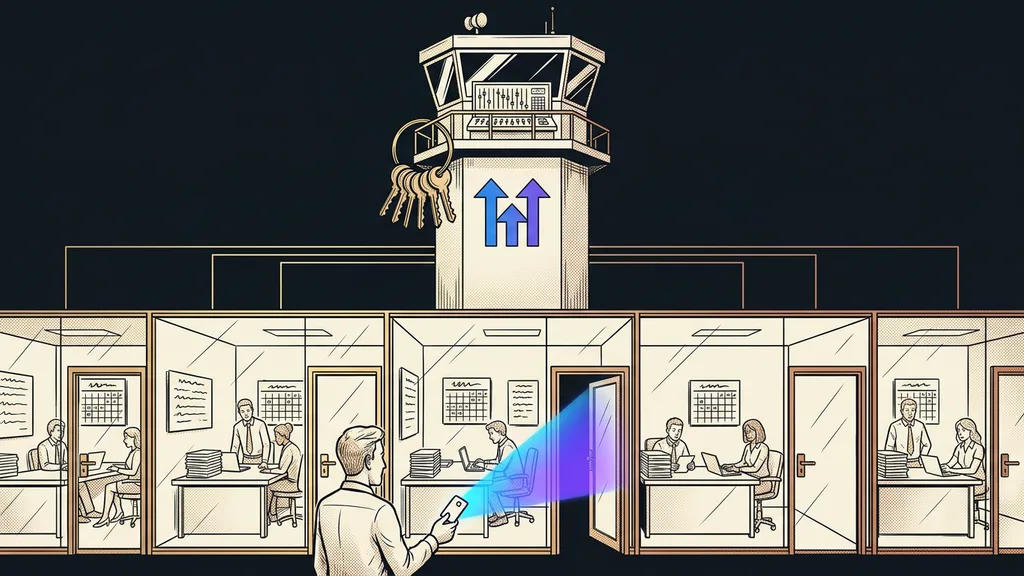
I approach websites the other way around: sales first, facade second. That’s why I build sales pages right in GoHighLevel, the same tool where the CRM and automations run. It sounds like a technical detail, but it changes absolutely everything:
- Whoever fills in the form is in the database as a contact that instant and immediately becomes an opportunity in your pipeline. You don’t copy anything from emails into spreadsheets.
- A submitted form kicks off an automation right away: a thank-you, the first email or text message, and a task for your salesperson.
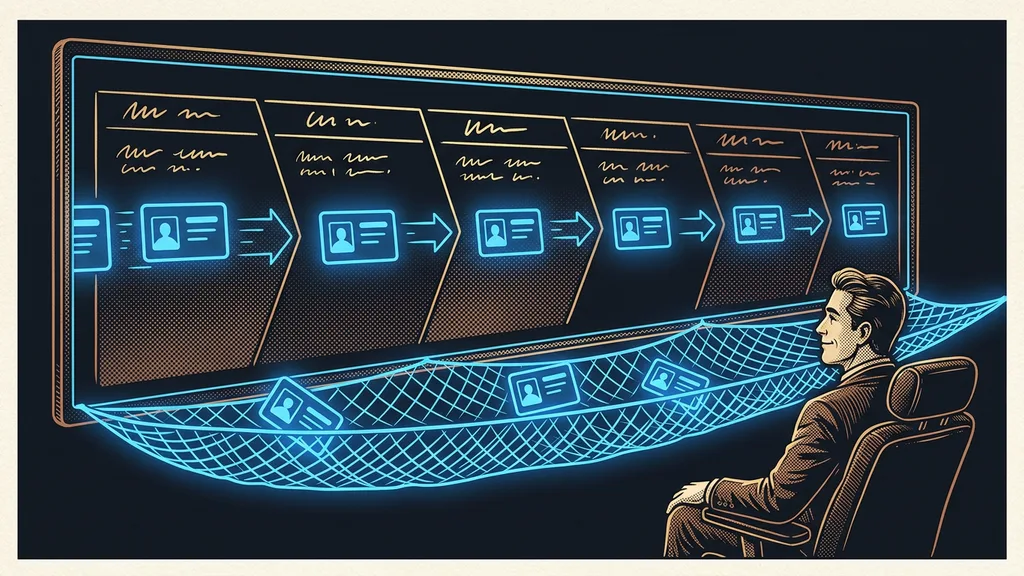
- You finally see the numbers: how many people came, how many filled in the form, how many paid. The website stops being a black box.
What happens when a visitor fills in the form
You put pages together with your mouse from ready-made blocks, there are over 200 industry templates to get you started, and the whole builder comes with the base license at no extra cost.
Funnel (sales path)
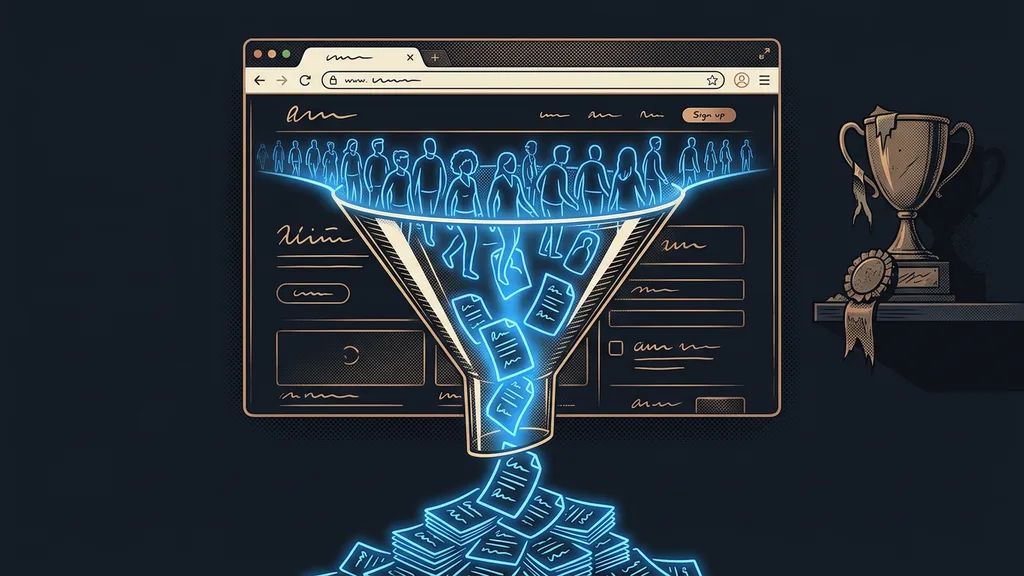
A series of connected pages that lead a visitor along one clear path to one action: submitting an inquiry, buying, or booking a meeting. Unlike a regular website, where everyone clicks wherever they like, a funnel holds its course: landing page, form or order, thank-you page. Every step has a single job and no distractions.

And it doesn’t stop at a page with a form. You build a whole sales path and can add smarter elements to it:
- A one-click upsell: an add-on offer the customer can accept after paying without entering their card details again.
- Conditional form logic: depending on the answers, more fields appear, the visitor is redirected to a different page, or a poor-fit lead is filtered out right away.
- Quizzes: answers are scored, and each person gets sent somewhere different based on the result.
- Prefill: returning visitors see their details filled in automatically.
- A form on an external website: if you don’t want to scrap your current website, you can at least add a pop-up or a side bar to it, even one that appears just as the visitor is about to leave.
What you can add to your sales path
- One-click upsell: the customer accepts an add-on without re-entering their card.
- Conditional logic: the answers change the form’s fields and where it leads.
- Quizzes: answers are scored, and the result sends each person somewhere different.
- Prefill: returning visitors see their details filled in automatically.
- Form on an external website: a pop-up or side bar, no new website needed.
In practice
A prospect submits an inquiry at 10 p.m. Before they finish their tea, they have a reply, a new opportunity lights up in the CRM, and in the morning your salesperson finds a “call” task waiting. Nobody did any of those steps by hand.
Don’t guess what works. Measure it.
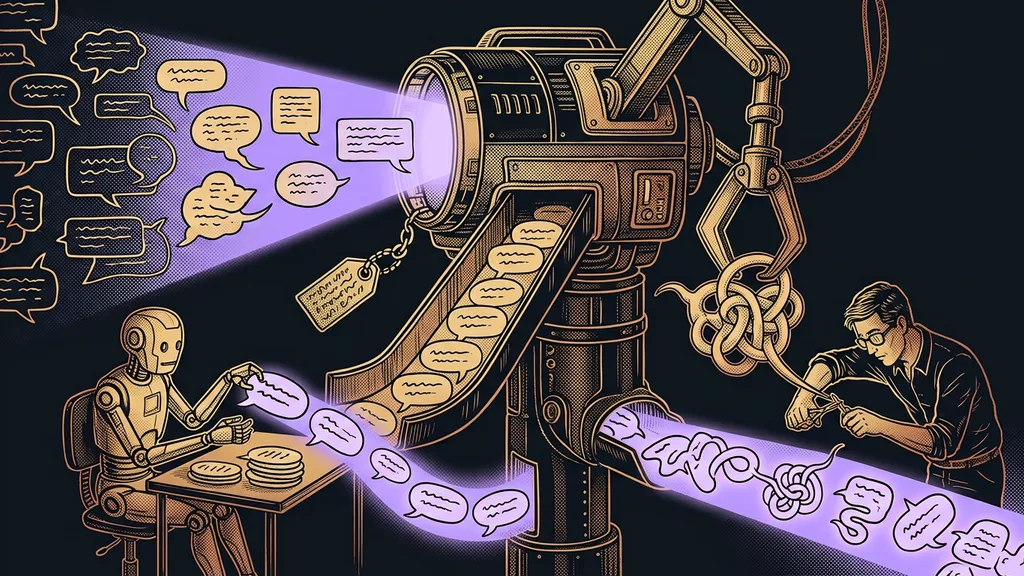
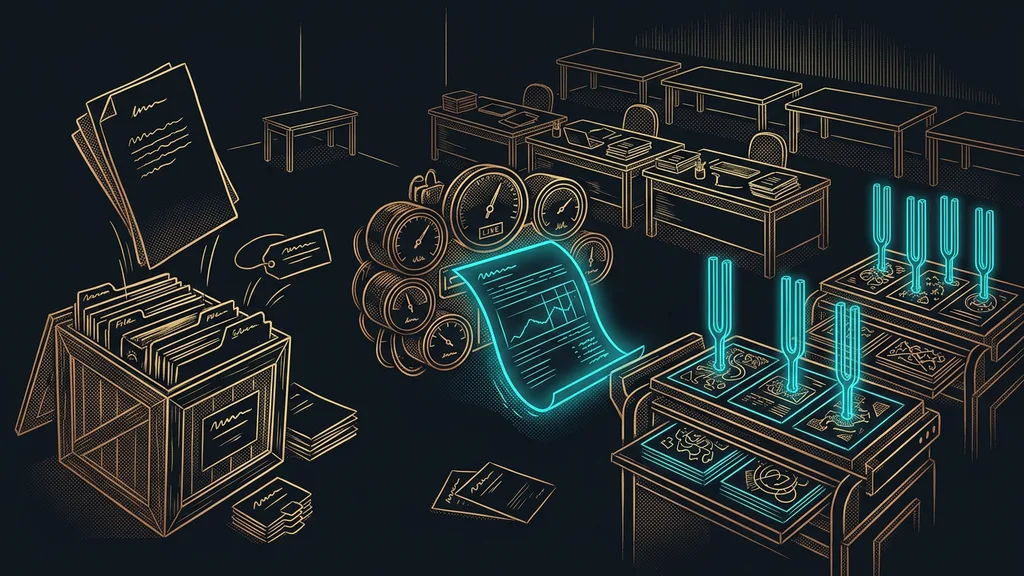
There’s one more thing you almost never get with an agency website: the ability to test. For every step of your sales path, the builder can run several versions of a page, and a slider splits which share of visitors sees which one. A different headline, a different photo, a shorter form, and after a few weeks the numbers decide, not your gut feeling. Two small things from practice: the test runs only on your own domain, and the system won’t declare a winner by itself. You confirm it manually.
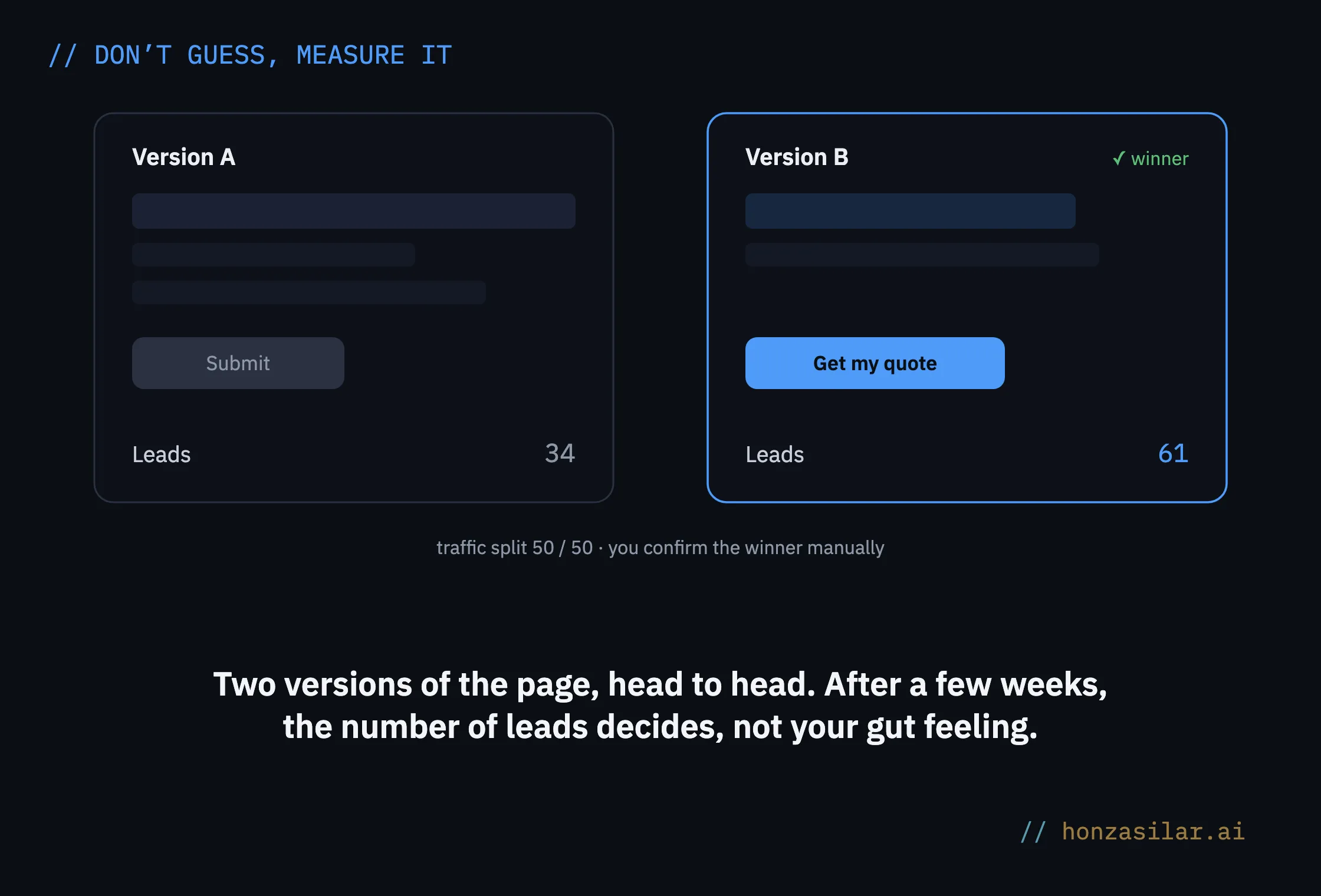
And because everything is connected to the CRM, you see more than clicks. You see which version brought in more real inquiries and orders.
A number that speaks for itself
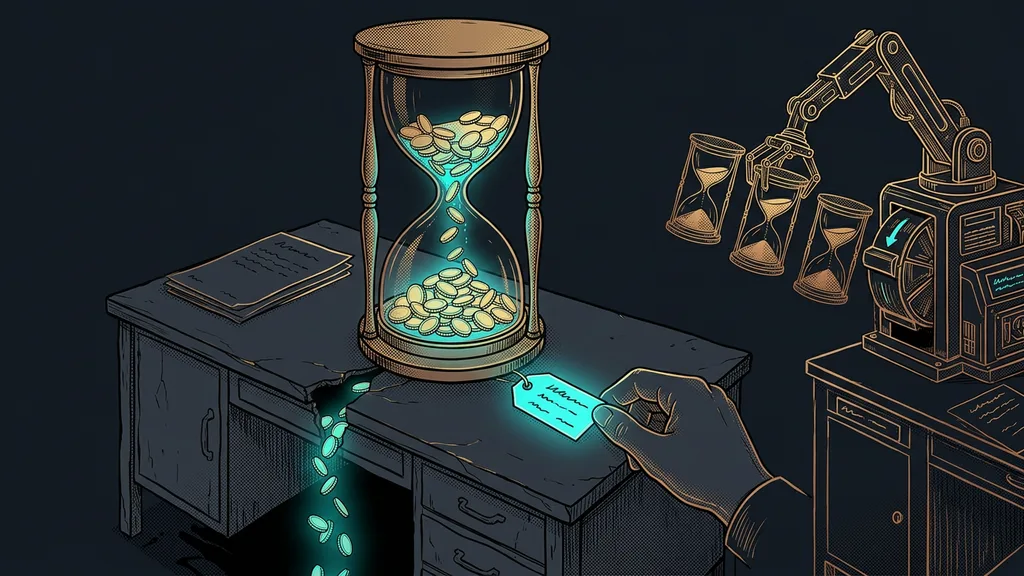
Ballpark figures from the platform’s practice: 15 to 30% of customers add an order bump at checkout, 10 to 20% accept a one-click upsell, and as a result, the average order value usually grows by 30 to 70%.
How much the average order grows
Straight talk about the tech: speed and Czech
To keep this from being all praise, two things are only fair to say up front. Pages from the GoHighLevel builder aren’t among the fastest: on mobile, they tend to score between 20 and 45 on PageSpeed, and the main content takes 4 to 8 seconds to load. Your own domain with Cloudflare caching helps. For sales pages you send people to from ads or email, this may not have a major impact on conversions, but SEO takes a bigger hit. So if your brand website needs to live off search engines, I’d build it elsewhere and connect GoHighLevel to it for exactly the forms, sales pages, and data.
When to build a sales page in GoHighLevel and when to build your website elsewhere
Build it in GoHighLevel
Sales pages you send ad traffic to.
You want a form wired straight into the CRM.
Conversions matter more than PageSpeed scores.
Better elsewhere
A brand website that needs to live off search engines.
You need top-notch speed and SEO.
You connect GoHighLevel for forms and data.
The second thing is Czech. Since the platform is American, you rewrite the field labels and the submit button text by hand. On top of that, the builder offers two previews, one for desktop and one for mobile. It’s no obstacle, just something good to know before you start building. And if you’d rather not assemble blocks with your mouse, you can describe what you have in mind and have AI generate the pages right in the platform, connected to the same CRM and the same automations.
The whole idea in a nutshell
- Sales first, facade second: a page needs a job, not just a look.
- Build the sales path where the CRM and automations run, not next to them.
- The form creates a contact and an opportunity right away. You don’t retype anything.
- Submitting it triggers a reply and a task for your salesperson right away.
- You test page versions against each other, and the number of leads decides, not your gut feeling.

The next time someone offers you a “modern website,” ask them one question: what exactly happens when a visitor fills in the form? If the answer is “you get an email,” you’re buying yet another business card. A website should do a salesperson’s job: write down every prospect, get back to them before the competition does, and keep showing what’s working. That’s exactly what happens when pages, forms, and the CRM live under one roof.