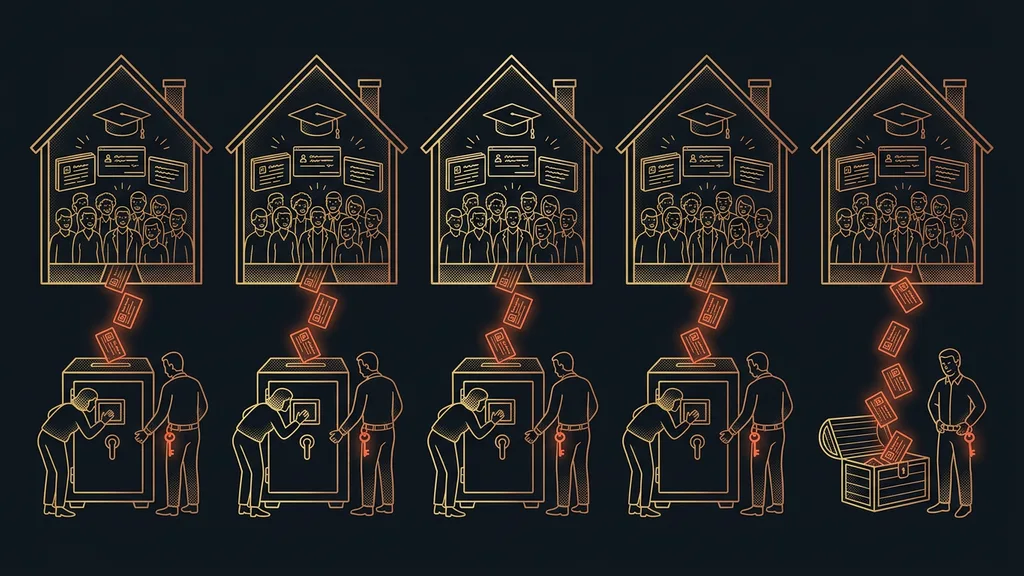
Everyone can record calls these days. Almost nobody can find their way around the recordings. They keep piling up, each one gets saved somewhere, and that’s where it ends. You’re left with a heap of hour-long files you can’t find anything in. And the more of them you have, the worse it gets: a memory that was supposed to grow ends up burying itself instead.
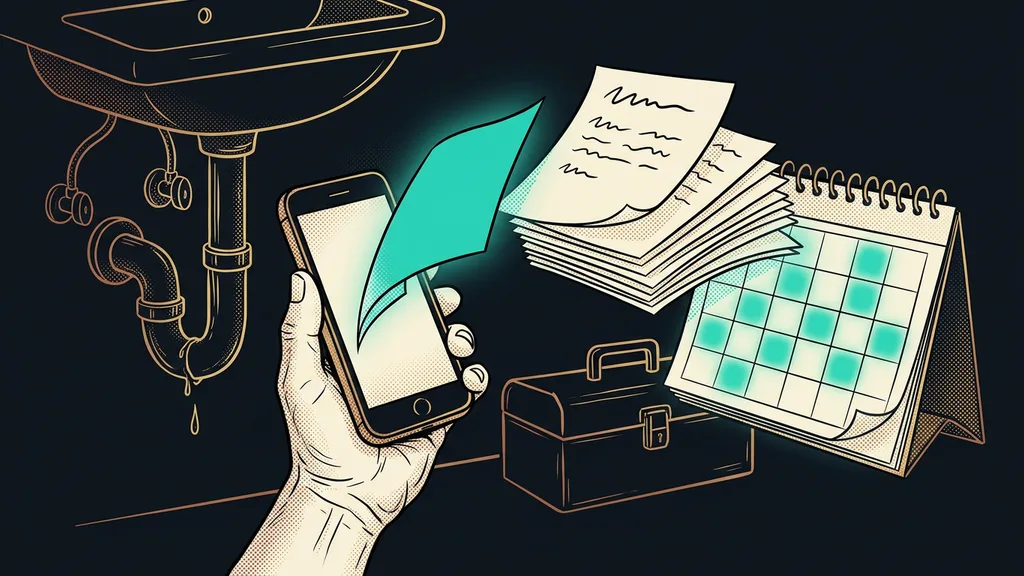
It’s Friday afternoon, and a client email lands in your inbox: did we agree that you’d migrate our whole website, or just one page? You don’t know either. It came up on a call about a month ago, and that call lasted an hour. So you open the recording and start scrubbing. Forward, back, a bit further back, until you hit that one right minute. By the time you find it, your coffee is gone, and so is your good mood.
A client once asked me exactly this. I know the question from both sides: as the one who gets asked and as the one asking it myself.
A recording isn’t a memory yet
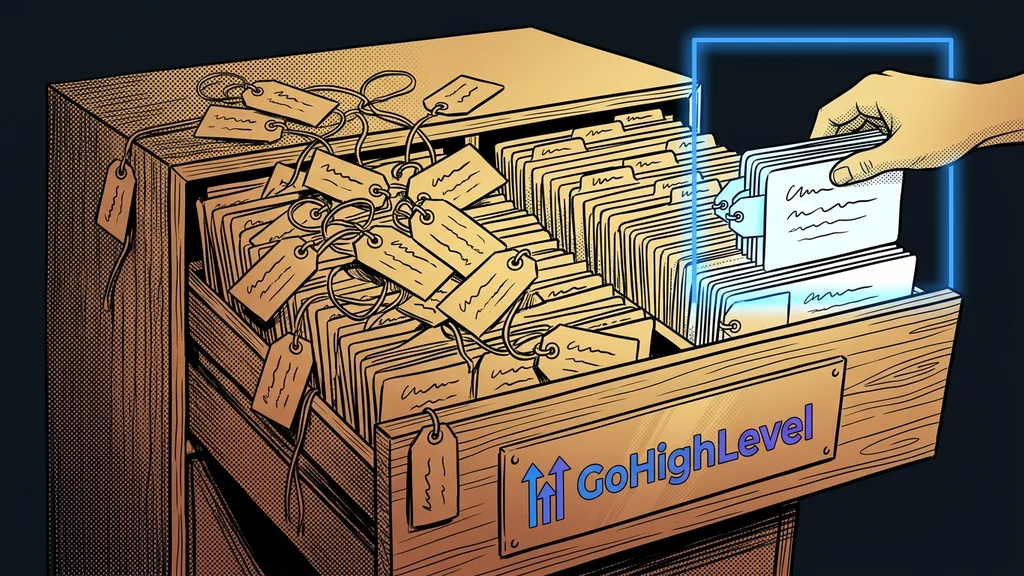
Recording on its own doesn’t solve anything. What’s valuable is an archive you can ask questions. I used to work like most people: the call got recorded, and that was the end of my concern. I knew the information was “in there somewhere.” I just couldn’t get to it in less than twenty minutes of scrubbing.
Searchable memory
An archive of calls you query with a natural sentence instead of keywords. It runs on semantic search: the machine understands what your question means instead of matching it letter by letter. You say “what did Petr and I discuss about invoicing in June,” and it pulls up that passage even if the word “invoicing” never came up once.
A recording you can’t play back with a question isn’t a memory. It’s just another folder you’re afraid to open.
What a dead archive really costs you
Lost time is only the visible half. The worse part is what you don’t see at all. When your memory is full of holes and nobody keeps records for you, work quietly slips through the cracks. A call happens, something gets agreed, it easily takes an hour, and there’s no trace of it in your timesheet. I did work that never got billed. And over a month, a few calls like that add up to a solid chunk of work I never put on an invoice.
One-minute self-test
Take your last two months of calls. How long would it take you, right now, to find exactly what you agreed with a specific client? And how much work did you do straight off a call, just in passing, and never put on an invoice? For me, that second number never matched what I thought it was.
I stopped clicking and started asking
The turning point didn’t come with recording. It came when I started asking the archive questions in plain sentences, as if I were asking a colleague with a photographic memory who never takes a day off:
- List my meetings from the past month.
- Find all calls with this client.
- What did we discuss in June?
I have the answer within a minute, and I don’t have to dig it out of an hour-long video. The system pulls out what matters right away: who promised what, what we agreed on, what happens next. When I want detail, the transcript and a link to the specific recording are right there. I rarely open them, though. Most of the time, the answer is enough.
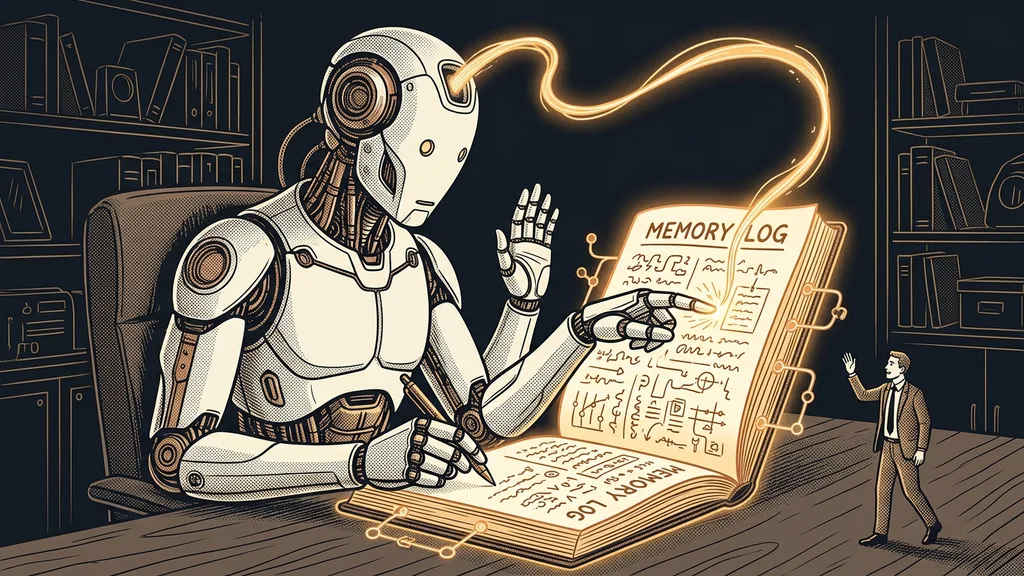
The best part is how unobtrusive it is. The call ends, I close my laptop, done. I don’t save, tag, or transcribe anything. The transcript with speaker names, a summary with action items, and the link to the recording are waiting, ready to go. The memory grows on its own, a little more every day, and it doesn’t cost me a single extra minute. An ordinary archive gets harder to search over time. Here it’s the other way around: every new call makes the memory stronger instead of burying it.
It works backward in time too. I can ask about a call from last year and have a summary before I’d even have found it in the list. And the recording service’s interface is far from perfect; plenty of things are missing from it. If my memory depended on clicking around in it, I couldn’t get answers to half my questions. The machine finds its own way, though: when there’s no direct route to something, it pieces the result together through a few detours. I don’t see any of that, and it doesn’t matter to me. What I want is the answer, not the route to it.
A feature I never asked for: it keeps an eye on my invoicing
This never occurred to me at the start. When the system has an overview of all my calls, it can compare them with what I logged and billed for that period. And it finds the gaps.
Cross-check
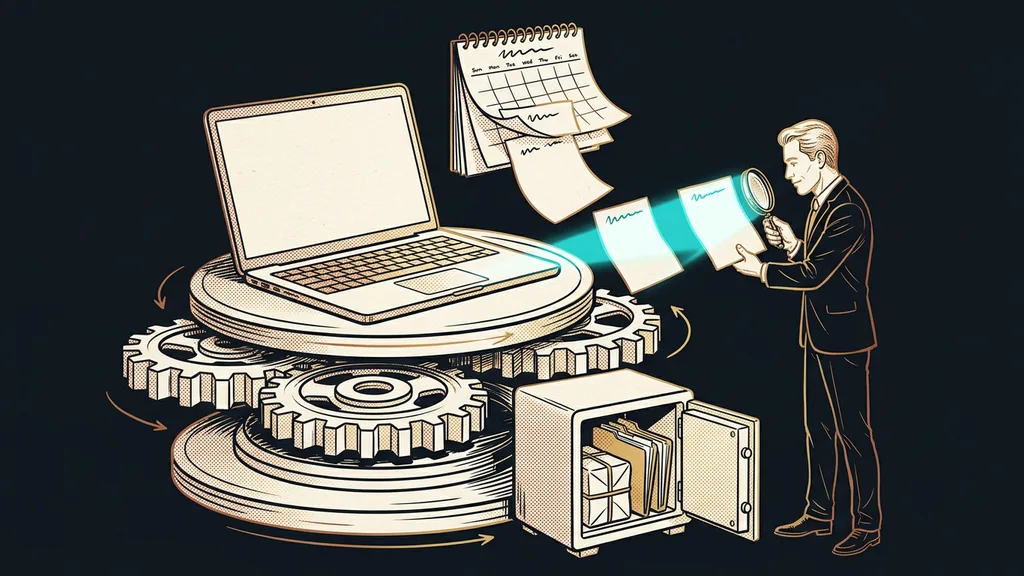
Comparing two independent records of the same thing so that whatever is missing from one of them comes to the surface. Here, the list of calls where work got done meets the list of what I actually invoiced. Where there’s work but no invoice for it, the system flags it. In the end, this invoicing cross-check is done by the same memory I built for something else entirely.
I don’t need spreadsheets for it, and I don’t have to take notes after a call. The check runs quietly in the background, whether I remember it or not.
Safeguard
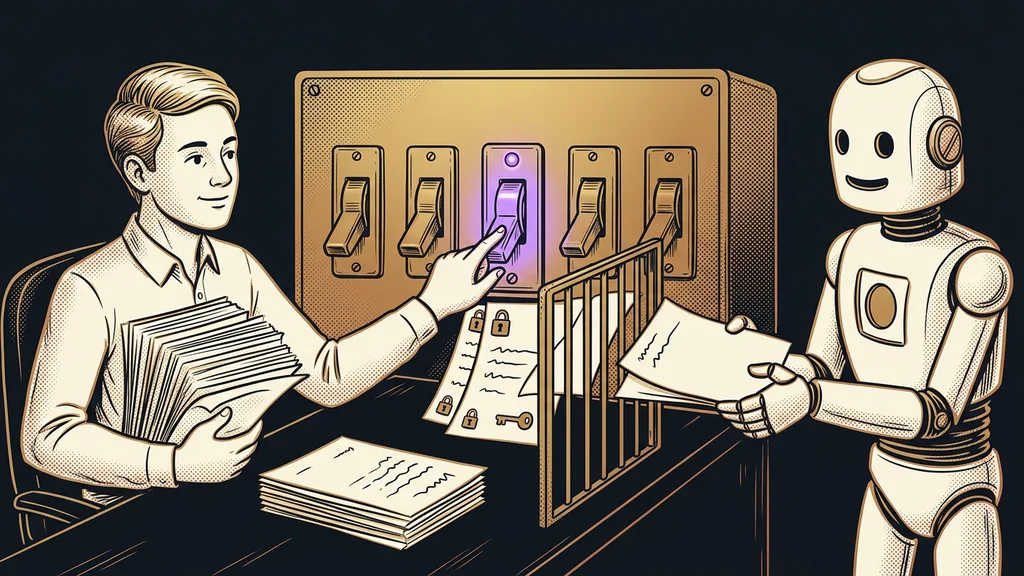
The system doesn’t create or send the invoice. It only shows me a call where I did work that it couldn’t match to an invoice. Whether I bill for it is my decision: the machine just nudges me to take a look.
I built a helper to remember things for me. It also started making sure I don’t lose money.
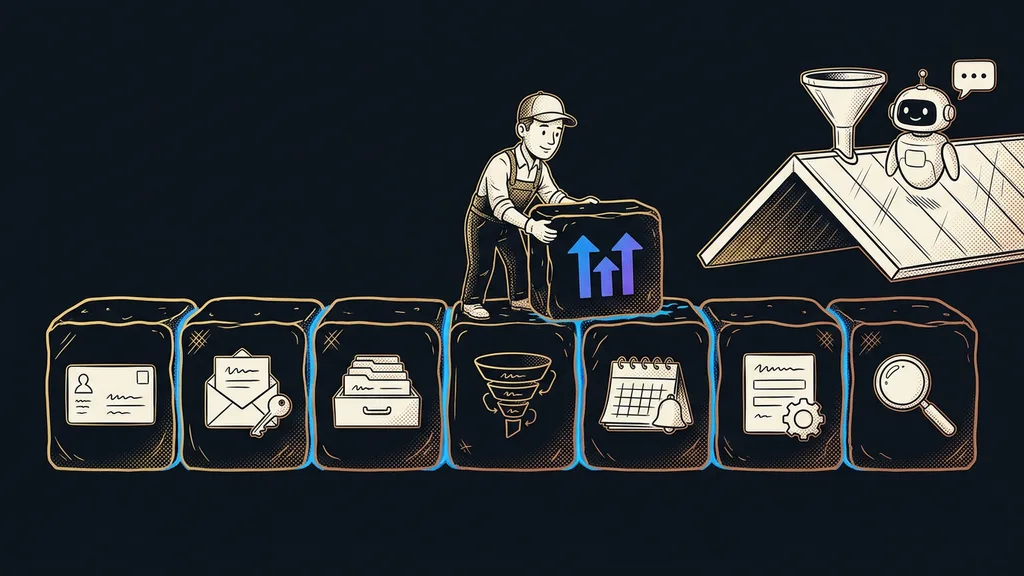
It’s a quiet helper, not another dashboard full of charts: it remembers for me and speaks up when something slips. The recording itself is done by tl;dv. On top of it sits a layer that turns the recordings into that searchable memory and also connects tools that otherwise don’t know about each other.
Who this isn’t worth it for
If you have a few calls a month and can easily remember them, you simply don’t need a call memory. And if your work doesn’t come out of agreements made on calls, an invoicing cross-check won’t find anything either. It pays off once the calls start piling up, they’re about actual work, and money depends on what gets said on them. The more recordings you have, the more valuable the memory becomes.
The whole system in a nutshell
- Every call is recorded automatically, transcribed with speaker names, and summarized into action items.
- I don’t save or tag anything: the memory grows in the background after every call.
- I ask it a plain question and get the answer within a minute, even about a call from last year.
- The same memory compares the work I did with my invoicing and finds what’s missing.
- It flags any call without an invoice. Whether I bill for it is my decision.
And that question from the start, what did we actually agree on? It used to cost me a good hour of scrubbing. Today the machine answers it before I can go get a coffee. And while it’s at it, it sometimes reminds me that I forgot to invoice some work somewhere. Recording calls is cheap, and anyone can do it. The value is in a recording you can ask a question.