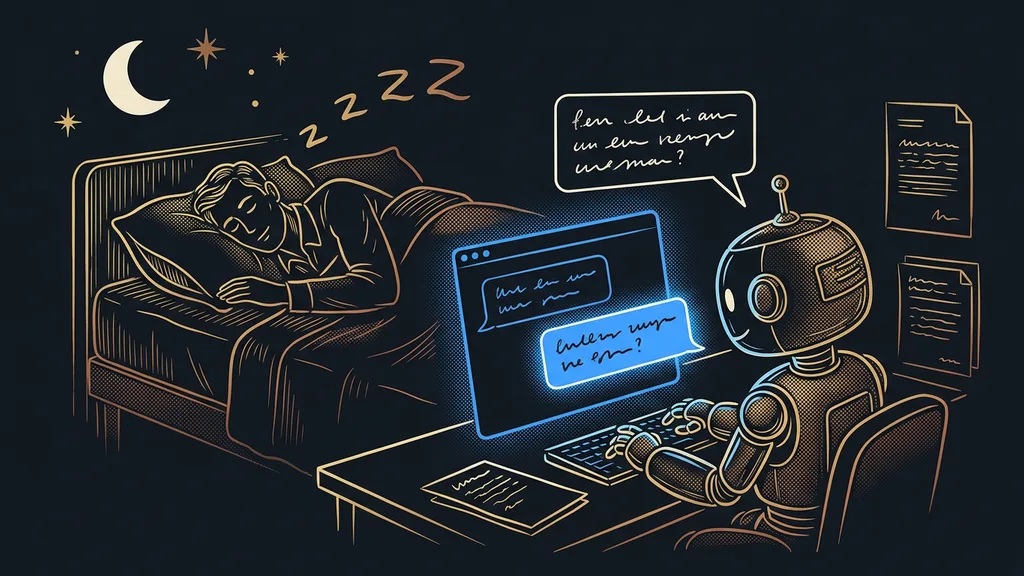
AI tools usually dismiss Czech with a single line on the pricing page. Either it’s on the list of languages or it isn’t. What the list won’t tell you is the main thing: how well the tool actually writes in Czech. And for Czech, the gap between understanding and writing is enormous.
I know this from my own work. The tool answers fluently, I breathe a sigh of relief, and I pass the result on. Three sentences in, I hit a phrase no Czech would ever write. It’s worse when I’m not the one who hits it, and the person I sent it to does.
Understanding Czech and writing Czech are two different levels
Almost every major tool understands Czech today. Far fewer can write Czech well enough that the text goes out without edits. And then there’s a third group that lacks Czech entirely, though you’d never guess it from the marketing.
I’m judging one thing here: what the Czech looks like in the output. Who’s behind a tool and where it’s based is a separate question, and I cover it in my overview of Czech vendors with prices in Czech crowns. I took the prices below from the official pricing pages on September 19, 2026.
| Tool | What it’s for | How it handles Czech | Price (September 19, 2026) |
|---|---|---|---|
| Claude | long texts based on your own documents | excellent | Pro $20 a month |
| ChatGPT | quick research, a first draft | good, but drags in English phrasing | pricing not verified |
| DeepL | translation into another language | excellent | Individual €7.49 a month |
| Beey | transcribing speech from recordings | built specifically for Czech | CZK 198 (about €8) per hour of audio |
| Descript | transcribing and editing video | Czech is on its list of 25 languages | Hobbyist $16 a month |
| ElevenLabs | voicing text in your own voice | works, 74 languages | Starter $6 a month |
| Smartsupp | chat with website visitors | a Czech product | Solo CZK 349 (about €14) a month |
| Otter.ai | transcribing English meetings | missing, not on its pricing page | Pro $8.33 a month |
| Grammarly | proofreading English text | missing | pricing not verified |
| Fireflies.ai | meeting transcripts into your CRM | beta only | pricing not verified |
In short: you can put the first seven to real work in Czech, but not the last three.
Language support
A line on the pricing page saying the tool can handle a given language. All it tells you is that the tool can process it, not how well it writes or transcribes in it. With Czech, there are often several years of development between one item on that list and output you can send to a client.
“AI wrote this text, didn’t it? I can tell from those long dashes.”
A client wrote that to me about a text its author had really taken care over. The content was fine throughout. One character brought it down, a character that isn’t used in a Czech sentence.
Claude: long Czech text based on your own documents
Of the whole group, Claude is the strongest in written Czech. Its output is usually close to something you can send as is, even for a text several pages long.
Best for: proposals, meeting notes, methodologies, and long emails that should be based on your own documents.
You upload your materials and ask questions about them. The answer sticks to what you provided and doesn’t fill in the surroundings from the internet. The difference from the others shows most with longer texts.
Where it falls short: even on paid plans, you’ll run into hourly usage limits. So it’s better to plan long work in stages than to push it through in one go.
Price as of September 19, 2026: there’s a free version, Pro is $20 a month or $17 with annual billing, Max starts at $100 a month, and a team license is $25 per seat.
ChatGPT: it can do Czech, but you’ll go over the text again
ChatGPT is the most widely used, and it answers fluently in Czech. But you can tell from the output that it thinks in English, even when it writes in Czech.
Best for: first drafts, quick searches, and tasks where you don’t yet know where you’re headed yourself.
In ten minutes, you get background on a topic, three headline options, and an image to go with them. For internal work and notes, that’s more than enough.
Where it falls short: it drags English turns of phrase into Czech, so you’ll almost always rewrite its text once more. Plan for that as a fixed part of the job, not an exception.
Price: I’m not listing it. As of September 19, 2026, I couldn’t verify the pricing from an official source, and an estimated number is worse than none.
DeepL: translation you can build on
DeepL translates from and into Czech more accurately than anything else I use. Its job is converting text rather than writing it, which puts it in a category of its own among these tools.
Best for: a finished Czech text that also needs to come out in English, German, or Polish.
A translated paragraph keeps both the meaning and the rhythm, so all that’s left is a check, not a rewrite. With business texts, that saves a whole afternoon.
Where it falls short: the original text has to be written somewhere else. DeepL won’t come up with anything, and it will faithfully reproduce a badly written Czech sentence in the other language.
Price as of September 19, 2026: free up to 50,000 characters a month, Individual €7.49 a month with annual billing, Team €24.99 per user a month.
Translationese
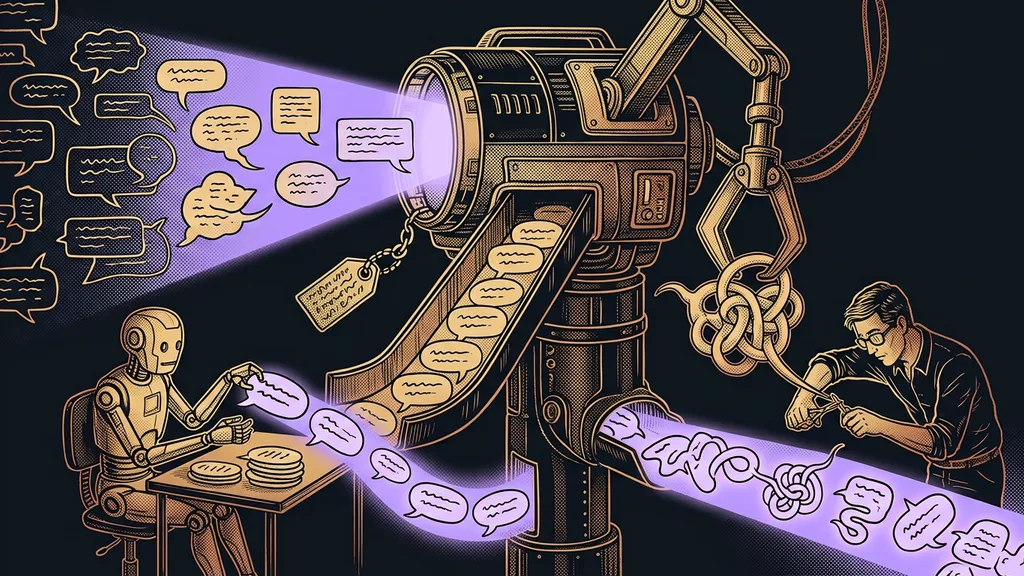
Text that’s in Czech but was thought in English. The word order, sentence length, and phrasing stayed from the original; only the words got swapped. It’s easy to spot: you can read the sentence, but you can’t say it out loud without stumbling. This is the most common flaw in AI text, and no tool will rid you of it completely.
Beey: transcription built specifically for Czech
Beey is a Czech tool for transcribing speech, and Czech is its main language rather than an add-on. Besides Czech, it handles more than thirty others.
Best for: a recorded lecture, meeting, or podcast you need usable text from.
You upload a file and get a searchable transcript. Half an hour of listening turns into a minute of reading. The same route works in the opposite direction, too, for giving instructions by voice instead of typing.
Where it falls short: it won’t join a meeting on its own, so you upload a finished file. And you’re billed for every hour of sound, so the botched recording costs you too.
Price as of September 19, 2026: Start with no monthly fee at CZK 198 (about €8) per hour of audio, Plus at CZK 590 (about €24) a month for five hours, and Business at CZK 990 (about €41) a month for ten hours. Paying annually works out cheaper.
Descript: transcribe and edit video through the text
Descript transcribes a recording and lets you edit it by deleting words in the text. Czech is on its list of 25 transcription languages.
Best for: a podcast or video you need to clean of flubs and dead air.
Delete a sentence in the transcript, and it disappears from the recording too. Even if you’ve never used an editing program, you’ll get the hang of it in your first afternoon.
Where it falls short: its Czech voice clone isn’t on par with specialized tools. And unused hours don’t roll over to the next month, so if you only edit now and then, you still pay in the months you don’t record.
Price as of September 19, 2026: 60 minutes of media a month free, Hobbyist $16 a month for ten hours, Creator $24 for thirty hours.
ElevenLabs: a Czech voice that sounds human
ElevenLabs reads text aloud in a voice it first clones from your recording. Czech is one of its 74 languages, and it works.
Best for: voicing an article, a training video, or a longer text you don’t want to read yourself.
That’s also how the audio versions of my own articles get made. Listeners recognize my voice, and I don’t have to sit in a studio.
Where it falls short: regenerating the same sentence costs the full price again. If you fine-tune a recording word by word, you pay for it several times over, and with long texts, that adds up.
Price as of September 19, 2026: 10,000 credits free, Starter $6 a month for 30,000, Creator $11 for 121,000, Pro $99 for 600,000.
Smartsupp: a chat that answers visitors in Czech
Smartsupp is a Czech chat tool for websites and online stores, AI agent included. It answers in Czech because it was built in Czech.
Best for: a website where the same questions keep coming in and nobody can keep up with answering them right away.
The bot handles opening hours, shipping, and availability, and a person steps in only where needed. Conversational AI in Czech inside a CRM works on the same logic, just connected directly to your contacts.
Where it falls short: the AI is billed separately and counted per reply. So a cheap chat doesn’t mean a cheap bot.
Price as of September 19, 2026: a free version at CZK 0, Solo at CZK 349 (about €14) a month with 50 AI replies, Plus at CZK 524 (about €22) with 250, and Expert at CZK 1,749 (about €72) with 500. The Mira agent starts at CZK 400 (about €16) a month.
The ten-minute self-test
Take the tool you’re considering and give it your own material, not the sample from the tutorial. For writing, have it draft an email to a customer you know. For transcription, upload a chunk of a meeting where people talk fast and interrupt each other. Read the result out loud. Wherever you stumble, that’s where the tool’s Czech falls short of what it promises.
Three tools you shouldn’t rely on for Czech
Otter.ai is the best-known meeting transcription tool in the world, and it can’t do Czech. Its own pricing page says as much: as of September 19, 2026, it lists English, Spanish, French, German, Japanese, and Chinese. Czech isn’t on the list. So it’s useless for Czech meetings, even though it’s otherwise among the best.
Grammarly is a proofreader for English text and doesn’t handle Czech at all. For English communication, it’s an excellent tool. For Czech, it’s useless, and there’s no point trying.
According to its own website, Fireflies.ai supports Czech only in beta. It runs primarily on English and four other languages, and everything else sits past the line where nobody guarantees you anything. For a Czech meeting that needs to produce notes for a client, I wouldn’t rely on it.
How I choose
Whether a tool can do Czech is the wrong question for me. I ask what happens to the output afterward. If it goes out under my name or to a customer, I choose by the quality of the Czech, and price takes a back seat. If it ends up in my own notes, I barely care about the language, and speed decides.
Who this list won’t help at all
There’s one expectation none of them will meet: that the tool finishes the text and nobody has to look at it again. The final read-through always stays, and that’s true of every name in the table.
It also won’t help where the problem is the brief. If you can’t tell the tool who you’re writing to and what the reader should do, you’ll get smooth Czech with no substance. That’s worse than clunky text with a point.
And the third case: a business that needs to localize a whole platform into Czech, not a single text. That’s a different discipline and different work, as I describe in my piece on localizing GoHighLevel into Czech, including Czech declension and diacritics in text messages. None of the tools on this list will do that for you.
Choosing, in a nutshell
- Split your work into what goes out and what stays with you.
- For the first, choose by the quality of the Czech; for the second, by speed and price.
- For long Czech text, use Claude; for translating a finished text, DeepL.
- For transcribing Czech speech, use Beey; for voice, ElevenLabs.
- Don’t put Otter, Grammarly, or Fireflies to work on Czech.
- Double-check pricing and language lists yourself; the figures here are as of September 19, 2026.
The client from the beginning was right. What gave the text away was a single character, one that has no business in a Czech sentence and that the tool had dutifully copied from English. It wasn’t a bad tool, and it wasn’t a lazy author. Understanding a sentence tells you little about whether an AI writes good Czech. Good Czech is what you can read aloud without tripping up even once.