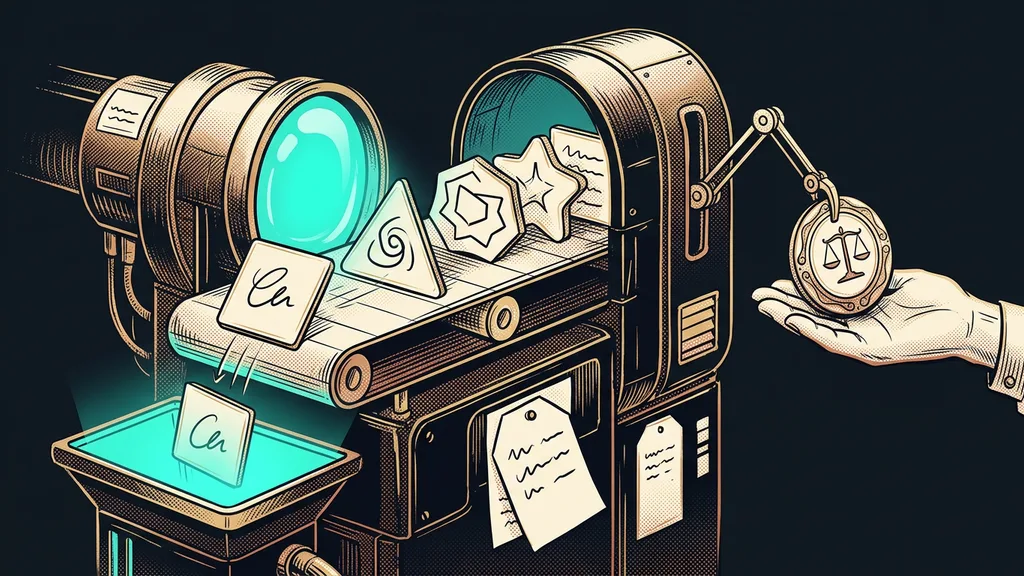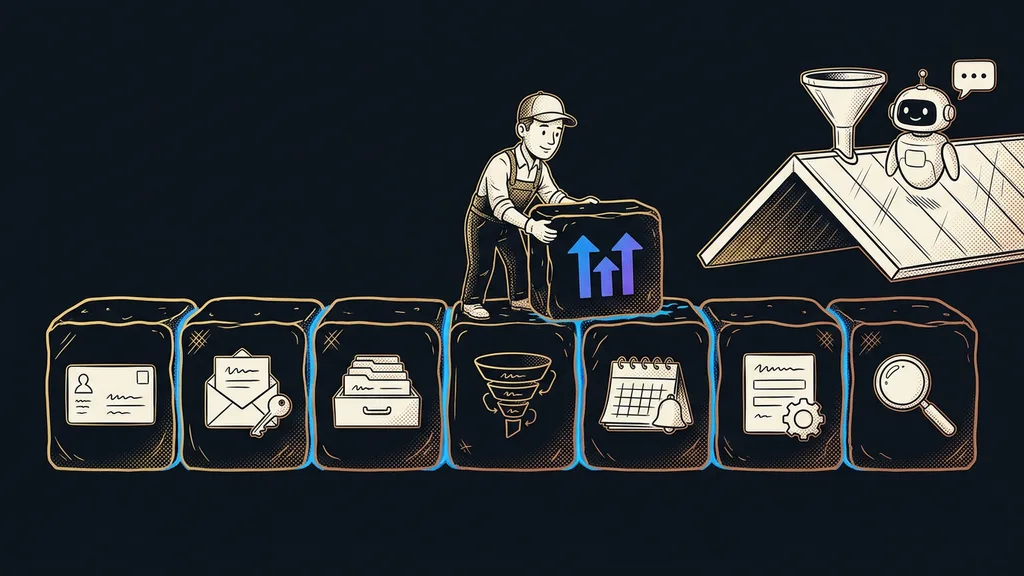
Almost every GoHighLevel tutorial starts with the fun stuff: a funnel, an automation, an AI chatbot. It looks great, and in an afternoon you have something to show. But an account where the flashy parts came before the foundations starts crumbling within a few months. That’s why the first seven days belong to the groundwork your customers will never see.
When I open an account someone set up on their own, the first few screens usually tell me the whole story. A half-built funnel on the dashboard, lots of contacts without a single tag, and a business profile still set to a US time zone. Appointment reminders then go out at absurd hours, and nobody knows why.
Why the order matters so much in week one
The order matters because everything visible in GoHighLevel rests on a few invisible things. Automations read tags and fields, campaigns need a domain, and the calendar needs the right time. Build them the other way around, and you’ll be redoing them in a month.
Load-bearing settings
The handful of steps the rest of the account rests on: the business profile, the sending domain, custom fields and tags, and the pipeline stages. Customers never see them, but every automation, campaign, and booking depends on them. If they change later, everything that uses them has to change too.
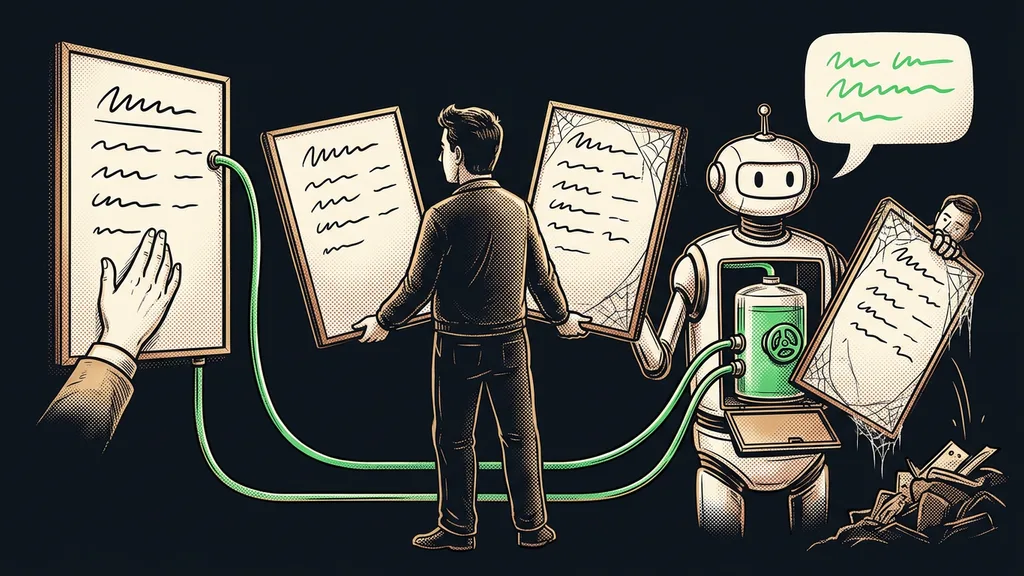
An automation built on messy data only sends out mistakes faster.
Days 1 and 2: business profile and sending domain
On day one, set up your business profile; on day two, your sending domain. Both are an hour of boring work, and both are expensive to fix later.
In the business settings (Settings, Business Profile), fill in the name, the address, and above all your country. Without it, the system stubbornly calculates in dollars. Right next to it, check that the time zone is your own. Then everyone at the company gets their own login through My Staff, with no shared password. Meanwhile, the Launchpad will keep nudging you to connect Facebook and download the app. That can wait.
Day two belongs to the sending domain. Your emails should go out from your own subdomain, say mail.yourdomain.com, rather than with “via msgsndr.com” in the header. You add the SPF, DKIM, and DMARC records with your domain provider. The reason to do it so early: a new domain needs weeks to warm up, and one bulk send can burn it before it gets going.
Days 3 and 4: contacts, custom fields, and the pipeline
On day three, sketch out your fields and tags on paper first, and only then import your contacts. On day four, build a pipeline that matches how you actually sell.
Custom field
A piece of contact information GoHighLevel doesn’t know on its own: industry, lead source, date of the last job, or the greeting in the vocative case Czech uses to address people. A field holds a value; a tag only says yes or no. If you start solving everything with tags, a year later your contacts are covered in labels nobody understands.
Create the greeting field right away. Without it, an automated email greets a Czech customer with “Dobrý den, Jan” instead of the vocative “Jane,” and making GoHighLevel speak Czech starts right here. Run the import on a small test batch first. Check that every column landed in the right field, and only then upload the whole list.
Before you run the import
Open the spreadsheet you’ll be importing contacts from, and next to each column, write one of three words: field, tag, or delete. It takes ten minutes. It saves you the evening you’d otherwise spend untangling by hand what landed where after the import.
You’ll find the pipeline under Opportunities. Name the stages after the steps that actually happen in your business: inquiry, meeting booked, quote sent, won, lost. Don’t copy the template stages from American videos. A stage where nobody ever sits just gets in the way.
Days 5 to 7: calendar, form, and a live test
On day five, set up your booking calendar; on day six, one form with one automation. On day seven, walk through the whole journey as a customer.
For the calendar, sort out availability, meeting length, the buffer between appointments, and the connection to your Google Calendar so nothing overlaps. Set up the confirmation and reminder at the same time. I’ve described separately how to turn a booking calendar into a link that replaces the email ping-pong over dates.
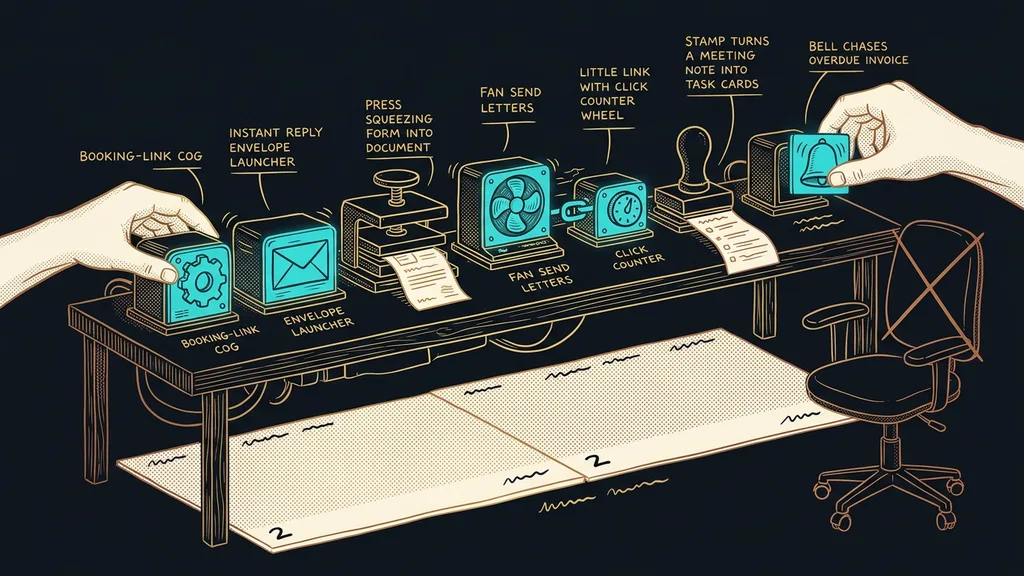
Then connect the form to a single automation: the contact gets a tag, you get a notification, and the prospect gets a confirmation email, nothing more. The Ask AI assistant will create fields, tags, and even the calendar for you from a single written sentence. It can’t do forms or pipelines, though, and it’s unlocked by the AI Employee Unlimited add-on at $97 a month (price as of early October 2026).
On day seven, fill out the form under a different email address, book an appointment, and read the emails on your phone. Check that the greeting, the time in the reminder, and the sender are all right, and that nothing shows up in the wrong language. Fix whatever you find right away. This is the day the setup turns into a system.
What can wait in GoHighLevel?
Leave everything that depends on contacts and the domain for week two. With a solid foundation underneath, you’ll build them once and build them right.
- Funnels and websites. Without fields and tags, the contacts they bring in would arrive in a jumble.
- Bulk campaigns. The domain is still warming up, so in week one, send only individual emails.
- AI chatbot and Voice AI. They need to know your services and a calendar that already works.
- Reviews, courses, and snapshots. They’re useful, but they’d be too much for the first week.
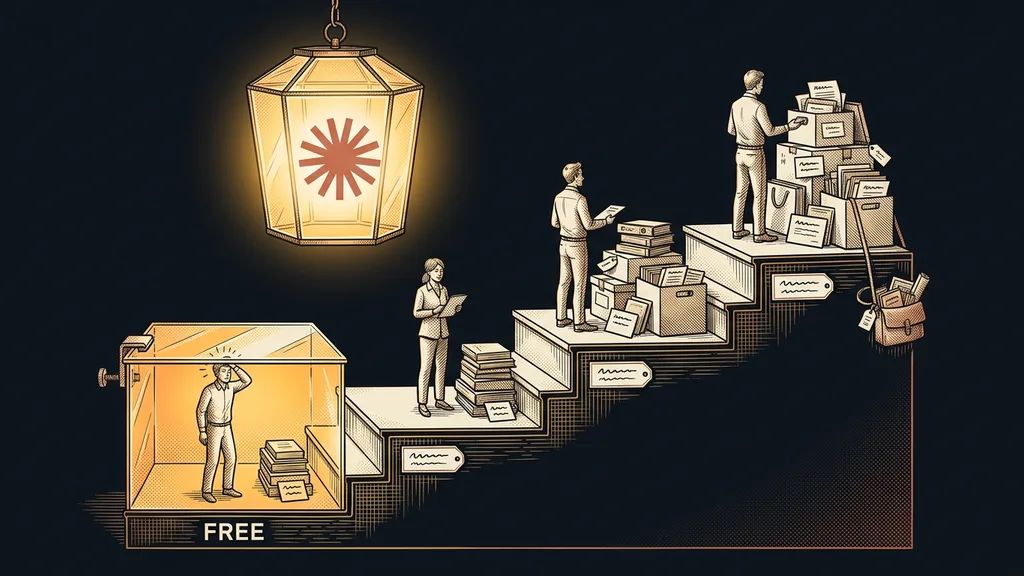
The whole plan fits comfortably into the 14-day free trial. That leaves the second week for one of the things above.
When not to use this plan
The seven-day plan doesn’t fit three situations. If all you need from GoHighLevel is a booking calendar, an afternoon will do, and a whole week would be wasted.
If you’re moving from another tool with live data, running sequences, and bookings, you start somewhere else. Day three turns into weeks of running both systems side by side, and the migration sets the order, not the calendar. Here, it pays to bring in a specialist for the first few weeks. And an agency that wants to resell GoHighLevel to clients first needs to think through its agency account and client snapshots.
The first seven days in a nutshell
- Day 1: business profile with your country, your time zone, and a separate login for everyone.
- Day 2: sending domain with SPF, DKIM, and DMARC records, so it can start warming up.
- Day 3: fields and tags on paper, a test import, then the full list.
- Day 4: a pipeline with stages that actually exist in your business.
- Days 5 and 6: a calendar, one form, and one automation with a clear end.
- Day 7: the whole journey through your customer’s eyes, plus a list of things for week two.
The funnel that almost every tutorial starts with will still be in the same spot in the menu a week from now. When its turn comes, the contacts it brings in will land in the right fields, get the right greeting, and receive their reminders in the right time zone. If you’d rather not spend a week digging through the menus, I’ll do a done-for-you setup of GoHighLevel and then hand the whole account over to you, training included. The first inquiry that lands in the account will already know where it belongs.